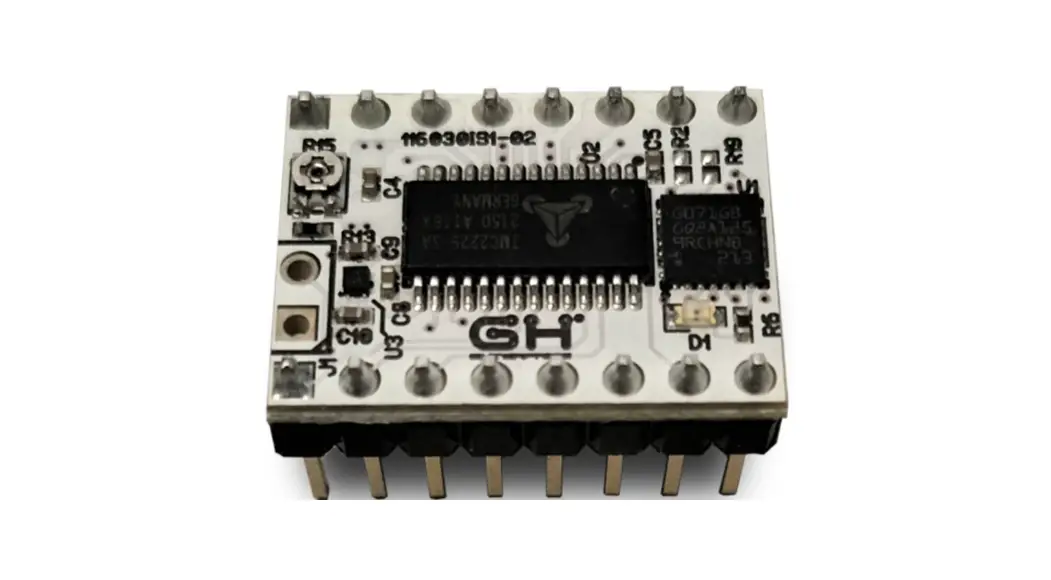
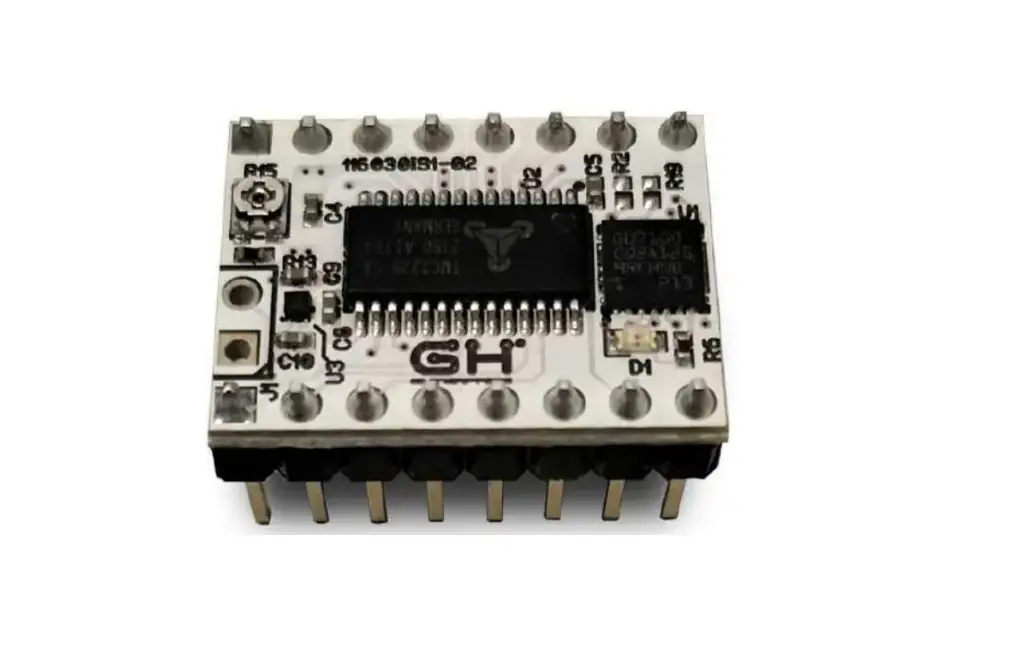
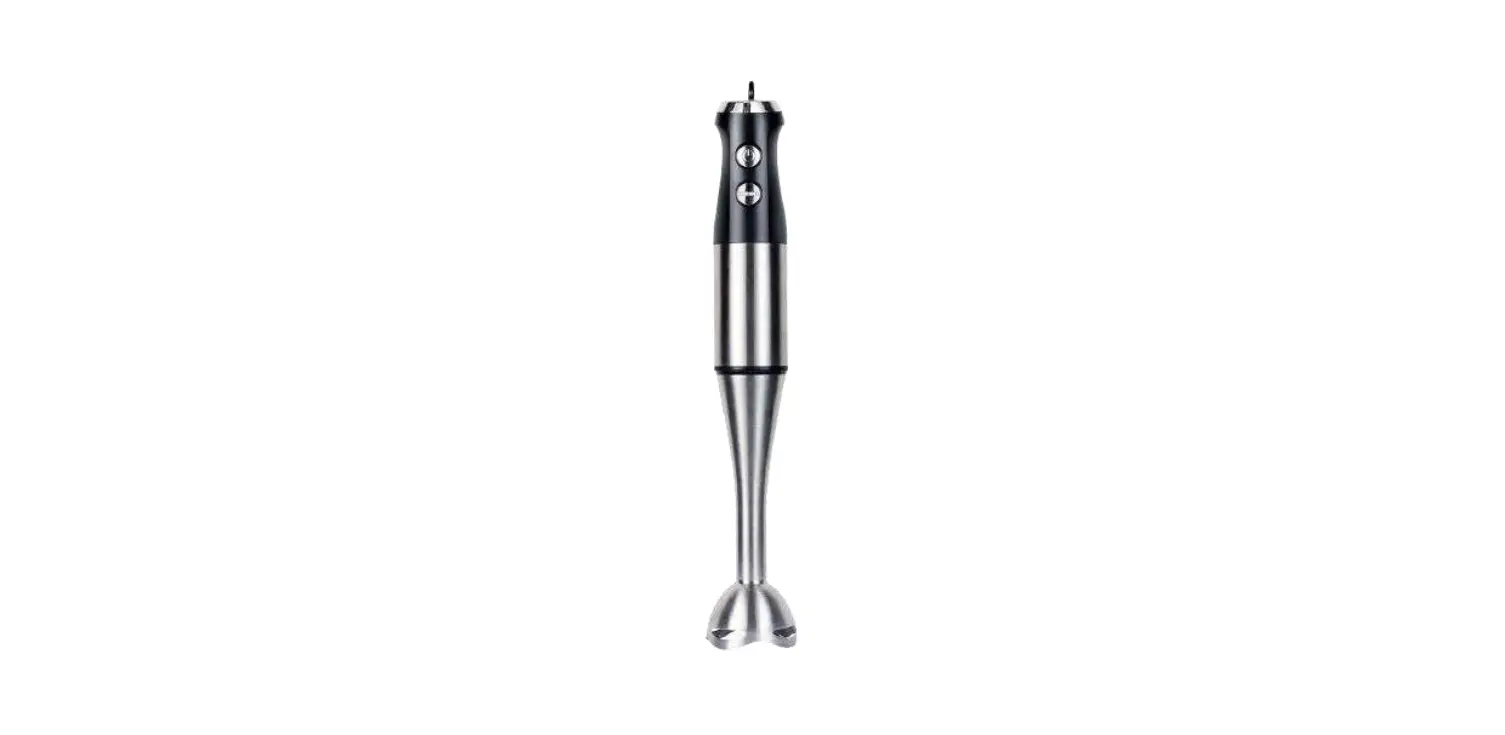
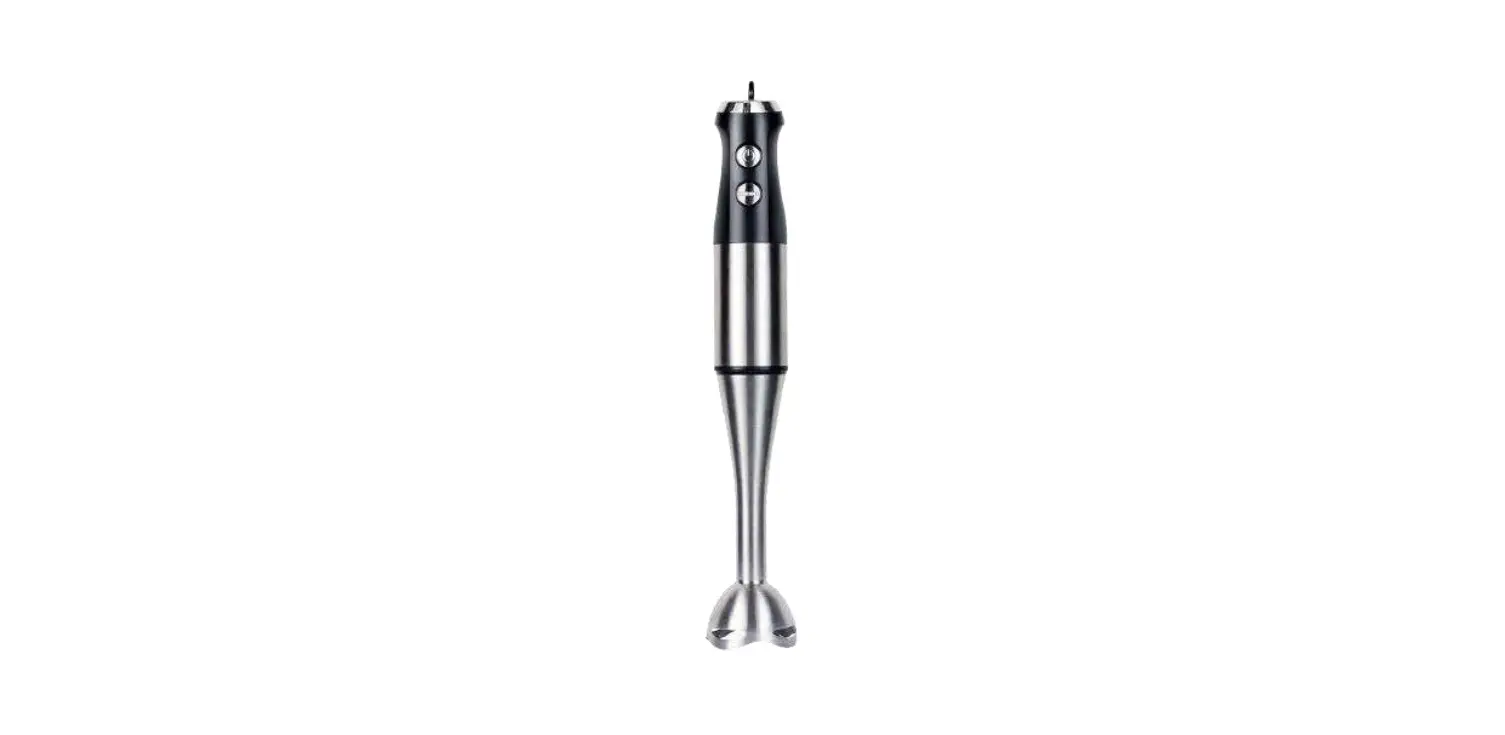
116030-01 Smart Shaper
Product Information
The Smart Shaper, model number 116030-01, is a device that
utilizes input shaping algorithms to suppress vibrations
characterized by a specific frequency and dumping ratio. The device
requires a frequency measurement experiment to estimate the
frequency for both axes. The device can be programmed via a
specific G-Code sequence generated by the
SmartShaperGCodeGenerator.ods spreadsheet.
Product Usage Instructions
Resonance Frequency Measurement
To measure the frequency for both axes, follow these steps:
- Print the calibration model, which consists of a simple L model
with walls aligned along the X and Y axes. - To find the ringing frequency, measure the distance between two
peaks of the oscillations. - Calculate the frequency using the following formula: f = 100
(n-1) / d, where n is the number of oscillation peaks and d is the
measured distance between them.
Boards Configuration
The Smart Shaper board can be programmed via a specific G-Code
sequence generated by the SmartShaperGCodeGenerator.ods
spreadsheet. Follow these steps:
- Open the SmartShaperGCodeGenerator.ods spreadsheet.
- Fill in all the required fields as indicated in the
spreadsheet. - Check that the configuration is valid (Config OK green
label).
ENGLISH
User Manual
NAME: SMART SHAPER MODEL: 116030-01
116030SmartShaperUserManualV1-00
INDEX:
Smart Shaper 116030SmartShaperUserManualV1-00
1. INTRODUCTION…………………………………………………………………………………………………3
2. REQUIREMENTS……………………………………………………………………………………………….3
3. RESONANCE FREQUENCY MEASUREMENT……………………………………………………..4
3.1. PRINT CALIBRATION MODEL 4
3.2. FREQUENCY MEASUREMENT 5
4. BOARDS CONFIGURATION……………………………………………………………………………….6
4.1. G-CODE CONFIGURATION SEQUENCE 6
4.2. SEQUENCE GENERATOR
7
4.3. PRINT MODEL WITH INPUT SHAPING 8
4.4. STATUS LED INFORMATION 8
EN – 2
Smart Shaper 116030SmartShaperUserManualV1-00
1. Introduction
Input shaping algorithms are designed to suppress the vibrations characterized by a particular frequency and dumping ratio. Dumping ratio is difficult to estimate and it’s usually assumed to be 10%. Frequency should be estimated experimentally for both axes. The measure of the axes frequencies requires the following steps:
· Print of a reference model (see 3.1.) · Measurement of distance between ringing peaks (see 3.2.) · Frequency calculation by given formula (see 3.2.) Next it will be explained how to configure the boards with the frequencies previously found and the preferred Input Shaping algorithm (see 4.) Finally It will possible to print again the reference model but with Input Shaping Enabled (see 4.3.) in order to verify the correct values of frequencies and the performance of the algorithm.
2. Requirements
The following instructions are intended for the following setup: · Cartesian printer · X/Y axes driven by Smart Shaper Boards · X/Y axes resolution 80 steps/mm · TMC2225 configured with 16 microsteps resolution and interpolation · TMC2225 configuration can be done via UART or bootstrap pins.
EN – 3
3. Resonance Frequency Measurement
Smart Shaper 116030SmartShaperUserManualV1-00
3.1. Print Calibration Model
The calibration model prepared for frequency estimation consists in a simple L Model printed with the walls aligned along X and Y axes.
The printed part has one wall marked with X label and another one marked with Y label. The X Label is on the wall aligned along the Y axes and the Y Label is on the wall aligned along the X axis. The reason is that the ringing due to Y acceleration/deceleration are visible on X axis and vice-versa. The walls are printed at 100 mm/s. Acceleration is linearly increased from 500 mm/s2 (Bottom) to 18000 mm/s2 (Top) in order to increase the vibrations. TMC2225 is configured in current mode to support high acceleration through G-code sequence. X and Y Coordinates will not exceed 145 mm. Material should be PLA (using a red color improves the measurement of ringings) and nozzle diameter 0.4 mm. Print the model. It’s possible that at some height the printer start to loose steps because acceleration is too high to be tolerated by mechanics. If it happens just stop the printer. Now extract the printed part from the printer and analyze it.
EN – 4
Smart Shaper 116030SmartShaperUserManualV1-00
3.2. Frequency Measurement To find the ringing frequency it should be measured the distance between two peaks of the oscillations. The easiest way is:
· put the part under a light beam parallel to the surface
· mark each visible oscillation peaks · measure with a caliper the total distance D in mm between the first mark and last
mark
· calculate the oscillation frequency (Hz) using the formula f =V (N -1) D
where · V =100 mm/s · N is the number of marks
Example of a Y axis oscillation frequency measurement. We marked 7 oscillation peaks. The measured distance was about 19.8 so the frequency was:
f =100 (7-1)31 Hz 19.8
EN – 5
Smart Shaper 116030SmartShaperUserManualV1-00
4. Boards Configuration
4.1. G-Code configuration sequence Each Smart Shaper board can be programmed via a specific G-Code sequence generated by the spreadsheet SmartShaperGCodeGenerator.ods (see 4.2.). An example of such sequences can be found in the file SmartShaperCalibration.gcode (lines 32-129). In this case they have been inserted two sequences, one for X driver and one for the Y driver, that DISABLE the Input Shaping filter to detect ringings.
EN – 6
Smart Shaper 116030SmartShaperUserManualV1-00
4.2. Sequence Generator The spreadsheet SmartShaperGCodeGenerator.ods is the tool to generate the G-Code configuration sequence.
Damping Ratio Range: 0-99
Start Position Position along the relative axis where the G-Code sequence is executed.
Shaping Algorithm Select DISABLED to bypass Input Shaper or (ZV,MZV,ZVD, EI) to ENABLE the relative Shaping Algorithm
Vibration Freq Insert the frequency measured found previously
Cartesian Axis X to Select Driver on X Axis Y to Select Driver on Y Axis
Vibration Freq Multiplier Leave to 1.
Driver mode Current or Voltage
Max Feed Rate Leave to 600 mm/s
Open the spread sheet and fill all the fields as indicated in the picture. Check that configuration is valid (Config OK green label).
EN – 7
Smart Shaper 116030SmartShaperUserManualV1-00
4.3. Print with Input Shaping Generate a G-Code configuration sequence for each axis according to the measured frequencies. Replace the two original sequences in the SmartShaperCalibration.gcode (lines 32-129) with the new generated ones. Print the modified G-Code. Just after homing procedure the two configuration sequence will be executed.
4.4. Status Led Information A red led is placed on each Smart Shaper board. The blinking frequency provide some information about the board. Just after the startup the Led will blink as many times related to the version of the installed firmware (Ex. Firmware is 1.3 will blink 3 times). After startup the Led will indicate the current status of the board as shown in the following table.
Frequency (Hz) 0.5 1 2
4
Meaning Input Shaper Off Input Shaper On Configuration Failed (wrong parameters) Input Step Rate too high
Led can be used to verify that the configuration has been correctly received and processed by the board.
GH enterprise s.r.l. Via Tolosano, 8 ZIP: 48018 Faenza (RA) Italy
EN – 8