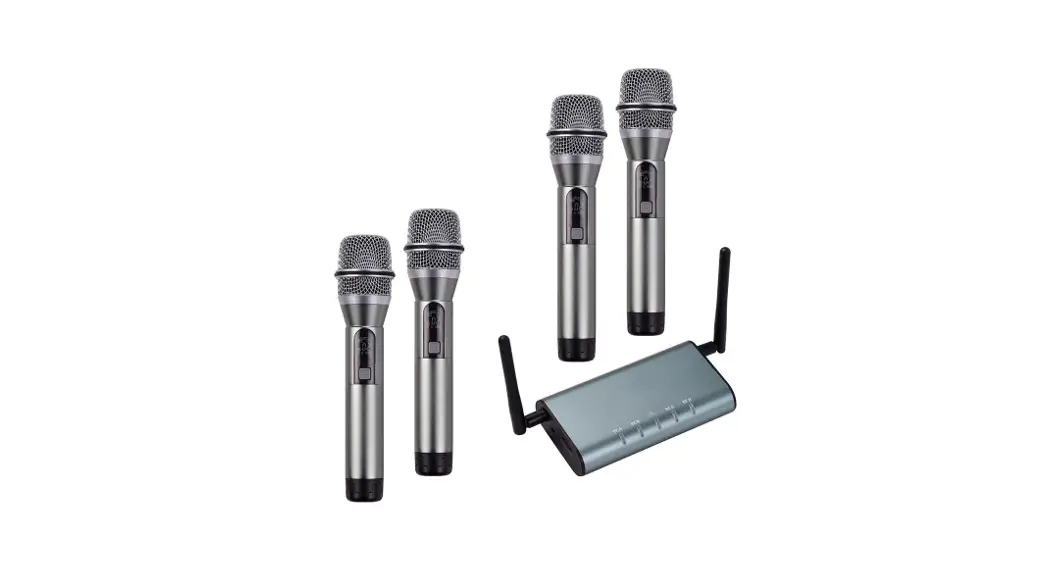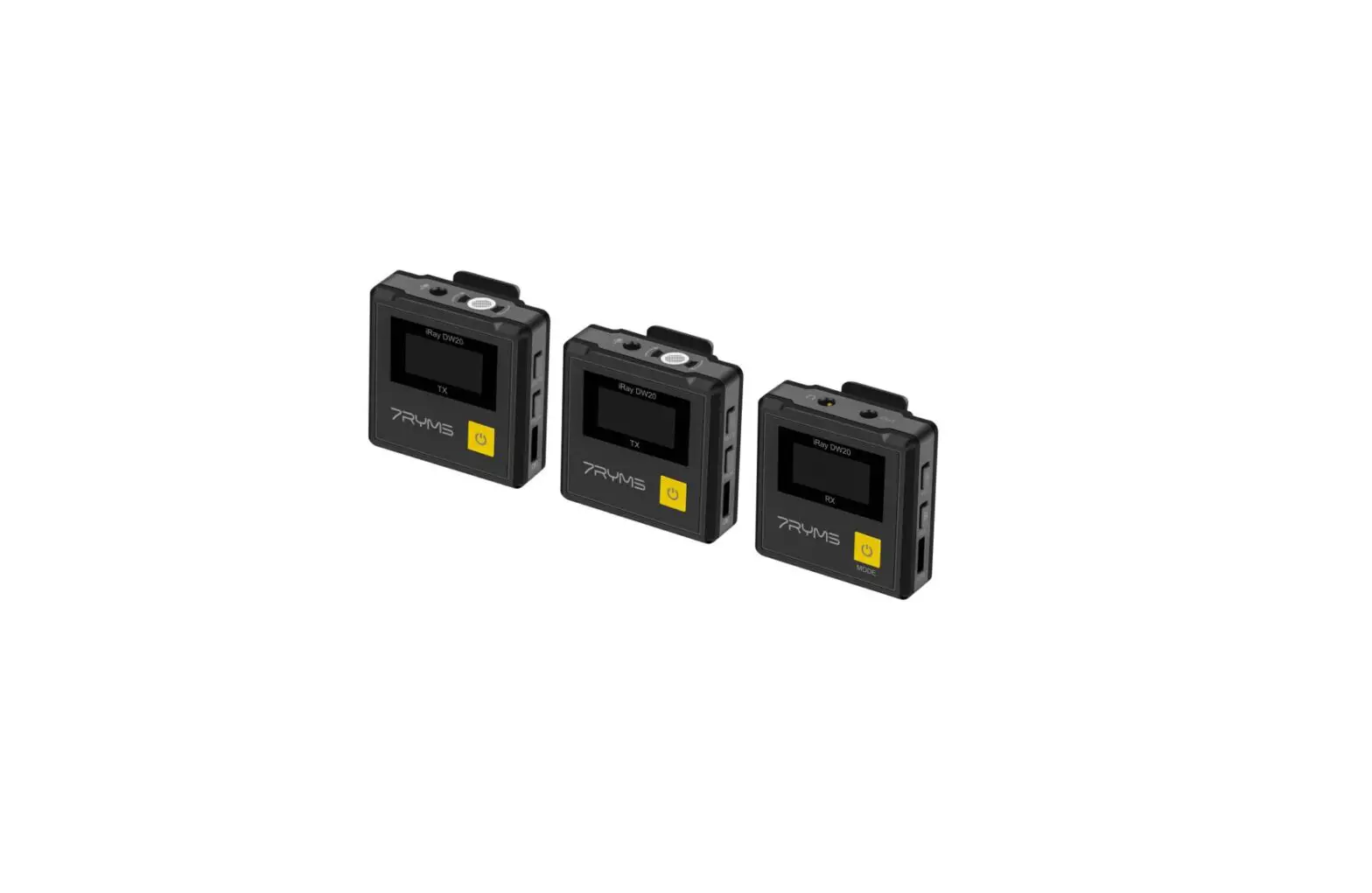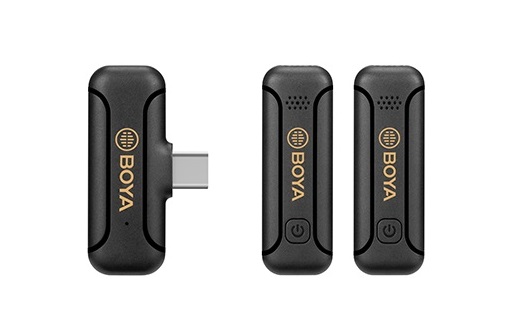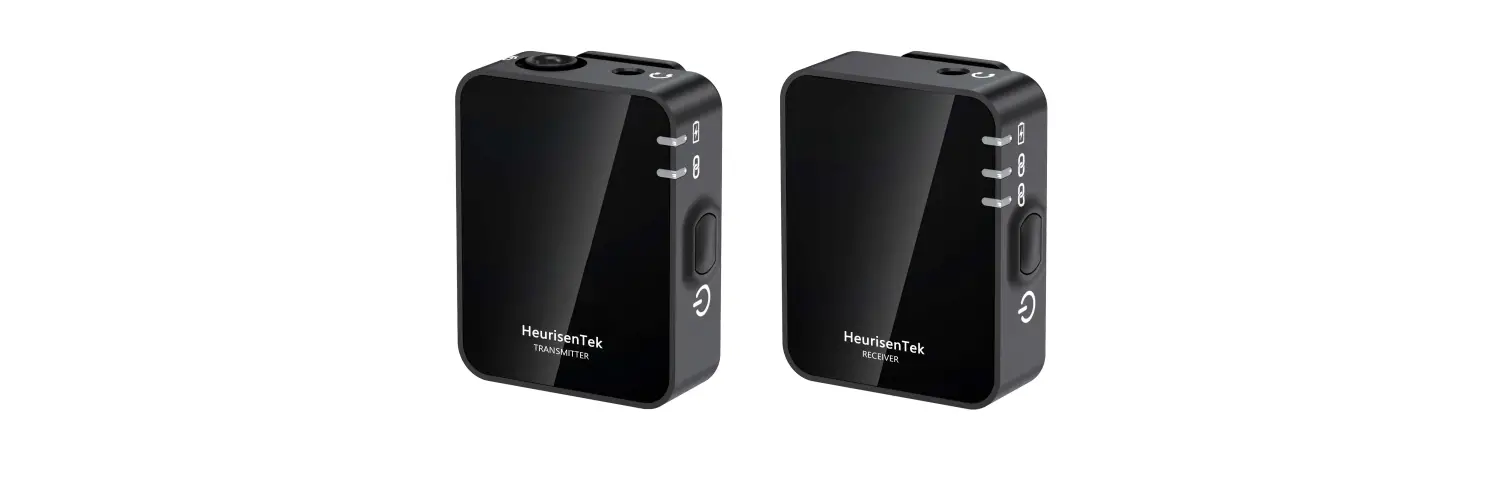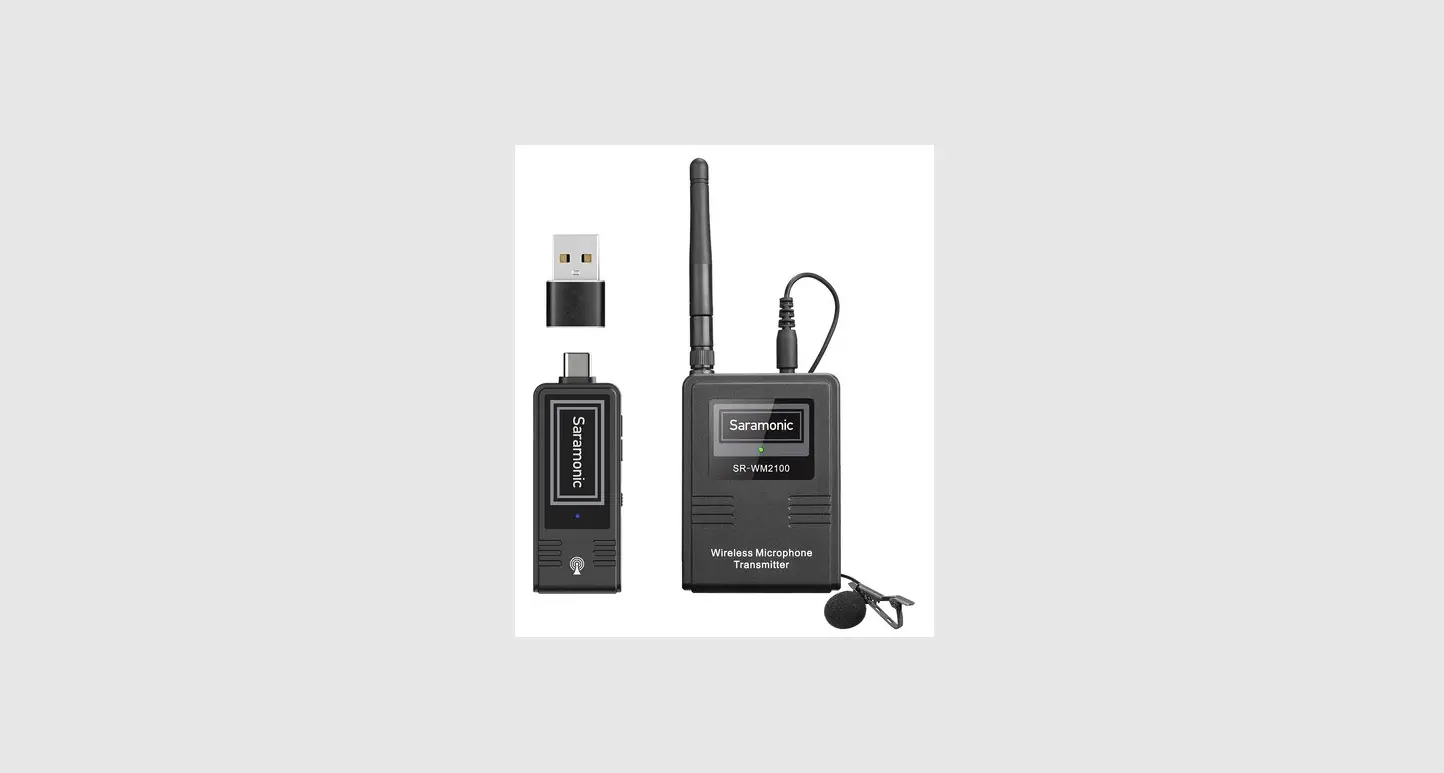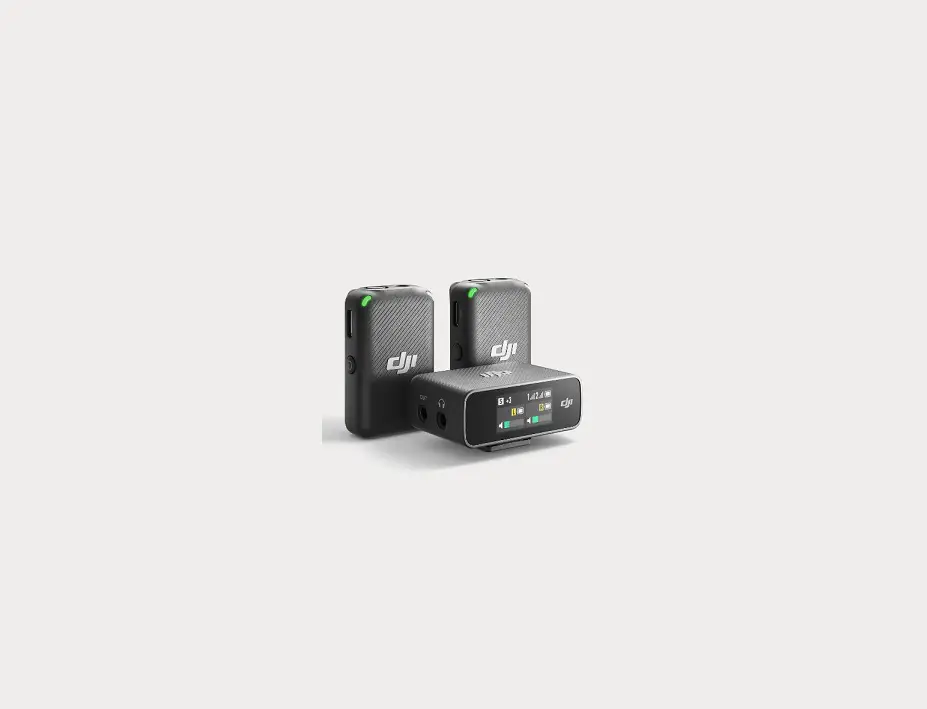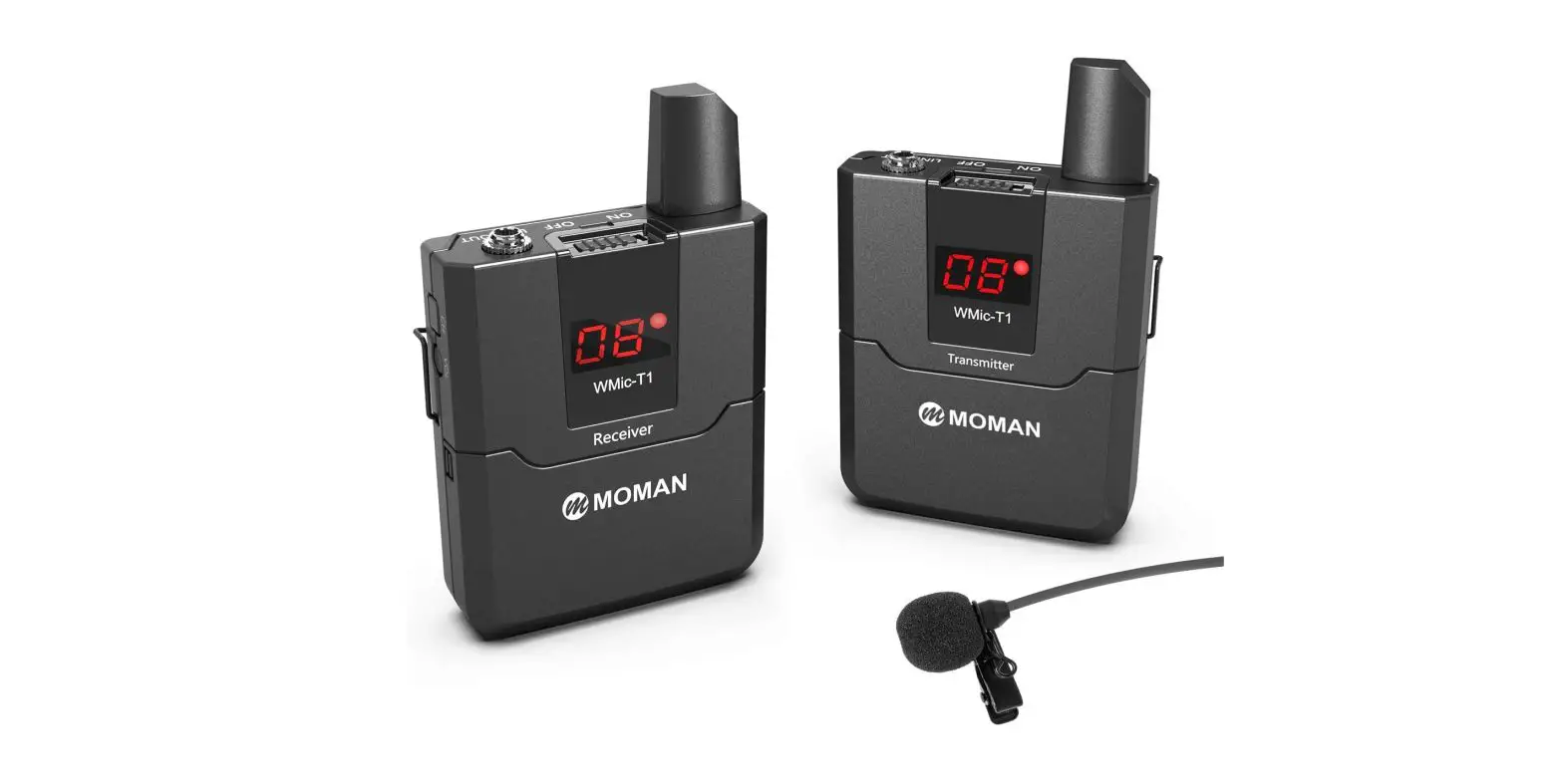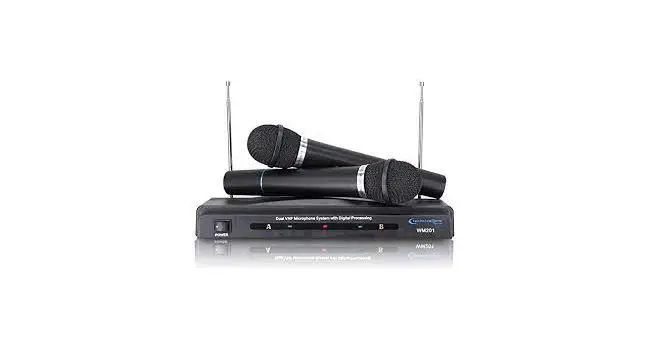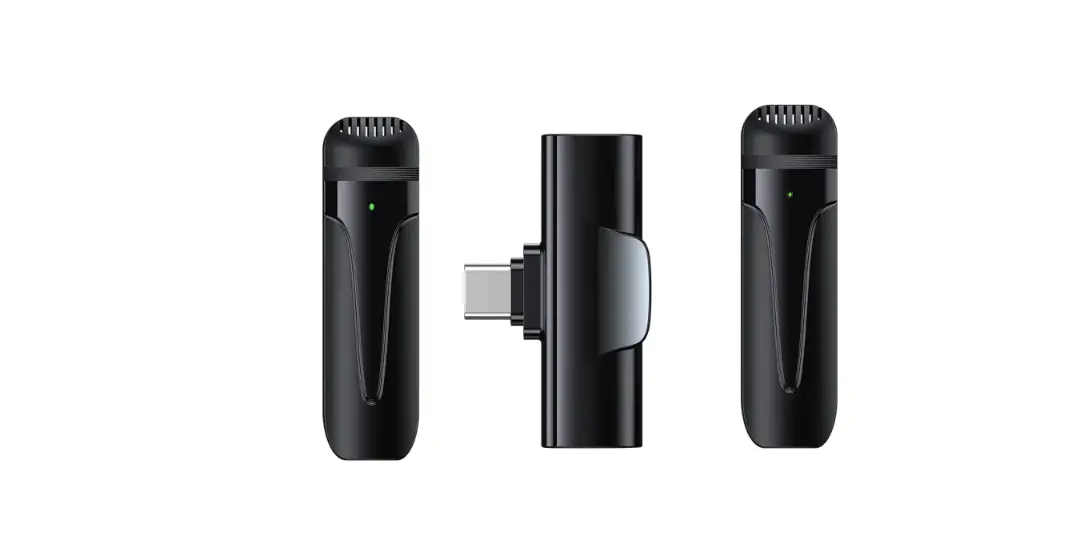

DigiTek DWM-003 2 Unit Wireless Microphone and 1 Unit Receiver
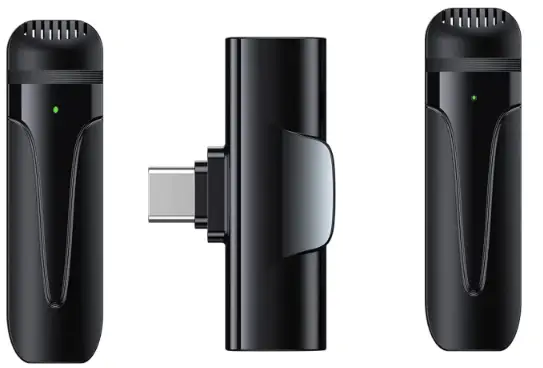
App Installation & User Guide
Steps to Follow to Operate
Digitek Wireless Microphone in Android Phones *
*Follow the steps Only if your Smartphone Camera App Does Not Support the Digitek Wireless Microphone.
* If your Smartphone has both Type C & AUX input, Please Try the Step 1-5 with Type C first, If it still does not work, please try with
- Step 1
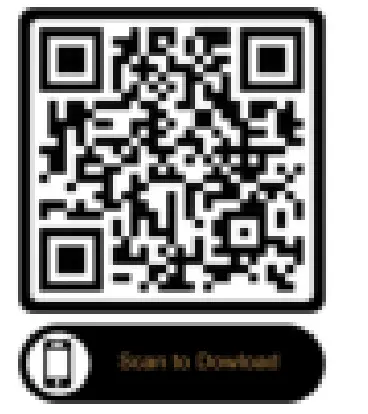
- To Download Open Camera App, Please Scan QR Code

- To Download Open Camera App, Please Scan QR Code
- Step2
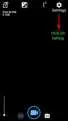
- After Installation of Open Camera App please Open your App and click on the Setting Icon Option

- After Installation of Open Camera App please Open your App and click on the Setting Icon Option
- Step3
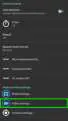
- After this you would find this screen as shown on the Left. Now Click on
- Video Settings Marked Here.
- Step4
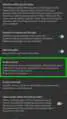
- After Clicking on Video Setting you will find Screen as Shown on the Left. Here you have to Click on Audio Source

- After Clicking on Video Setting you will find Screen as Shown on the Left. Here you have to Click on Audio Source
- Steps 5
- After Clicking on Audio Source you see a Screen shown on the Left Click and Select External MIC option to make it enable.
- Now your Microphone is
- Ready to Use