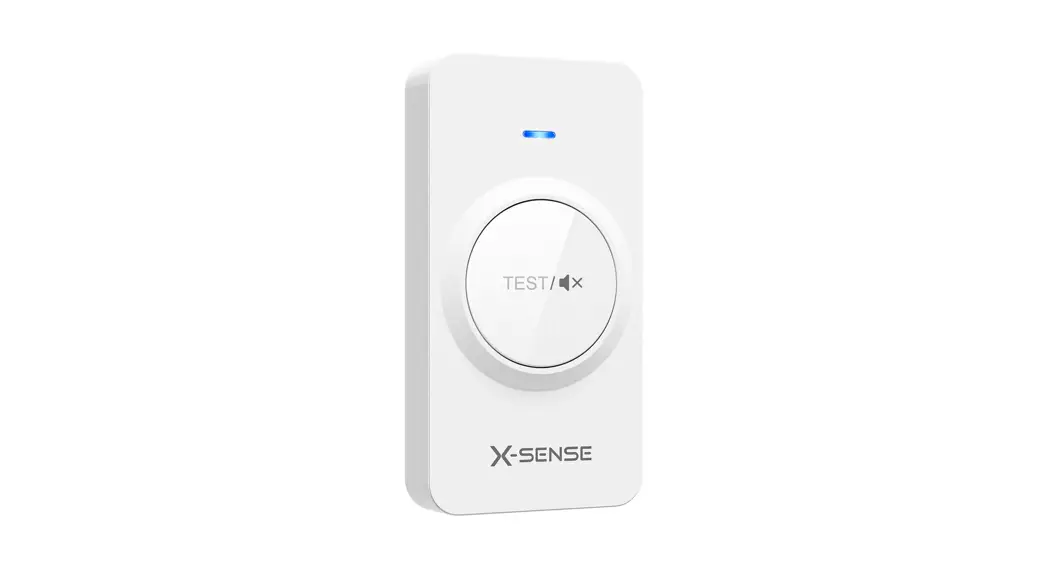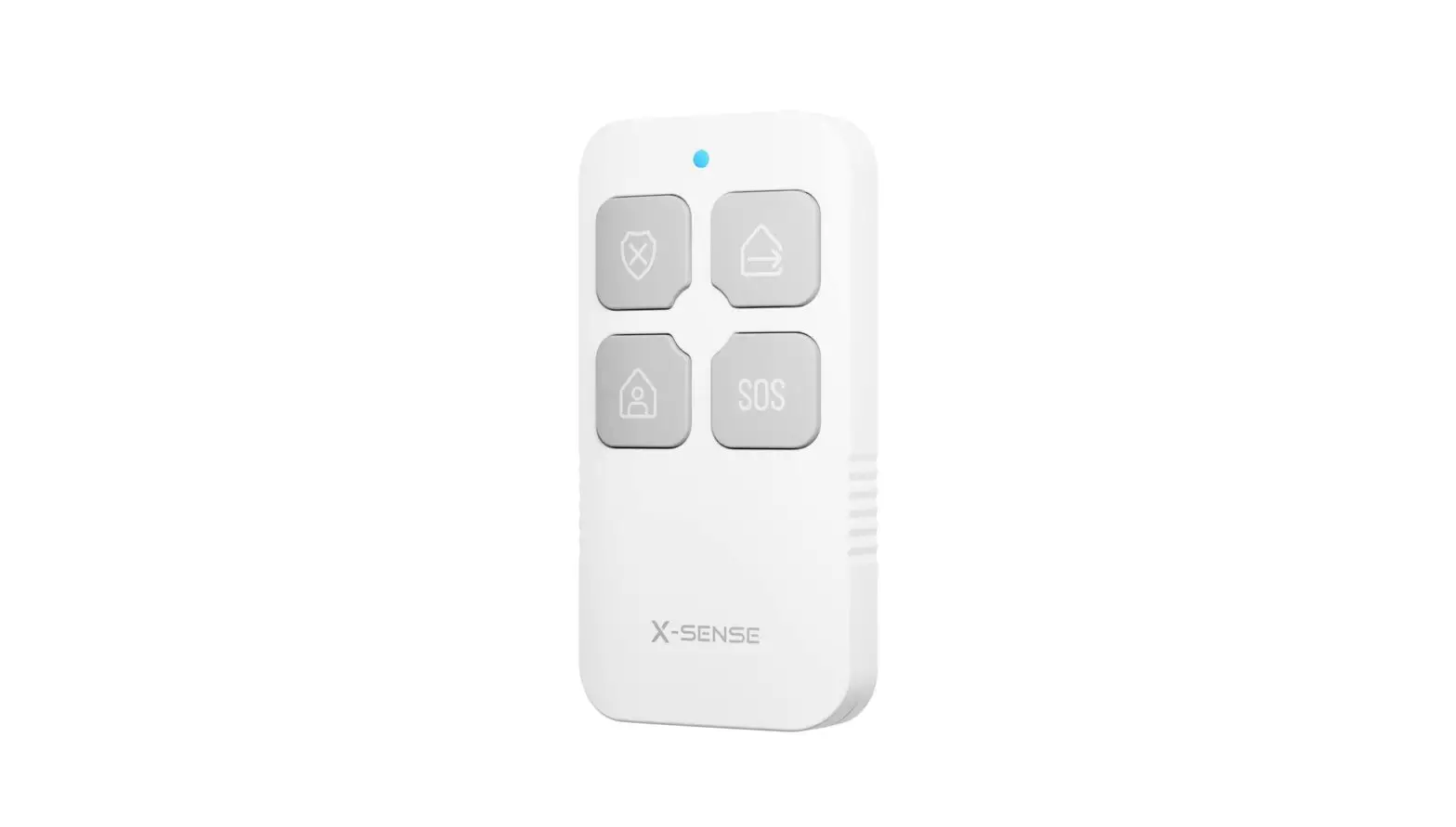
X-SENSE SKF01 Remote Control User Manual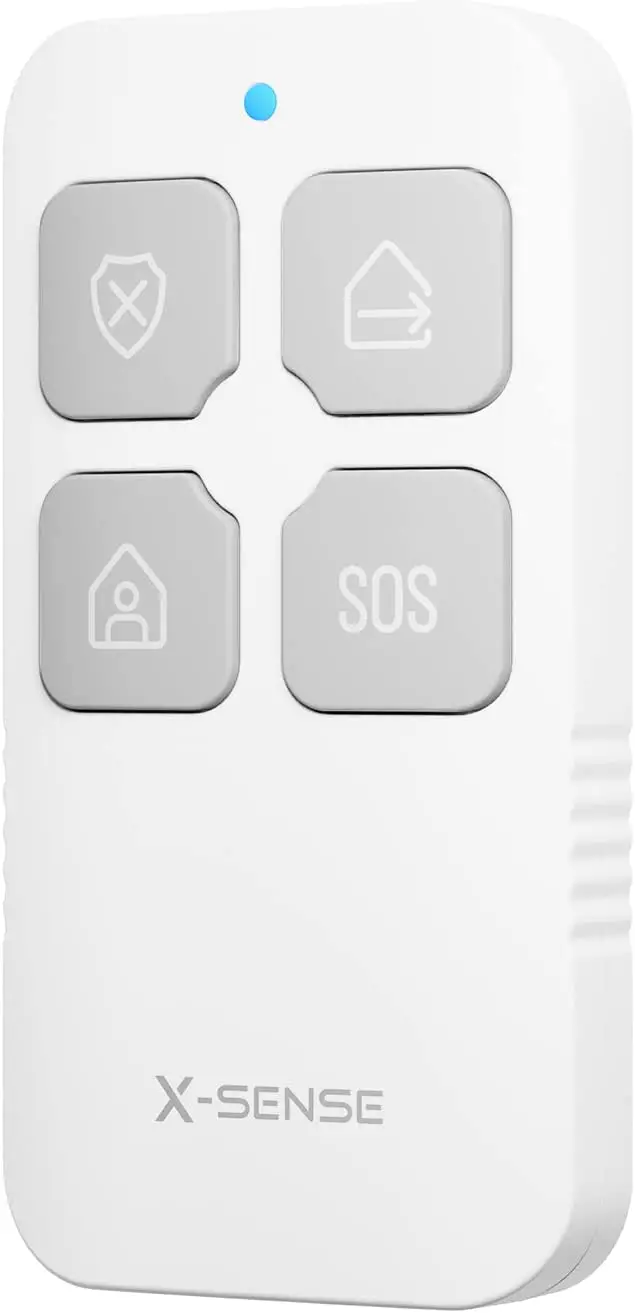
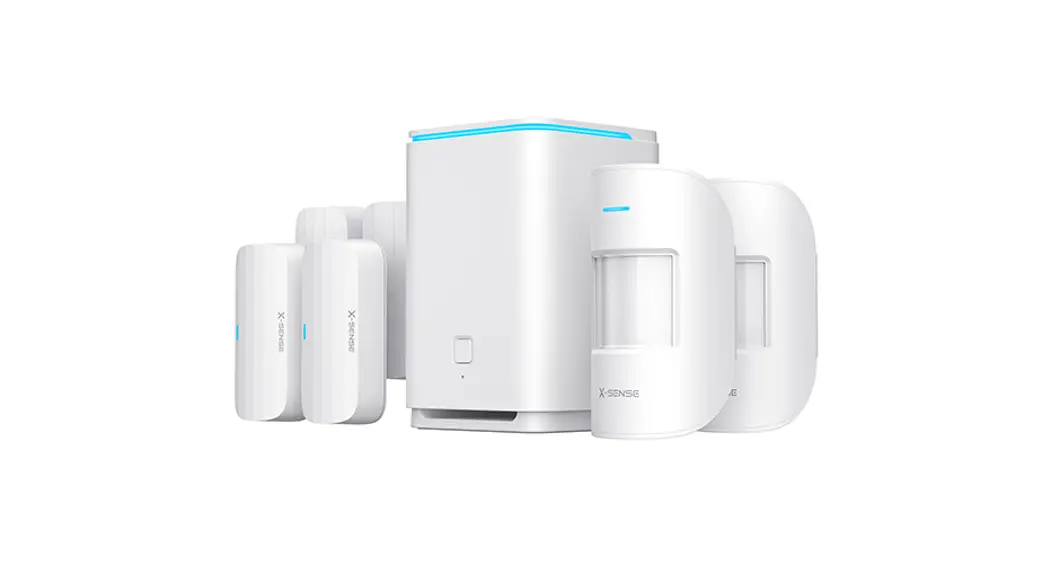
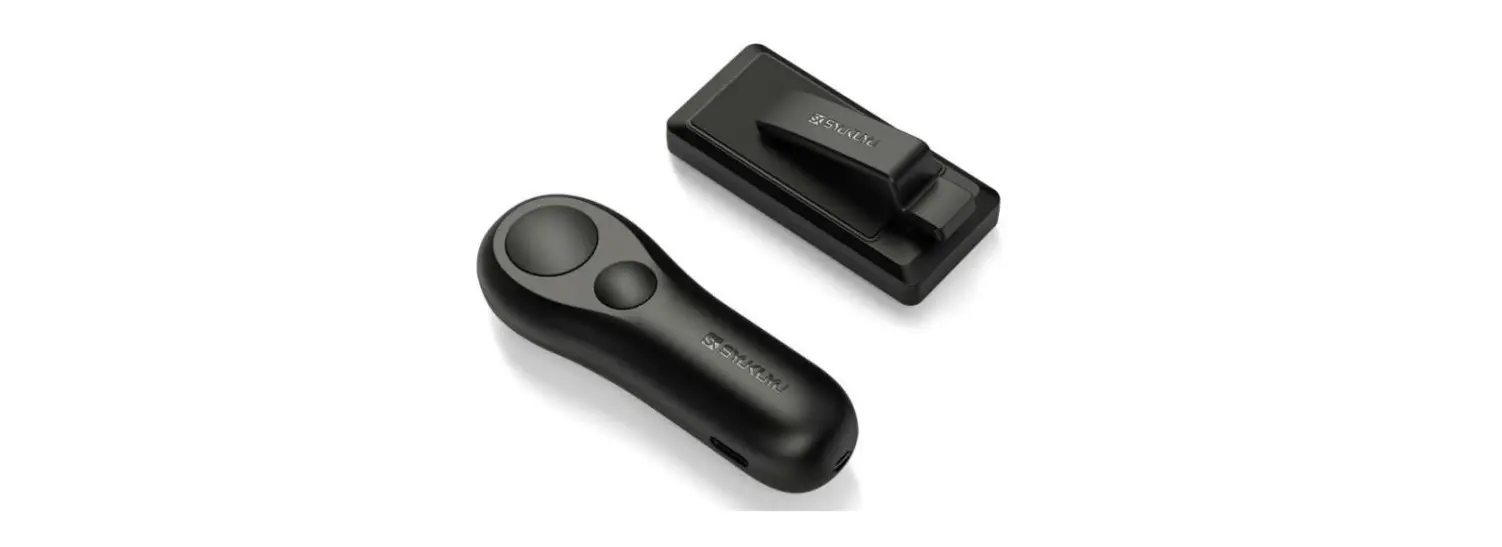
The X-Sense home security system provides security monitoring and remote control of your devices via the X-Sense Home Security app. As one of the devices within your home security system, a remote control allows you to switch between different security modes (Home, Away, and Disarm) conveniently with a single press.
In addition, you can press the SOS button to trigger an emergency alarm. Please note that it is only compatible with the X-Sense base station SBS10.
Specifications
| Model | SKF01 |
| Battery | CR2032 (Replaceable) |
| Radio signal range | 200 m (656 ft) |
| Operating temperature range | 0–40°C (32–104°F) |
| Operating humidity | Up to 75% |
| Product size | 66.5 x 34 x 11 mm (2.6 x 1.3 x 0.4 inches) |
| Product weight | 20 g (0.04 lb) |
Adding a Remote Control to the System
- Disarm

- Away
- Home
- SOS





- Tap the
 button in the app.
 - Scan the QR code on the remote control, then press and hold both the Disarm and Away buttons for 3 seconds. The LED indicator on the remote control should flash blue.
- Follow the in-app instructions to add the remote control.
 button in the app.
Note: The LED indicator has 2 colors of lights, red and blue
| LED Color | Meaning |
| Red | The device is not connected to the base station. |
| Blue | The device is connected to the base station. |
Operating the Remote Control
| Function | Operation |
| Home | Press and hold the Home button for 3 seconds. |
| Away | Press and hold the Away button for 3 seconds. |
| Disarm | Press and hold the Disarm button for 3 seconds. |
| SOS | Press and hold the SOS button for 5 seconds; the base station will alarm on. |
Note:
- If you have successfully changed the security mode, the LED indicator on the remote control will flash blue twice. If not, it will flash red twice.
- The SOS function is intended for triggering an emergency alarm. For example, if you encounter a thief, pressing the SOS button will prompt the base station to alarm, intimidating the thief and notifying nearby people that you need help.
- If the SOS function is successfully activated, the LED indicator on the remote control will flash blue for 3 seconds and the base station will alarm. If not, it will flash red twice and the base station will not alarm.
Warranty
Thank you for purchasing our product. We provide a 1-year worry-free guarantee from the date of purchase. If you have any questions, please feel free to contact the dealers or distributors in your region. They will get back to you within 1-3 working days.
Environmental Protection
Waste electrical products should not be disposed of with household waste. Please recycle where facilities exist. Check with local authorities or retailers for recycling advice.
Symbols: