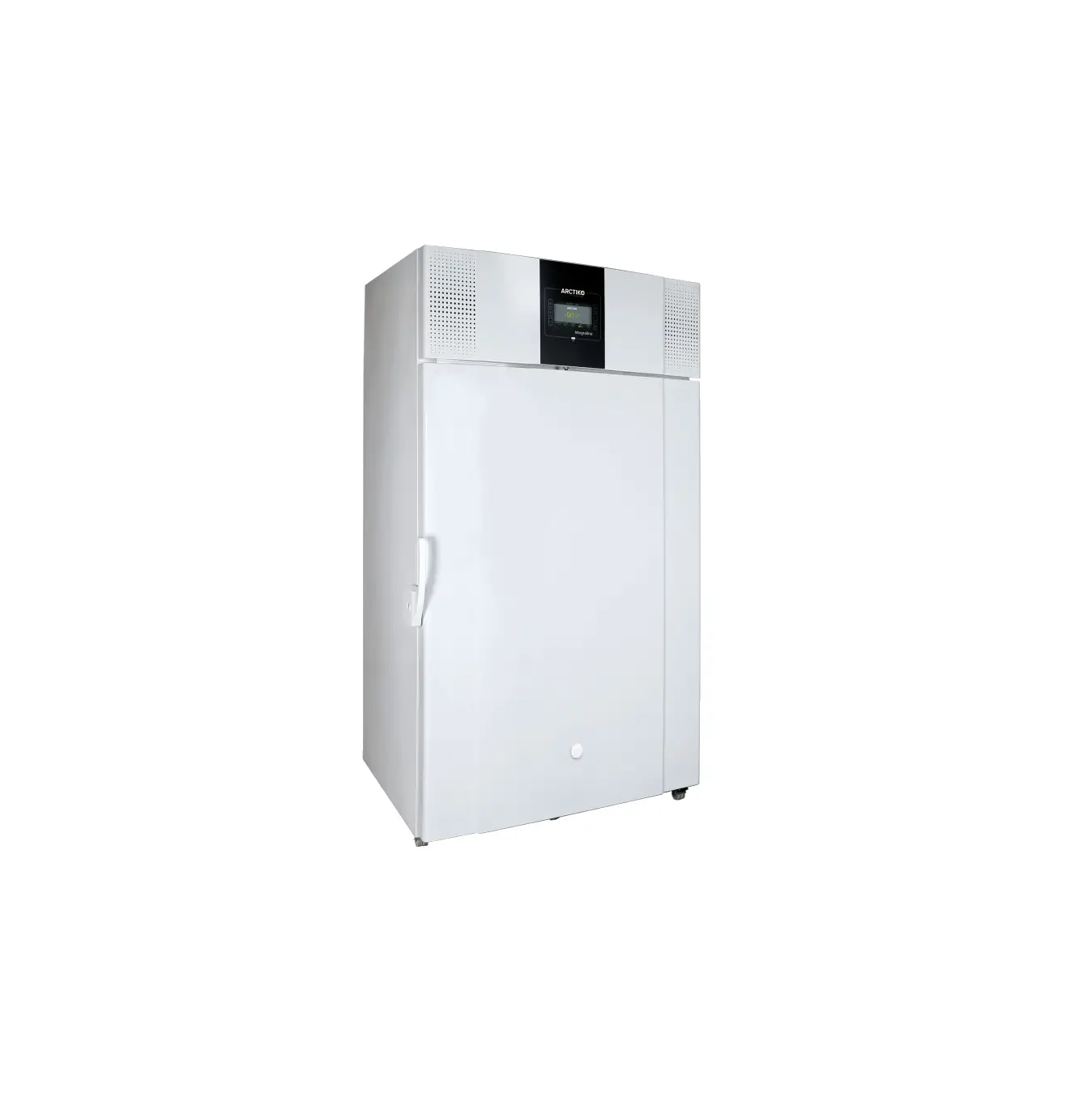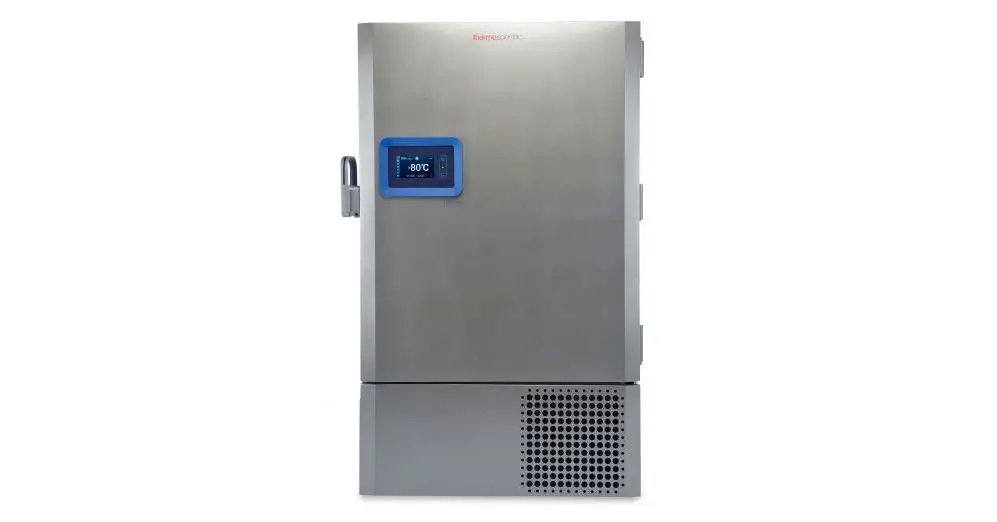

Thermo Fisher SCIENTIFIC TSX Series ULT Freezers
Instruction Sheet
How to Change Battery on TSX Series ULT Freezers
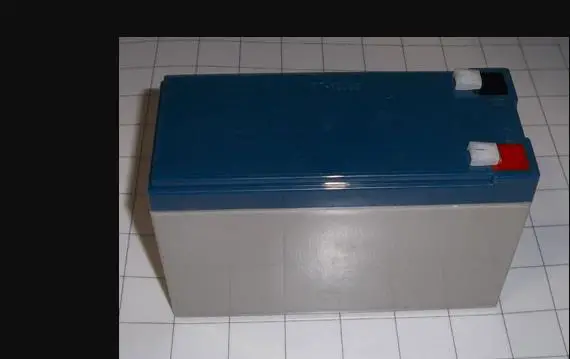
How to Change battery on TSX Series ULT Freezers
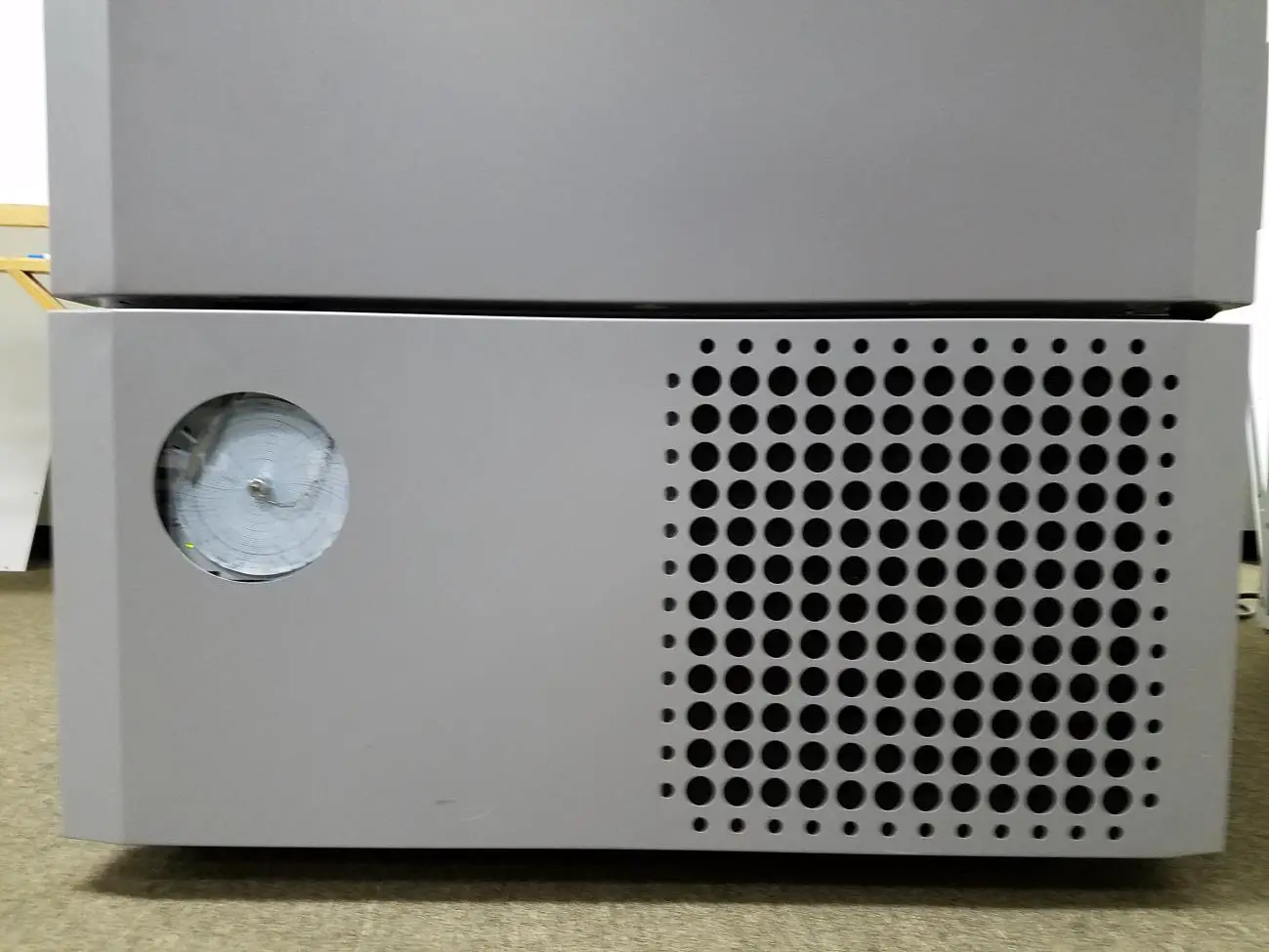
- Open the door on the bottom of the unit.
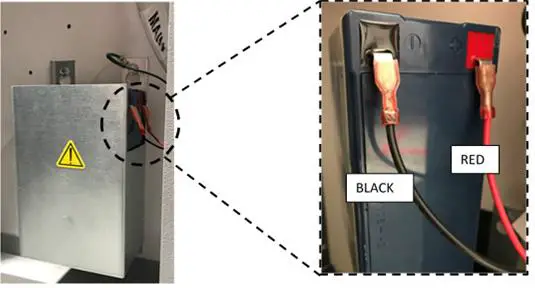
The battery(s) are located at the front of the compressor deck, behind the bottom front panel door. The yellow arrow is pointing to bracket that holds battery in place. - Label and disconnect the two red and black leads from the battery. Loosen the three bracket screws (do not remove screws) and remove the ground screw and lift bracket. Remove the expired battery and recycle or discard according to proper procedures.
How to Change battery on TSX Series ULT Freezers - Install new battery (red is the positive lead and black is the negative) and tighten bracket screws.

- Allow 4-6 days for the battery to fully charge. Monitor unit for proper operation.
How to Change battery on TSX Series ULT Freezers
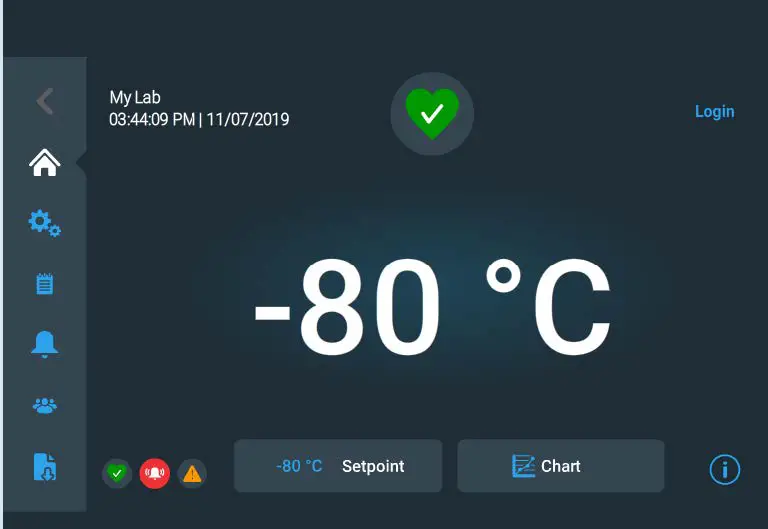
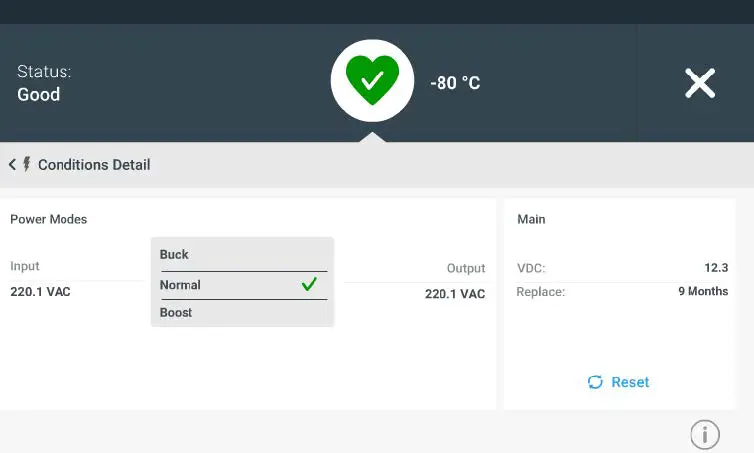
Reset Battery Clock
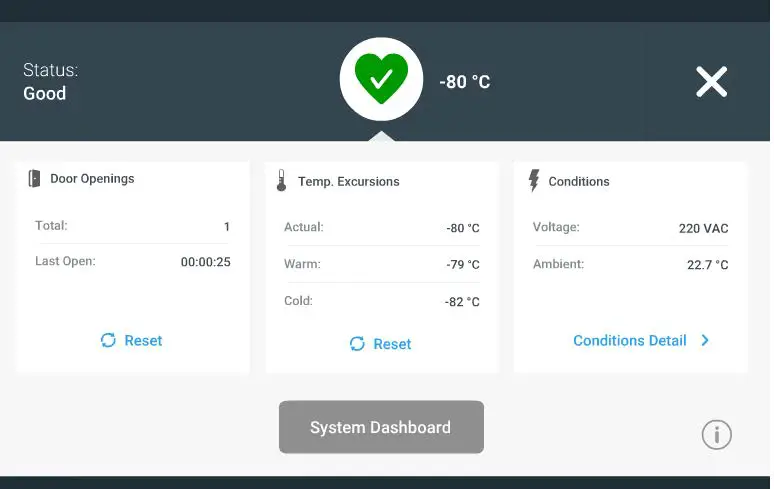
Press buttons below in following order:
- Heart icon

- Conditions Detail

How to Change battery on TSX Series ULT Freezers
- Reset (Once reset is pressed. The battery replace section will change to 12 months.)
www.unitylabservices.com/contactus
 Contact Us