 VOICE CADDIE L4
User Manual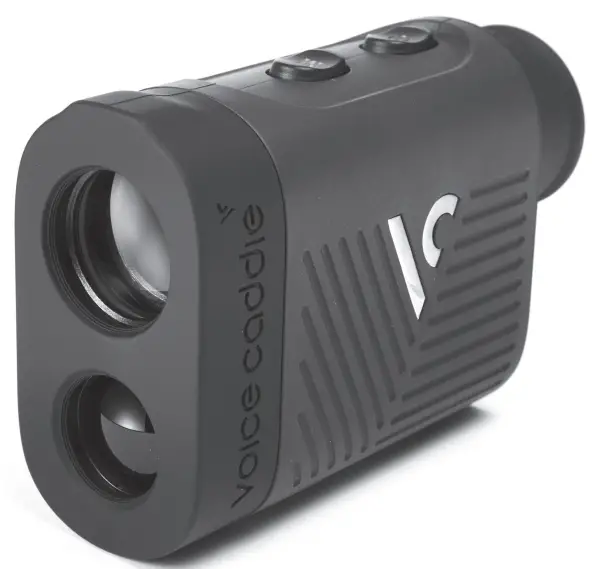
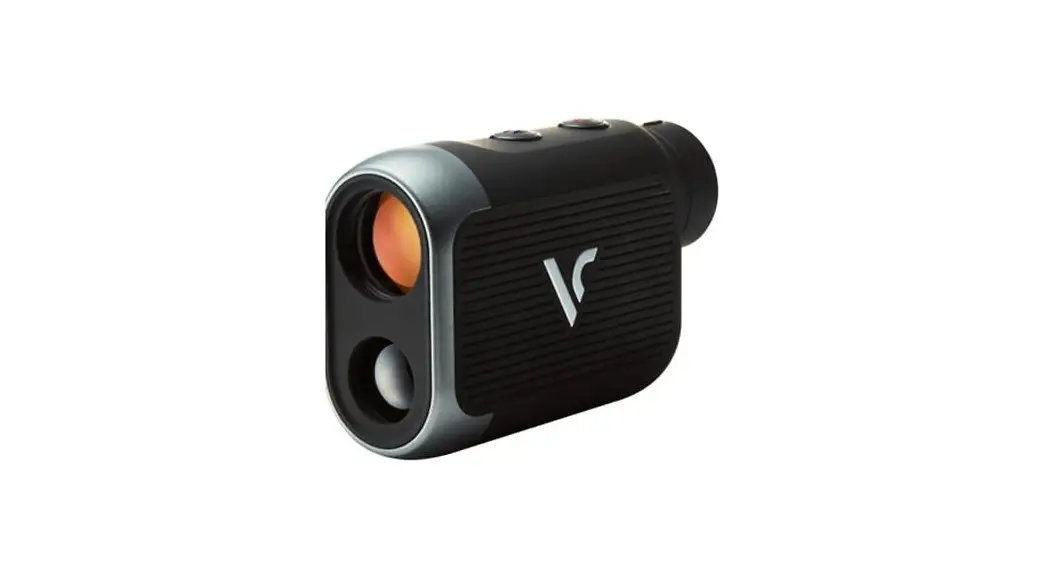
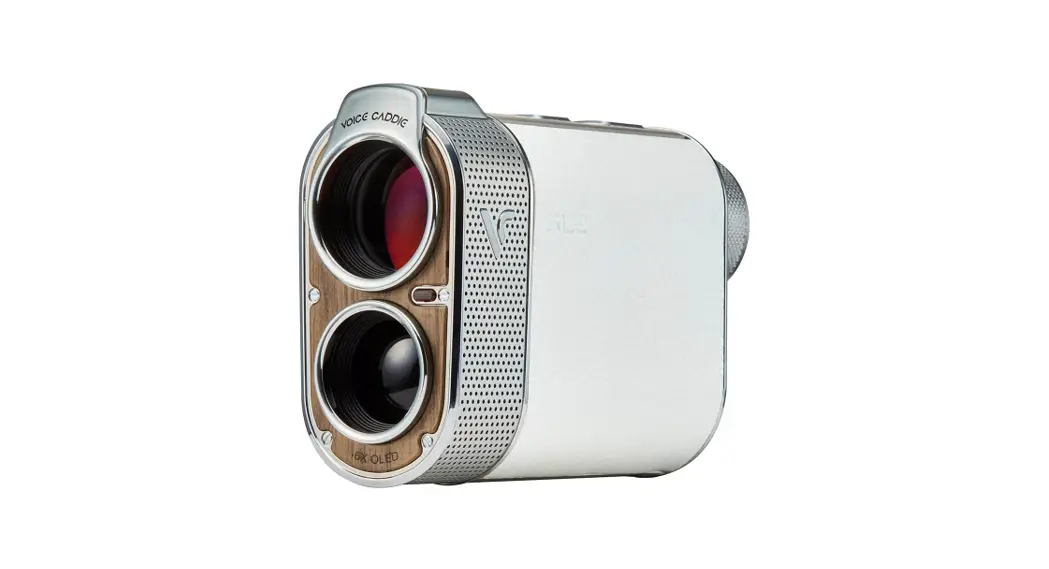
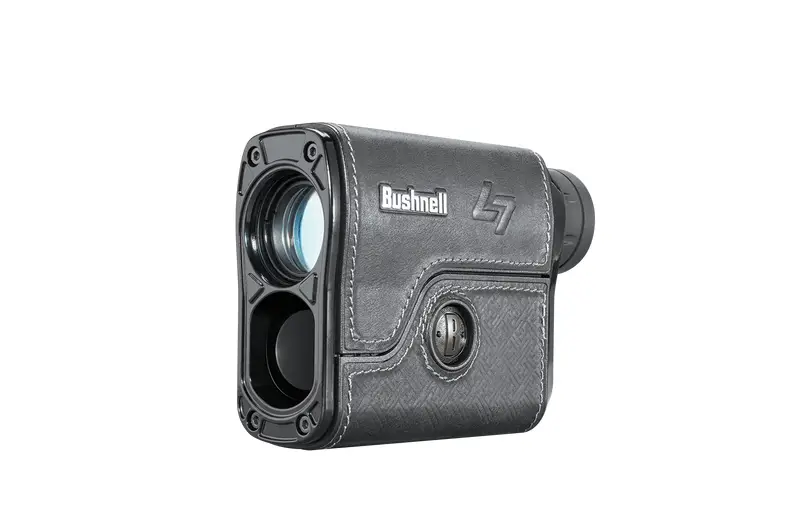
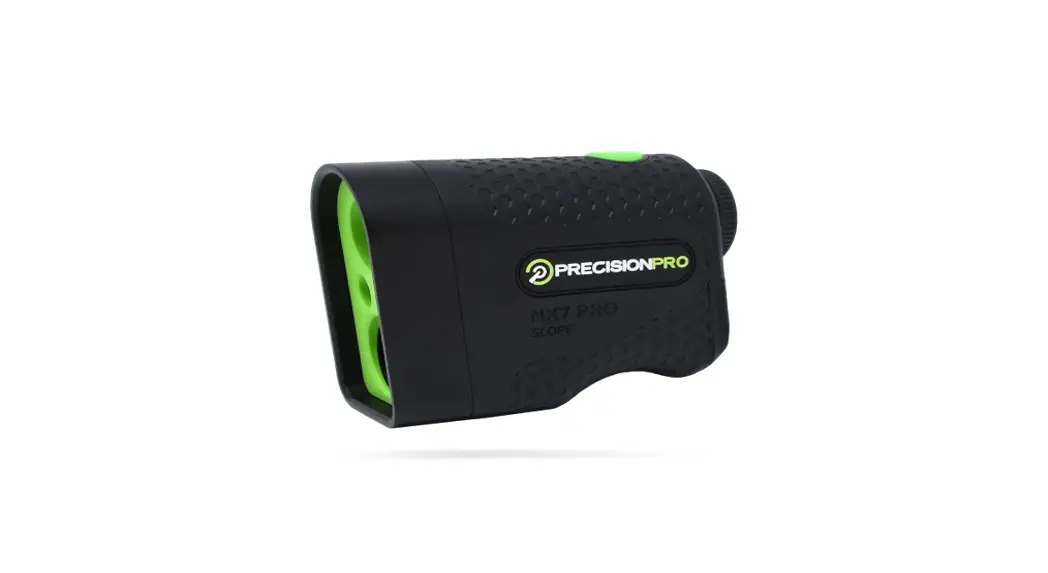
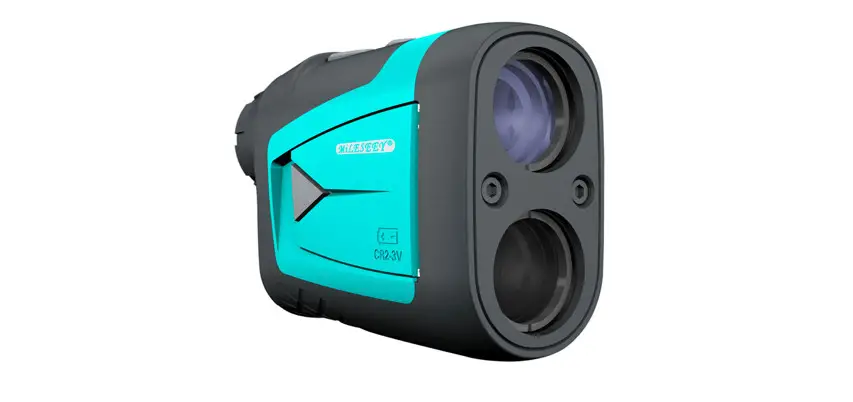
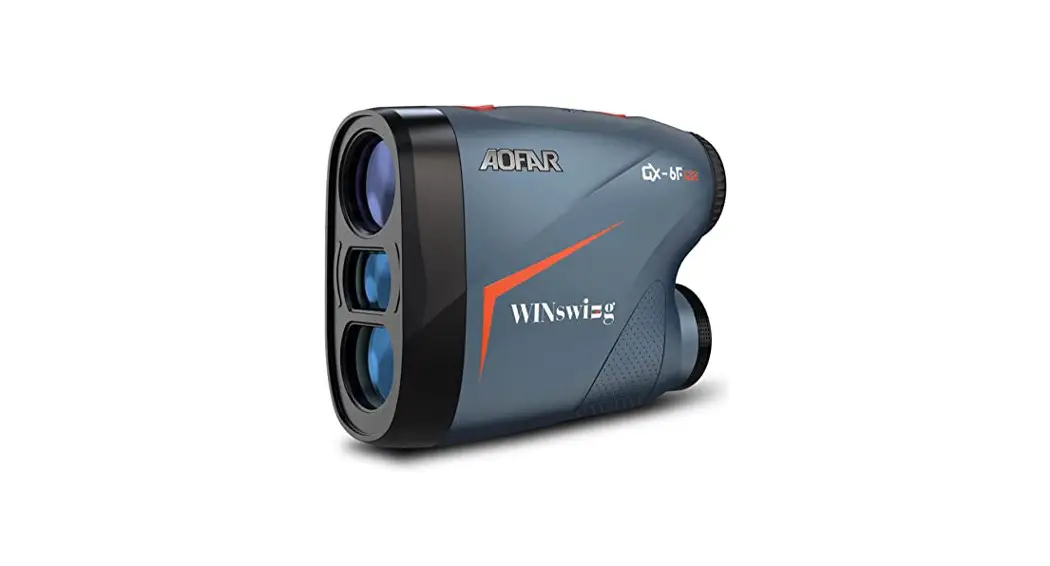
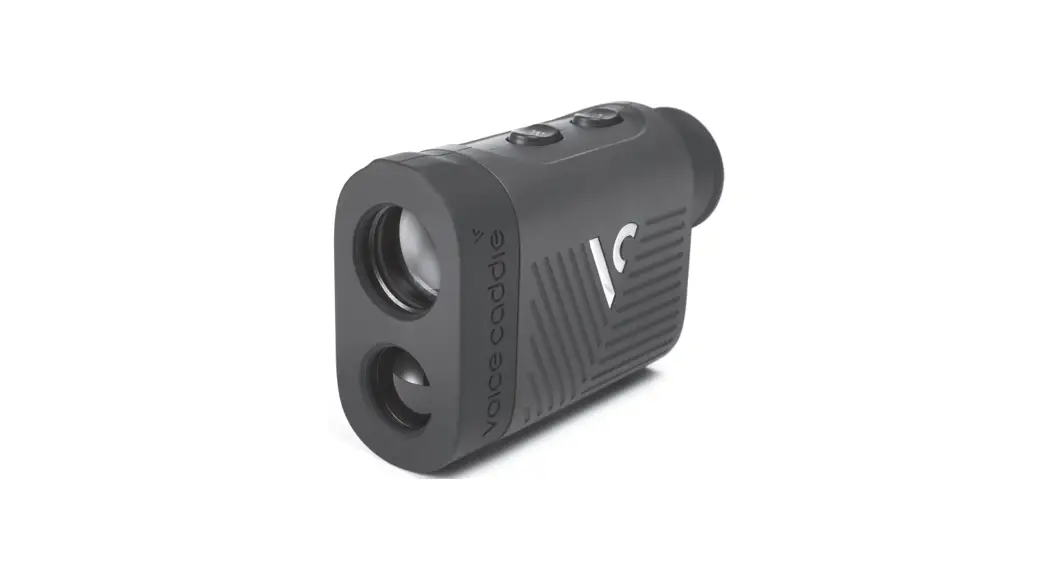
L4 Components
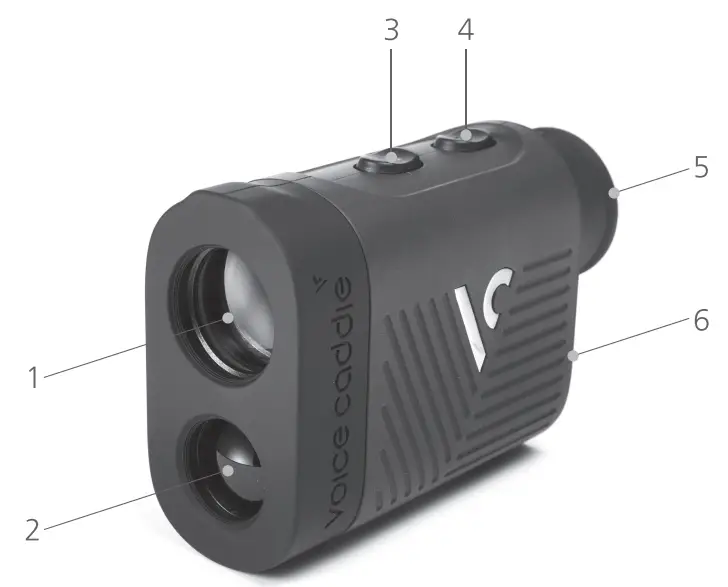
- Laser receiving lens / objective lens
- Laser transmitting lens
- Mode Convert
– Slope Mode : Normal / Pin
– Tournament Mode : Normal / Pin- Measurement button / Power button
- Eyepiece and Focal Adjustment
- Battery Cover
* Package Contents: Laser, Pouch, Battery (CR2), User Manual, Microfiber cloth
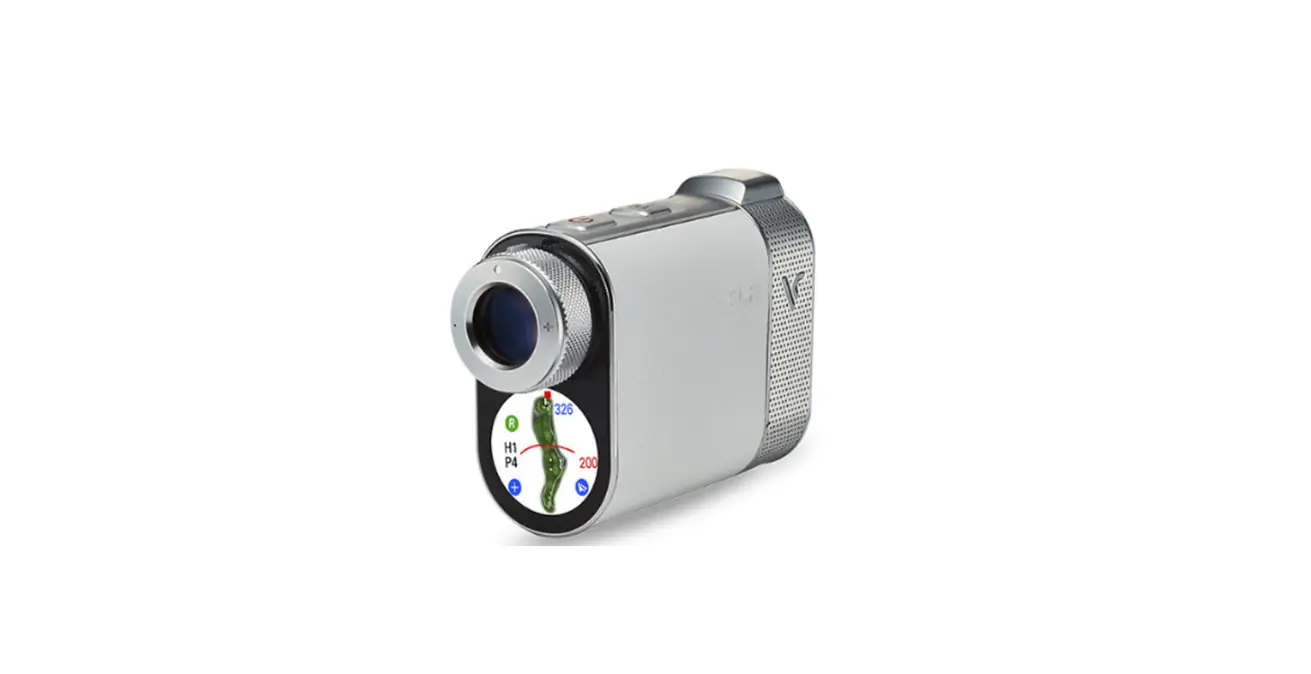
Laser LCD Window Description
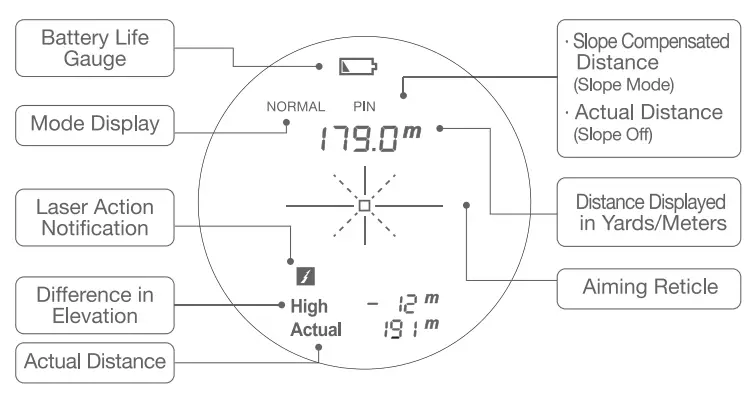
* If battery replacement is required  icon is displayed in the laser LCD window. If the
  icon is present, the device may not be activated and power may be turned off.
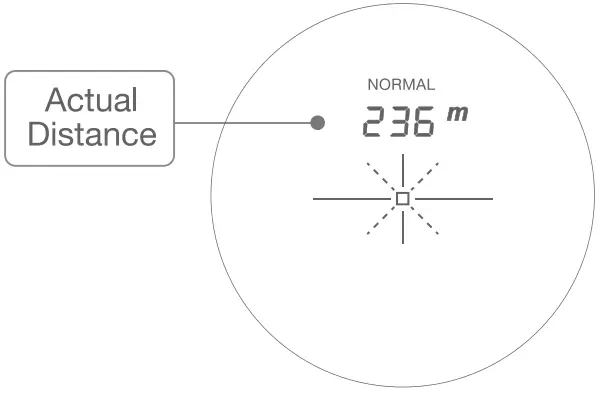
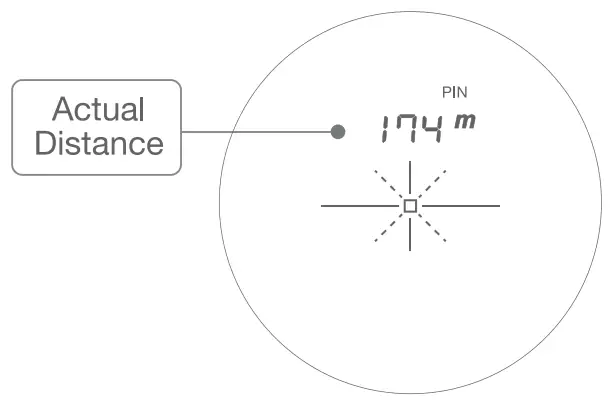
* In Tournament Mode, the slope compensated distance is removed and only the actual distance is displayed.
- Power On
When the battery is inserted, pressing the power button turns on the laser and LCD.
 - Mode Conversion
Press the button to turn slope on or off. The on/off function can operate in the following rotation order. Slope Normal – Slope Pin -Tournament Normal -Tournament Pin
 - Yard-Meter Conversion
Press the button for more than three seconds to toggle between Meter-Yard. - Focus Control
To focus/increase clarity, adjust via the Diopter Adjustment
 turns on the laser and LCD.
 button to turn slope on or off. The on/off function can operate in the following rotation order. Slope Normal – Slope Pin -Tournament Normal -Tournament Pin
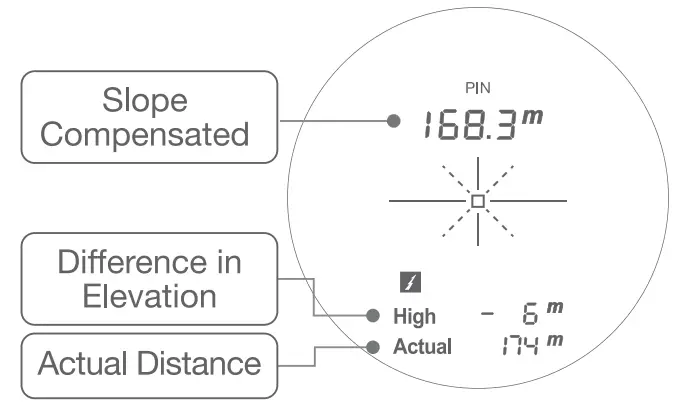
Slope Mode
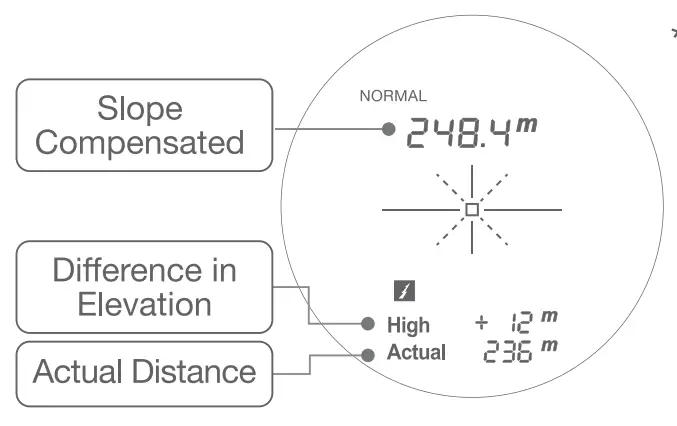
* Normal Mode with Slope
Distance measurements provided to a specific target point. Continuous measurements are possible with the measurement (power) button on. (Only supported in Normal mode)

* Pin Mode with Slope Provides slope compensated distance measurements to the height of the pin from its current position.

Tournament Mode
* Normal Mode without Slope
– Only actual distance is displayed to the target point.
– Continuous measurements are possible with the measurement (power) button on (Only supported in Normal mode)

* Pin Mode without Slope
– Provides actual distance from its current position to the pin.

Notes
- This product may be affected by rain, clouds, and other weather conditions.
- Depending on your environment and how you use it, battery consumption may vary.
- Do not touch the lens with your fingers to avoid damage.
- This device is assembled using high performance, precision equipment. Do not take it apart.
- The lenses are coated and require attention to cleaning periodically.
- Do not look at the sun or any strong light through this device as it may be hazardous.
- Do not scan the laser directly into the direction of human eyes.
- When not in use for an extended period of time, the battery should be removed and stored.
Specifications
| Product | Voice Caddie Laser |
| Model | L4 |
| Dimension/Weight | 40.0 mm x 110.0 mm x 77.0 mm / 199g |
| Manufacturer | Ucomm Technology / China |
| Key Functions | Auto Slope, Vibration Alert and One Touch Pin Seeker |
| Measurement range | 5∼1,000 yards |
| Error range | 1 yard |
| Battery | CR2-3V |
Warranty Conditions
– One Year Limited Warranty –
Voice Caddie warrants this hardware product against defects in materials and workmanship for a period of one year from the date of original purchase. If a defect exists, at its option Voice Caddie will
- repair the product at no charge,
- exchange the product with a product that is new or like-new and is at least functionally equivalent to the original product, or
- refund the purchase price of the product. Voice Caddie shall have no obligation to repair, replace or refund until the customer returns the defective product to Voice Caddie. This warranty does not apply :
- to damage caused by accident, abuse, misuse, misapplication, or non-Voice Caddie products;
- to damage caused by service performed by anyone who is not a Voice Caddie Authorized Service Provider; or
- to a product or part that has been modified without the written permission of Voice Caddie. For more information on Voice Caddie’s warranty and return policy, please visit www.Voicecaddie.com
| Product Name | Voice Caddie Laser | Warranty Period | ||
| Model Name | L4 | One year after the date of purchase. (other components is 5 months) | ||
| Serial Number | ||||
| Date of Purchase | ||||
| Purchaser’s Address | ||||
| Full Name | Telephone | |||
Customer Center
Call: 1-888-939-3978 Email: [email protected] Website: www.voicecaddie.com