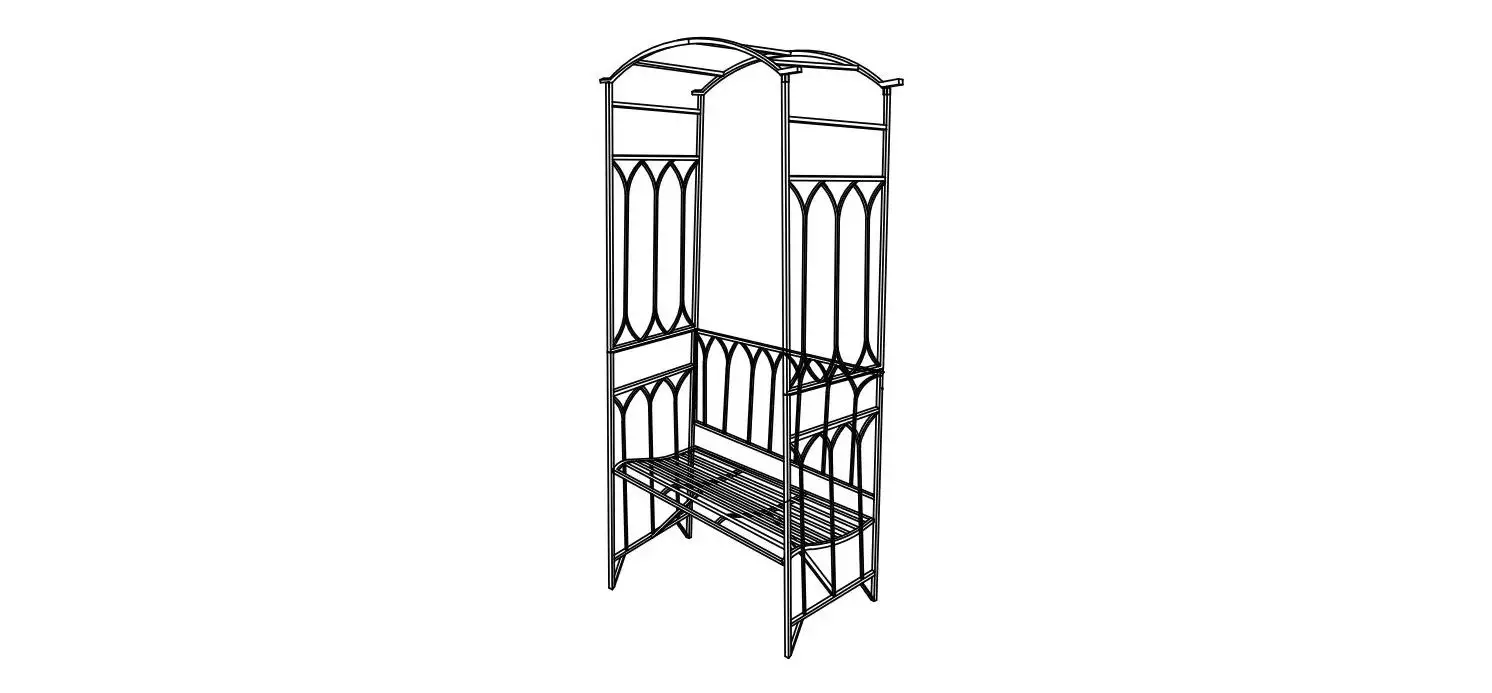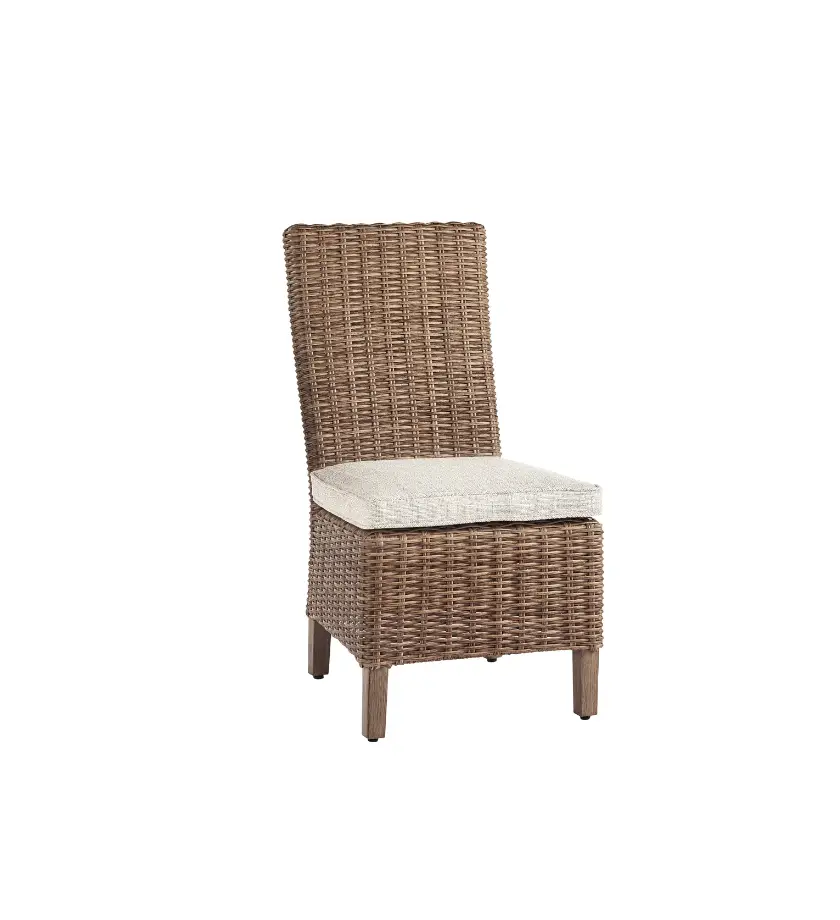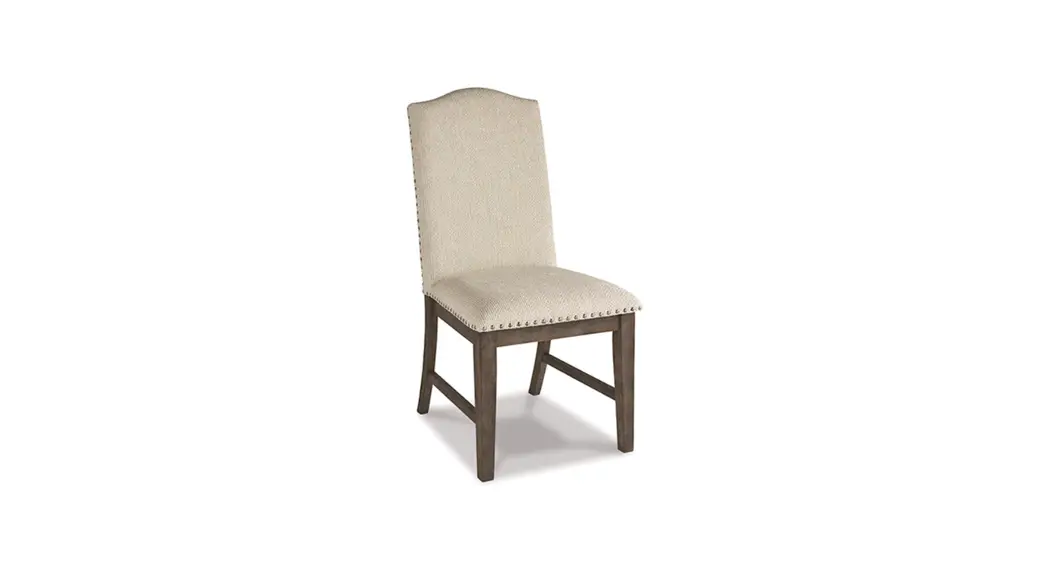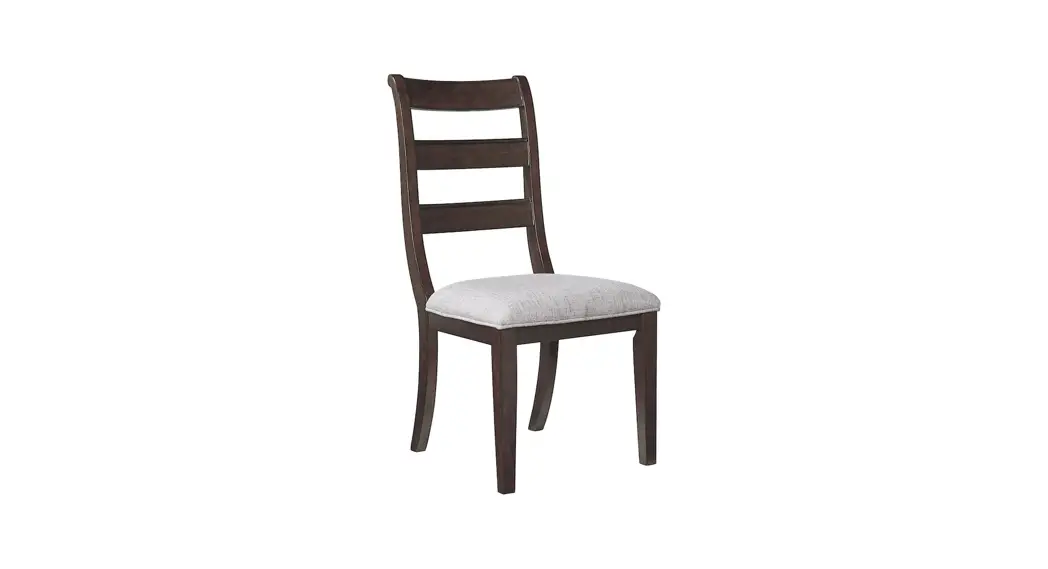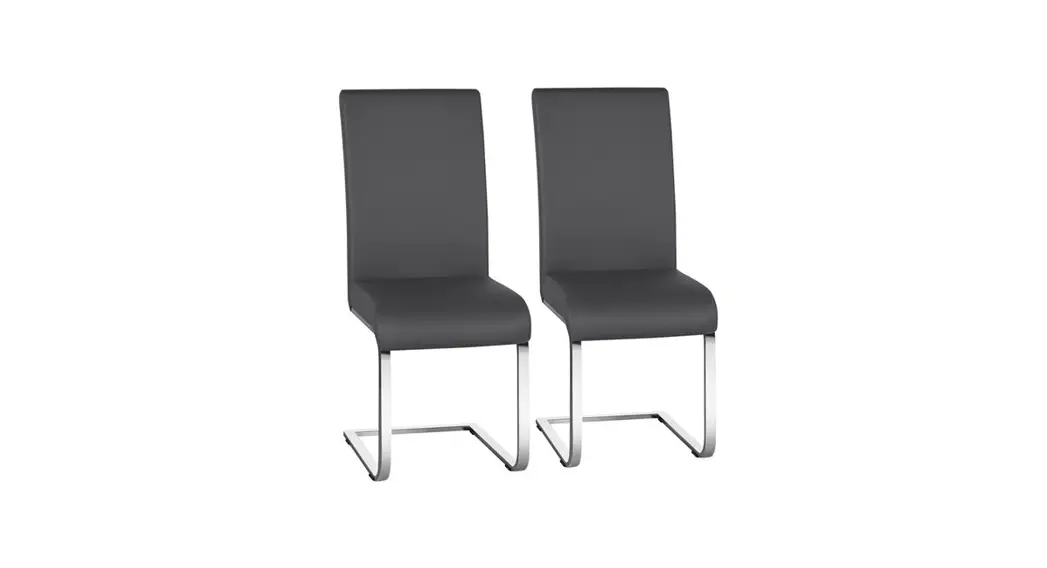
 612509
User Manual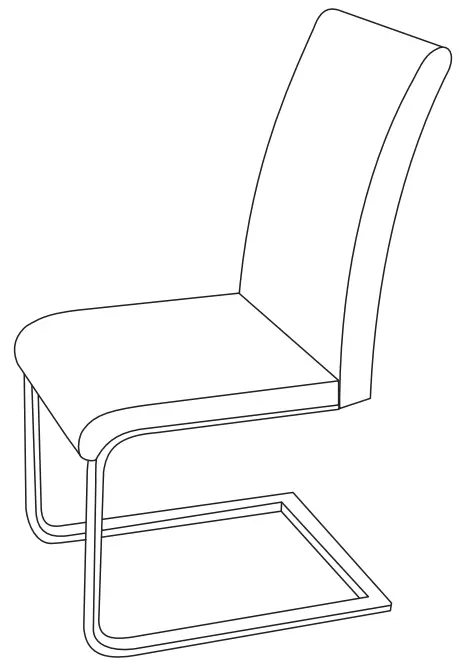
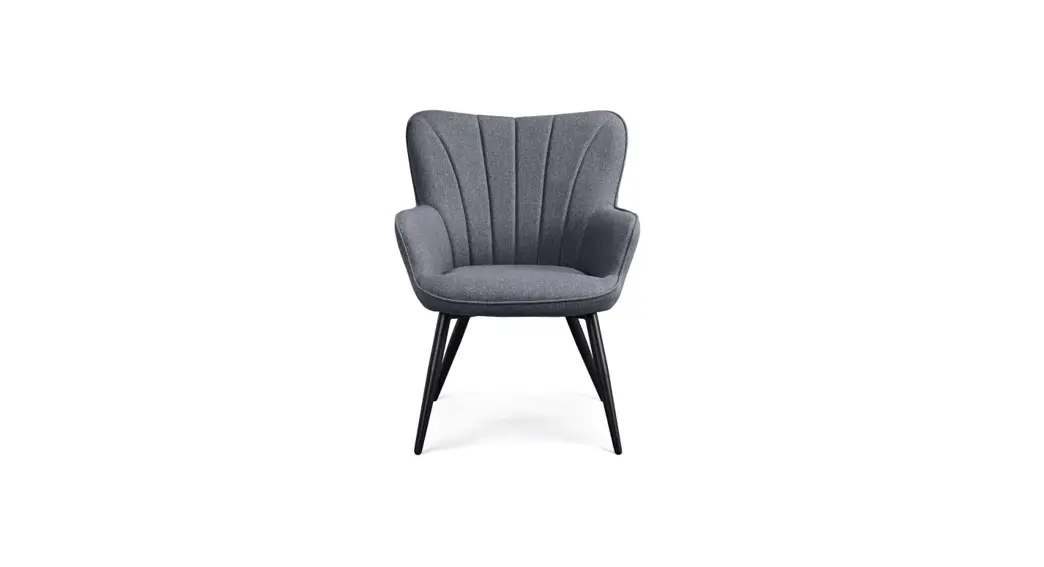
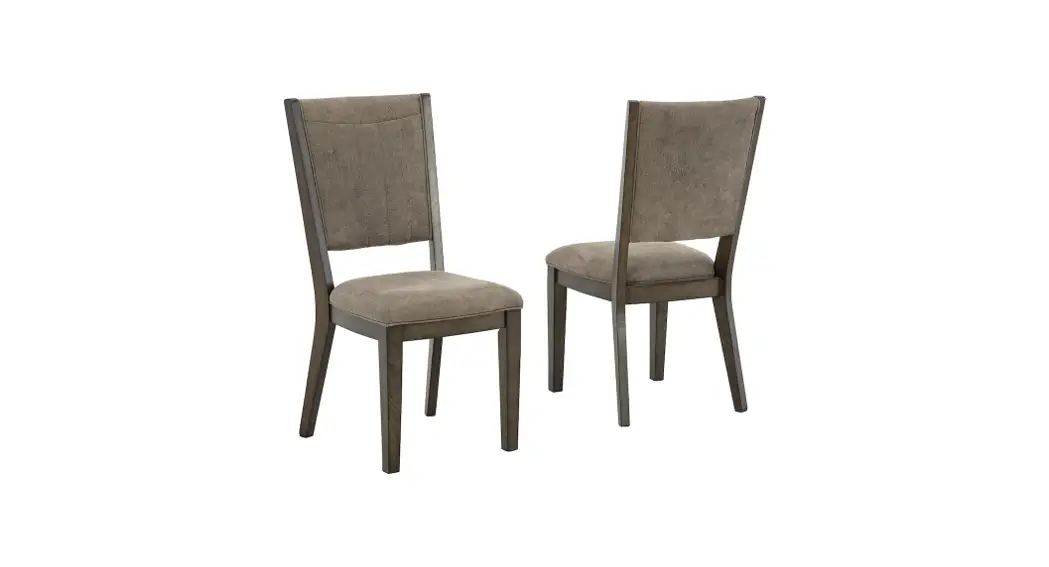
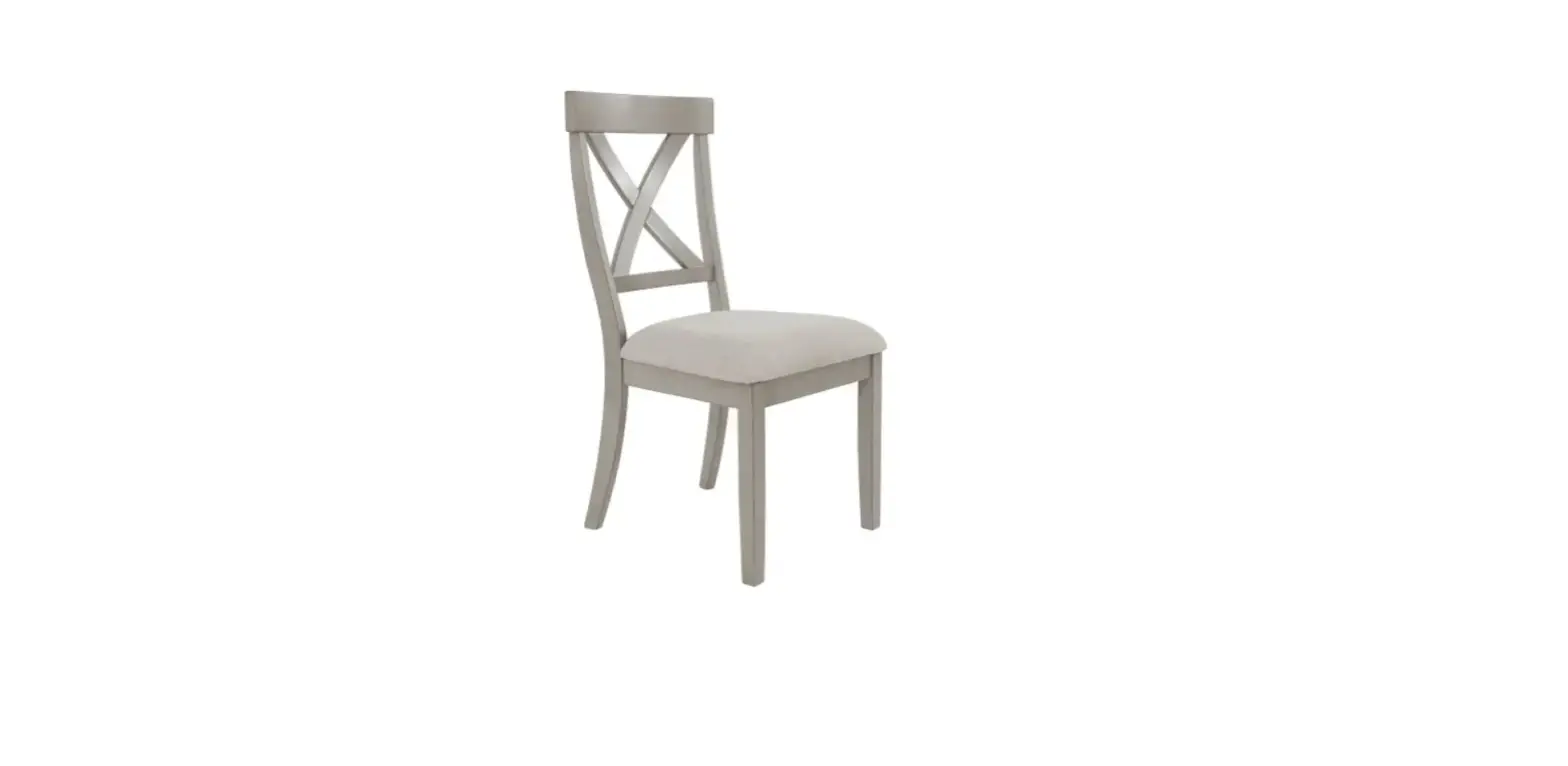
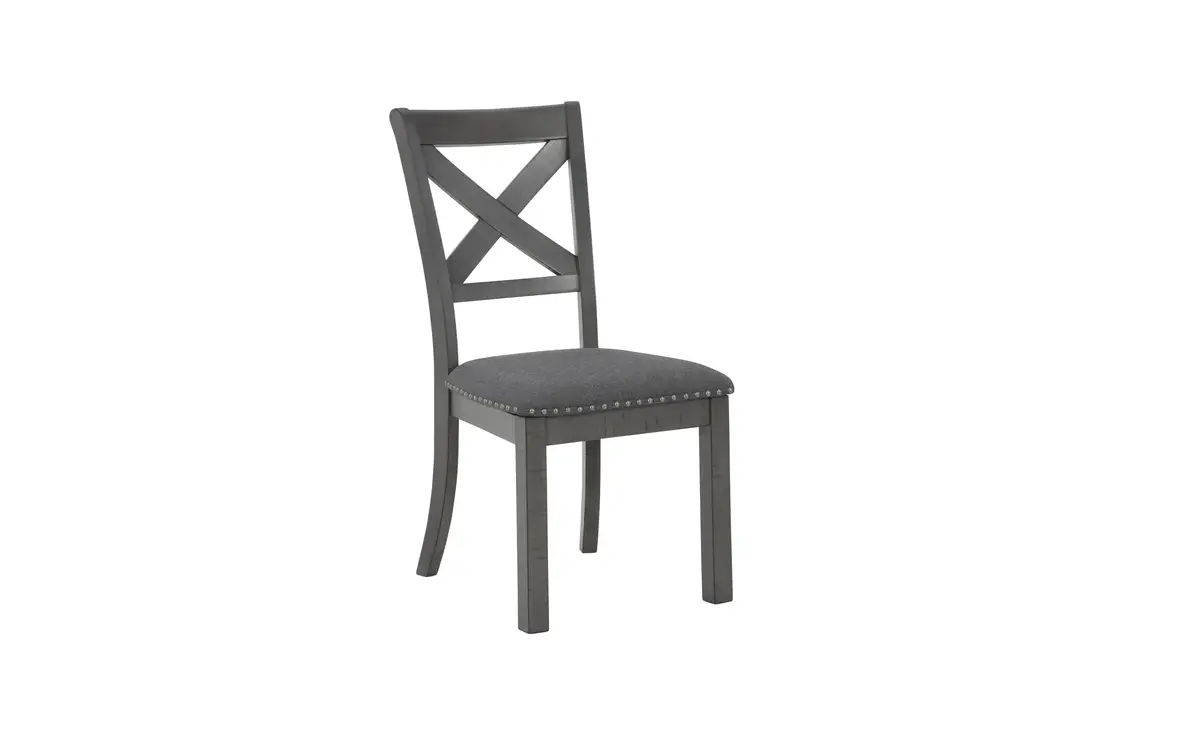
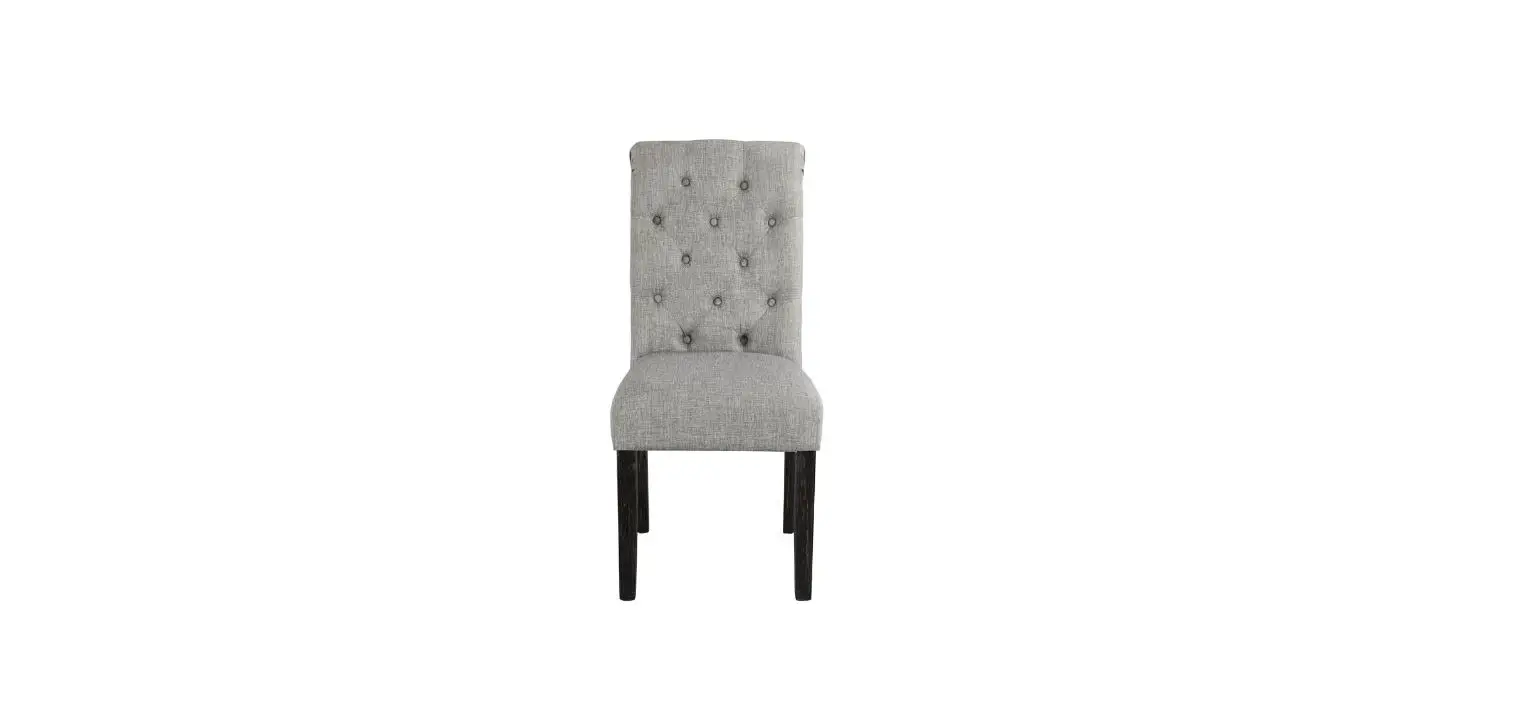
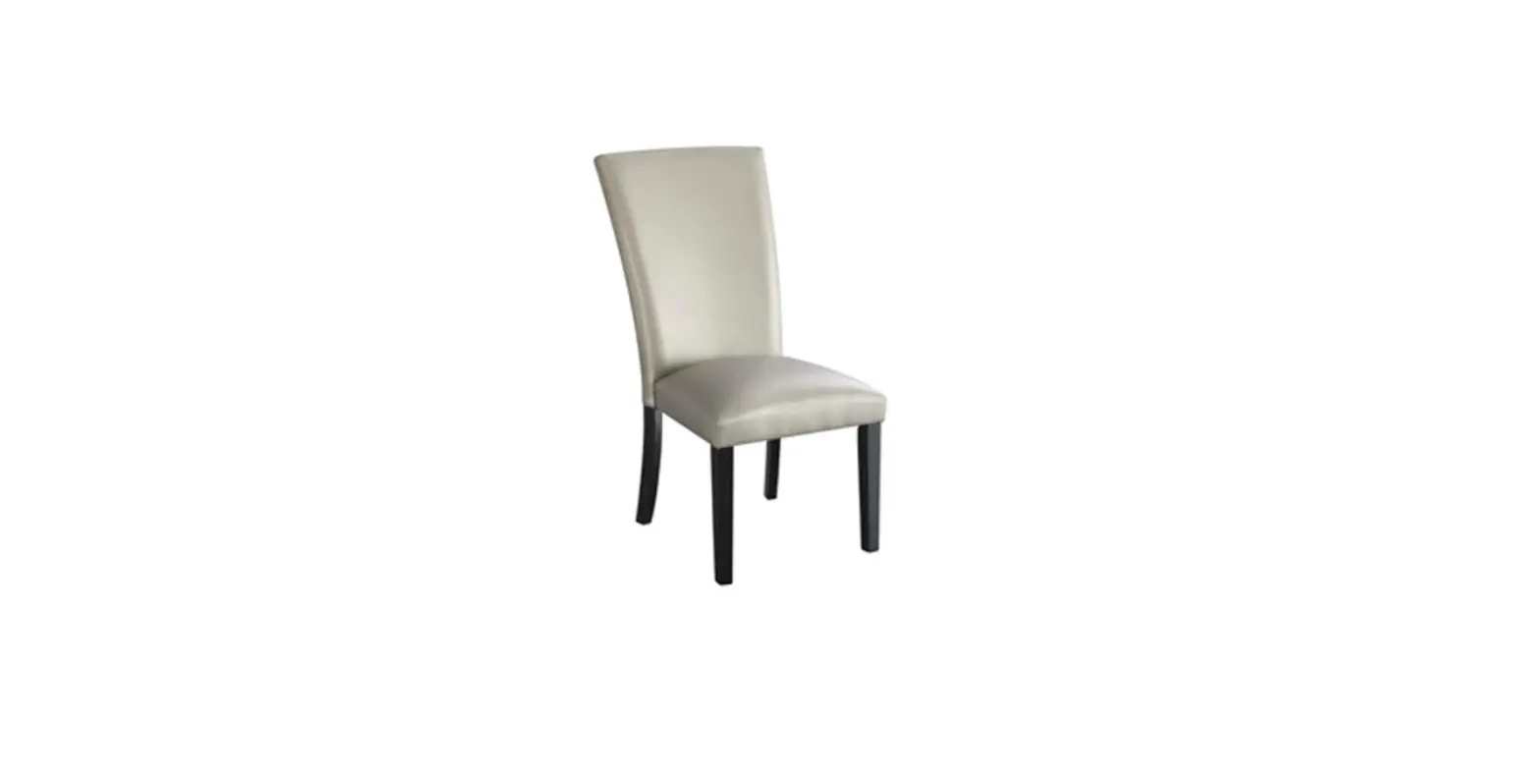
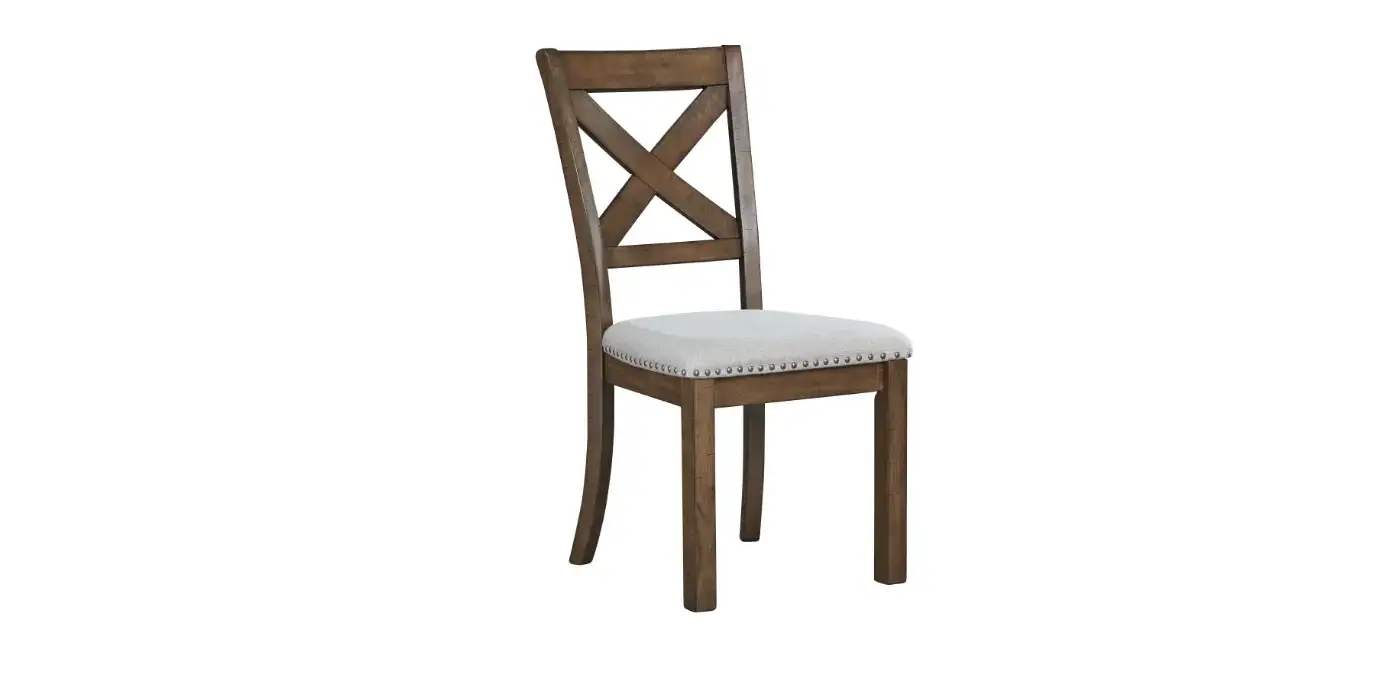
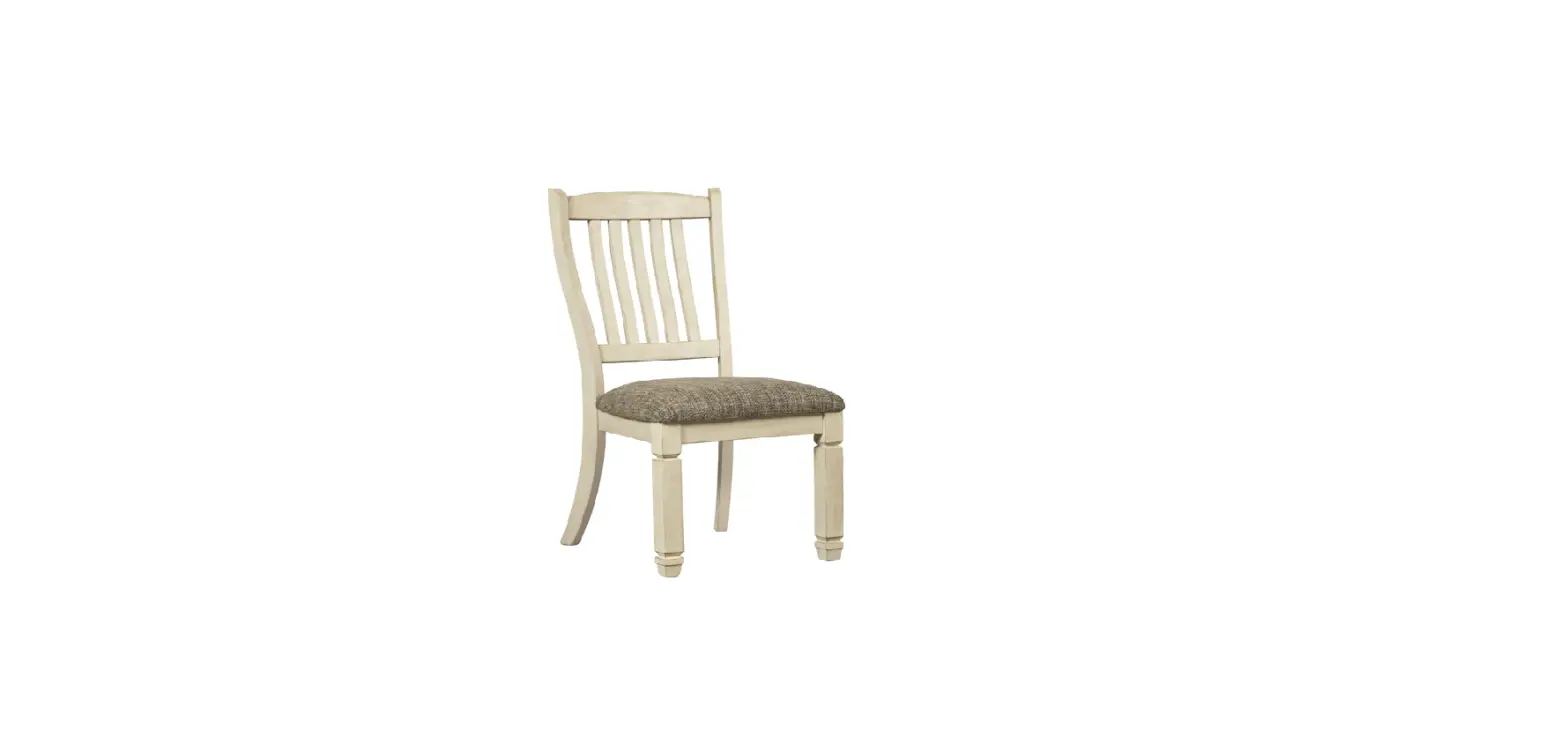
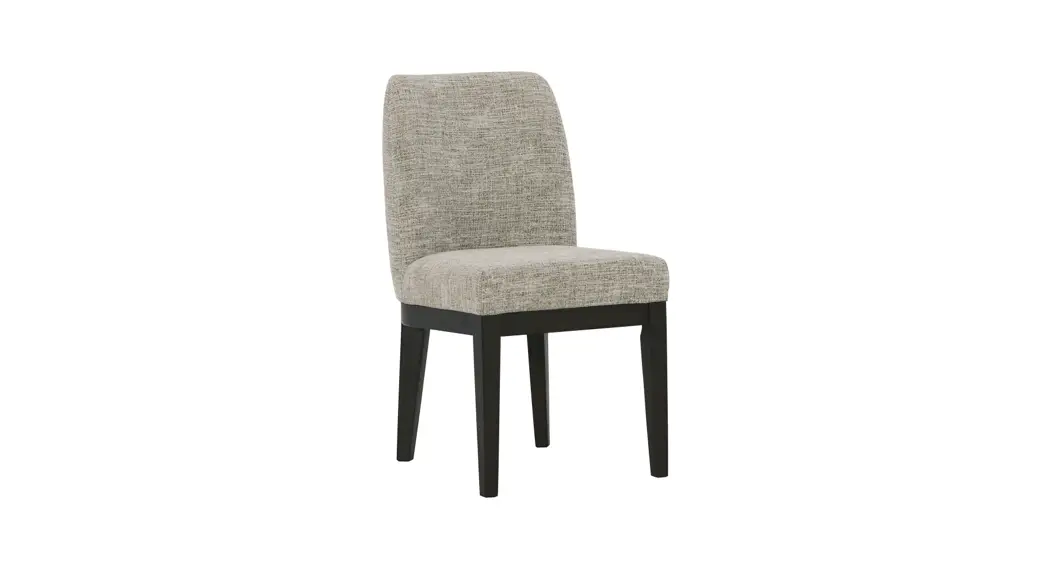
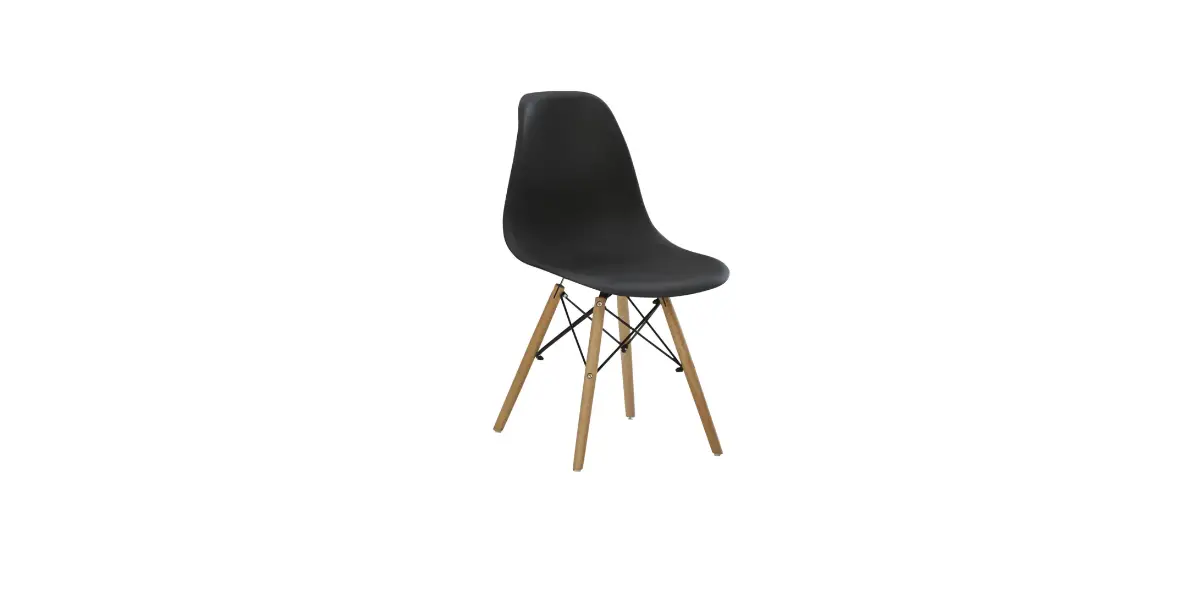
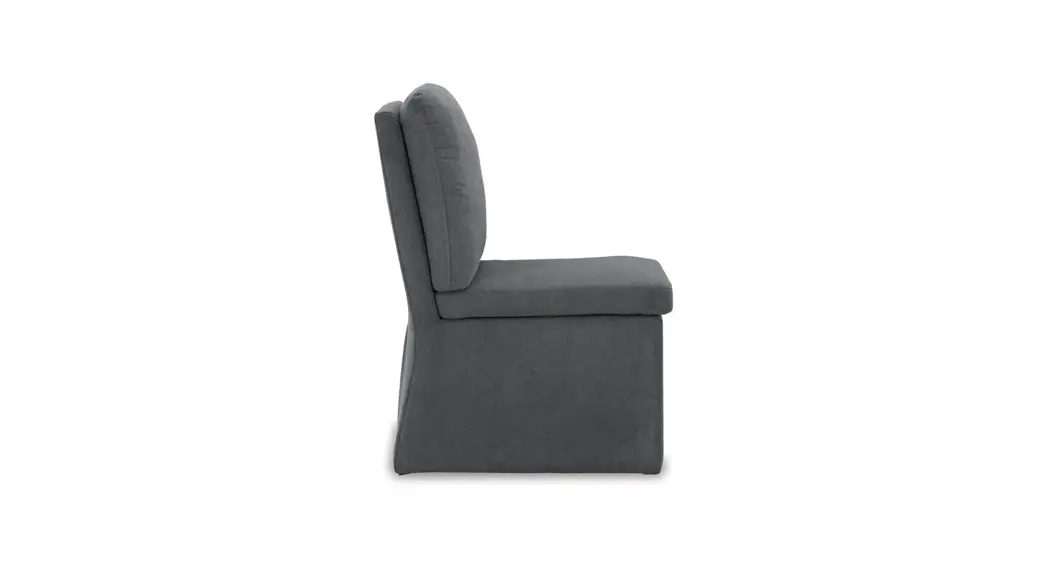
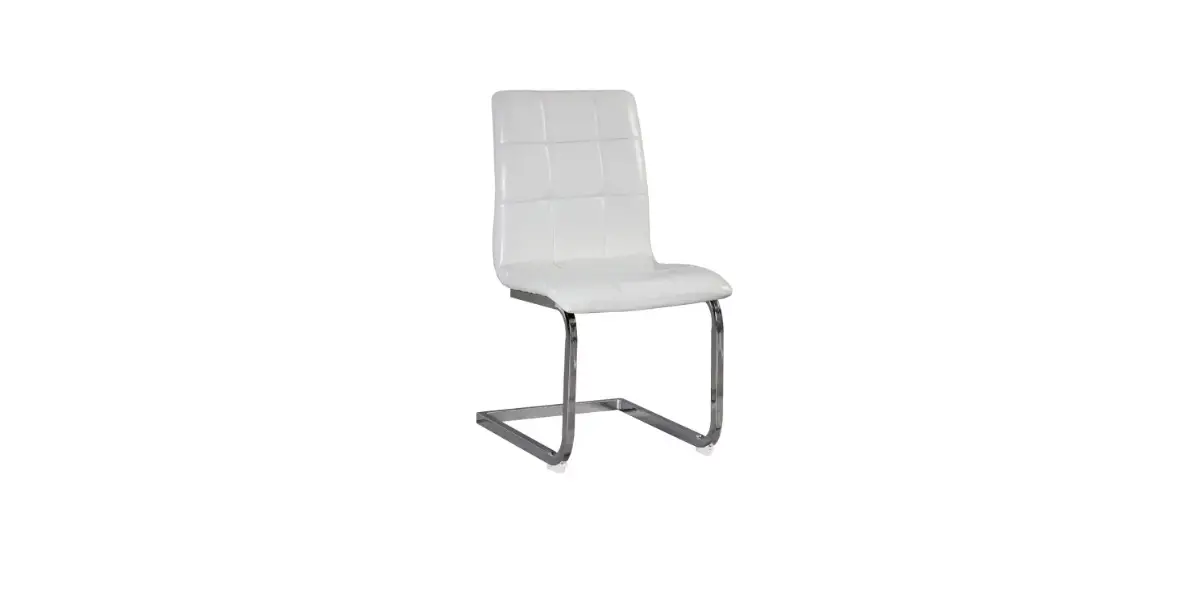
612509 2pcs Dining Chairs
Please red this instruction manual carefully before attempting to install.
IMPORTANT
 | We recommend 1 or more people to install. |
 | The expected assembly time is 0.5 h. |
 | Not intended for use by children. |
 | Keep away from fire or other heat sources. |
 | We recommend wearing protective gloves. |
Pleade follow the instruction manuals and use a pad to avoid damage during assembly.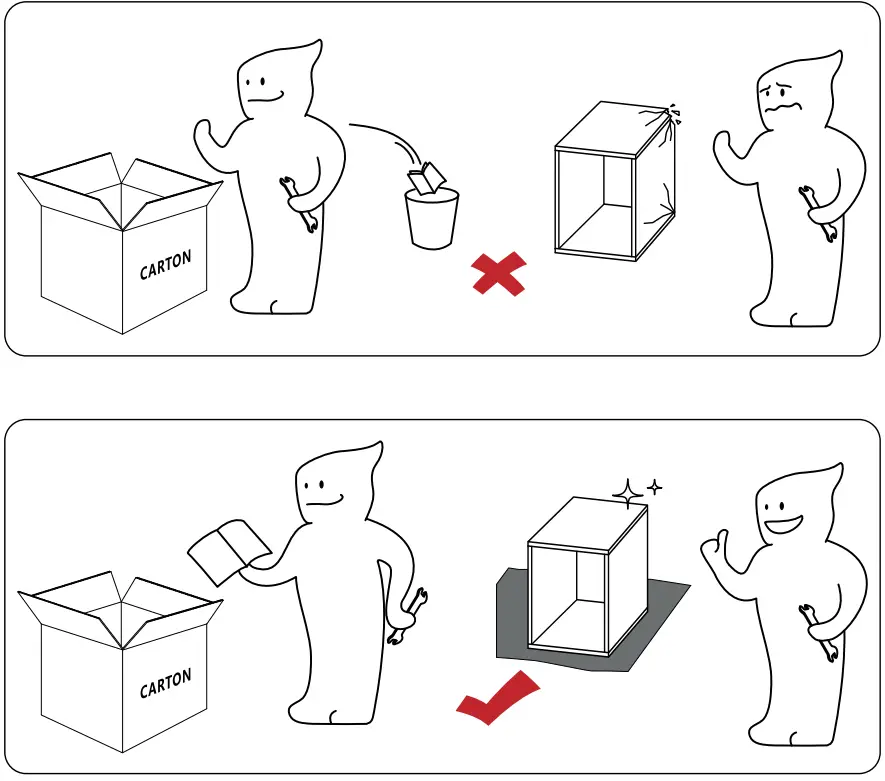
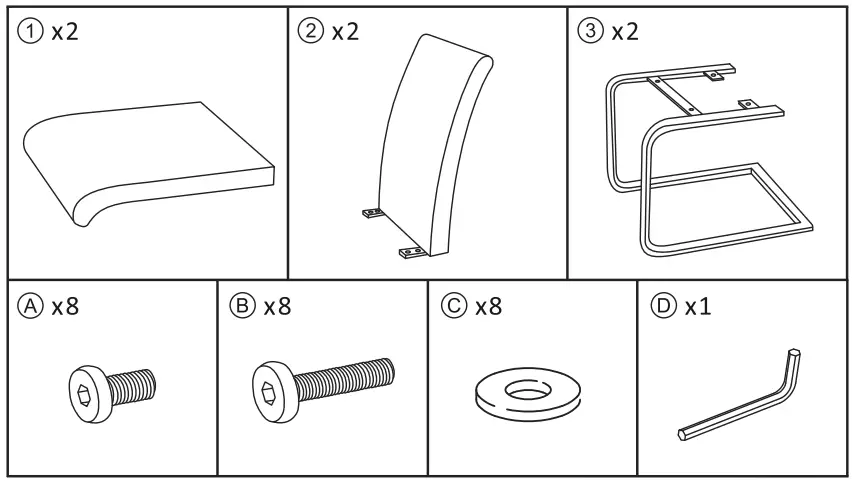
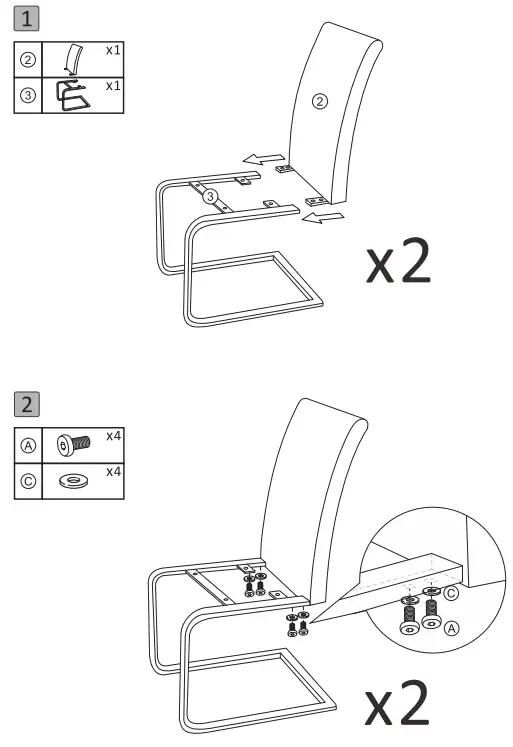
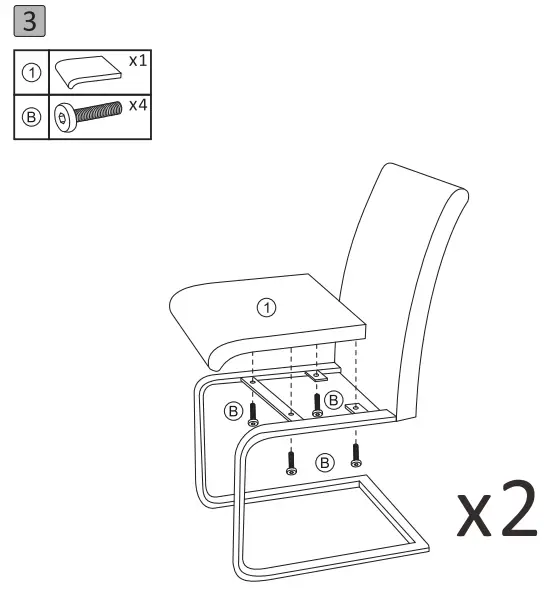
During the assembly, please first half-tighten all the screws into the holes. After all the screws are set, fully tighten them.
Maintenance
 | Velvet Vacuum your piece monthly to keep the velvet looking like new. Use a nylon brush to remove any dirt or food. Contact a professional annually for a deep clean. |
 | Stubborn Stains Blot stains with a damp cloth and a dash of dish soap. Wipe away excess water with a clean towel. Let the material air-dry fully before use. |
 | Additional Tips Vacuum to remove any loose crumbs or dirt. Have a pet? Use a lint roller to gather up any fur. |
Preventative Care
Potate pillows and cushions monthly to ensure even wear. Avoid placing your piece in direct sunlight to prevent fading. Add a slipcover. Most are machine-washable and can change up your style!
Maximum weight capacity: 136 kg/300 lb. 1 If you are not entirely satisfied with your purchase, please feel free to contact us using the following steps:
- Go to Your Orders.
- Find your order in the list.
- Select Problem with order.
- Choose your topic from list displayed.
- Select Contact seller.
You can also download the electronic Installation Manual from the Product guides and documents section of the advertising page.