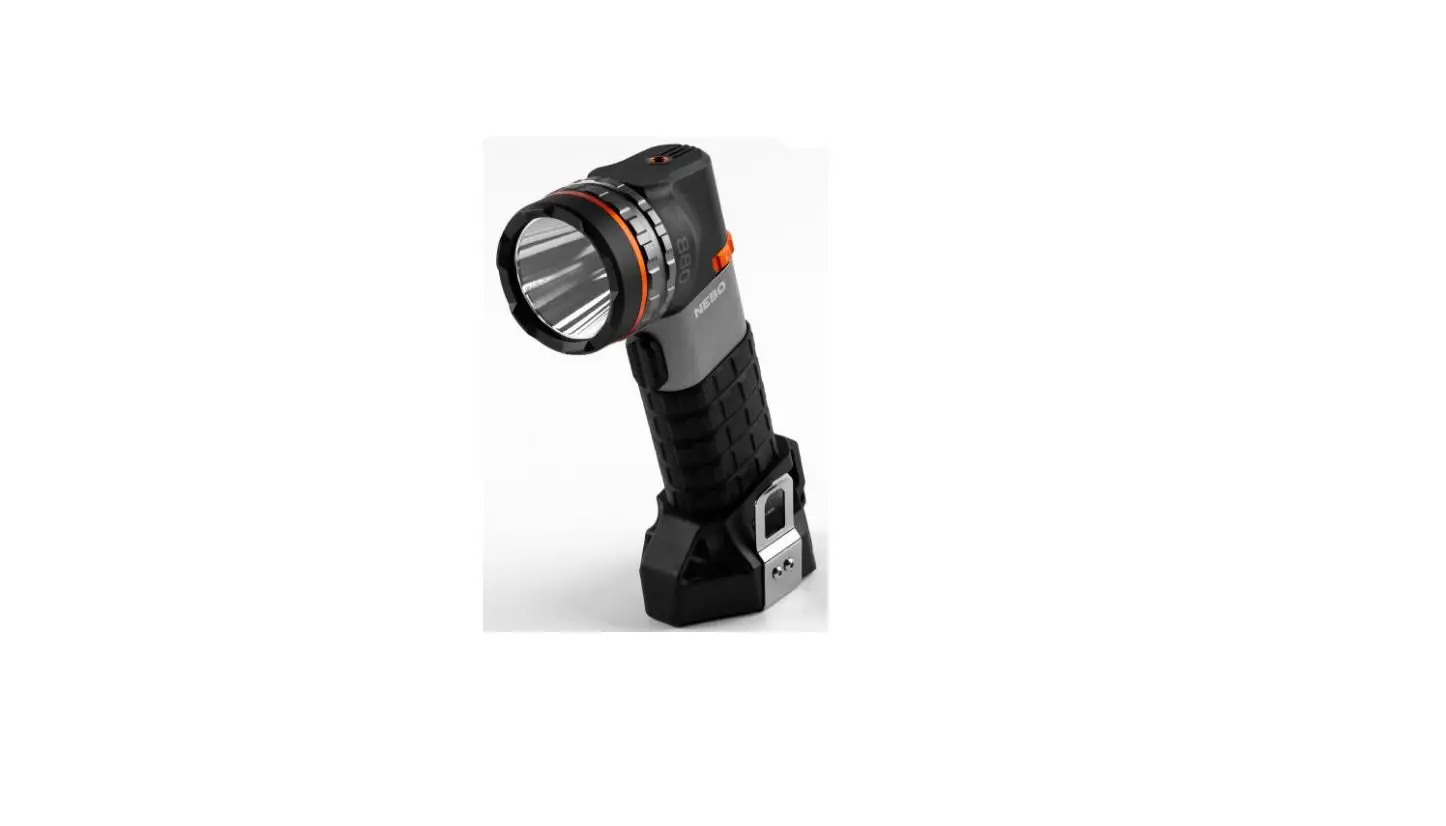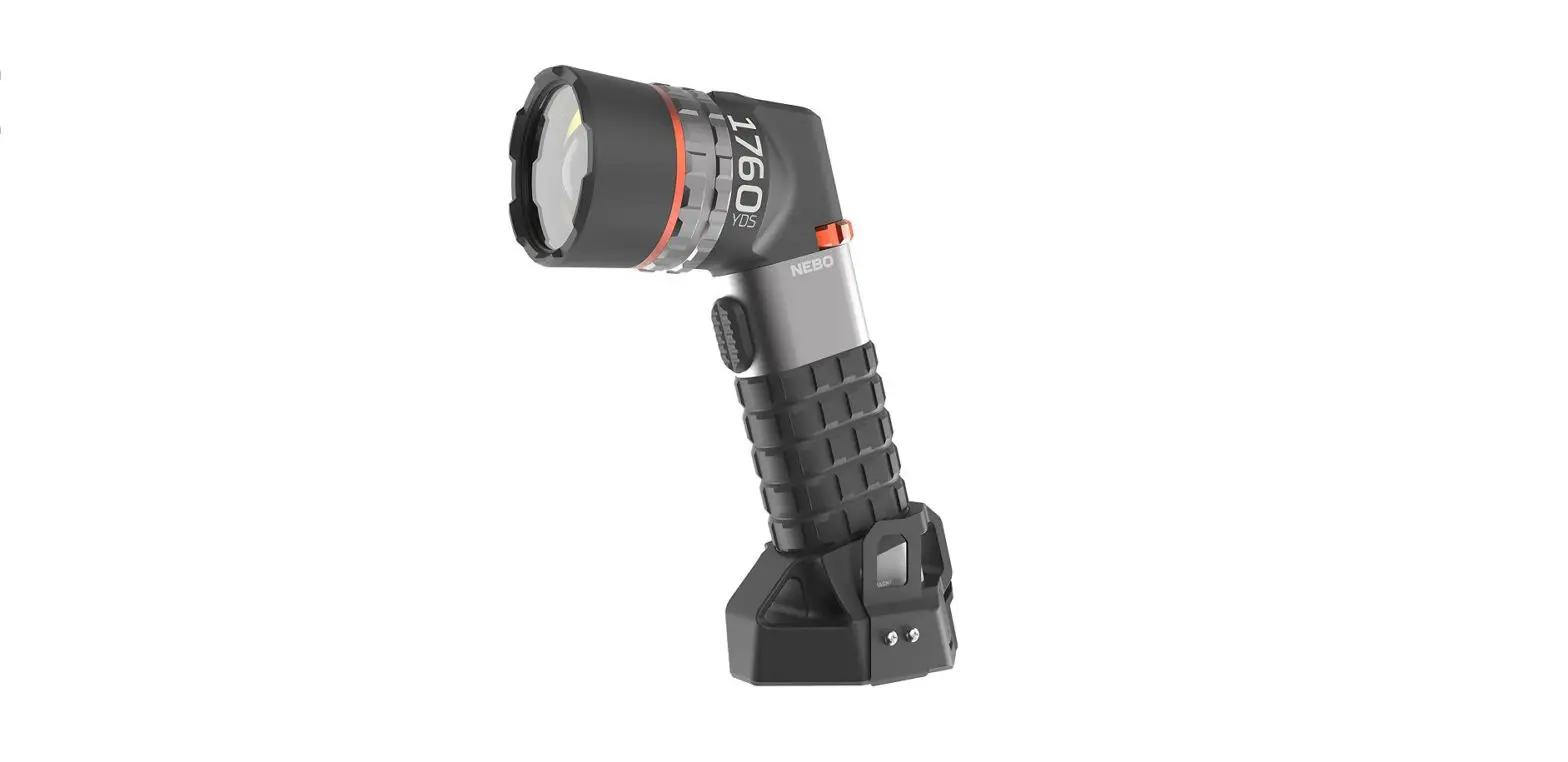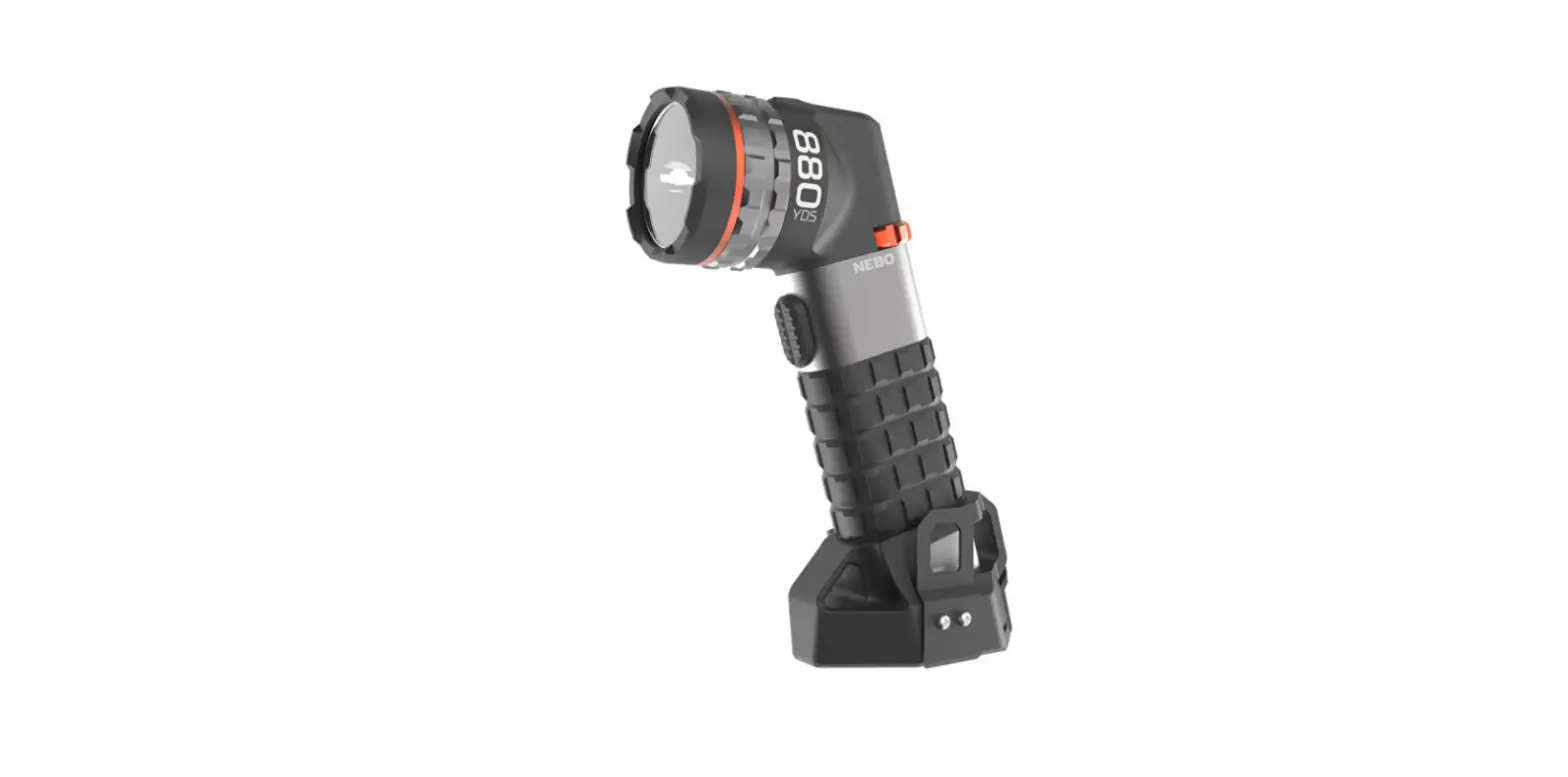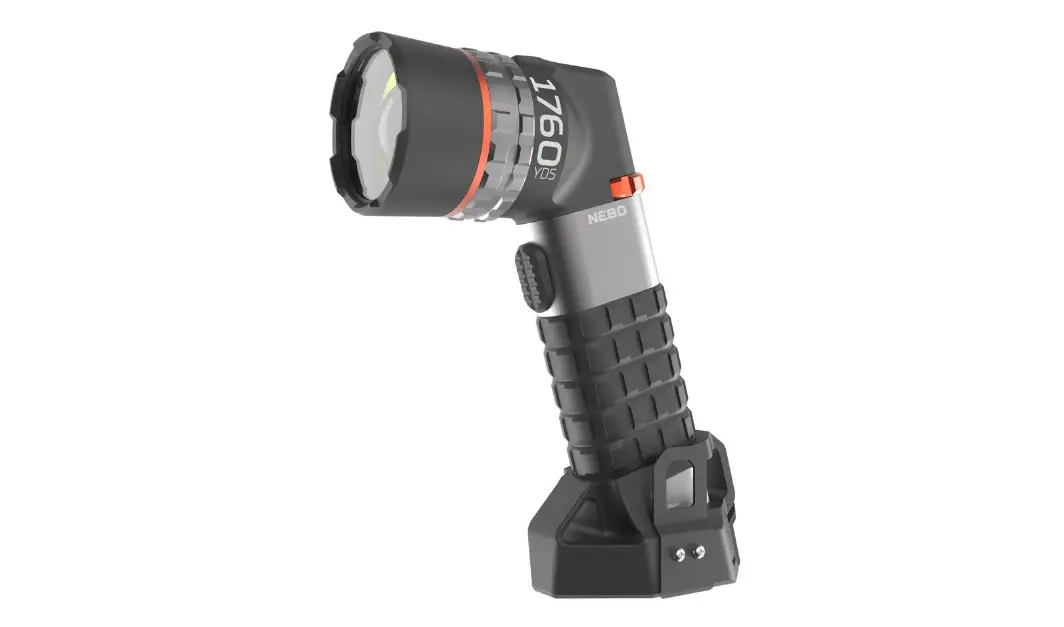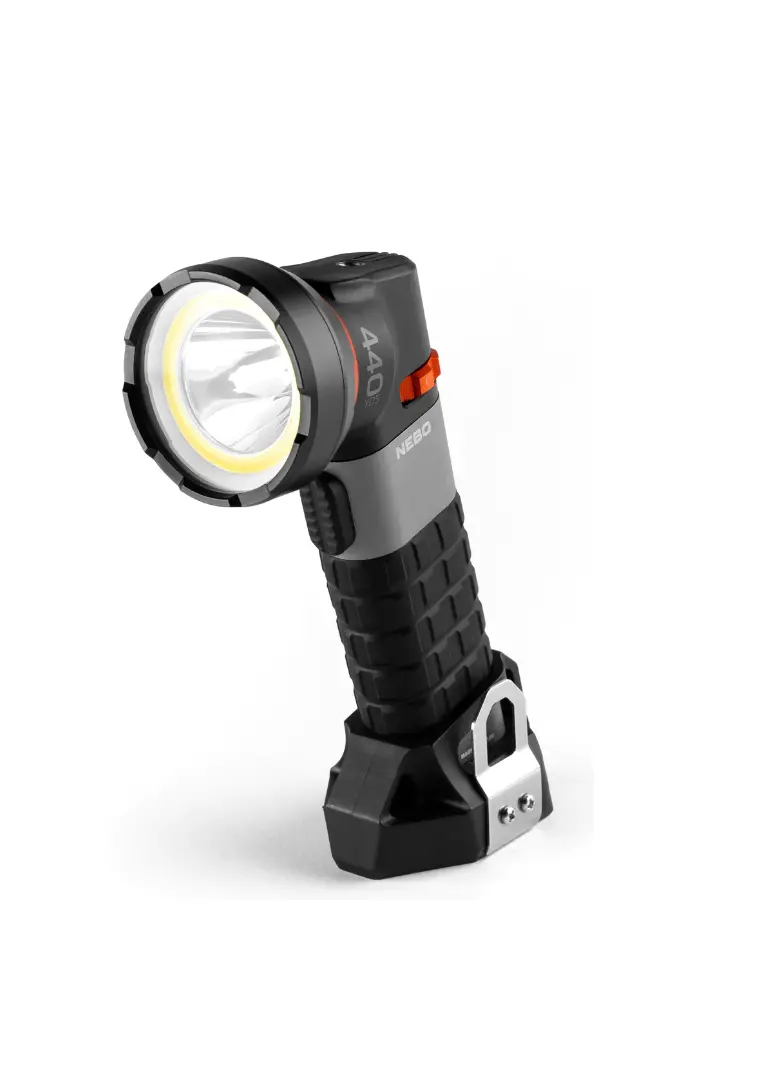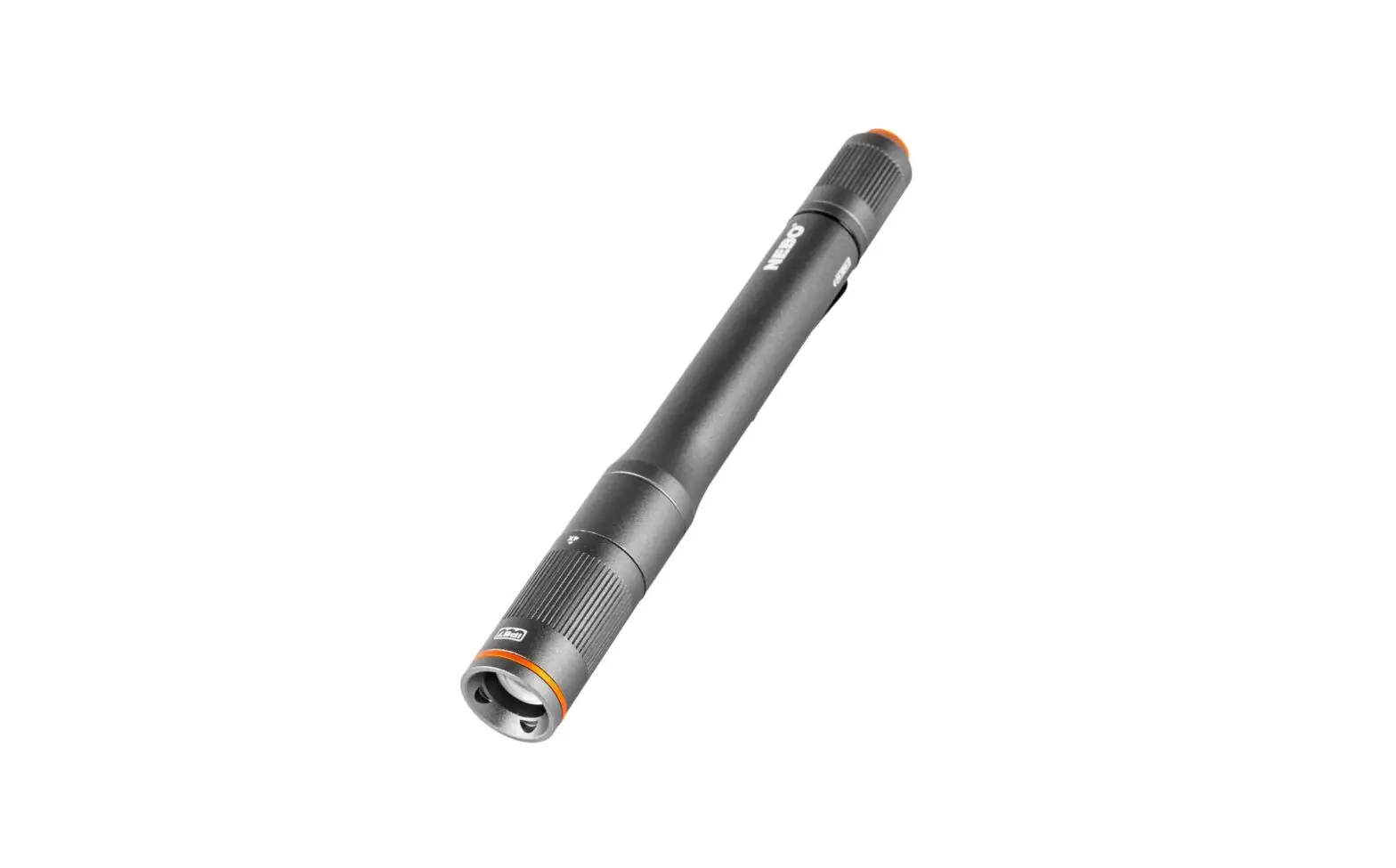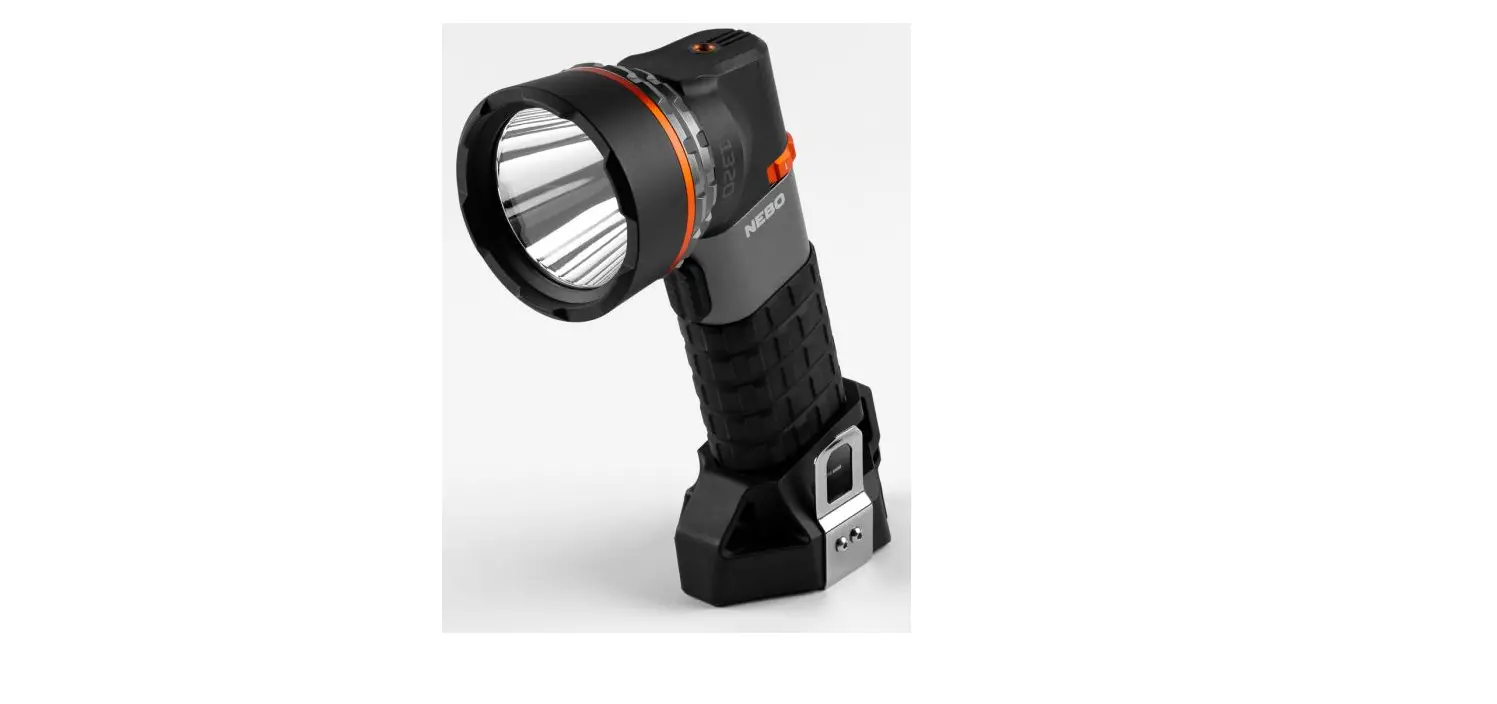

NEBO SL75 Luxtreme Rechargeable Spotlight
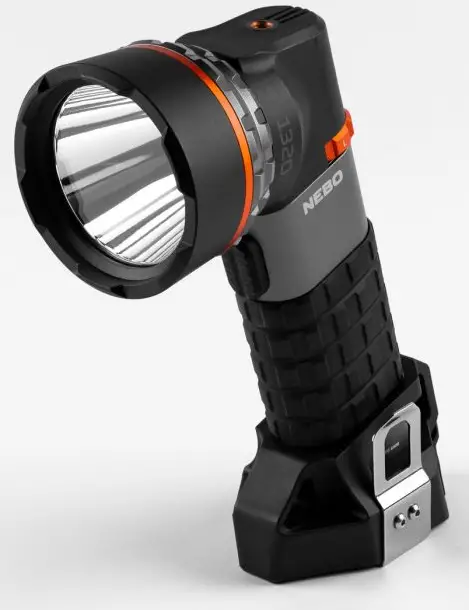
LUXTREME SL75
Our Luxtreme SL line of spotlights offer extraordinary beam distance and close-range flood pattern in an ergonomic and rugged design.
CONTINUOUS RUN WITH 12V ADAPTER
- USS Rechargeable
- Smart Power Control
- Magnetic Base
- Belt Clip
- 12V Adapter
- Tripod Mount
- IP67 Waterproof
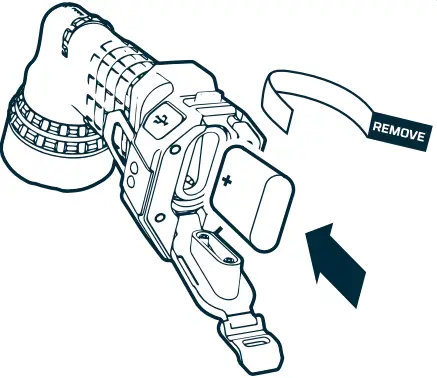
REMOVE BATTERY SPACER BEFORE OPERATION!
This unit uses a battery spacer during shipping. Remove before operation.
BATTERY COVER
To remove the battery, unlatch the Battery Cover.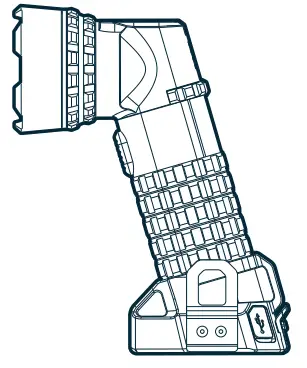
BATTERY
After removing the spacer, insert the battery positive ( +) side first.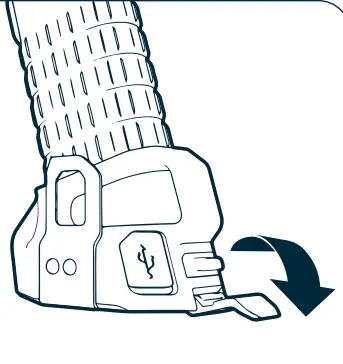
OPERATION
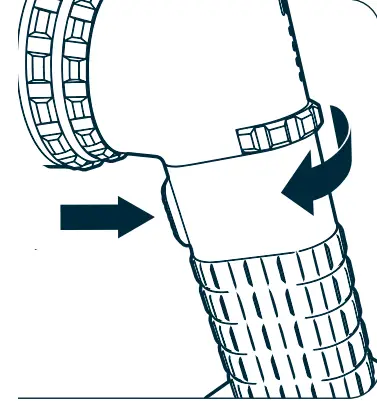
- Rotate the Mode Select Dial to cycle through light modes: Off > Low > Medium > High
- Press the Trigger Button to turn the unit on.
- Press again to turn Off.
- Smart Power Control (SP[) seamlessly transitions through light modes.
POWER INDICATOR
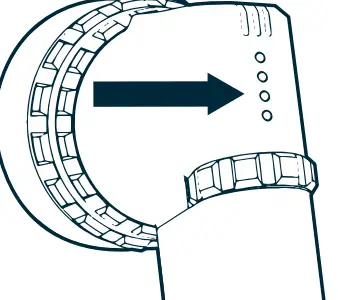
- This product uses 4 LED lights just above the Mode Select Dial.
- 100% battery: 3 green,
- 1 red 75% V battery: 2
- green, 1 red 50%
- battery: 1 green, 1
- red 25% battery: 1 red
- Press the trigger button while Mode Select Dial is in the Off position to show battery life.

CHARGING
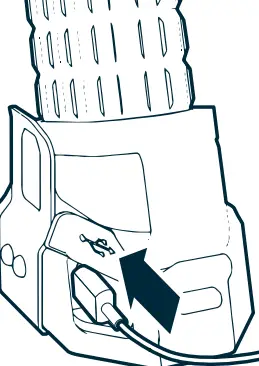
- Use the included charging cable to recharge the Luxtreme SL
- The last indicator light will flash when the unit is charging.
- When charging is complete, all indicators will light continuously.

BELT CLIP
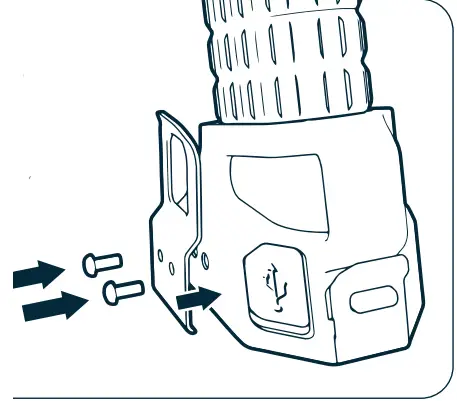
The Belt Clip is designed so that it can be mounted on either side of the base. Simply screw the Belt Clip in the desired position.