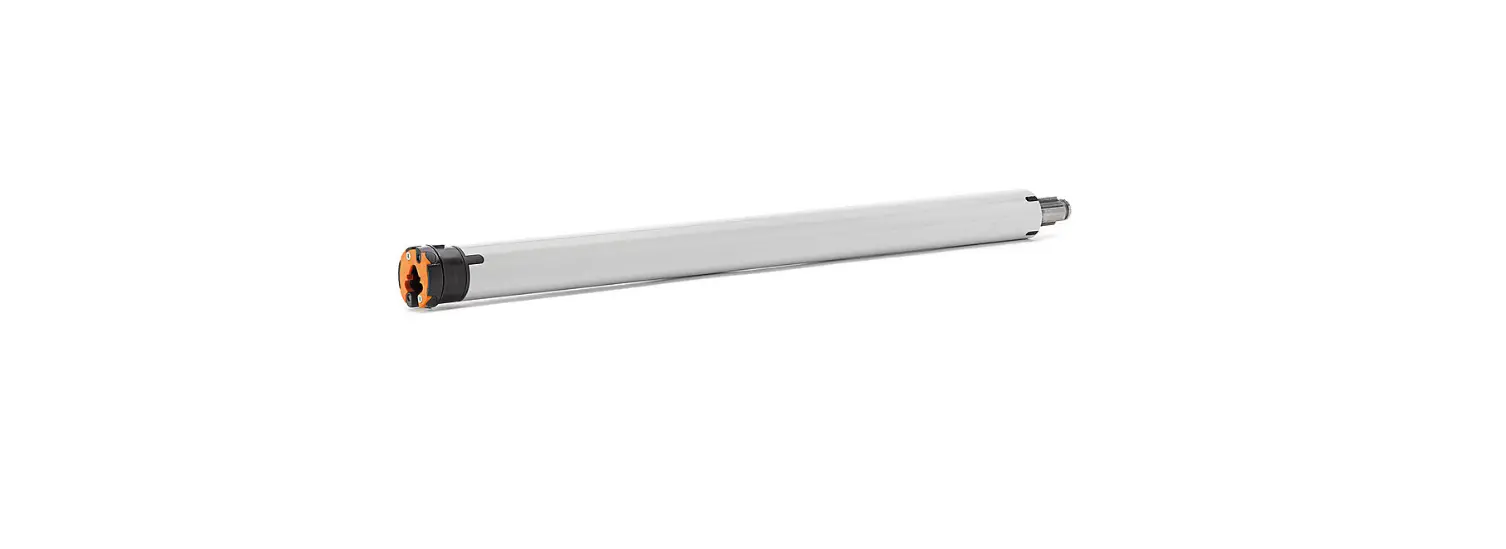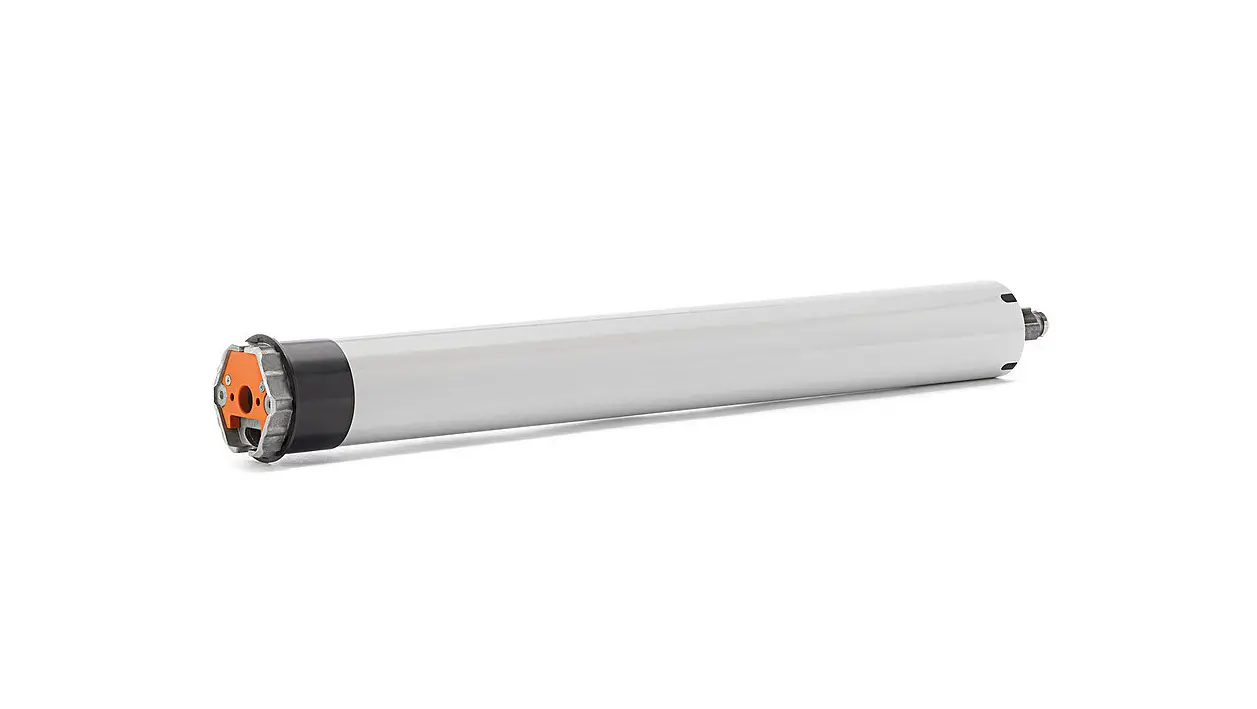
aloytHe Tubular Roller Shutter Motor Instructions
SAFETY NOTE
- This appliance can be used by children aged from 8 years and above and persons with reduced physical, sensory or mental capabilities or lack of experience and knowledge if they have been given supervision or instruction concerning use of the appliance in a safe way and understand the hazards involved.
- Children shall not play with the appliance.
- Cleaning and user maintenance shall not be made by children without supervision.
- If the supply cord is damaged, it must be replaced by the manufacturer, its service agent or similarly qualified persons order to avoid a hazard.
- WARNING: the drive shall be disconnected from its power source during cleaning, maintenance and when replacing parts.
- The instructions shall state that the A-weighted emission sound pressure level of the drive is equal to or less han 70 dB(A), e.g. by writing LpA ≤ 70 dB(A).
- The mass and the dimension of the driven part shall be compatible with the rated torque and rated operating time.
- The type of driven part the drive is intended for.
- WARNING: Important safety instructions. It is important for the safety of persons to follow these instructions. Save these instructions.
- Do not allow children to play with fixed controls. Keep remote controls away from children.
- Frequently examine the installation for imbalance and signs of wear or damage to cables and springs. Do not use if repair or adjustment is necessary.
- Watch the moving shutter and keep people away until he shutter is completely closed.
- WARNING: Important safety instructions. Follow all instructions, since incorrect installation can lead to severe injury.
- Before installing the drive, remove any unnecessary cords and disable any equipment not needed for powered operation.
Features
- Mechanical Limit
- Switch Control
- External Controller
Fields of Application
| Scope of application Motor model | 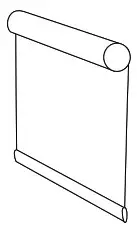 Roller Blinds Roller Blinds | 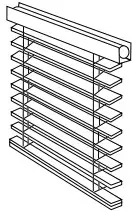 Wooden Venetian Blinds Wooden Venetian Blinds | 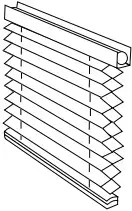 Honeycomb Blinds Honeycomb Blinds | Pleated Blinds | 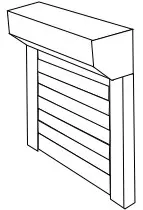 Roller Shutter Roller Shutter | 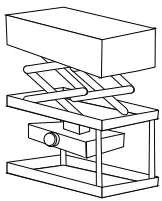 Projector Lift Projector Lift | 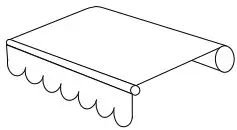 Awning Awning |  Roller Door Roller Door |
| DM35S | √ | √ | √ | √ | ||||
| DM35SD | √ | √ | √ | |||||
| DM45S | √ | √ | √ | |||||
| DM45S/N | √ | √ | √ | |||||
| DM45SD | √ | √ | √ | |||||
| DM59S | √ | √ |
Specifications
| Working Temperature: -20℃ ~ +60℃ | Rated Voltage: 230V/50Hz |
Following data for reference
| Model | Rated Torque (N.m) | Rated Speed (rpm) | Rated Power (W) |
| DM35S-10/17 | 10 | 17 | 121 |
| DM35SD-10/17 | 10 | 17 | 121 |
| DM45S-50/12 | 50 | 12 | 205 |
| DM45S/N-50/12 | 50 | 12 | 191 |
| DM45SD-20/15 | 20 | 15 | 145 |
| DM59S-120/9 | 120 | 9 | 350 |
- For reference only.
Attention
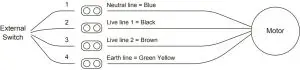
Never drop, knock, drill or submerge the motor. Keep the power cable in right position as following. Important safety instructions to be read before installation. Incorrect installation can lead to serious injury and will void manufacturer’s liability and warranty.

Wiring
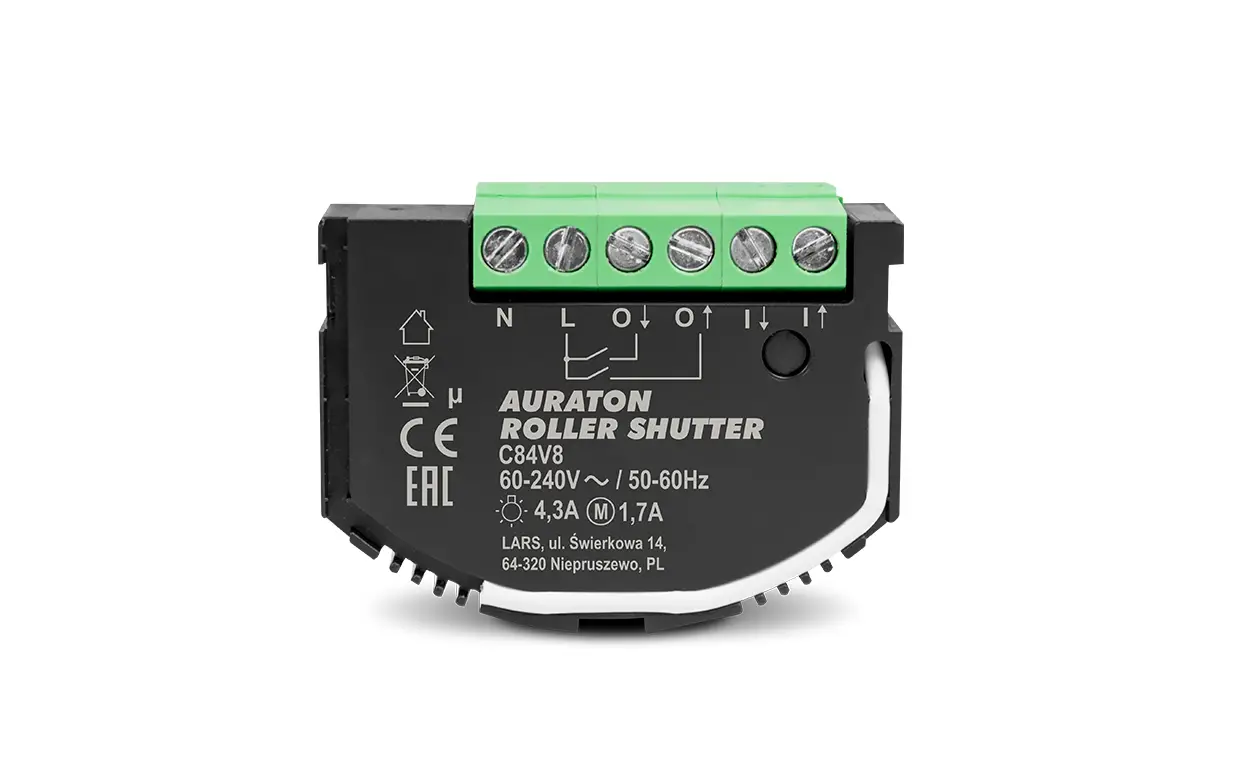
Four wires: 230V/50Hz
Motor Installation
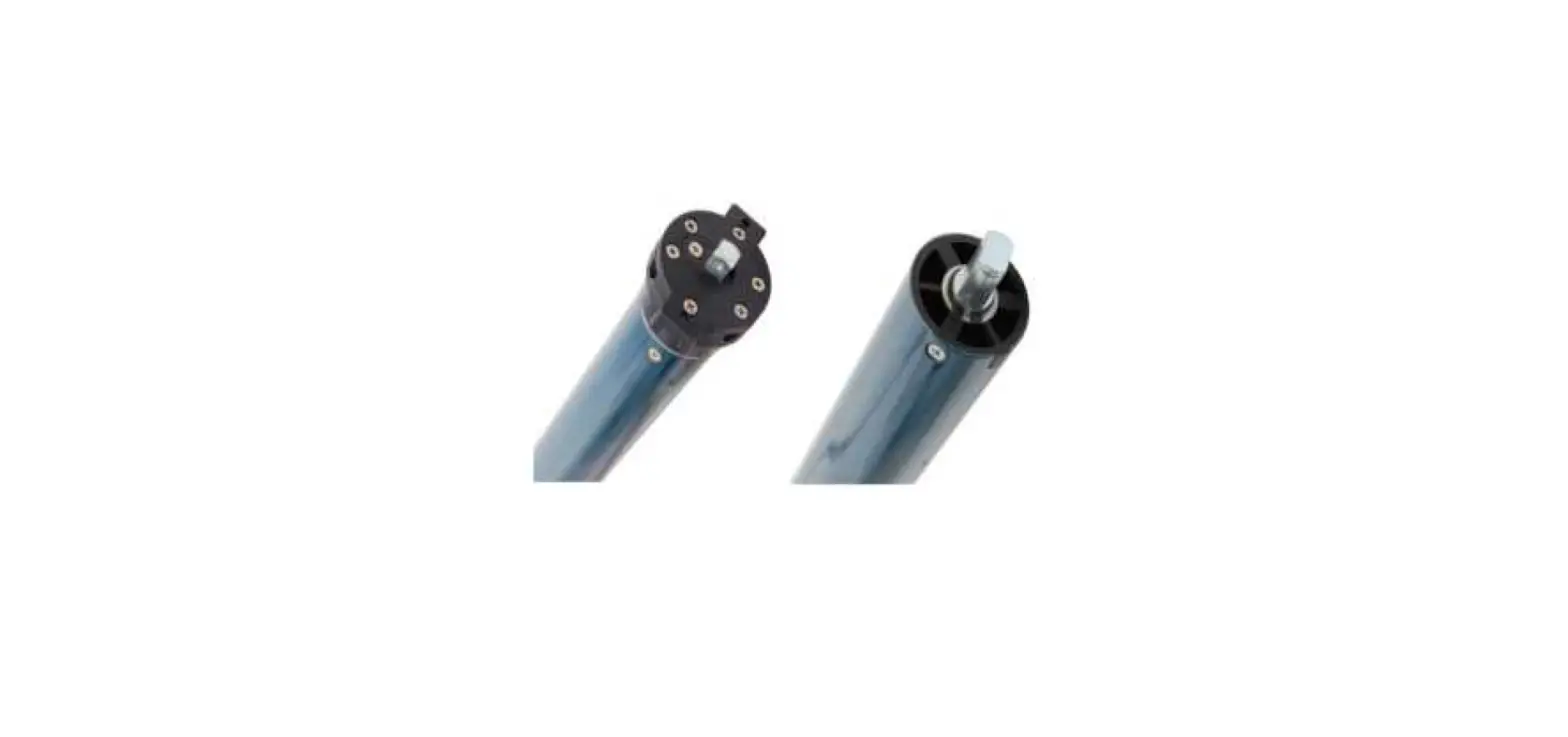
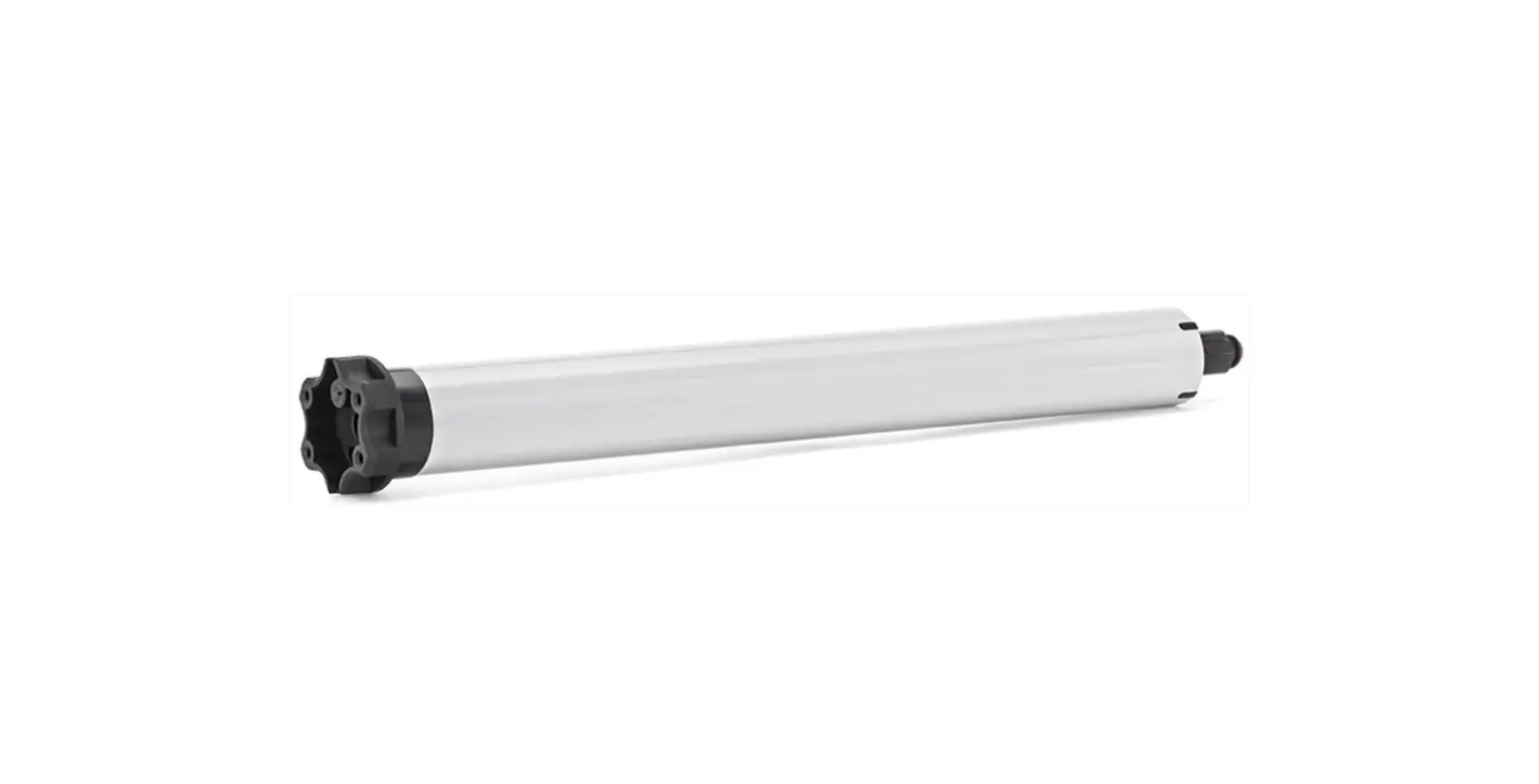
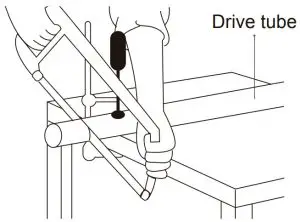
- Step 1 : Cut drive tube to required length.

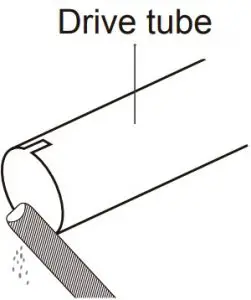
- Step 2 : Ensure tube edge is clean and burr-free

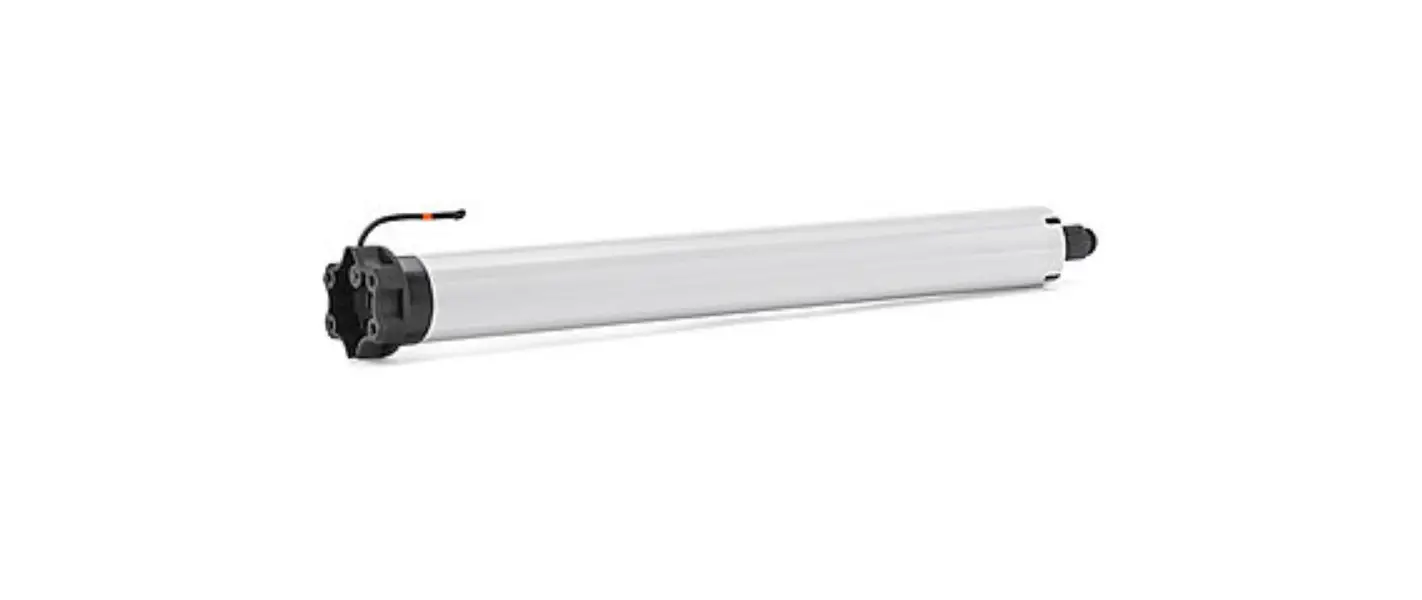
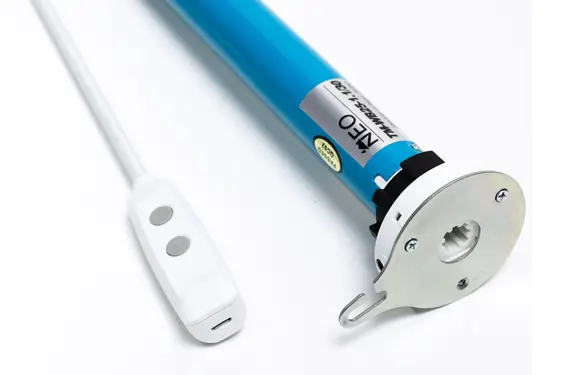
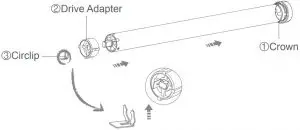
- Step 3 : Mount correct crown & drive adapter on the motor. Make sure drive adapter fits firmly and crown rotates freely.

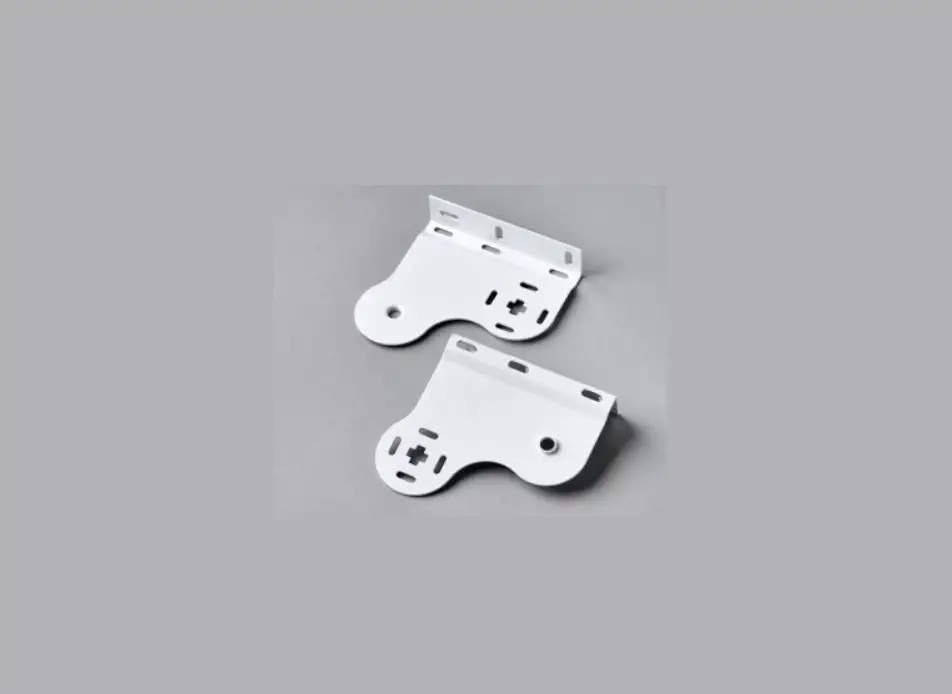
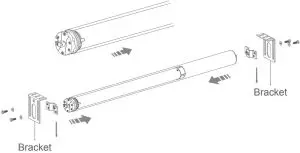
- Step 4 : Align the notches on the crown and drive adapter with the drive tube, slide and fit the motor into drive tube. Mount idler and bracket on both ends.

Caution
- Do not expose motor to humid, damp or extreme temperature conditions.
- Do not drill into motor.
- Do not cut the antenna and keep it clear from metal objects.
- Do not allow children to play with this device.
- If power cable or connector is damaged, do not use.
- Ensure correct crown and drive adaptor are used.
- Ensure power cable and aerial is clear and protected from moving parts.
- Cable routed through walls shall be properly isolated.
- Motor is to be mounted in horizontal position only.
- Before installation, remove unnecessary cords and disable equipment not needed for powered operation.
- Installation and programming to be performed by a qualified professional, use or modification outside the scope of this instruction may void warranty.
Common Controller
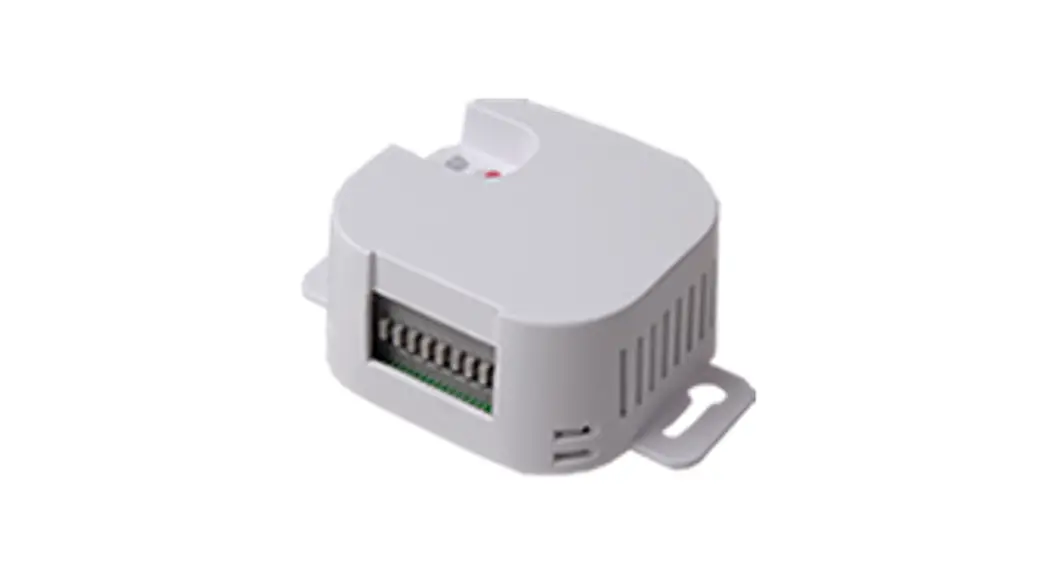
- DC227 Wall receiver

- DC1680 Wall receiver

- DC50 External receiver

- DC177E Dry contact external receiver

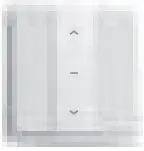
- DC866 Wall switch

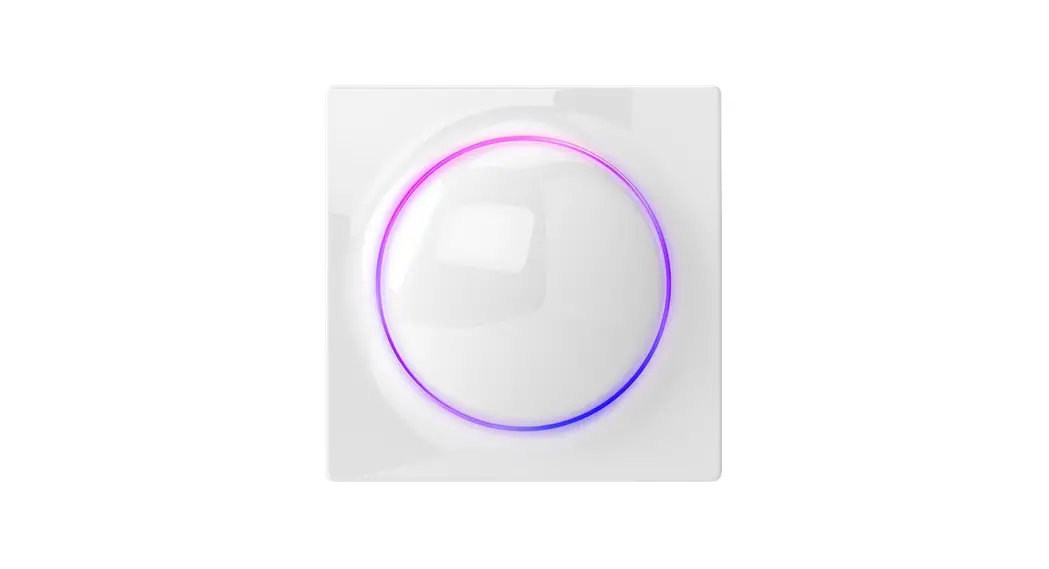
- DC2601 Glass panel switch

- DC134 Waterproof four-way controller

- DC509 Four-way controller

Upper and Lower Limits Setting
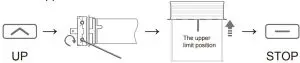
- Set upper limit
Press UP, motor runs upwards, when it is necessary to increase the upward distance, use a special adjustment lever to rotate the white worm toward the “+” direction, operate the motor to desired upper position, immediately stop rotating the white worm and press STOP once to set the upper limit successfully.
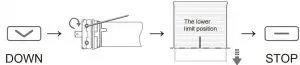
- Set lower limit
Press DOWN, motor runs downwards, when it is necessary t increase the downward distance, use a special adjustment lever to rotate the red worm toward the “+” direction, operate the motor to desired lower position, immediately stop rotating the red worm and press STOP once to set the lower limit successfully.
Quick Index
| Settings | Steps | |
| 1 | Upper and Lower Limits Setting | Set upper limit Up → Stop |
| Set lower limit Down → Stop |
Troubleshooting
| Issues | Possible causes | Solution |
| The motor has no response | Power Failure Or Incorrect Connection | Double check power and cable connections, follow wiring instructions. |
| The motor doesn’t run or starts too slowly or make loud noise | Connections are incorrect. | Check connections |
| Incorrect installation or overload | Check installation or overload | |
| The motor stops during the going up or going down. | The motor has reached the lower limit | Adjust the new lower limit |
| Running time exceeds 4 min | Consult the sales for more information |