COMAP L151002001 Smart Home Thermostat User Manual


Switch on the COMAP Smart Home thermostat
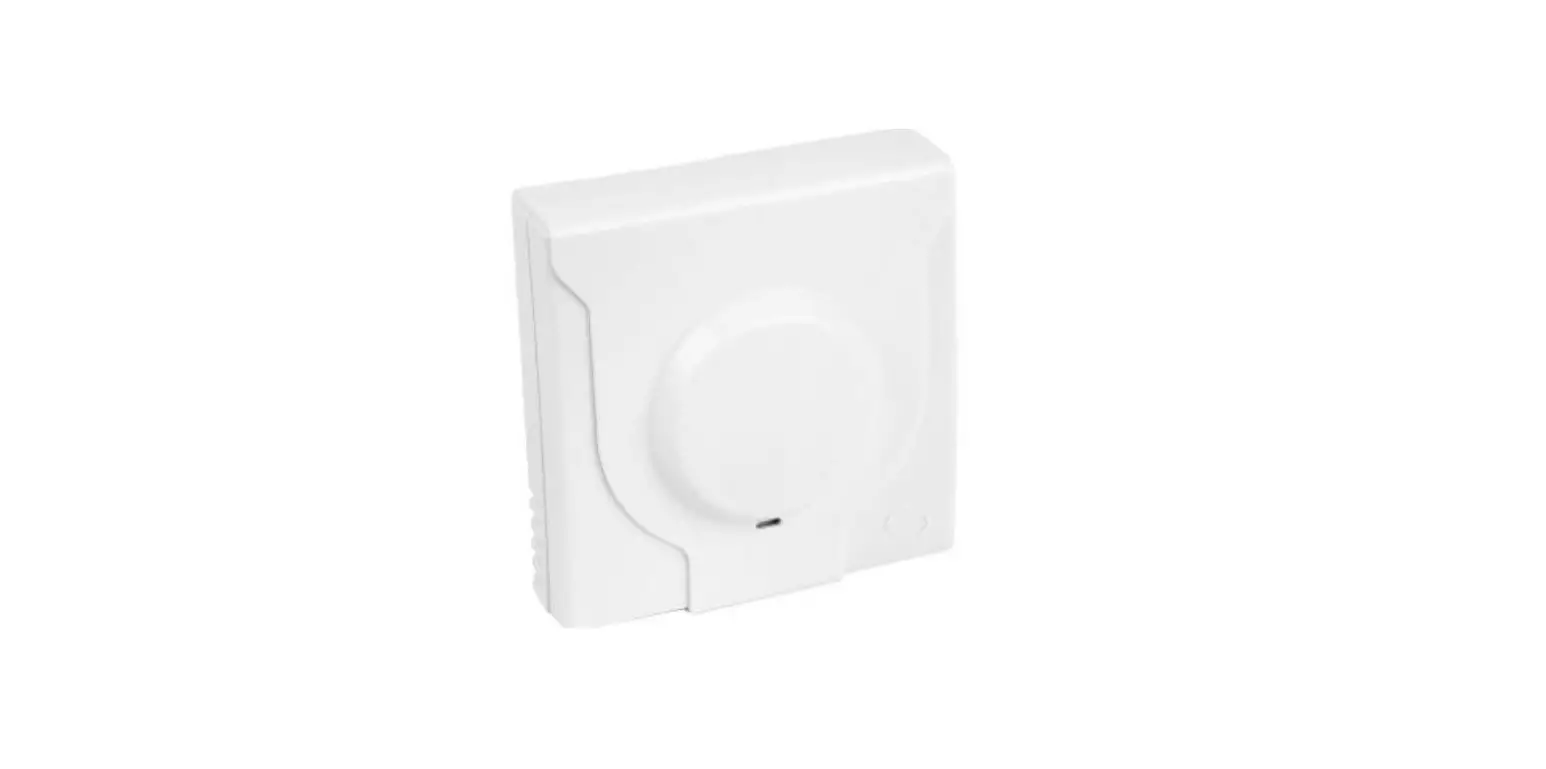
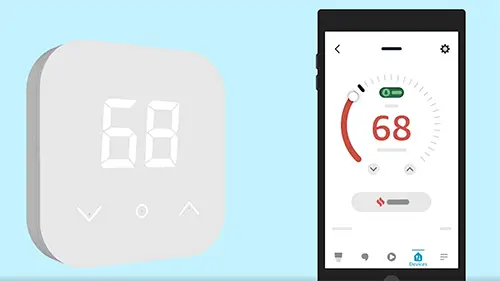
- Touch the centre of the product (Menu) with the palm of your hand.

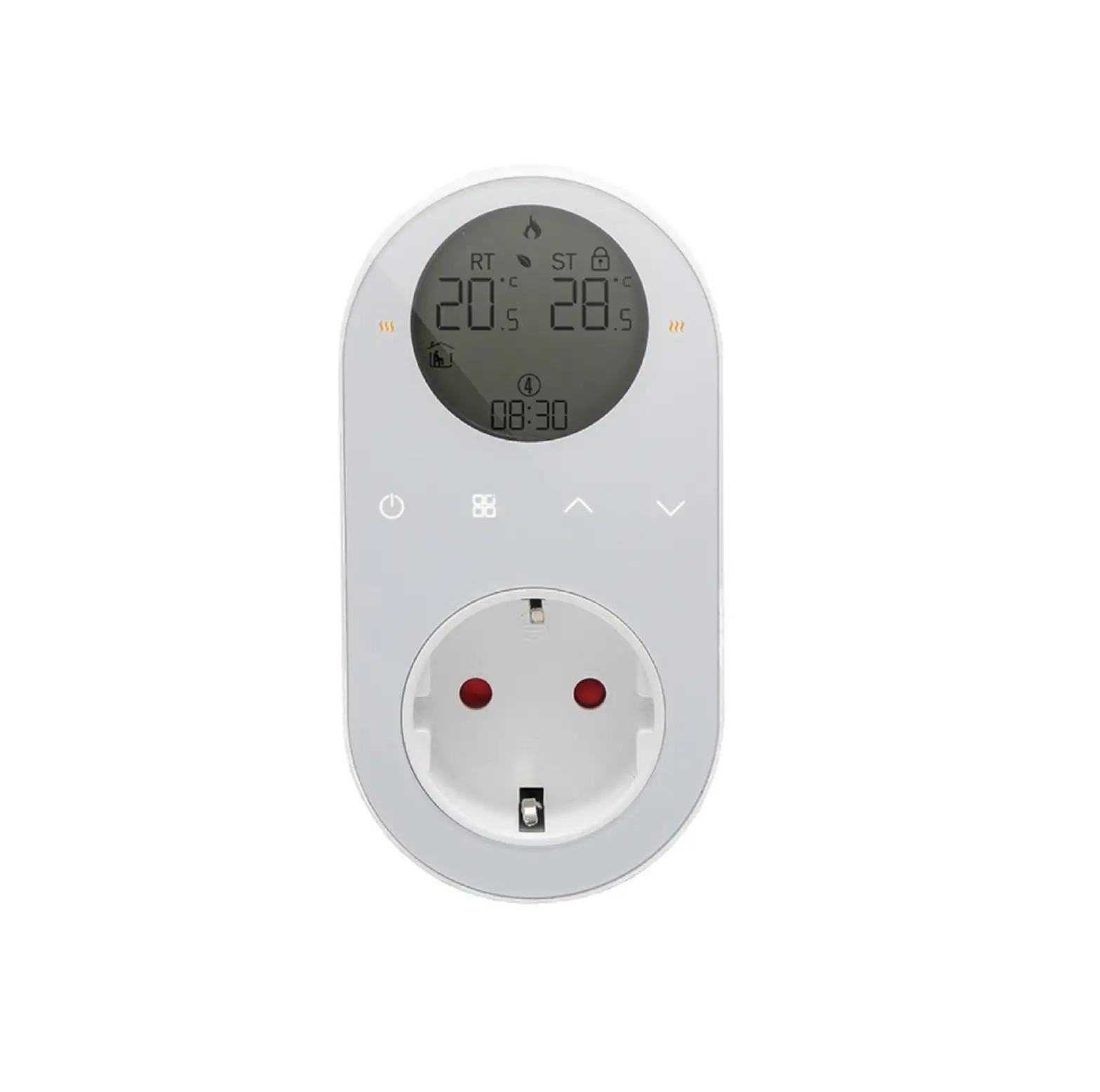
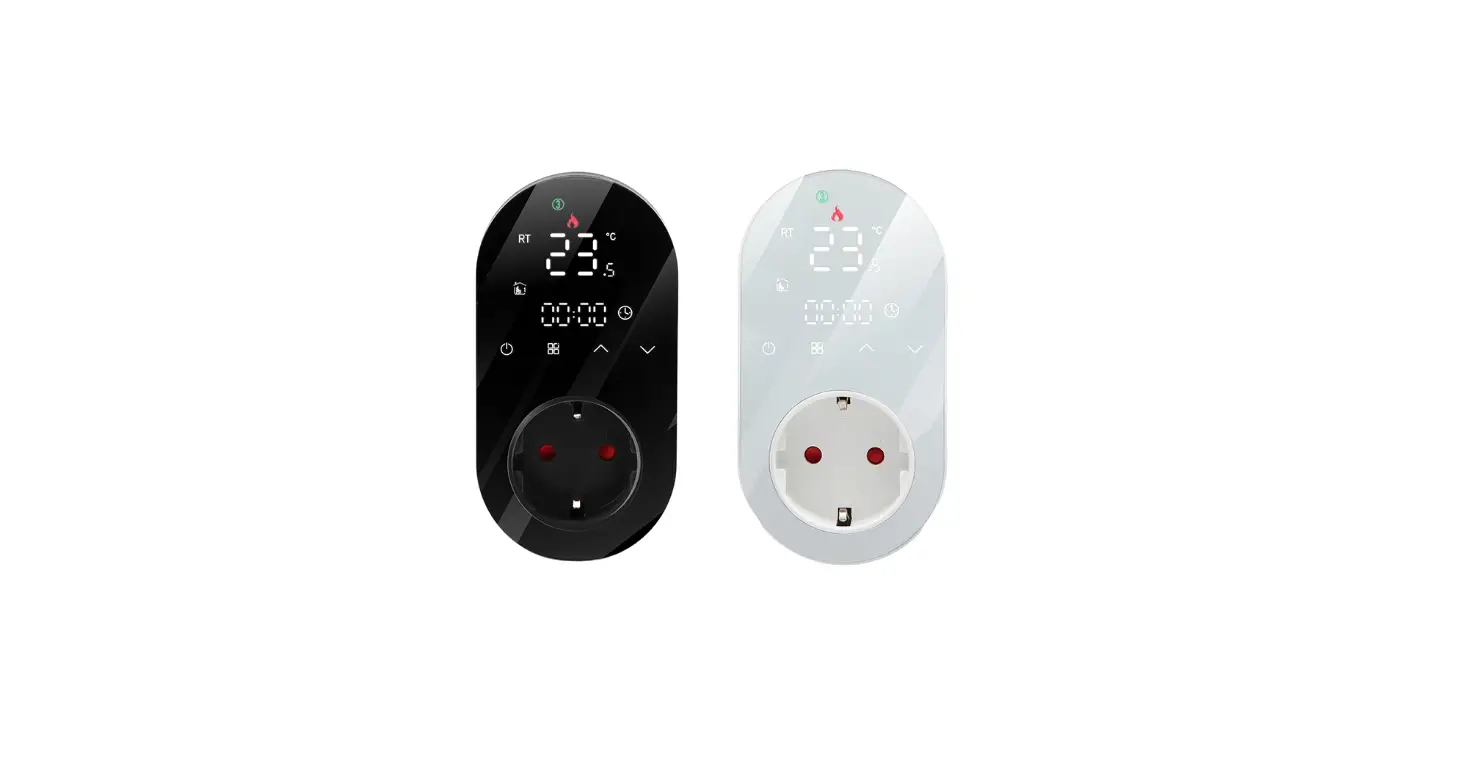
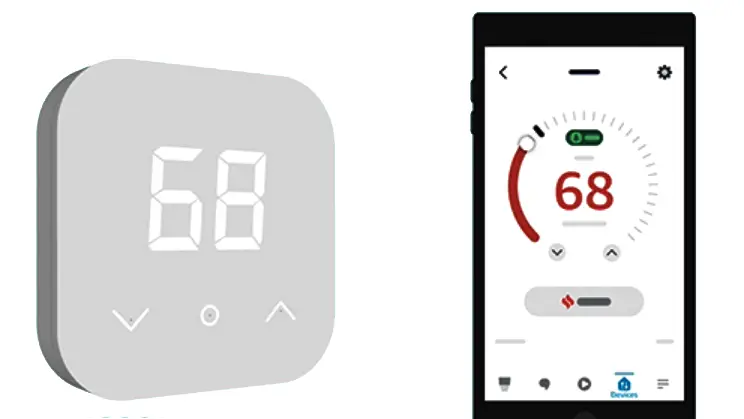
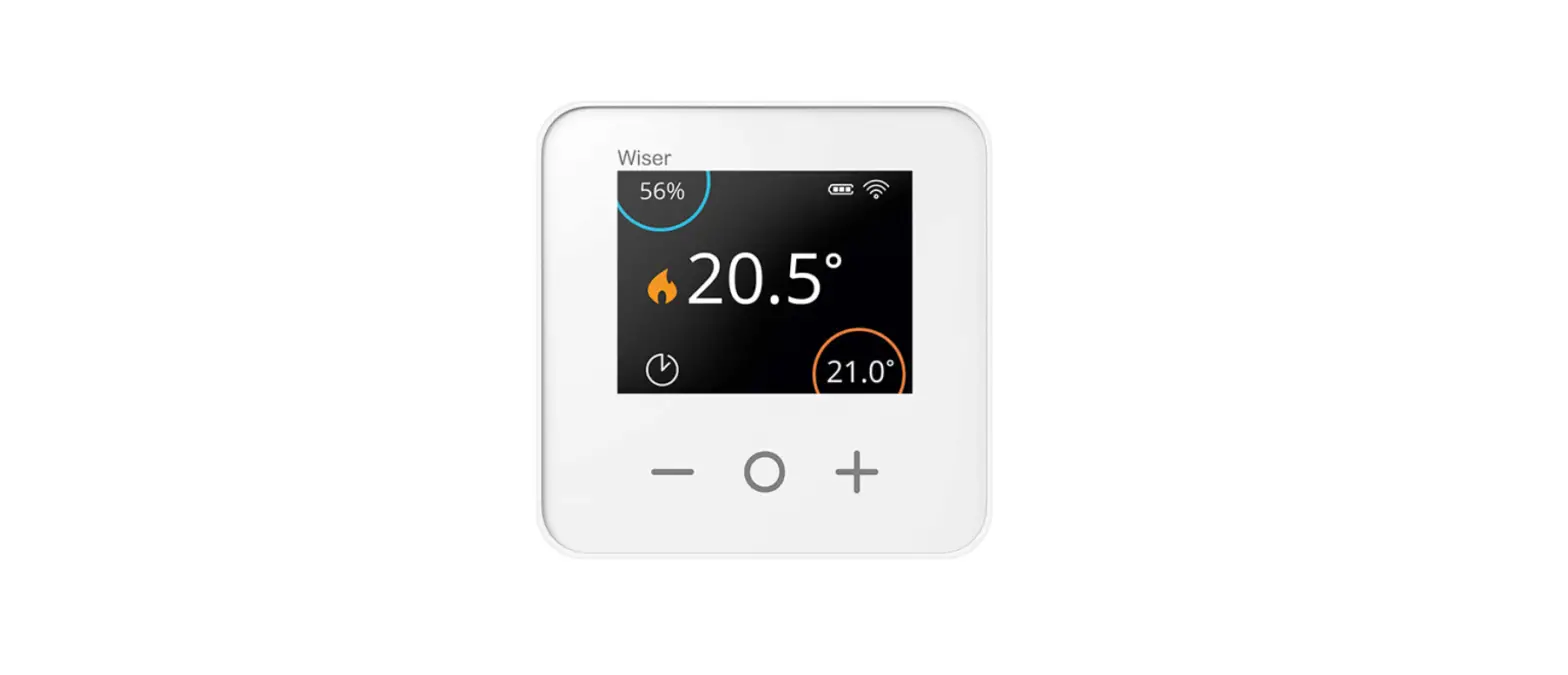
- Room temperature display
The room temperature appears
- Setpoint display
The setpoint temperature and the heating status appear.
- Green sensor
The sensor indicates the heating status. Green: Heating of
- Red sensor
The sensor indicates the heating status. Red: Heating in progress
- Decrease the setpoint
Press the arrow on the left.
- Decreased setpoint
If you have decreased the setpoint sufficiently, a “standby” symbol appears, indicating that the command has been registered and that the heating will stop imminently
- Increase the setpoint
Press the arrow on the right.
- Increased setpoint
If you have increased the setpoint sufficiently, a “flame” symbol appears, indicating that the command has been registered and that the heating will start imminently.









COMAP Smart Home
Autonomous version