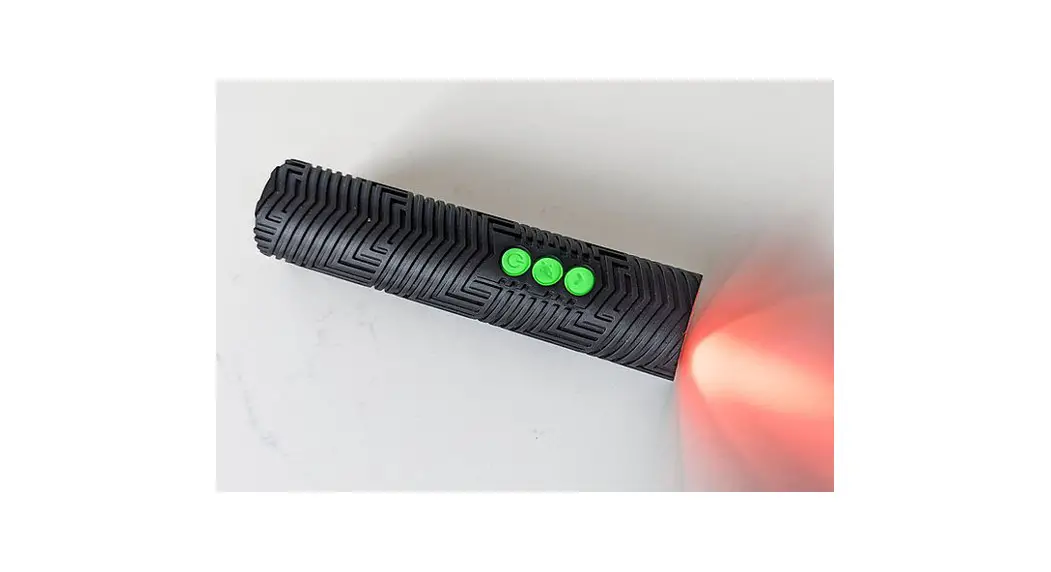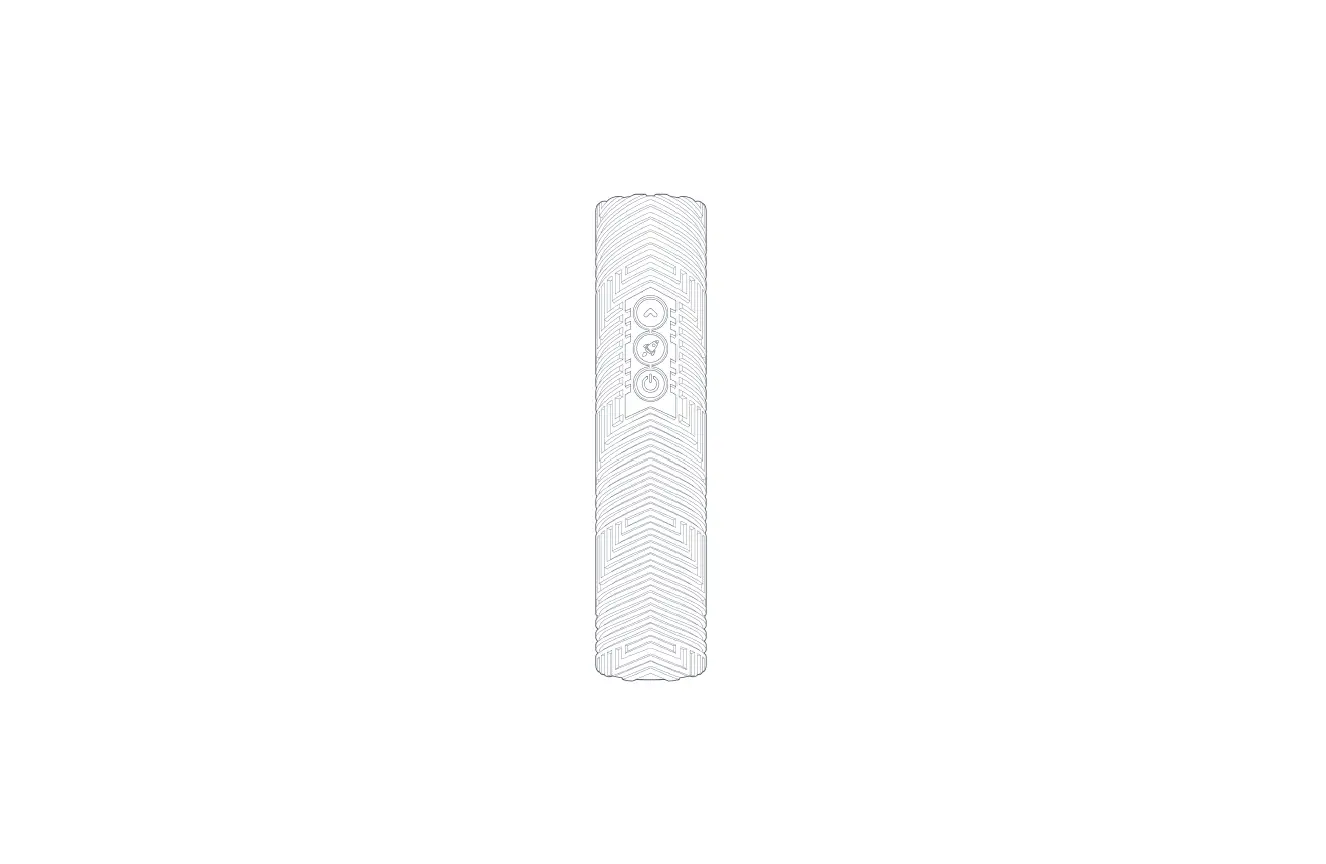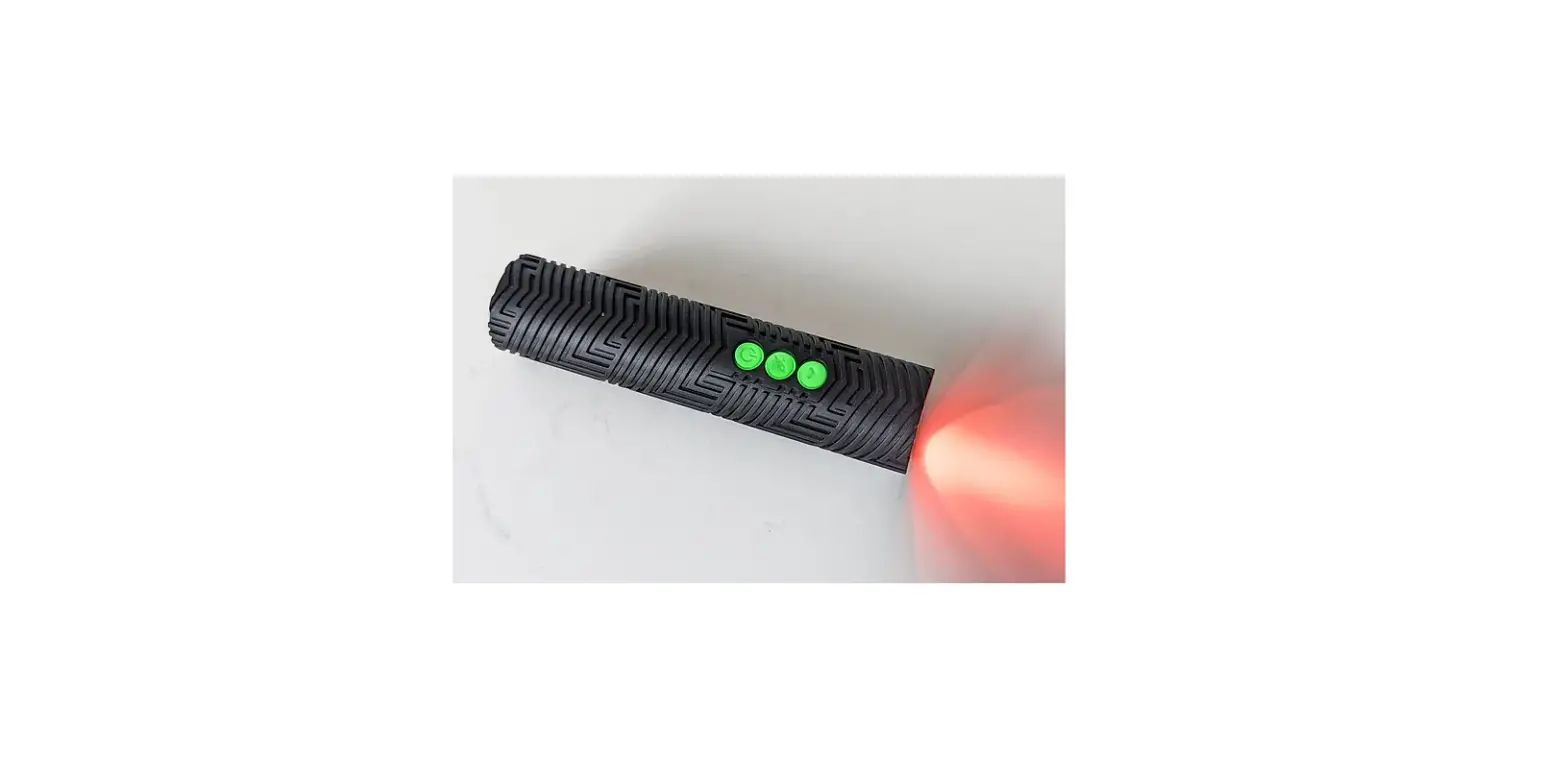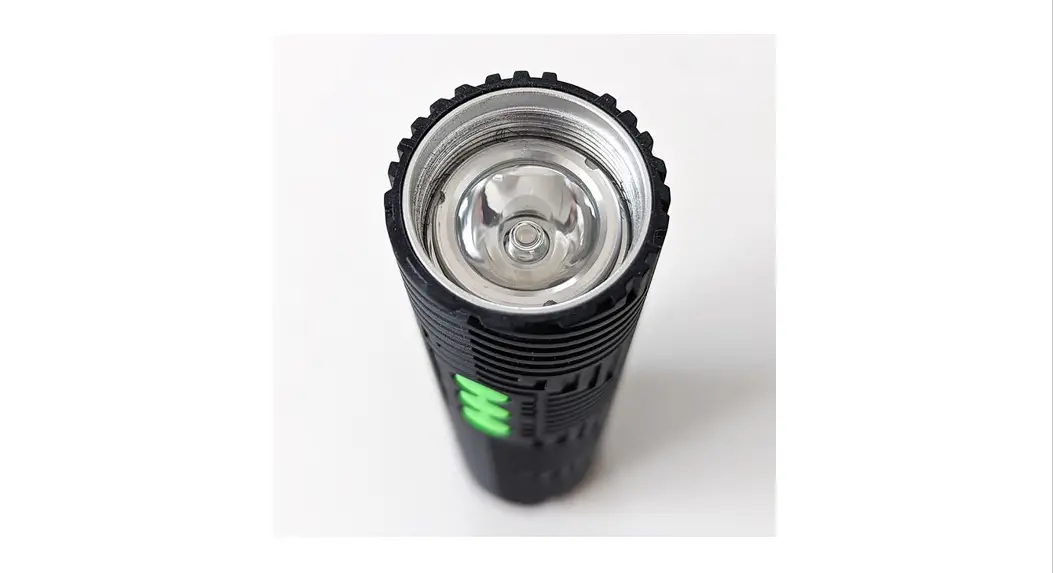

on a melon RGB CRITTER 2.0
User Manual
RGB CRITTER 2.0
MAIN MENU (ml-m9)
- The RGB Critter’s Main Menu consists of 9 different modes (ml—m9) that you can explore using the Arrow and Rocket buttons. These 9 modes are organized using the colors of the rainbow (see Main Menu graphic below). Each mode is either a solid color (m1) or a repeating pattern of fades and/or strobes (m2—m8). The Rainbow Road (m9) contains 30 of our favorite presets.
RETURN TO MAIN MENU (ml-m9)
- If at any point you want to return to the Main Menu (ml—m9), hold the Power button until the LED starts pulsing red.

SOLID COLORS (m1)
- ml contains 39 solid color options. To view these solid color options, find ml (color: white) and hold the Arrow button until the LED turns off and on and you see the color white. You are now able to explore the 39 colors using the Arrow and Rocket buttons.

ACCESSING PRESETS
- Each mode ml—m8 contains 8 presets. The presets use the same pattern as the selected mode (ml—m8). For example, m2 is the “fade mode” (1 color fading into the next, then repeat). If you want to view more “fade mode” presets, you will access them within the presets of m2.
- To view presets of m2—m9, navigate to the desired mode and use a short hold of the Arrow button until the first preset loads. Explore the presets using the Arrow and Rocket buttons.
- The Rainbow Road (m9) contains up to 30 presets. The Rainbow Road’s presets are a combination of presets sourced from ml—m8.
EXTRA INFORMATION
- When turning on the Critter for the first time, or after a factory reset, you will be viewing ml (solid color: white). The Critter will always turn on in the last mode or preset used when it was turned off.
- Soft Reset (If you’re lost, do this) If you’re ever lost, turn off your RGB Critter and hold the Power button until the Critter turns on in ml (color white).
BASIC FUNCTIONALITY
| basic function | Current state | buttons | buttons | buttons |
| lock / unlock | on / off |  | press same time + release | lock: red 3x unlock: green 3x |
| turn on / off | on / off |  | press | |
| navigate up / navigate down | on |  | press | |
| activate presets m1—m8 each contain 8 presets m9 contains 30 presets | ml—m9 (Main Menu) |  | hold until LED pulses white (to access presets in ml, repeat this step 2x) | loads 1st preset of ml—m9 |
| exit to Main Menu (ml—m9) | on | | hold until LED pulses red | |
| check battery level | off | | short hold (1.5s) |  |
| battery charging indicator | off, plugged into charging source | button LEDs pulse | ||
| fully charged battery indicator | off, plugged into a charging source | button LEDs blink every 10 sec. |
EXTRA FUNCTIONALITY
| extra functionality | Current state | buttons | hold / press | LED function |
| LED function: PWM (default setting) or Analog “patent pending” PWM: beautiful:II:seers’ in fiber optics. ideal for light whippers Analog: vivid and rich colors. ideal for light painters | on |  | press | PWM: white 1 sec. Analog. red 1 sec. |
| increase preset pattern speed (permanently adjust the speed of any preset) | default mode or preset m2—m9 |  | 1 sec. hold = 10% speed increase | |
| activate Autoplay (each preset in m9 will automatically play for a specific amount of time) | m9 | | press 2x fast repeat to activate the following autoplay speeds: | |
| deactivate Autoplay | Autoplay in m9 | | hold and release when LED pulses red | return to default of m9 |
| deactivate button LEDs (repeat to reverse) | off | | short hold (1.5 sec.) | |
| Momentary Press activate/deactivate (disables all other functionality for power button) | on | | press 3x | yellow |
| Momentary Press (this feature allows you to temporarily turn the LED on by holding the power button) | when activated | | hold | LED on |
| soft reset (go to default of ml (color white)) | off | | short hold (1.5 sec.) | ml (color white) |
| factory reset | off |  | long hold (5 sec.) | rainbow burst |
For more instructions, go to: www.antsonamelon.com/pages/user-guides