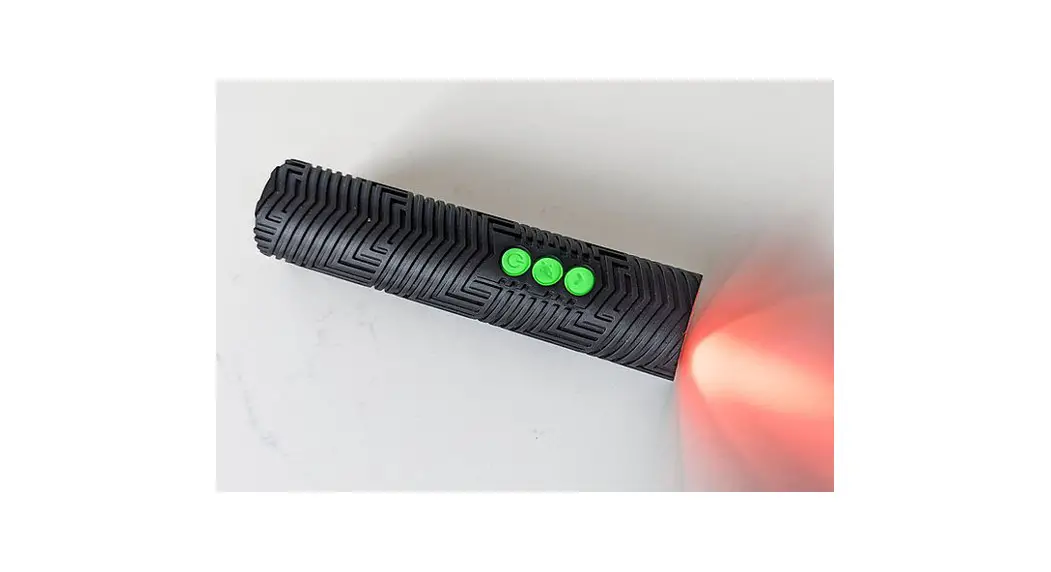

RGB CRITTER 2.0
SPECIAL FEATURES
- The RGB Critter has 4 Special Features that can be activated at any point. The Special Features include Brightness Control, Strobe Speed, Accelerometer, and Sound Reactive. It’s possible to activate all 4 Special Features at the same time. To enter the Special Features Menu, press the Arrow and Rocket buttons at the same time. The LED will cycle through the colors white, red, green, then blue to let you know you are now within the Special Features Menu and can adjust and activate Brightness Control, the first feature in the Menu.
- When the Special Features Menu is active, press the Arrow button to transition to the next Special Feature option. Each Special Feature option is represented by a different LED color that will show for 1 second before the Special Feature loads (see graphic below). To save a Special Feature setting, hold the Rocket button until the LED pulses white 3x (the next Special Feature will load automatically once the setting has been saved). To exit the Special Features Menu and activate any saved Special Features, hold the Power button until the LED pulses red. To deactivate any Special Features, press the Arrow and Rocket buttons at the same time.

- Brightness Control and Strobe Speed are adjustable Special Features. You can adjust the levels of these Features by pressing the Rocket button to cycle through the options. The default setting for Brightness Control is 5/10. The default setting for Strobe Speed is 6/10. There is no option to adjust the Accelerometer or Sound Reactive Special
ADDING SPECIAL FEATURES TO CUSTOMIZED PRESETS
- Any Special Feature can be added and saved to a customized preset. To be permanently saved, the Special Feature must be activated before entering the Programming sequence.
- Note: Activated Special Features will not be visible during the Programming Sequence.
SPECIAL FEATURES PROGRAMMING
| Special features function | current state | buttons | hold/press | LED function |
| 1. enter Special Features Menu (enter Brightness Control) | on |  | press | white, red, green, then blue button LEDs start continuously blinking |
| 2. navigate |  | press | each time you navigate to the next Special Feature, the LED will show one of the following colors for 1 sec:.: white: Brightness Control | red: Strobe Speed green: Accelerometer | blue: Sound Reactive | |
| 3. increase setting | Strobe Speed or Brightness Control |  | press | |
| 4. activate feature | viewing selected special feature | | short hold (1.5 sec.) | LED pulses white 3x, then turns off for 1 sec. next Feature loads |
| 5. exit Special Features Menu (activates any saved Features) | at any point within special features |  | short hold (any duration) | release when the LED starts pulsing red |
| 6. deactivate all saved Special Features | Special Feature(s) Activated |  | white, red, green, then blue |
For more instructions, to : www.antsonamelon.com/pages/user-guides