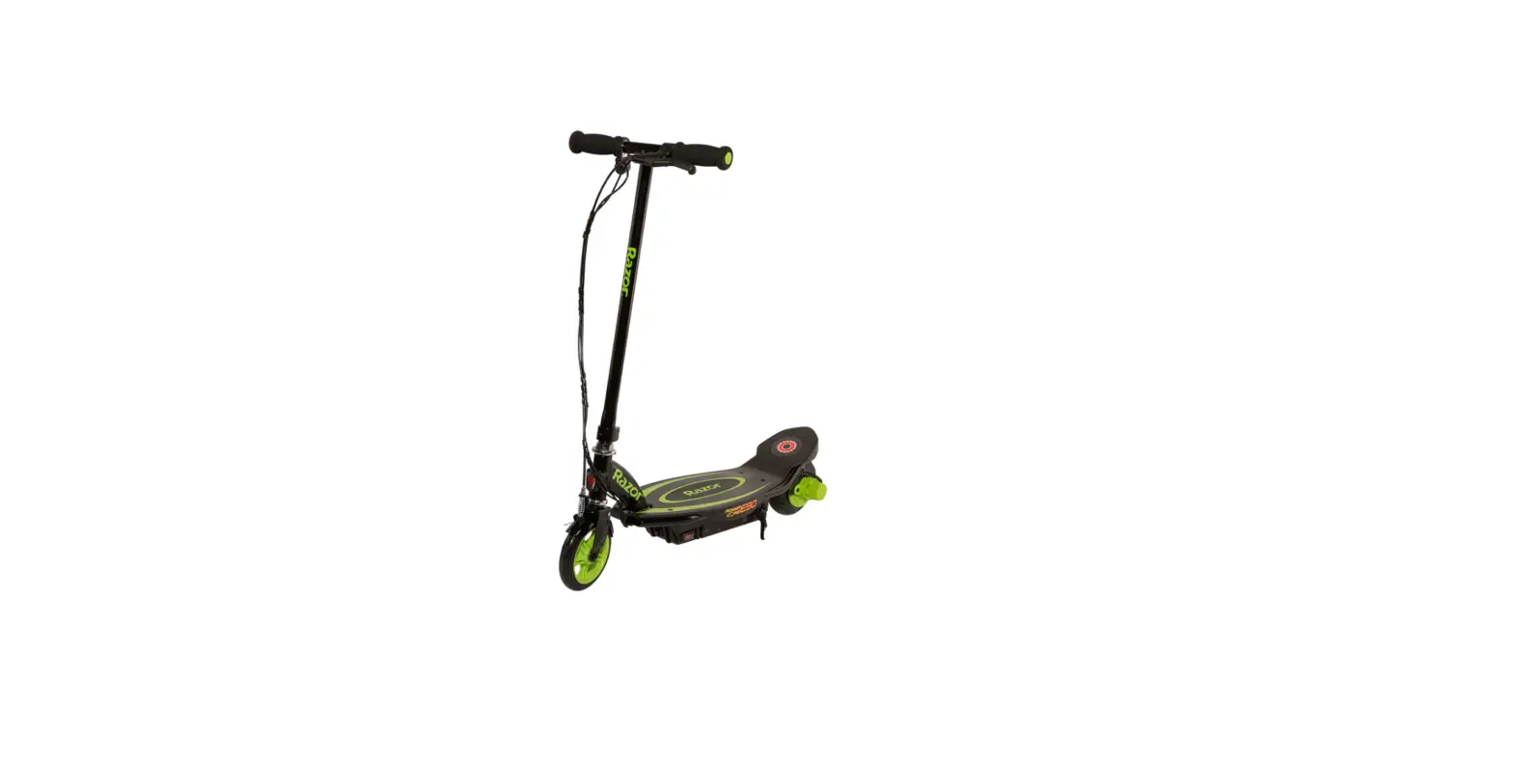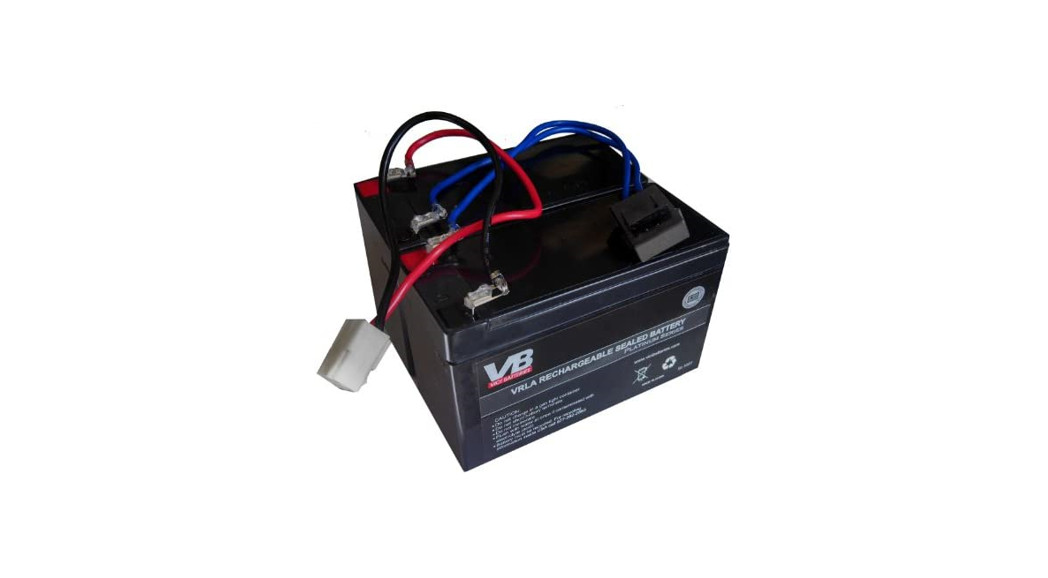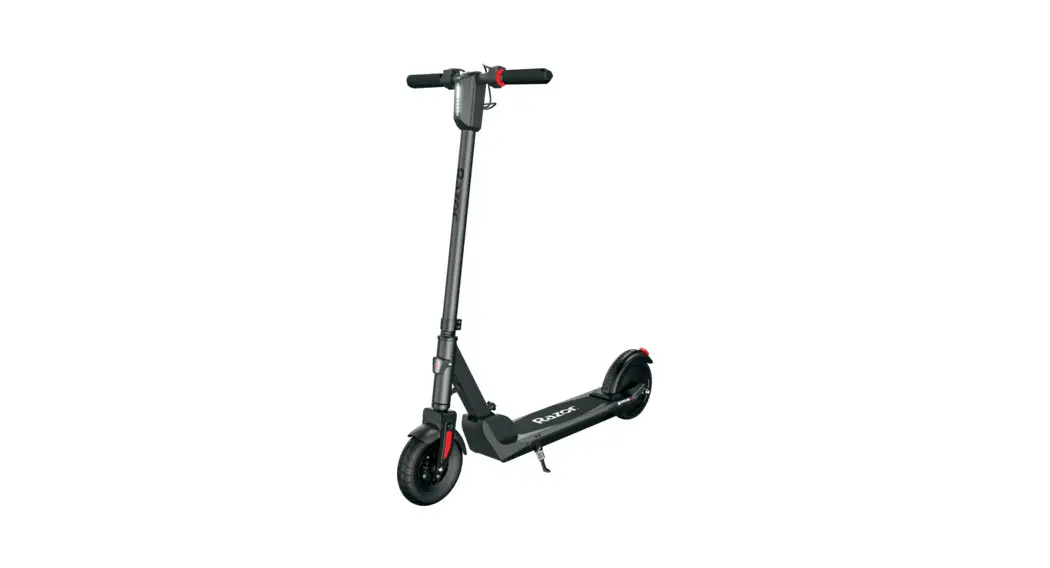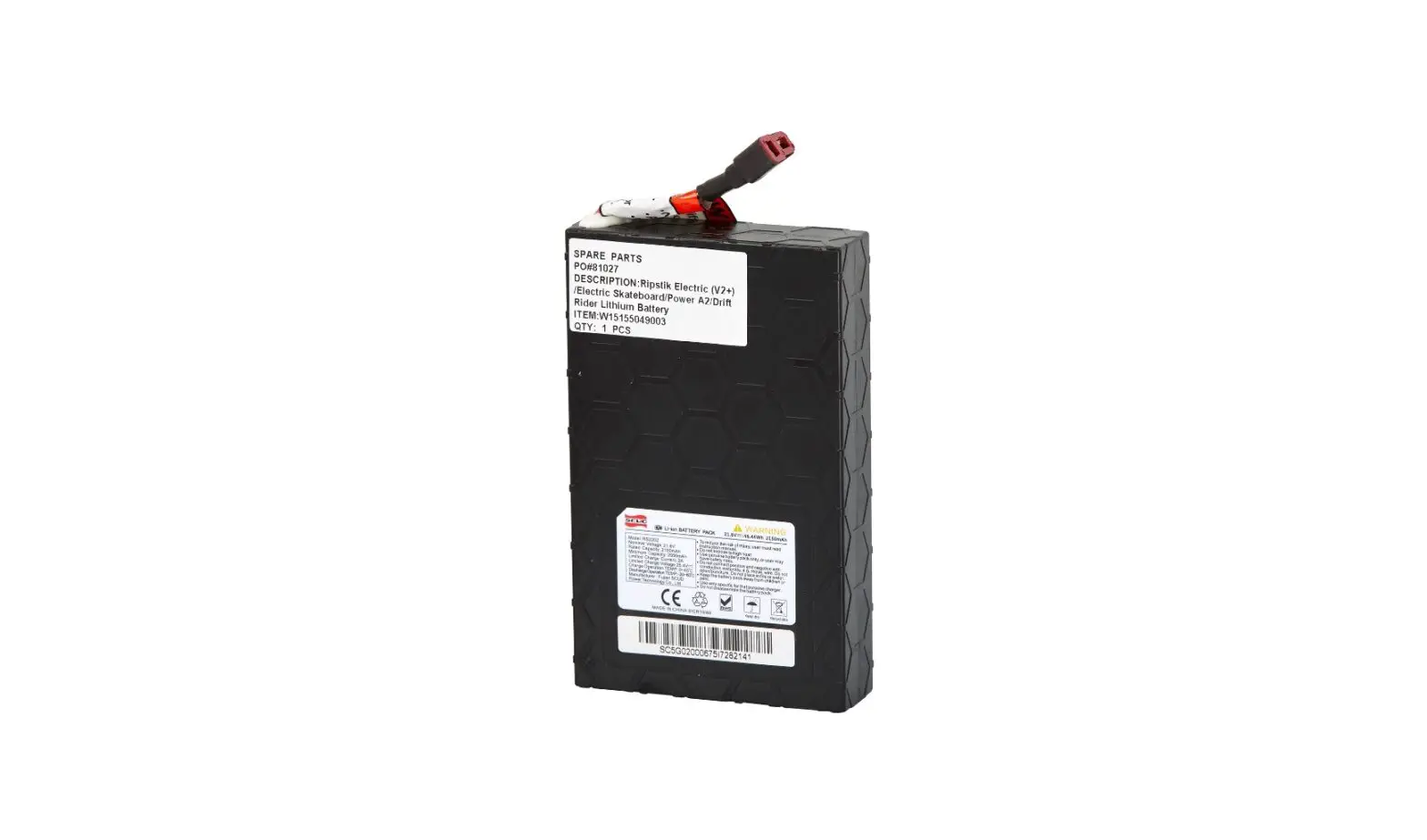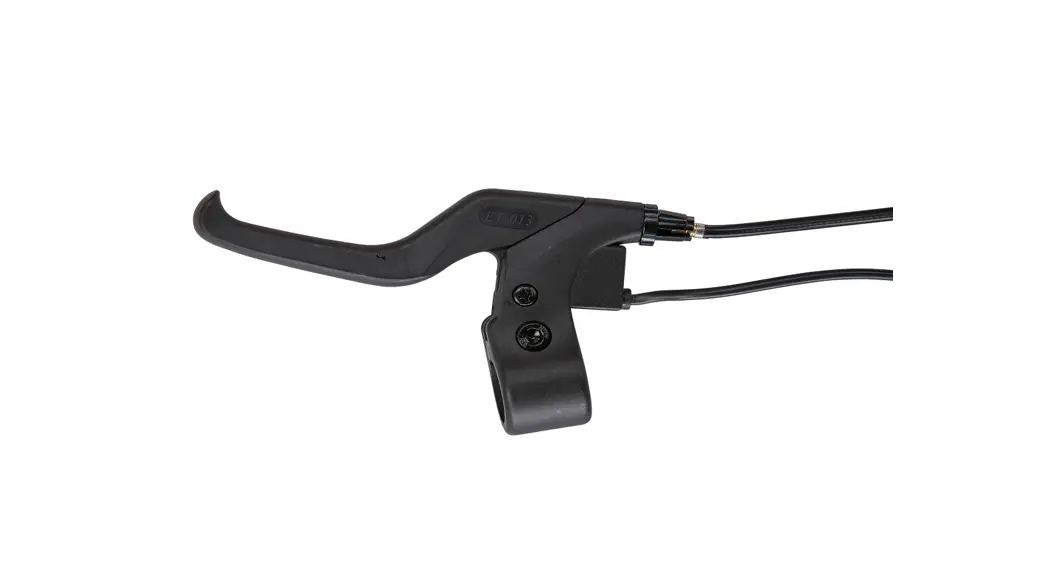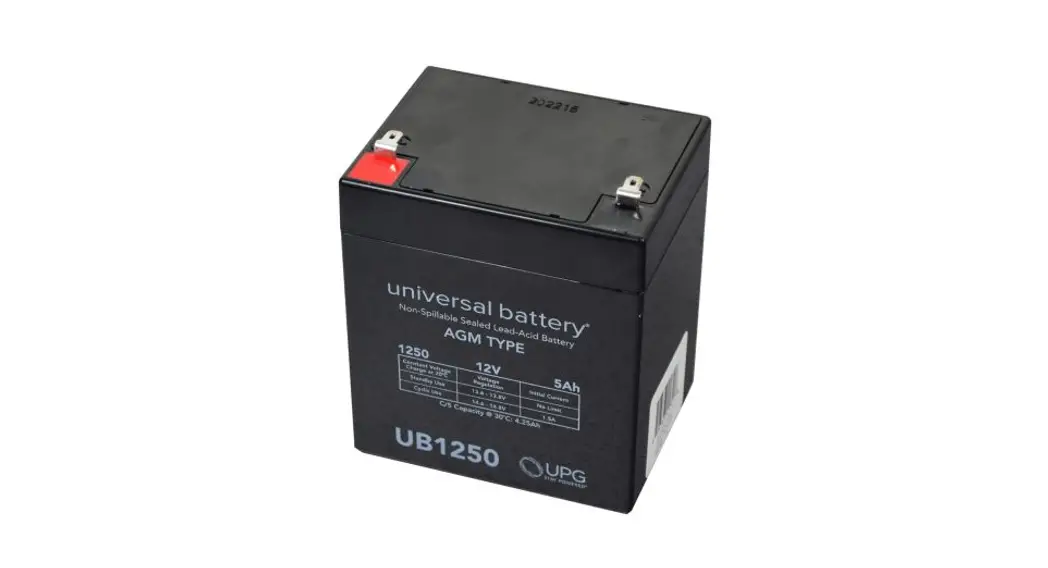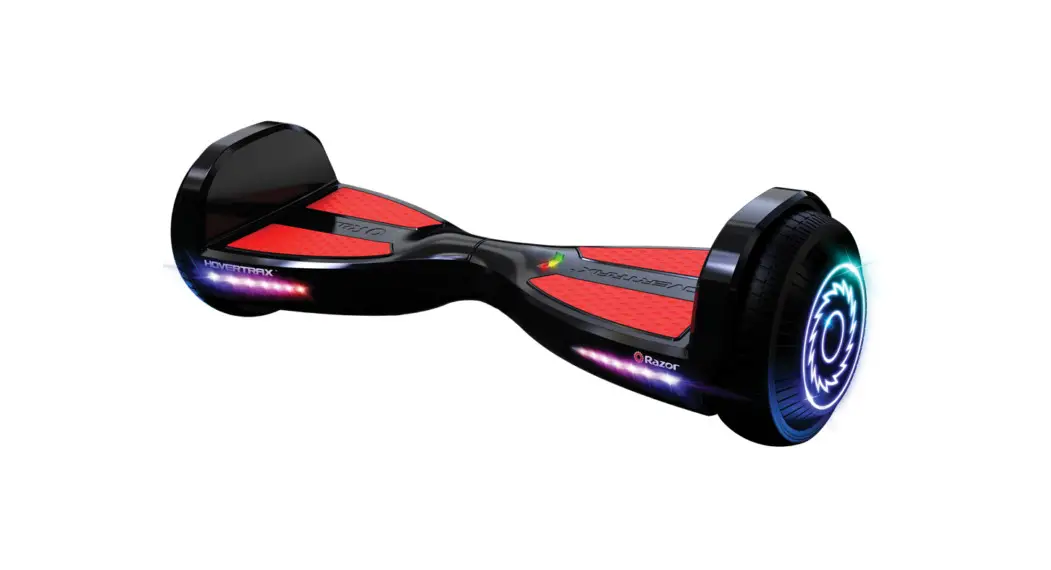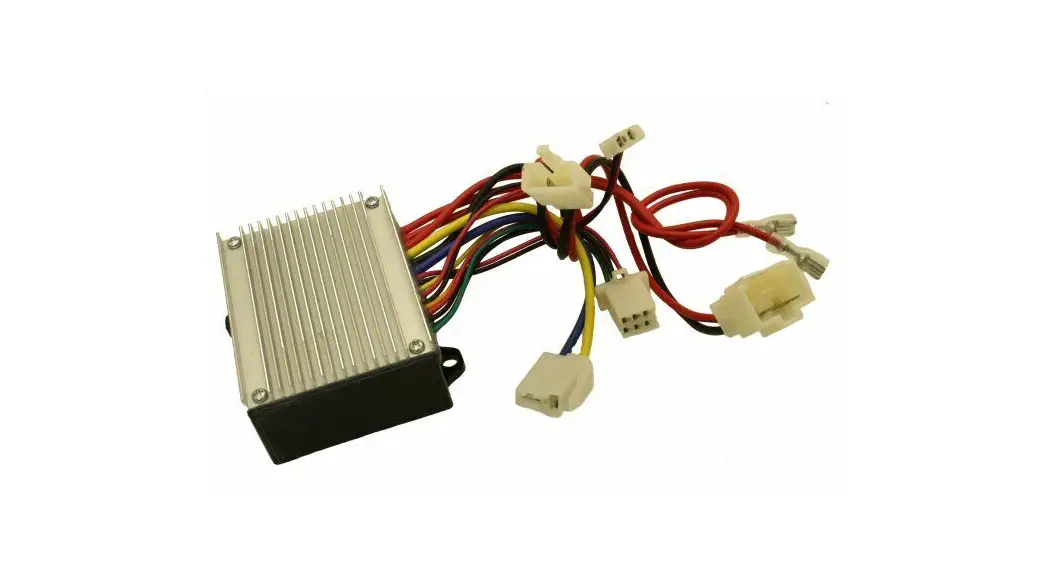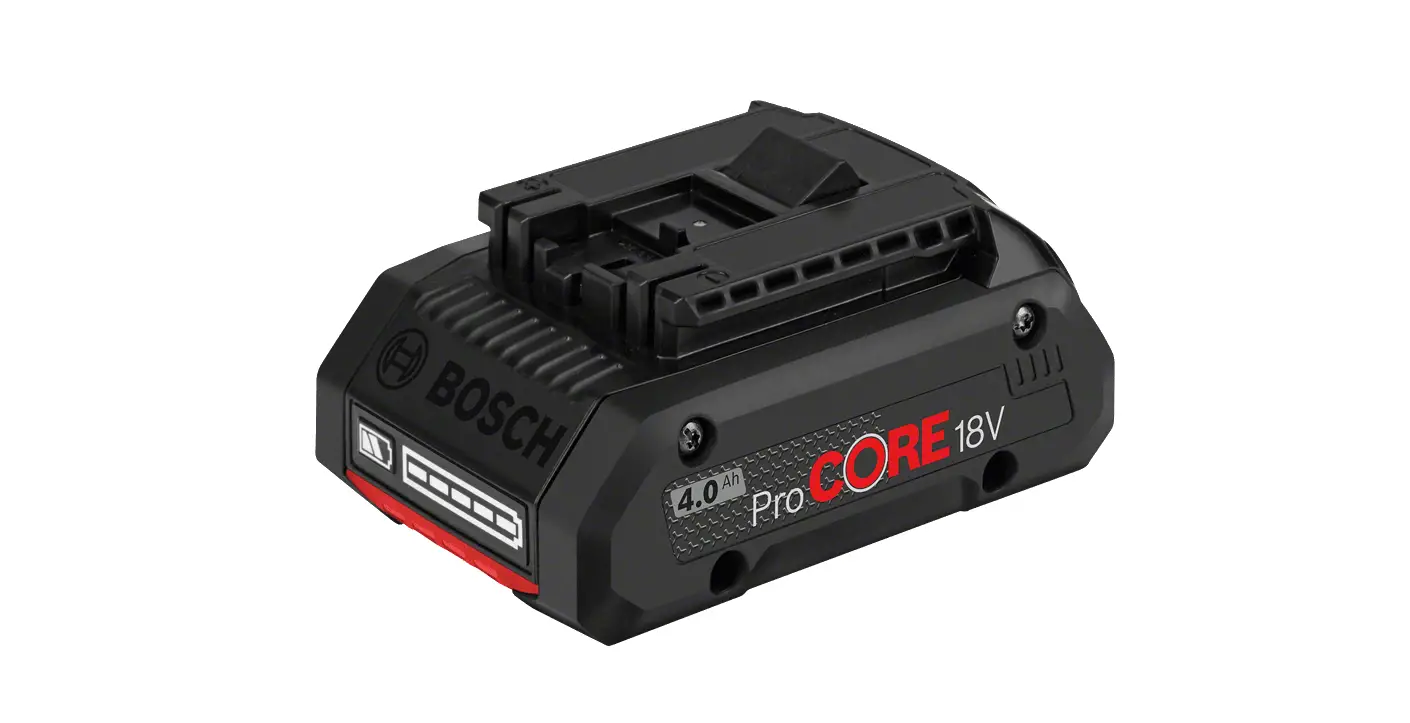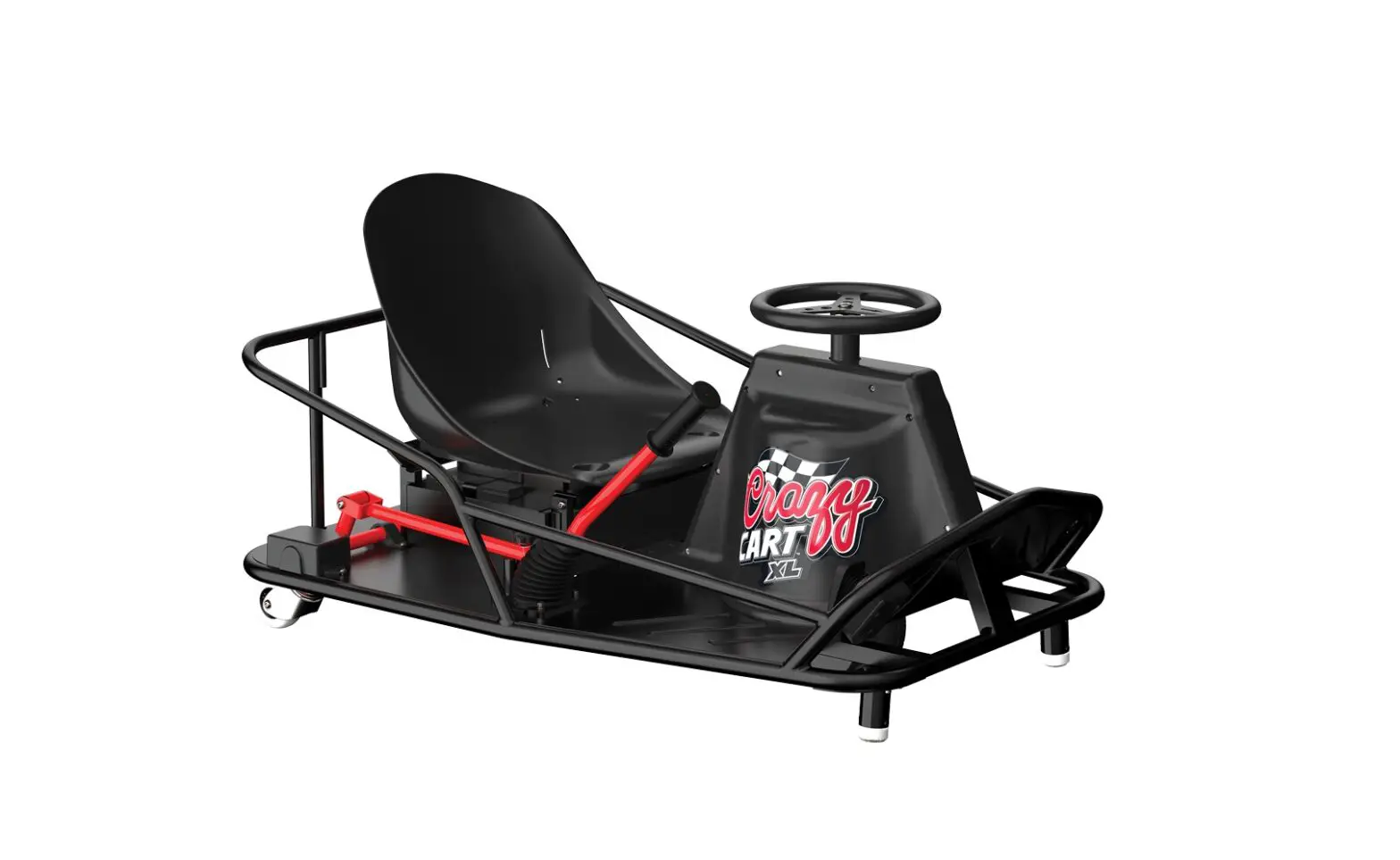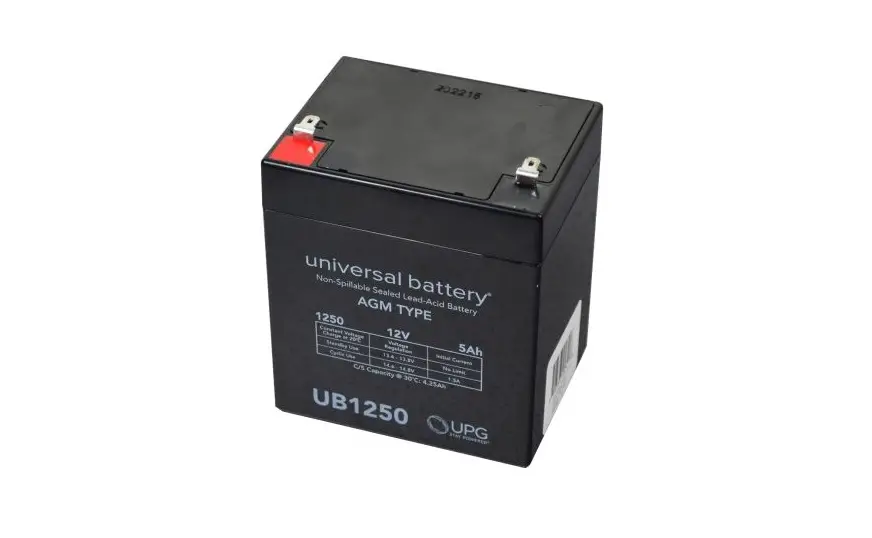
Razor W20136401003 Power Core E90 Sprint Battery Instruction Manual
Required Tools
(Not included)
- Phillips screwdriver
WARNING
CAUTION: To avoid potential shock or other injury, turn power switch OFF and disconnect charger before conducting any assembly or maintenance procedures. Failure to follow these steps in the correct order may cause irreparable damage.
Assembly Instructions
- Step 1
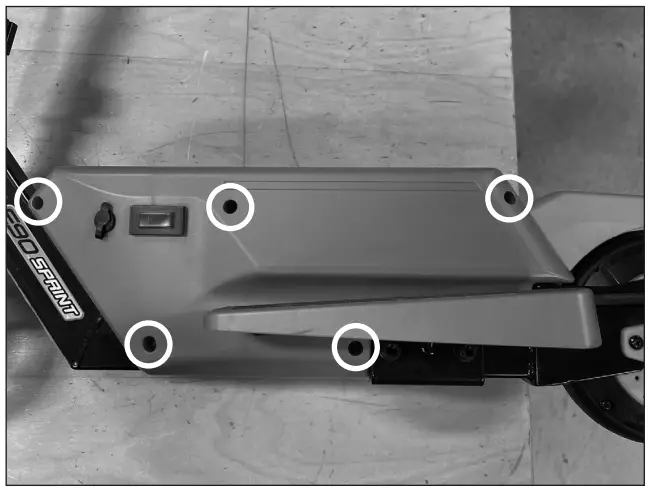
Using a Phillips screwdriver, remove the five (5) screws from the side with the power switch.
- Step 2
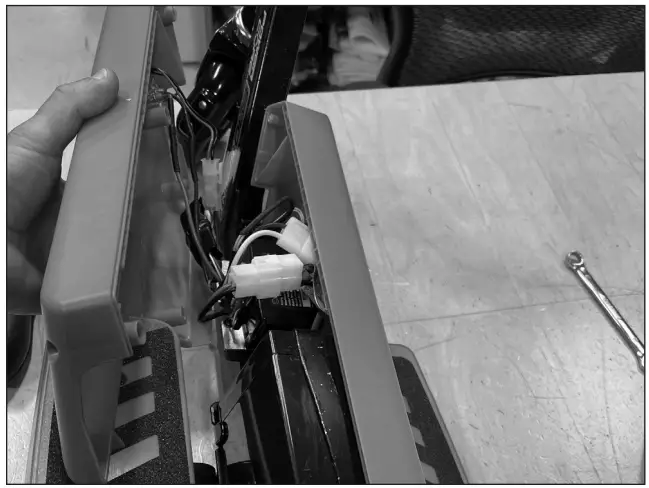
Pull the cover off. Be careful not to damage the wires for the charger port and power switch. Set cover aside.
- Step 3
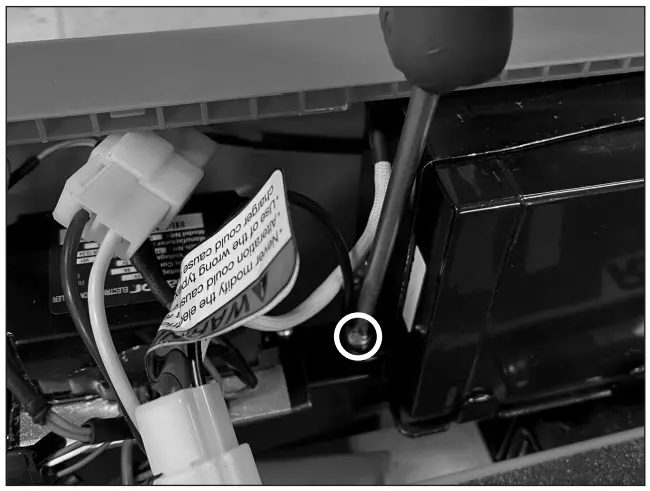
Using a Phillips screwdriver, remove the two (2) screws (on both sides of the battery) from the battery strap.
Remove battery strap and set aside.
- Step 4
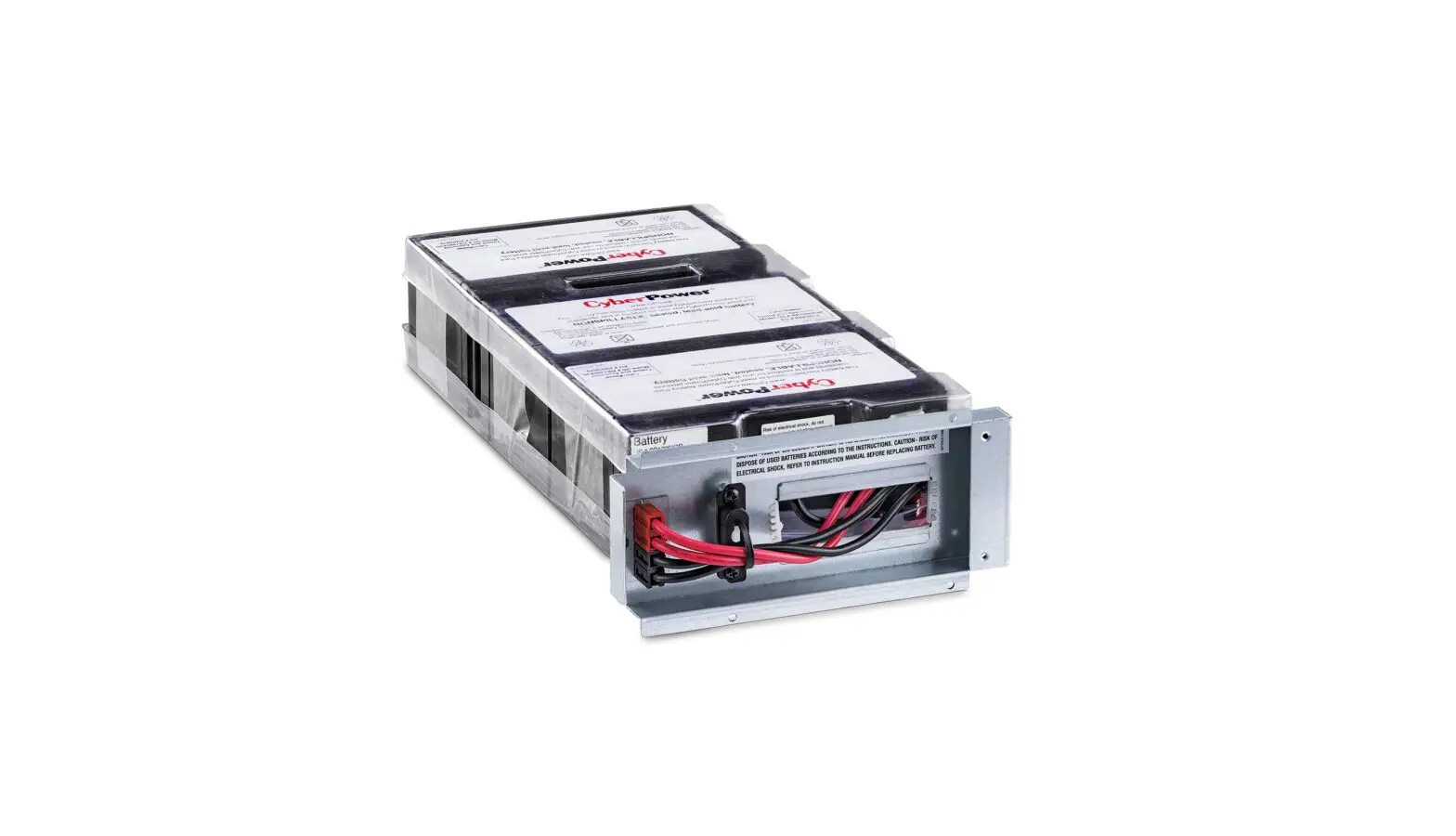
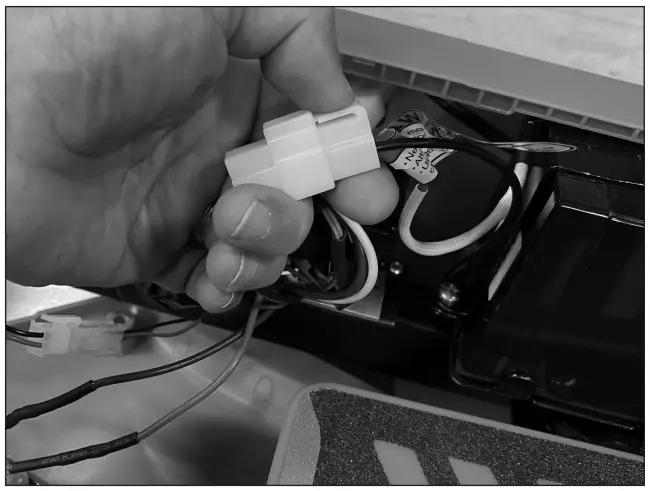
Locate and disconnect the battery from the controller.
Remove the battery - Step 5
Reverse the steps- Place the New Battery inside unit
- Re-connect the Battery and Control Module
- Place the Bracket back on the top of the battery
- Re-attach battery cover with screws.
ATTENTION: Charge battery 12 hours before using.
Support
Need Help?
Visit our website at
www.razor.com
or call toll-free at 866-467-2967
Monday – Friday 8:00am – 5:00pm Pacific Time.
 Razor | Scooters and Ride-ons for the whole family