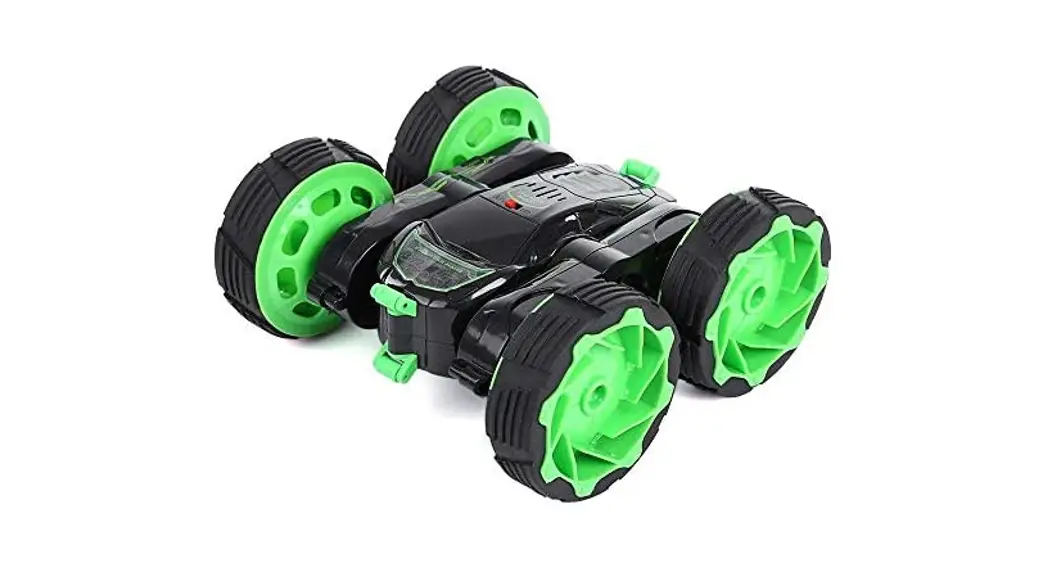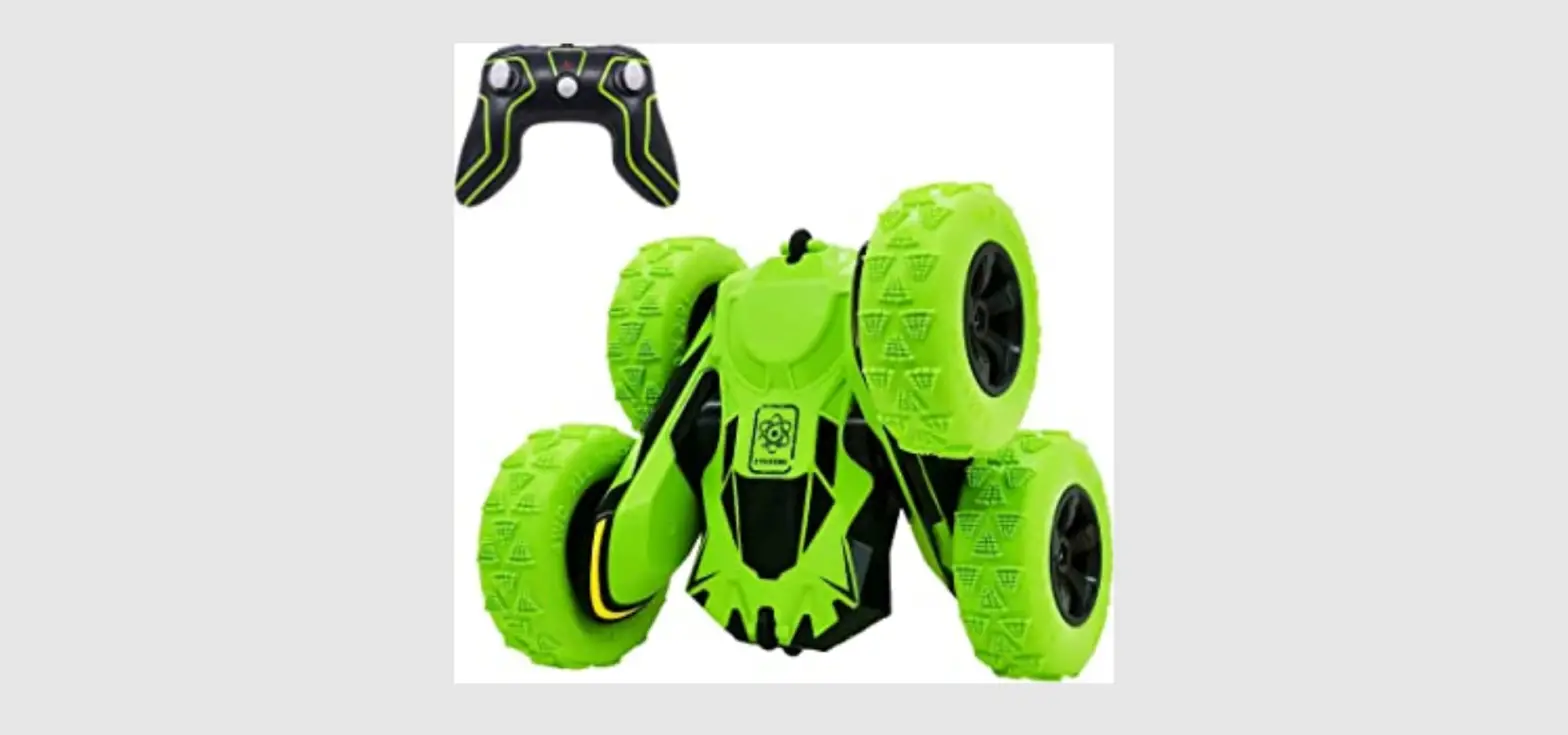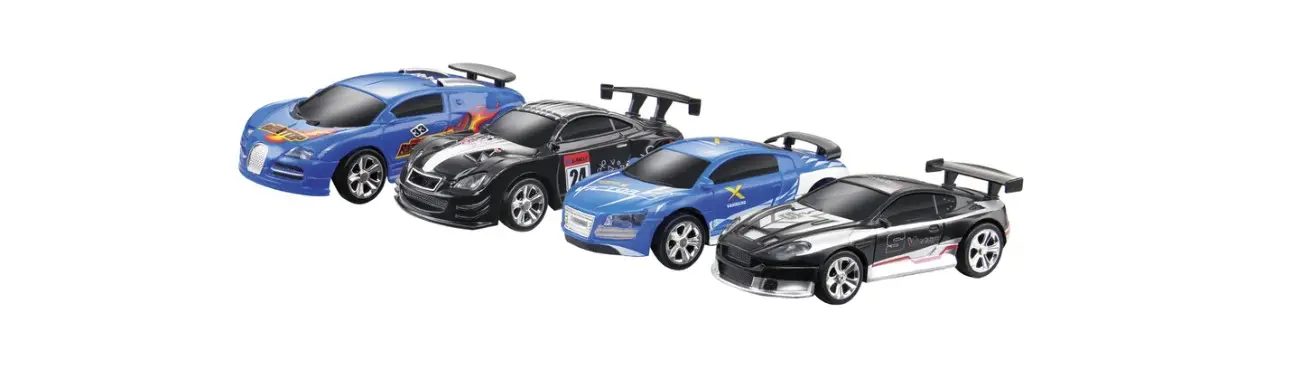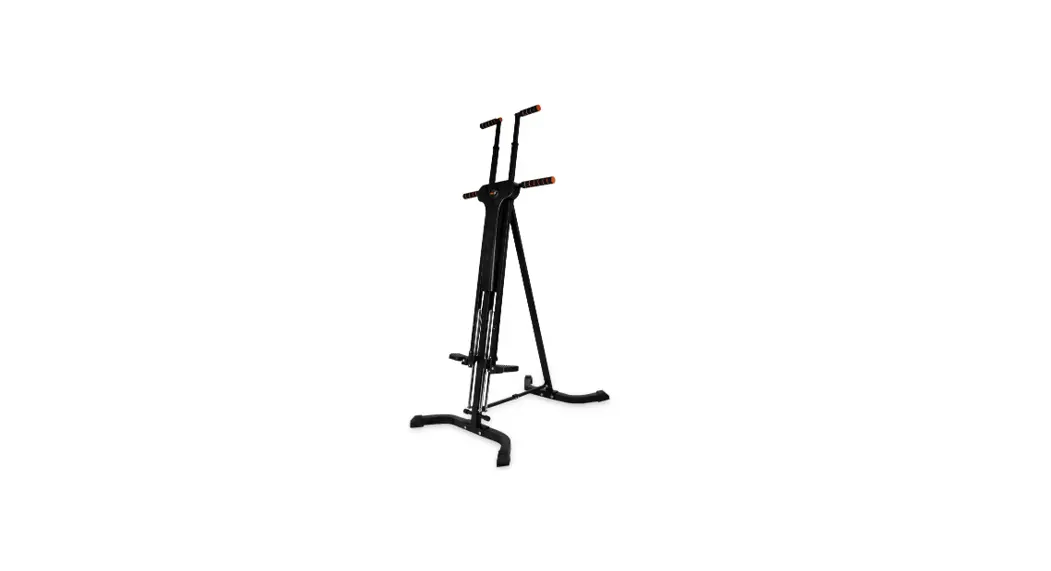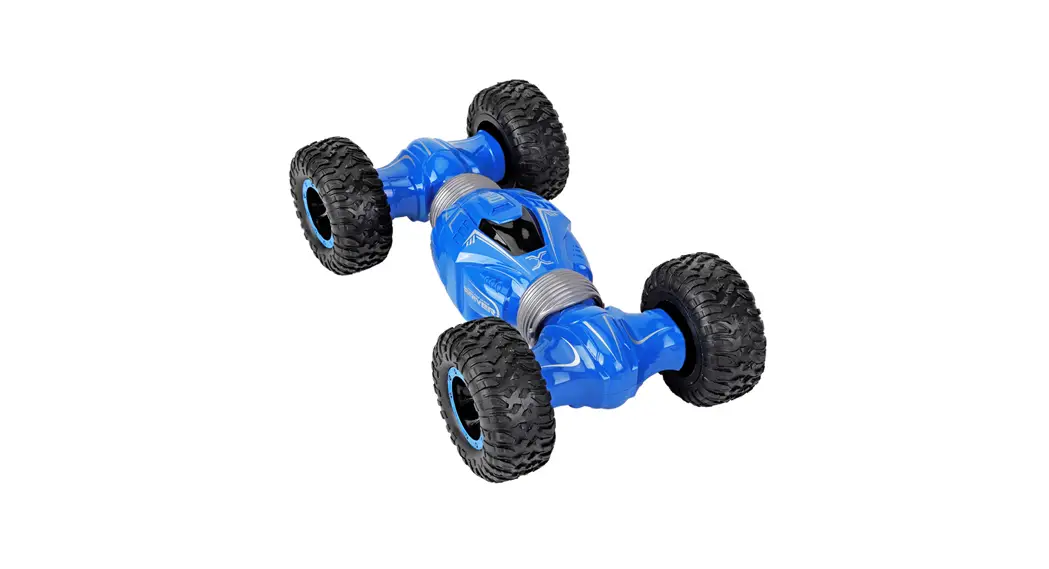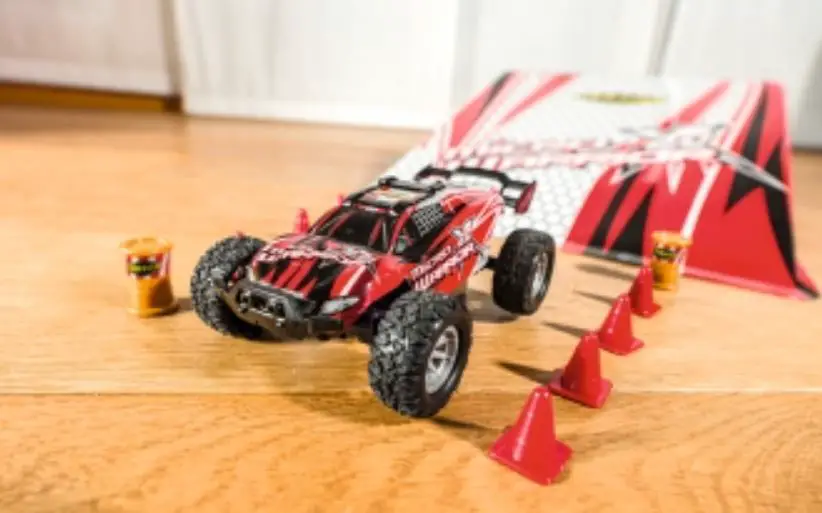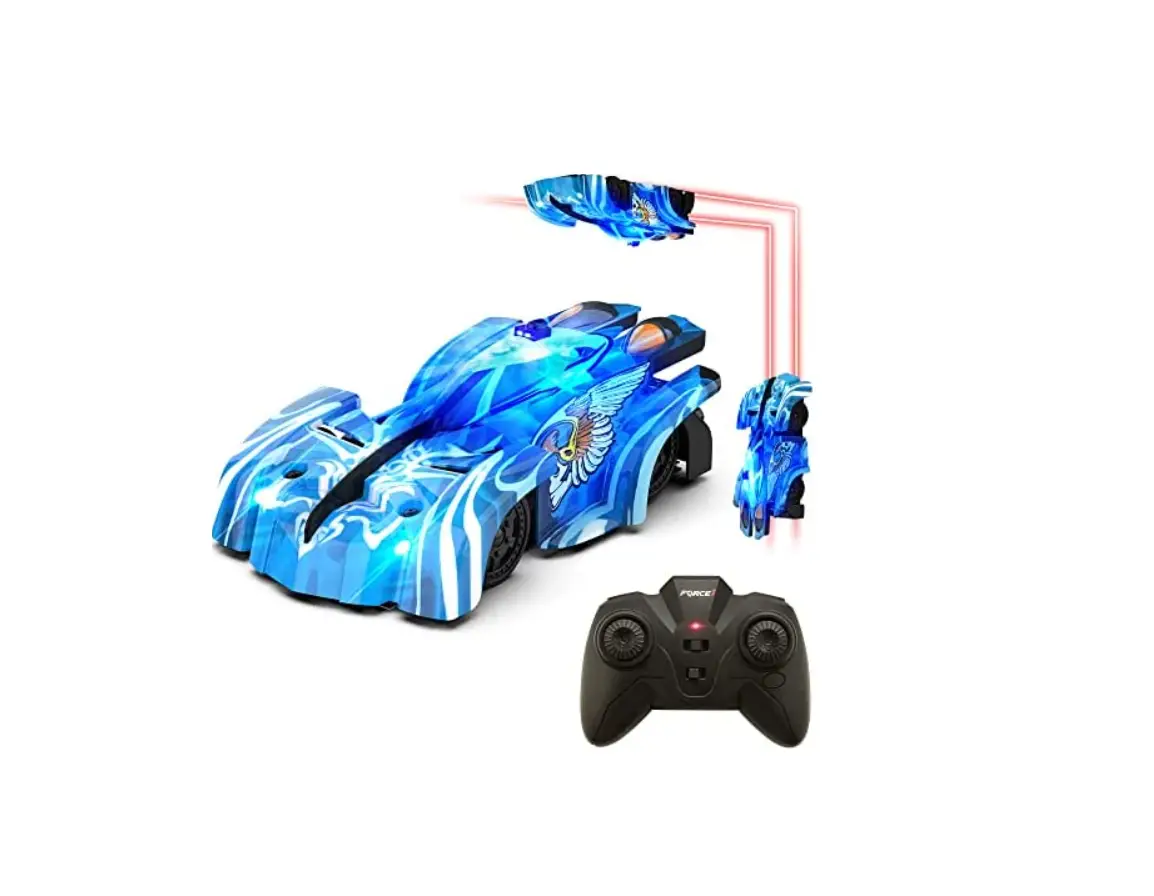
FORCE1 Zero G Climber RC Car Instruction Manual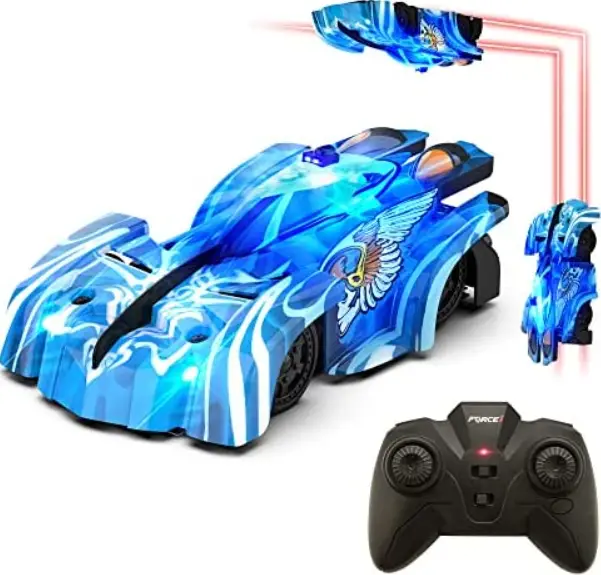
DRIVING ON THE GROND
Switch the climb to FLOOR mode.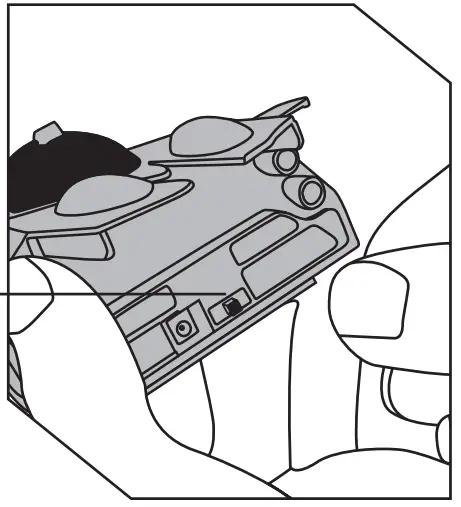
Wall/Floor/Off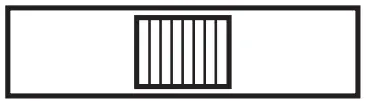
Switch the climber to WALL mode.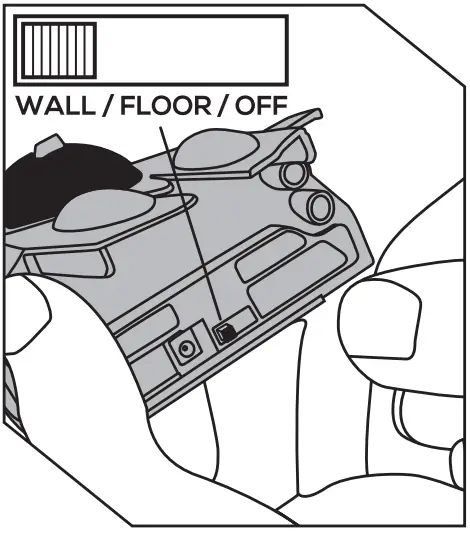
The fabric strips can be adjusted upward at a 45° angle to ensure
the car sticks properly to the wall.
Place the vehicle on the wall as shown.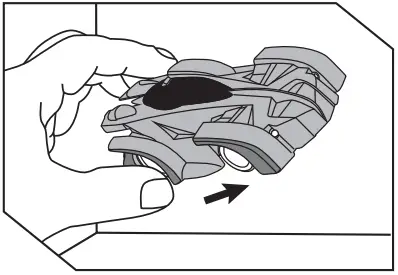
Controller
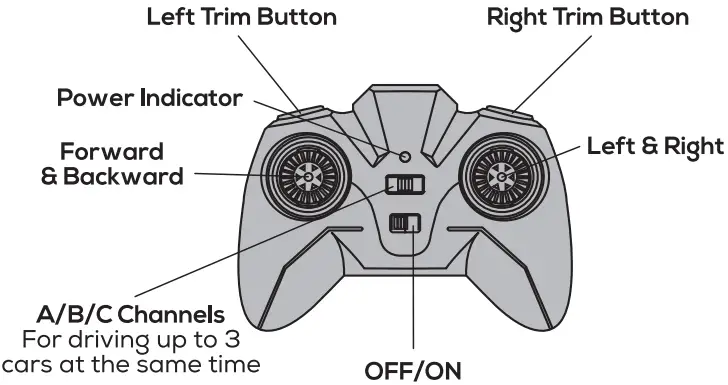
If the car is not driving straight, try adjusting the trim either left or right by pushing and holding the trim button. If the car drifts to the right, use the left trim button. If the car drifts to the left, use the right trim button.
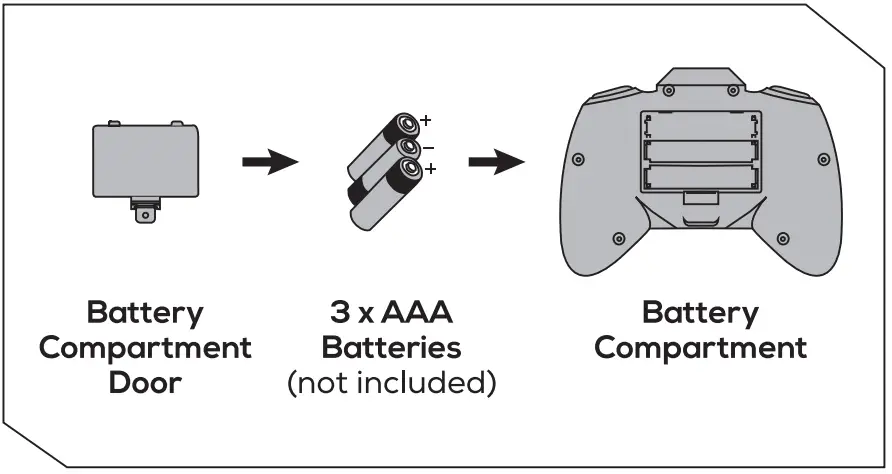
BATTERY INSTALLATION
- Loosen the screw and remove the battery compartment door.
- Install 3 x AAA batteries (not included) in the battery compartment as shown.
Make sure to follow the correct positive and negative polarities with the corresponding markings inside the battery compartment. - Re-Install the battery compartment door and tighten the screw.

Push the left joystick up or down to make the climber go forward or reverse.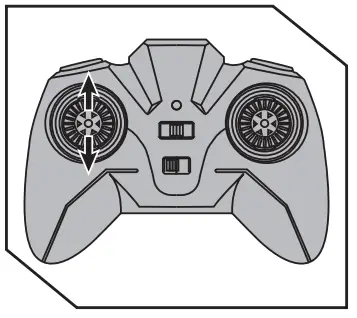
Push the right joystick to the left or right to star 60 spins!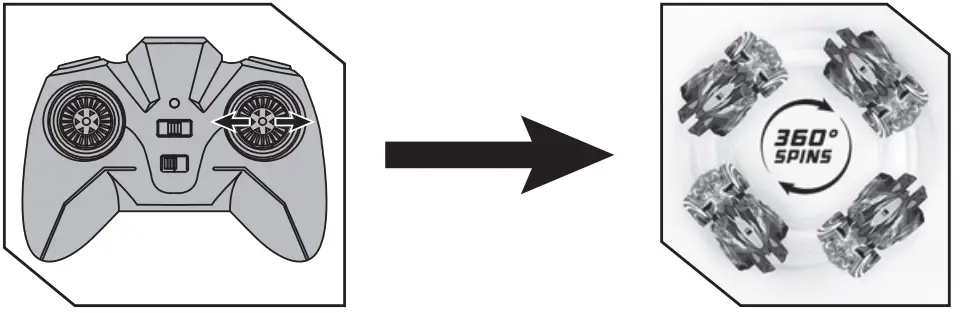
LED LIGHTS

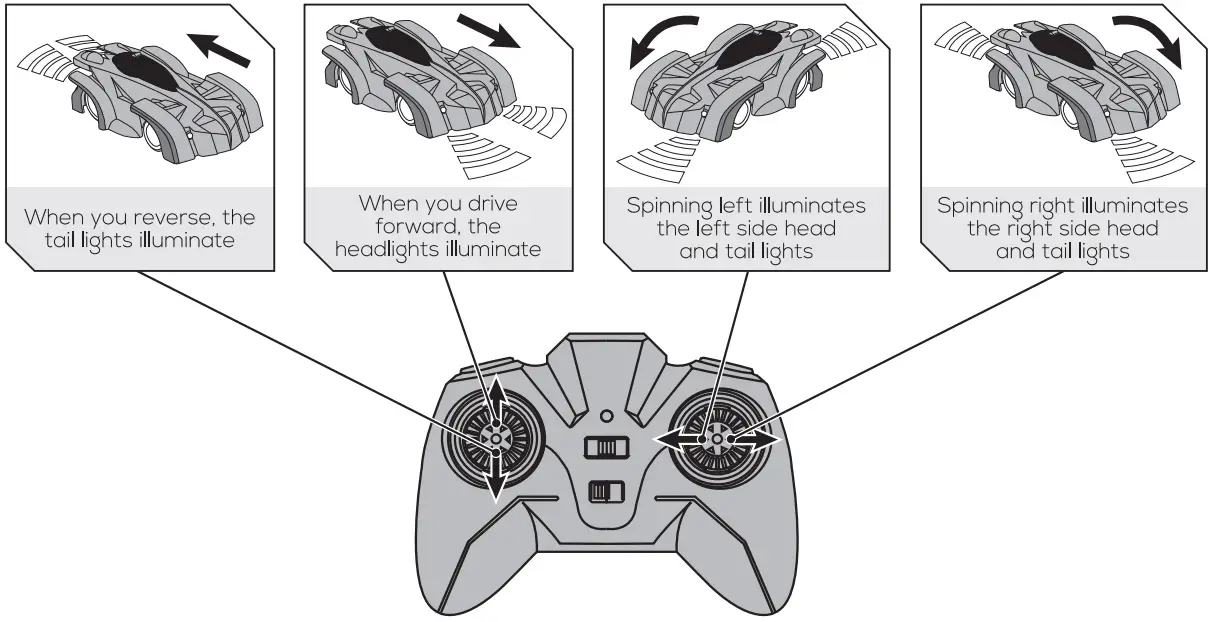
CHARGING INSTRUCTION
- Make sure the vehicles WALL / FLOOR / OFF switch is in the OFF position.
The car can only be charged when the vehicle Is on the OPP position. - Plug the charging cable into the port in the back of the vehicle.
While charging, a red Eight will illuminate he USB charger. When hanging is complete , he red light will turn off.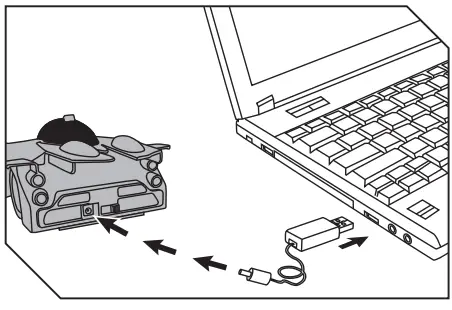
Charge Time: Approximately 60 minutes
Play Time: Approximately It minutes in wall mode
Approximately EO minutes in floor mode
WARNING: Do not charge the battery immediately after use Let the battery cool down for at least IO minutes.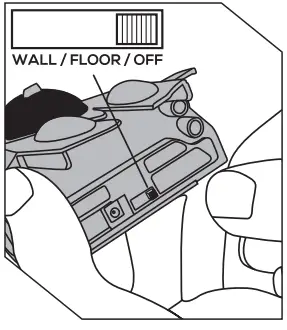
TROUBLESHOOTING | |
| PROBLEM | SOLUTION |
| Vehicle will not start |
|
| Vehicle does not climb |
|
| Vehicle does not drive straight |
|
| Vehicle slips climbing the walls |
|
|
|
|
ALWAYS USE UNDER ADULT SUPERVISION
NOTE: USE ON SMOOTH, CLEAN SURFACES ONLYI
LEARN MORE ABOUT FORCE1 Www.forcelrc.com
LEARN MORE ABOUT FORCE1 Www.forcelrc.com
Scan Me