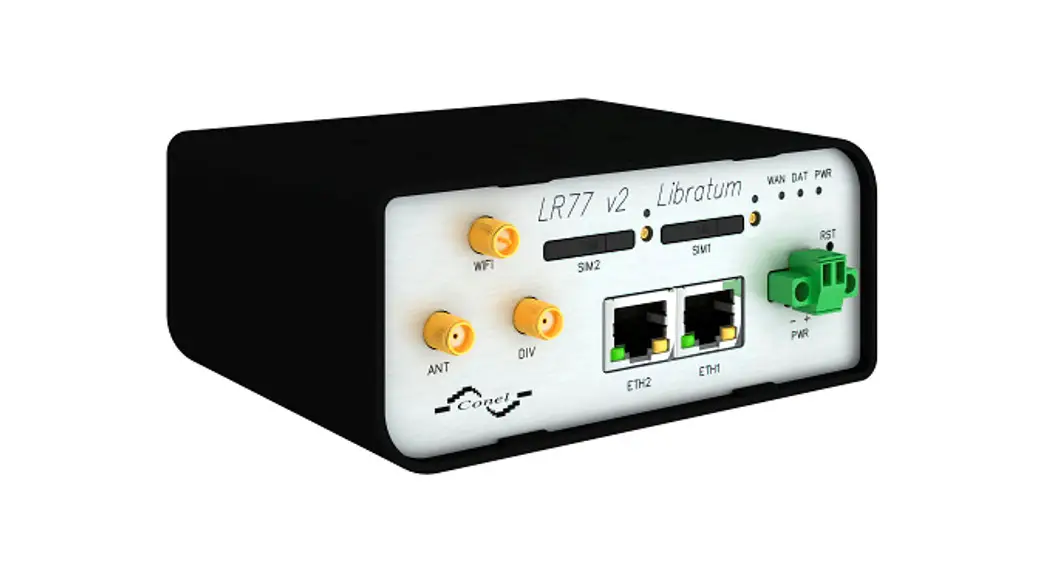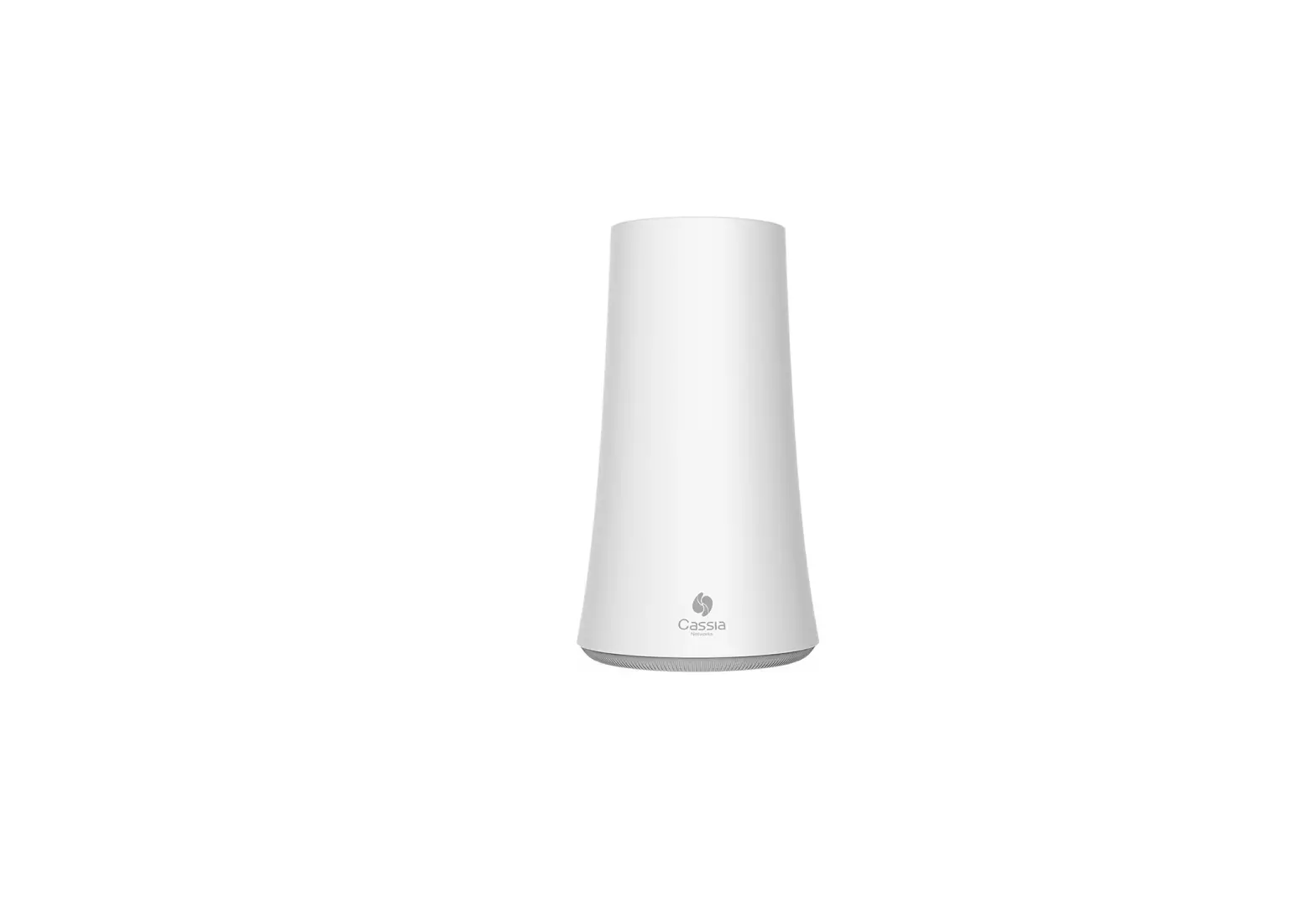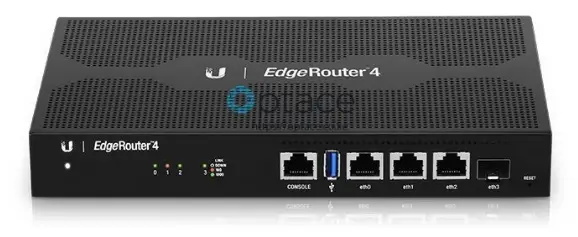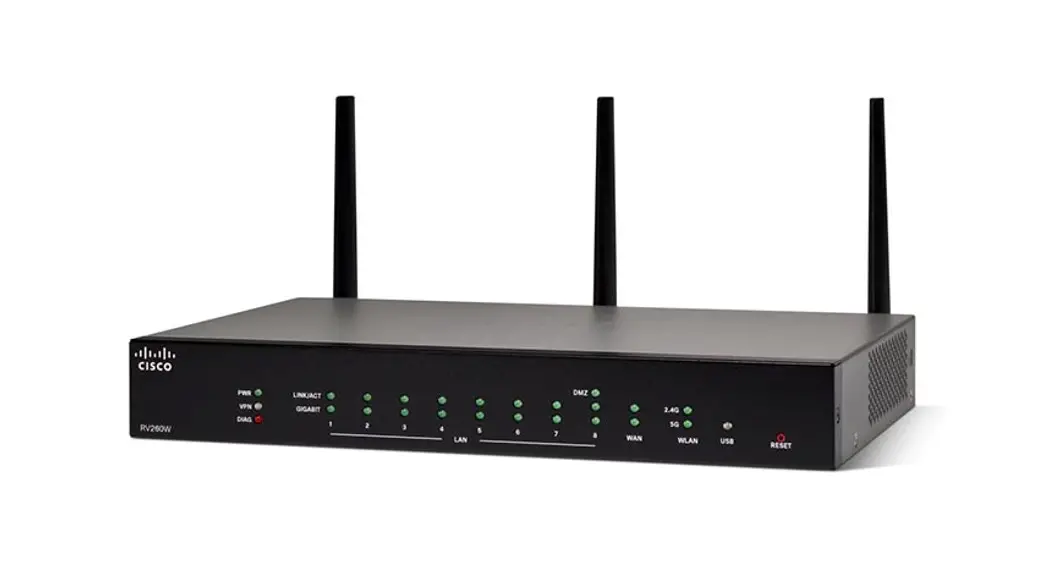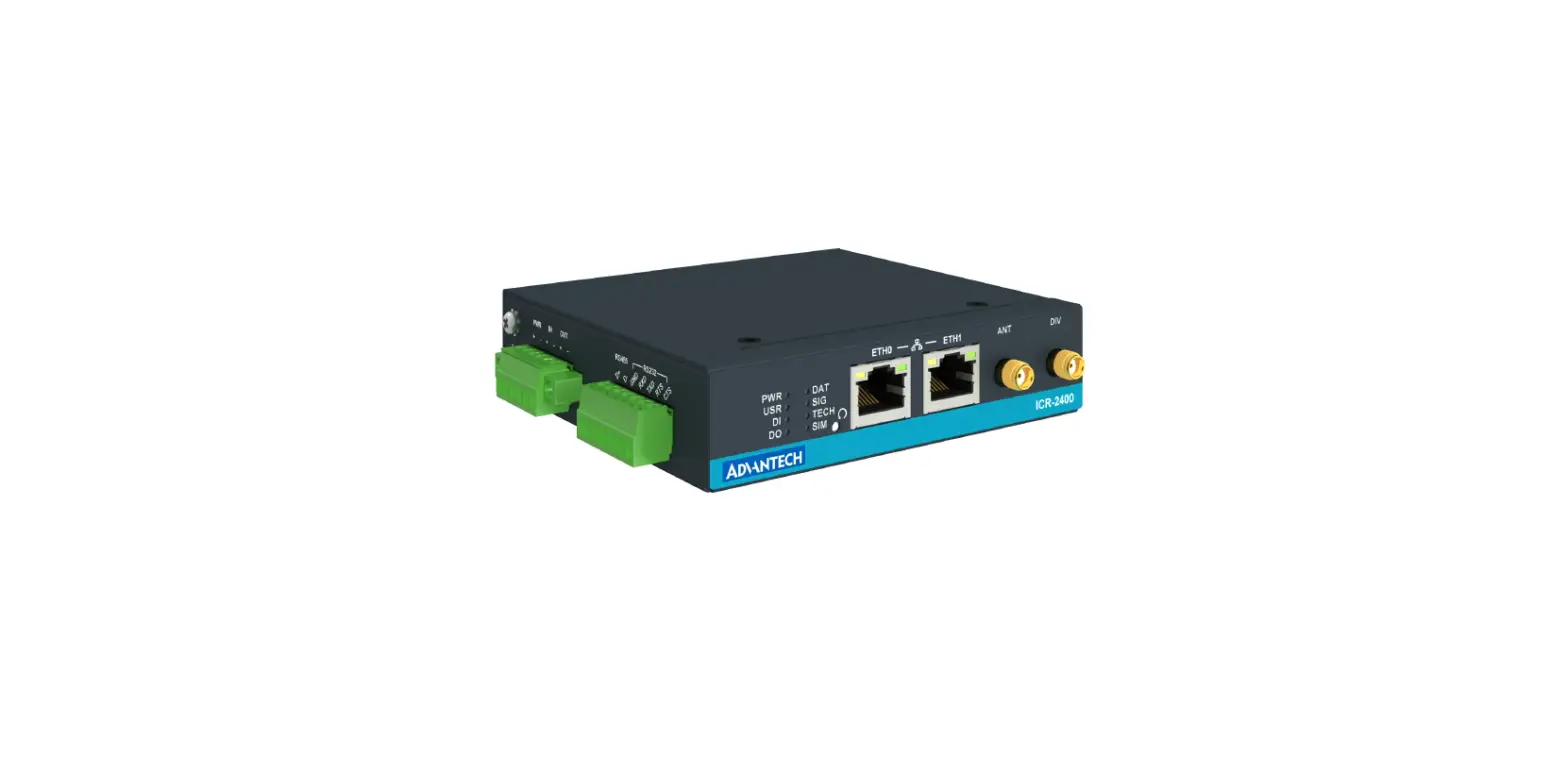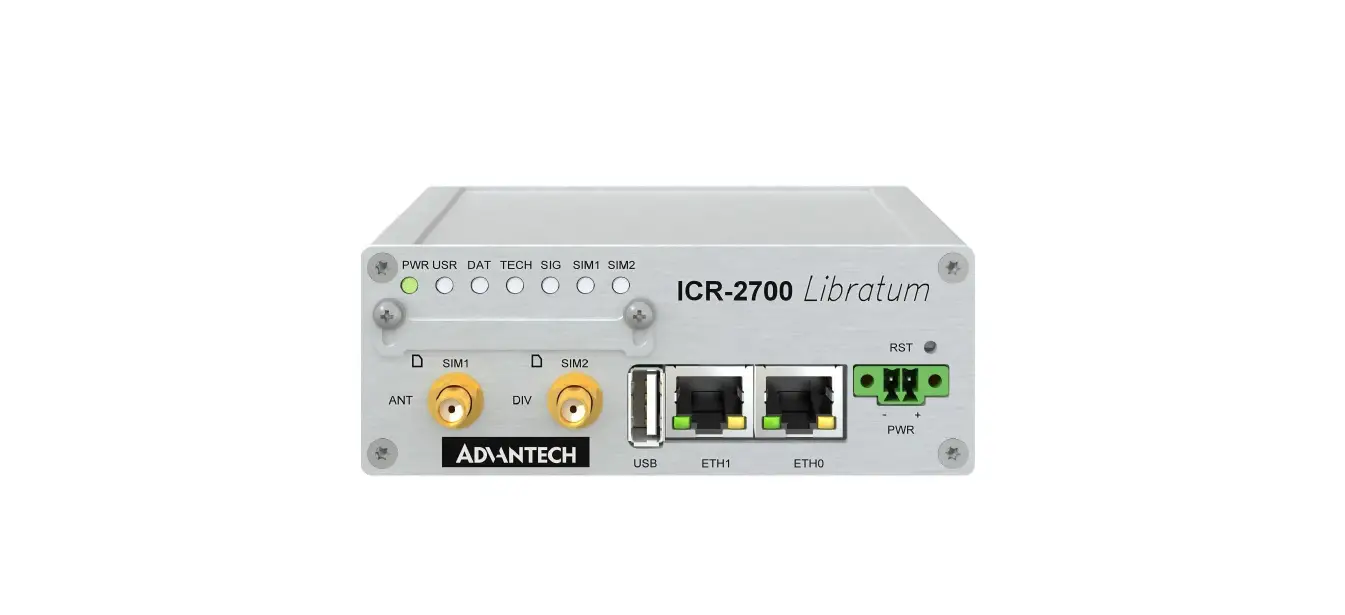

MosaicEdge Router
Setting up your MosaicEdge™ Router
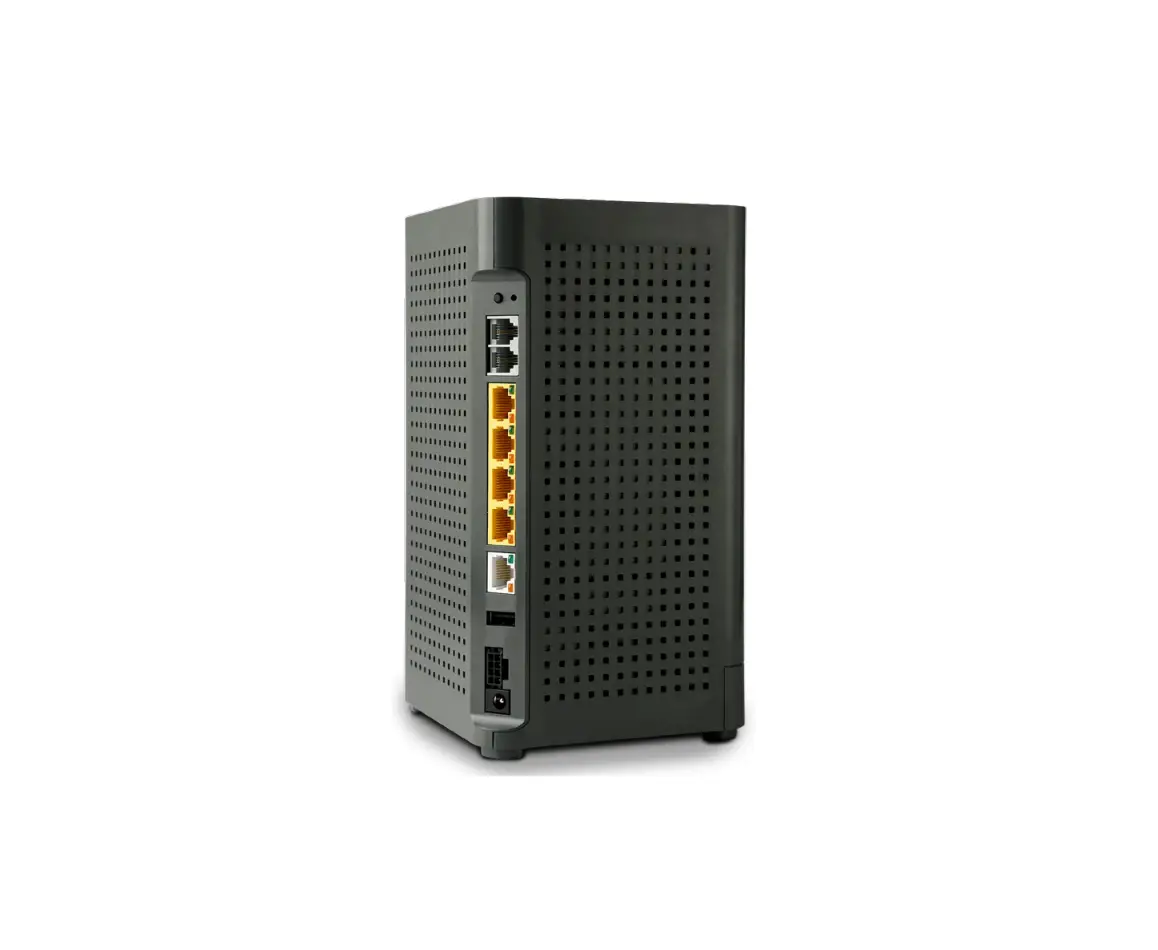
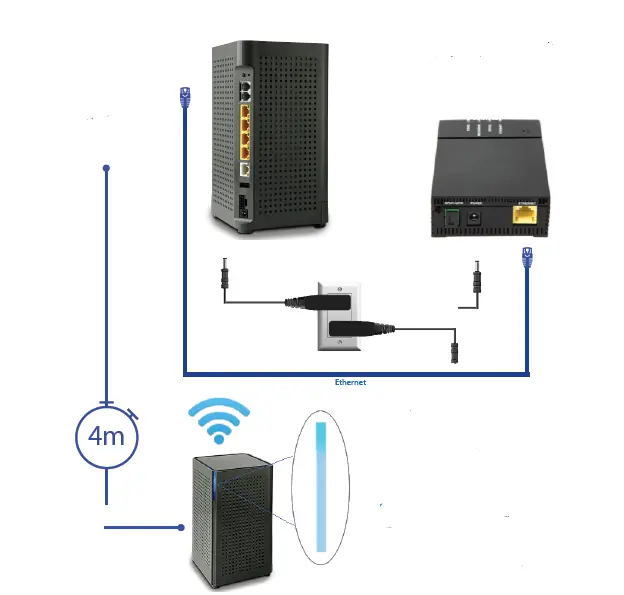
- Connect BLAST to power outlet.
- Connect one end of the supplied Ethernet cable to one of the LAN ports found on the back of the Internet access device provided by your service provider (e.g., modem or ONT) and the other endof the cable to the WAN port on the back of the BLAST.
- The solid blue light indicates SUCCESS! You are connected to the Internet.
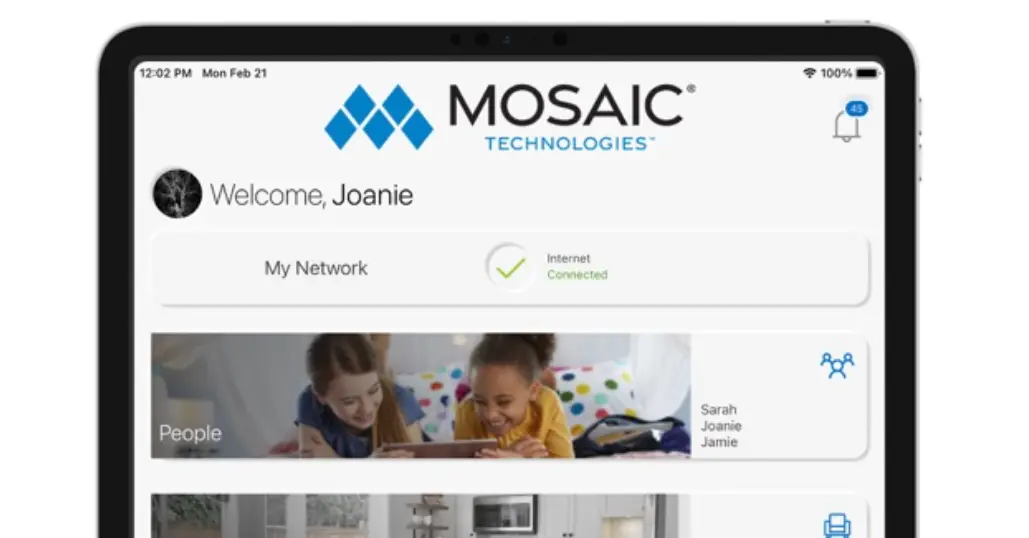
- Refer to the Quick Start Guide for the App to set up your Wi-Fi.
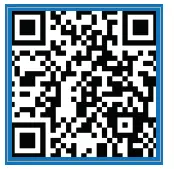
 Scan the QR Code with your smartphone to watch video tutorial.
 715.458.5400
ExperienceMosaic.com