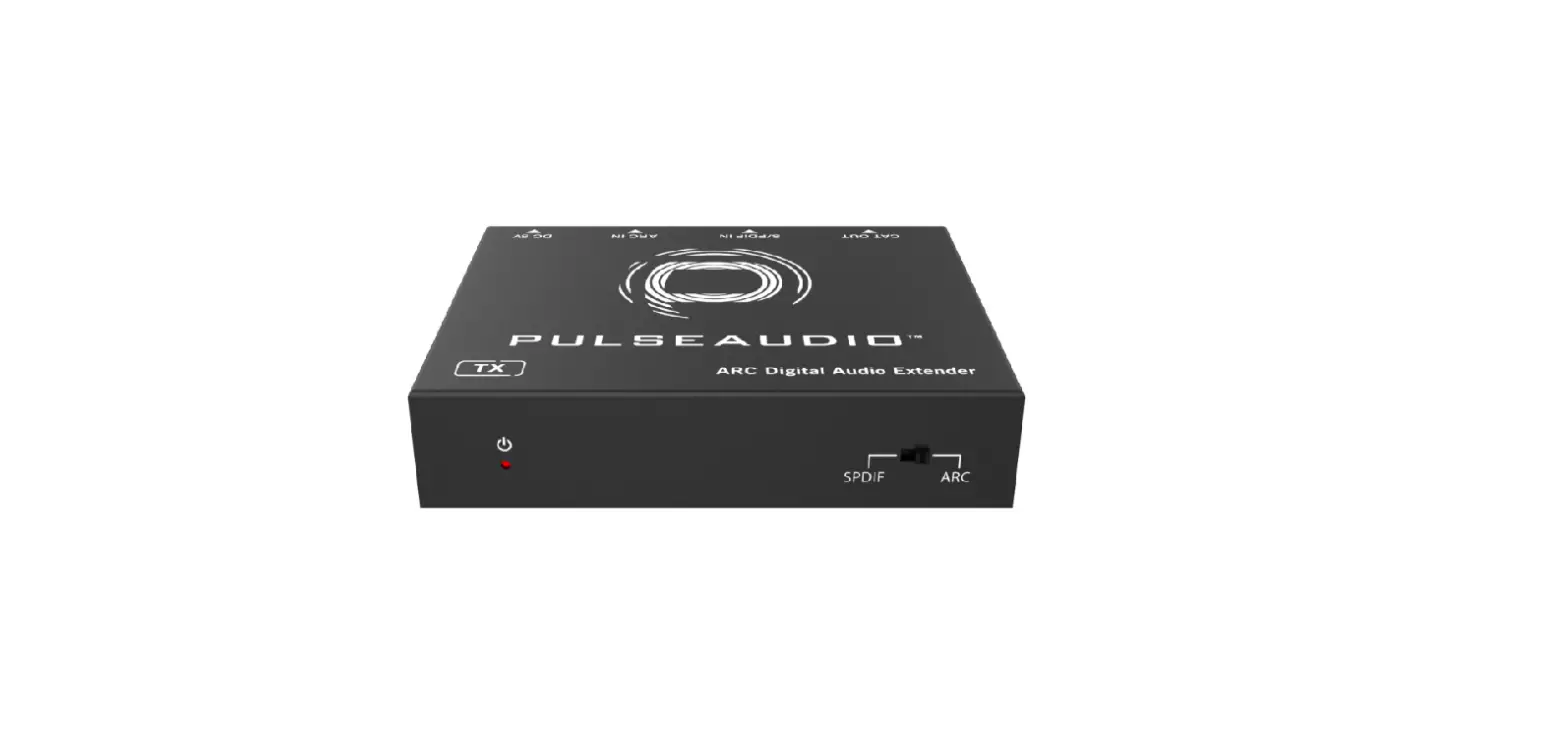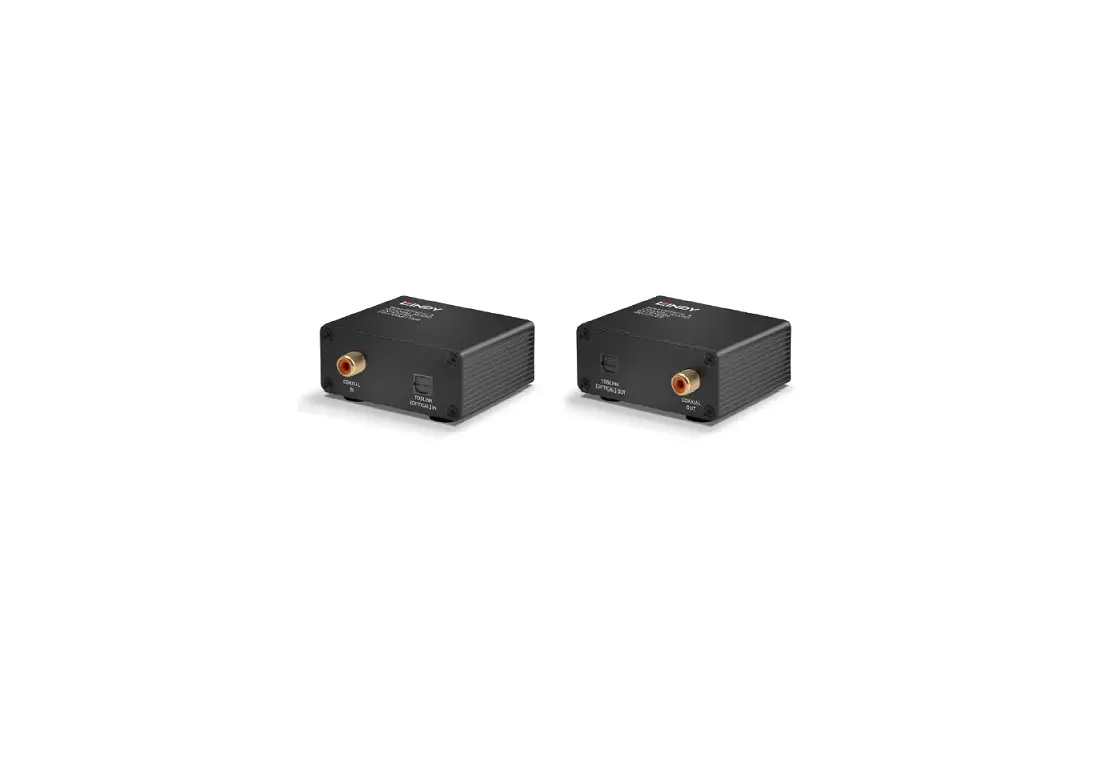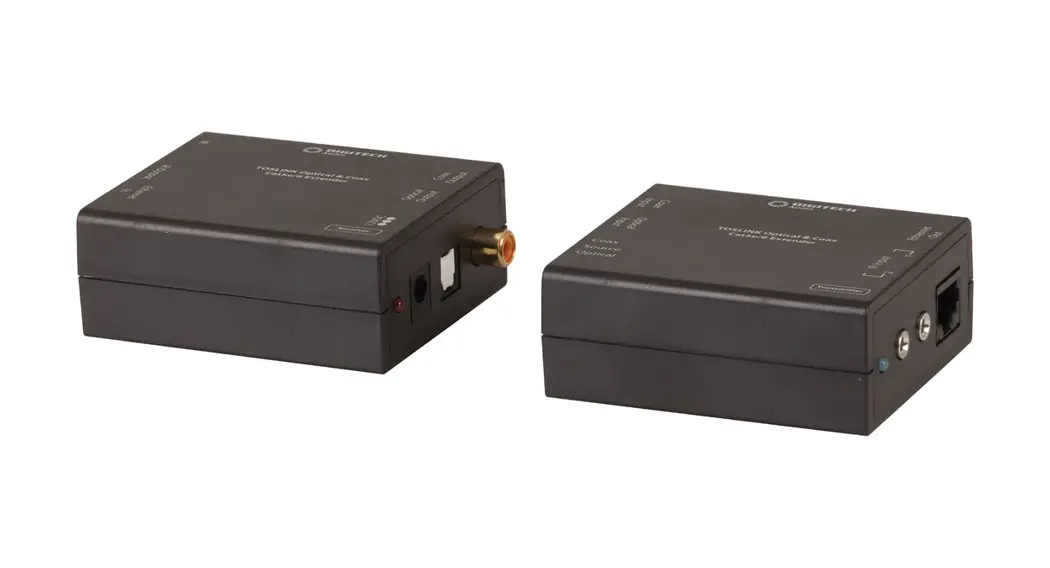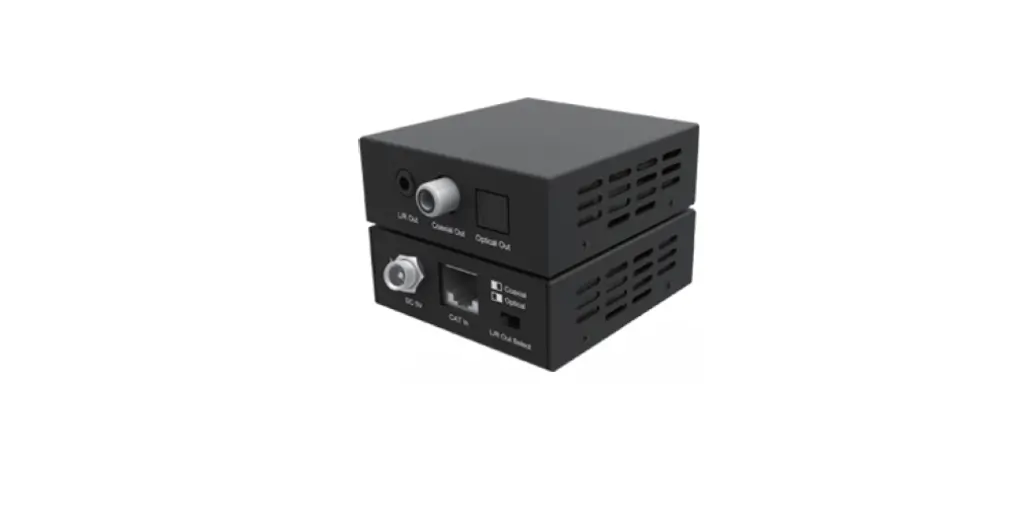

DIGITAL AUDIO DA-EX1000-K Audio Extender Over CAT Cable
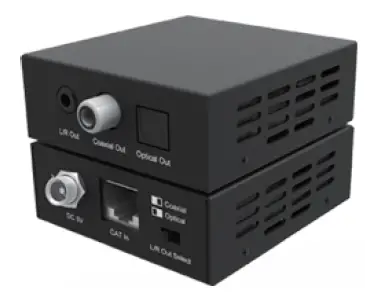
Thank you for purchasing this product
For optimum performance and safety, please read these instructions carefully before connecting, operating or adjusting this product. Please keep this manual for future reference.
Surge protection device recommended
This product contains sensitive electrical components that may be damaged by electrical spikes, surges, electric shock, lighting strikes, etc. Use of surge protection systems is highly recommended in order to protect and extend the life of your equipment.
Introduction
This Audio over CAT 5e/6 Extender can transmit digital optical and coaxial signals concurrently up to a distance of 300m (48kHz), 150m (96kHz) or 100m (192kHZ). The receiver built-in DAC converts either of the digital (coax/toslink optical) signals to a 2CH analog stereo audio output. Support one-way POC function (the receiver will power the transmitter over the CAT cable).
This is a fantastic plug and play solution for sending optical audio from an HDTV back to an amplifier, AVR or multi-room audio system which requires an analog stereo audio input signal.
Features
- Extend optical and coaxial digital audio signals up to a distance of 300m (48kHz), 150m (96kHz) or 100m (192kHZ) over a single CAT cable
- Optical and coaxial digital signal can be distributed at the same time
- Built-in DAC (Digital to Analog Converter) converts either optical or coaxial digital (selectable) to analog stereo left/right audio output (PCM only)
- Support sample rates 32 kHz, 44.1 kHz, 48 kHz, 96 kHz and 192 kHz up to 24-bit resolution
- Support LPCM, DTS, Dolby Digital and Dolby Digital Plus when used as a straight digital in/digital out extender
- Support one-way POC function. The transmitter is powered on by the receiver through the CAT cable.
- Plug-and-play
- Small compact size
- Ultra-low jitter and high-fidelity design
Package Contents
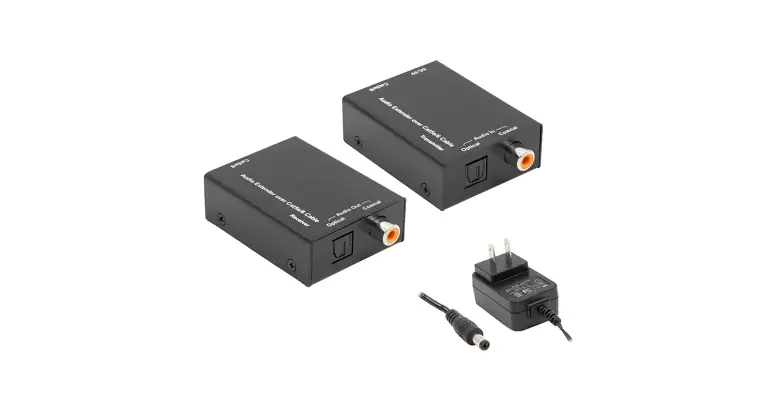
- 1 × Audio over CAT 5e/6 Extender (Transmitter)
- 1 × Audio over CAT 5e/6 Extender (Receiver)
- 1 × 5V/1A Power Supply
- 4 × Mounting Ears
- 1 × User Manual
Specifications
| Technical | |
| Bitrate over Distance | 192kHz – 100m, 96kHz – 150m, 48kHz – 300m |
| Supported Audio Formats | LPCM, DTS, Dolby Digital and Dolby Digital Plus when used as a straight digital in/digital out extender. |
| Sample Rates | 32 kHz, 44.1 kHz, 48 kHz, 96 kHz and 192 kHz up to 24-bit resolution |
| ESD Protection | Human-body Model: ±8kV (Air-gap discharge), ±4kV (Contact discharge) |
| Connection | |
| Transmitter | Input ports: 1 × Optical (Toslink) 1 × Coaxial SPDIF RCA Output port: 1x RJ45 |
| Receiver | Input port: 1x RJ45 Output ports: 1 × Optical (Toslink) 1 × Coaxial SPDIF RCA 1x Analog Stereo 3.5mm Audio jack |
| Mechanical | |
| Housing | Metal Enclosure |
| Color | Black |
| Casing-Dimensions | 69mm(W) × 64mm(H) × 24mm(D) |
| Dimensions-with connections | 76mm(W) × 64mm(H) × 28mm(D) |
| Weight | 0.4kg |
| Power Supply | 5V/1A DC |
| Operating Temperature | 0°C ~ 40°C / 32°F ~ 104°F |
| Storage Temperature | -20°C ~ 60°C / -4°F ~ 140°F |
| Relative Humidity | 20~90% RH (non-condensing) |
Operation Controls and Functions
Transmitter
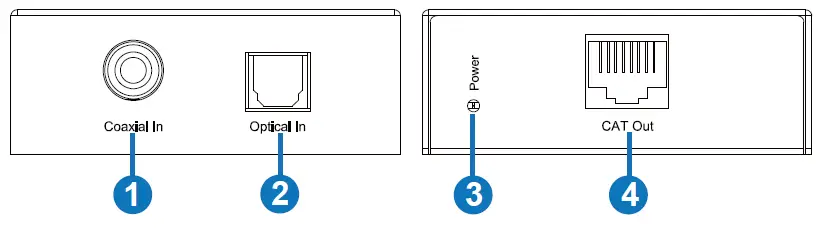
| No. | Name | Function Description |
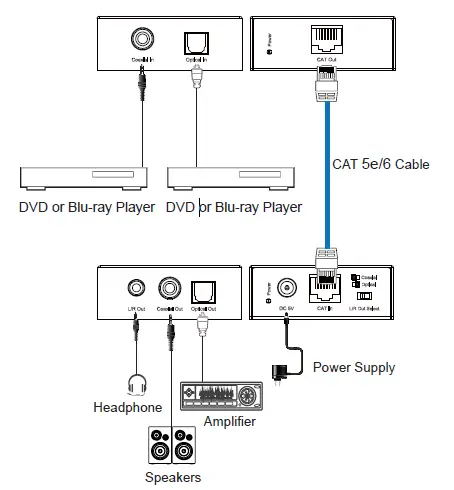
| 1 | Coaxial In | Coaxial audio input port. Connect to a Coaxial RCA digital audio source device with RCA cable. |
| 2 | Optical In | Fiber Optical audio input port. Connect to an Optical digital audio source device with Optical Toslink cable. |
| 3 | Power LED | When the transmitter is powered on, the power LED will be on. |
| 4 | CAT Out | Connect to the CAT In port of the receiver with CAT 5e/6 cable. |
Receiver
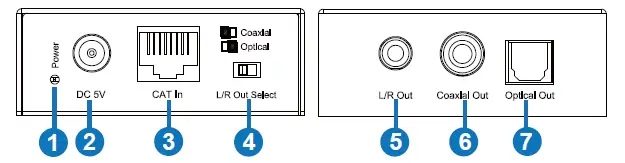
| No. | Name | Function Description |
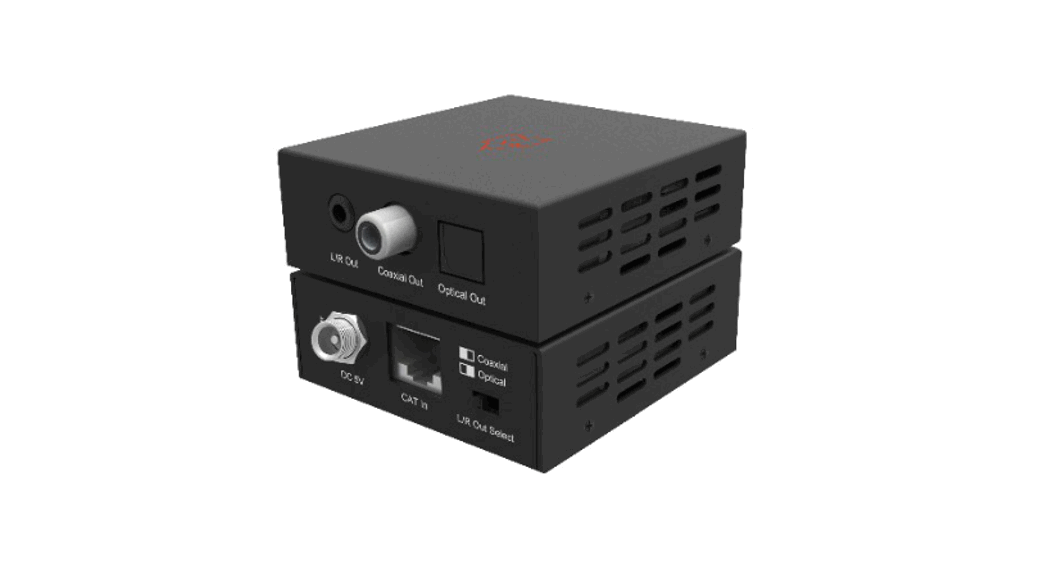
| 1 | Power LED | When the receiver is powered on, the power LED will be on. |
| 2 | DC 5V | DC 5V/1A power input port. |
| 3 | CAT In | Connect to the CAT Out port of the transmitter. |
| 4 | DAC Input Selection Switch | Switch to the required Optical or Coaxial signal you would like to convert to the Analog stereo L/R audio output. |
| 5 | L/R Out | 3.5mm Analog stereo audio output port. |
| 6 | Coaxial Out | Coaxial audio output port. Connect to amplifier or speaker with RCA cable. |
| 7 | Optical Out | Fiber Optical audio output port. Connect to amplifier or speaker with Optical Toslink cable. |
Application Example