 Ready to Shine?
Get Started With Your LuminAID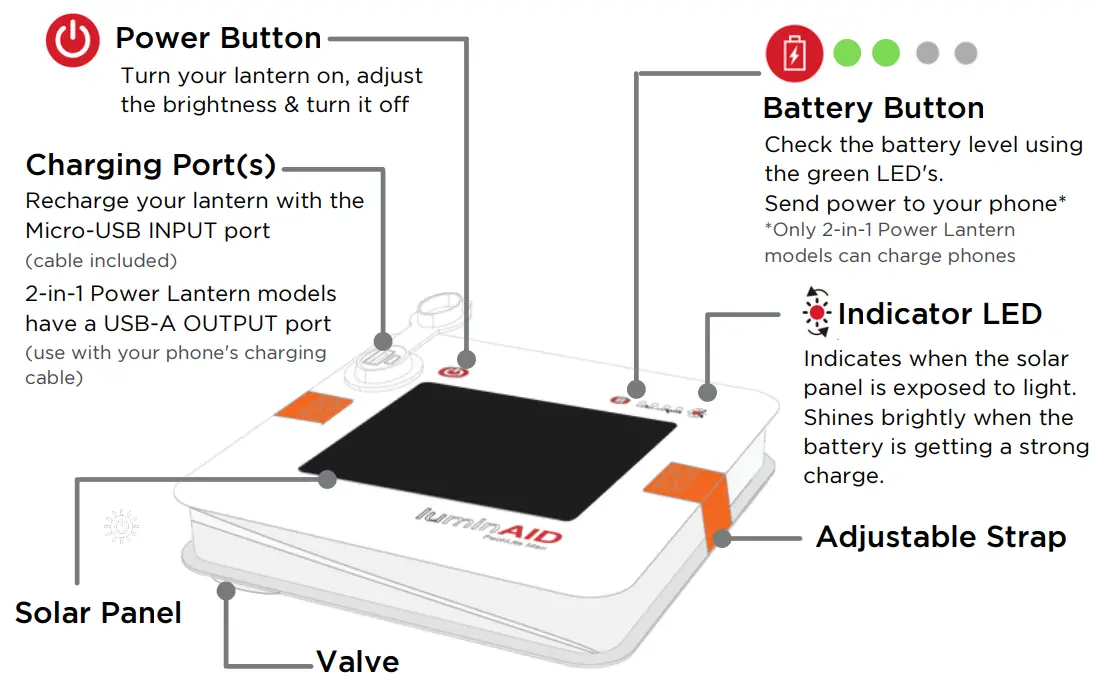
Find videos and more guides at: LuminAID.com/Get-Started
 SCAN ME
https://qrco.de/bcTH24
How to Check the Battery Level
- Press the red
 Battery Button.
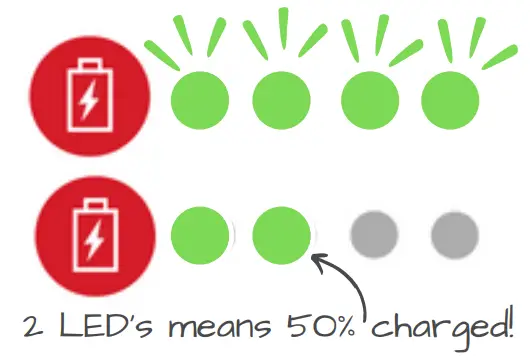
 - First, all 4 green LEDs will flash once.
- Next, the green LED will hold steady to show the charge level.
 Battery Button.
PRO TIP: If the green LED’s only flash, and do not hold steady, then your LuminAID is on low battery.
How to Recharge Your Lantern
Charging by Solar Power: Charge outdoors in direct sunlight while the lantern is OFF. Your lantern can charge in cloudy weather, but it will take longer.
PRO TIP: When the red  indicator LED shinies brightly, your lantern is getting a strong charge!
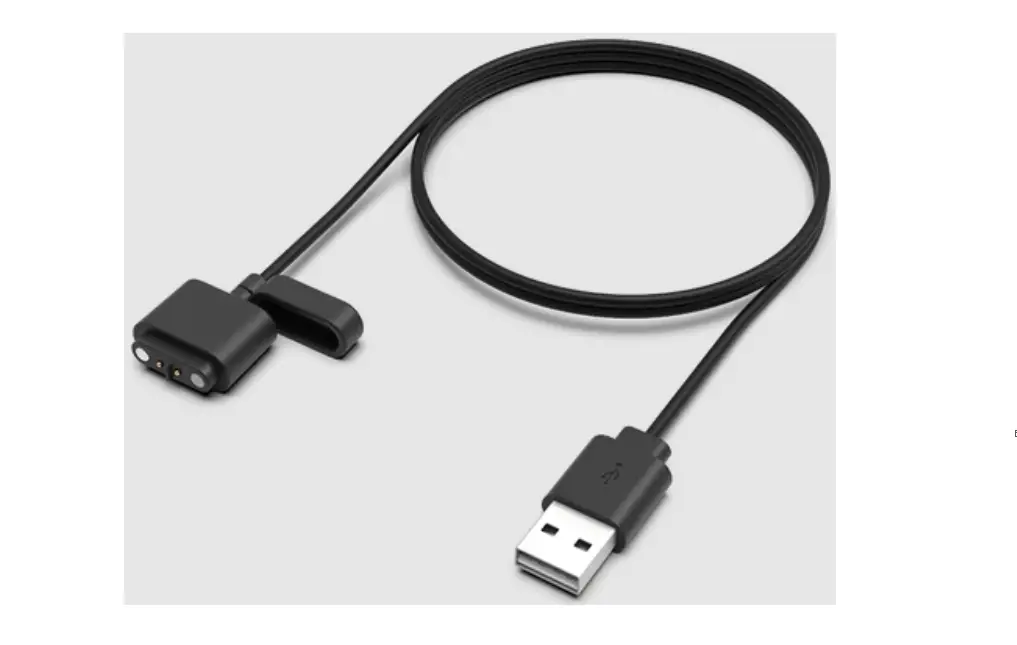
Charging by Micro-USB: A small micro-USB to USB-A cable is included for recharging your lantern. USB recharging takes 2-4 hours.
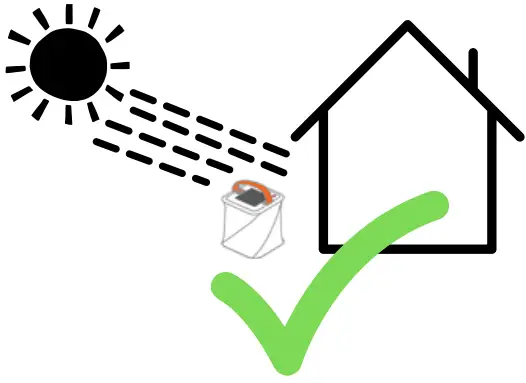 | 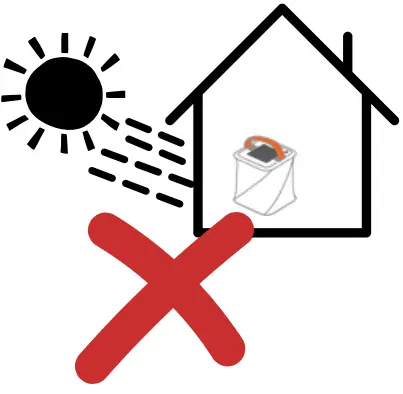 |
| DO charge outdoors in direct sunlight | DON’T charge indoors through windows |
How to Charge Your Phone
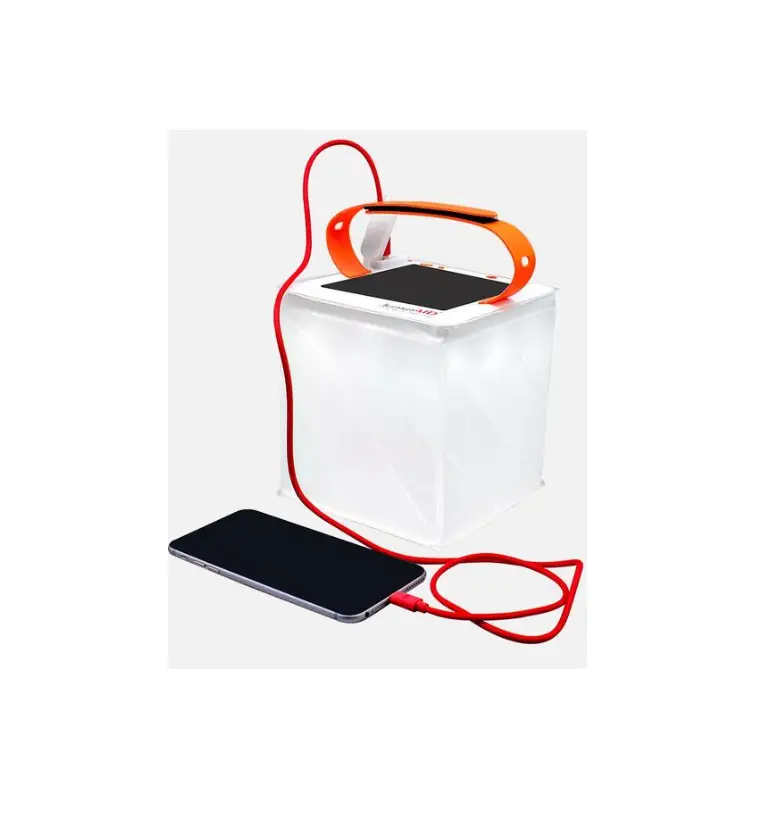
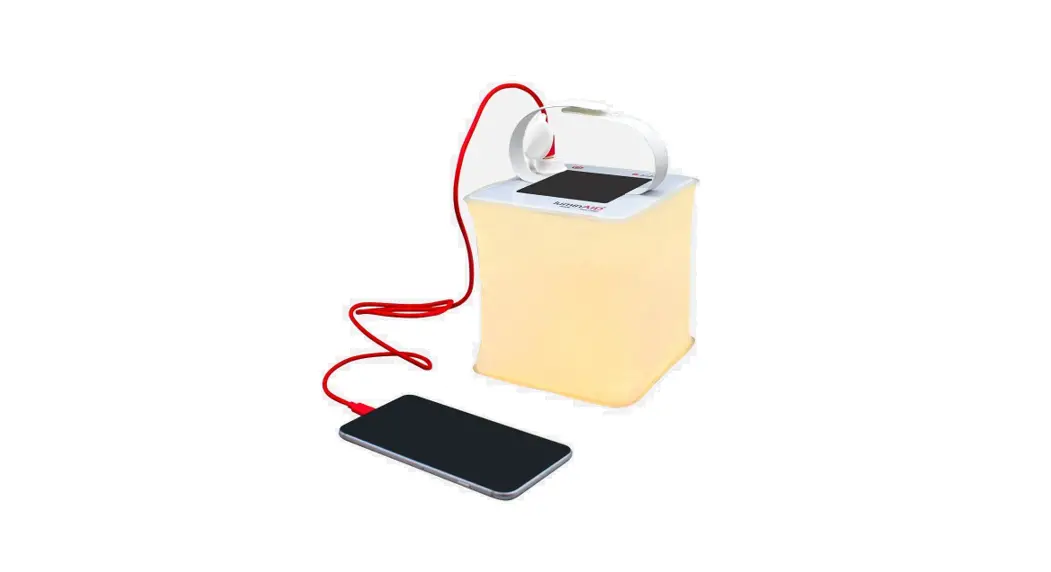
- Plug the small end of your phone’s charging cable into your phone. Plug the large end* into the LuminAID’s USB-A output port.
- Press the red
 Battery Button to send a charge to your phone.
For best performance, make sure your LuminAID is charged first.
 Battery Button to send a charge to your phone.
*If your phone uses a USB-C charging cable, you may need an adapter. We sell one on LuminAID.com
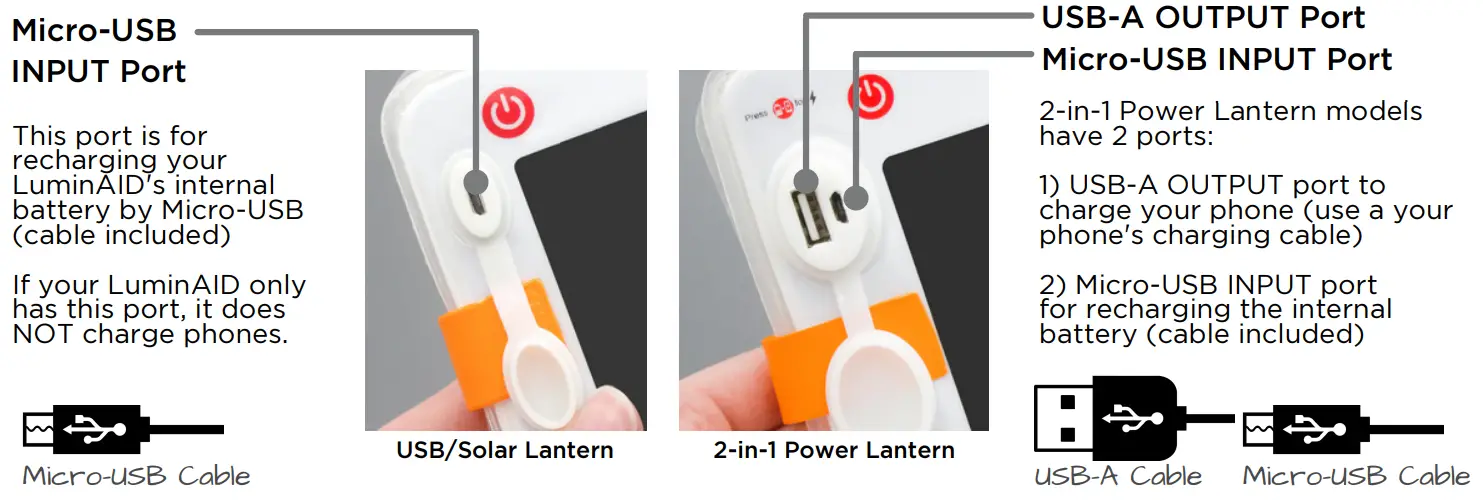
Can my LuminAID charge phones?
Our 2-in-1 Power Lantern models can charge phones.
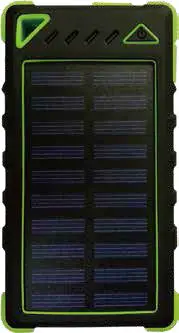
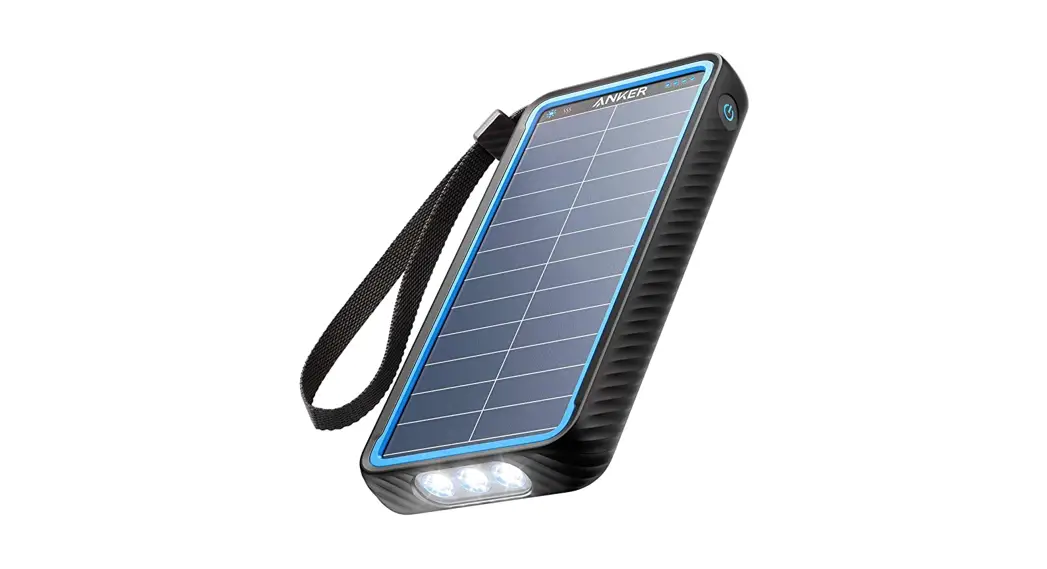
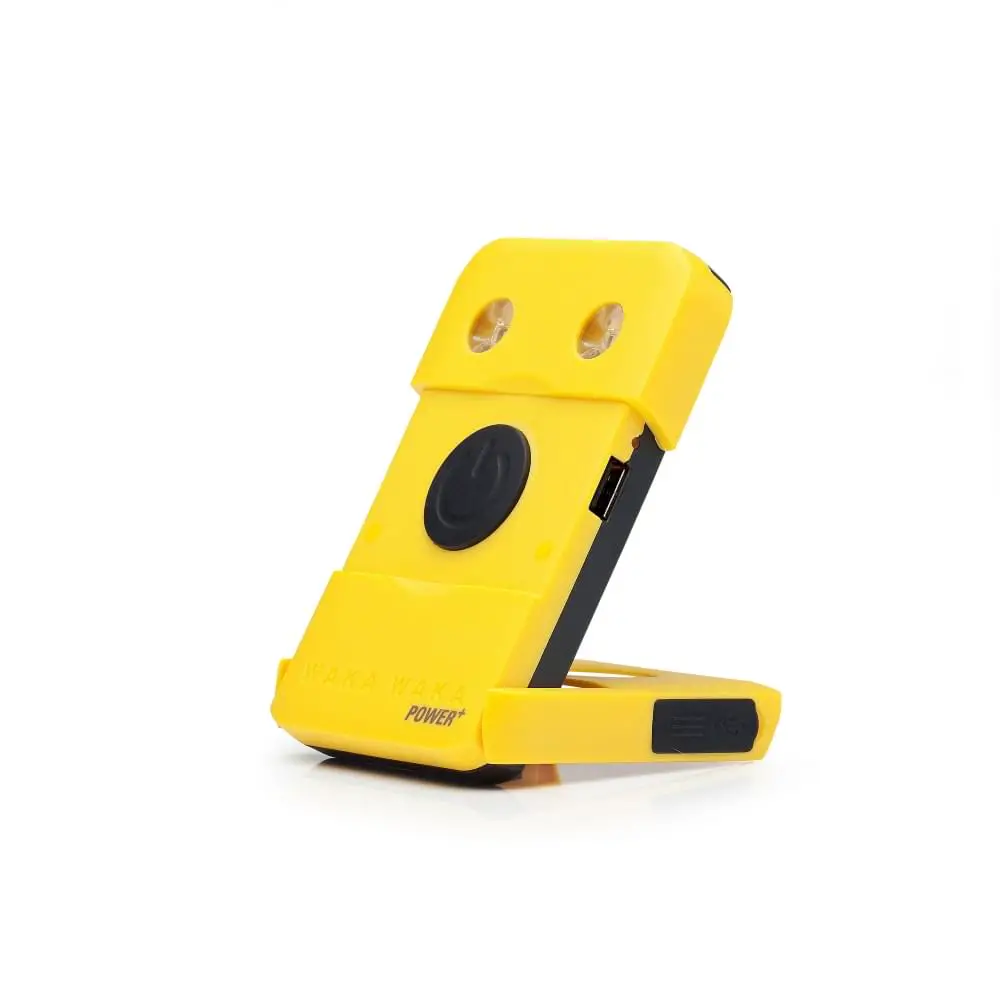
Here’s how to check what type you have:
100-Day Return Policy | Off-Grid Guarantee
LuminAID.com/get-help
 LuminAID Solar Lanterns and Solar 2-in-1 Phone Chargers