 User guide
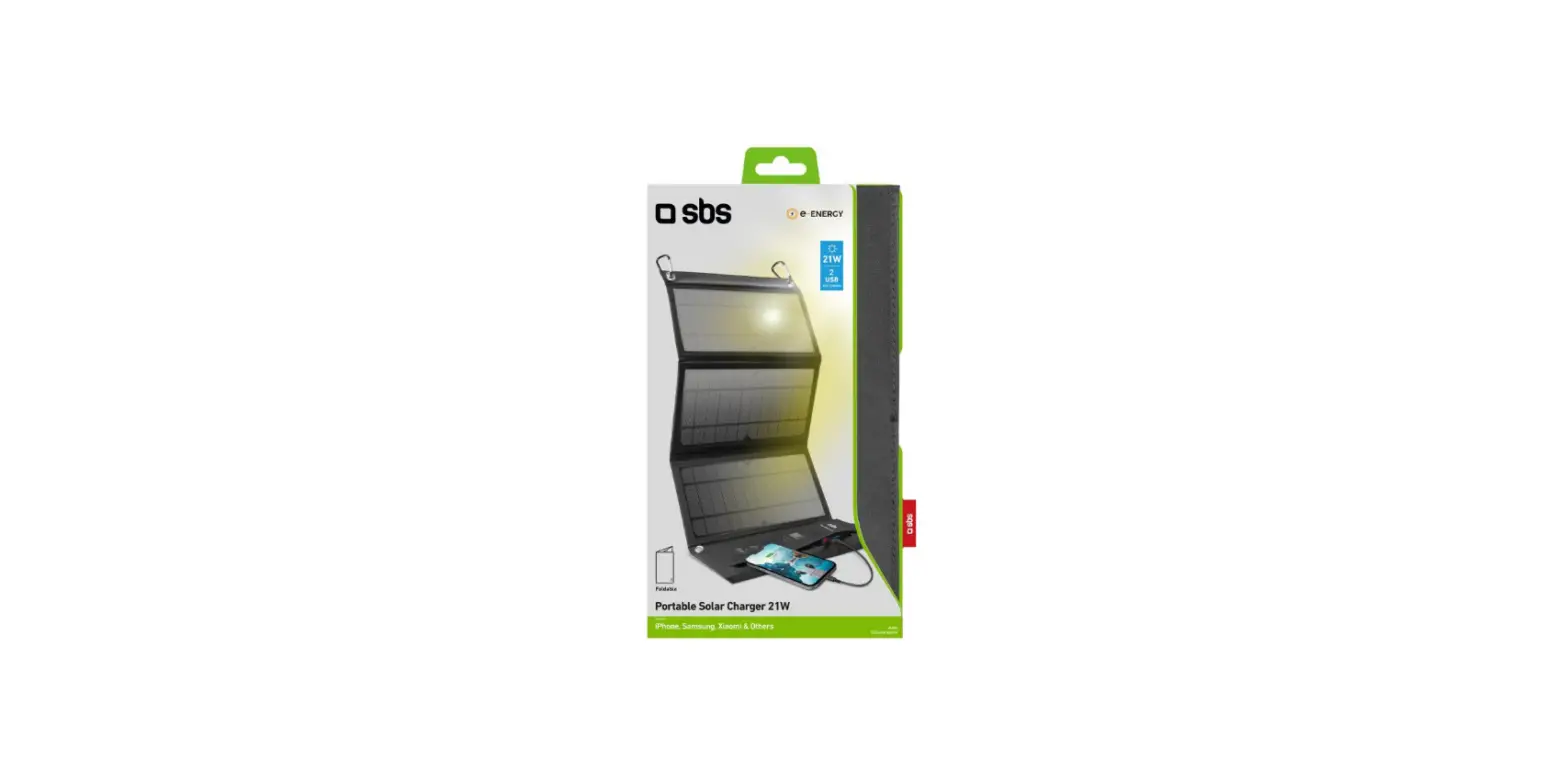
21W PORTABLE SOLAR CHARGER
TRAGBARE 21W- SOLARAUFLADESTATION
21W PORTABLE SOLAR CHARGER – User Guide
Warnings and advice
 Use only original or certified cables to connect your devices to the charger
 Protect from the rain and other dripping or splashed liquids
 Be careful not to drop, bend or puncture this unit
 Do not disassemble or modify the product if it is not working properly consult a qualified engineer
 Do not expose to extreme temperatures (in excess of 70°C)
Do not use abrasives or solvents to clean the surface of the unit. Wipe with a clean soft cloth it and a mild detergent solution.
While charging keep your phones/tablets out of direct sunlight as excessive heat may cause damage.
Introduction
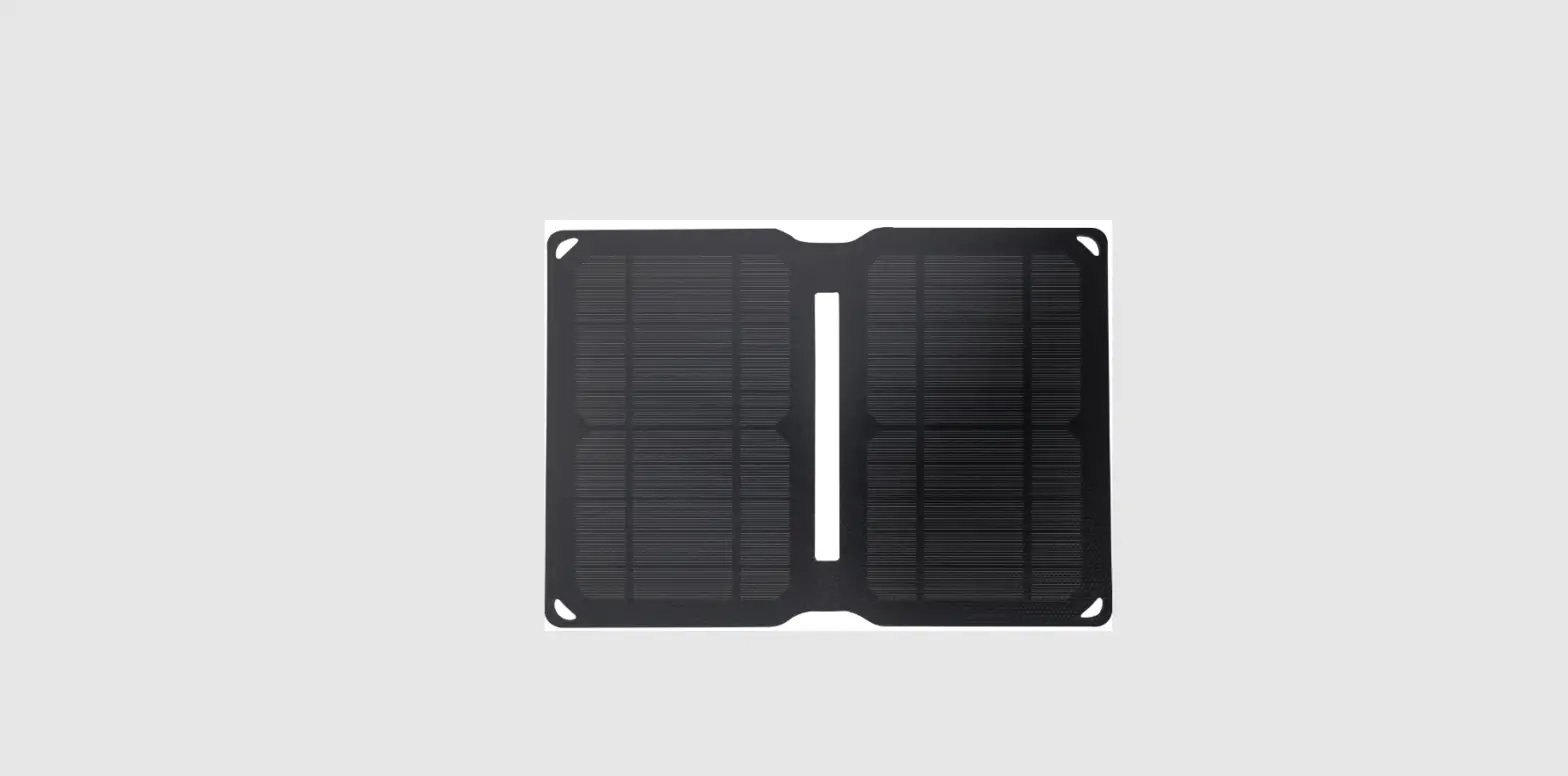
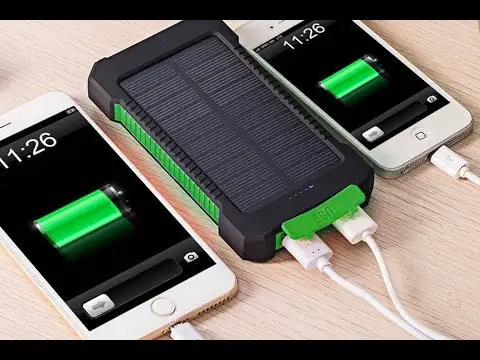
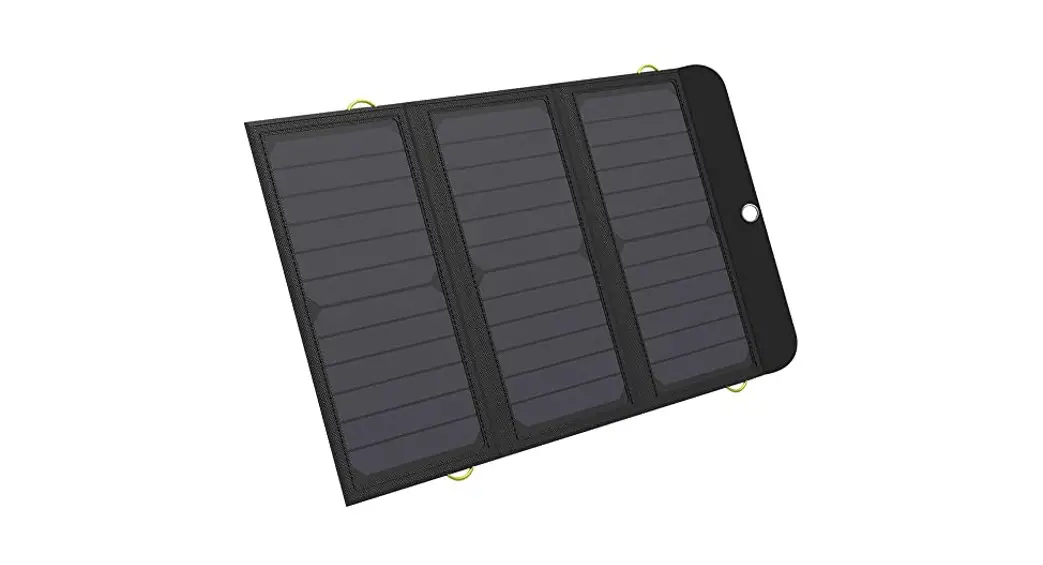
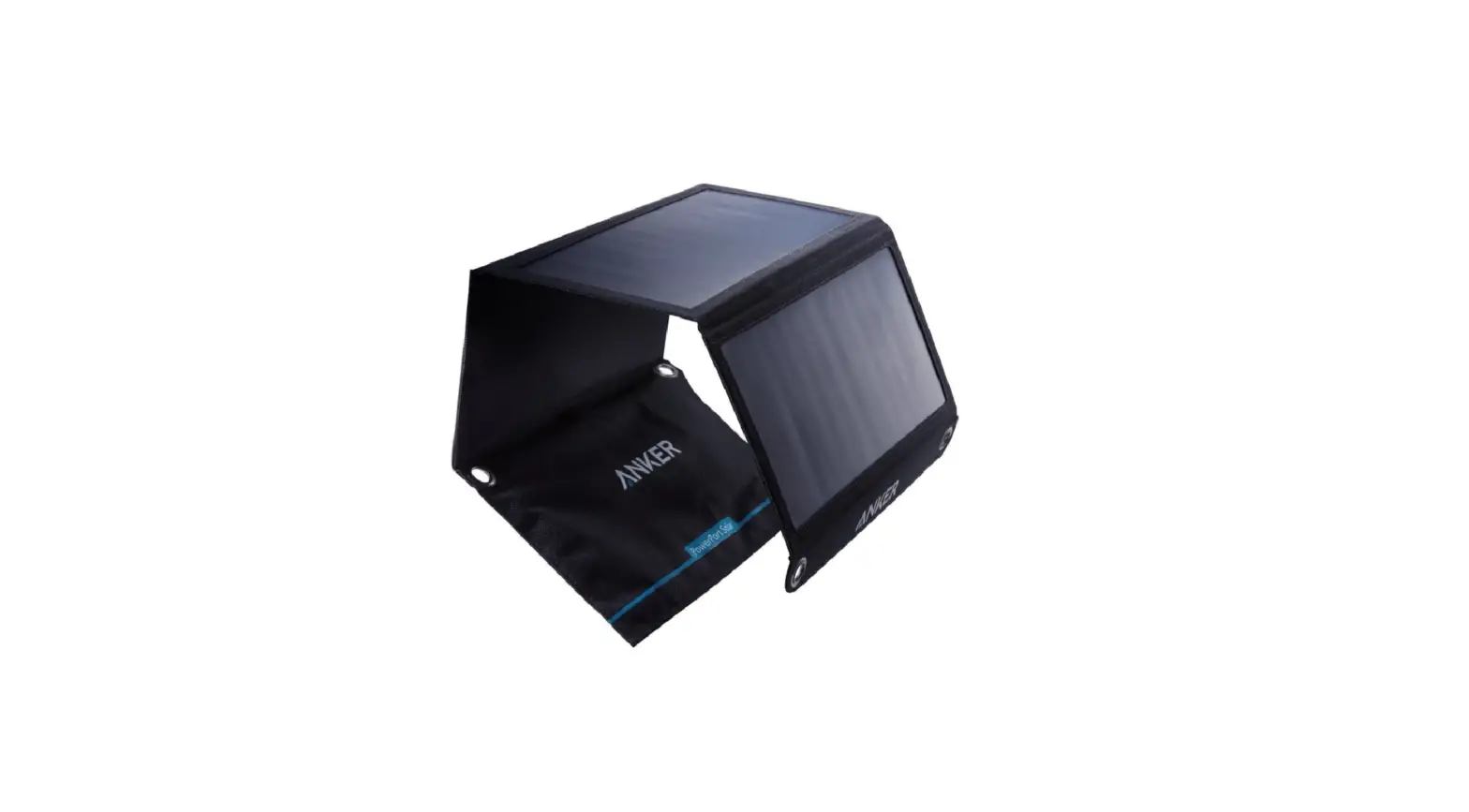
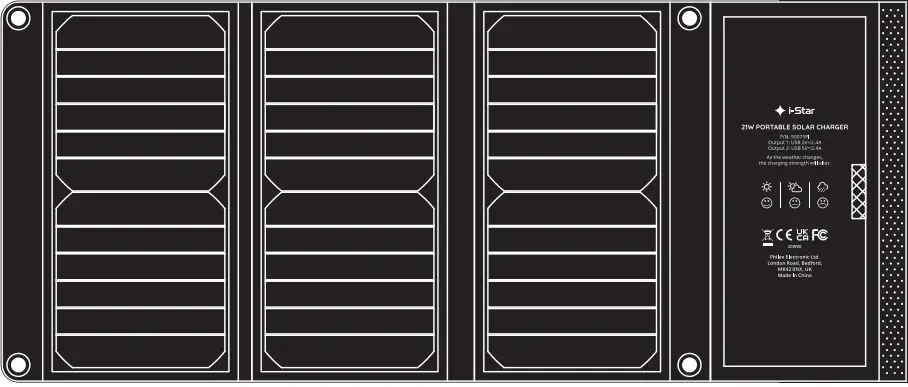
The 21W solar charger is ideal for charging mobile devices such as smartphones (iPhone & Android) and tablets in sunny conditions.
The charger features a built-in smart chip that has a unique auto-start function which will restart charging automatically when the sunshine returns after cloudy weather has stopped the panels charging. There is also an “intelligent” IC that identifies and enables fast charging for compatible Samsung and iPhone devices.
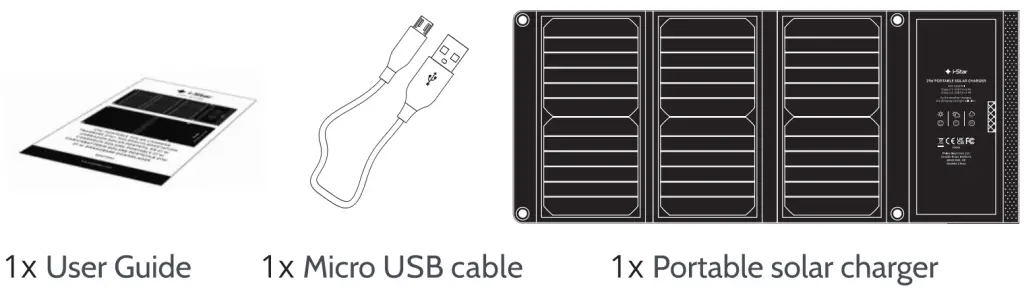
Box contents
Features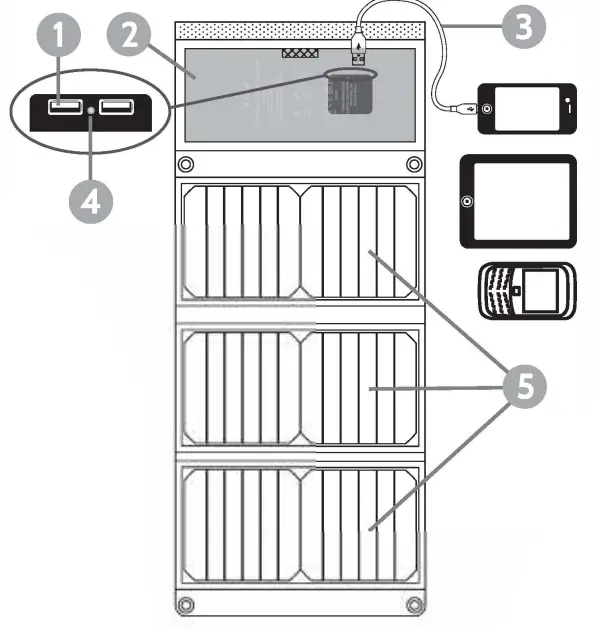
0 Twin USB socket
8 Pocket
0 USB charging cable
0 Charging LED
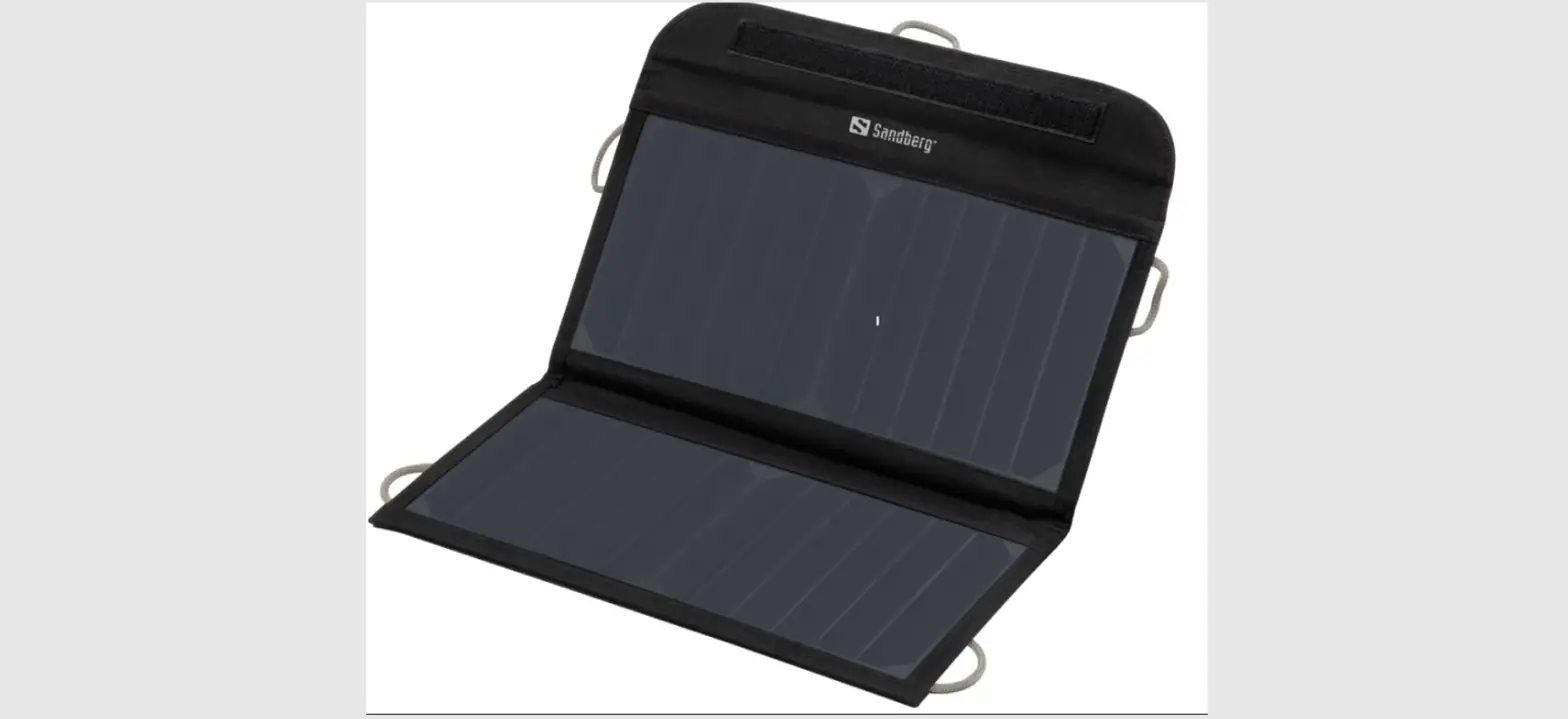
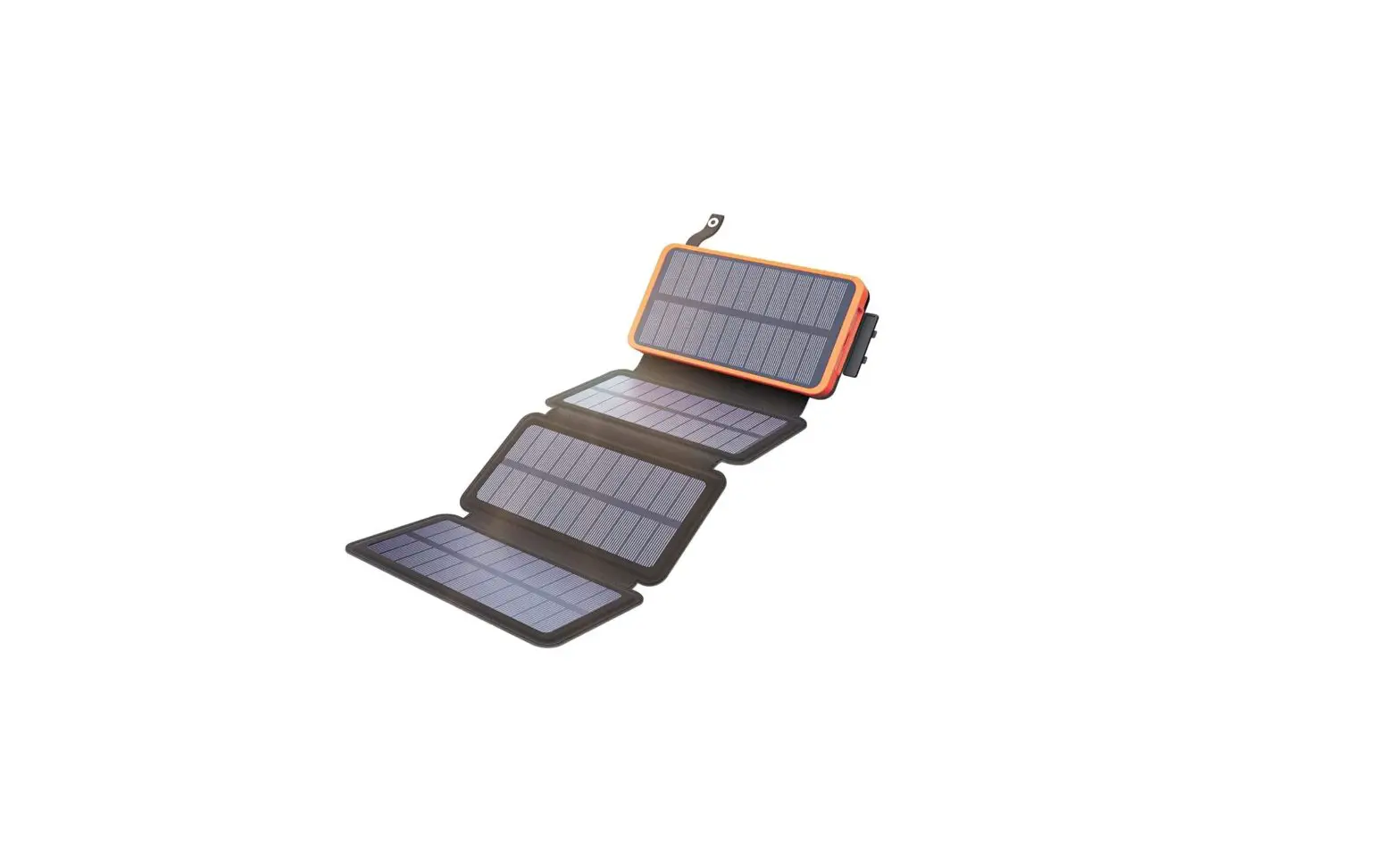
0 Solar panels
Operation
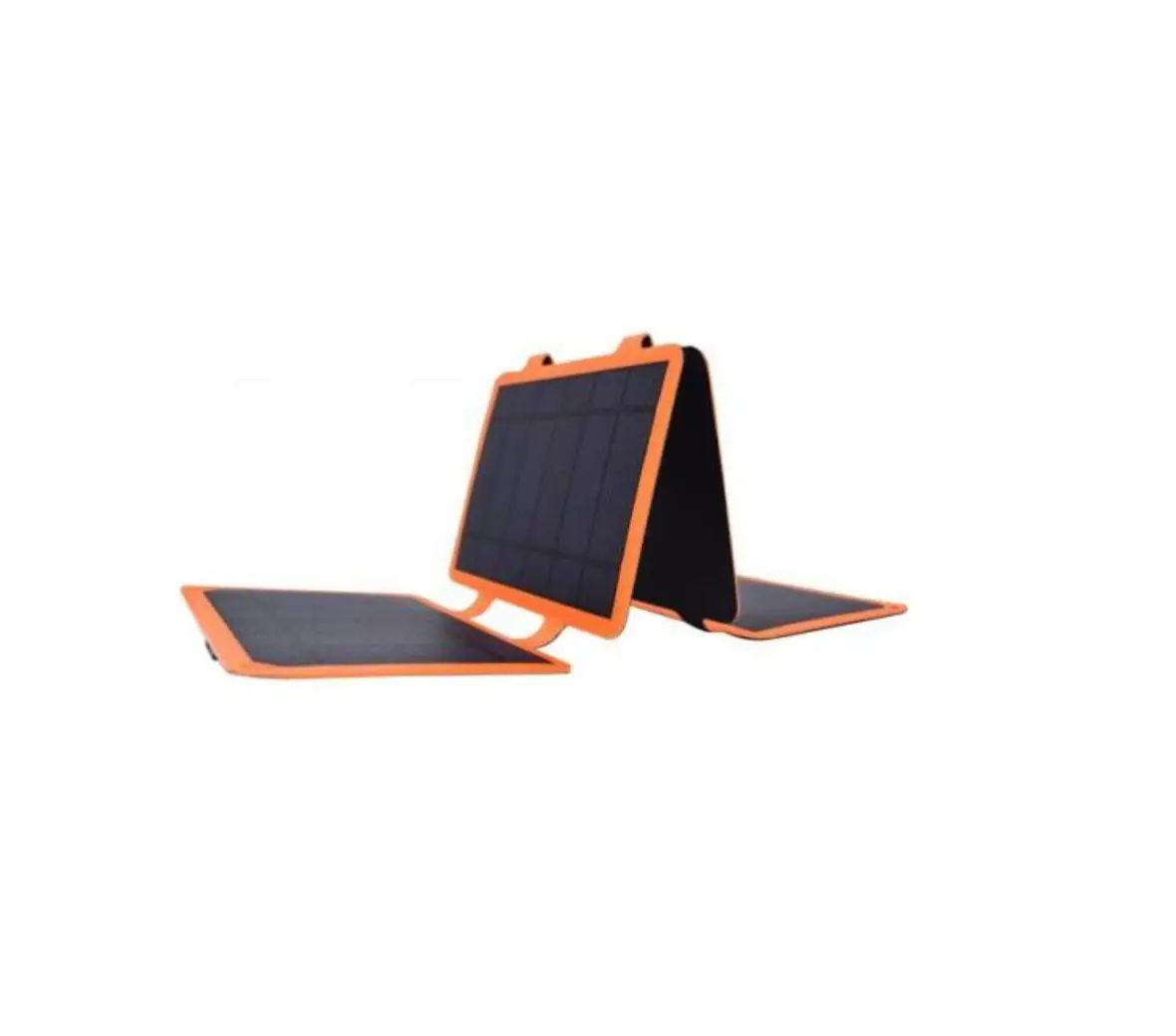
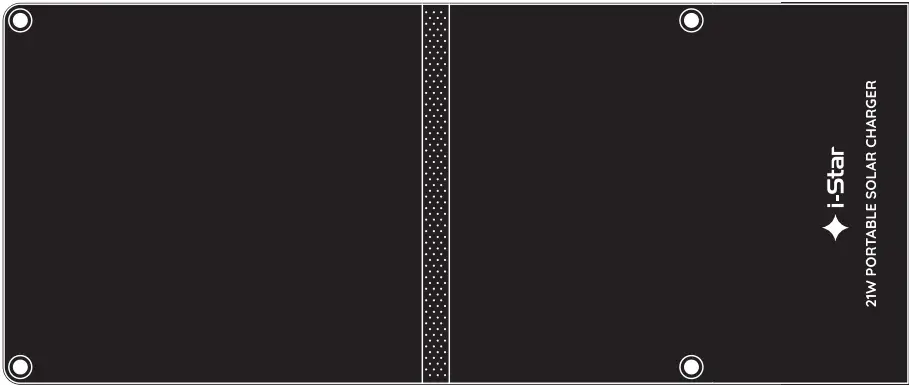
Unfold the solar panels. Connect your device(s) to the connector block (concealed in the charger’s pocket). Use the micro USB cable supplied or your phone or tablet’s original cable. While charging keep your phones/tablets out of direct sunlight place them in the pocket provided (2) or behind the panel. Arrange the panels on a suitable surface so that all of them are in full sunlight and face the sun at an angle of 90 to maximize charging.
Troubleshooting
| Problem | Action |
| Phone/tablet isn’t charging | Check the micro USB cable connection |
| Replace cable | |
| Make sure solar panels face the sun and are not in shadow Check panels are clean – remove dust or dirt | |
| Devices charge slowly | There is not enough sunlight |
| Make sure your device is not overheating (in direct sunlight) |
| Specifications | |
| Solar Panel Power | 21 Watts |
| Number of solar panels | 3x |
| USB Output 1 | 5V/2.4A |
| USB Output 2 | 5V/2.4A |
| Dual USB Output | 5V/3A Max |
| Dimensions unfolded | 665 x 281 x 10 mm |
| Dimensions closed | 281 x 145 x 30 mm |
| Weight | 0.46Kg |
Technical support
If you experience problems using your solar charger please visit our technical website at www.philex.com/technical-support to send us a message or live chat during office hours.
WEEE Disposal/Recycling
Waste electrical, electronic products, and batteries should not be disposed of with household waste. Please recycle where facilities exist. Check with your Local Authority for recycling advice.

Made in China 0 Philex Electronic Ltd. Kingfisher Wharf, London Road, Bedford, MK42 ONX UK. 2020 V1.2
www.istarproducts.com