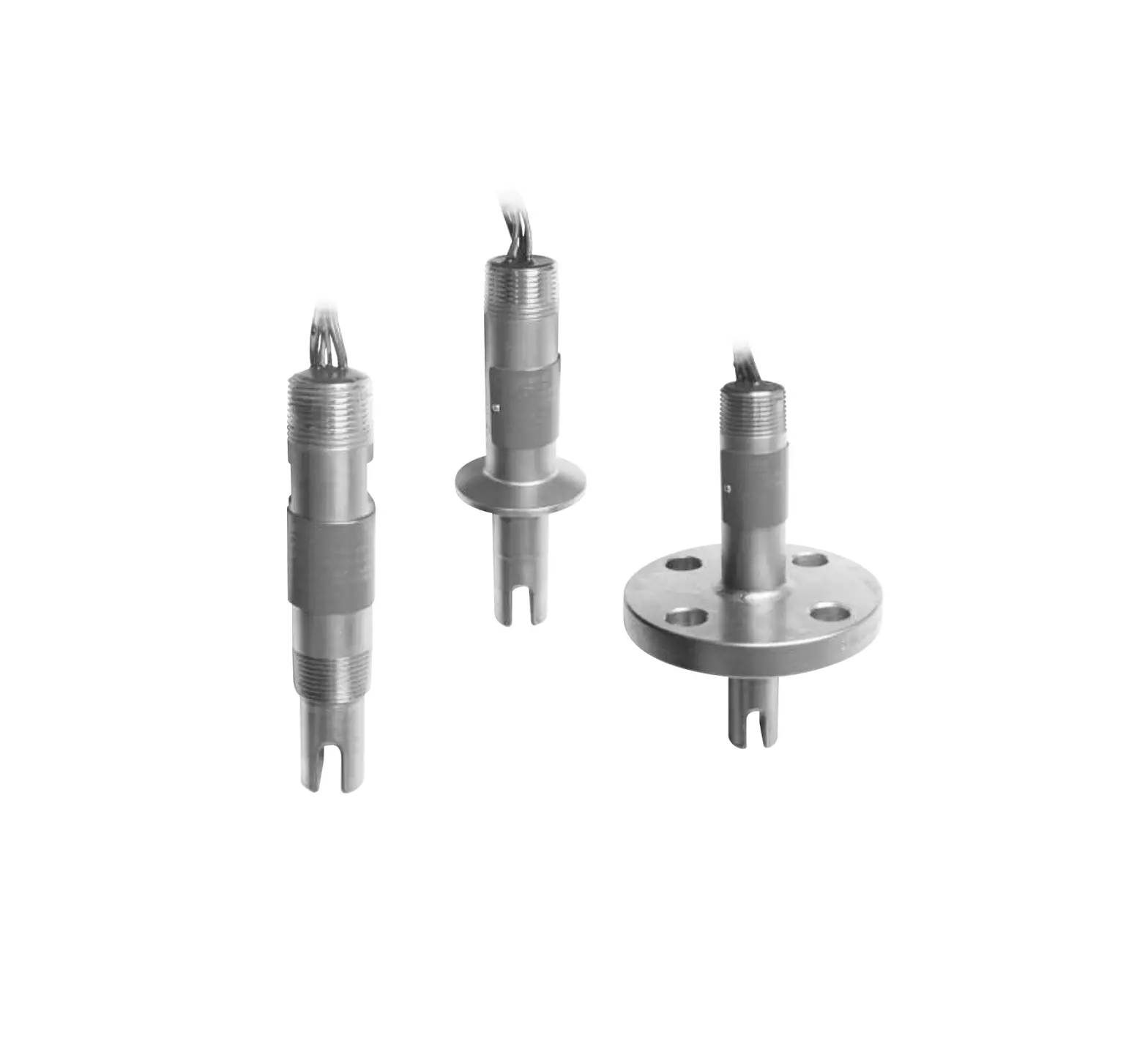
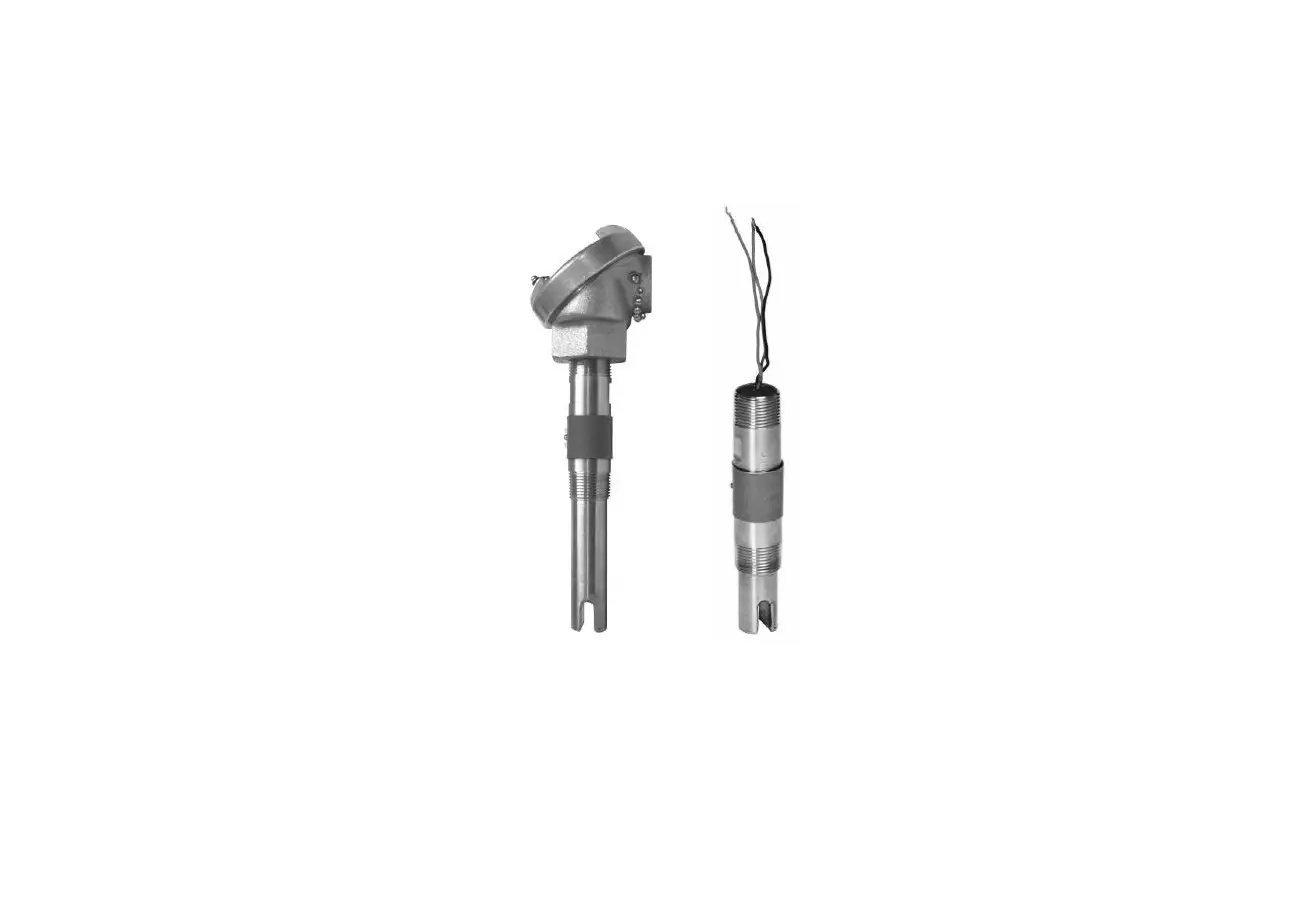
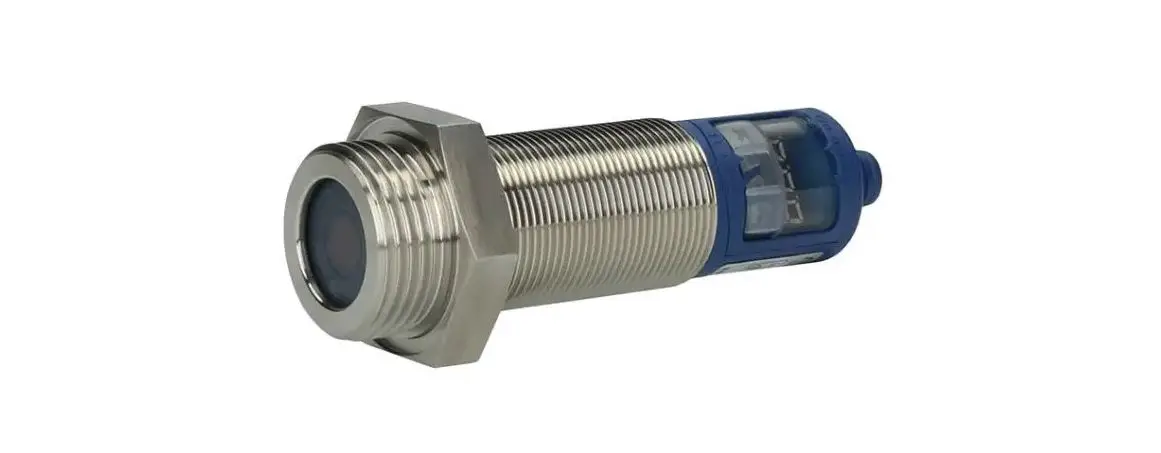
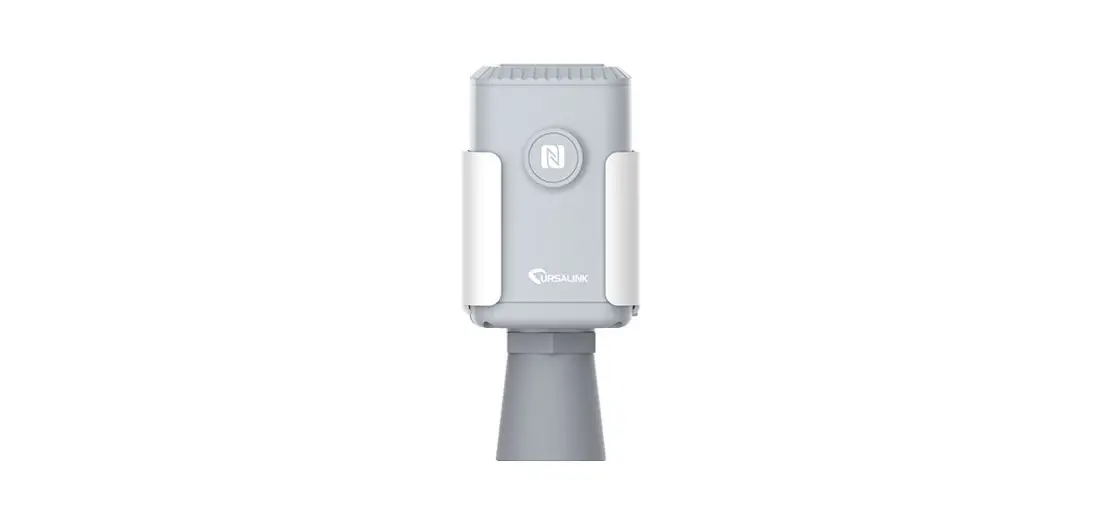
US01 Series EchoTouch Intrinsically Safe Reflective Ultrasonic Liquid Level Transmitter
Product Information
The Intrinsically Safe Reflective Ultrasonic Liquid Level
Transmitter is available in different series: US01, US03, US06, and
US12. It can be configured using either the Push Button or WebCal
method, depending on the series. The transmitter is enclosed in an
enclosure with the following configurations: US01-0001-00,
US01-0001-01, US01-0011-00, US01-0011-01, US03-0001-00,
US03-0001-01, US03-0011-00, US03-0011-01, US06-0001-00,
US06-0001-01, US06-0011-00, US06-0011-01, US12-0001-00,
US12-0001-01, US12-0011-00, and US12-0011-01. For further
assistance or inquiries, contact CalCert at 1.888.610.7664 or email
[email protected].
Product Usage Instructions
Step 1 – Remove the display and unplug the cable (US06 &
US12 series only)
For US06 & US12 series transmitters, remove the display and
unplug the cable from the connector on the circuit board. Follow
the color-coding for power and WebCal connections:
| Power (+) | Red |
|---|---|
| Power (-) | Black |
| WebCal (W) | White |
| WebCal (G) | Green |
Step 2 – Measure the tank
Measuring the tank is crucial for configuring the transmitter.
Consider the location of the transmitter with respect to fittings,
risers, and dome tops and bottoms. Identify where the measurements
are taken from the transmitter. The HEIGHT (4mA) and FILL-H (20mA)
settings determine the 4-20mA span and are always measured from the
bottom of the tank up.
Step 3 – Transmitter Configuration
Configure the following settings for the transmitter:
- Loop Fail-Safe: Sets the default output when the
transmitter does not receive a return signal (LOST condition). - Output at Empty: Sets the current logic for the
application with regards to 4mA being at the bottom and 20mA at the
top or reversed. - Startup Condition: Sets the current output when power is
first applied relative to the transmitter acquiring a valid return
signal.
The distance setting determines the output of the transmitter
based on the height of liquid in the tank. Any change in liquid
level will reflect linearly to the current output. The Sensor
Height and Fill-Height values set the 4-20 mA current span for the
transmitter. Both values are set in the units specified under
Height Units.
The Height Units confirm the units used in Sensor Height and
Fill-Height settings. The Sensor Height is based on the distance
from the Empty level position (bottom of tank) to the Measurement
location for the sensor (bottom of sensor). The Fill-Height is
based on the distance from the Empty level position (bottom of
tank) to the Full level position.
Step 4 – Tank Level Confirmation
Verify the Height Units, Sensor Height, and Fill-Height. Adjust
any values if necessary based on the previous Dimensional Entry
window.
Step 5 – Write to Unit
Before completing the configuration:
- Click the Write to Unit button to save the settings to the
unit. - Click Wiring Diagram for a hard copy of the transmitter’s
settings.
EchoTouch®
Intrinsically Safe Reflective Ultrasonic Liquid Level Transmitter
US01, US03, US06 & US12 Series Quick Start
©2020 Flowline, Inc. All Rights Reserved Made in USA
1.888.610.7664
15
10
20
5
25
0
30
www.calcert.com
QS300820 Rev B1
[email protected]
WELCOME TO THE ECHOTOUCH® QUICK START The EchoTouch® Quick Start provides basic mounting, setup and use instructions for getting the EchoTouch® up and running quickly. If you have a non-standard installation or setup requirement that is not addressed here, please refer to the EchoTouch® Manual or other support documentation.
WE DO YOUR LEVEL BEST
Thank you for purchasing EchoTouch®. The transmitter provides WebCal® software configuration (all models) or integrated LCD and three push-button configurations (US06 & US12 series only). This quick start includes everything you’ll need to get the transmitter up and running.
COMPONENTS
Depending upon the transmitter part number shipped, EchoTouch® comes with the Quick Start and a Viton® gasket for installation with G threaded versions only.
Viton® gasket (G thread
version only) USB® Key Fob
US01-0001-00 US01-0001-01 US01-0011-00 US01-0011-01
WebCal Configuration
Only
US03-0001-00 US03-0001-01 US03-0011-00 US03-0011-01
WebCal Configuration
Only
US06-0001-00 US06-0001-01 US06-0011-00 US06-0011-01
Push Button or WebCal
Configuration
US12-0001-00 US12-0001-01 US12-0011-00 US12-0011-01
Push Button or WebCal
Configuration
LI99-2001
210138 US01 & US03 only
200129 US06 only 210157 US12 only
ENCLOSURE
While the enclosure housing is liquid-resistant the EchoTouch® transmitter is not designed to be operational upon being immersed. It should be mounted in such a way that the enclosure and transducer do not come into contact with the application media under normal operational conditions. Before closing the enclosure (US06 & US12 series only), make sure that the enclosure gasket is properly seated, and that any conduit fittings, cable connectors or plugs are installed correctly and sealed. Note: If using the Flowline LM90-1001 (liquid tight fitting) on the ½” conduit, the cable minimum is 0.170″ (4.3mm) and the maximum is 0.450″ (11.4mm).
CONFIGURATION
When configuring EchoTouch®, choose the WebCal® (all versions of EchoTouch®) or Push Button method (US06 & US12 series only). Changes to the configuration can be made using the alternative method. When beginning with one method, it is recommended to complete the configuration before using the other method to make any adjustments.
| 2
1.888.610.7664
15
10
20
5
25
0
30
www.calcert.com
QS300820 Rev B1
[email protected]
CONFIGURING ECHOTOUCH® (WEBCAL) ALL VERSIONS OF ECHOTOUCH®
EchoTouch® is configured through WebCal®, a PC software program. Configuration of your transmitter should be performed prior to mounting, since it requires connection to your PC.
NOTE: Do not connect the Fob to your computer until you’ve installed WebCal® software.
STEP 1: INSTALL WEBCAL® SOFTWARE
Download WebCal® softwarre onto a PC with the following minimum specifications:
Windows® XP/Vista/7/8/10, 10 MB storage space, 256 MB RAM, 1 USB® 2.0 port
You must have an active Internet connection to download WebCal®. Double-click the WebCal® installer to install software before proceeding to Step 2. Installer program will automatically install any required drivers.
STEP 2: CONNECT THE USB® FOB
NOTE: When connecting the sensor to the WebCal® Software, you must remove the display or the software will not connect. Once completed, you can re-connect the display to the terminal. The transmitter communicates to WebCal® through the USB® Fob. Prior to plugging the Fob into your computer USB® port, ensure that all external power is disconnected from EchoTouch®. The maximum distance between the computer and EchoTouch® is 15′.
1. Remove the display and unplug the cable from the connector on the circuit board (US06 & US12 series only).
2. Connect the proper terminals from the EchoTouch® to the corresponding colored terminals on the Fob. Wiring identical for all series use only the Red, Green, White and Black wires.
a. Power (+) to Red
b. Power (-) to Black
c. WebCal (W) to White
d. WebCal (G) to Green
3. Tighten the terminal screws with a slotted screwdriver. 4. Plug the Fob into the PC USB® port.
STEP 3 – MEASURE THE TANK
Measuring the tank is one of the most important aspects in configuring the transmitter. When measuring the tank, take into account the location of the transmitter with respect to fittings, risers, dome tops and bottoms, and identify where the measurements are taken from the transmitter. The HEIGHT (4mA) and FILL-H (20mA) settings determine the 4-20mA span and are always measured from the bottom of the tank up.
QS300820 Rev B1
1.888.610.7664
15
10
20
5
25
0
30
www.calcert.com
STEP 4 – TRANSMITTER CONFIGURATION
Configure the Loop Fail-Safe, Output at Empty and Startup Condition for the transmitter.
Loop Fail-safe o Sets the default output when the transmitter does not receive a return signal (LOST condition)
Output at Empty o Sets the current login for the application with regards to 4mA being at the bottom and 20mA at the top or reversed
Startup Condition o Sets the current output when power is first applied relative to the transmitter acquiring a valid return signal
STEP 5 DIMENSIONAL ENTRY
Distance (default): Output of transmitter is based on the height of liquid in the tank. Any change in liquid level will reflect linearly to the current output. The two values of Sensor Height and Fill-Height set the 4-20 mA current span for the transmitter. Both values will be set in the units shown under Height Units.
Height Units: Confirm units for use in Sensor Height and Fill-Height settings. Sensor Height: Sets the location for 4mA. It is based on the distance from the Empty level position (bottom of tank) to the Measurement location for the sensor (bottom of sensor). Fill-Height: Sets the location for 20mA. It is based on the distance from the Empty level position (bottom of tank) to the Full level position (see below).
| 4
1.888.610.7664
15
10
20
5
25
0
30
www.calcert.com
QS300820 Rev B1
[email protected]
STEP 6 – TANK LEVEL CONFIRMATION
Verify the Height Units, Sensor Height & Fill-Height. All values were calculated and set in the previous Dimensional Entry window. Make any adjustments if required.
STEP 7 – WRITE TO UNIT
This WebCal®* operation uploads the configuration into the transmitter, provides a custom wiring diagram specific to the signal output and/or relay configuration, and saves the configuration file to your hard drive.
Before configuration can be completed:
You must click the Write to Unit button to save the settings to the unit.
Then, click Wiring Diagram for a hard copy of the transmitter’s settings.
Finally, enter the file name under which you wish to save the configuration file and click Save Config File.
Configuration is now complete.
Disconnect the USB® Fob before continuing to the next step: Mounting the EchoTouch®.
* For complete information on the WebCal® software, please refer to the WebCal® manual .
QS300820 Rev B1
1.888.610.7664
15
10
20
5
25
0
30
www.calcert.com
CONFIGURING ECHOTOUCH® (DISPLAY) US06 & US12 SERIES ONLY
TOP-LEVEL MENU
The transmitter is configured with the three buttons on the transmitter face (UP, DOWN and OK) and the transmitter’s LCD. To access the transmitter’s Top-level menu, simply hold down the OK button for five seconds. The display menu will automatically begin to scroll through the TOP-LEVEL MENU.
When the menu scrolls to an item you wish to configure, simply press the OK button to choose that item. The TOP-LEVEL MENU will continue to scroll through the following (UNITS TANK dISPLY OUTPUT VALUES RUN), If you miss your selection, it will appear again shortly.
To return to the TOP-LEVEL MENU, press OK when EXIT appears. To return to Operational Mode of the transmitter, press OK when RUN appears in the TOP-LEVEL
MENU. Note: To speed up the scrolling of the values on the display, hold down the OK button while holding
down the UP or DOWN buttons.
STEP 1 – MEASURE THE TANK
Measuring the tank is one of the most important aspects in configuring the transmitter. When measuring the tank, take into account the location of the transmitter with respect to fittings, risers, dome tops and bottoms, and identify where the measurements are taken from the transmitter. The HEIGHT (4mA) and FILL-H (20mA) settings determine the 4-20mA span and are always measured from the bottom of the tank up.
Height: Sets the location for 4mA. It is based on the distance from the Empty level position (bottom of tank) to the Measurement location for the sensor (bottom of sensor).
Fill-Height: Sets the location for 20mA. It is based on the distance from the Empty level position (bottom of tank) to the Full level position (see below).
#2 – SETTING THE UNITS OF MEASUREMENT (UNITS)
The EchoTouch® displays information in the following units: inches, feet, centimeters, meters or percentage. The value shown on the display represents the amount of liquid in the tank.
1) In TOP-LEVEL MENU mode, select UNITS by pressing OK.
2) Next, select INCHES, FEET, CM or METERS by pressing OK.
3) Finally, select EXIT by pressing OK to return to the TOPLEVEL MENU.
| 6
1.888.610.7664
15
10
20
5
25
0
30
www.calcert.com
QS300820 Rev B1
[email protected]
#3 – SETTING THE HEIGHT (SENSOR HEIGHT OR 4mA) AND FILL-HEIGHT (FILL-H OR 20mA)
This setting customizes the reading for your installation. Follow these instructions to set the height and fill height for your tank:
1) In TOP-LEVEL MENU mode, select TANK. 2) Select HEIGHT. 3) Use the UP and DOWN buttons, set the
HEIGHT of your tank. 4) To enter the value, press and hold OK for 5
seconds and release. SAVED will display. HEIGHT is now set. 5) Select FILL-H. 6) Use the UP and DOWN buttons, set the FillH of your tank. 7) To enter the value, press and hold OK for 5 seconds and release. SAVED will display. FILL-H is now set. 8) Select EXIT by pressing OK to return to the TOP-LEVEL MENU. 9) Select RUN by pressing OK to return to Operational Mode.
Note: The Height (4mA) and Fill Height (20mA) settings also determine the 4 to 20 mA current span.
#4 – HOW TO SELECT FAIL-SAFE CURRENT OUTPUT (LOST)
In the event the transmitter does not receive an echo, the Fail-Safe Current Output or LOST setting can be set to output a current of 4mA, 20mA, 21mA, 22mA or HOLD (last known value). During fail-safe, the display will read LOST.
1) In TOP-LEVEL MENU mode, select SAFE.
2) Select 4mA, 20mA, 21mA, 22mA or HOLD.
a. Press and hold OK on the selected setting for 2 seconds then release.
3) Select EXIT to return to the TOP-LEVEL MENU.
TROUBLESHOOTING
If you face any issues not addressed in this Quick Start, please refer to the EchoTouch® Manual
QS300820 Rev B1
1.888.610.7664
15
10
20
5
25
0
30
www.calcert.com
MOUNTING ECHOTOUCH®
The transmitter should always be mounted perpendicular to the liquid surface. Insure that there are no
restrictions or obstacles in the path of the acoustic signal. For further mounting information, please refer to the EchoTouch® manual
Installation in existing 3″ fittings: Use a LM52-2400 3″ thread x 2″ thread adapter, a LM52-2410 3″ slip x 3″ thread adapter or install the US12 series into the 3″ fitting.
Basic Tank Installation: Use a 2″ bulkhead fitting, such as the LM52-2890 bulkhead fitting or a 3″ bulkhead fitting, such as the LM52-3890 bulkhead fitting.
Use a larger bulkhead fitting, such as the 3″ LM52-3890 with a reducer bushing such as the LM52-2400 (3″ to 2″).
Use a flange with a 2″ thread, such as the LM52-2850 or a flange with a 3″ thread, such as the LM52-3850.
Weld a plastic 2″ or 3″ half coupling to the tank top.
LM52-2400
Mounting in Riser: Installations with tall, narrow risers can impede the acoustic signal. 2″ diameter risers should be no taller than 4″ and 3″ diameter risers should be no taller than 6″. Larger diameter risers should be no taller than 12″. For best results, follow a 2:1 Height to Inner Diameter ratio (example: 8″ Height to 4″ Inner Diameter or 12″ Height to 6″ Inner Diameter).
LM52-2890 (2″) or LM52-3890 (3″)
Note: Minimum riser ID is 3″ for the EchoTouch US06 series and 4″ for the EchoTouch US12 series.
Installation in open tanks and sumps: Use Flowline’s LM50-1001 side mount bracket.
Note: The Side Mount Bracket (LM50 series) is not designed for use with stand pipes or as a method to secure stand pipes. There are too few threads to properly hold the transmitter and the stand pipe.
Note: The Side Mount Bracket (LM50 series) is not designed for use with the 3″ thread of the US12 series.
LM52-2850 (2″) or LM52-3850 (3″)
LM50-1001
Mounting in Riser
| 8
1.888.610.7664
15
10
20
5
25
0
30
www.calcert.com
QS300820 Rev B1
[email protected]
IMPORTANT MOUNTING GUIDELINES
1) Never mount the transmitter at an angle. 2) Liquid should never enter the dead band. 3) Mount at least 3″ from the side wall. 4) Never mount the transmitter in a vacuum. 5) Do not obstruct the transmitter’s beam width with objects underneath the transmitter. 6) Never mount in the center of a dome top tank. 7) In a cone bottom tank, position the transmitter over the deepest part of the tank. 8) Avoid mounting in a riser where the transmitter is recessed more than twice the diameter of the riser.
MOUNTING IN A STAND-PIPE
A stand-pipe may be used to dampen turbulence, separate surface foam from the point of measurement or increase performance in heavy vapor. When mounting the transmitter in a stand-pipe, the minimum diameter of the pipe is 2″ for the US01 and US03 series, 3″ for the US06 series and 4″ for the US12 series. Larger diameter pipes can be used. The pipe should be attached with a coupling or tank adapter and reducer bushing. Avoid the use of multiple pipe fittings when possible. An ideal mount would be to select a 3″ tank adapter (S x T or S x S) and connect the pipe to the inside slip and use a reducer bushing to attach the transmitter (see example below).
The pipe length should run the measurement span and the bottom of the pipe should remain submerged at all times to prevent foam from entering the pipe. Cut the bottom end of the pipe at 45° and drill a 1/4″ pressure equalization hole within the transmitter’s dead band. Locate the stand-pipe away from pump outlets and/or other sources of substantial turbulence which might cause the liquid in the pipe to oscillate.
3″ x 2″ Reducer Bushing (TxT)
3″ Tank Adapter (S x T)
3″ PVC Pipe
Stand-Pipe Example
Stand-Pipe Mounting
QS300820 Rev B1
1.888.610.7664
15
10
20
5
25
0
30
www.calcert.com
ANALOG OUTPUT (4-20 MA)
The analog output of the EchoTouch® is a loop powered 4-20 mA control circuit. The typical way to use this feature is to connect a positive supply to the (+) input and to sense the current flow out of the (-) output. For all Intrinsically Safe applications, refer to control drawing 600820 for the US06 & US12 series and 610125 for the US01 and US03 series.
The cabling should be a shielded twisted pair to minimize EMI interference. Typically 20 to 24 gauge wire is used in this application.
| 10
1.888.610.7664
15
10
20
5
25
0
30
www.calcert.com
QS300820 Rev B1
[email protected]
NOTES ON SAFETY Where personal safety or significant property damage can occur due to a spill, the installation must have a redundant backup safety system installed. Wiring should always be completed by a licensed electrician. The transmitter must be chemically compatible with the application. Design a fail-safe system for possible transmitter and/or power failure. When used as an intrinsically safe device, always refer to control drawing 600820 for the US06 & US12 series and control drawing 610125 for US01 and US03 series.
WIRING TO COMMON DEVICES Wiring to a DataView LI55 Series
Wiring to a Generic
Loop Display
Wiring to a Generic PLC
Note: Always refer to control drawing 600820 for the US06 & US12 series and control drawing 610125 for US01 and US03 series.
QS300820 Rev B1
1.888.610.7664
15
10
20
5
25
0
30
www.calcert.com
WARRANTY
Flowline warrants to the original purchaser of its products that such products will be free from defects in material and workmanship under normal use and service in accordance with instructions furnished by Flowline for a period of two years from the date of manufacture of such products. Flowline’s obligation under this warranty is solely and exclusively limited to the repair or replacement, at Flowline’s option, of the products or components, which Flowline’s examination determines to its satisfaction to be defective in material or workmanship within the warranty period. Flowline must be notified pursuant to the instructions below of any claim under this warranty within thirty (30) days of any claimed lack of conformity of the product. Any product repaired under this warranty will be warranted only for the remainder of the original warranty period. Any product provided as a replacement under this warranty will be warranted for the full two years from the date of manufacture.
RETURNS
Products cannot be returned to Flowline without Flowline’s prior authorization. To return a product that is thought to be defective, and submit a customer return (MRA) request form and follow the instructions therein. All warranty and non-warranty product returns to Flowline must be shipped prepaid and insured. Flowline will not be responsible for any products lost or damaged in shipment.
LIMITATIONS
This warranty does not apply to products which: 1) are beyond the warranty period or are products for which the original purchaser does not follow the warranty procedures outlined above; 2) have been subjected to electrical, mechanical or chemical damage due to improper, accidental or negligent use; 3) have been modified or altered; 4) anyone other than service personnel authorized by Flowline have attempted to repair; 5) have been involved in accidents or natural disasters; or 6) are damaged during return shipment to Flowline. Flowline reserves the right to unilaterally waive this warranty and dispose of any product returned to Flowline where: 1) there is evidence of a potentially hazardous material present with the product; or 2) the product has remained unclaimed at Flowline for more than 30 days after Flowline has dutifully requested disposition. This warranty contains the sole express warranty made by Flowline in connection with its products. ALL IMPLIED WARRANTIES, INCLUDING WITHOUT LIMITATION, THE WARRANTIES OF MERCHANTABILITY AND FITNESS FOR A PARTICULAR PURPOSE, ARE EXPRESSLY DISCLAIMED. The remedies of repair or replacement as stated above are the exclusive remedies for the breach of this warranty. IN NO EVENT SHALL FLOWLINE BE LIABLE FOR ANY INCIDENTAL OR CONSEQUENTIAL DAMAGES OF ANY KIND INCLUDING PERSONAL OR REAL PROPERTY OR FOR INJURY TO ANY PERSON. THIS WARRANTY CONSTITUTES THE FINAL, COMPLETE AND EXCLUSIVE STATEMENT OF WARRANTY TERMS AND NO PERSON IS AUTHORIZED TO MAKE ANY OTHER WARRANTIES OR REPRESENTATIONS ON BEHALF OF FLOWLINE. This warranty will be interpreted pursuant to the laws of the State of California. If any portion of this warranty is held to be invalid or unenforceable for any reason, such finding will not invalidate any other provision of this warranty.
| 12
1.888.610.7664
15
10
20
5
25
0
30
www.calcert.com
QS300820 Rev B1
[email protected]
 Calcert