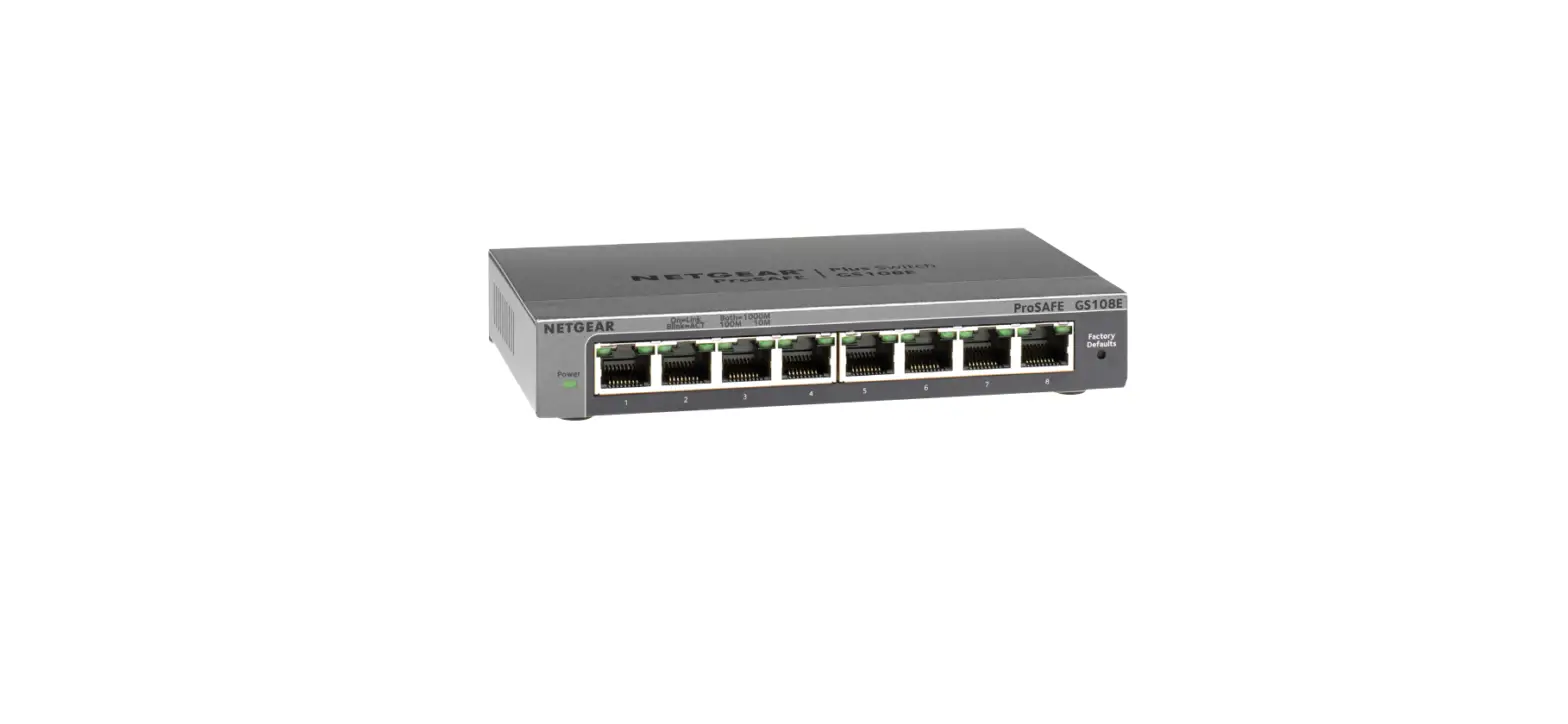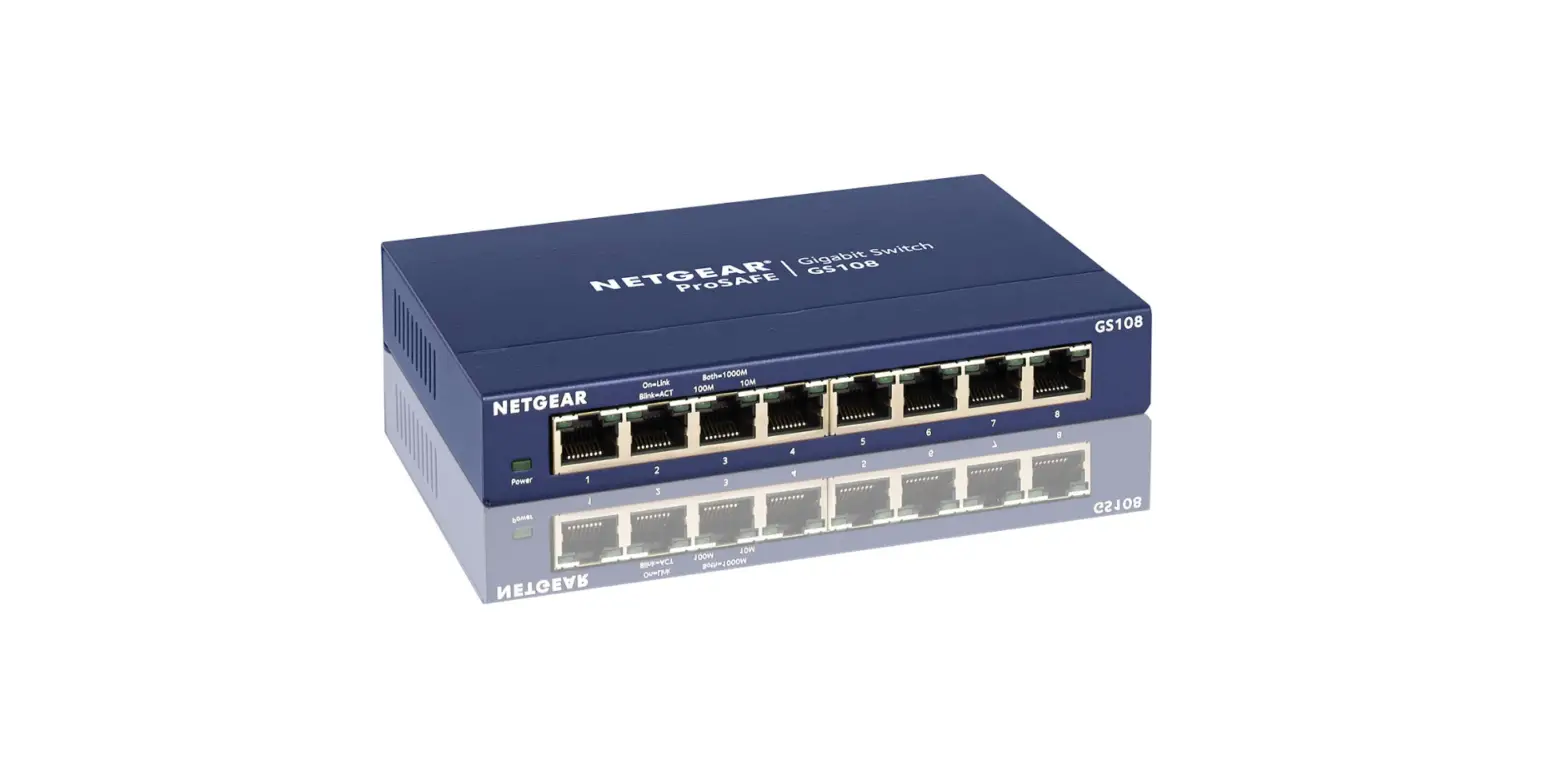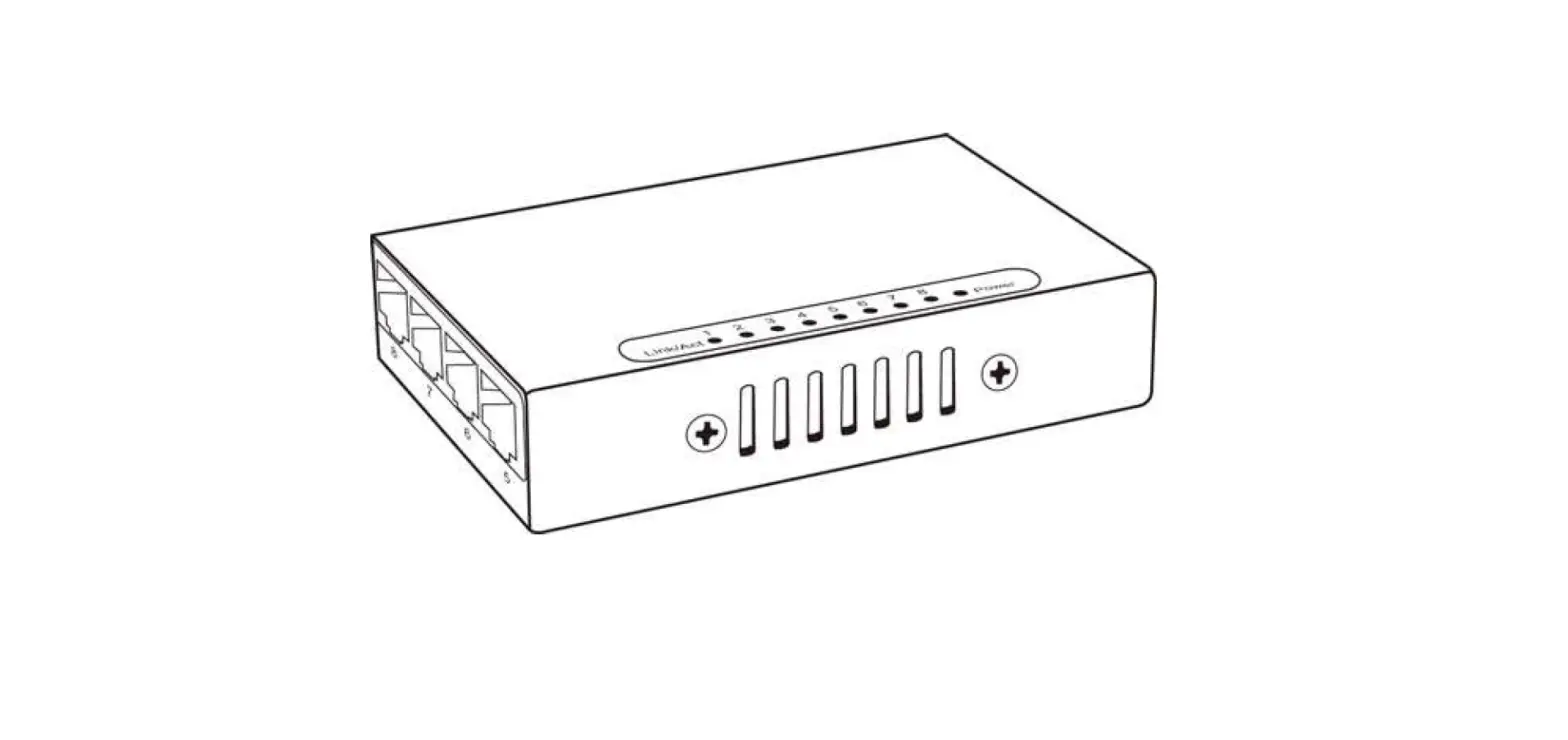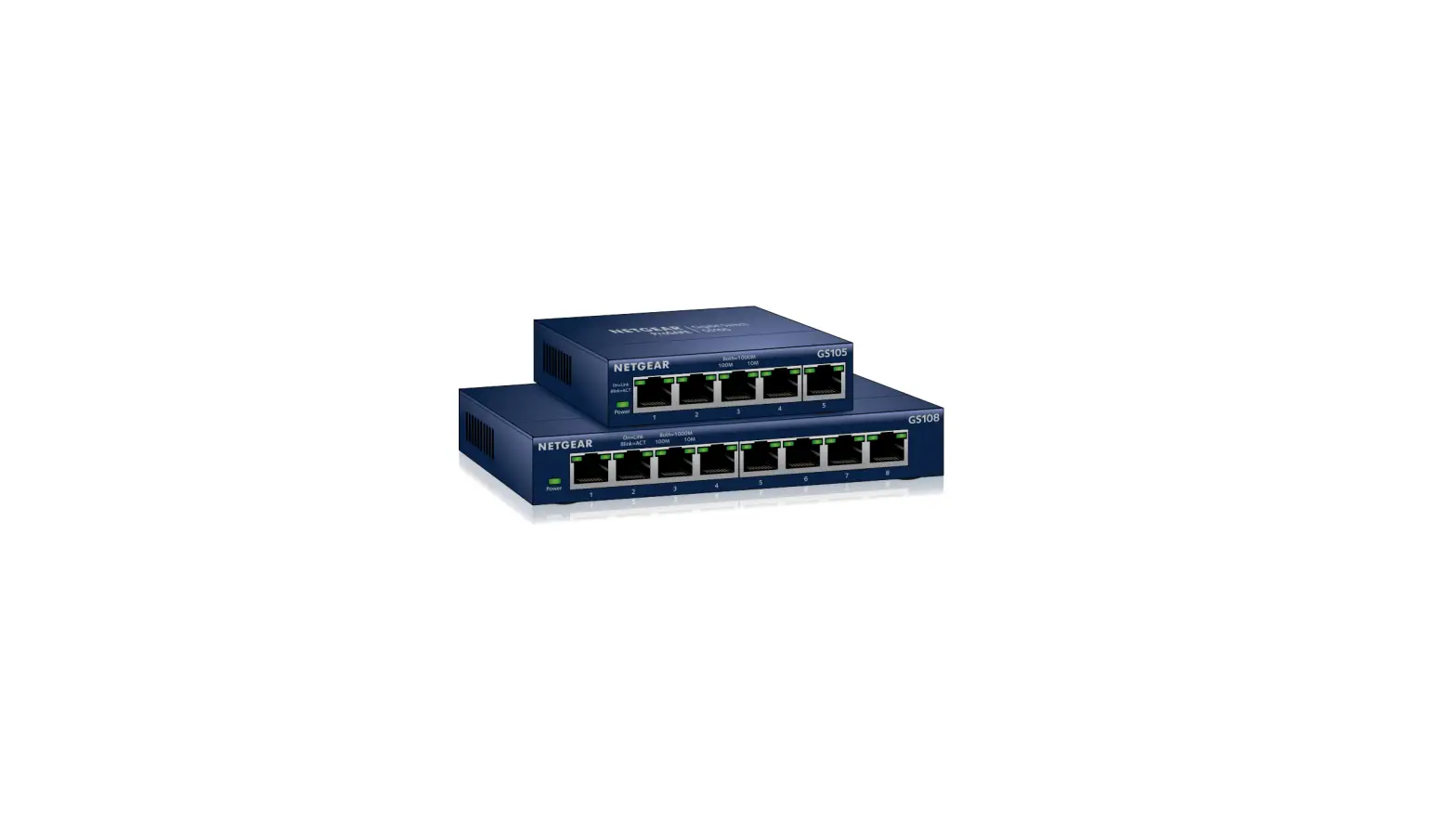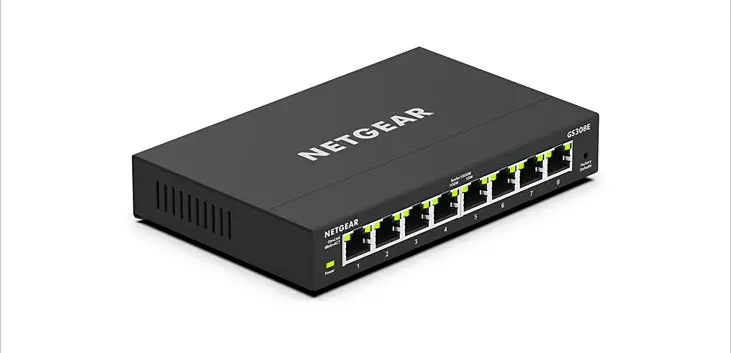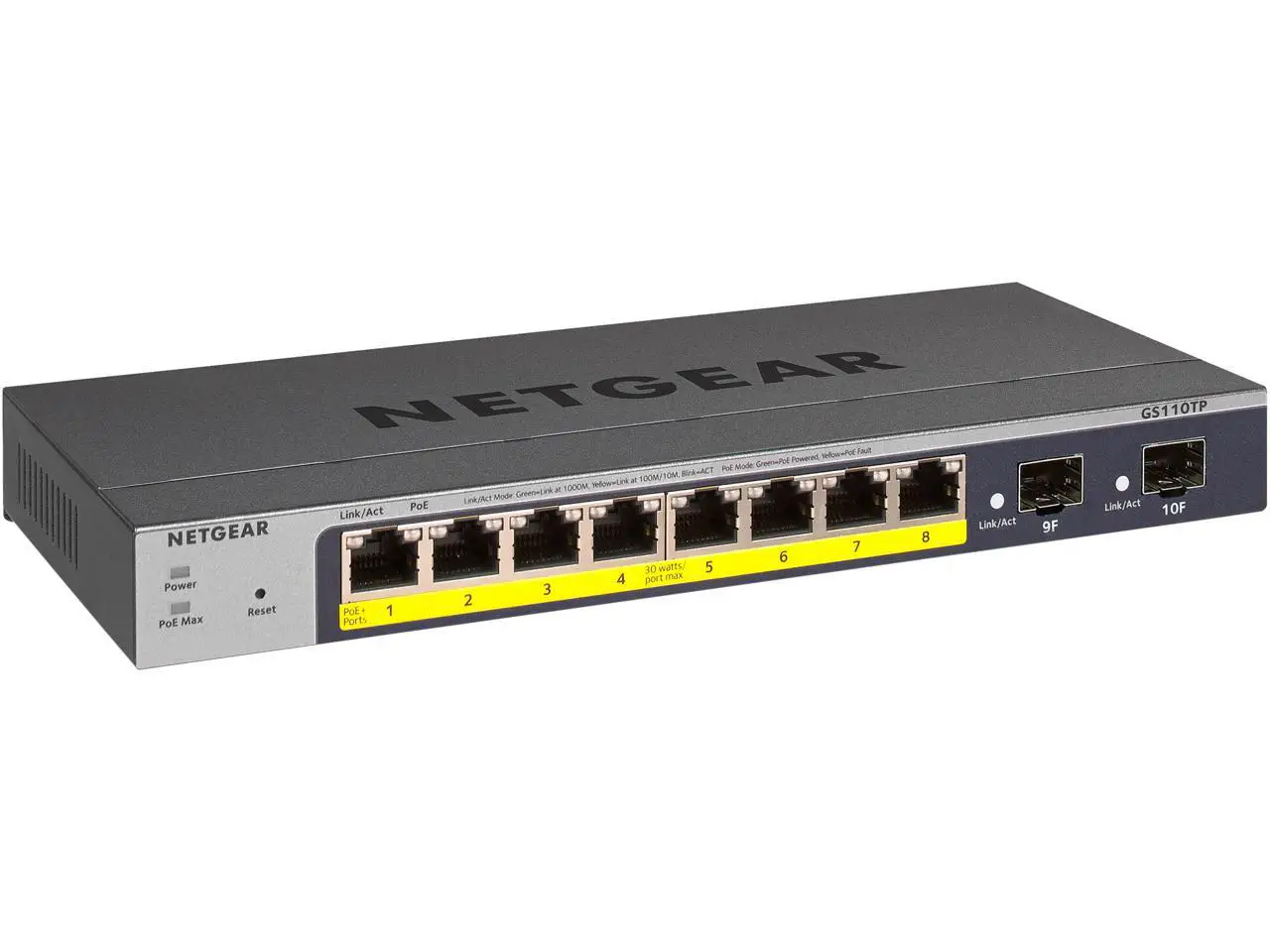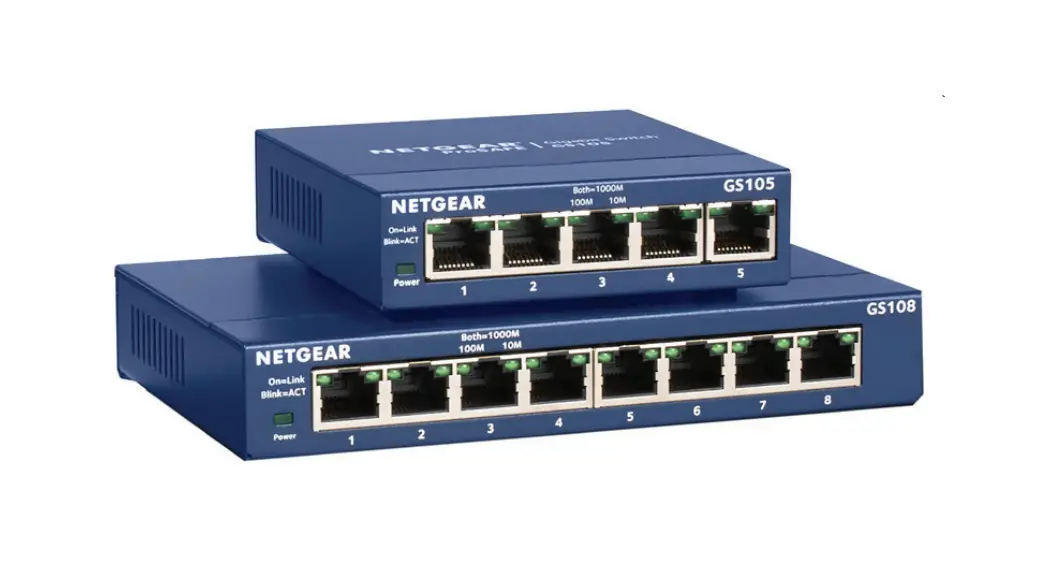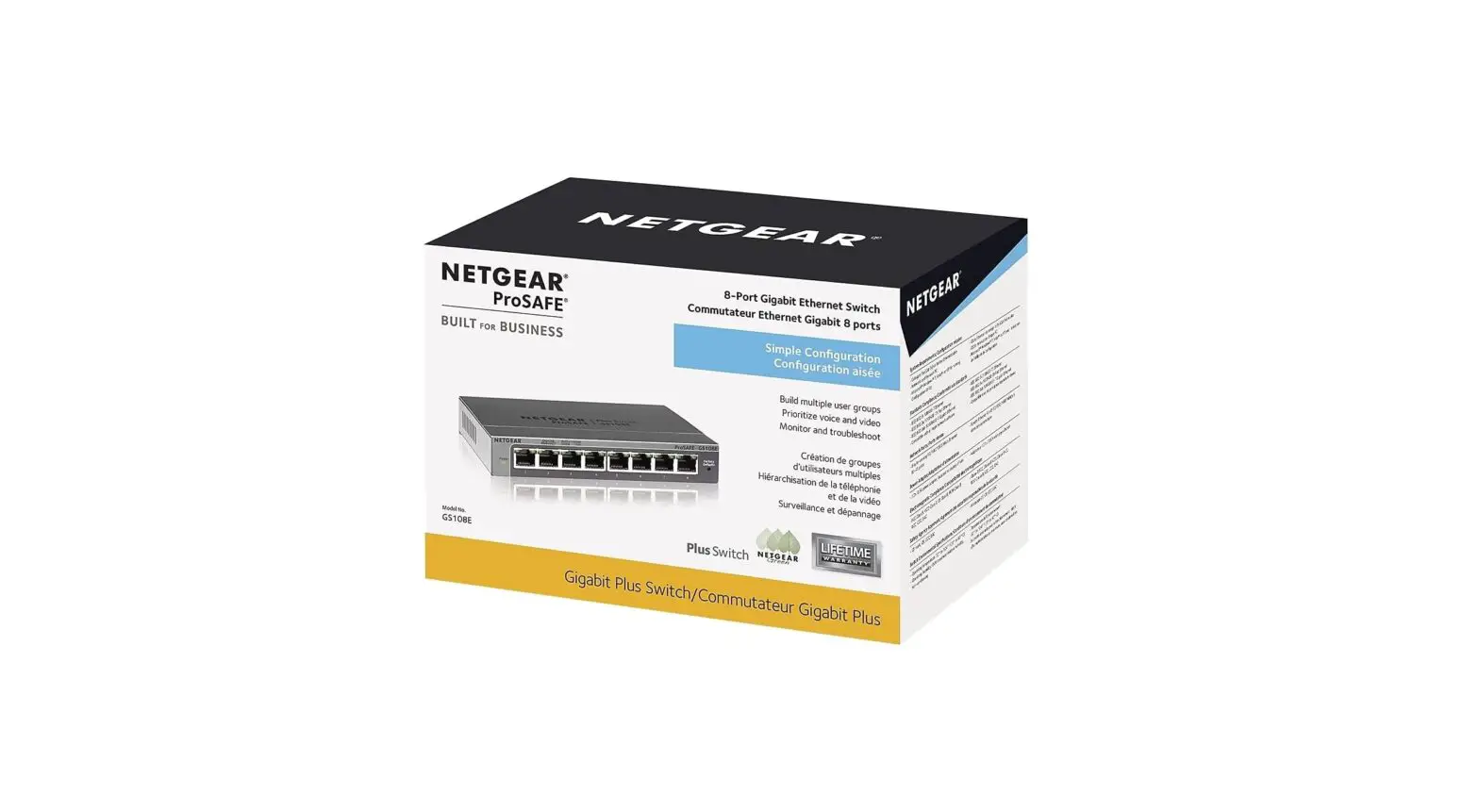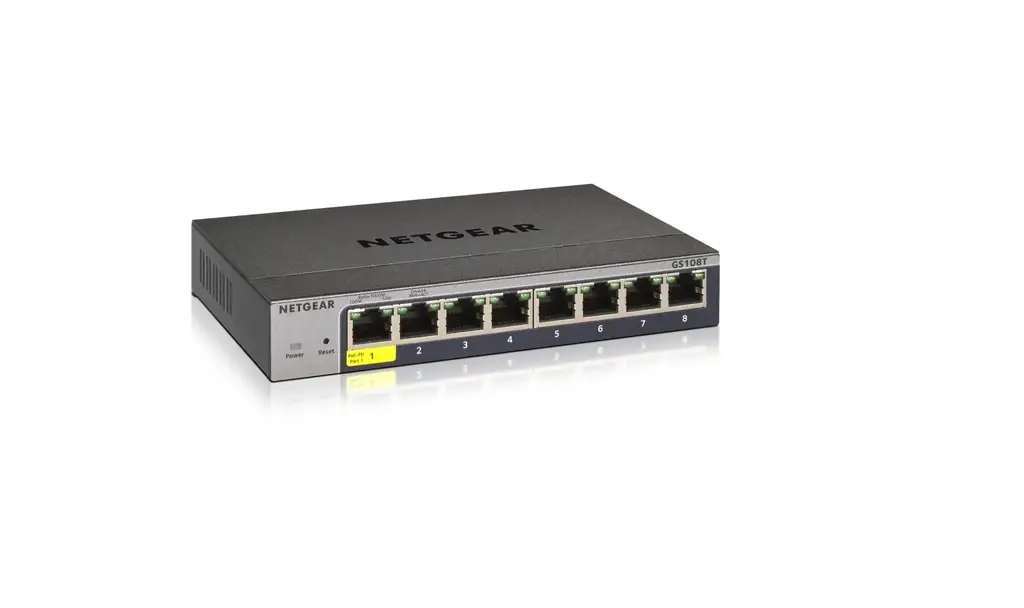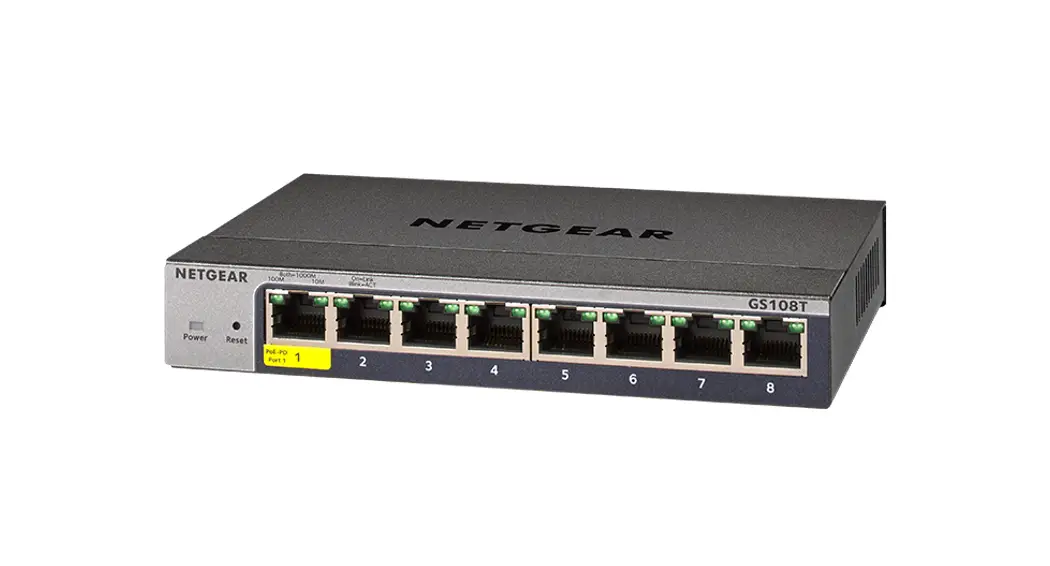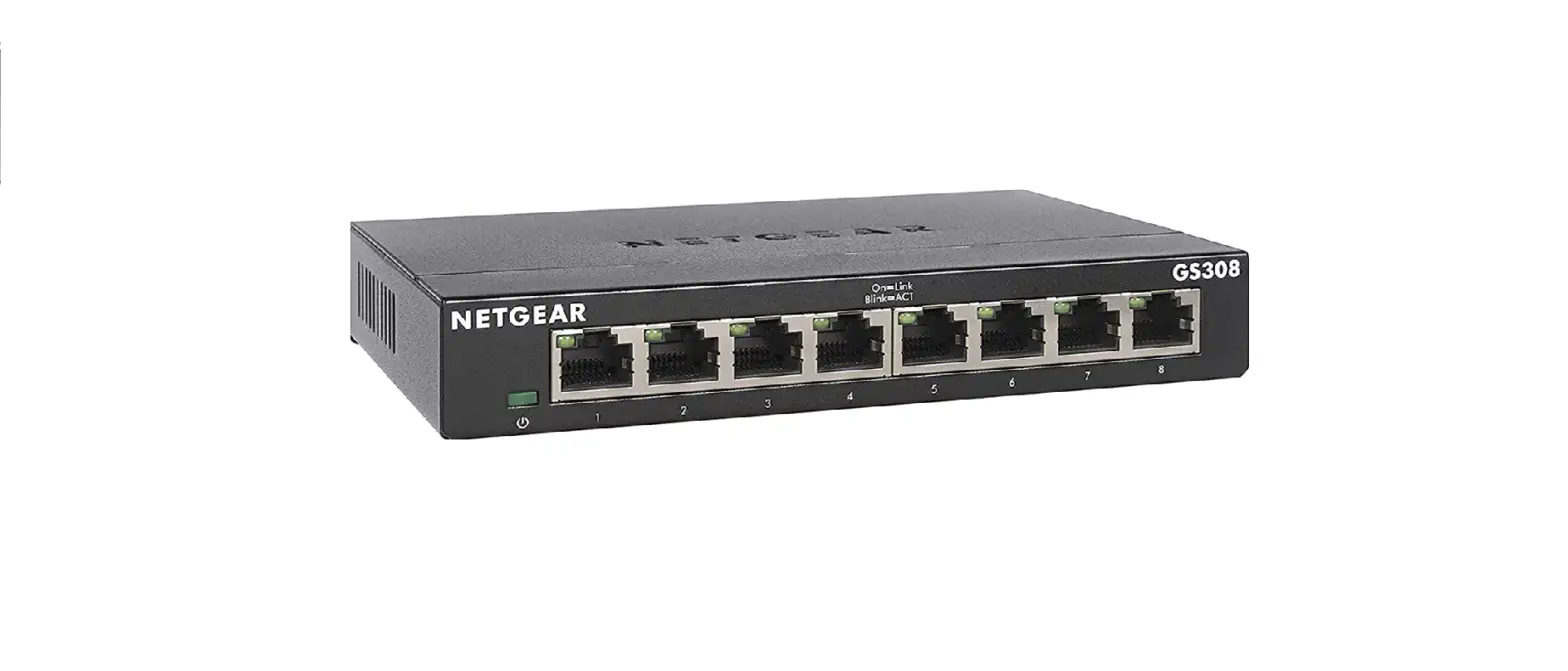
 GS108v3 ProSafe 8-Port Gigabit Ethernet Switch
Installation Guide
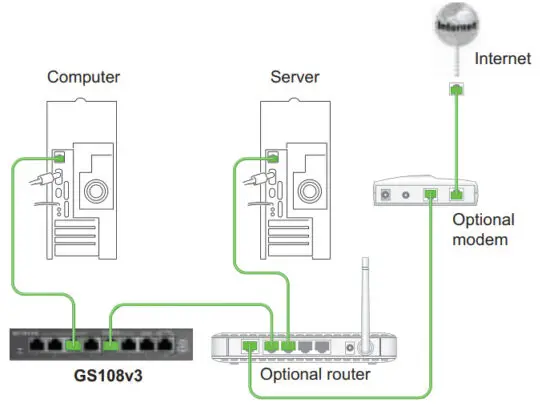
Step 1. Connect equipment
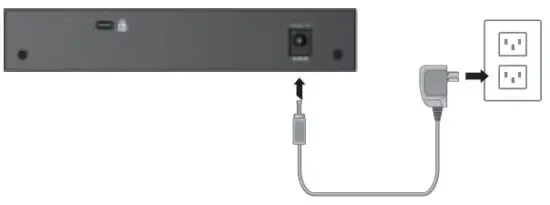
Step 2. Connect power
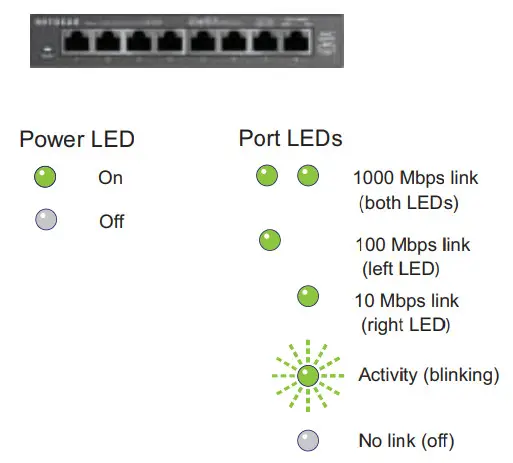
Step 3. Check status
Specifications
| Specification | Description |
| Network interface | RJ-45 connector for 10BASE-T, 100BASE-TX, or 1000BASE-T |
| Network cable | Category 5e (Cat 5e) or better Ethernet cable |
| Ports | 8 |
| Power adapter | 12V @ 1.0A DC input |
| Power consumption | 5W max |
| Weight | 0.522 Kg (1.15 Ibs) |
| Dimensions (WxDxH) | 158 mm x 105mm x 27 mm 6.2 in. x 4.1 in. x 1.1 in. |
| Operating temperature | 0-50° C (32-122° F) |
| Operating humidity | 10%-90% relative humidity, noncondensing |
| Electromagnetic compliance | CE Class B, FCC Class B, VCCI Class B, C-Tick Class B |
| Safety-agency approvals | CE mark |
Technical Support
After installing your device, locate the serial number on the label of your product and use it to register your product at https://my.netgear.com.
You must register your product before you can use NETGEAR telephone support.
NETGEAR recommends registering your product through the NETGEAR website.
For product updates and web support, visit http://support.netgear.com.

For the complete EU Declaration of Conformity, visit
http://support.netgear.com/app/answers/detail/a_id/11621/.
Statement of Conditions: In the interest of improving internal design, operational function, and/or reliability,
NETGEAR reserves the right to make changes to the products described in this document without notice.
NETGEAR does not assume any liability that may occur due to the use or application of the product(s) or circuit layout(s) described herein.
 This symbol appears in accordance with the European Union Directive 2002/96 on the Waste Electrical and Electronic Equipment (the WEEE directive). If you dispose of this product in the European Union, treat and recycle it in accordance with your jurisdiction’s laws that implement the WEEE directive.
NETGEAR, the NETGEAR logo, and Connect with Innovation are trademarks and/or registered trademarks of NETGEAR, Inc. and/or its subsidiaries in the United States and/or other countries. Information is subject to change without notice. Other brand and product names are registered trademarks or trademarks of their respective holders. © NETGEAR, Inc. All rights reserved.
For indoor use only in all EU countries and Switzerland.
 NETGEAR Support | NETGEAR
 NETGEAR - Common Account Management