 Quick Guide
 46243.030B
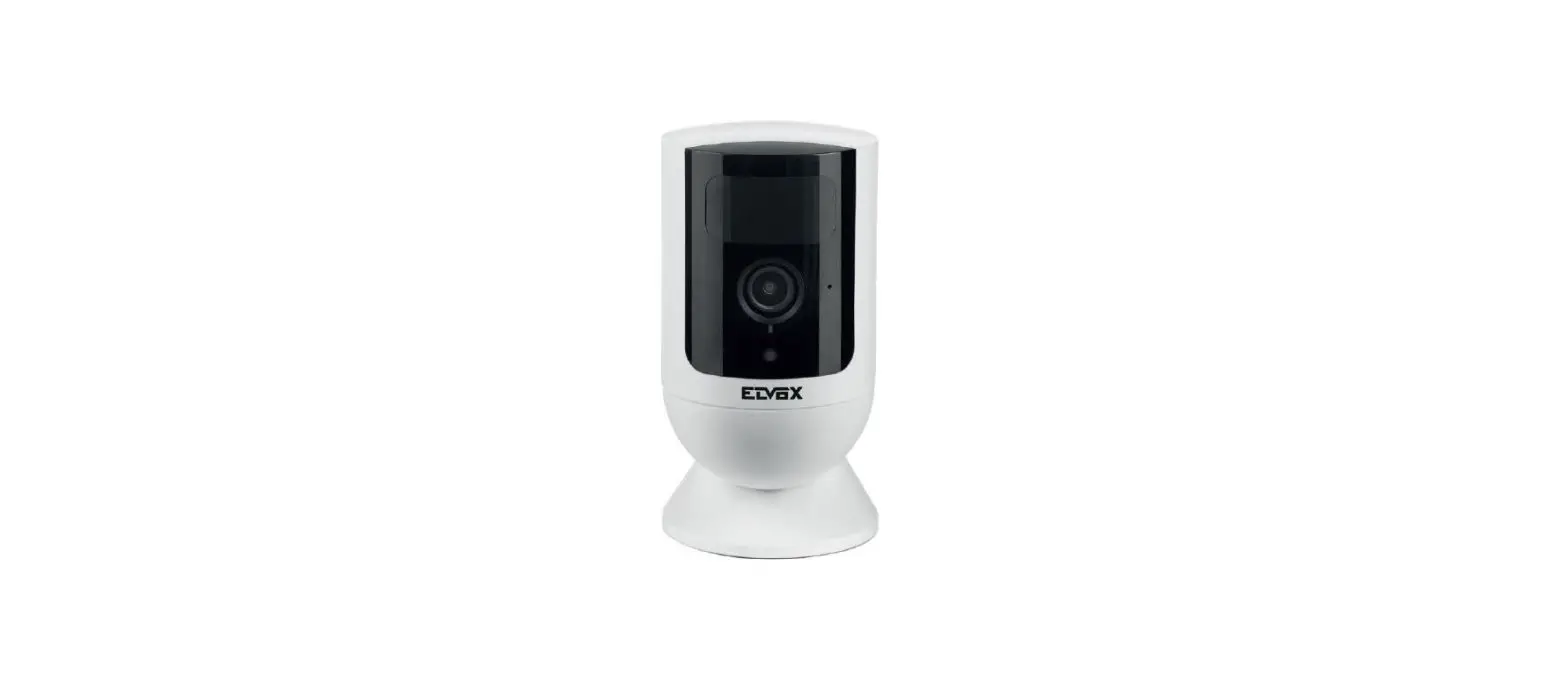
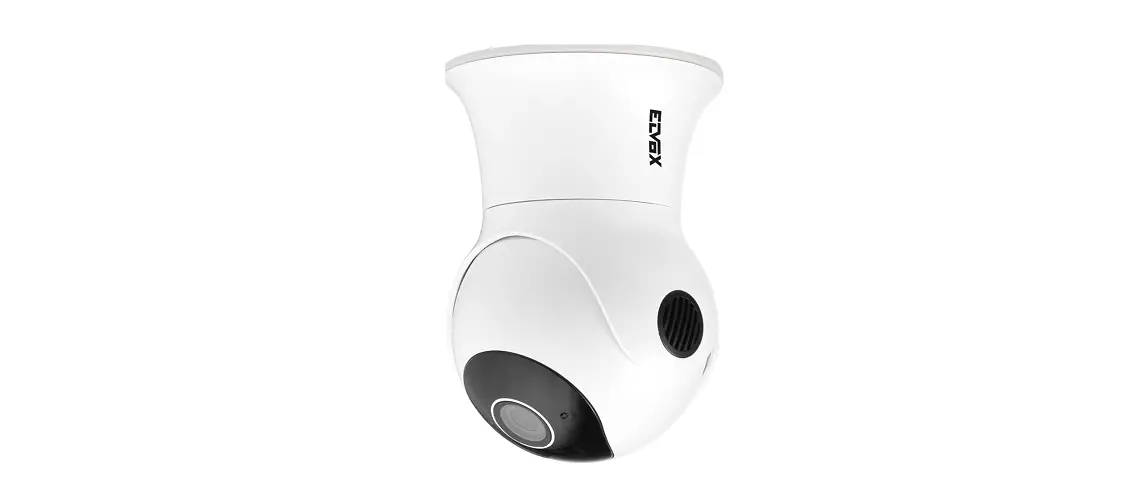
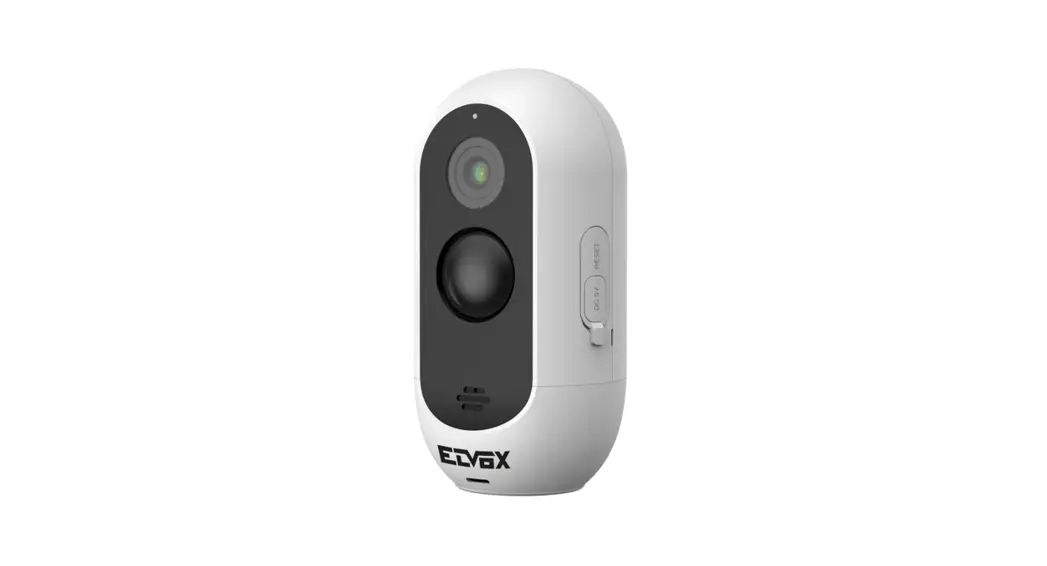
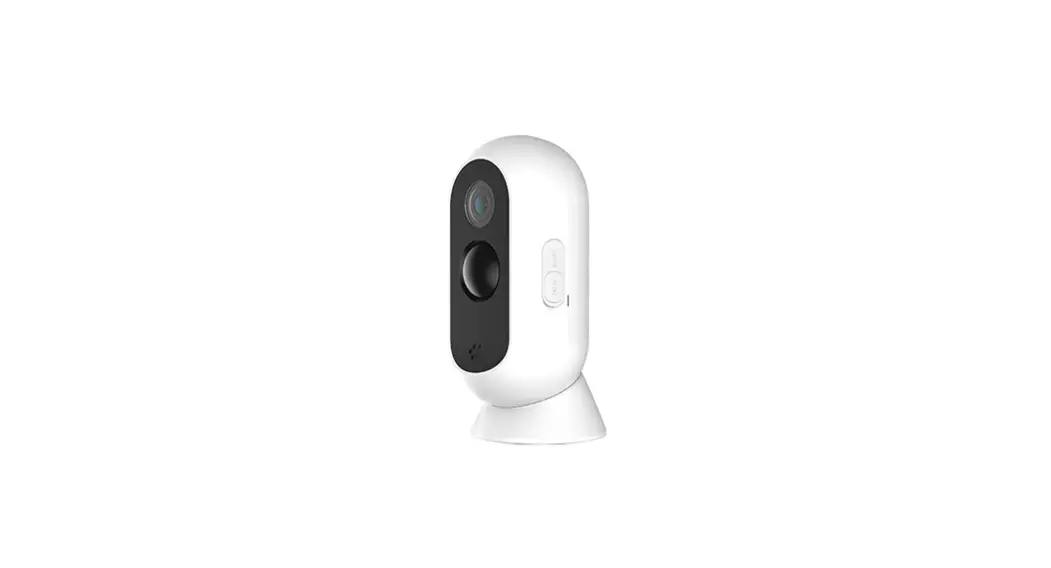
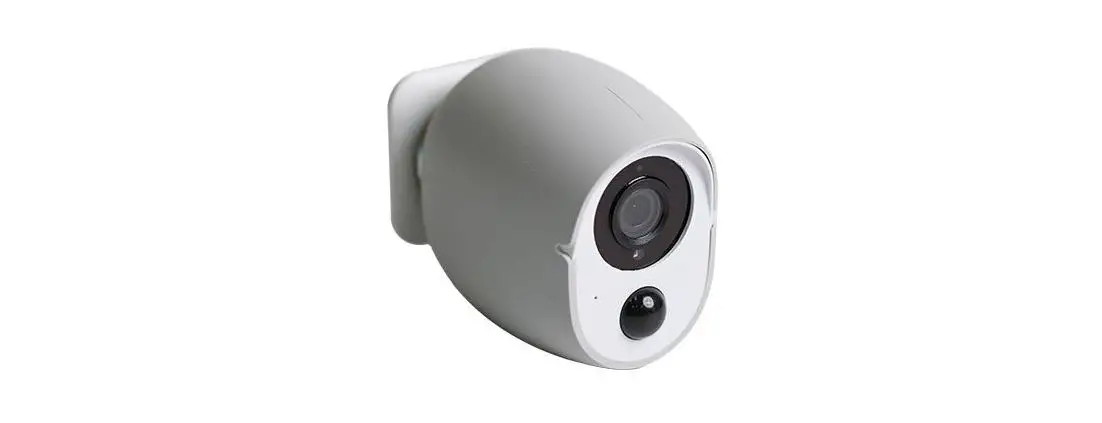
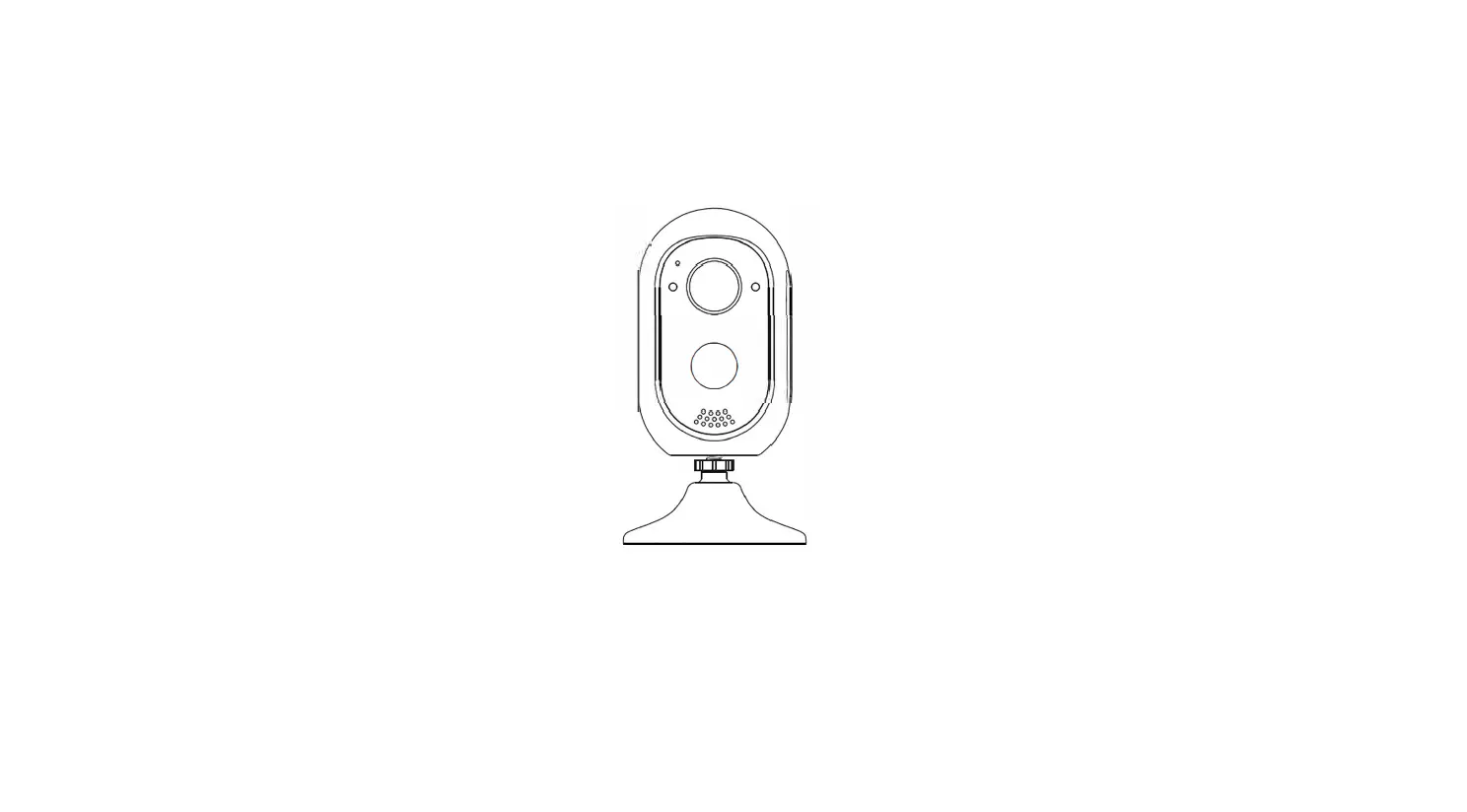
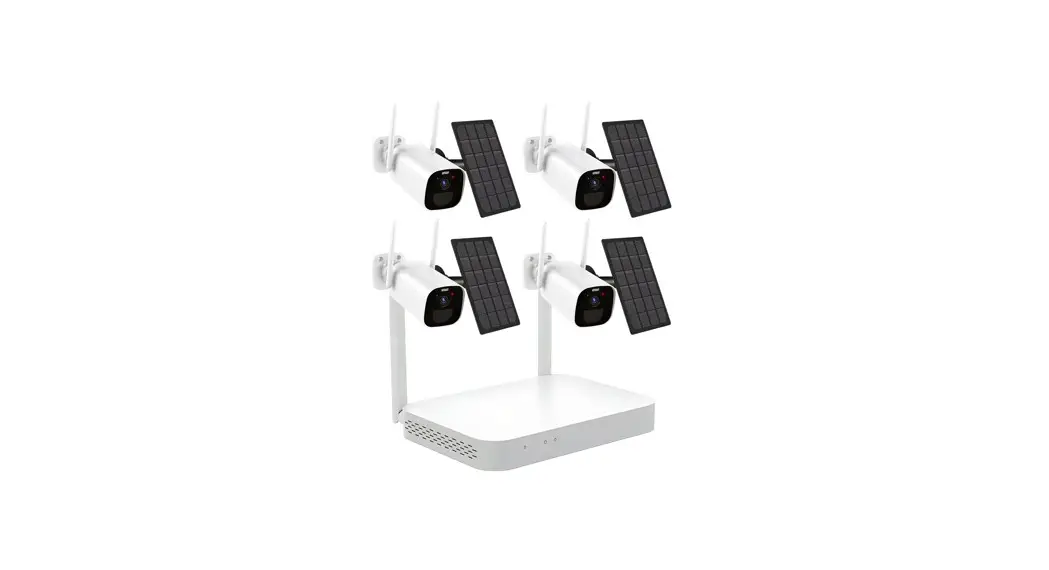
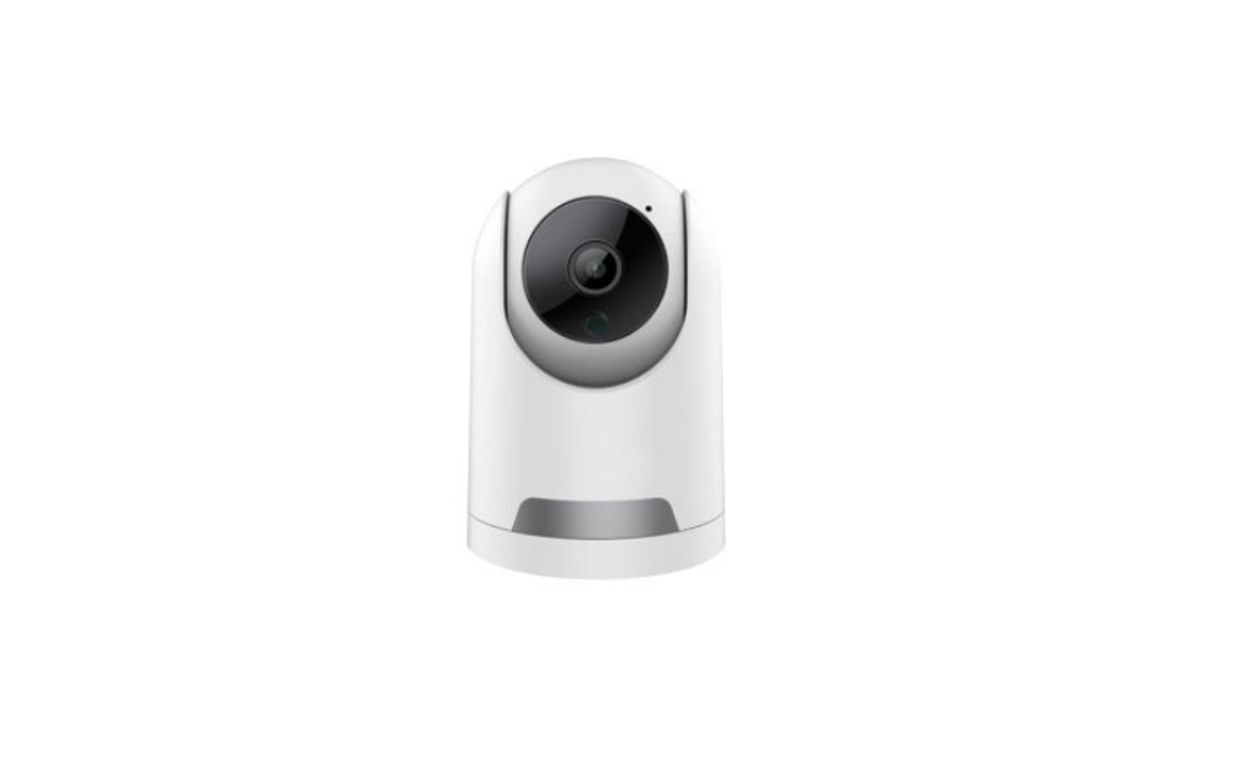
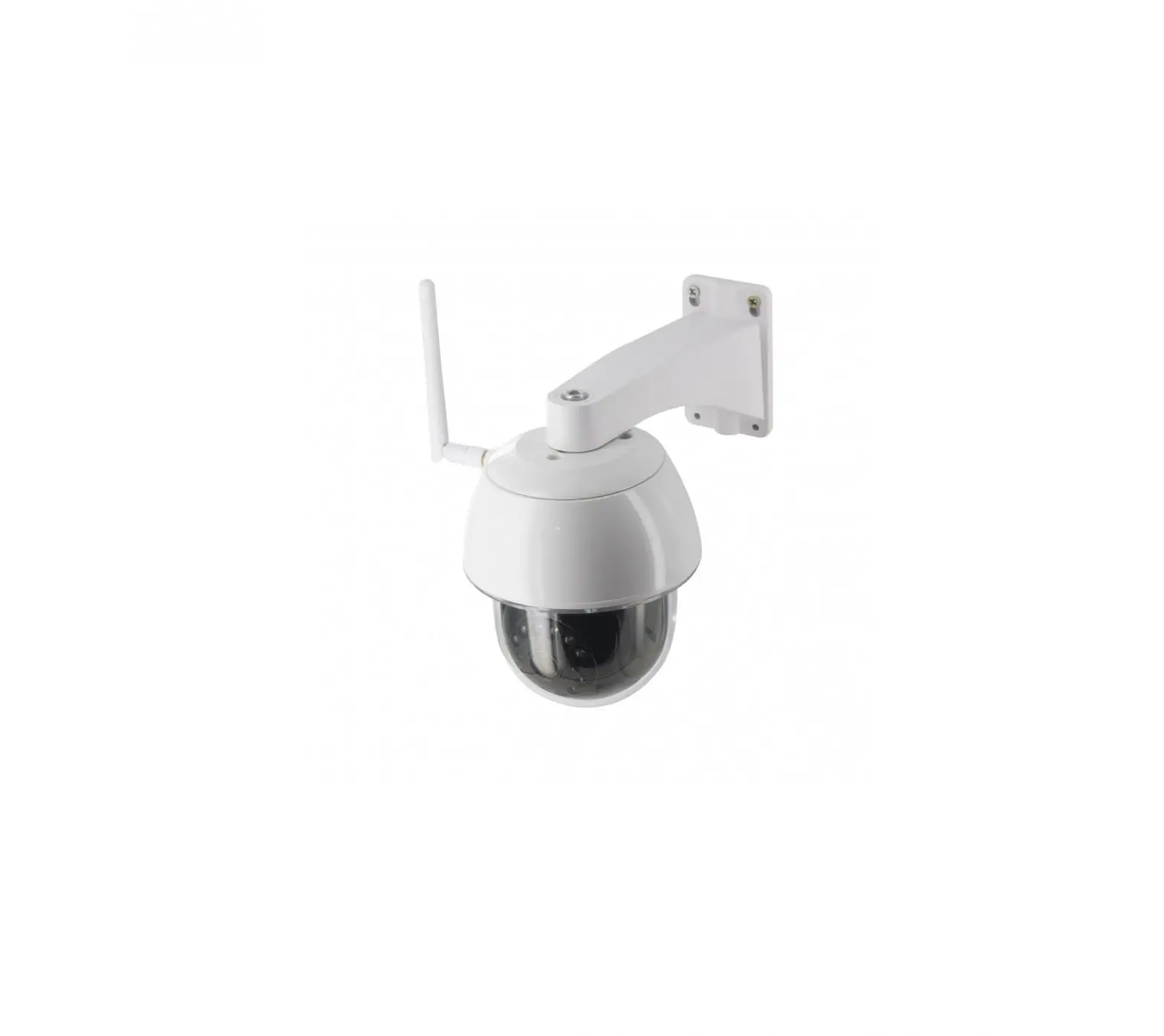
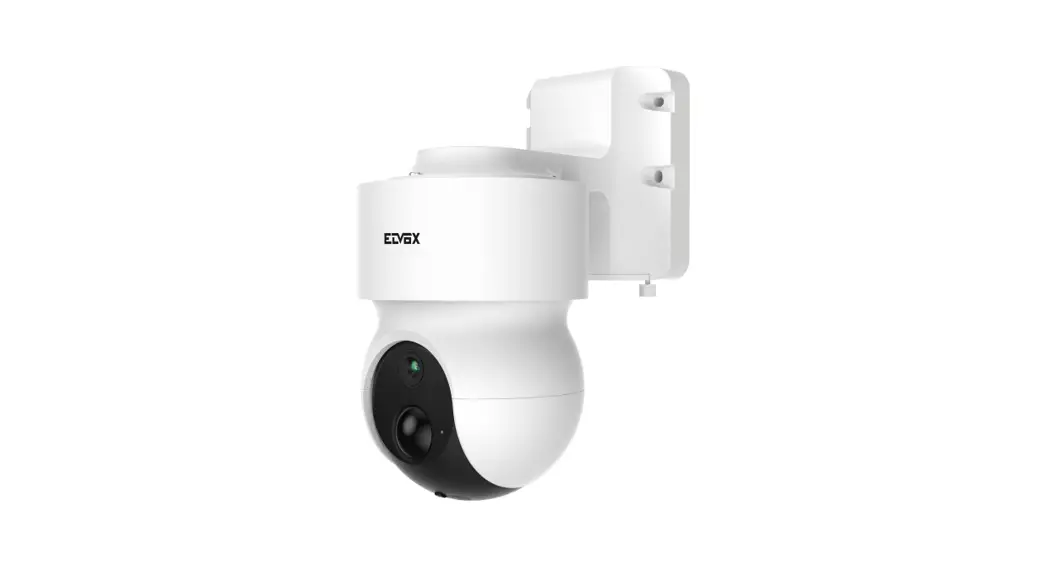
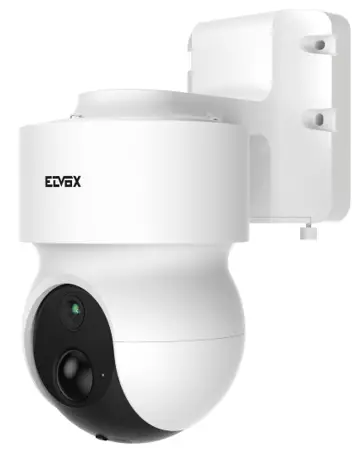
Battery-powered Wi-Fi PT camera 1080p lens 3mm 130°
ELVOX TVCC
Package content

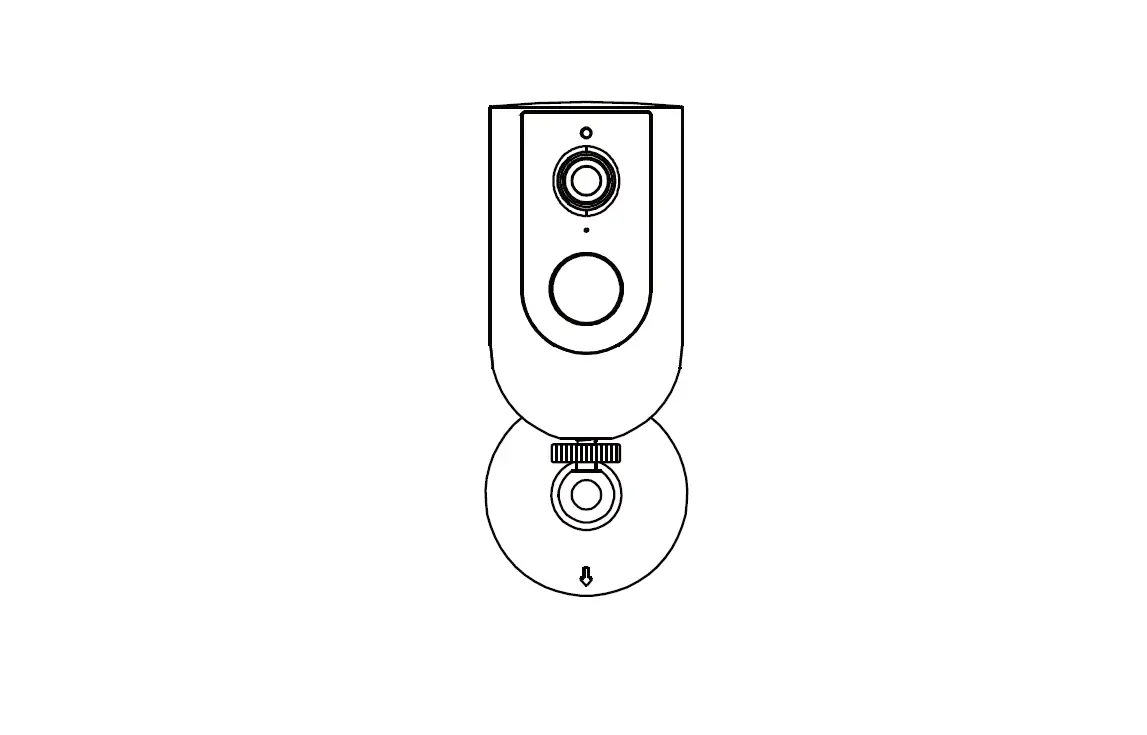
Characteristics
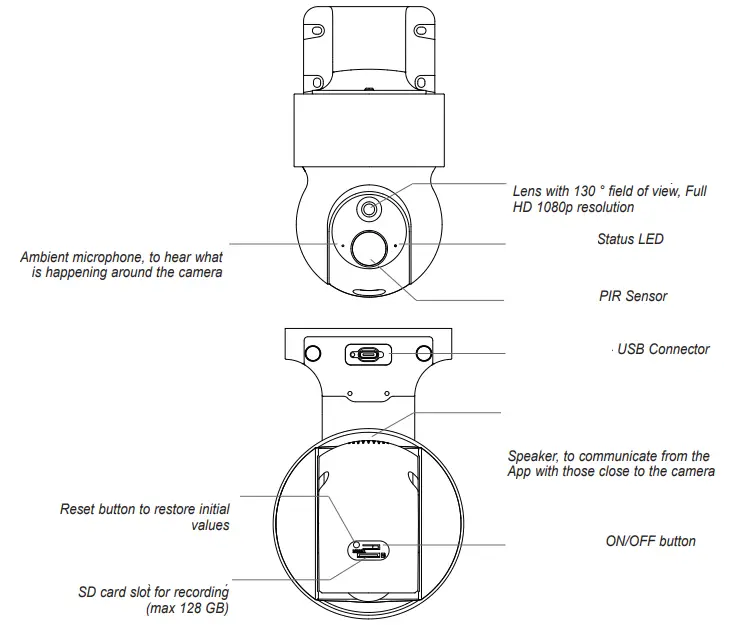
On / Off button: Press for 3 seconds to turn on the camera.
Status LED:
– Red light on = Network anomaly.
– Flashing red light = waiting for network for connection (slow blinking), connecting to the network (fast flash).
– Blue light on = the camera is working correctly.
Reset Button: Press and hold for 5 seconds for reset the camera to the initial values.
Installation
3.1 – Positioning
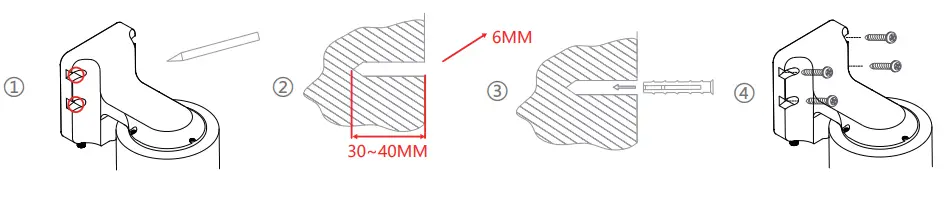
Use the wall bracket to attach the camera to a wall using the screws in equipment.
Installation Notes: To prevent overexposed images, avoid installing the camera under backlight or excessive light conditions.
 Battery charging and configuration
 Battery charging and configuration
4.1 – Power up the camera
- Connect the USB cable to the camera to charge the battery.
- Turn on the camera and wait for the LED to status flashes, you will hear spoken feedback (“Camera ON”and then“ Camera setup ”).
ATTENTION: Rechargeable Lithium batteries, nonreplaceable 2 x 3.7V / 4800 mAh.
4.2 – Install the App on the smartphone Download and install the Vimar “VIEW Product” App on your smartphone by searching for it directly in the App Reference store.
4.3 – First access
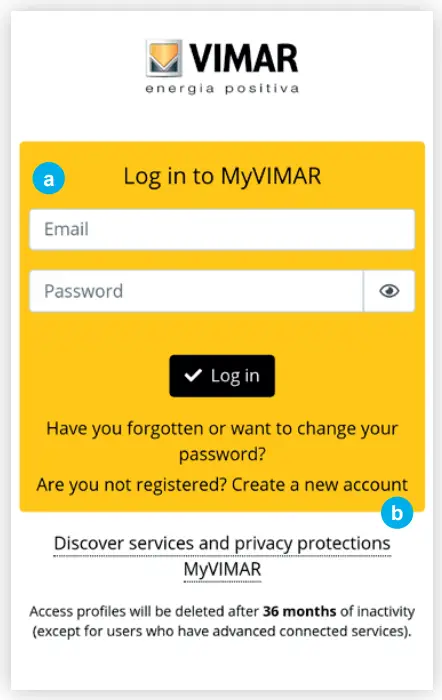
a- If you already have a account for MyVIMAR.Open the App and log in with their credentials.
b- Otherwise create a new account by tapping on the appropriate link “Create a new account “. Carry out the following directions in the APP, enter credentials and proceed with step 4.4.
4.4 – Add a camera
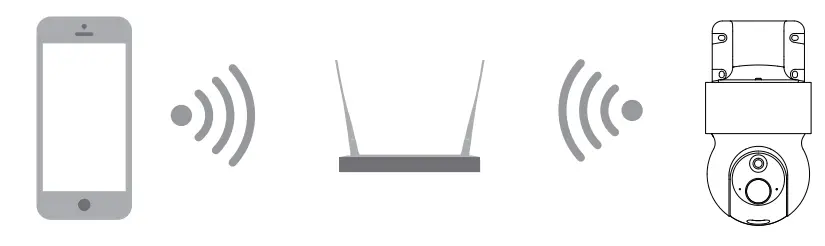
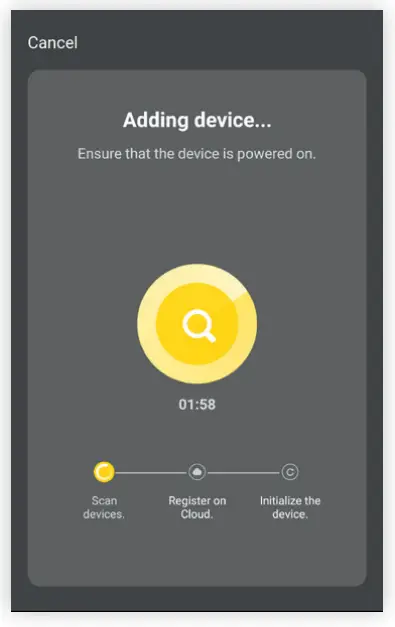
Follow the on-screen instructions to complete installation and connection to your router.
To facilitate the operation, it is recommended to stay close to the router.
Adding via QR Code: use the camera to scan the displayed QR code on your smartphone.
Note: after turning on the camera, the status LED lights up and will blink rapidly.
Tap “Add device + 1 → Select device 2 → Enable next step, continue according to the instructions on the screen 3 → Set the Wi-Fi for device 4 and continue with the procedure to view the QR code.
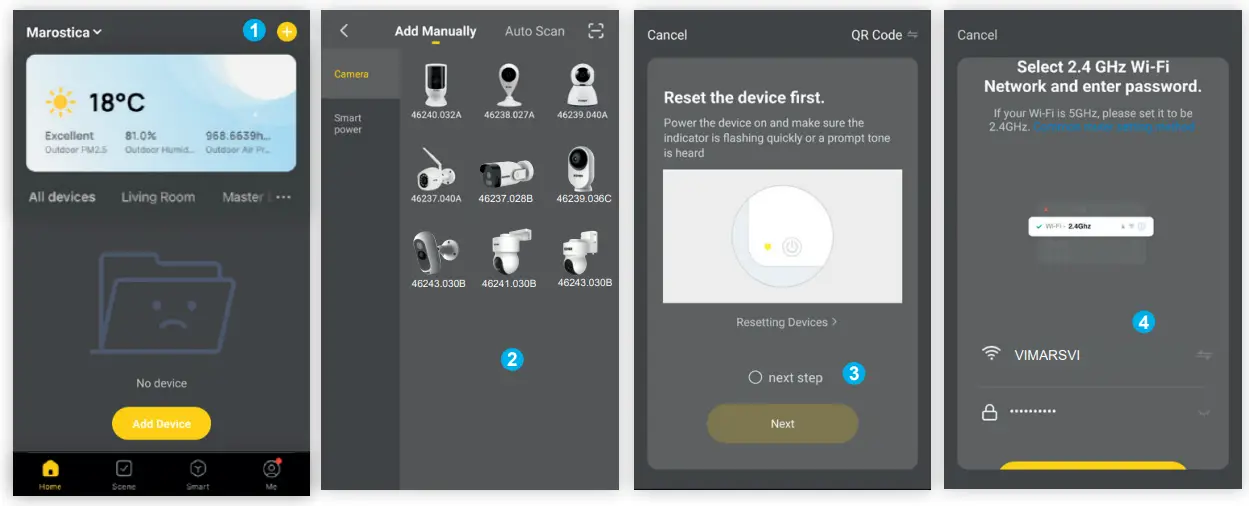
A QR code will be displayed on the smartphone, face the phone screen towards the camera at a distance of 15-20 cm from the lens, a beep will sound after a few seconds, tap on “heard the beep” (refer to the pictures).
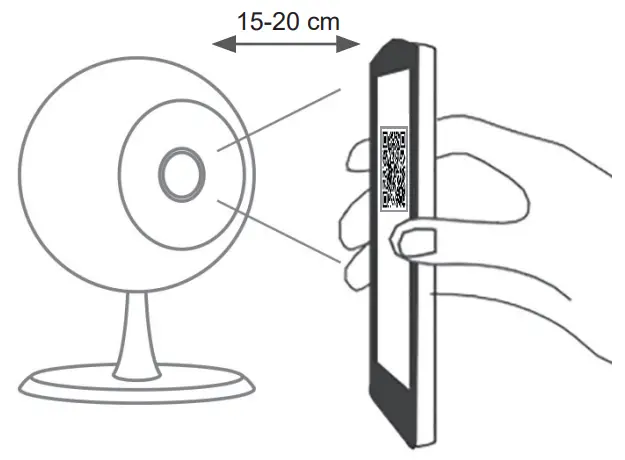
Wait for the connection to complete, after a few seconds the device will be successfully added and give spoken feedback “Online”.
Specifications
| Camera | Image sensor | 2 Megapixel CMOS |
| Effective pixels | 1920(H) * 1080(V) | |
| IR distance | Visibility notturna – Night visibility 10 m | |
| Lens | [email protected], H:102° / D:130° | |
| Video and Audio | Encoding | H.265 |
| Audio In/Out | 1 MIC/1 SPEAKER integrati – included | |
| Live | 25 fps | |
| Functions | Privacy function | Oscuramento del flusso video – Blanking of the video stream |
| Alarm trigger | Rilevamento persona – Human body detection | |
| Network | Communication Protocol | HTTP, DHCP, DNS, TCP/IP |
| Wi-Fi – Wireless | 2.4 GHz WIFI(IEEE802.11b/g/n) | |
| Frequency range | 2412-2472 MHz | |
| Transmitted RF power | < 100 mW (20dBm) | |
| Security | Autenticazione utente, Password Wi-Fi max 63 caratteri – User authentication, Wi-Fi Password max 63 characters | |
| Battery and Plf? | Battery | 9600 mAh al Litio ricaricabile – Lithium recargeable |
| Work consumption | 600 mA | |
| Standby | 10 mesi – 10 months | |
| – Working time (*) | 5 mesi (10 attivazioni per giorno su evento di allarme) -5 months (10 times wake up per day on alarm event) | |
| Rilevamento PIR | 10 m Max, 120 ° | |
| General | Operating temperature | -10 °C to 50 °C |
| Power supply | 5 V DC 1 A | |
| IP rating | IP65 | |
| Storage | Scheda SD (Max.128 G, non inclusa) – SD Card (Max128 G, not included) Registrazione filmati protetta – Protected movie recording | |
| Size (mm) | 158 x 103 x 200mm |
* Note: some router models may affect negatively on battery life.
ATTENTION: in order to safeguard your data and the security if you intend to add the same camera via another account, you need to cancel the camera from the App where it is associated, in case of return of the product, is recommended in addition also to remove the SD card. The camera is also compatible with the application Smart Life.
For more information see the complete manuals and updated available in the product sheet on the site: https://faidate.vimar.com/it/it
Operation disclaimer for Wi-Fi cameras
The Wi-Fi camera allows images to be viewed on the buyer’s (hereinafter “Customer”) smartphone and / or tablet, by simply installing the Vimar VIEW Product application.
The visualization of the images is allowed only through the presence, in the house / building in which it is installed, of a connection to a home Wi-Fi network with Internet access which must have the following characteristics:
- IEEE 802.11 b / g / n (2.4 GHz) standard Operating modes:
- Networks: WEP, WPA and WPA2.
- TKIP and AES encryption protocols are supported for WPA and WPA2 networks.
- Do not support “hidden” networks (hidden SSID).
To use the service The Customer must have technical equipment that allows connection to the Internet and sign an agreement with an ISP (Internet Service Provider); this agreement may involve related costs. Vimar remains unaffected by the choice of technical equipment and the agreement with the ISP (Internet Service Provider). The consumption of data through the use of the Vimar VIEW Product App, both in the home / building and outside the Wi-Fi network that the Customer has used for installation, remains the responsibility of the Customer.
The interaction and correct operation remotely via the Vimar VIEW Product App, through the Internet network of your mobile phone / data provider, with the Wi-Fi camera installed by the Customer may depend on:
a) type, brand and model of the smartphone or tablet;
b) quality of the Wi-Fi signal;
c) type of the home internet access contract;
d) type of data contract on the smartphone and tablet.
The camera supports connection via P2P technology, it is therefore necessary to check that your ISP (Internet Service Provider) does not block it.
– We advise against installing the camera with the power supply unit constantly connected 24 hours a day. Too long a charging time could have negative effects on the performance and life of the battery.
– Do not charge the battery when the camera temperature is below 0 °C.
– We recommend you charge the battery completely before use.
Vimar is exempt from any liability for any malfunctions due to non-compliance with the minimum technical specifications necessary for the operation of the product which are indicated above. To resolve any problems, refer to the complete manual and the “Questions and answers” section on the product page at the following Internet address: faidate.vimar.com.
Vimar reserves the right to modify the characteristics of the products shown at any time and without notice.
Conformity
RED directive. RoHS directive
Standards EN 301 489-17, EN 300 328, EN 62311, EN 62368-1, EN 55032, EN 55035, EN 61000-3-2, EN 61000-3-3, EN IEC 63000.
REACH (EU) Regulation no. 1907/2006 – Art.33. The product may contain traces of lead.
Vimar SpA declares that the radio equipment complies with Directive 2014/53/EU.
The full text of the EU declaration of conformity, the instruction manual and the configuration software are on the product sheet available at the following Internet address: faidate.vimar.com The product contains batteries, please dispose of the product according to the reference requirements of your country.
 WEEE – Information for users
If the crossed-out bin symbol appears on the equipment or packaging, this means the product must not be included with other general waste at the end of its working life. The user must take the worn product to a sorted waste center, or return it to the retailer when purchasing a new one. Products for disposal can be consigned free of charge (without any new purchase obligation) to retailers with a sales area of at least 400m2, if they measure less than 25cm. An efficient sorted waste collection for the environmentally
friendly disposal of the used device, or its subsequent recycling, helps avoid the potential negative effects on the environment and people’s health, and encourages the re-use and/or recycling of the construction materials.
Privacy
Privacy Policy
As required by Regulation (EU) 2016/679 on the protection of personal data, Vimar S.p.A. guarantees that the electronic processing of data minimises the use of personal and other identification information, which is only processed to the extent strictly necessary in order to achieve the purposes for which it was collected. The personal information of the Data Subject is processed in accordance with the product/application privacy policy available on our website www.vimar.com in the legal section (Product – App Privacy Policy – Vimar energia positiva).
Please remember that, pursuant to Regulation (EU) 2016/679 on the protection of personal data, the user is the controller of processing for the data collected during use of the products and, as such, is responsible for adopting suitable security measures that protect the personal data recorded and stored, and avoid its loss.
Should the camera monitor public areas, it will be necessary to display – in a visible manner – the information about the ‘area under video surveillance’ envisaged in the privacy policy and specified on the website of the Italian Data Protection Authority (Garante). The recordings may be stored for the maximum period of time envisaged by legal and/or regulatory provisions in the place where the camera has been installed. If the regulations in force in the country of installation envisage a maximum storage period for the image recordings, the user shall ensure they are deleted in compliance with the applicable regulations.
In addition, the user must guarantee safe possession of and control over its passwords and the related access codes to its web resources. The Data Subject must provide the password for access to its system when requesting help from the Vimar Support Centre, so that the related support can be provided. Provision of the password represents consent for processing. Each Data Subject is responsible for changing the password for access to its system on completion of the work carried out by the Vimar Support Centre.’
| Power supply Specifications | ||
| Power supply | Manufacturer | ZHUZHOU DACHUAN ELECTRONIC TECHNOLOGY CO LTD. |
| Address | BUILDING A5 NANZHOU INDUSTRIAL PARK, ZHUZHOU HUNAN 412101, CHINA | |
| Model | DCTO7W050100EU-C1 | |
| Input voltage | 100-240 V | |
| Input AC frequency | 50/60 Hz | |
| Output voltage | 5,0 Vd.c. | |
| Output current | 1,0 A | |
| Output power | 5,0 W | |
| Average active efficiency | 75,0% | |
| Efficiency at low load (10%) | 66,1% | |
| No-load power consumption | 0,05 W | |
| Conformity | Direttiva ErP – ErP Directive | |
| Regolamento alimentatori esterni (UE) n. 2019/1782 Regulation for external power supplies (EU) n. 2019/1782 | ||
 49401862A0 00 2210Viale Vicenza, 14
36063 Marostica VI – Italy
www.vimar.com
 Canale Fai da te
 Home automation, electrical equipment, smart home - Vimar energia positiva