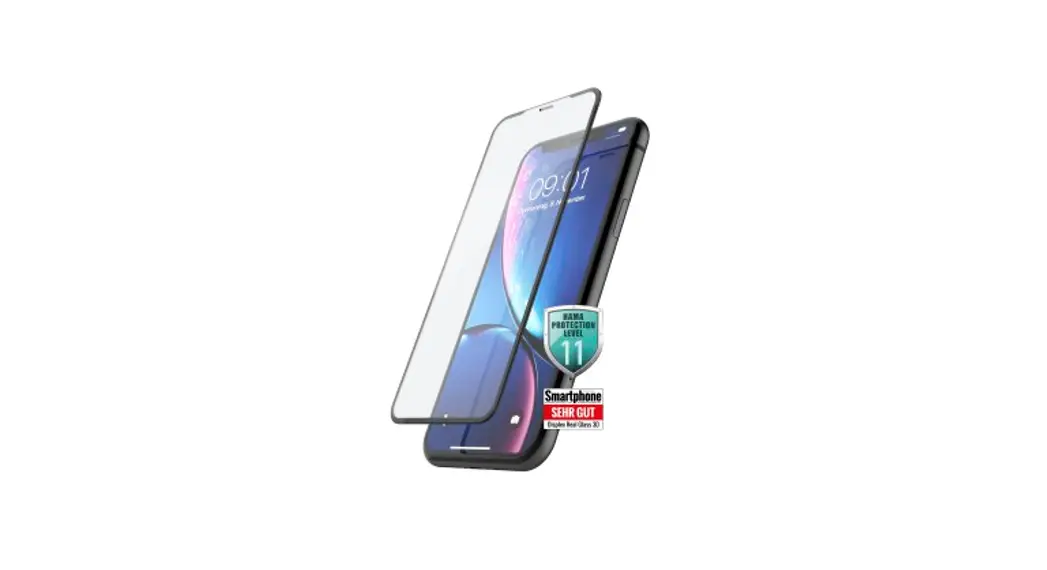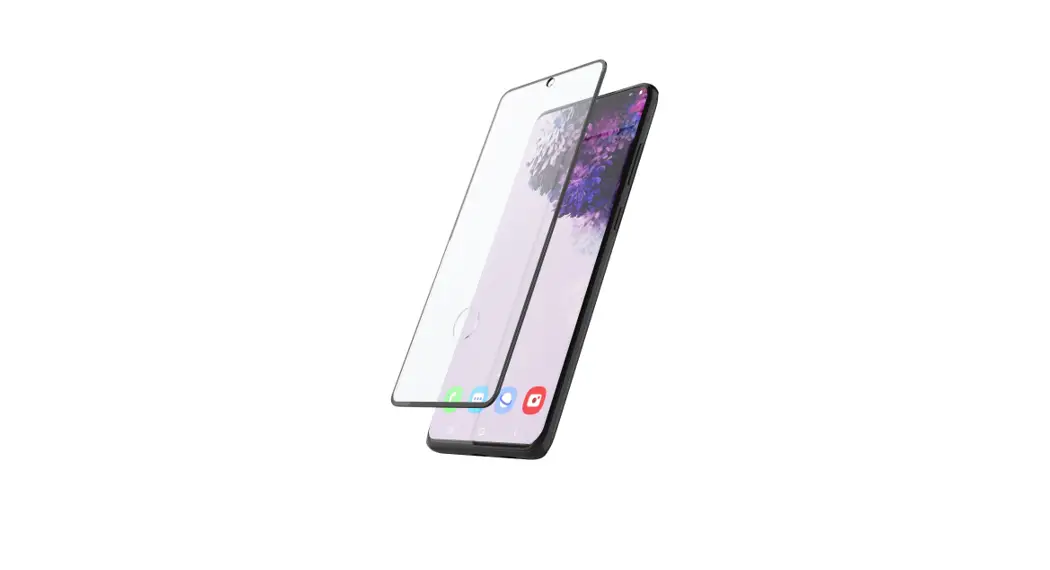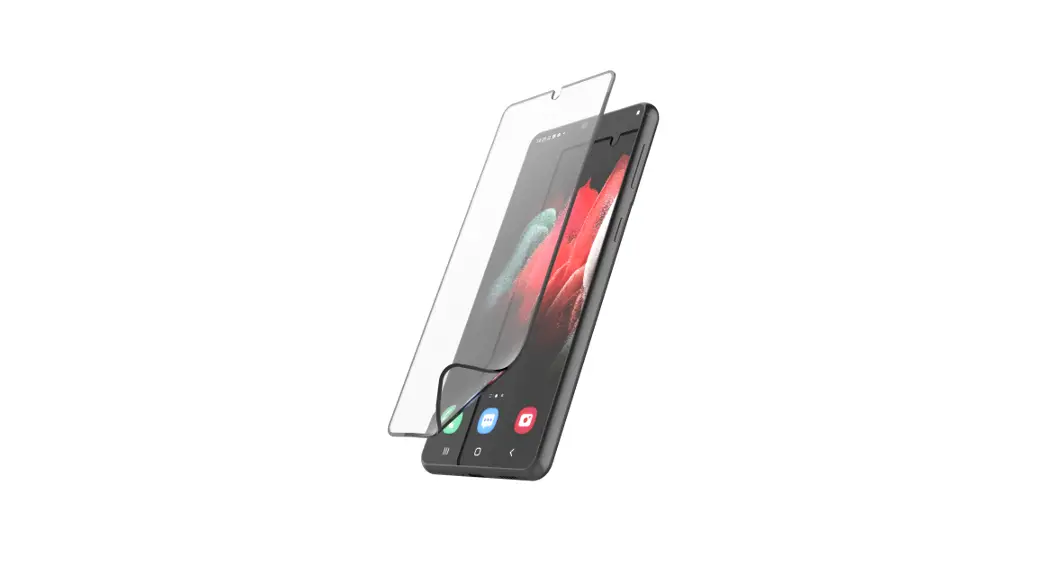

HIFLEX PROTECTOR
EASY-ON®
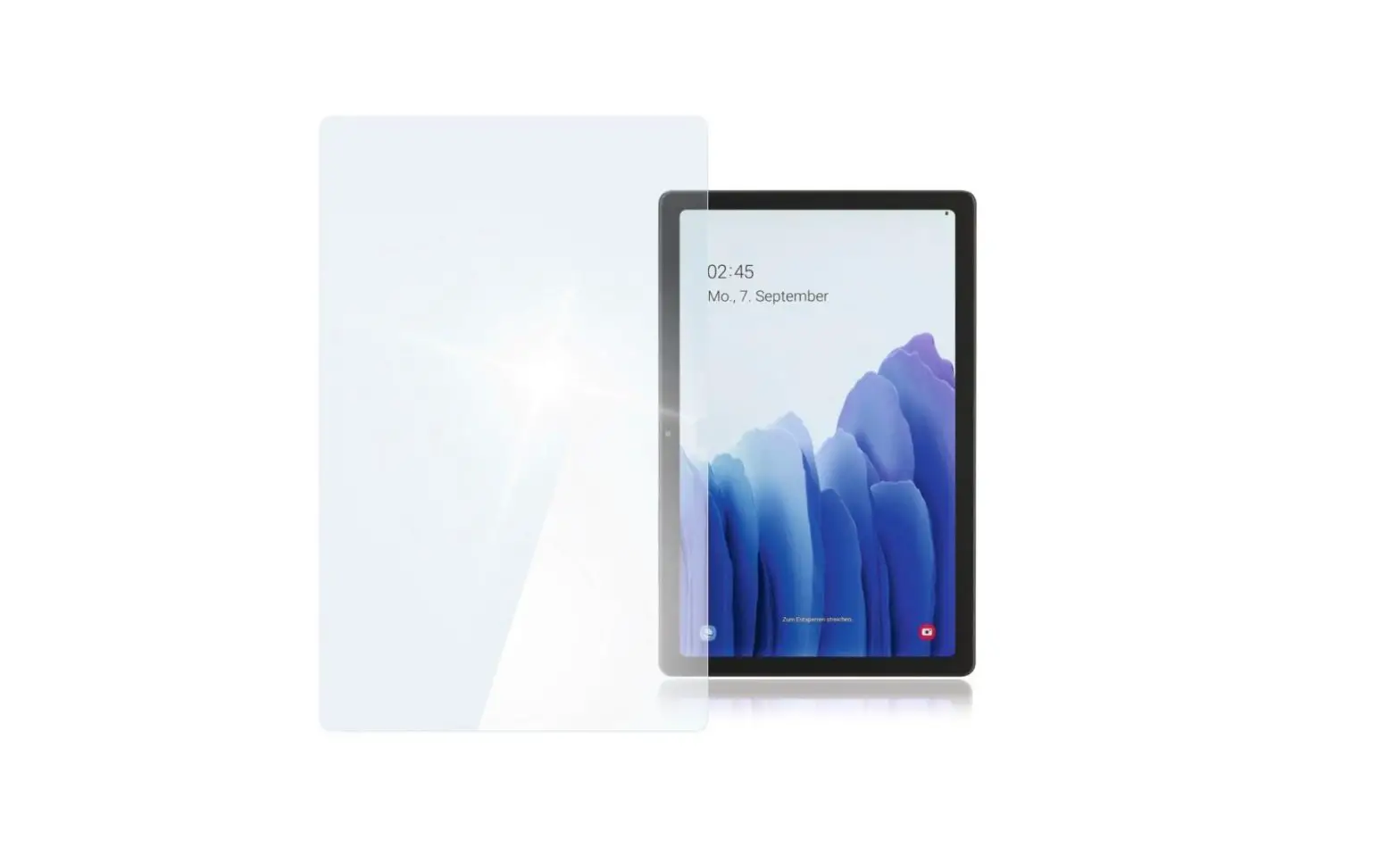
Protective Glass Application
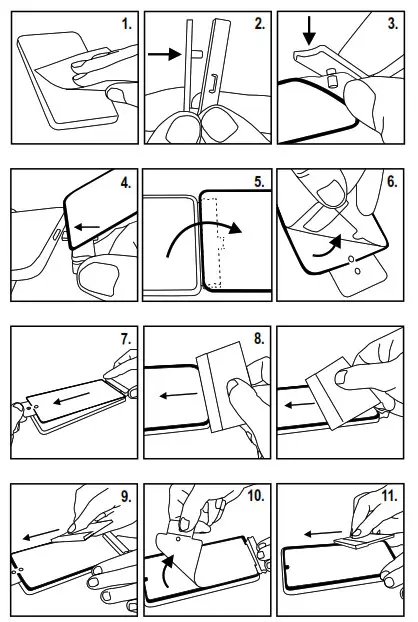
- Clean the screen with the damp cleaning cloth and dry it with the microfibre cloth. Dab off the dust on the screen with the dust remover.
- Detach the upper part of the EASY-ON® Adapter fitting aid.
- Insert the protective glass with the fixing tab into the EASY-ON®Adapter, fastening it with the pins on the upper part by plugging it onto the lower part.
- Plug the EASY-ON® adapter together with the protective glass attached to it into the device charging socket.
- Fold the protective glass back.
- Detach the backing film (1) from the protective glass.
- Fold the protective glass over the device display, holding it firmly with the grip tab (top), and position it in the center.
- Place the squeegee on the lower edge and laminate the protective glass onto the device by pushing the squeegee upwards using a uniform stroke.
- Press the protective glass around the edges.
- Detach the top protective film from the protective glass and remove the EASY-ON® Adapter from the device.
- Carefully press protective glass around the edges and smooth out any air bubbles with the squeegee or your fingers.
Hama GmbH & Co. KG
86652 Mohnheim / Germany
www.hama.com

AN00224 11/2020