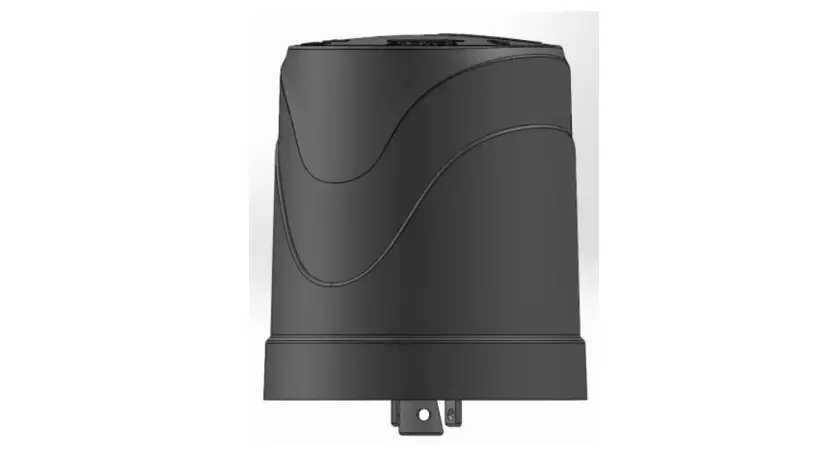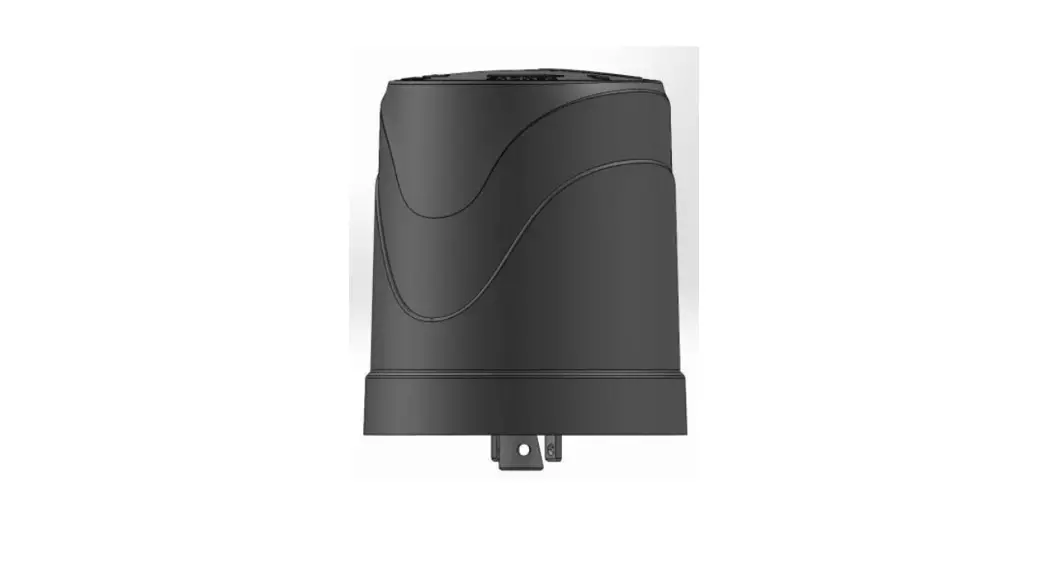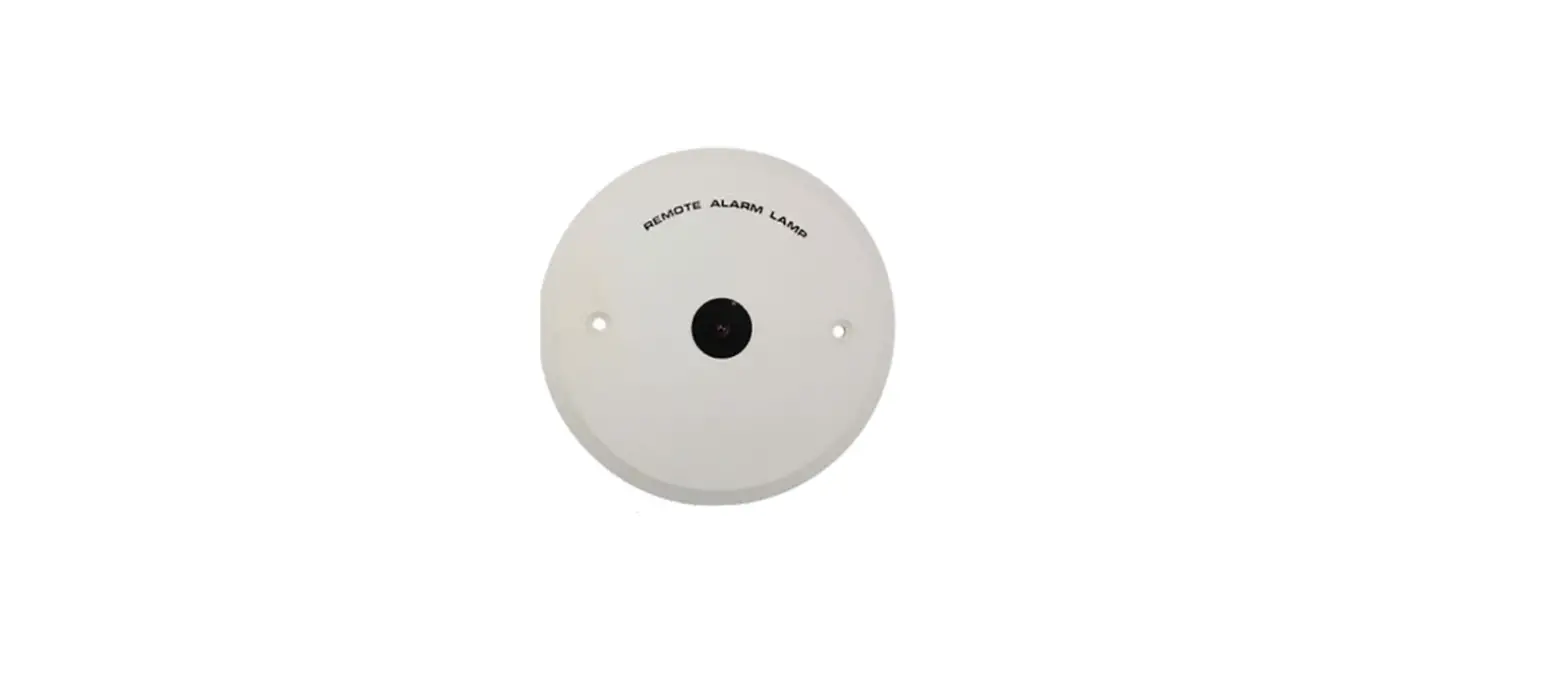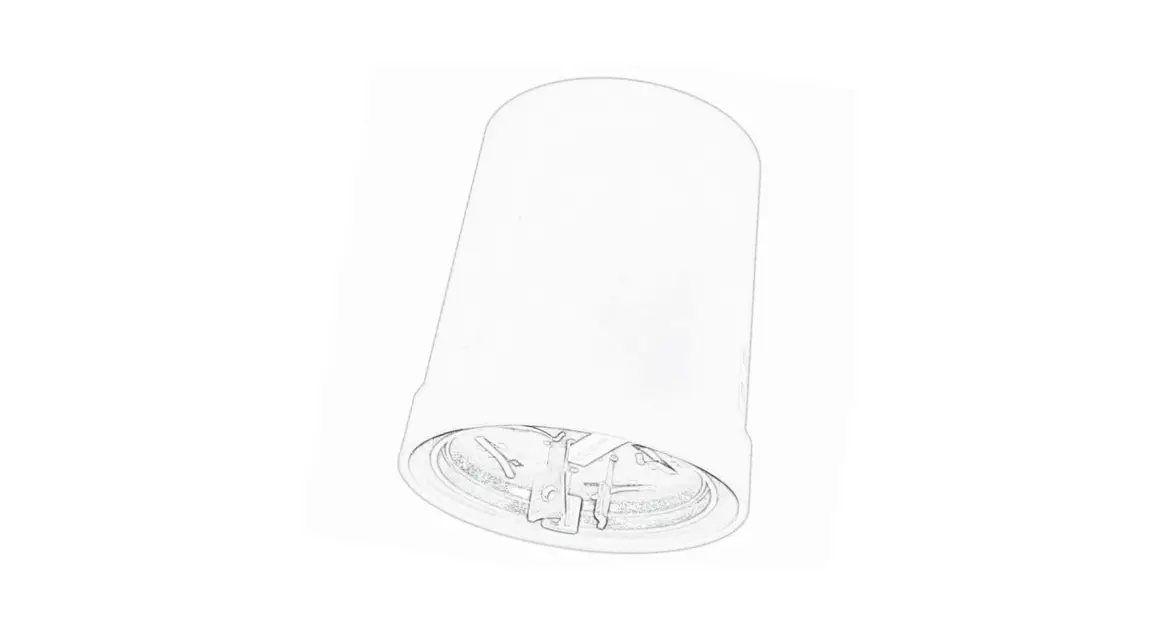

AGIL LCU 2 Series
(LCU 2EU/US/AS/AU/CN)
Remote Lamp Controller
Precautions
Please read this specification carefully before use, so as to avoid any installation error that might cause the malfunction of the device.
Transportation and storage conditions
- Storage Temperature:-40℃~+85℃;
- Storage Environment: avoid any humid, wet env;
- Transport: avoid falling;
- Stockpiling: avoid over-piling;
Notice
- On-site installation should be done by professional personnel;
- Do not install the device in a long-term high-temperature environment, which might shorten its lifetime;
- Well insulate the connections during the installation;
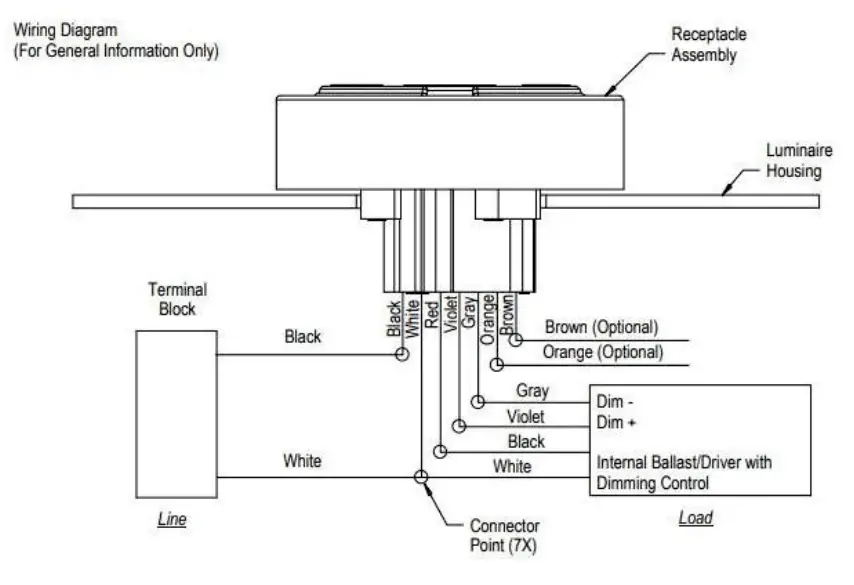
- Wire the device STRICTLY according to the attached diagram, inappropriate wiring might cause deadly damage to the device;
- Please rotate the device to ensure the NEMA interface is completely connected;
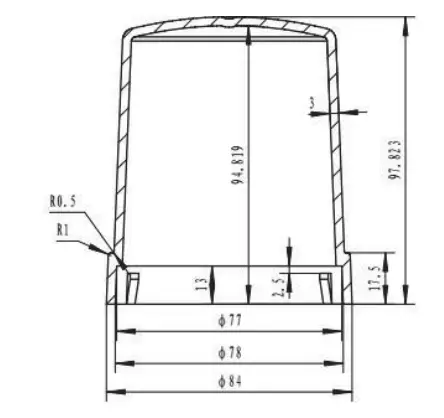
Dimension
Features
- LORA transmission, support LORAWAN;
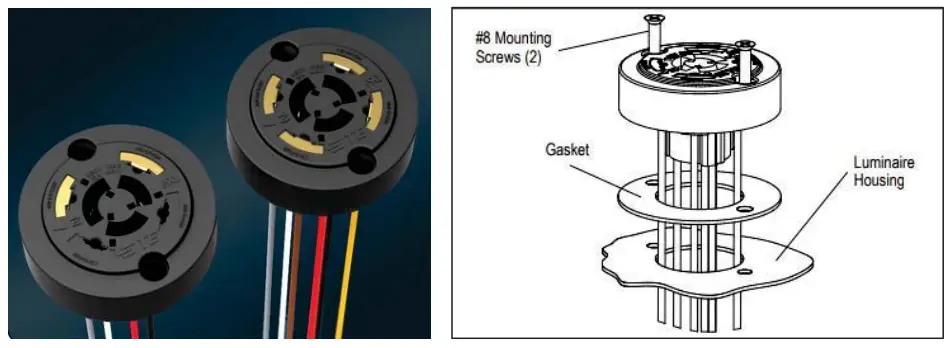
- Standard NEMA 7-PIN interface, plug and play;
- Remotely turn ON/OFF, built-in 16A relay;
- Photocell auto control;
- Support dimming interface: DALI and 0-10V, and PWM (customizable);
- Remotely read electrical parameters: current, voltage, power,power factor, and consumed energy;
- Support recording total energy consumed and resetting;
- Optional sensor: GPS, tilt detection;
- Lamp failure detection: LED lamp;
- Automatically report failure notification to server;
- Lightning protection;
- Waterproof: IP66.
| Scope | Single lamp with LED driver |
| Street lighting, Landscape lighting, Tunnel lighting |
Parameters
- Basic Info
| Model | AGIL LCU2 Series | |
| Relay | 1-route, 250V/16A | |
| AC Input | Voltage Range | 96V-264VAC |
| Frequency Range | 50-60Hz | |
| Current Range | 0-2A | |
| Static Power | <2W | |
| AC Output | Voltage Range | Same as Input |
| Frequency Range | 50-60Hz | |
| Current Range | 0-2A | |
| Max Load | <400W | |
- Data Reading
| Voltage Detection | 96V-264VAC |
| Current Detection | 0-2A |
| Data Accuracy | ≤3% |
| Active Power Calc | Yes |
| Power Factor Calc | Yes |
| Energy Record | Yes |
- Dimming Info
| Mode | PWM | Analog Voltage | DALI |
| Output | 5V/400Hz (adjustable) | 0-10V | DALI 1.0 |
| Note | Preset 100%, PWM=1 or0 | Preset 100%, Voltage=10V or OV | Standard DALI |
- Communication Performance
| Frequency | 470MHz | 868MHz | 915MHz | 923MHz |
| Transmission | Lora | |||
| Protocol | LoRaWAN | |||
| Mode | CLASS-C | |||
- Other Functions
| Failure Report | Automatically report, query to report |
| Failure Type | Lamp failure, power failure, over-voltage, over-current, under-voltage |
| Task Mode | Local scheduled task |
| Record Energy | Record total energy consumed and reset |
| Photocell Control | Auto control via lux value, threshold configurable |
- Working Environment
| Temperature | -40 – +85°C |
| Humid | <95% |
| Waterproof | IP66 |
| Size | Diameter 84mm, Height 98mm |
| Weight | 0.22 KG |
Overview Wiring Diagram
- Wiring Diagram
Standard: C136.41
These three models of our company’s FCC certified products: AGIL LCU 2AS, AGIL LCU 2AU, and AGIL LCU 2US, make the following statement:
FCC Radiation Exposure Statement:
This equipment complies with FCC radiation exposure limits set forth for an uncontrolled environment. This equipment should be installed and operated with a minimum distance of 20cm between the radiator & your body.
FCC Warning
This device complies with Part 15 of the FCC Rules. Operation is subject to the following two conditions:
(1) This device may not cause harmful interference, and (2) this device must accept any interference received, including interference that may cause undesired operation.
NOTE 1: This equipment has been tested and found to comply with the limits for Class B digital devices, pursuant to part 15 of the FCC Rules. These limits are designed to provide reasonable protection against harmful interference in a residential installation. This equipment generates uses and can radiate radio frequency energy and, if not installed and used in accordance with the instructions, may cause harmful interference to radio communications. However, there is no guarantee that interference will not occur in a particular installation. If this equipment does cause harmful interference to radio or television reception, which can be determined by turning the equipment off and on, the user is encouraged to try to correct the interference by one or more of the following measures:
– Reorient or relocate the receiving antenna.
– Increase the separation between the equipment and receiver.
-Connect the equipment into an outlet on a circuit different from that to which the receiver is connected.
-Consult the dealer or an experienced radio/TV technician for help.
NOTE 2: Any changes or modifications to this unit not expressly approved by the party responsible for compliance could void the user’s authority to operate the equipment.