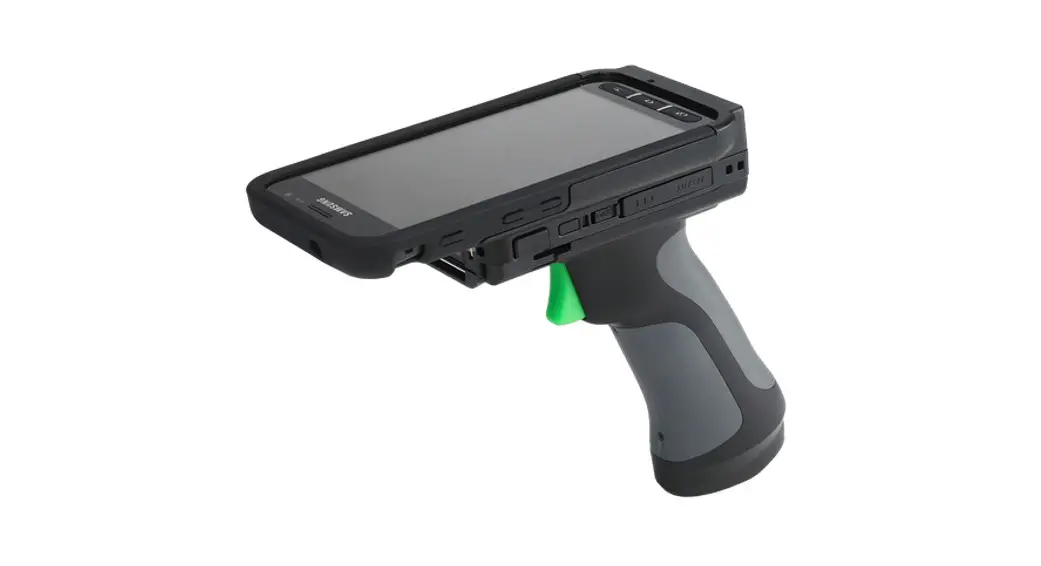
 KDC General
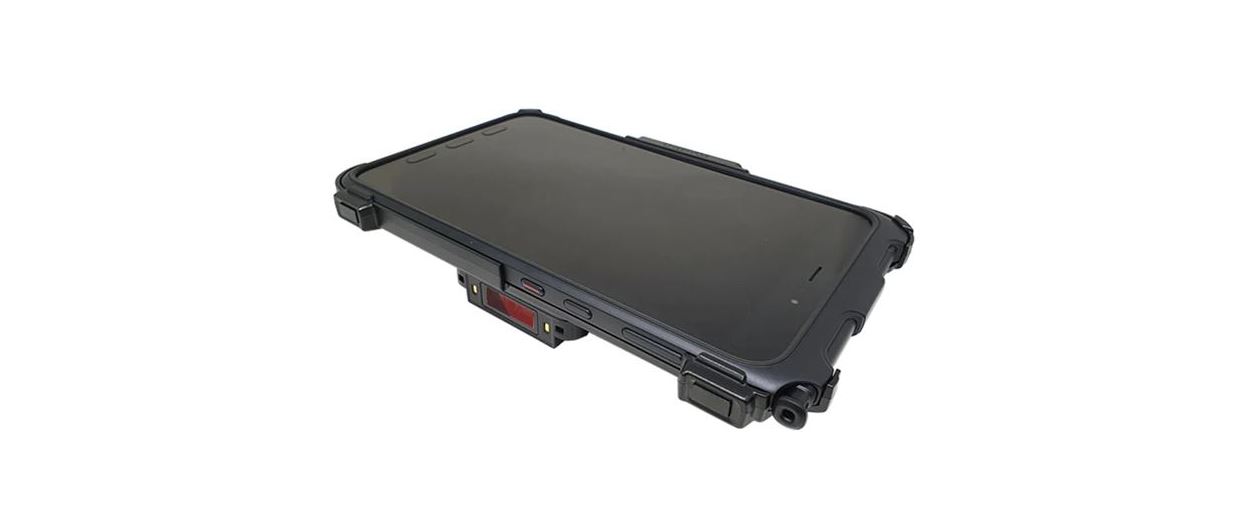
Universal SmartSleds
Assembly Manual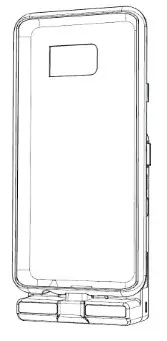
What’s in the box?
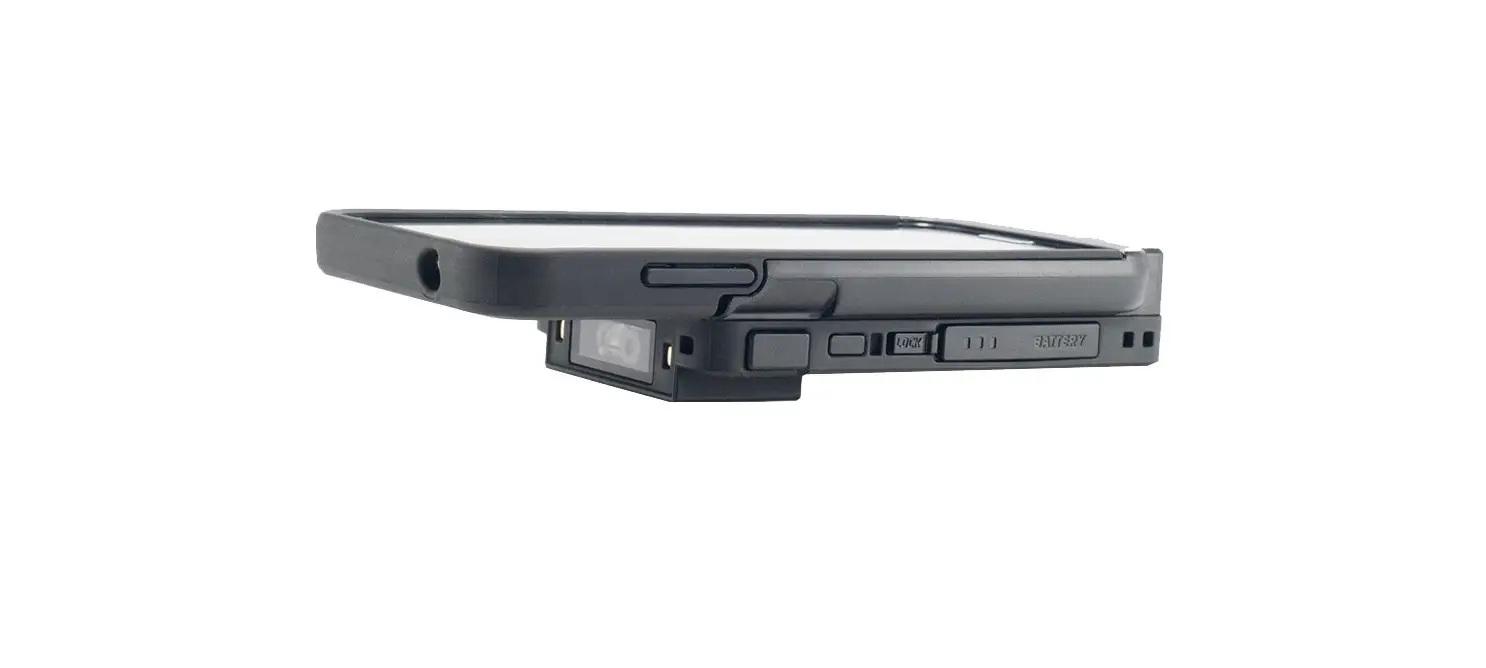
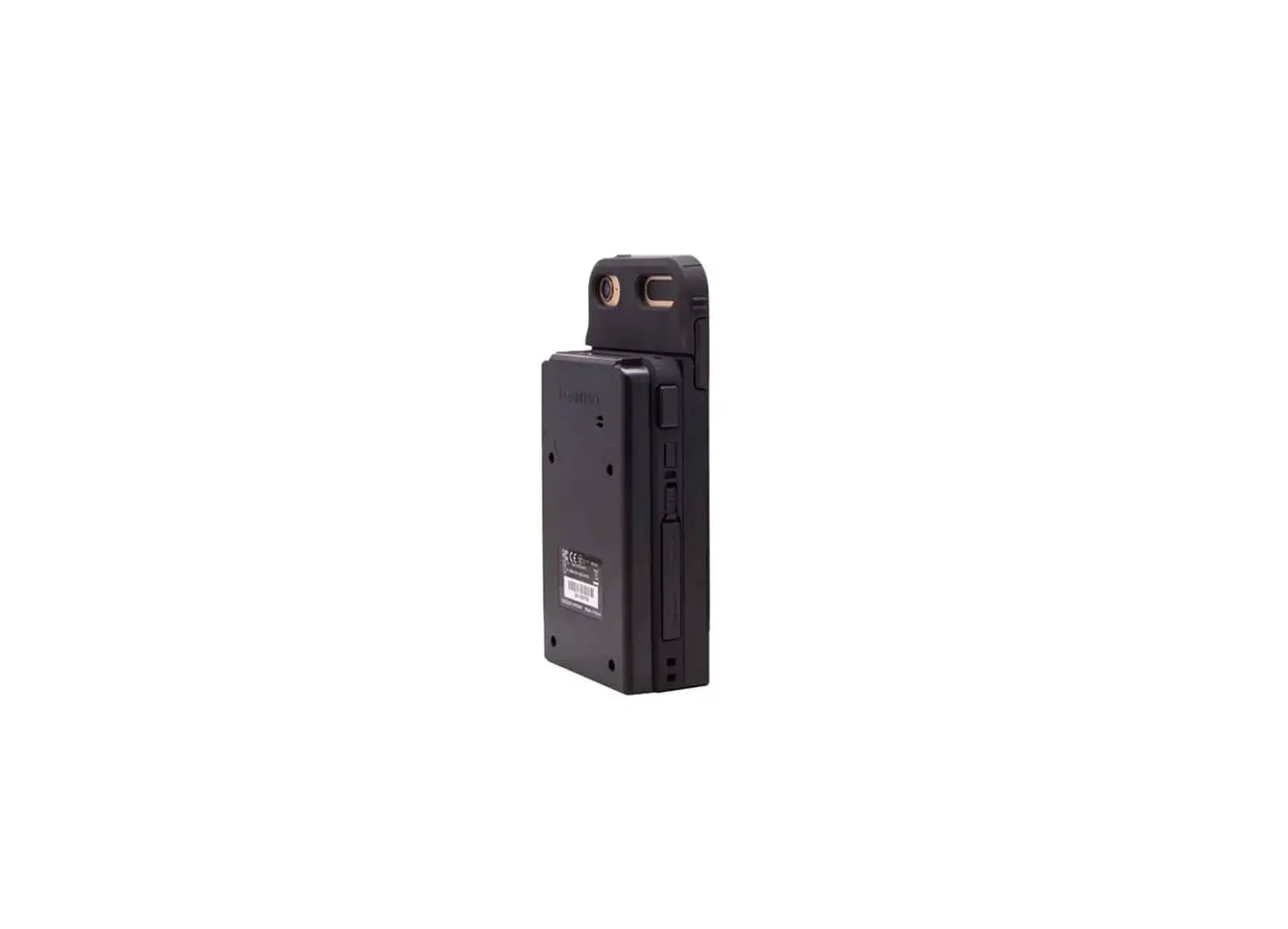
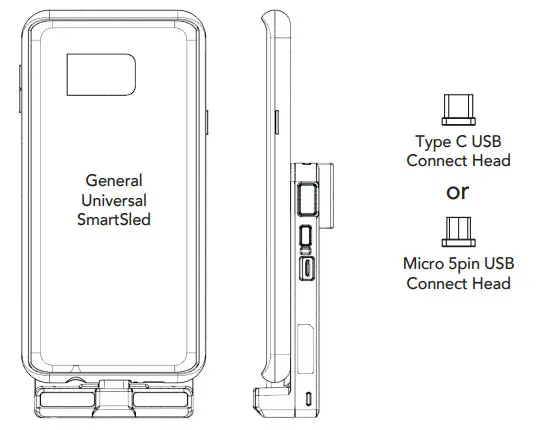
- 1 x KDC470/475/480/485 General Universal SmartSled
- 1 x Magnetic USB Connect Head (Type C or Micro USB)

Assembly Instructions:
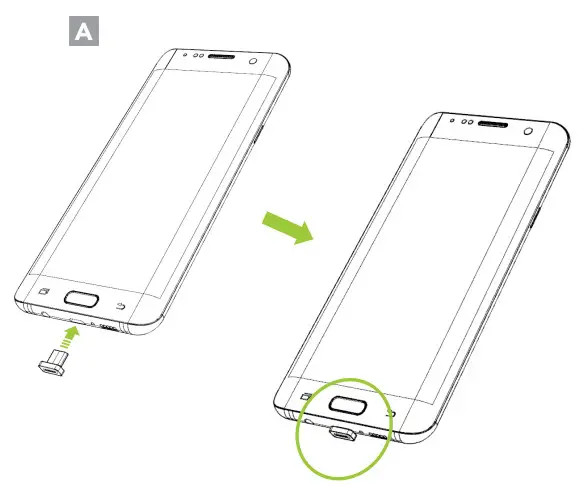
- Attach the USB connect head to the phone. (A)

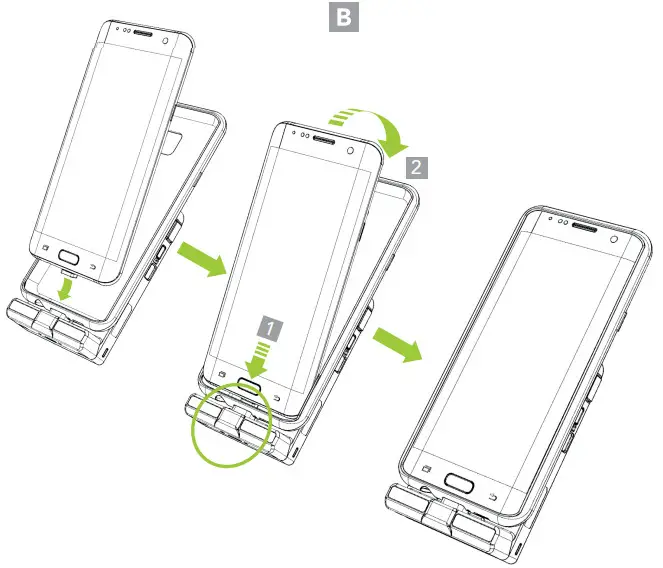
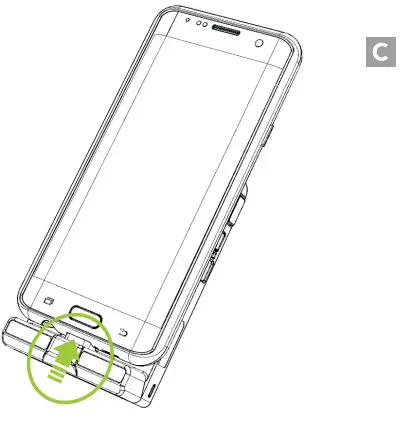
- Slide the phone into the General Universal SmartSled. (B)

- Inspect the connection between the General Universal SmartSled and previously installed USB Connect Head. To test the connection, attempt to charge your device via USB or Charging Cradle – a succesful connection will indicate charging on your device.

Removing Phone
Remove the phone from the case by peeling off the top edge of the General Universal Smartsled. Carefully slide the phone up and pull the phone upward. Remove the USB Connect Head from the bottom of the phone. (D)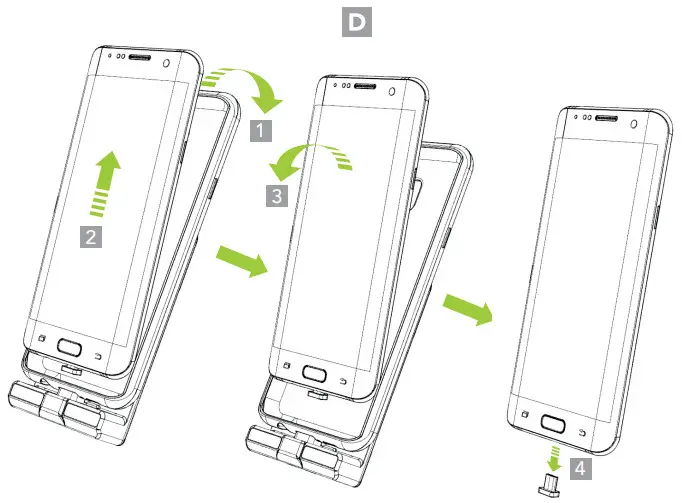
USB Port Usage
There is one Micro USB port on the side of the KDC470/475 and one Micro USB port on the bottom of the General Universal SmartSled. Data communication is specific for these ports.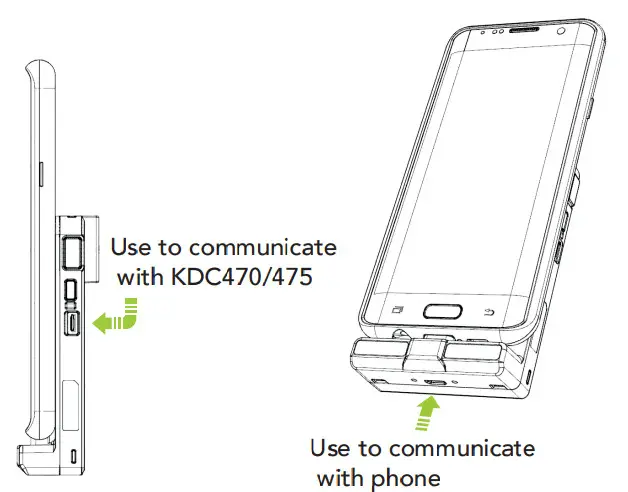
Both USB ports support KDC470/475/480/485 and phone simultaneous charging.
Additional KDC470/475/480/485 Accessories:
- 1-Slot Charging Cradle
- 4-Slot Charging Cradle
- HF Companion
- 0.5W UHF Companion
- 1.0W UHF Companion
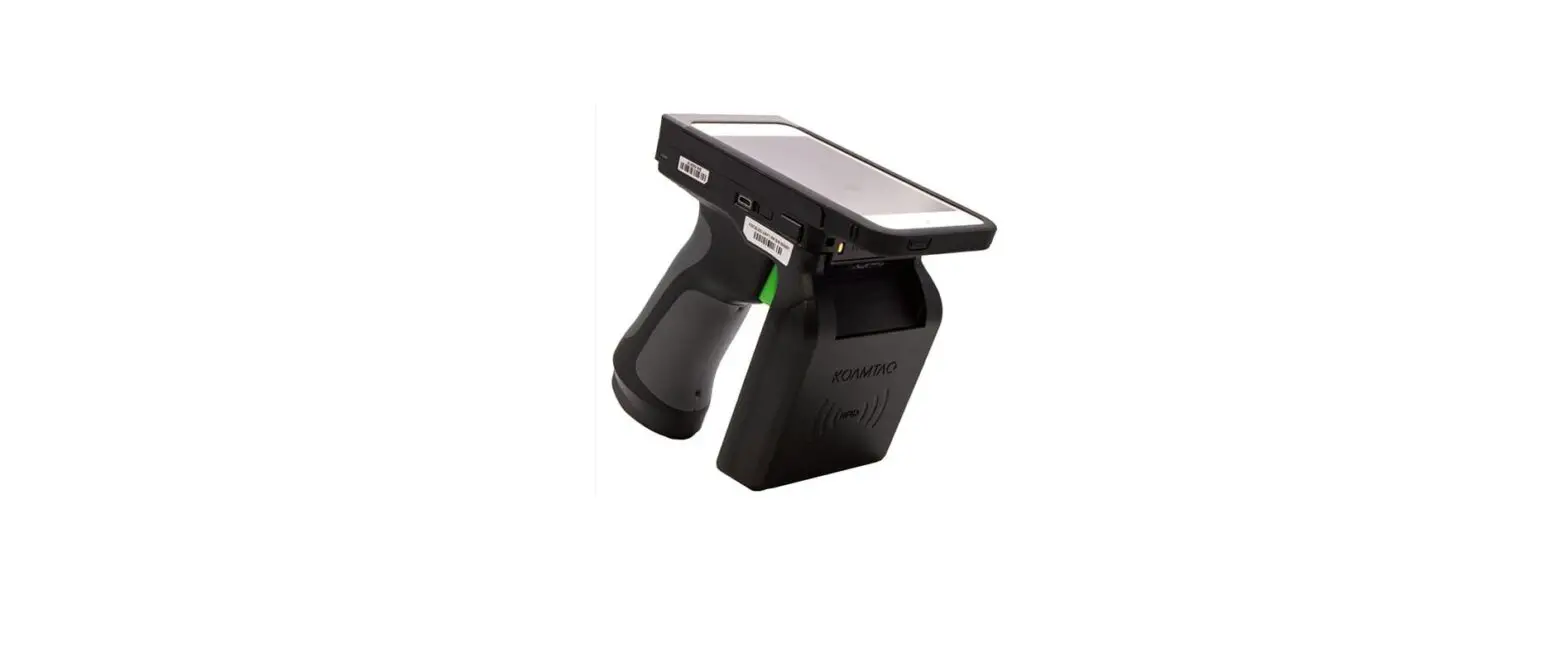
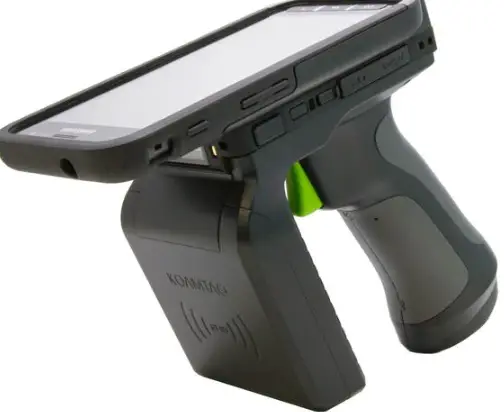
- Pistol Grip
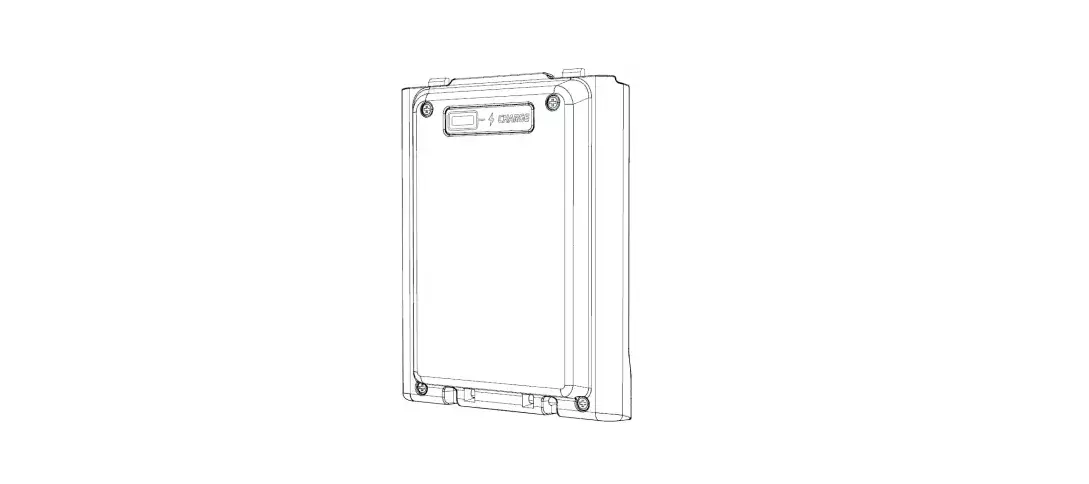
- Extended Battery

116 Village Blvd, Ste 305, Princeton, NJ 08540
+1 609-256-4700 I +1 609-228-4373
[email protected] I www.koamtac.com