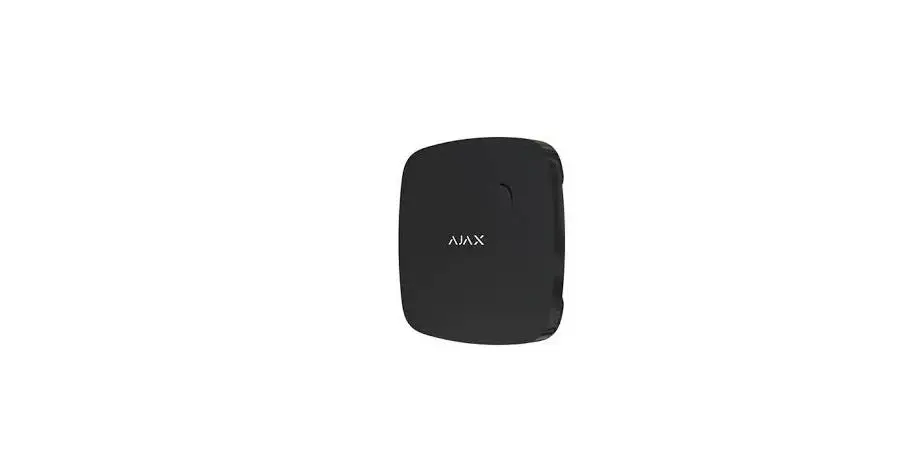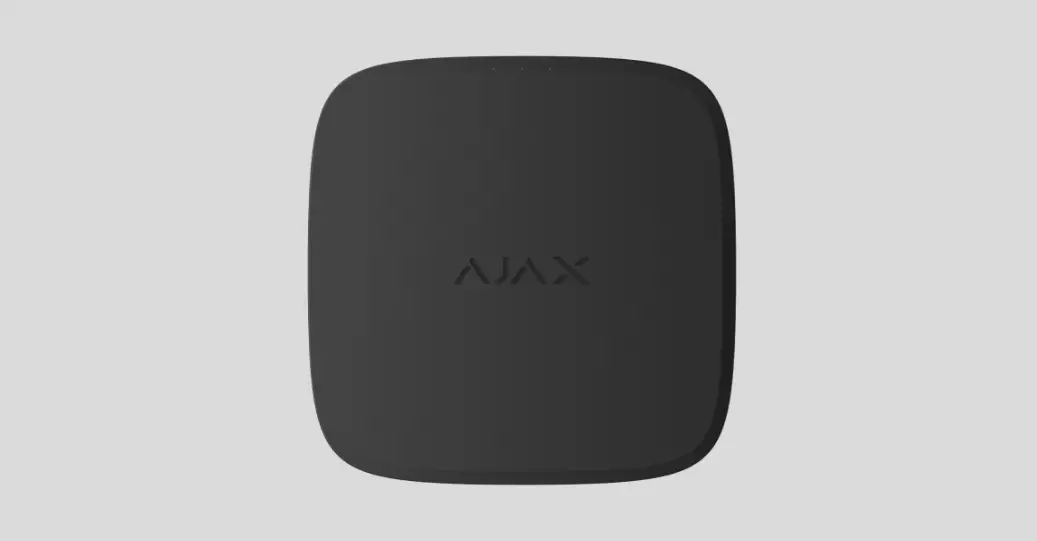
 FireProtect Wireless Indoor Fire Detector
User Manual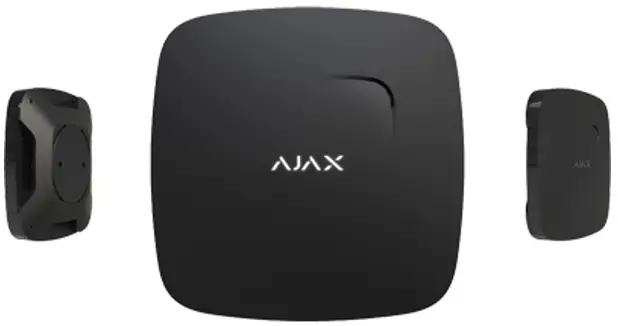
FireProtect Wireless Indoor Fire Detector
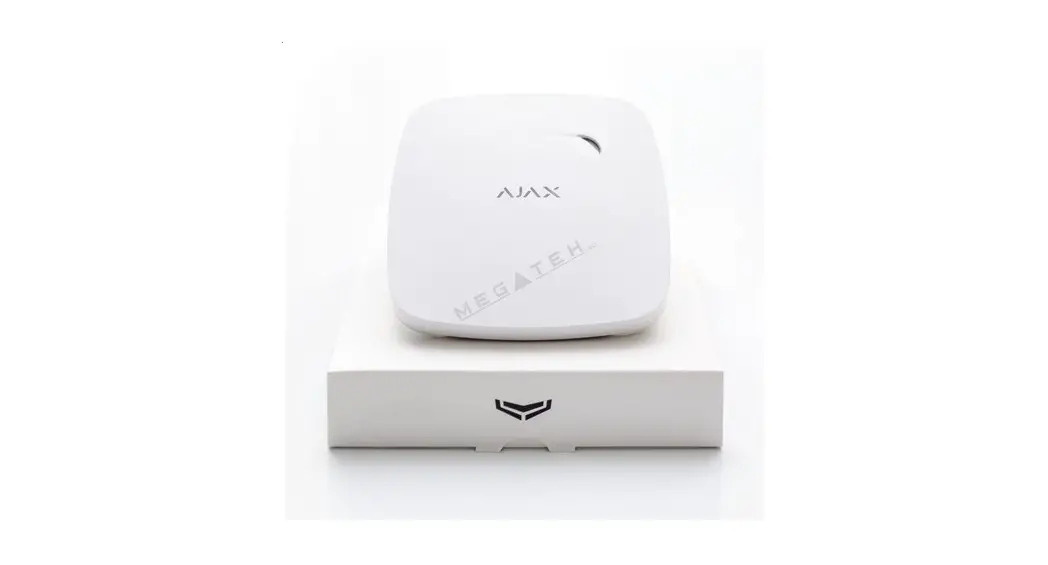
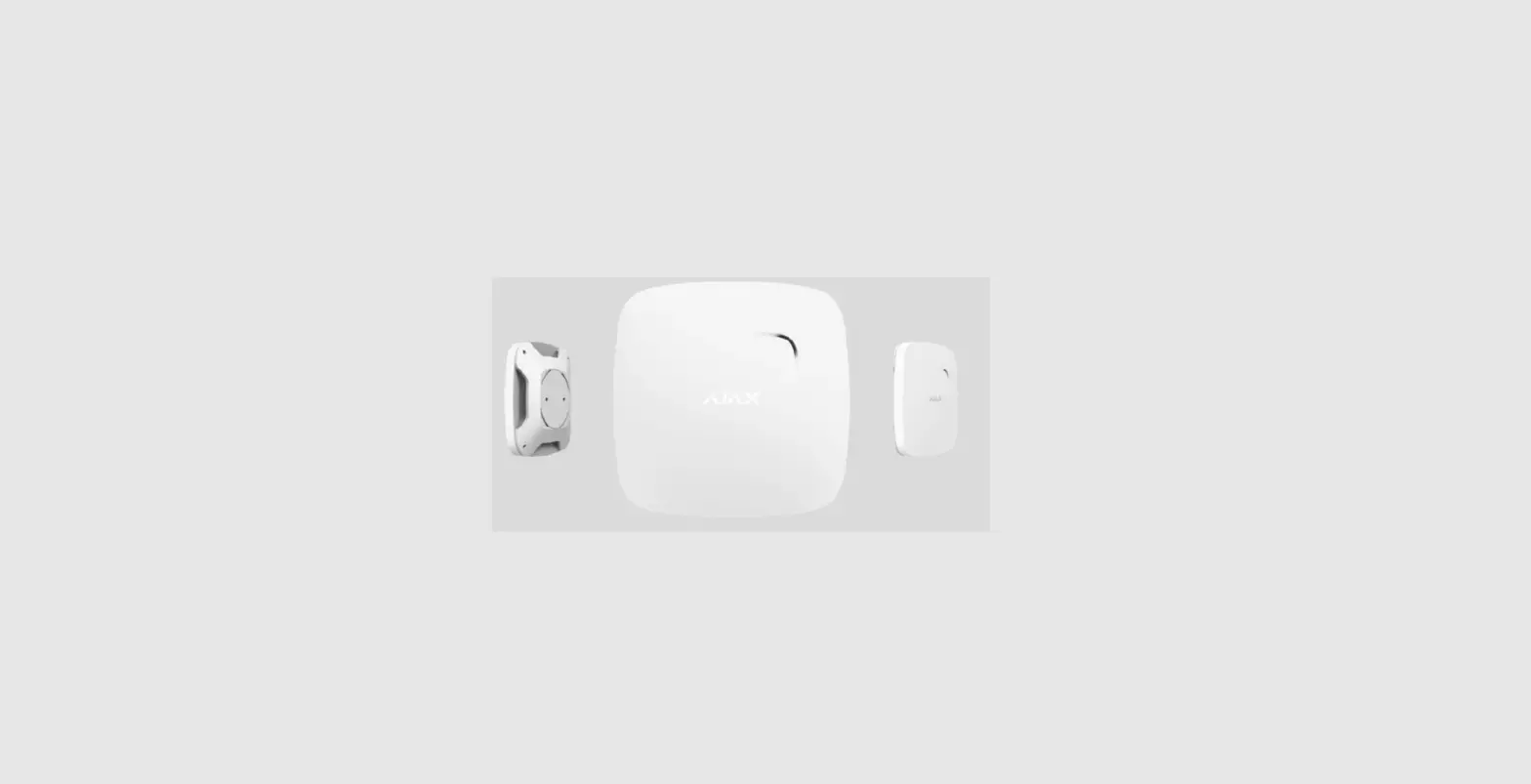
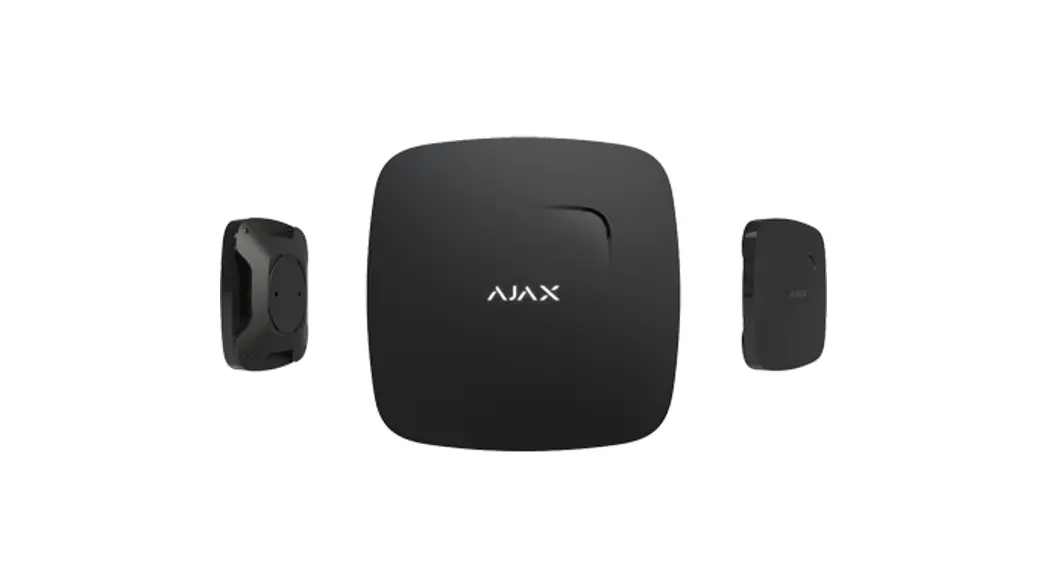
FireProtect (FireProtect Plus) is a wireless indoor fire detector with an in-built buzzer and a battery, ensuring up to 4 years of autonomous operation.
FireProtect can detect smoke and rapid temperature increase.
Aside from these functions, FireProtect Plus additionally can alert of dangerous CO levels. Both detectors can function independently from the hub.
Connecting to the Ajax security system via a secured radio protocol, FireProtect (FireProtect Plus) communicates with the at a distance of up to 1,300 m in line of sight.
The detector can be a part of third-party security systems, connecting to them via the integration module.
Buy a fire detector with a carbon monoxide sensor FireProtect Plus
The detector is set up for iOS, Android, macOS, and Windows. The system notifies the user of all events through push notifications, SMS, and calls (if activated).
Buy fire detector FireProtect
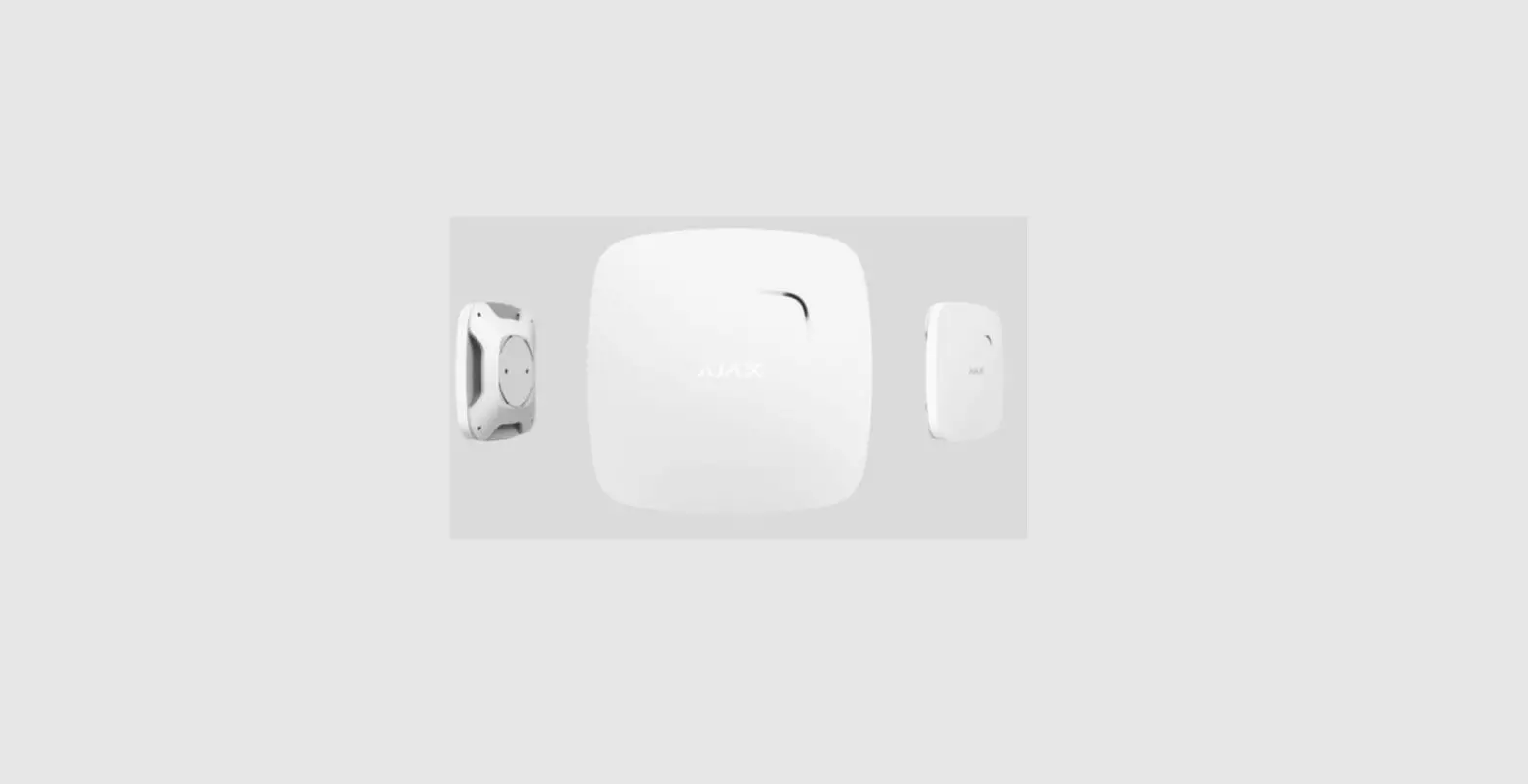
Functional Elements
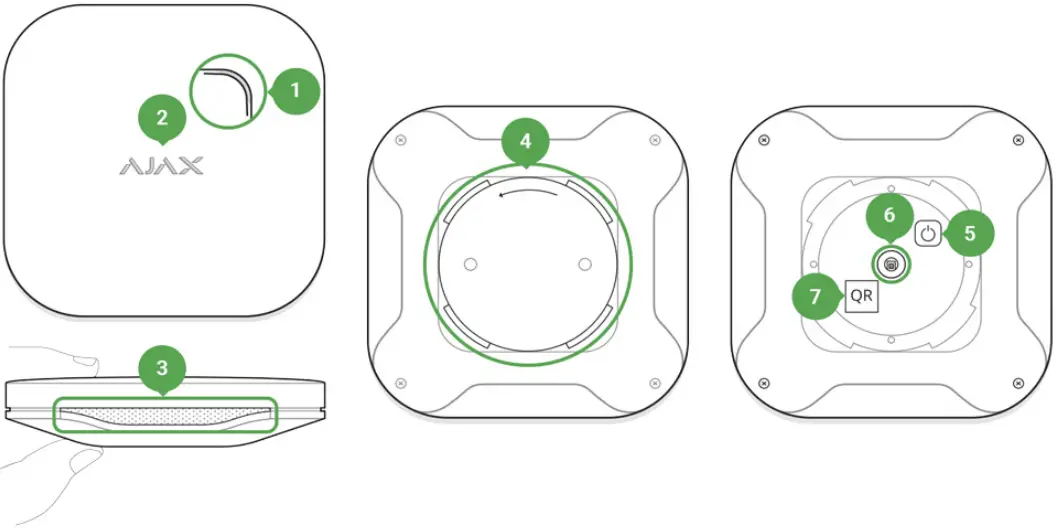
- Siren hole
- Light indicator (acts as the sensor and Test button)
- Smoke chamber hole with the temperature detector behind the net
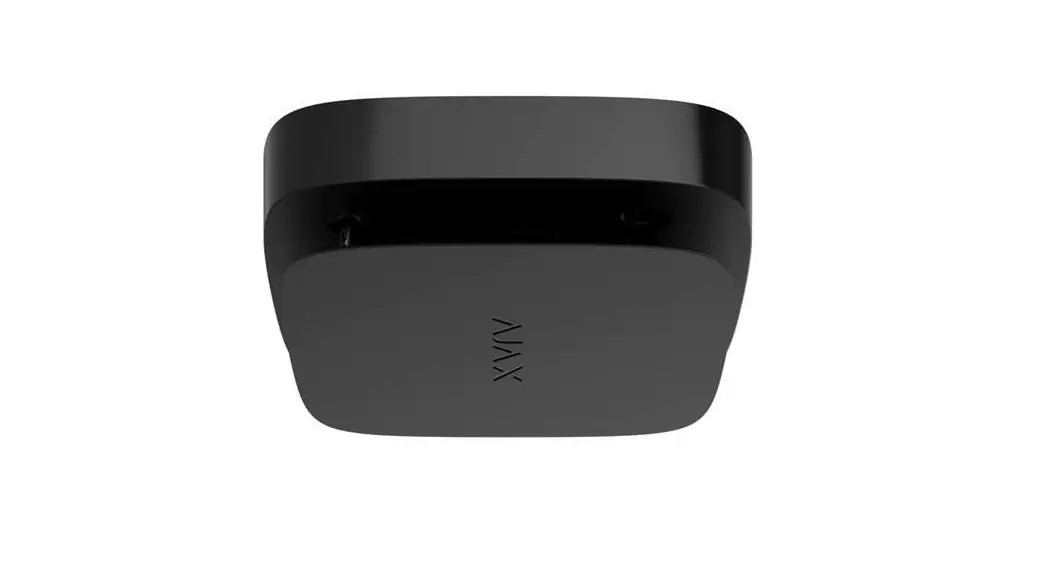
- SmartBracket attachment panel
- Power button
- Tamper button
- QR code
Operating Principle
When smoke penetrates the detector chamber, it distorts infrared light between the emitter and the photoelectric receiver. This distortion triggers a smoke alarm. When the temperature exceeds 60°С or rises by 30°С during 30 minutes (not necessary to reach 60°С), the detector registers a temperature increase, which triggers a fire alarm. The life span of the FireProtect Plus detector lasts up to 7 years (up to 10 years for the FireProtect). In the event of a detector failure, you will receive a corresponding notification — it will need to be replaced or submitted for comprehensive diagnostics.
FireProtect Plus has an additional sensor to detect dangerous CO levels. If the concentration of CO in the air exceeds a certain level, the detector generates an alarm.
The detector is triggered:
- within 60–90 min at carbon oxide concentration 50 ppm / 0.005%
- within 10–40 min at CO concentration 100 ppm / 0.01%
- within 3 min at carbon oxide concentration 300 ppm / 0.03%.
In case of an alarm, the detector activates the built-in buzzer (the siren sound can be heard from afar) and blinks with the light indicator. When connected to a security system, both the user and the security company are notified of the alarm.
The siren of the device can be turned off using three ways:
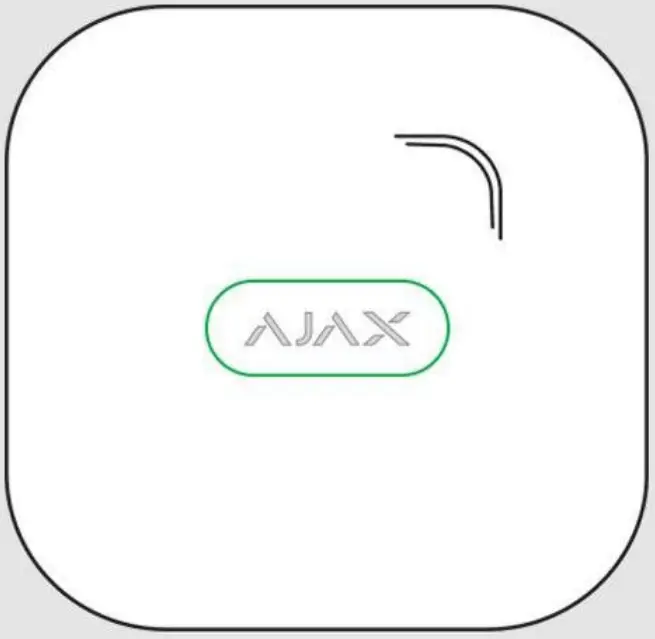
- Press the Ajax logo on the device lid (there is a touch button under the logo).

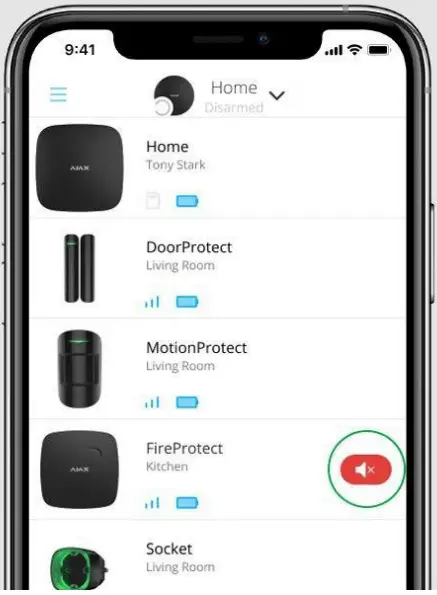
- Through the Ajax app. In case of fire alarm, you will see a pop-up message in.

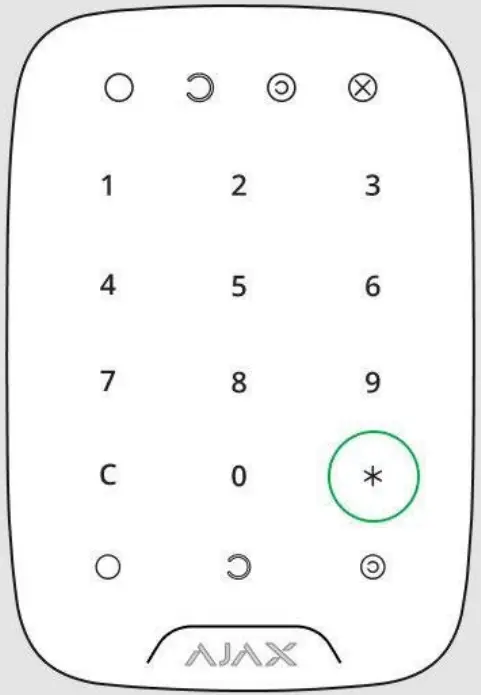
- Using the KeyPad (if the Interconnected FireProtect Alarms feature is enabled).
To turn off the built-in sirens in case of fire alarm, press the “*” button on the KeyPad. Please note that for this to work you need to priorly select the Mute Interconnected Fire Alarm command for this button in the KeyPad settings.
If smoke and/or temperature levels do not restore to normal values, in 10 minutes, the FireProtect/FireProtect Plus turns on the siren again.
 Please note that for this to work you need to priorly select the Mute Interconnected Fire Alarm command for this button in the KeyPad settings.
Connecting the Detector to the Ajax Security System
Before starting the connection:
- Following the hub user guide, install the Ajax app. Create the account, add the hub, and create at least one room.
- Switch on the hub and check the internet connection (via Ethernet cable and/or GSM network).
- Make sure that the hub is disarmed and does not update by checking its status in the Ajax app.
Only users with administrator rights can add the device to the hub
Pairing the detector with the hub:
- Select Add Device in the Ajax app.
- Name the device, scan or type the QR Code (located on the detector body and packaging), and select the location room.

- Tap Add — the countdown will start.

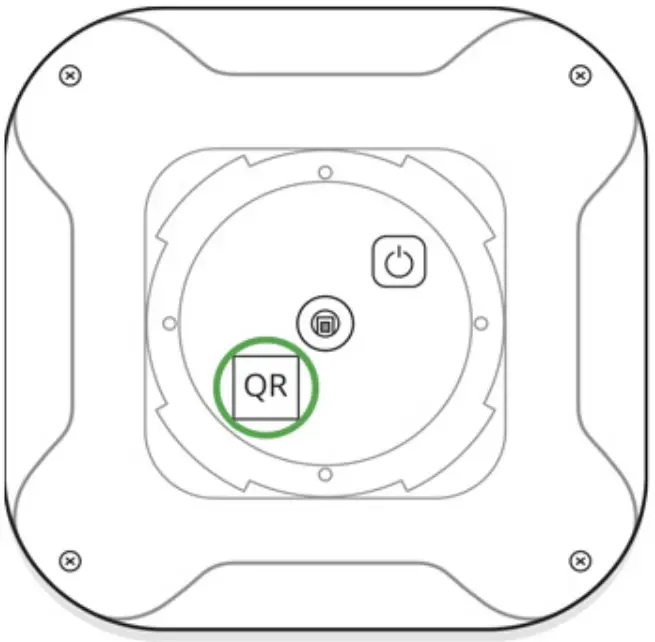
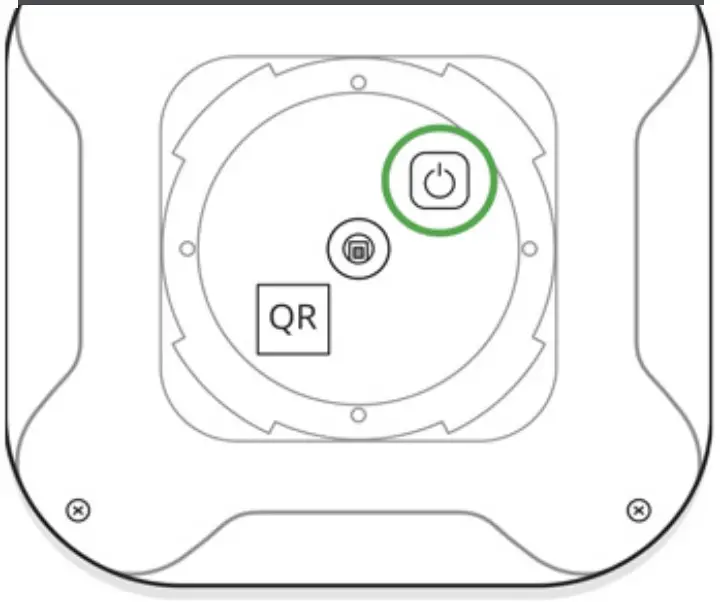
To make sure that the detector is on, press the on/off button — the logo will light up red for a second.
For detection and pairing to occur, the detector should be located within the coverage area of the wireless network of the hub (at a single protected object). The connection request is transmitted for a short time: at the moment of switching on the device.
If pairing with the hub fails, the detector operates autonomously; switch off the detector for 5 seconds and retry.
The detector connected to the hub is displayed in the list of devices in the app. The update of the detector status in the list depends on the device inquiry time set in the hub settings (the default value is 36 seconds).
Connecting to Third Party Security Systems
To connect the detector to a third-party security central unit using the Ajax cartridge or Ajax Oxbridge Plus integration module, follow the recommendations in the manual of the respective device.
The smoke detector always operates in active mode. When connecting FireProtect to third-party security systems, it is appropriate to place it in a permanently active protection zone.
| Parameter | State |
| Temperature | The temperature of the device. Measures on the device processor and changes gradually |
| Jeweler Signal Strength | Signal strength between the hub and the detector |
| Connection | Connection status between the hub and the device |
| Battery Charge | The battery level of the device. Two states available: • OK • Battery discharged How battery charge is displayed in Ajax apps |
| Lid | The tamper state of the device — reacts to the detachment |
| ReX | Displays the status of using the ReX range extender |
| Smoke | Shows if smoke is detected |
| Temperature Threshold Exceeded | The state of the temperature threshold exceeded the alarm |
| Rapid Temperature Rise | The state of rapid temperature increase alarm |
| High CO Level (FireProtect Plus only) | The state of dangerous CO level alarm |
| Backup Battery Charge | The backup battery level of the device |
| Smoke sensor | The state of the smoke detector |
| Smoke Sensor Dust Level | The dust level in the smoke chamber |
| Temporary Deactivation | Shows the status of the device: active, completely disabled by the user, or only notifications about triggering the device tamper buttons are disabled |
Settings
- Devices

- FireProtect | FireProtect Plus
- Settings


| Setting | Value |
| First field | The device name can be edited |
| Room | Selecting the virtual room to which the device is assigned |
| If active, the detector alerts of exceeding the limits of carbon monoxide concentration | |
| High-Temperature Alarm | If active, the detector reacts when the temperature is 60°C and higher |
| Rapid Temperature Rise Alarm | If active, the detector reacts to rapid temperature increase (30°С for 30 minutes or less) |
| Alert with a siren if smoke is detected | If active, sirens added to the system are activated in case of a smoke alarm |
| If active, sirens added to the system are activated in case the temperature threshold exceeded | |
| If active, sirens added to the system are activated in case of rapid temperature rise detected | |
| If active, sirens added to the system are activated in case CO concentration is dangerous | |
| Jeweler Signal Strength Test | Switches the device to the signal strength test mode |
| FireProtect Self Test | Starts FireProtect selftest |
| Temporary Deactivation | Allows the user to disconnect the device • Lid only — the system will ignore only notifications about the triggering of the device tamper button Learn more about the temporary deactivation of devices Note: that a disabled device does not trigger an interconnected alarm of fire detectors. But if smoke is detected, the built-in siren will sound |
| User Guide | Opens the detector User Guide |
| Unpair Device | Deletes the device and its settings |
Interconnected FireProtect Alarms Setup
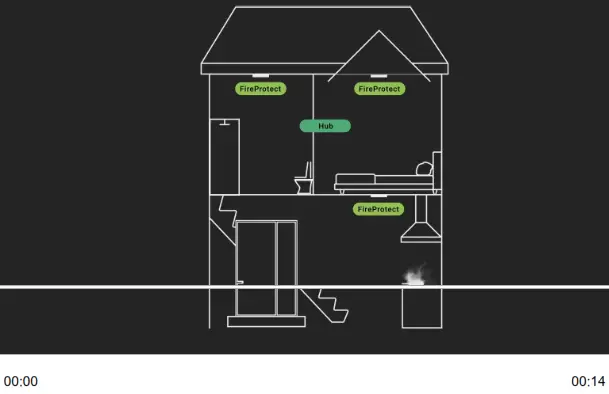
The function activates built-in sirens of all fire detectors if at least one of them is triggered. Sirens are activated within the hub—detector ping interval according to the Jeweller settings.
To enable Interconnected Alarms:
- Open the Devices tab in the Ajax app
- Select a hub
- Go to its Settings by pressing
- Select the Service item
- Go to the Fire detectors settings menu and activate the Interconnected FireProtect Alarms option
 Interconnected alarms are supported by FireProtect and FireProtect Plus detectors with firmware versions 3.42 and later. Please note that when you turn on the interconnected alarms, you cannot set the hub—detector ping interval (Jeweller settings) to more than 48 seconds.
The function works as follows:
- One of the FireProtect/FireProtect Plus detectors detects an alarm.
- Delay of Interconnected Alarms starts.
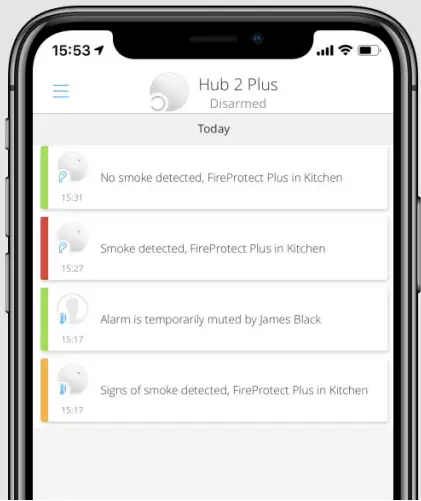
- The built-in siren of the fire detector informs the alarm. Users receive notifications in the Ajax app (if appropriate notifications are enabled). At the object, Ajax sirens are activated (if the corresponding settings are enabled).

- An alarm confirmation event is sent to the monitoring station and security system users, and the system starts the interconnected alarm for fire detectors if:
• The interconnected alarm delay time has passed, and the triggered detector is still registering an alarm. • During the delay of the interconnected alarms, the triggered detector reports a different type of alarm (for example, the detector reports the exceeding of the temperature threshold after a smoke alarm).
 • During the interconnected alarm delay, another fire detector in the system raised an alarm.
 • Through Ajax apps.
 • By pressing the KeyPad function button (in the interconnected fire alarm muting mode).
• By pressing the Button in the interconnected fire alarm muting mode.
• By eliminating the cause of the alarm (fire detectors at the facility no longer detect an alarm).
• By pressing the touch button of the triggered fire detector. If a triggered detector does not return to a normal state within 10 minutes after the user postponed the interconnected alarm, another fire detector reports an alarm, or a triggered detector reports an alarm of another type (for example, temperature and smoke), the system will send an alarm confirmation and activate an interconnected alarm for fire detectors.
- If necessary, activate the Ignore First Alarm option. This setting is recommended for premises with potential sources of false alarms. For example, if the device is installed in a place where dust or steam can get into the detector.
 • During the delay of the interconnected alarms, the triggered detector reports a different type of alarm (for example, the detector reports the exceeding of the temperature threshold after a smoke alarm).
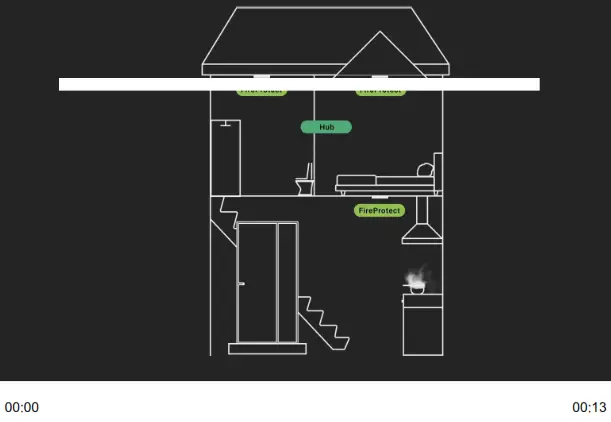 • During the interconnected alarm delay, another fire detector in the system raised an alarm.
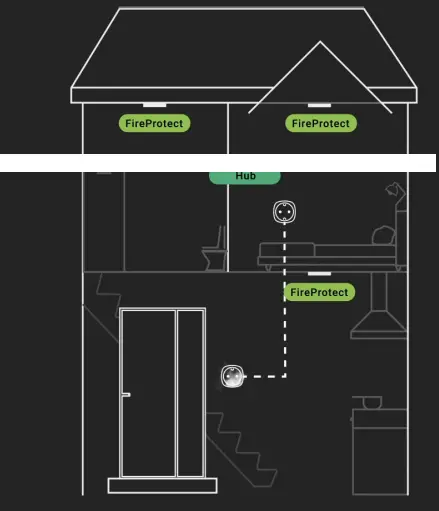 • Through Ajax apps.
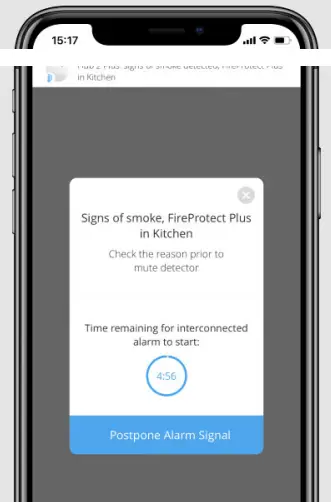 • By pressing the KeyPad function button (in the interconnected fire alarm muting mode).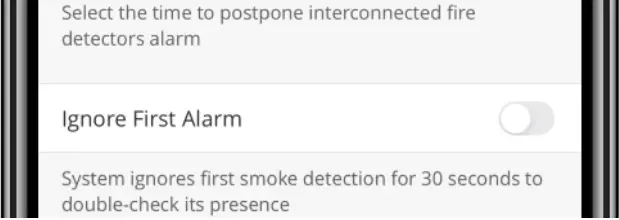
The option functions as follows:
- The detector reports a smoke alarm.
- The built-in 30-second timer of the detector starts.
- If after 30 seconds the detector still detects a threat, an alarm is sent to the hub.
Indication
| Event | Indication |
| Detector switching on | The logo lights up green for 1 second |
| Detector switching off | The logo blinks red three times and the device switches off |
| Registration failed | The logo blinks green for a minute, then the device switches to the autonomous mode |
| Smoke or temperature increase detected | The siren switches on, and the logo lights red during the fire/smoke alarm |
| • One short sound signal per 90 sec — main batteries low (CR2) |
The tests do not start straight away but within a period of 36 seconds when using the standard settings. The test time starts depending on the settings of the detector scanning period (the paragraph on “Jeweller” settings in hub settings).
Jeweler Signal Strength Test
FireProtect Self-Test
Attenuation Test
According to the requirements of the EN50131 standard, the level of the radio signal sent by wireless devices is decreased during the test mode.
Detector Testing
Before installing the detector, check the smoke sensor. To test it, switch on the detector and press the sensor button (the logo center) for a few seconds – the detector will test the smoke chamber with the electronic simulation of smoke generation and then will switch on the siren for 6 seconds.
You will receive a notification in the Ajax app regarding the test result and detector status.
Installation
Selecting the Location Check the Jeweller signal level at the installation location
If the detector has low or unstable signal strength even after moving, use a ReX radio signal range extender.
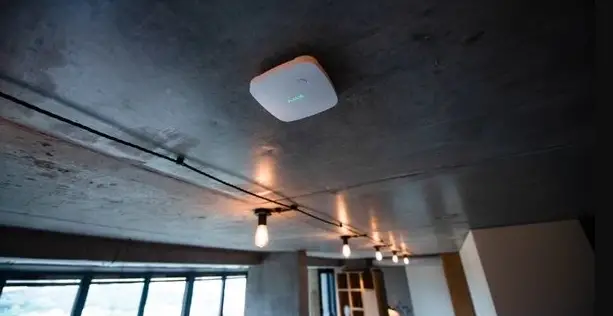
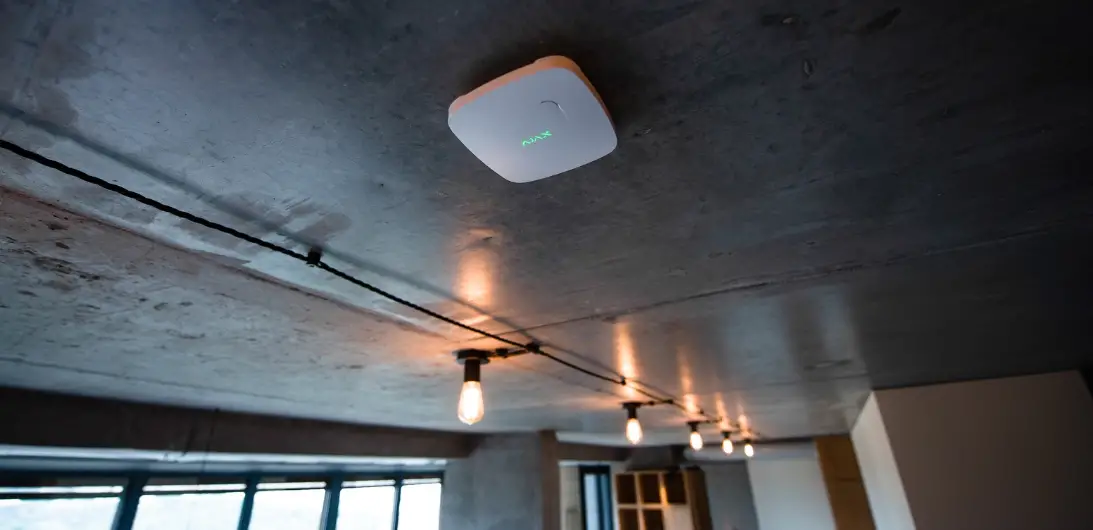
Install the detector at the ceiling in the highest point where hot air and smoke are concentrated in case of fire.
If there are any beams at the ceiling, protruding by 30 or more centimeters from the ceiling level, install the detector between every two beams.
How to install FireProtect fire detector correctly
Where and how to install FireProtect Plus
Installation procedure
Before installing the detector, make sure that you have selected the optimal location that follows the guidelines of this manual!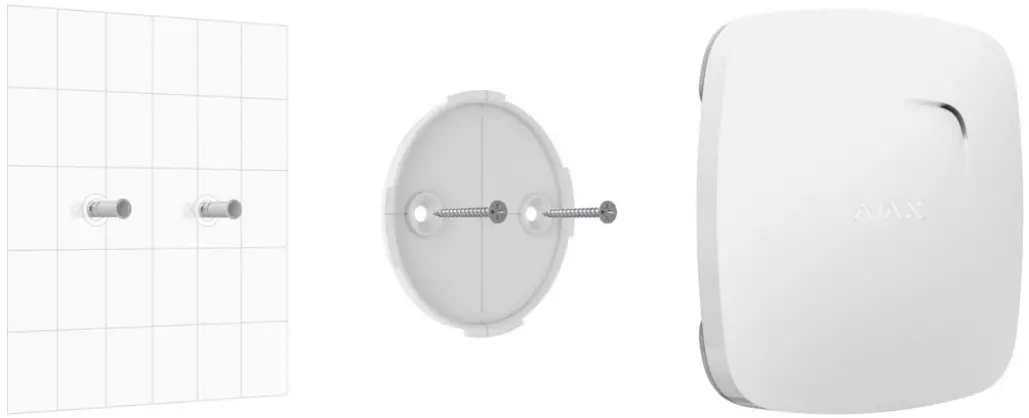
Use double-side adhesive tape only for temporary attachment of the detector. The tape runs dry with time, which can cause falling, false triggering, and detector malfunction.
- Put the detector on the attachment panel by turning it clockwise on SmartBracket. When the detector is fixed in SmartBracket, it blinks with LED, signaling that the tamper is closed.
If LED doesn’t blink after fixing in SmartBracket, check the status of the tamper in the Ajax app and then the fixing tightness of the panel.
If someone detaches the detector from the surface or takes it off the attachment panel, the security system notifies you.
Do not install the detector:
- Outside the premises (outdoors);
- Nearby any metal objects or mirrors causing attenuation or screening of the signal;
- At any place with fast air circulation (air fans, open windows or doors);
- Closer than a meter to the cooking surface;
- Inside premises with temperature and humidity beyond the range of permissible limits;
In case of autonomous use, the detector notifies of the detected fire/smoke with the siren sound and light of the logo. To switch off the siren, press the logo (there is a sensor button) or eliminate the cause of the actuated alarm.
Maintenance and Battery Replacement
Check the operational capability of the detector regularly. Clean the detector body from dust, spider web, and other contaminants as they appear. Use a soft dry napkin suitable for tech equipment.
Do not use any substances containing alcohol, acetone, gasoline, and other active solvents to clean the detector.
To a certain level, the detector ignores the dust in the smoke chamber. When the chamber becomes too dusty, the detector notifies the user of the need to clean it via the app (and beeps every minute and a half). Such maintenance is compulsory for the detector to operate correctly.
How to clean up the smoke chamber
Pre-installed batteries ensure up to 4 years of autonomous operation. If the batteries are discharged, the security system sends the respective notifications and the detector signal with a sound every 90 seconds:
- If the main batteries are low — a single short signal;
Smoke-sensitive element Photoelectric sensor Temperature sensitive element Thermocouple Sound notification volume 85 dB at a distance of 3 m Alarm threshold at the temperature +59°С ±2°С Tamper protection Yes Frequency band 868.0 – 868.6 MHz or 868.7 – 869.2 MHz depending on the region of sale Compatibility Operates independently or with all Ajax hubs, range extenders, and Oxbridge Plus. cartridge Maximum RF output power Up to 20 mW Radio signal modulation GFSK Radio signal range Up to 1,300 m (any obstacles absent) Power supply 2 × CR2 (main batteries), CR2032 (backup battery), 3 V Battery life Up to 4 years
Complete Set
- FireProtect (FireProtect Plus)
- SmartBracket mounting panel
- Batteries CR2 (pre-installed) — 2 pcs
- Battery CR2032 (pre-installed) —1 pcs
- Installation kit
- Quick Start Guide
Warranty
Warranty for the “AJAX SYSTEMS MANUFACTURING” LIMITED LIABILITY COMPANY products is valid for 2 years after the purchase and does not apply to the pre-installed battery.
If the device does not work correctly, you should first contact the support service — in half of the cases, technical issues can be solved remotely!
The full text of the warranty
Updated April 22, 2021