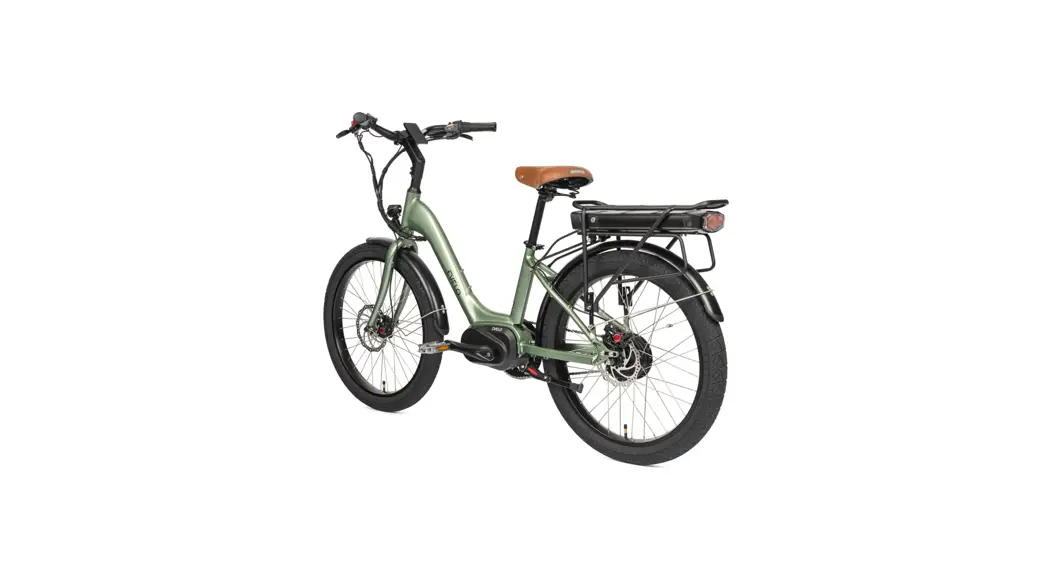
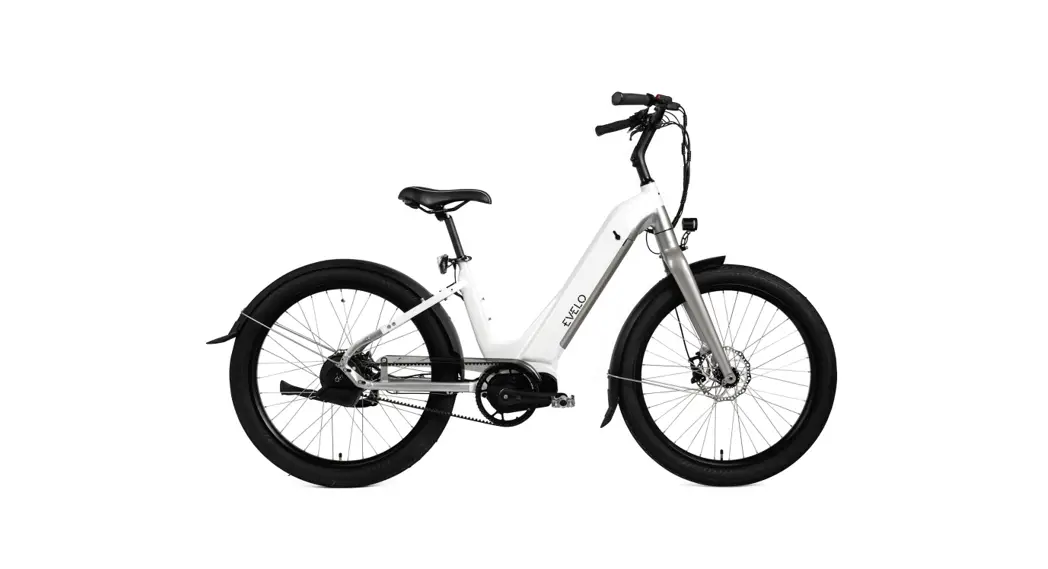
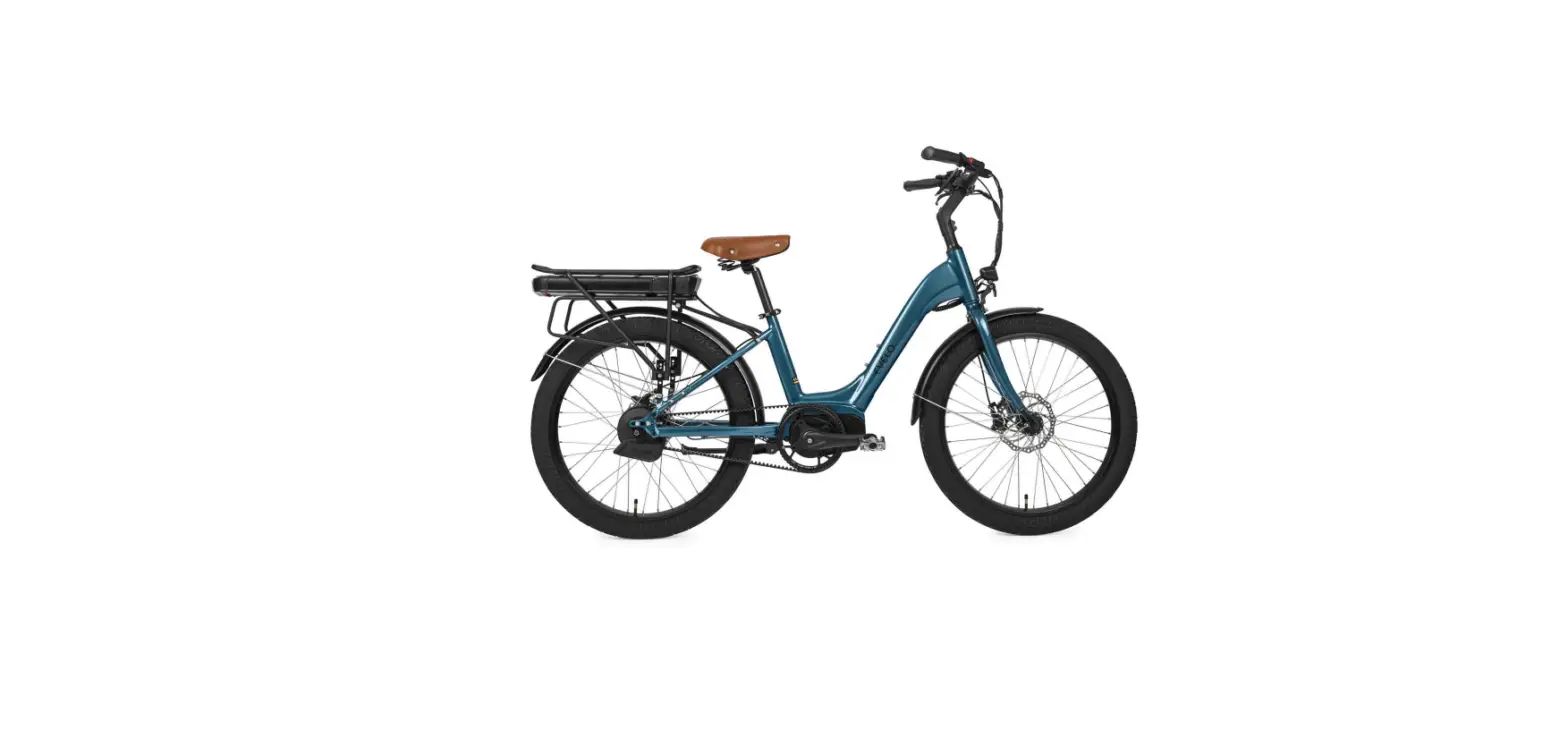
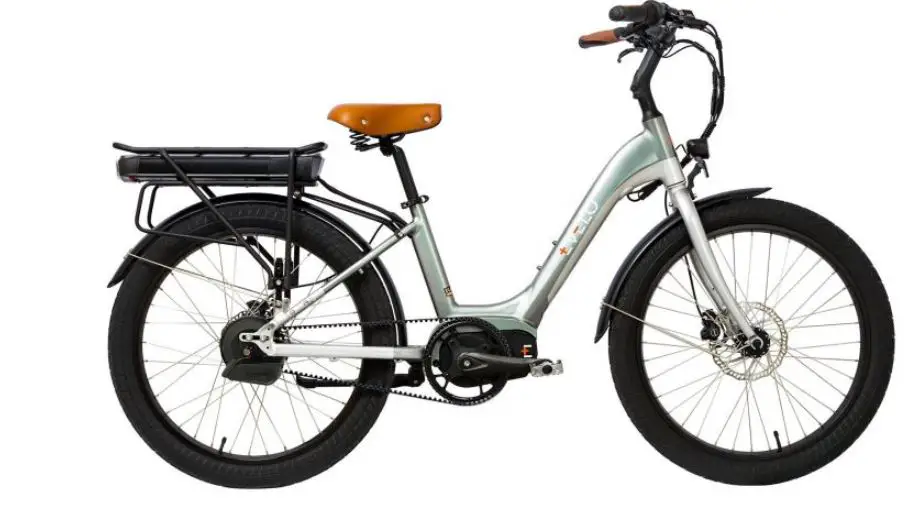
Galaxy Lux Electric Bicycles
EVELO Galaxy Lux Assembly
The photos here show a Galaxy SL, rather than Lux, but the
procedure is the same.
Our Team is here to help 7 days a week [email protected] |
877-991-7272 Feel free to reach out!
Watch the Assembly Instructions Video
Unboxing Your EVELO
- Begin unboxing the bike by cutting the banding then opening the
box. Use caution regarding the staples as they can be very sharp.
Remove the small boxes. - Laying the box on its side and sliding the bicycle out of the
box is a great technique if you are unable to lift the bike. - Carefully remove all packing material from bike, avoid using
sharp objects as to protect the paint. - Tools and User Guides will be in the small black Evelo box. The
pedals will be in a small cardboard box.
ASSEMBLY OF EVELO GALAXY LUX 2
- Remove bolt from front fork assembly.
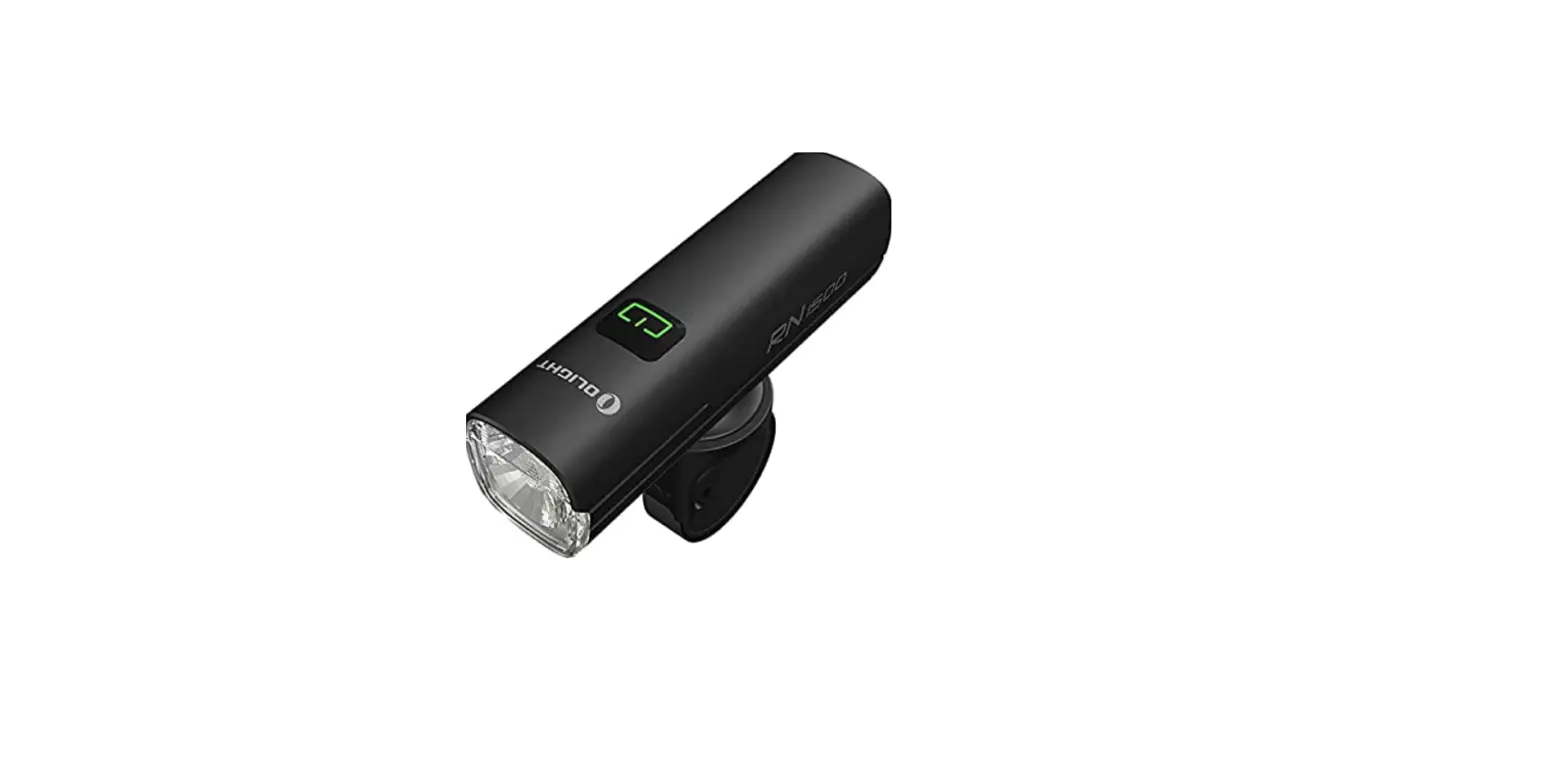
- Connect headlight to the bike’s wiring harness. Line up the
arrows on each half of the connector and press them together. When
connected, the red will be completely covered. - Attach headlight and fender assembly to fork. Position the
fender as high up as possible and tighten the bolt and nut.
ASSEMBLY OF EVELO GALAXY LUX 3
- Remove the nut from the quick release skewer and slide the
skewer through the hub. - Install the skewer nut, at this point you only need to just get
it started. - Remove pad spacer from the brake if installed. It may be red,
yellow, orange, or black. - Slide the wheel into the fork.
- Lower the kickstand so the bike will hold itself upright.
ASSEMBLY OF EVELO GALAXY LUX 4
- Tighten the skewer nut and close the skewer. When properly
tight, it will feel firm and should leave a visible mark on your
palm after closing the skewer. - Remove the fender mounting bolt/washer from the right side of
the fork. - Mount fender strut to right side of the fork with the bolt and
washer as shown. - Repeat on the left side of the bike.
ASSEMBLY OF EVELO GALAXY LUX 5
- Remove the 4 screws on top of the stem faceplate.
- Place handlebars in stem cradle.
- Replace faceplate and the 4 screws on top of handlebars and
tighten bolts loosely. - Center the handlebar logo with the stem and set grips roughly
level. - Tighten all four screws to clamp handlebar in place.
ASSEMBLY OF EVELO GALAXY LUX 6
- Loosen both stem clamping bolts.
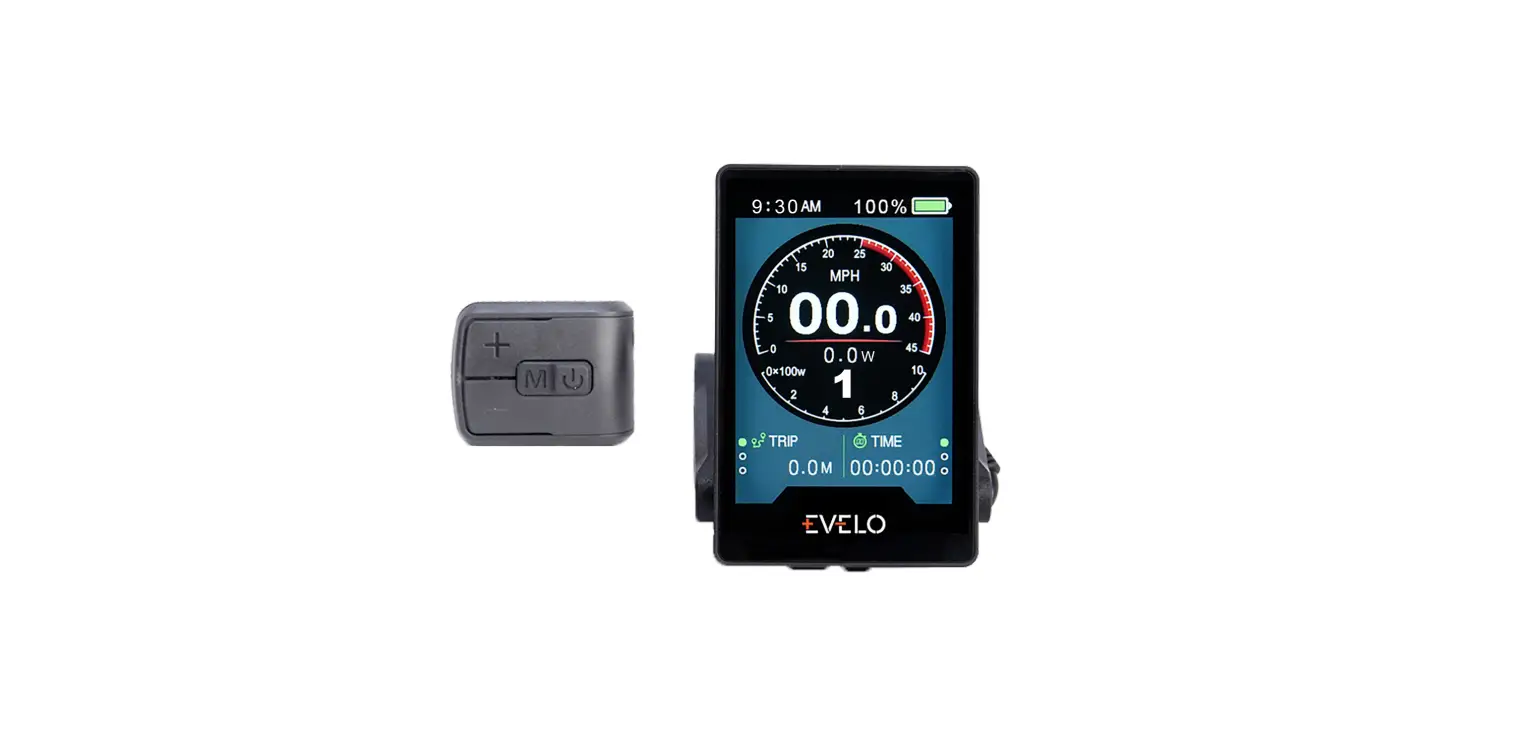
- Rotate the display forward to access the headset preload bolt,
and loosen the bolt. - Align handlebars to front wheel then snug up the headset
preload bolt, so that the spacers below the stem do not rotate
easily.
ASSEMBLY OF EVELO GALAXY LUX 7
- Tighten both stem clamping bolts then rotate the display back
down. - Open the seatpost quick release.
- Set the saddle height where it is comfortable, then close the
quick release.
ASSEMBLY OF EVELO GALAXY LUX 8
- Screw pedals into crank arms securely. Installation of the
pedals requires a 15 mm wrench. - There is an L and an R stamped into the end of each pedal for
reference. It is important to note that the pedals are threaded
differently. The right pedal will be on the same side as
EVELO Galaxy Lux Assembly
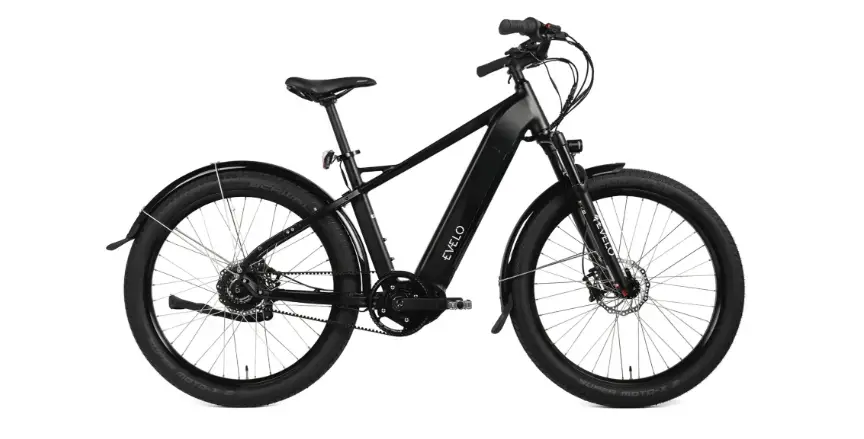
The focus of this document is to assist with the assembly of your new EVELO Galaxy Lux. The scope is intentionally narrow The “User Guide” for your bike covers a much broader spectrum of topics: fit adjustments, battery care, controls etc.
The photos here show a Galaxy SL, rather than Lux, but the procedure is the same.
Our Team is here to help 7 days a week [email protected] | 877-991-7272 Feel free to reach out!
Watch the Assembly Instructions Video
Unboxing Your EVELO
1 Begin unboxing the bike by cutting the banding then opening the box. Use caution regarding the staples as they can be very sharp. Remove the small boxes.
2 Laying the box on its side and sliding the bicycle out of the box is a great technique if you are unable to lift the bike.
3 Carefully remove all packing material from bike, avoid using sharp objects as to protect the paint.
4 Tools and User Guides will be in the small black Evelo box. The pedals will be in a small cardboard box.
ASSEMBLY OF EVELO GALAXY LUX 2
Install Fender and Headlight 1 Remove bolt from front fork assembly. 2 Connect headlight to the bike’s wiring harness. Line up the arrows on each half of the connector and press
them together. When connected, the red will be completely covered.
3 Attach headlight and fender assembly to fork. Position the fender as high up as possible and tighten the bolt and nut. ASSEMBLY OF EVELO GALAXY LUX 3
Install Front Wheel and Fender 1 Remove the nut from the quick release skewer and slight the skewer through the hub.
2 Install the skewer nut, at this point you only need to just get it started.
3 Remove pad spacer from the brake if installed. It may be red, yellow, orange, or black.
4 Slide the wheel into the fork.
5 Lower the kickstand so the bike will hold itself upright.
ASSEMBLY OF EVELO GALAXY LUX 4
Install Front Wheel and Fender 6 Tighten the skewer nut and close the skewer. When properly tight, it will feel firm and should leave a visible
mark on your palm after closing the skewer.
7 Remove the fender mounting bolt/washer from the right side of the fork.
8 Mount fender strut to right side of the fork with the bolt and washer as shown.
9 Repeat on the left side of the bike.
ASSEMBLY OF EVELO GALAXY LUX 5
Install Handlebars 1 Remove the 4 screws on top of the stem faceplate.
2 Place handlebars in stem cradle.
3 Replace faceplate and the 4 screws on top of handlebars and tighten bolts loosely.
4 Center the handlebar logo with the stem and set grips roughly level.
5 Tighten all four screws to clamp handlebar in place.
ASSEMBLY OF EVELO GALAXY LUX 6
Install Handlebars 6 Loosen both stem clamping bolts. 7 Rotate the display forward to access the headset preload bolt, and loosen the bolt. 8 Align handlebars to front wheel then snug up the headset preload bolt, so that the spacers below the stem
do not rotate easily.
ASSEMBLY OF EVELO GALAXY LUX 7
Install Handlebars and Adjust Saddle 9 Tighten both stem clamping bolts then rotate the display back down. 10 Open the seapost quick release. 11 Set the saddle height where it is comfortable, then close the quick release.
ASSEMBLY OF EVELO GALAXY LUX 8
Install Pedals 1 Screw pedals into crank arms securely. Installation of the pedals requires a 15 mm wrench.
There is an L and an R stamped into the end of each pedal for reference. It is important to note that the pedals are threaded differently. The right pedal will be on the same side as
2 the chain and screws in clockwise. The left pedal goes on the side without the chain and screws in counterclockwise.
ASSEMBLY OF EVELO GALAXY LUX 9
Use of Battery 1 Two copies of the key come attached to
the handlebars.
2 Turn the key clockwise to lock the battery in place and counter-clockwise to unlock it.
3 The battery is heavy, please be careful. When reinstalling, push the battery into place firmly.
4 Power up the bike and you’re ready to ride!
ASSEMBLY OF EVELO GALAXY LUX 10
Serial Number Location
To register your bike on our website, you will need to record the serial number. It is located on the headtube of your bike, just above the front fork.
ASSEMBLY OF EVELO GALAXY LUX 11
There is considerable additional information in your “User Guide”. Of course, if you ever have questions, our team is ready to help!
Our Team is here to help 7 days a week! [email protected] | 877-991-7272
Feel free to reach out!