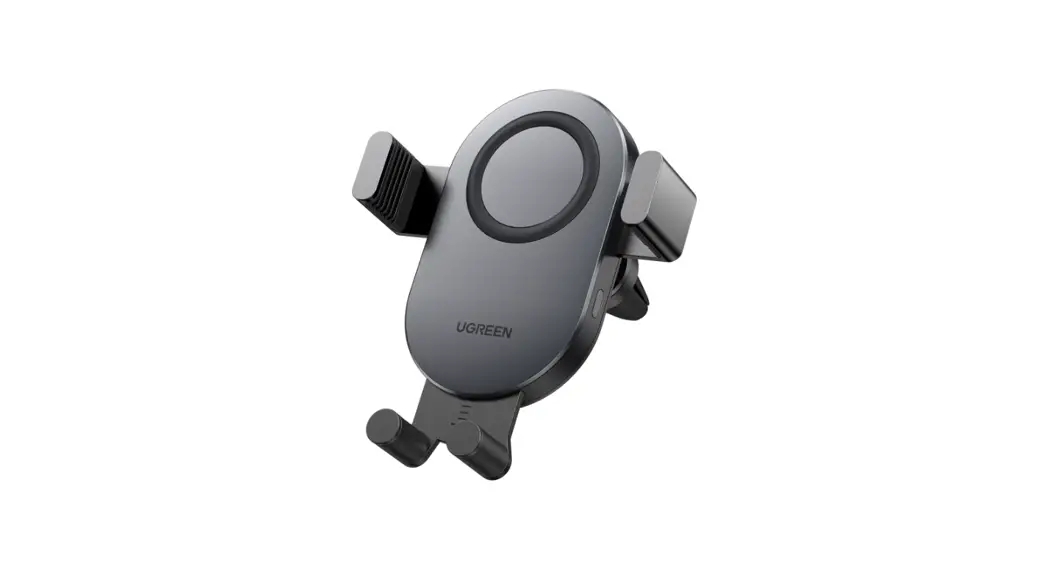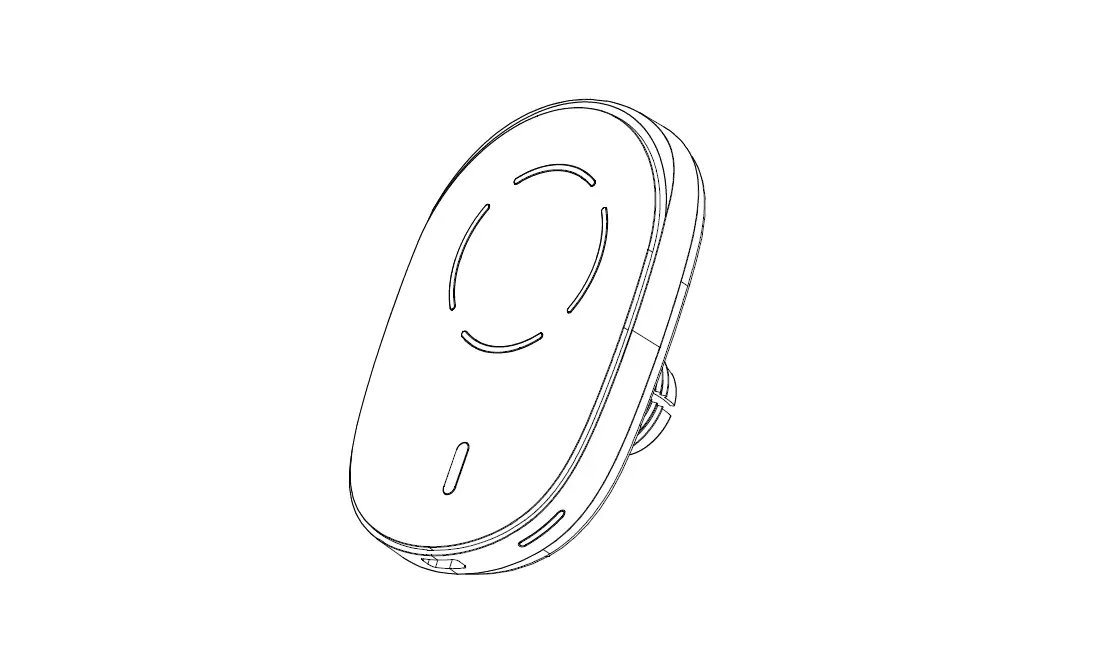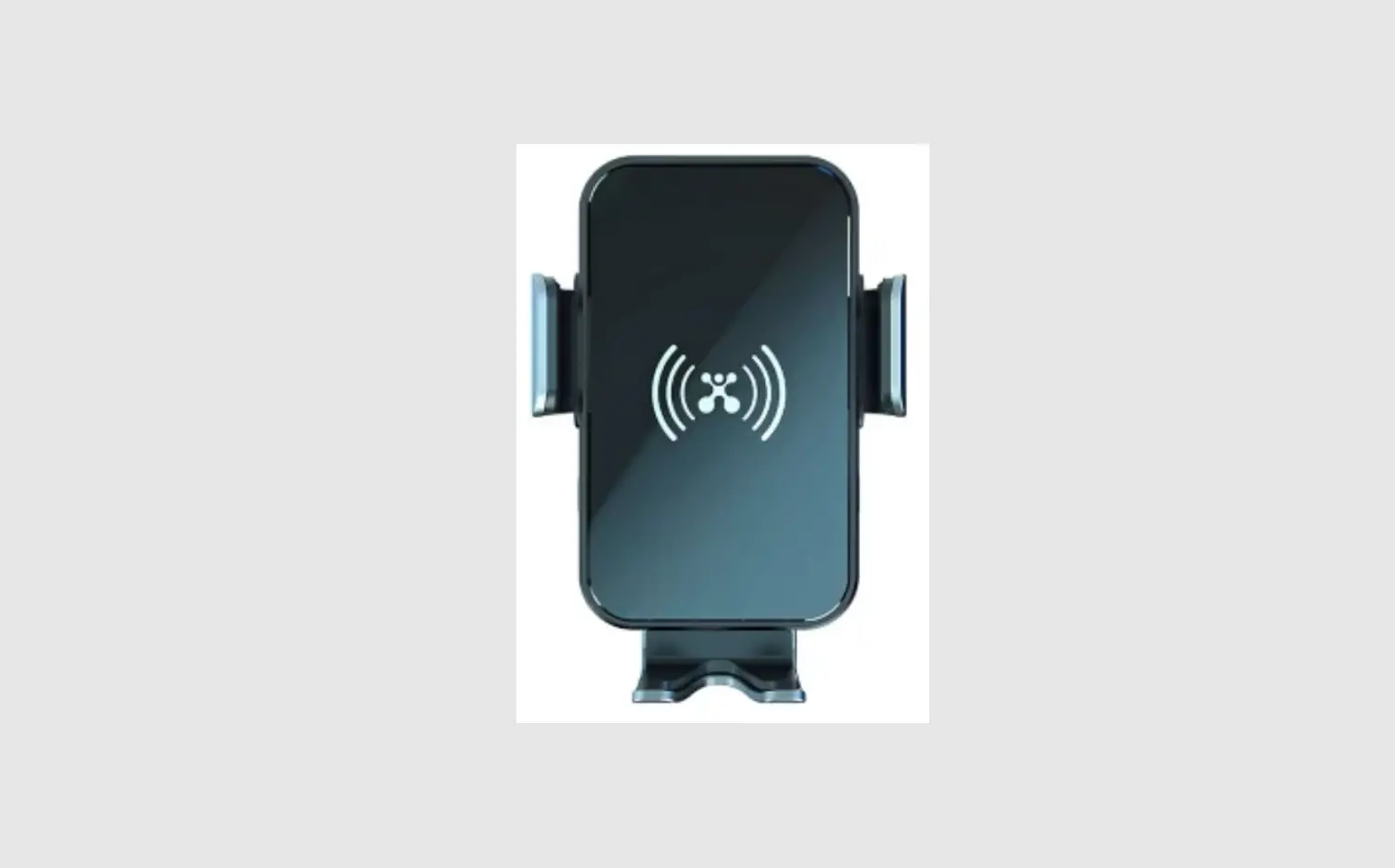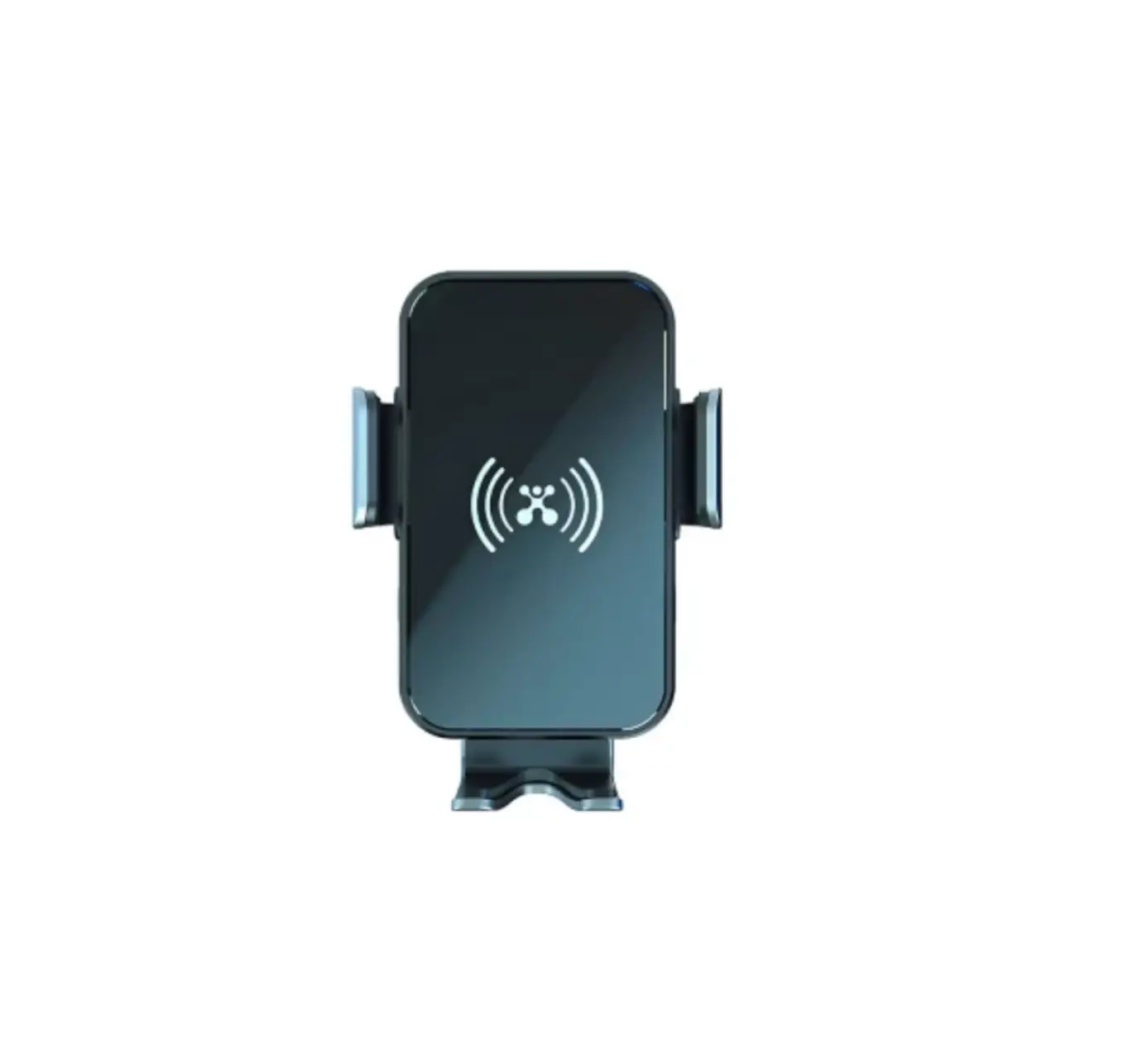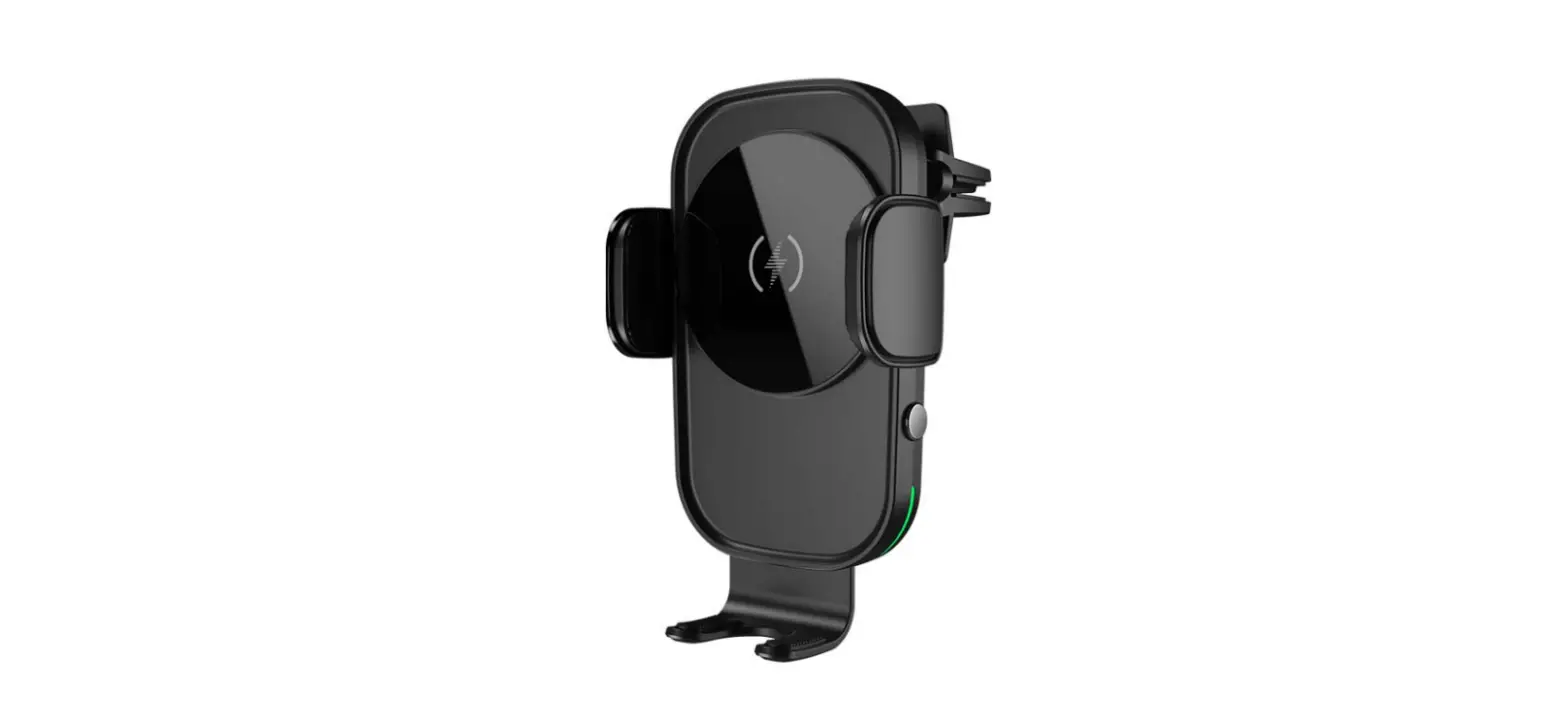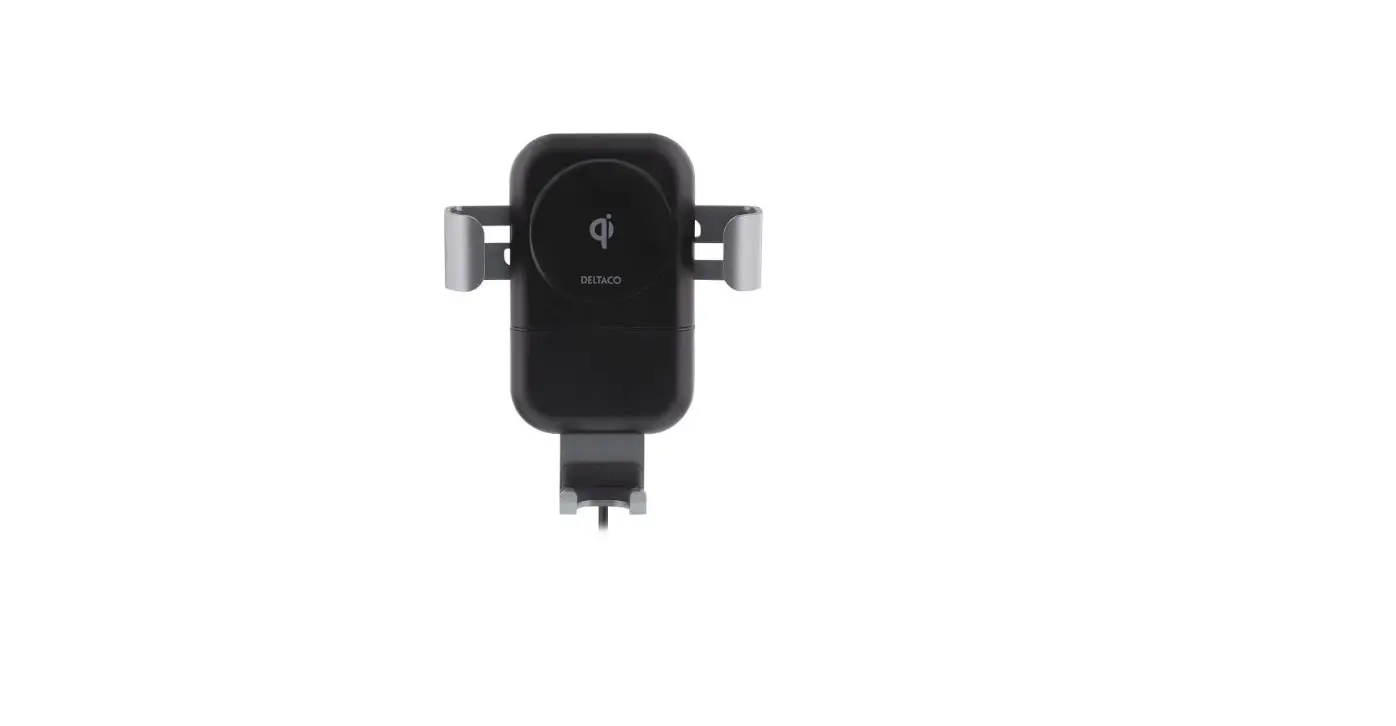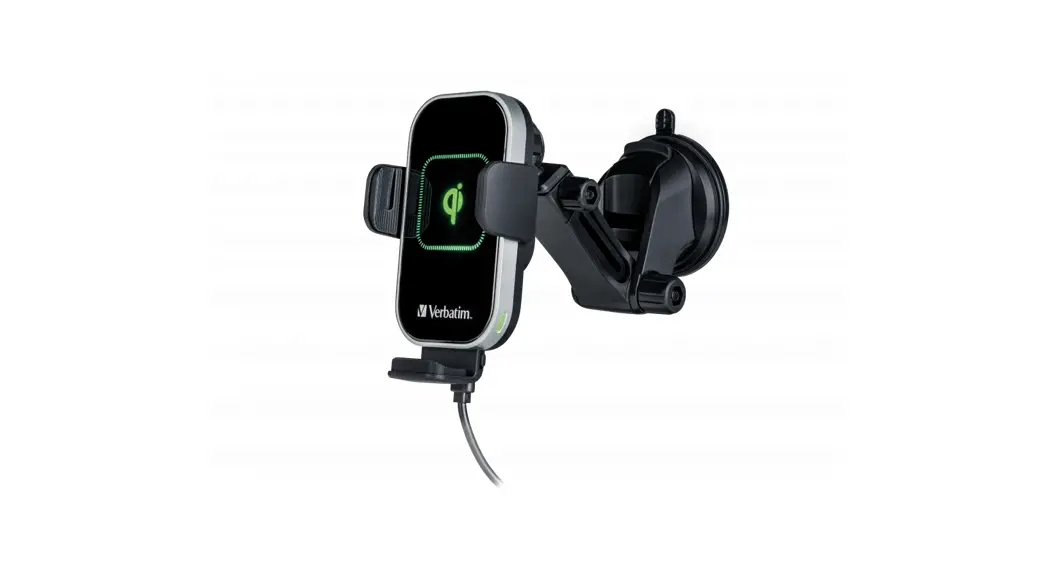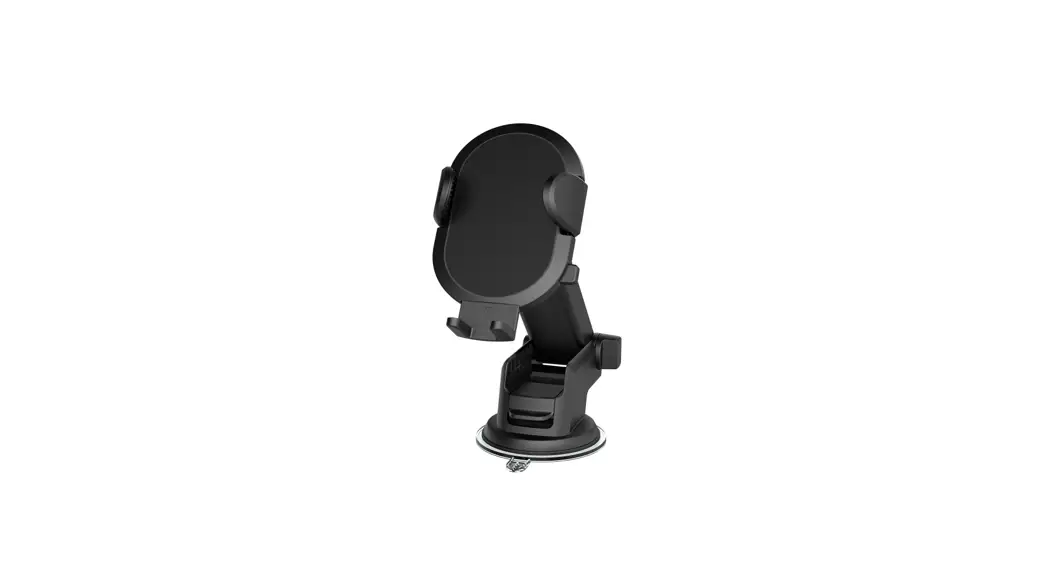
 10W Qi Wireless Car Charger
Model: WIABLK100008847
PRODUCT GUIDE
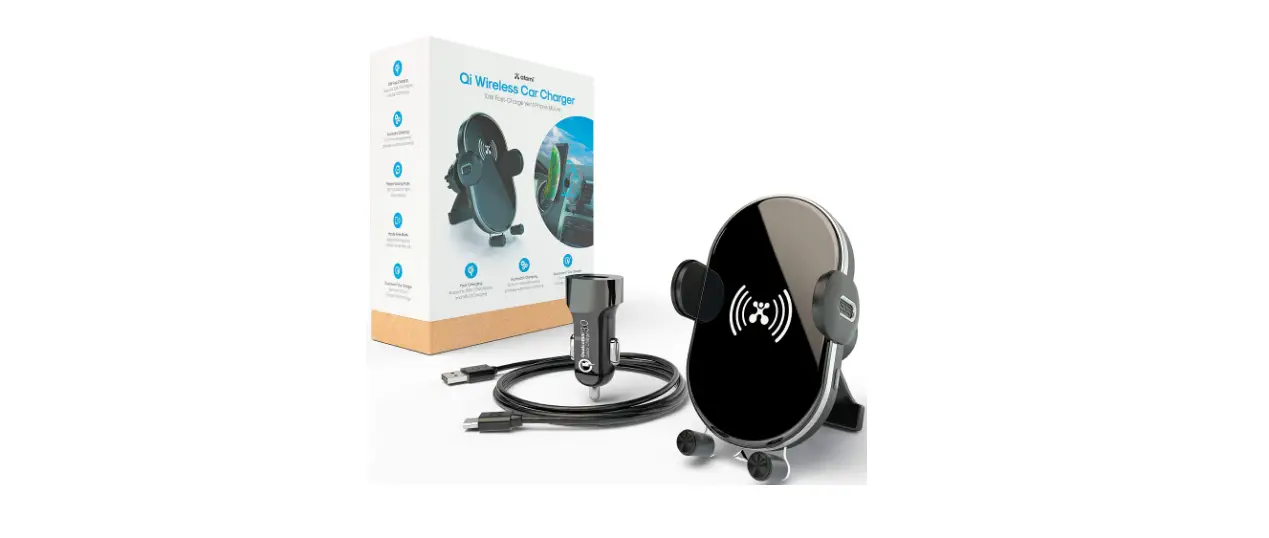
What is in the box?
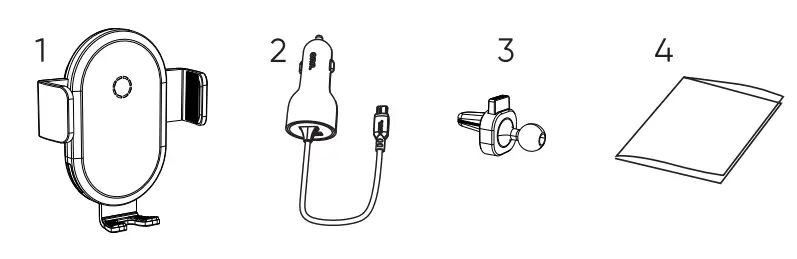
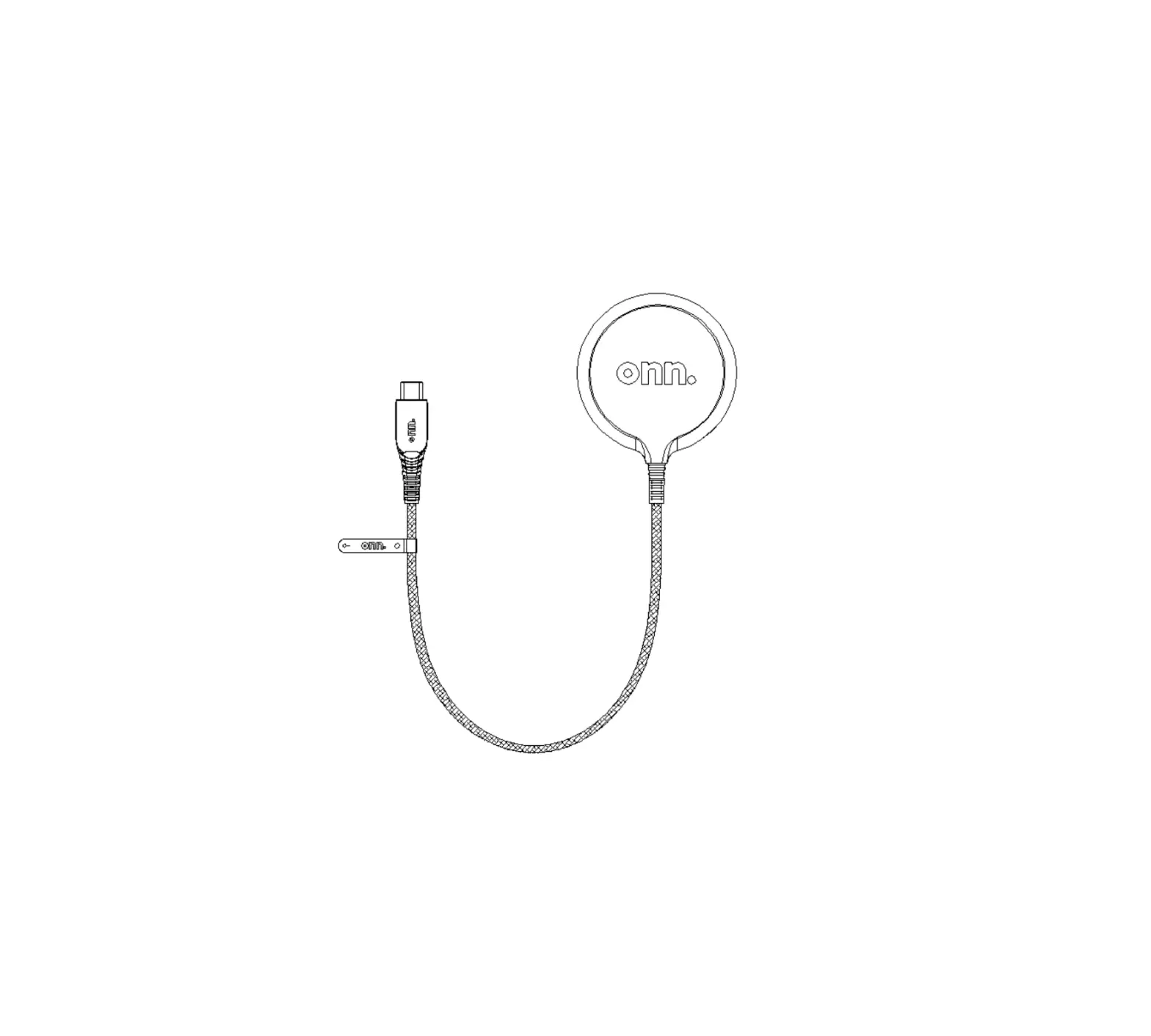
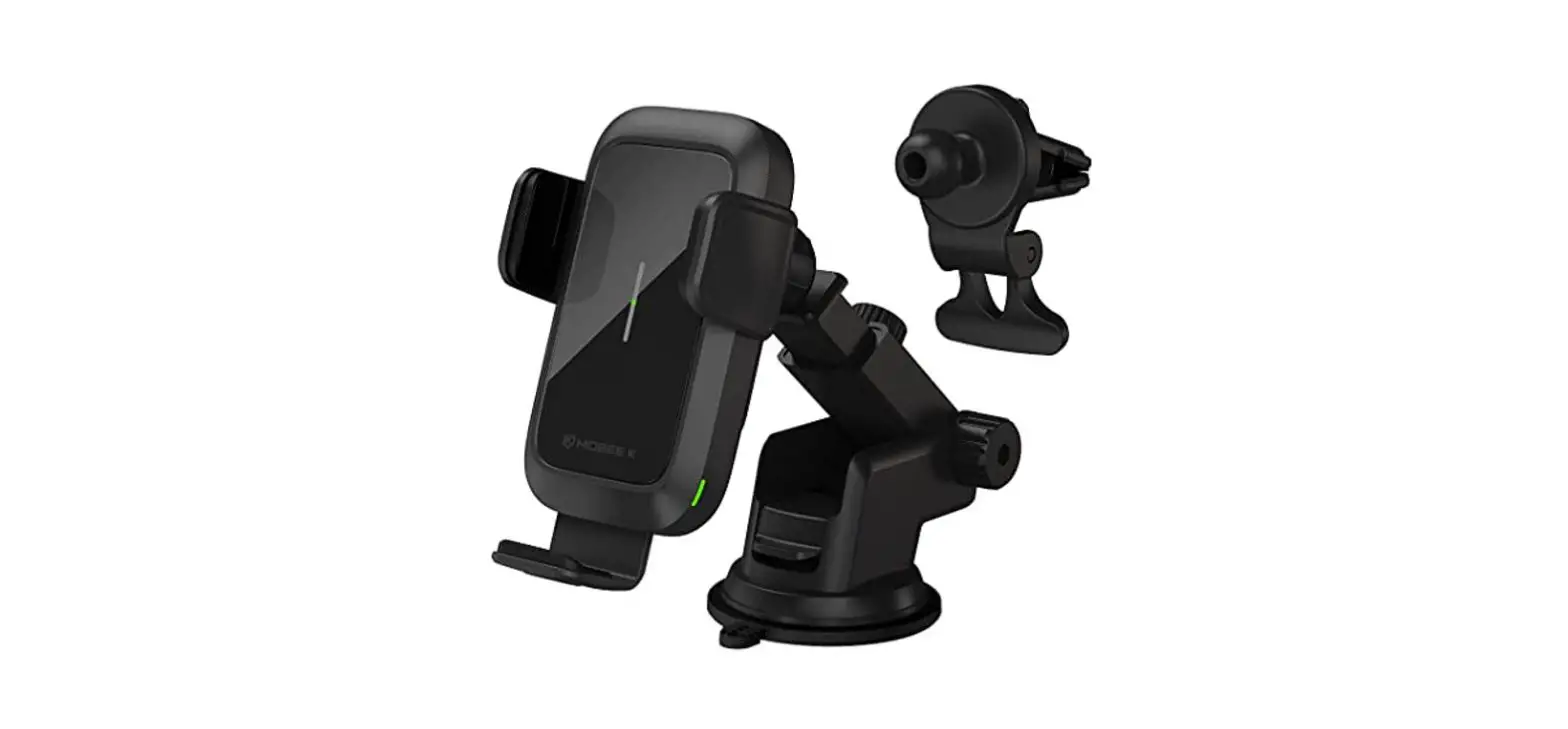
- 1OW Gi Wireless Car Charger
- AUSB car charger with 3-ft micro-USB car charger
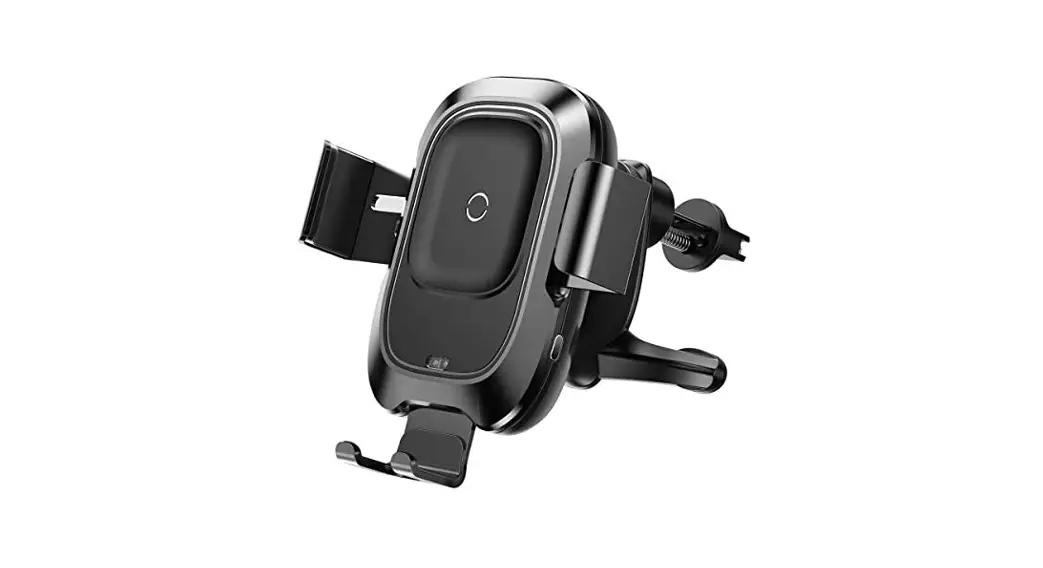
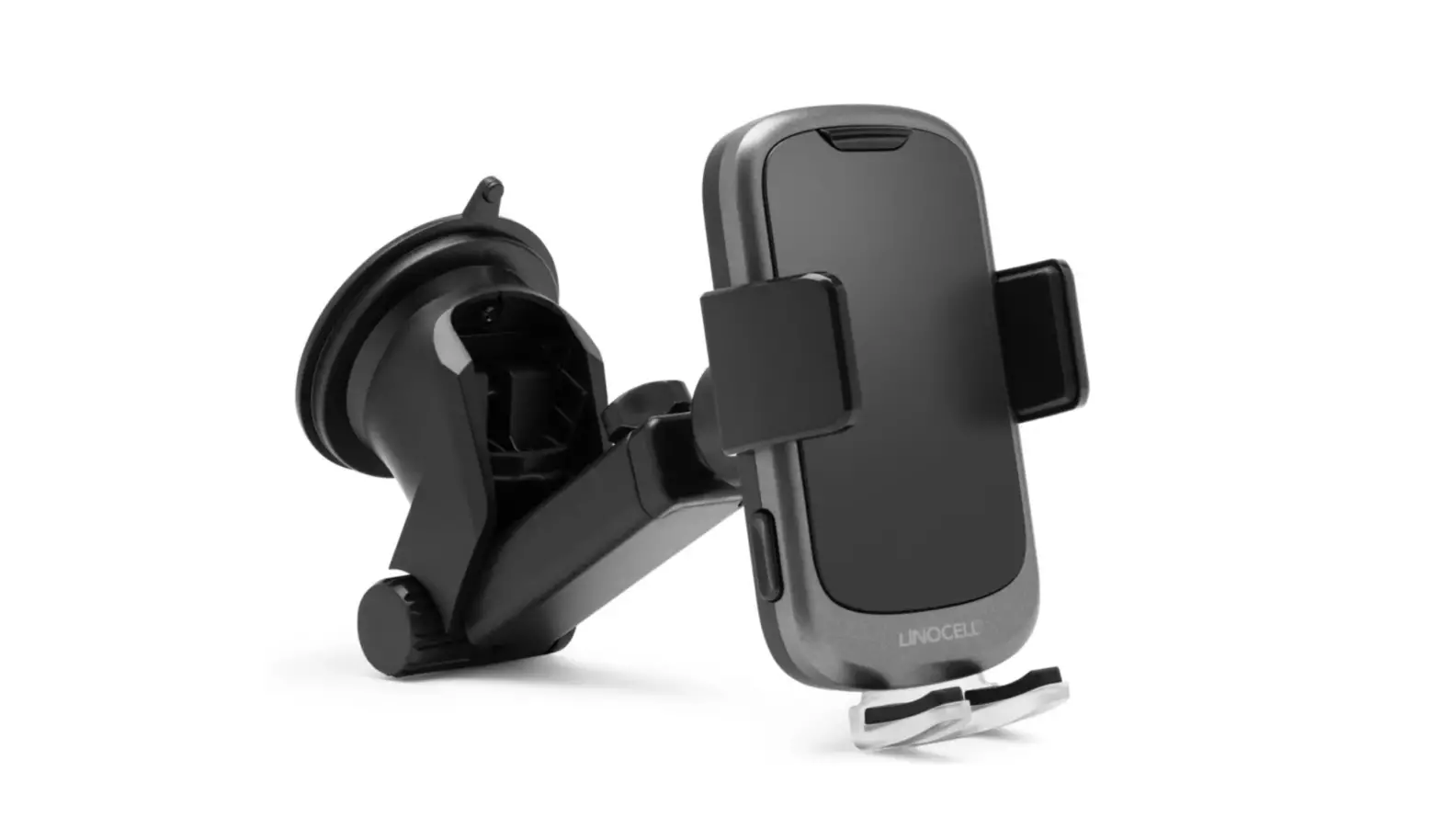
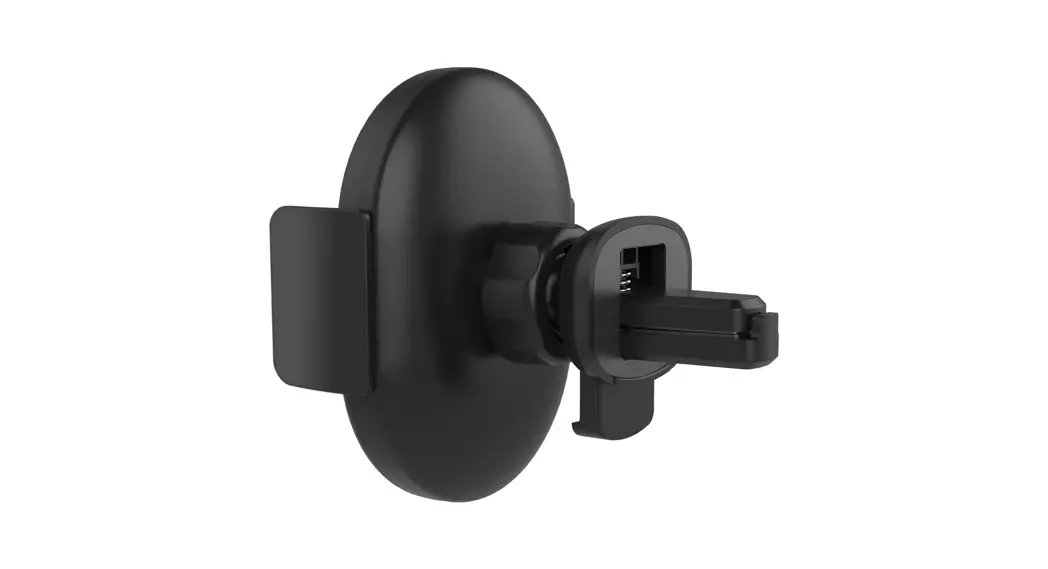
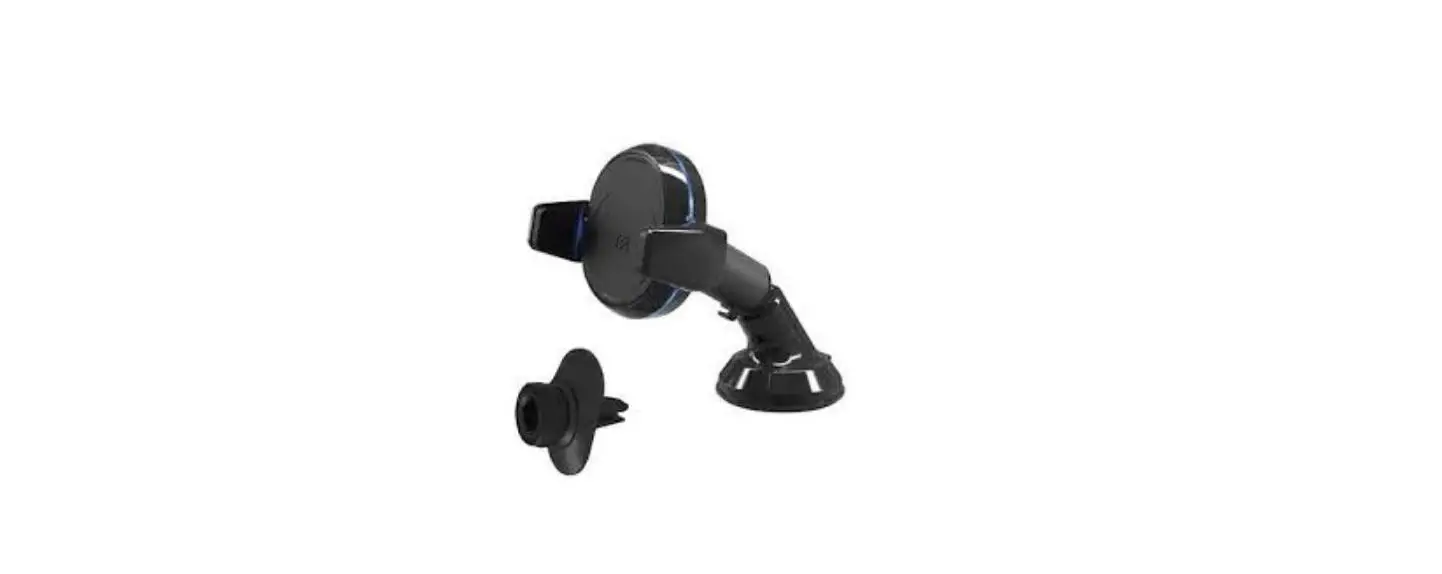
- Car Vent Mount
- User Manual
Get to know your lOW Qi wireless car charger
| Wireless Charging Pad | WIABLK100008847 |
| Input | Micro-USB, DC 5-12V/1.5A Max. |
| Output | lOW |
| Dimension | 100mm*63mm*21mm |
Compatibility
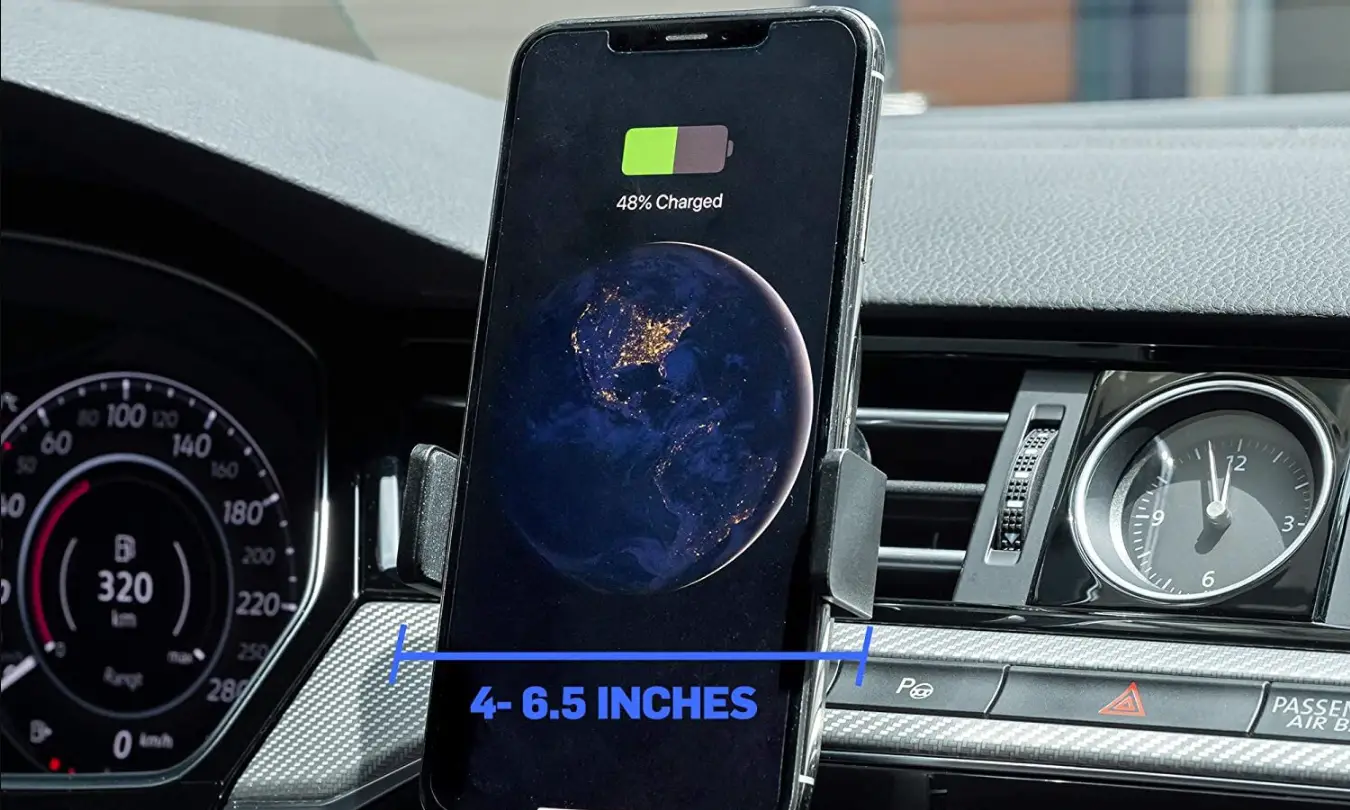
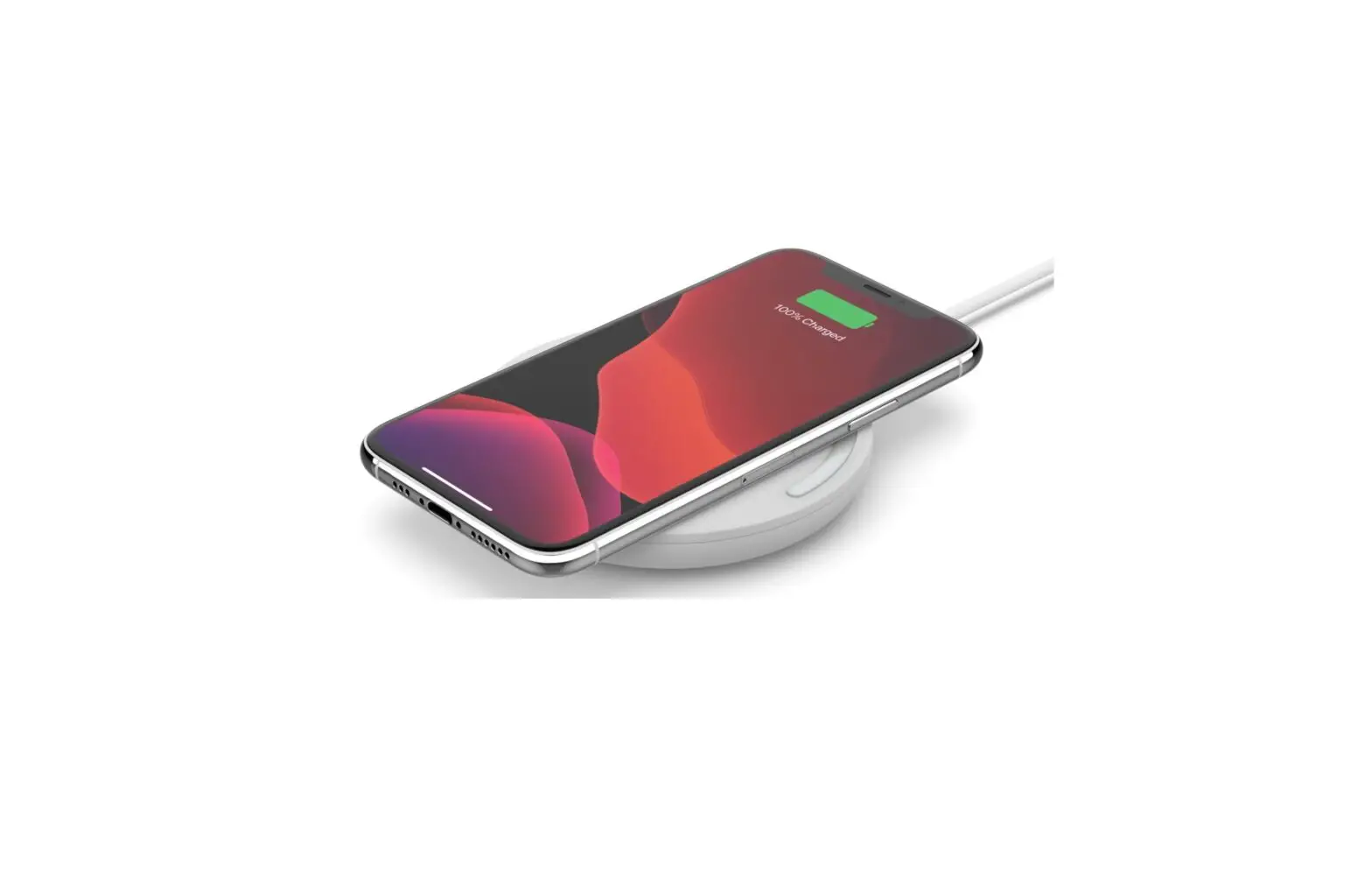
- Qi-enabled smartphones charge up to 10W
- Any Qi-compatible smartphones
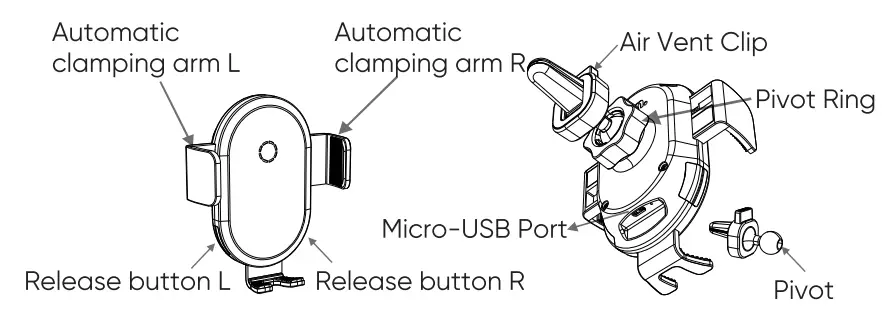
How to charge your devices
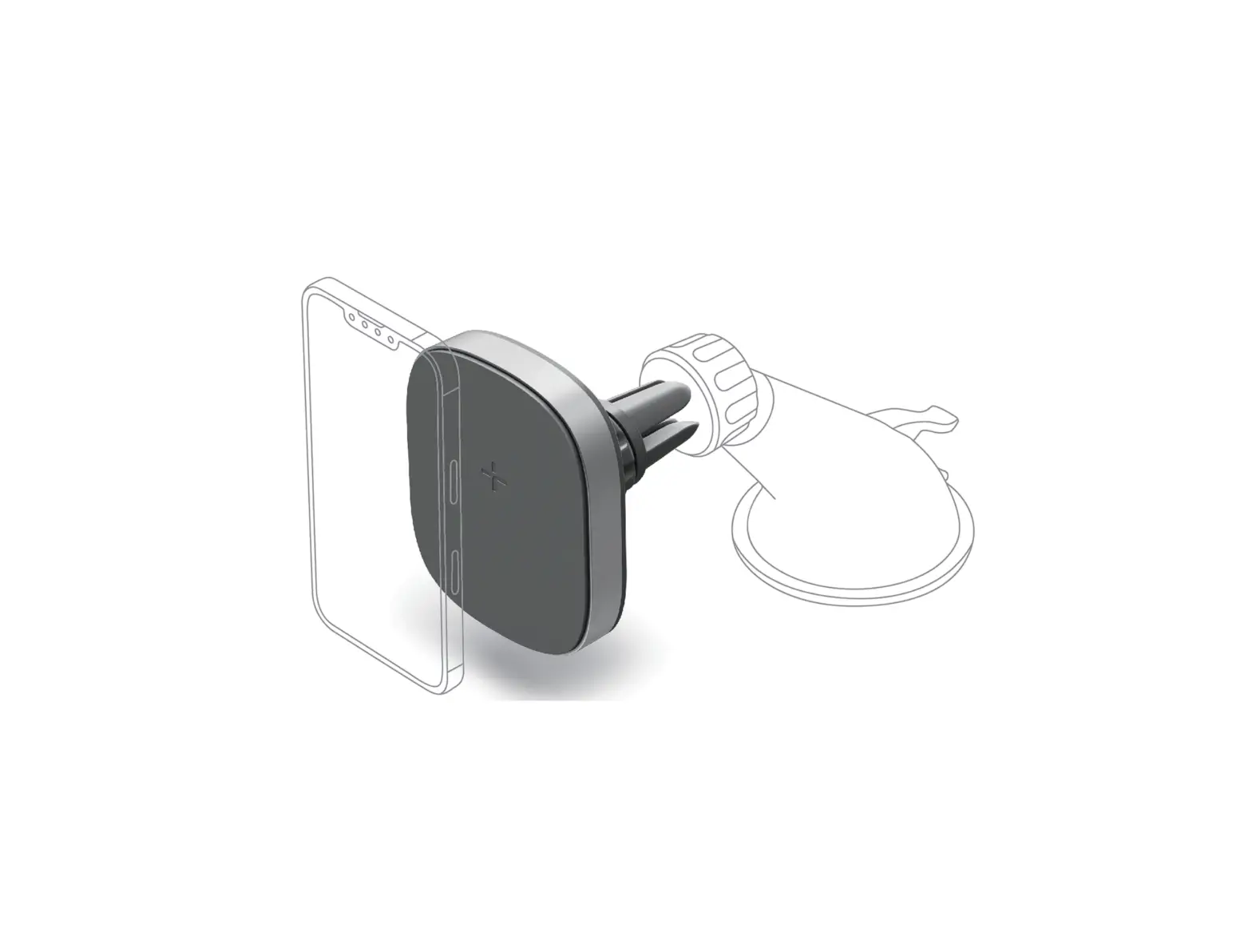
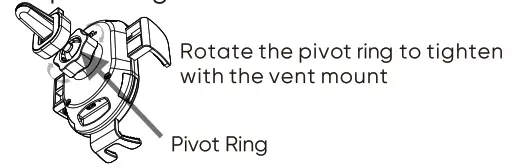
Assemble the vent mount with charger Untighten of the pivot ring at the back of the charger
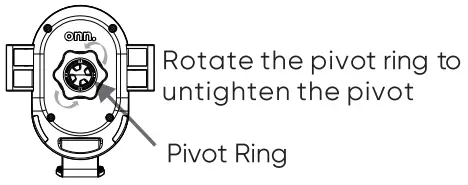
Insert the vent mount to the pivot
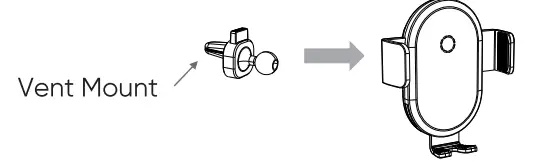
Tighten the pivot ring with vent mount
Connect Micro-USB car charger
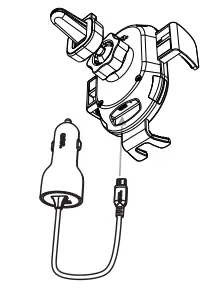
Insert Micro-USB connector of charging cable to Micro-USB port of charger
Begin to charge
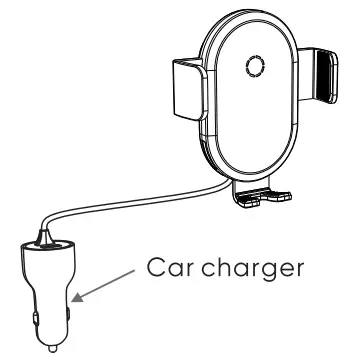
Connect car charger to the automotive auxiliary power outlet.
Remove any foreign object (if any)
Example: Magnet or holder
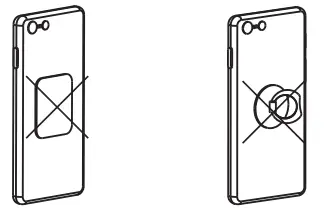
If there is any foreign object detected, LED indicator will be flashing.
Thick protective case ) Smm or a case includes magnet or metallic material, may not allow proper charging function.
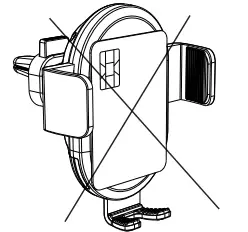
Do not place any credit card on the charging device.
- Caution
Avoid dropping. Do not disassemble. No metal objects between devices and wireless charging car mount. Thick protective case≥5mm or a case includes magnet or metallic material, may not allow proper charging function. Keep wireless charging car mount away from any liquids or moisture. The maximum ambient temperature during use of this product must not exceed 45°C. Do not place device in fire or other excessively hot environments. Only use dry cloth or brush to clean this product. Do not use if visible defects are observed on the wireless charging car mount. - Warning
Any changes or modifications not expressly approved by the party responsible for compliance could void the user’s authority to operate this equipment. - FCC Statements
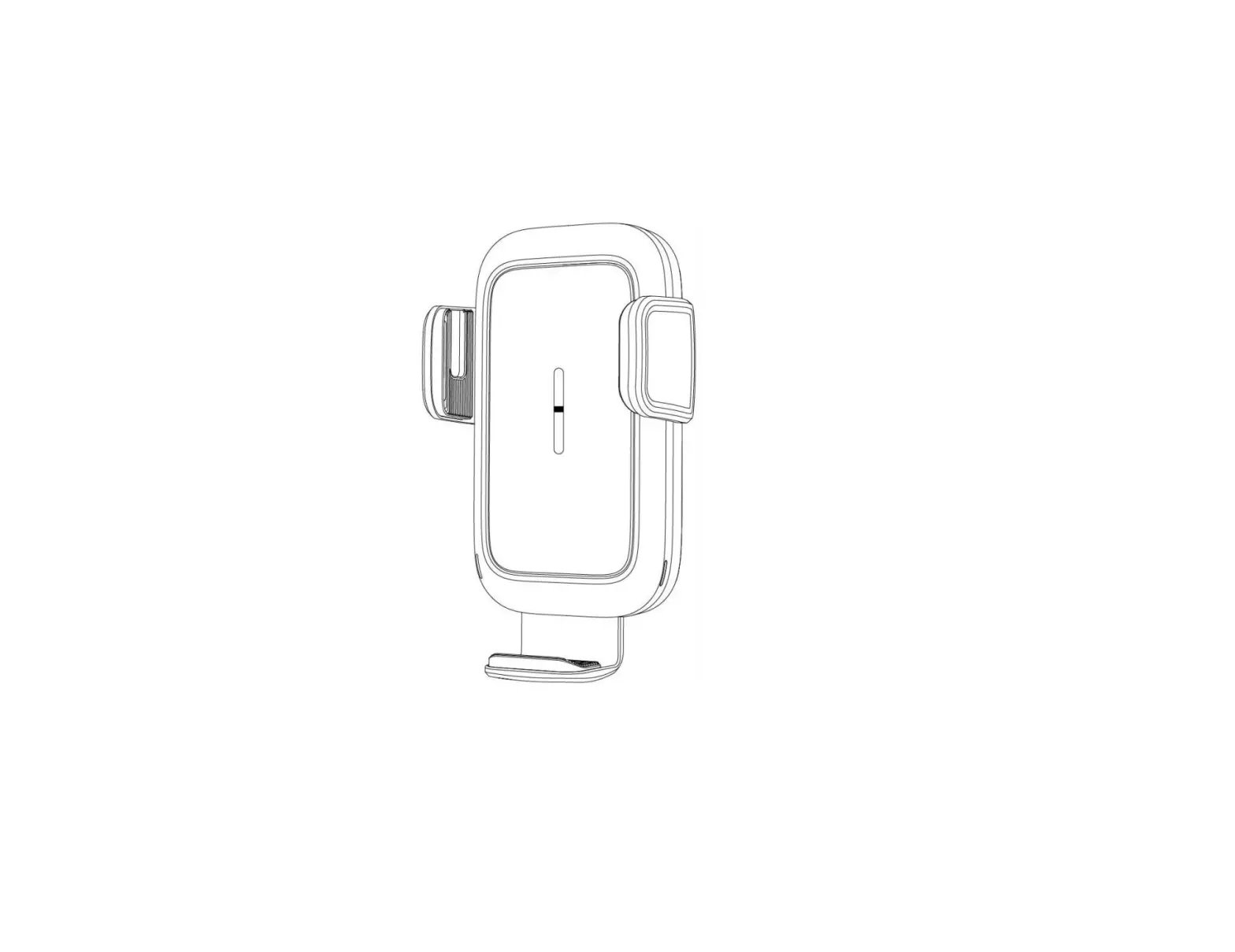
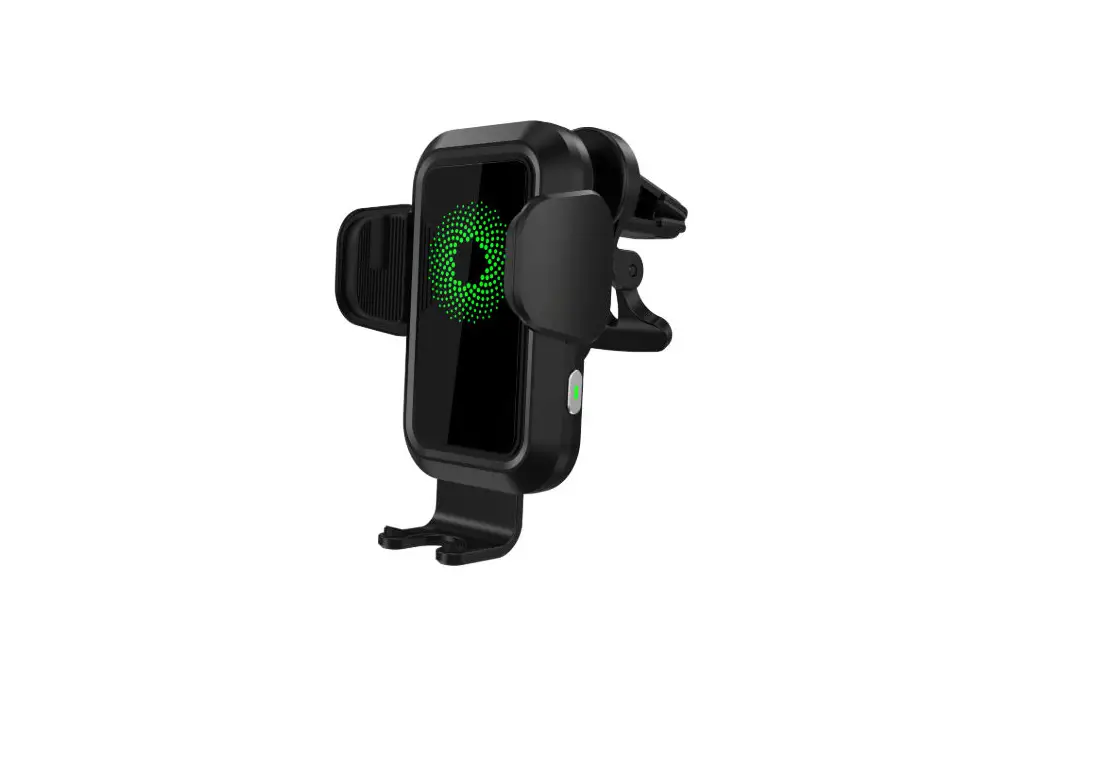
This device complies with Part 15 of the FCC Rules Operation is subject to the following two conditions (1) This device may not cause harmful interference, and (2) This device must accept any interference received including interference that may cause undesired operation - How to Clamp and release your phone Use air vent clip to mount the charger to the vent. Place your smartphone on the charger, the clamping arms will be closed automatically once the phone placed on the charger.
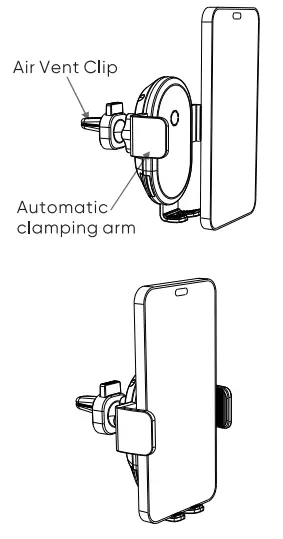
Phone is securely placed on the charger and begin to charge. Release your phone by gently touch whichever release button on both side.
NOTE: This equipment has been tested and found to comply with the limits for a Class B digital device, pursuant to Part 15 of the FCC Rules. These limits are designed to provide reasonable protection against harmful interference in a residential installation. This equipment generates uses and can radiate radio frequency energy and, if not installed and used in accordance with the instructions, may cause harmful interference to radio communications. However, there is no guarantee that interference will not occur in a particular installation. If this equipment does cause harmful interference to radio or television reception, which can be determined by turning the equipment off and on, the user is encouraged to try to correct the interference by one or more of the following measures: Reorient or relocate the receiving antenna. Increase the separation between the equipment and receiver. Connect the equipment into an outlet on a circuit different from that to which the receiver is connected. Consult the dealer or an experienced radio/TV technician for help. This equipment complies with FCC radiation exposure limits set forth for an uncontrolled environment.This transmitter must not be co-located or operating in conjunction with any other antenna or transmitter.
Need help?
We’re here for you every day from 7 a.m. – 9 p.m. CST. Give us a call at 1-888-516-2630
We’d love to hear from you. Scan with your Walmart app and let us know what you think.