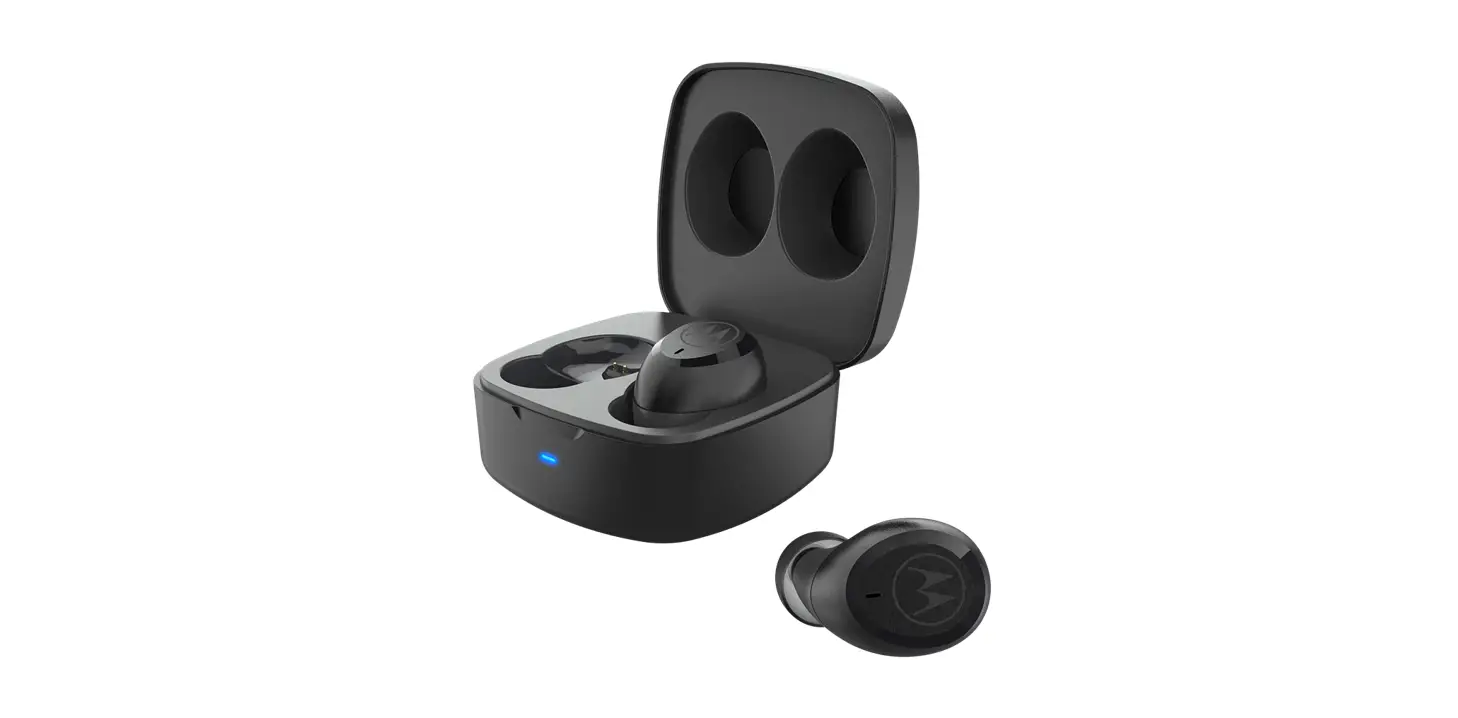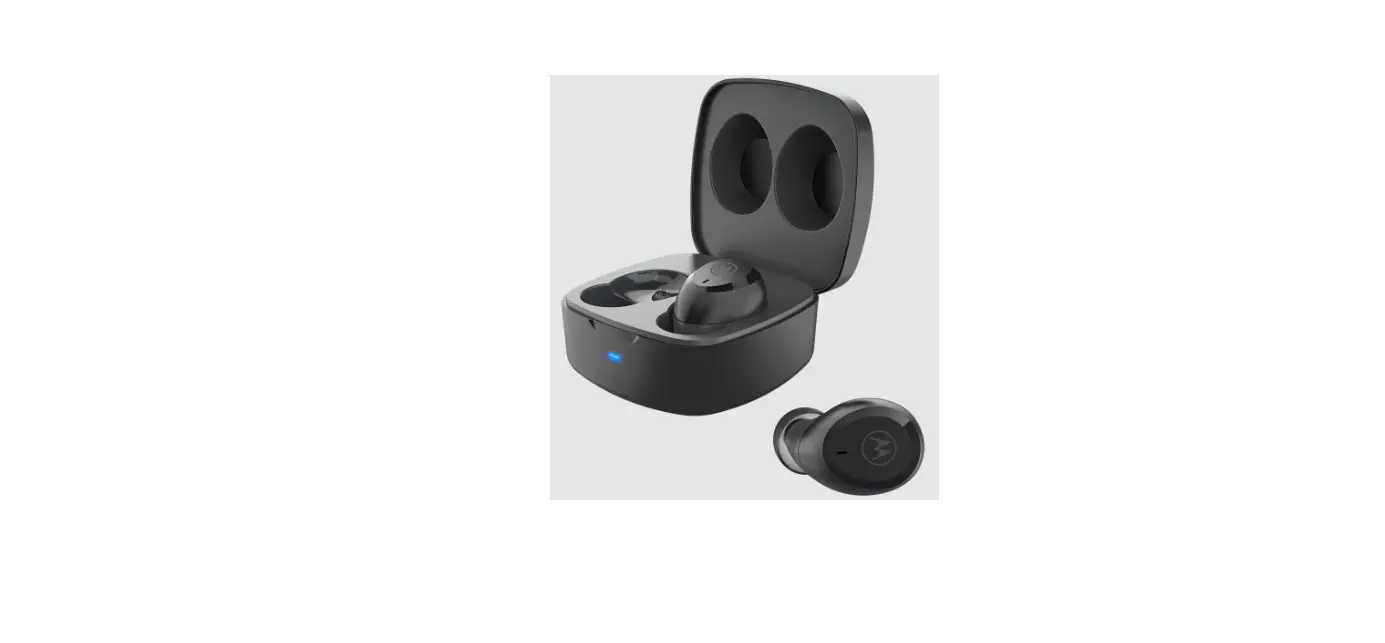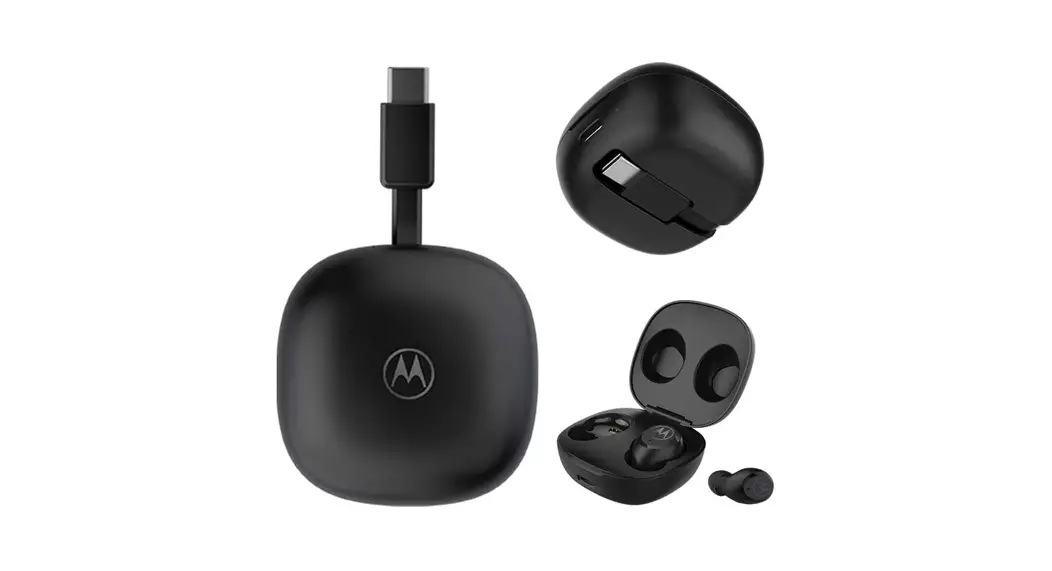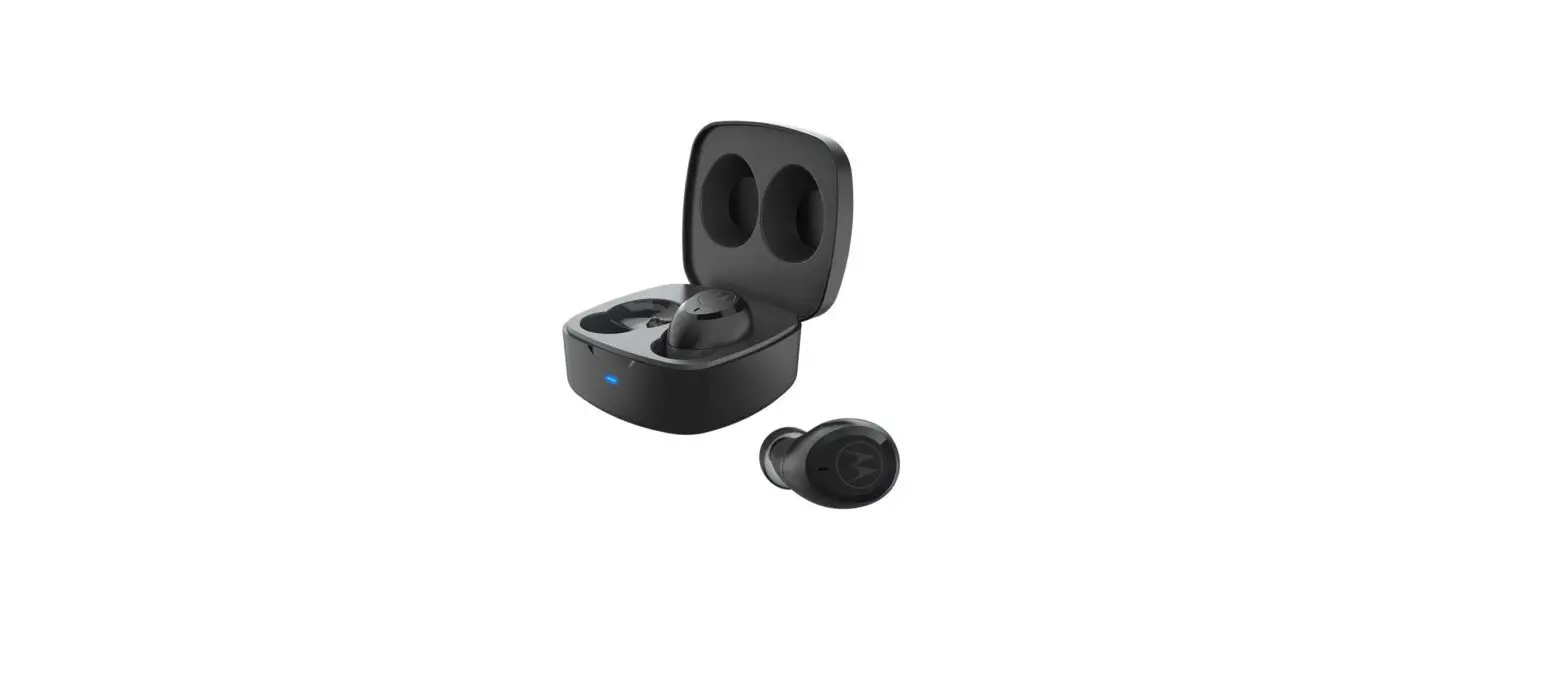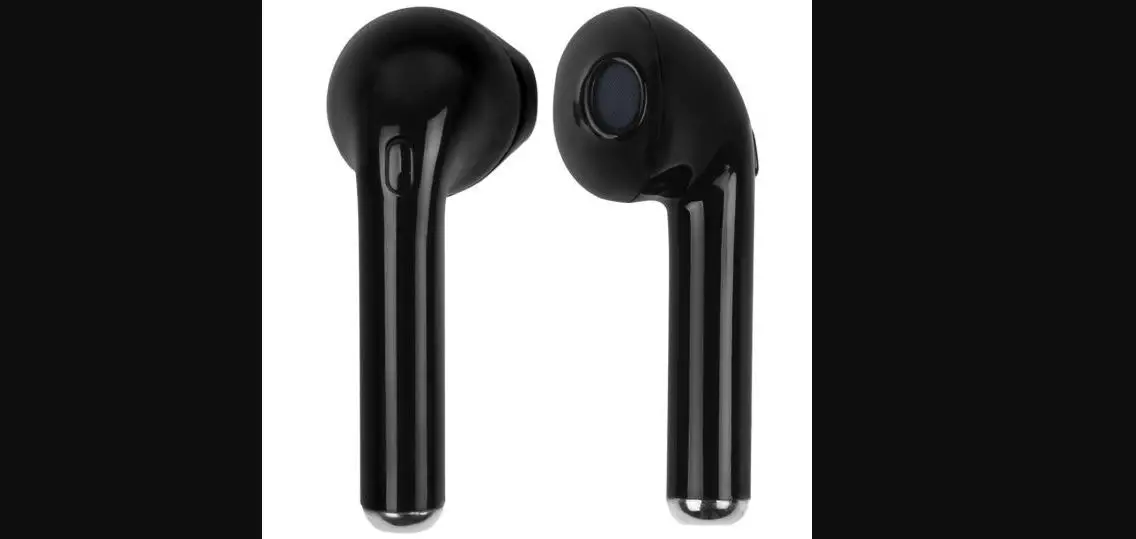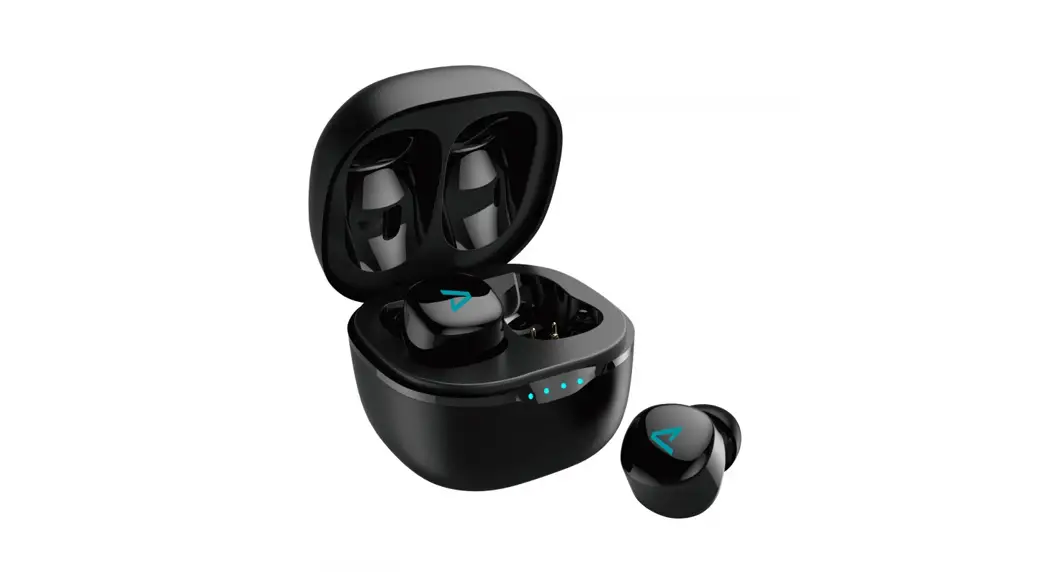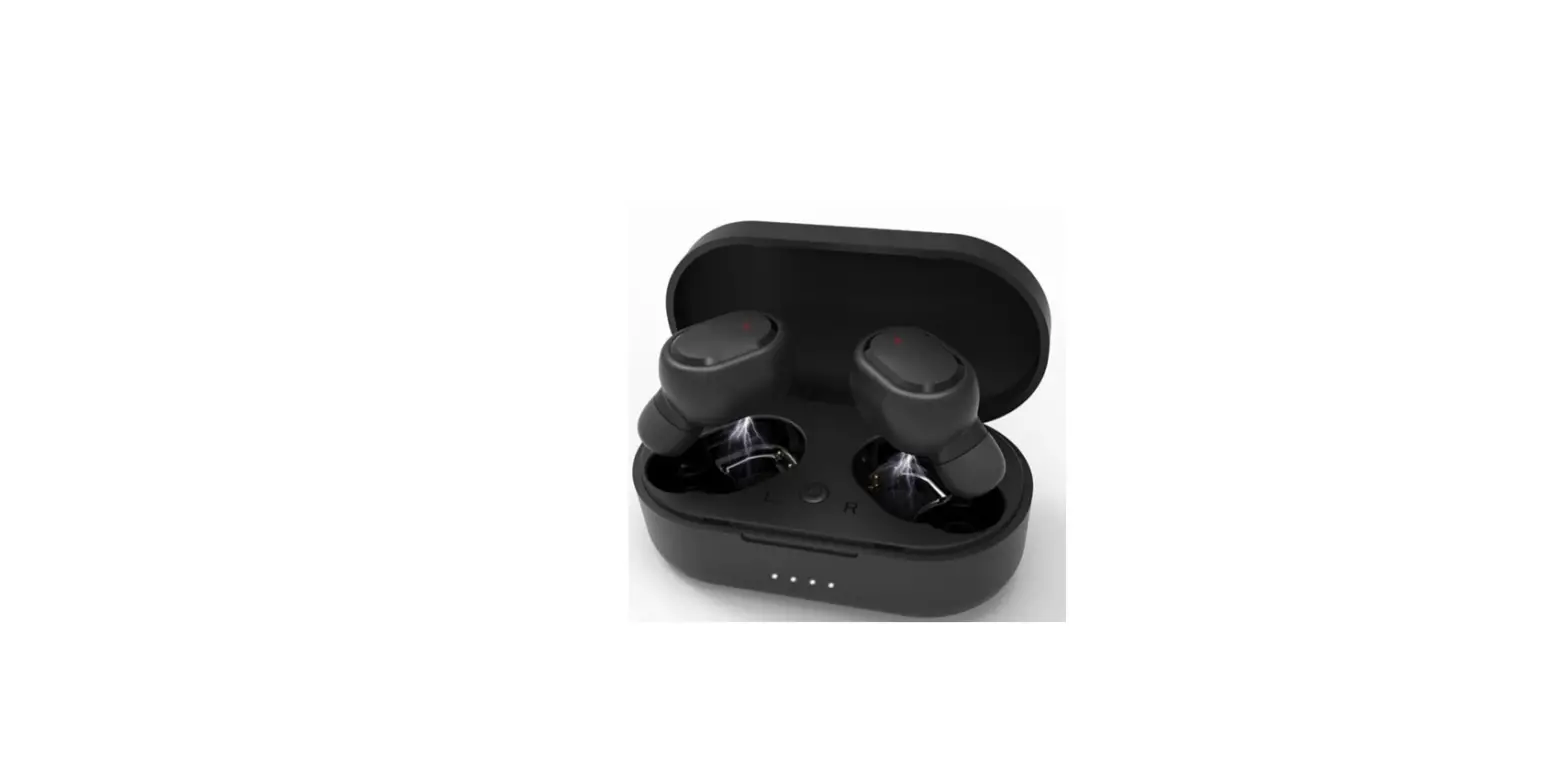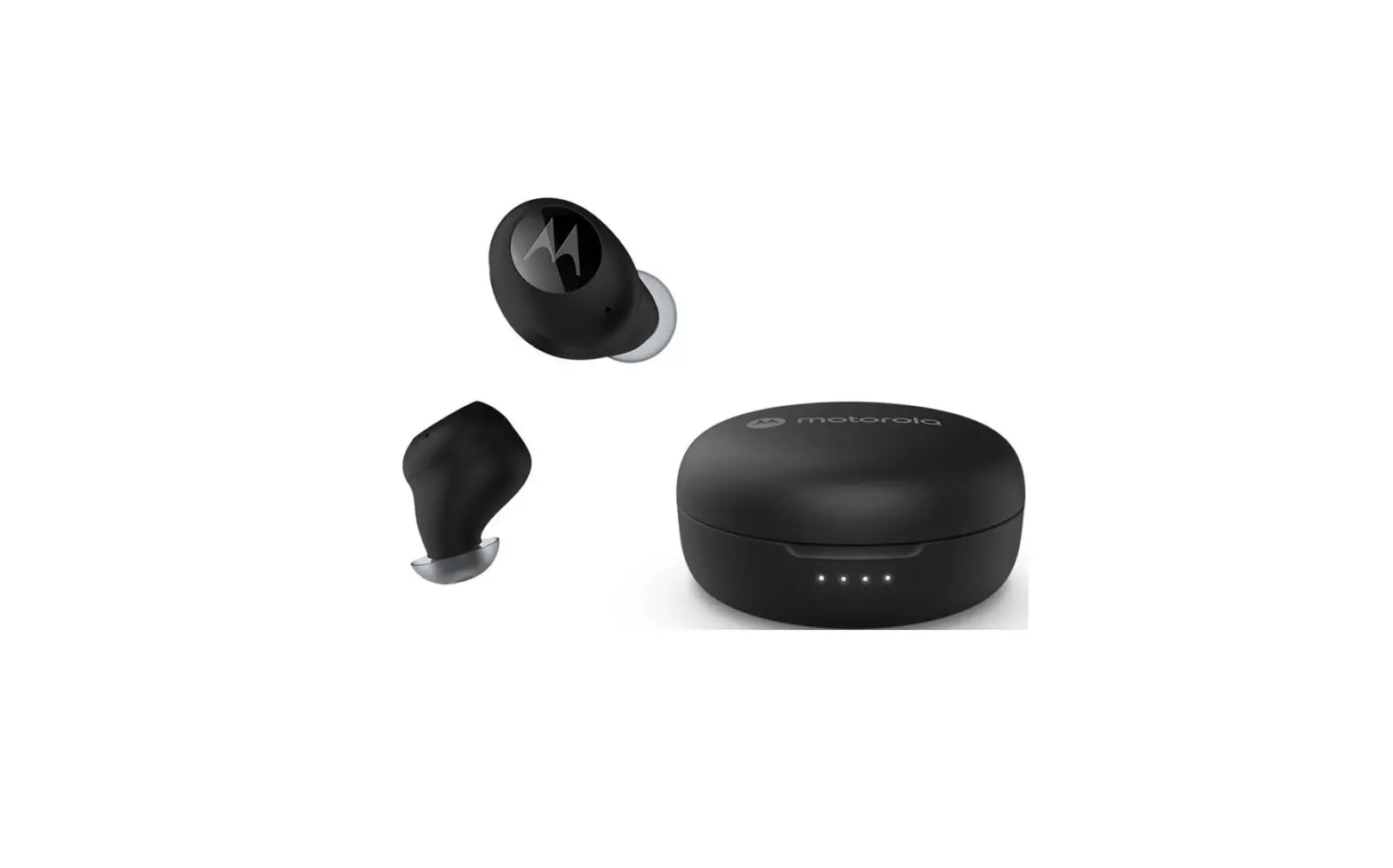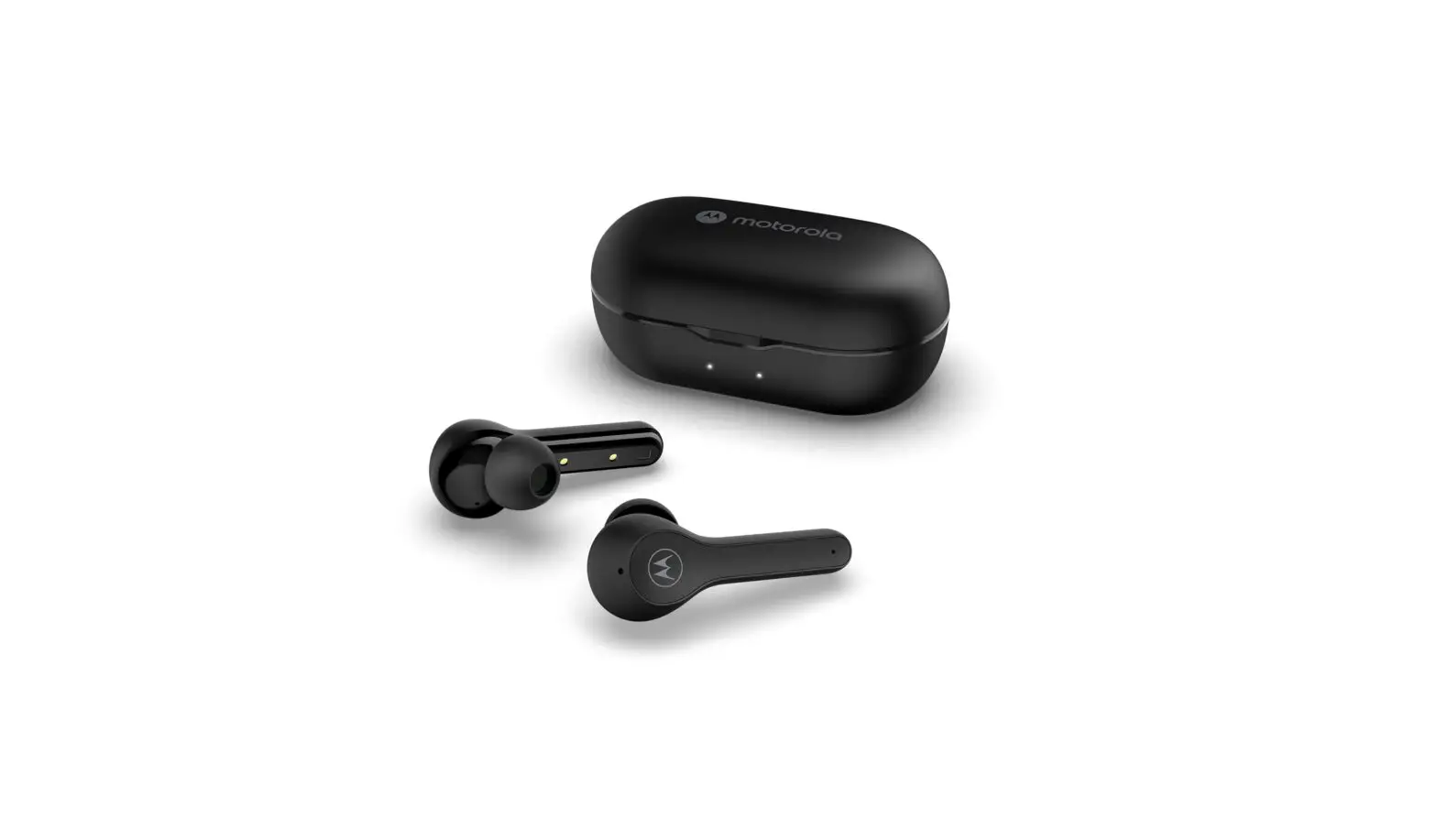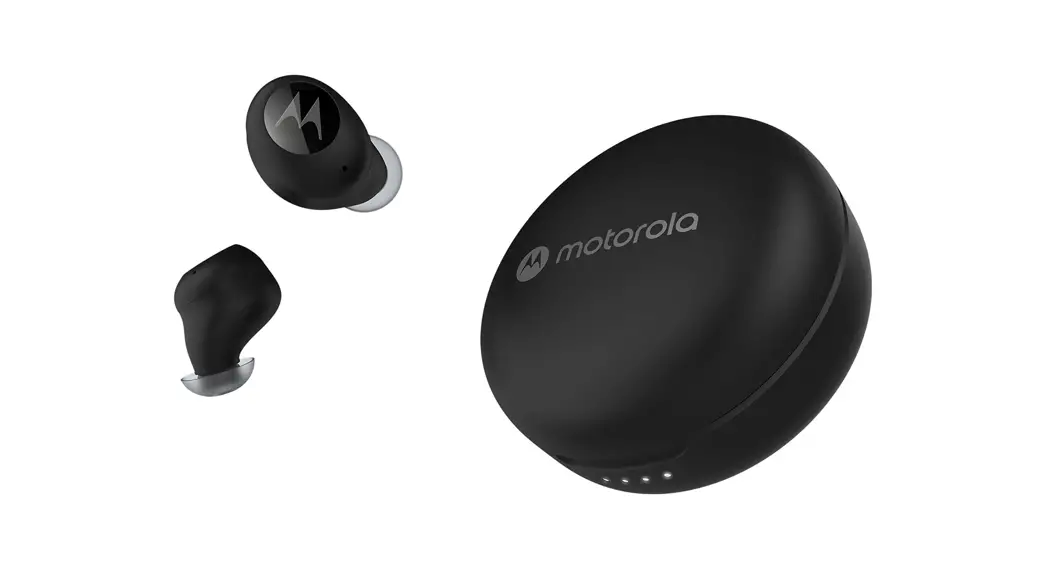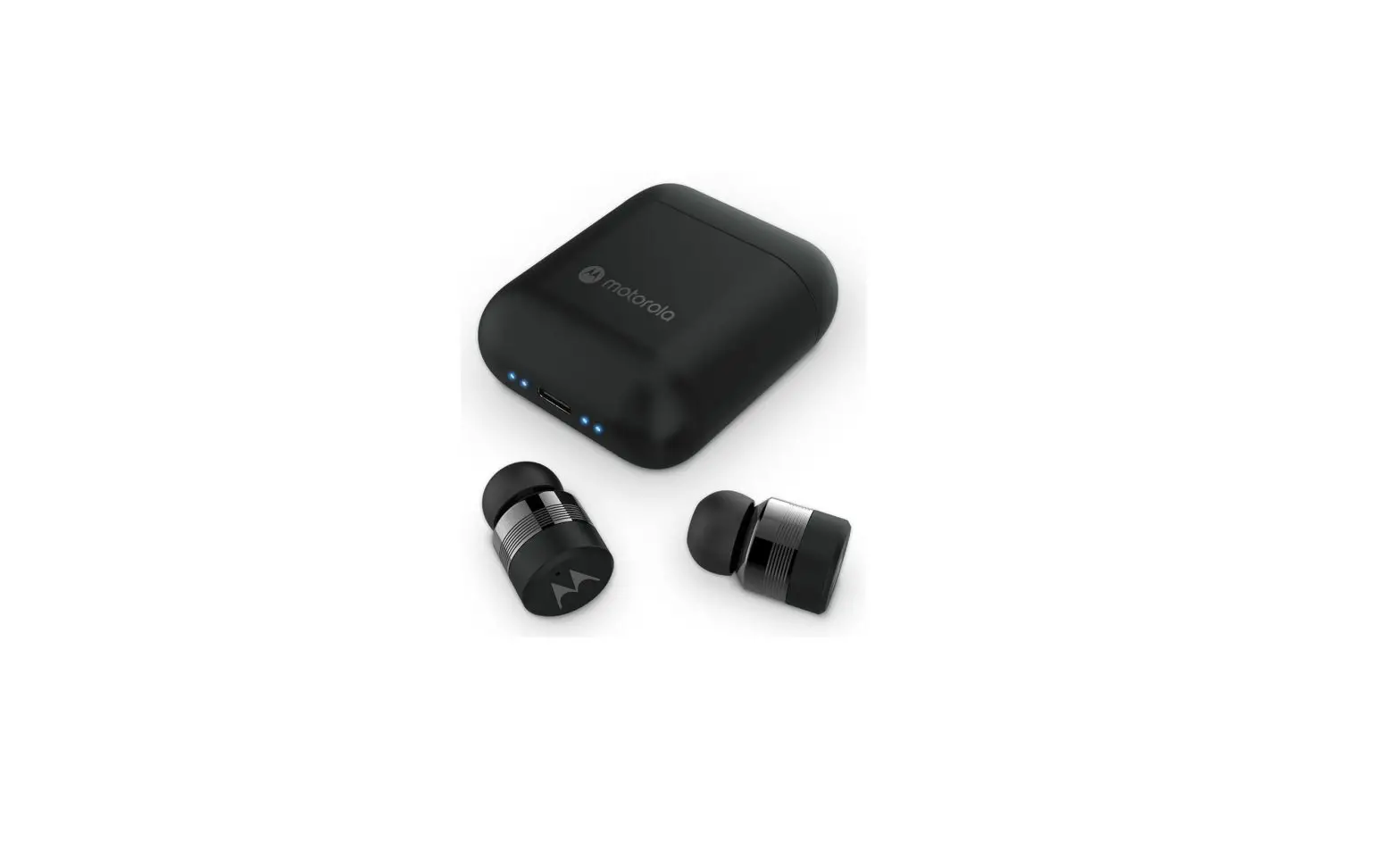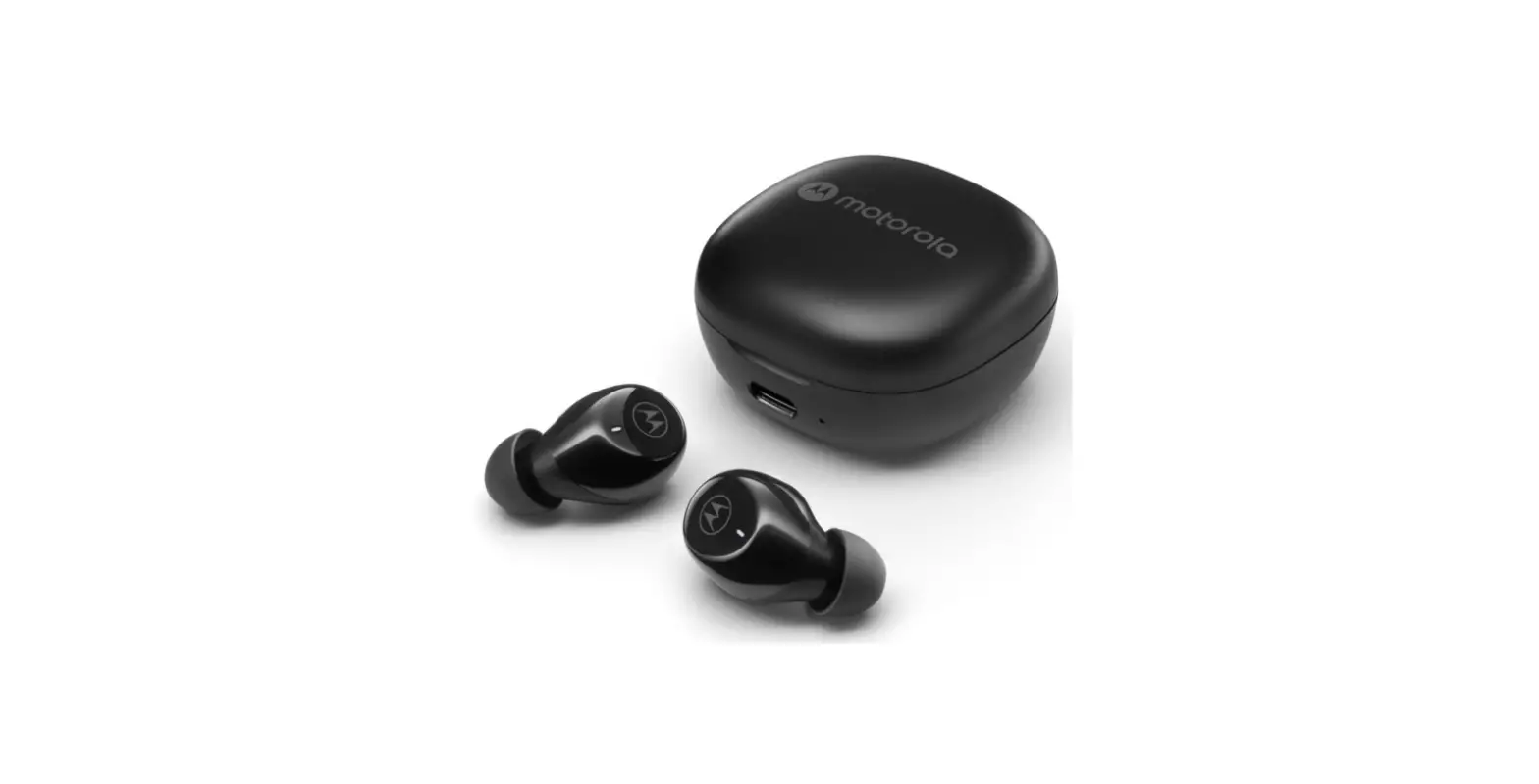

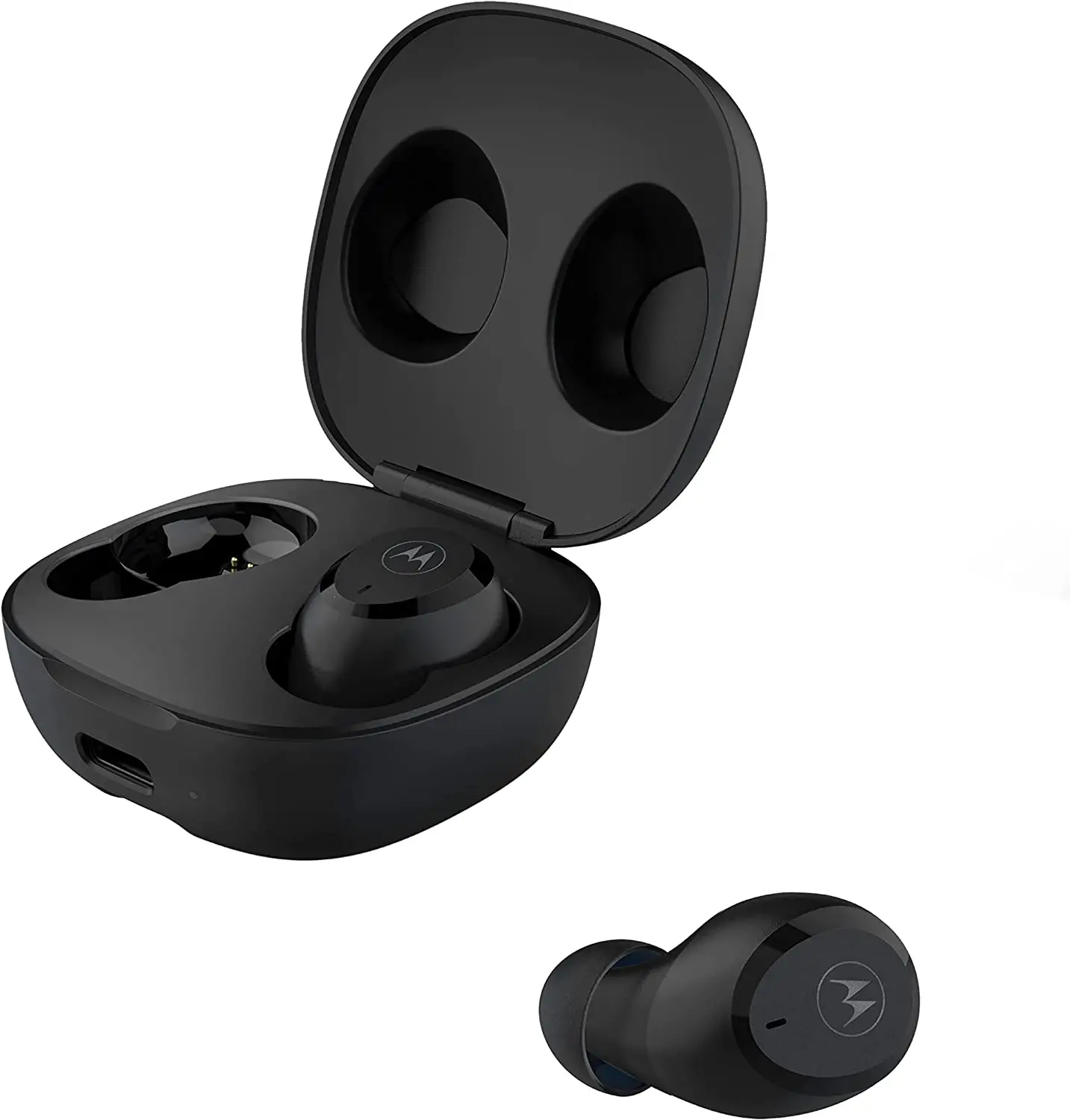
motorola Motobuds Charge Wireless Earbuds
Model No. : Motobuds Charge, MOTO BUDS CHARGE
- Frequency Band: 2.402 – 2.480GHz
Maximum RF power: 6 dBm - Working temperature: -10°C ~ 45°C
- FCC ID: 2ARRB-MBCHR
- IC: 20353-MBCHR
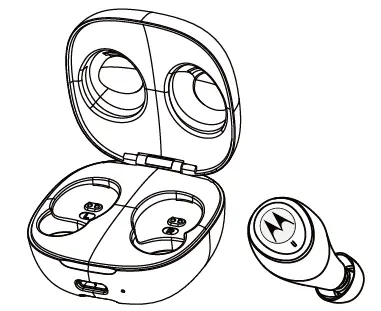
Charging:
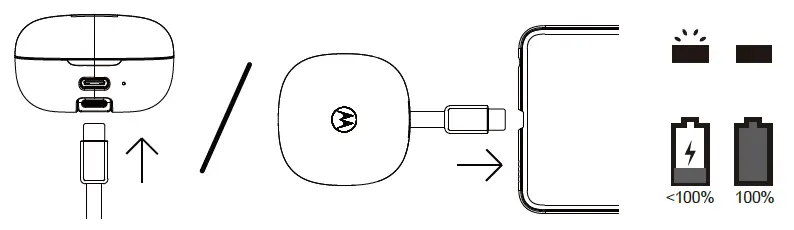 Fully charge before use
The device can be powered through a USB-C from any CE compliant power source that implement the European interface as requested by EN 301 489-52.
Pairing:
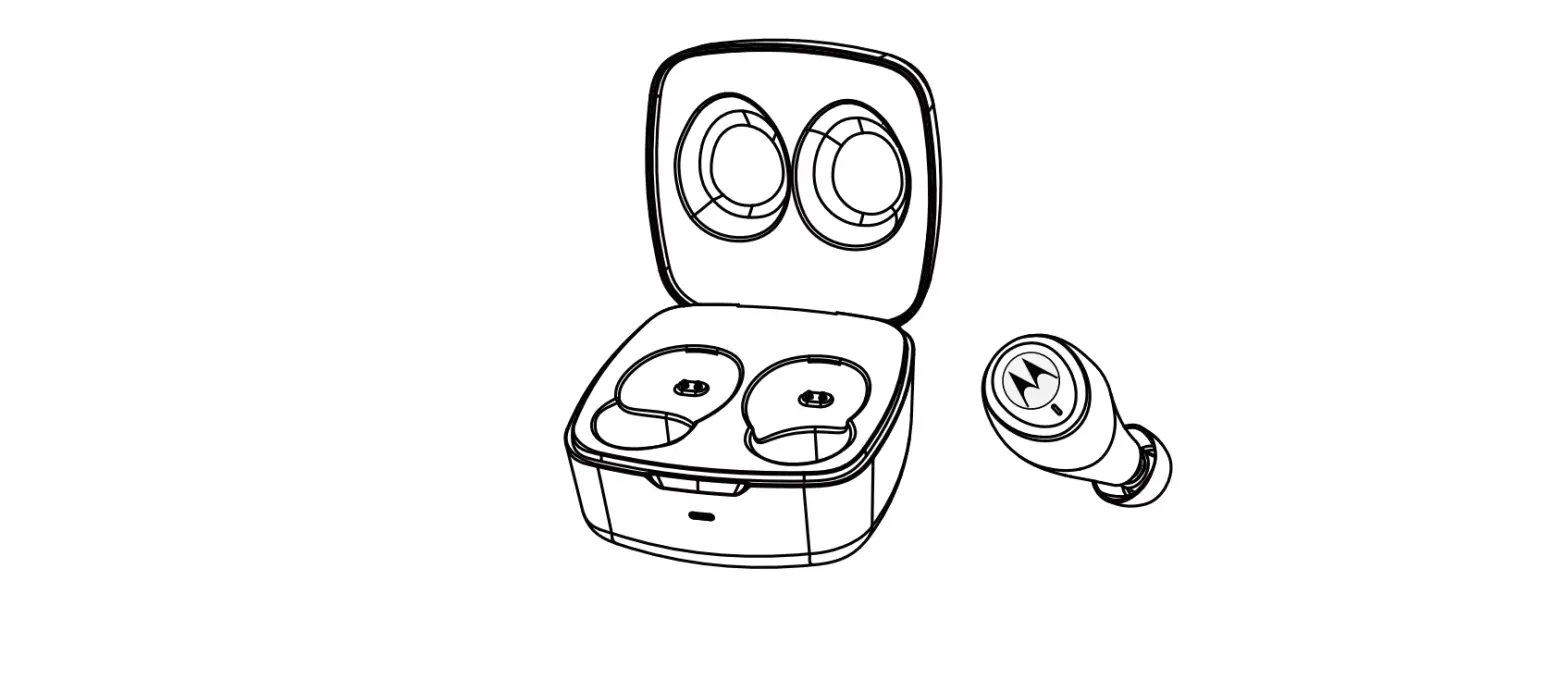
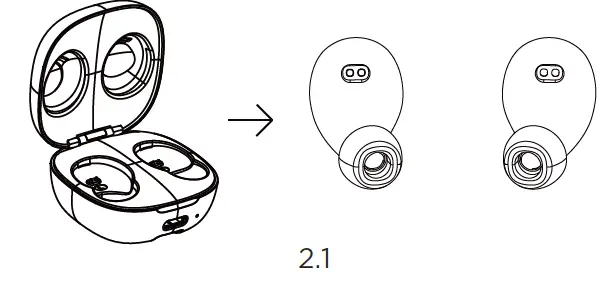
- Ensure both buds are inside the charging case and takeout both buds. The buds will flash blue and red.

- Select “Motobuds Charge” from the smartphone Bluetooth menu.
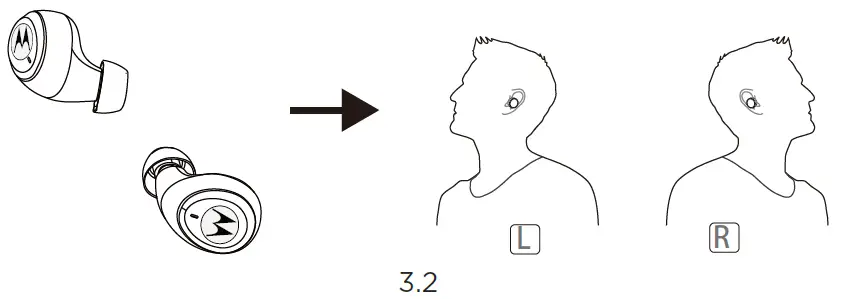
Fitting:
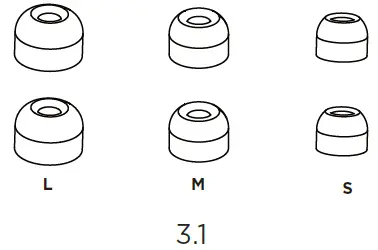
- To optimize the best fit and audio experience, it is recommended to try different earbud sizes.

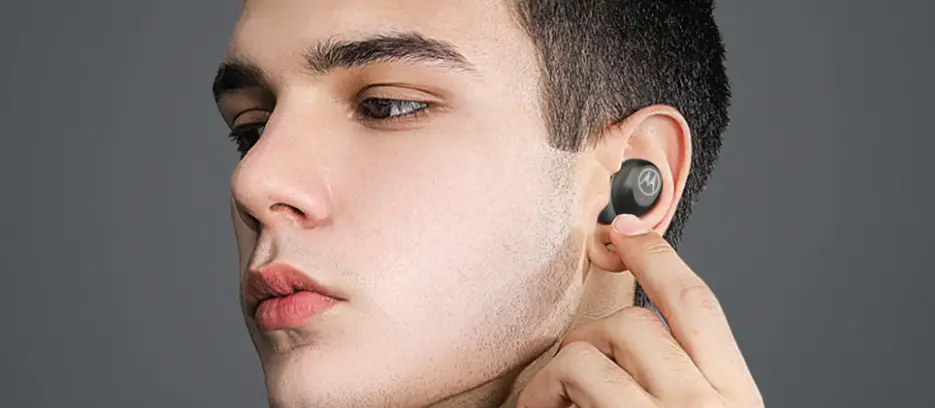
- Insert the Motobuds into your ear and rotate to fit comfortably.

Basic Operation:
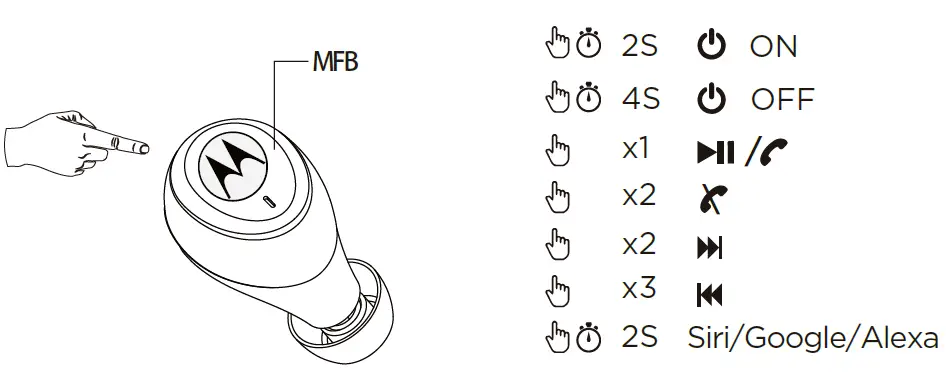
| Additional Operation | |
| Factory reset |
|
| Reject a call | MFB 2sec |
| Receive incoming and on hold ongoing call | Single Press MFB |
| LED Indicator | |
| Pairing | Red-blue flash |
| Standby | Blue flash |
| Charging | Red steady |
| Fully charged | O |
| Battery low | Red flash |
 Anatel — Agência Nacional de Telecomunicações