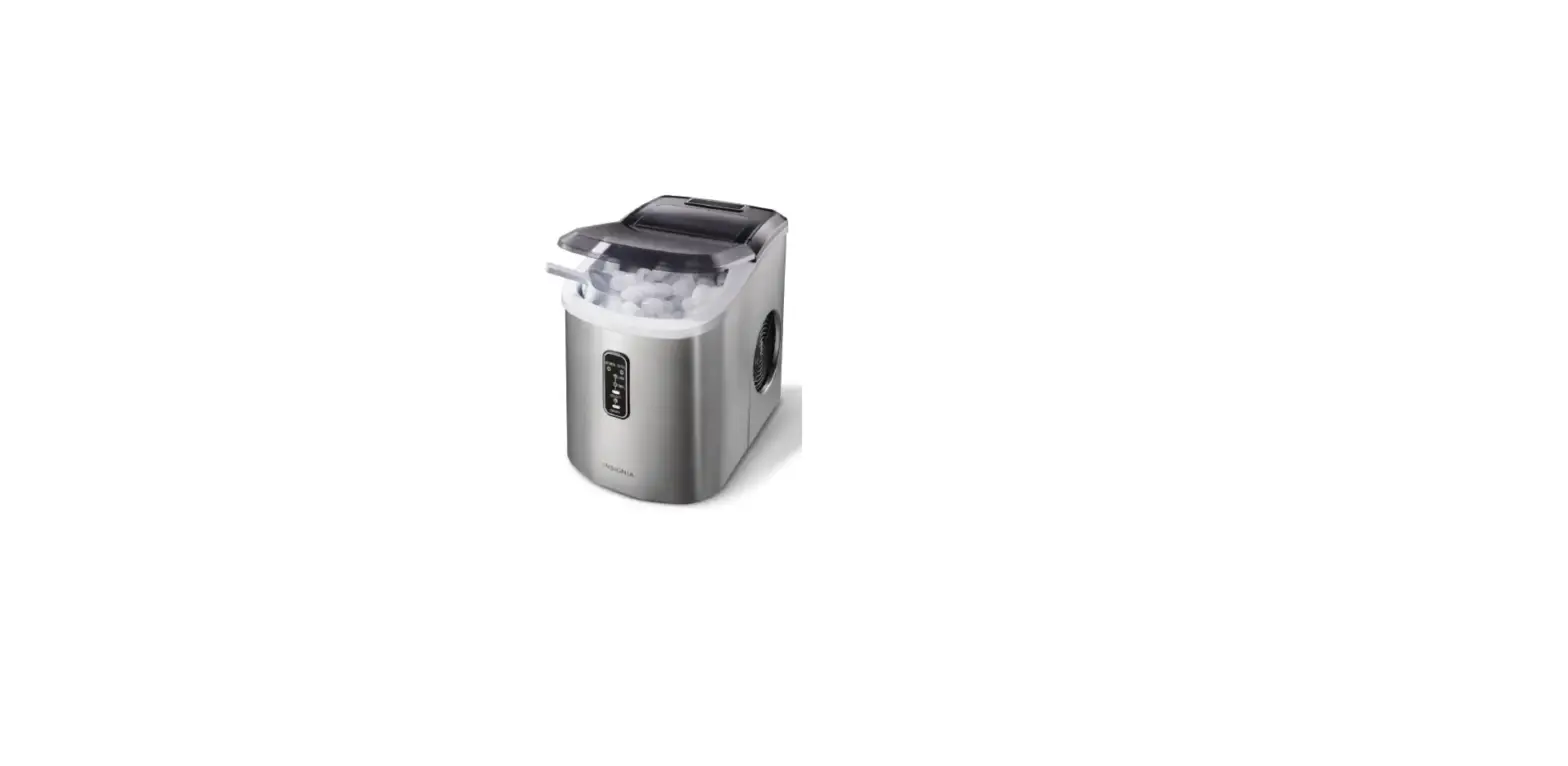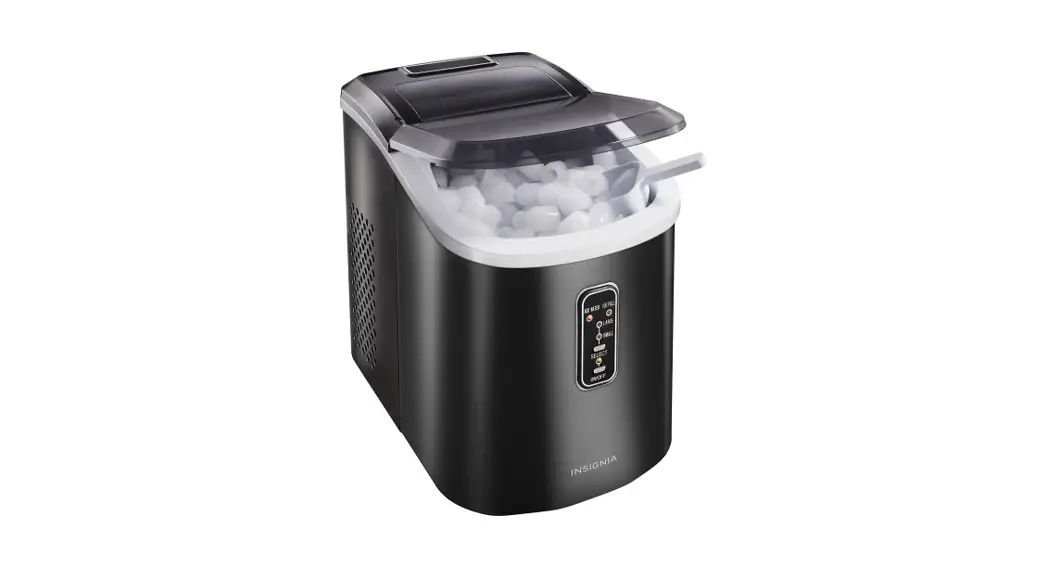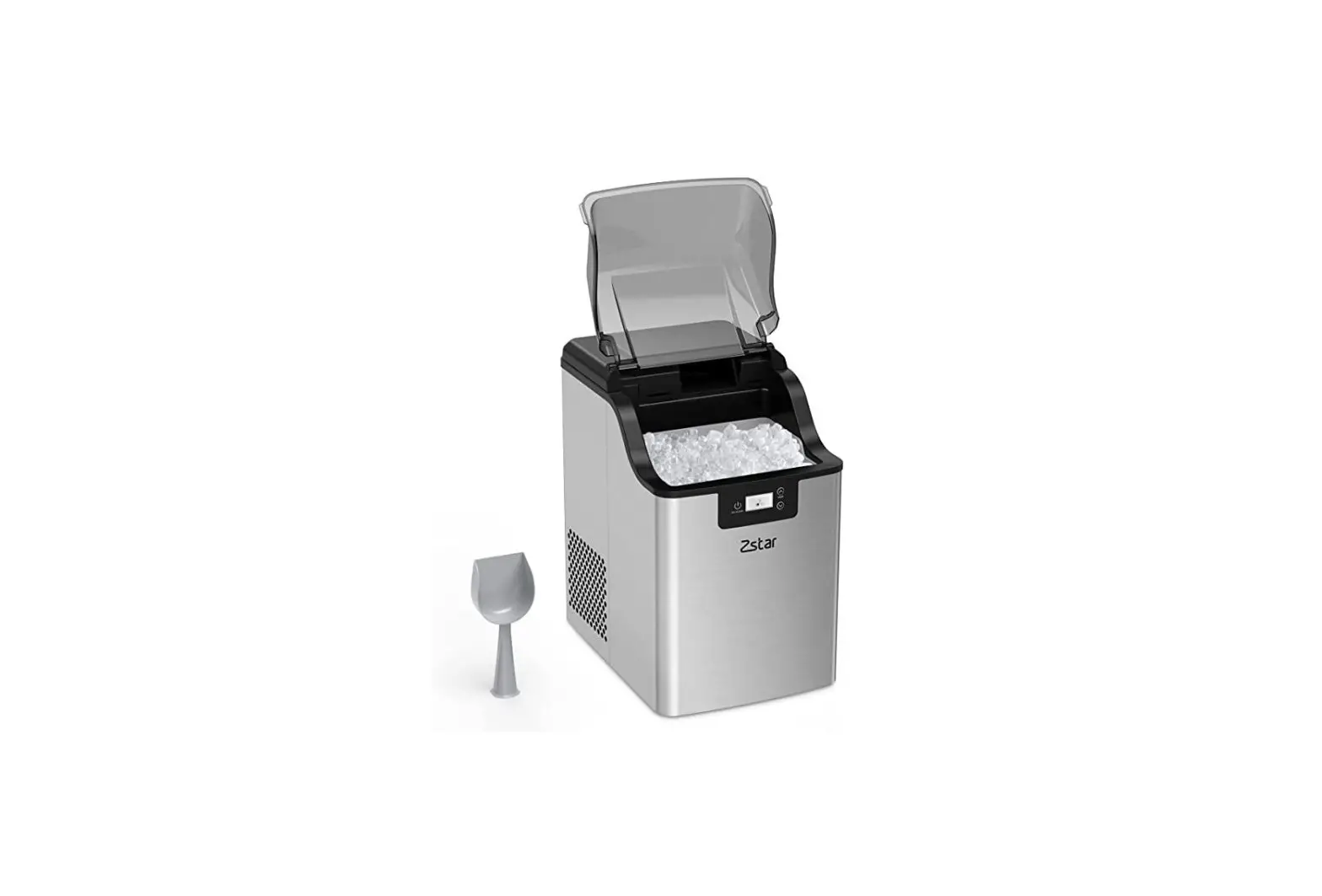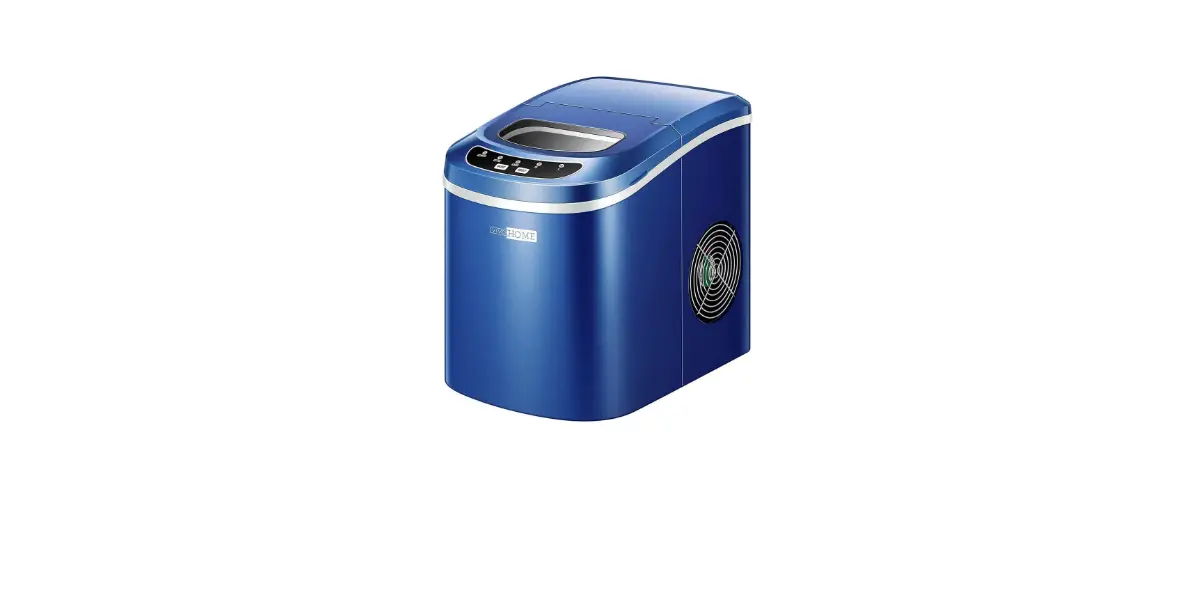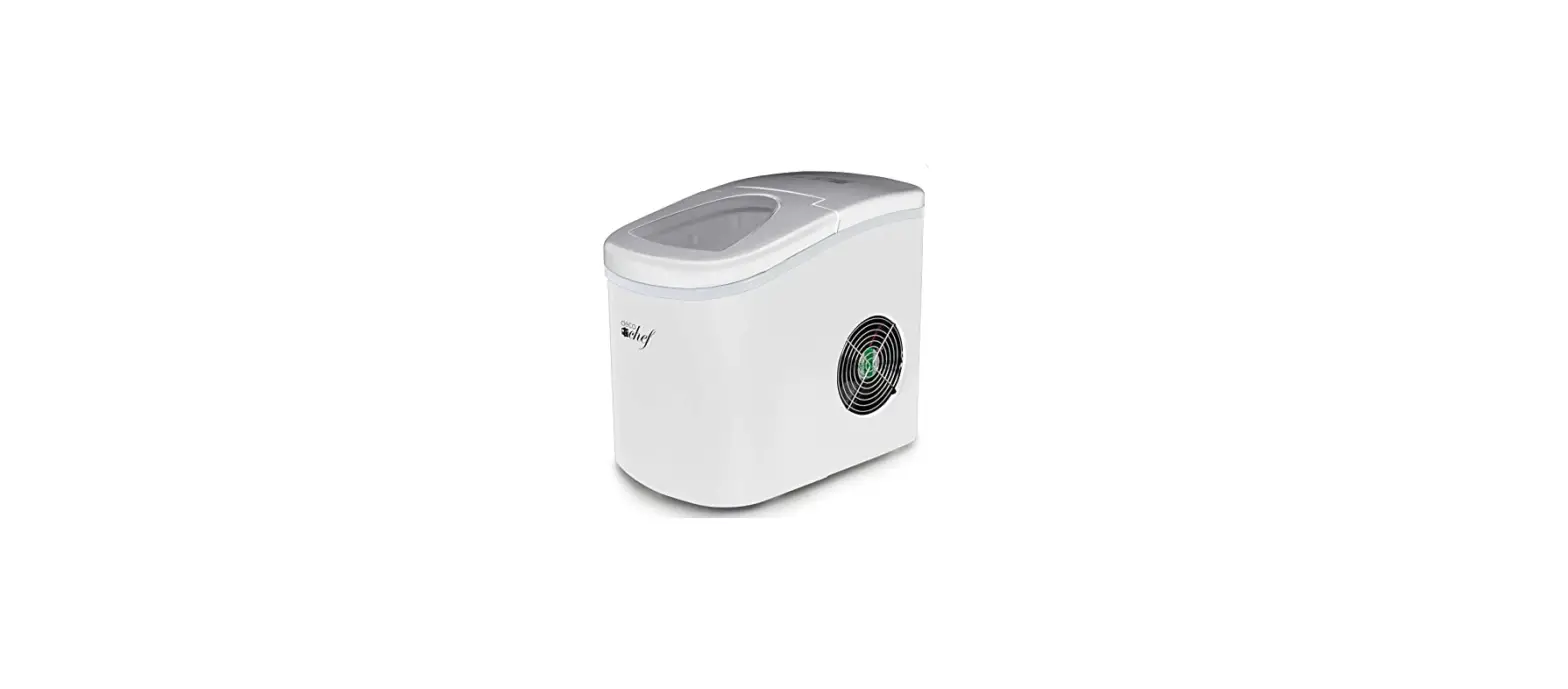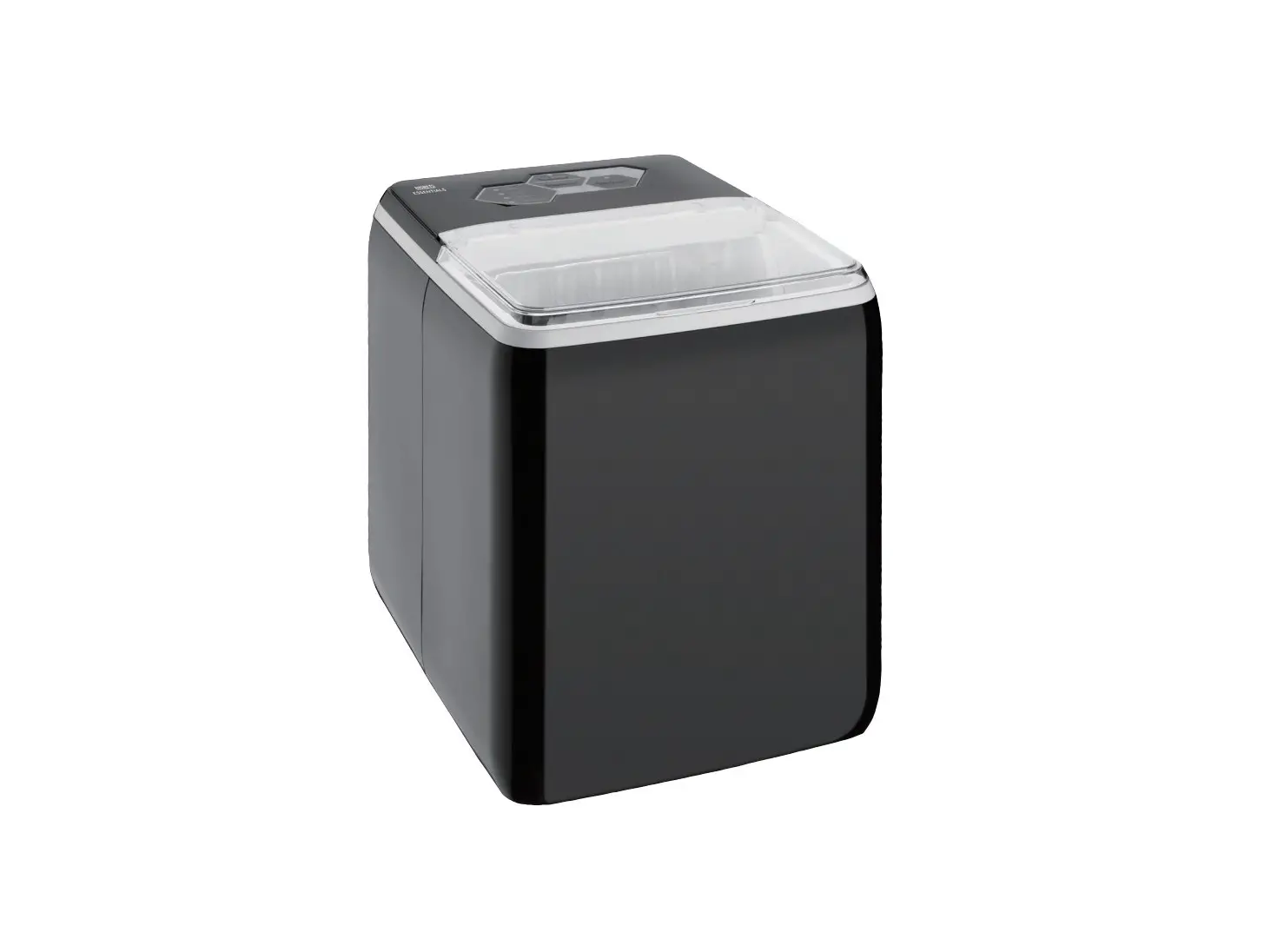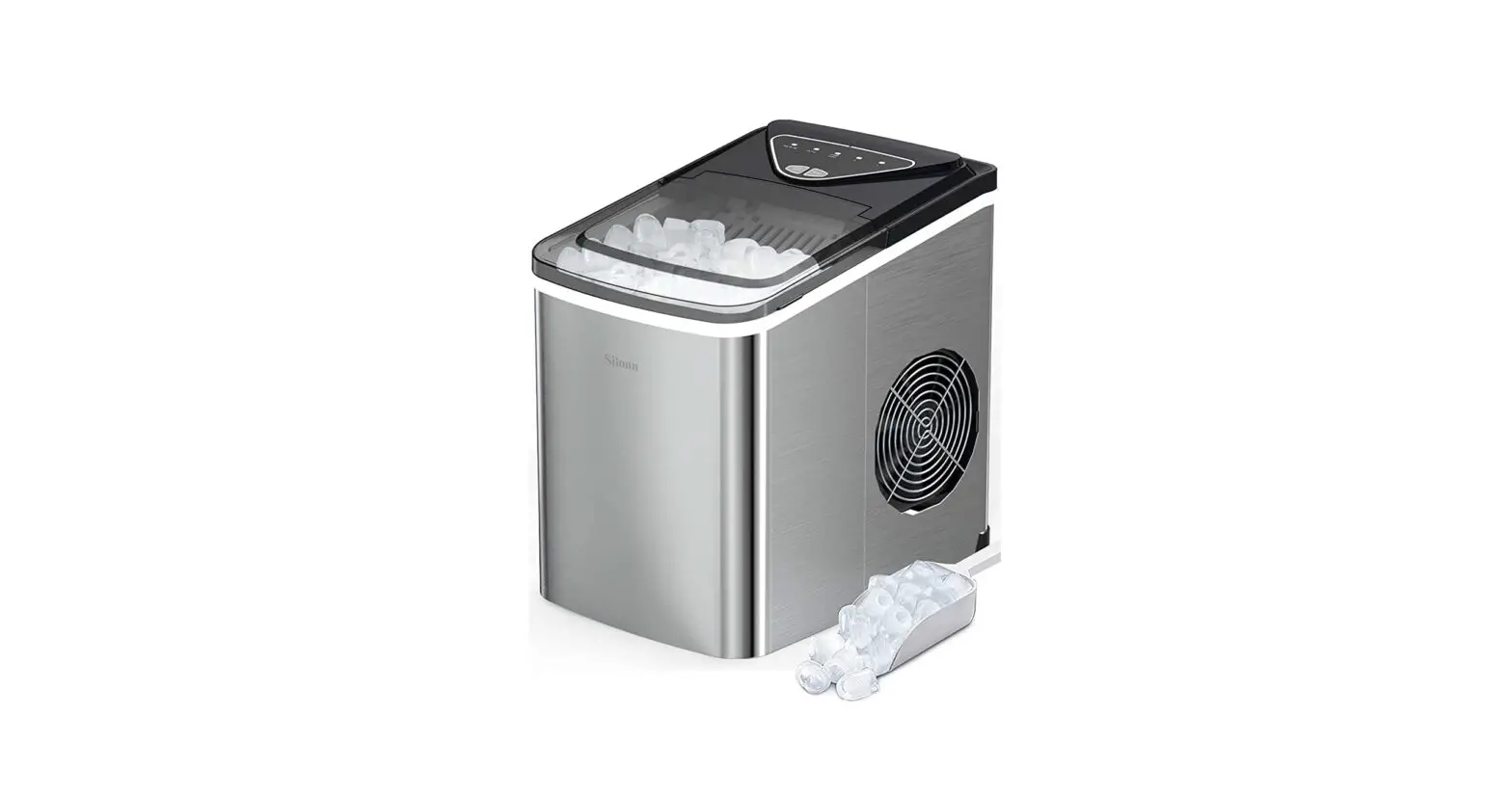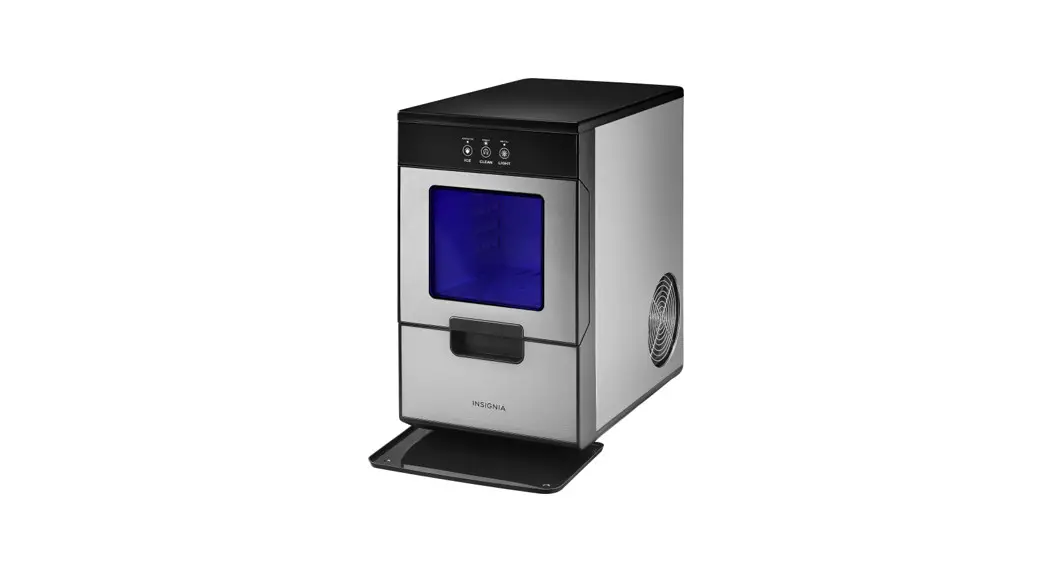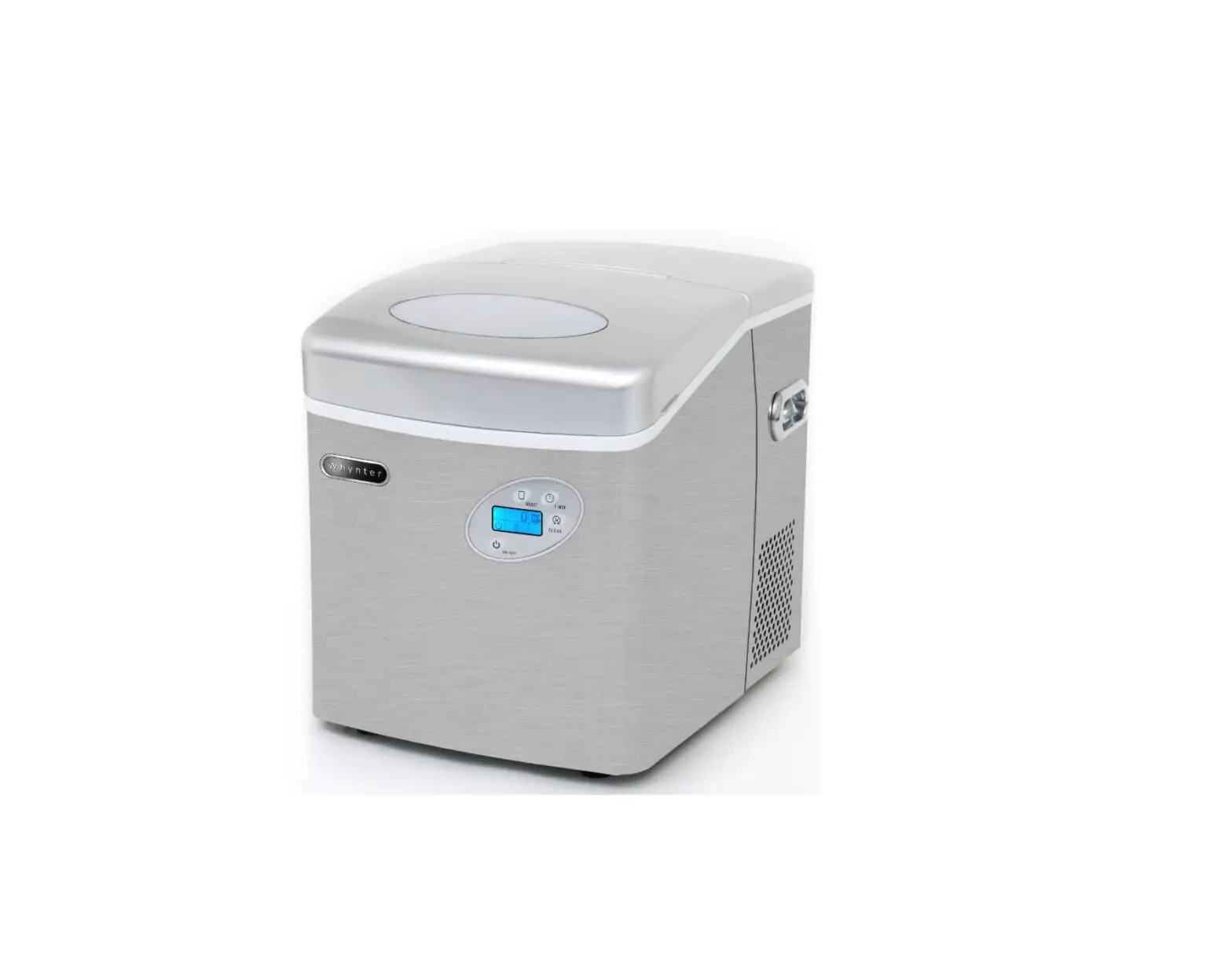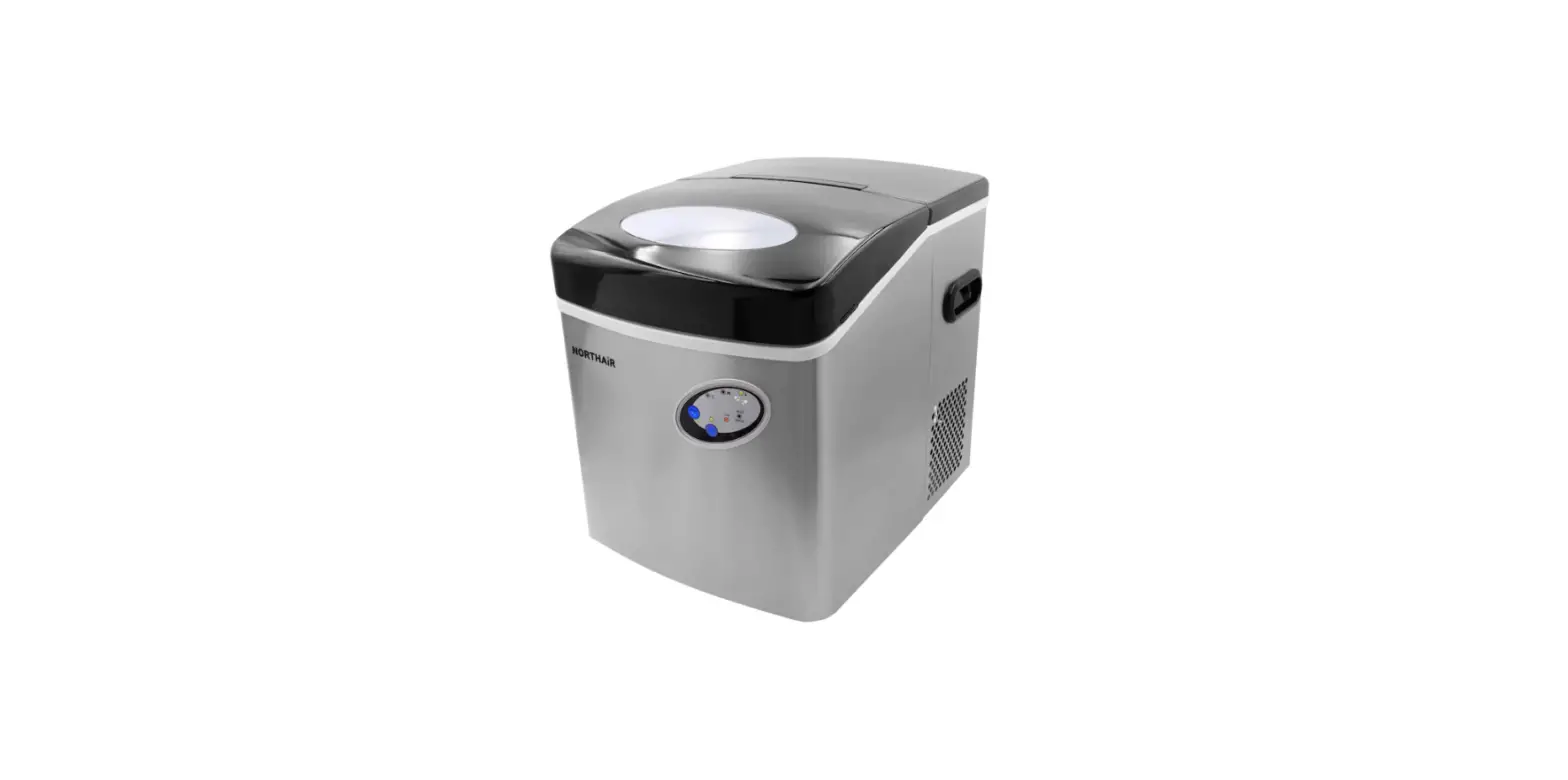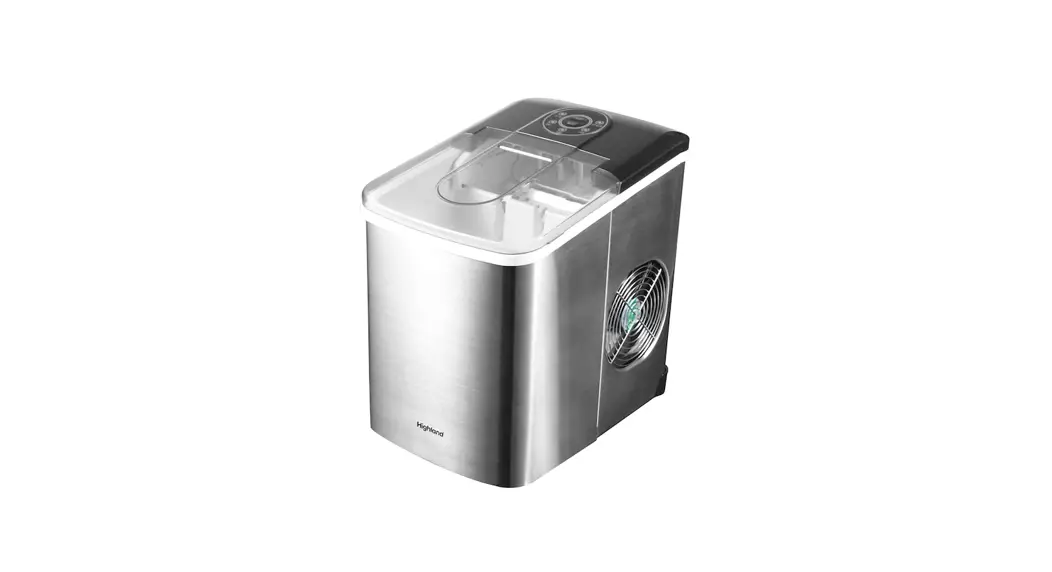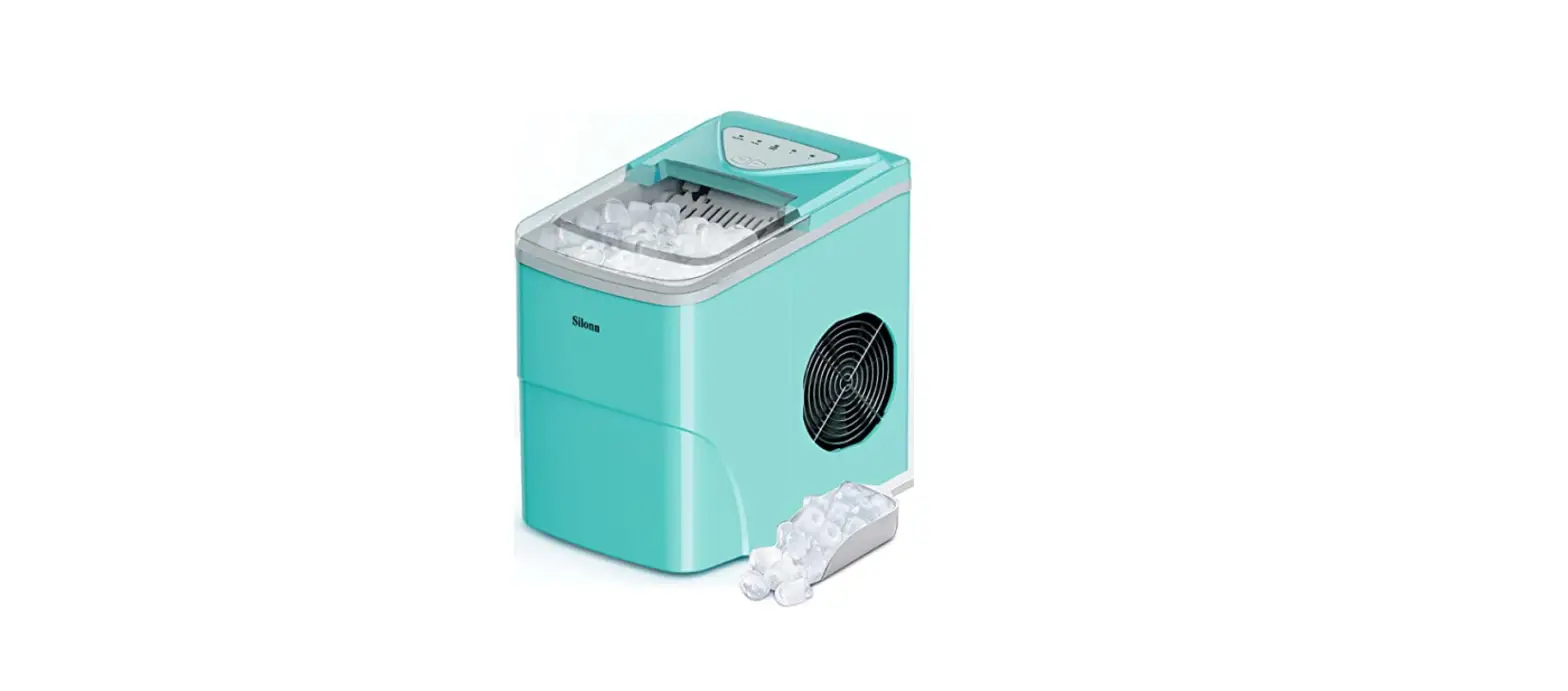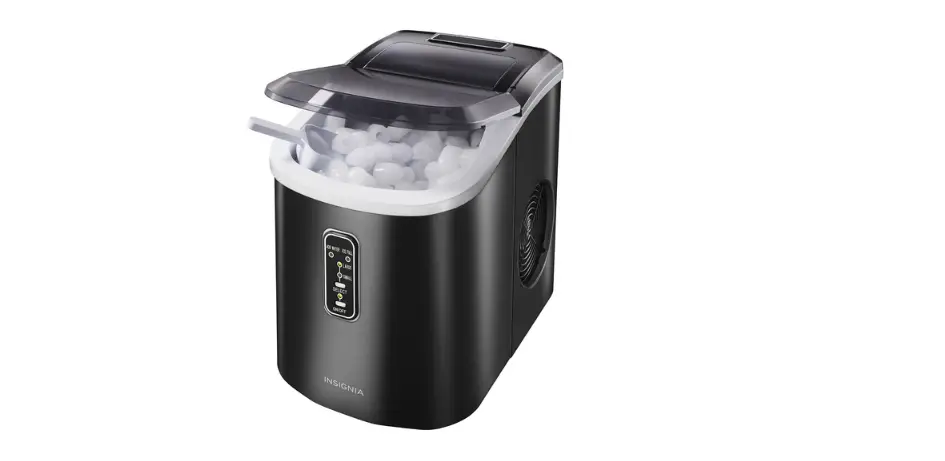
 insignia NS-IMP26SL0 Portable Ice Maker User Manual
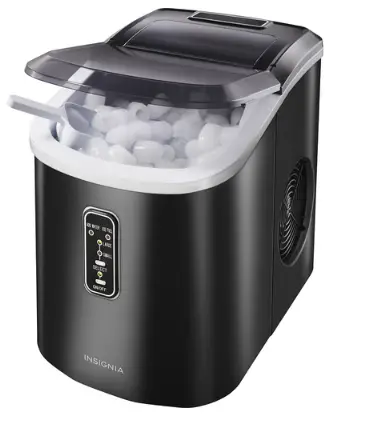
PACKAGE CONTENTS
- Portable ice maker
- Ice basket (pre-installed)
- Ice shovel
- Quick Setup Guide
IMPORTANT SAFETY INFORMATION
- Read these instructions.
- Keep these instructions.
- Heed all warnings.
- Follow all instructions.
- Do not operate your ice maker with a damaged cord.
- Your ice maker requires a standard 110-120volt, 60Hz electrical outlet with a three-prong ground.
- Connect to a properly polarized outlet only. No other appliance should be plugged into the same outlet. Make sure that the plug is fully inserted into the outlet.
- Do not run the power cord over carpeting or other heat insulators. Do not cover the cord. Keep the cord away from traffic areas, and do not submerge in water.
- We do not recommend the use of an extension cord because it may overheat and become a risk of fire. If you must use an extension cord, use No.14 AWG minimum size and rated no less than 1875 watts.
- Unplug your ice maker before cleaning or making any repairs or servicing.
- Exercise caution and use reasonable supervision when your ice maker is used near children.
- Do not use your ice maker outdoors.
- Place your ice maker away from direct sunlight and make sure that there is at least 4 inches (10 cm) of space between the back and sides of your ice maker and surrounding
- Walls.
- Do not use any other liquid besides water to make ice cubes.
- Do not clean your ice maker with flammable fluids. The fumes can create a fire hazard or explosion.
- Do not tip over.
- If your ice maker is brought in from outside storage in winter, wait a few hours for it to warm up to room temperature before plugging it in.
- To avoid a hazard due to the instability of your ice maker, it must be placed on an even or flat surface.
- WARNING: This appliance must be grounded.
FEATURES
- Produces up to 26 lbs. (11.8 kg) of ice each day
- Stores up to 1.5 lbs. (.68 kg) of ice
- The quick production cycle creates ice every 6 to 13 minutes
- Auto-detect prevents ice from overflowing when the basket is full
- Two ice cube sizes help create the perfect drink
- The removable ice basket gives you convenient access
- A water recycling system with reservoir lets you place your ice maker anywhere
OVERVIEW
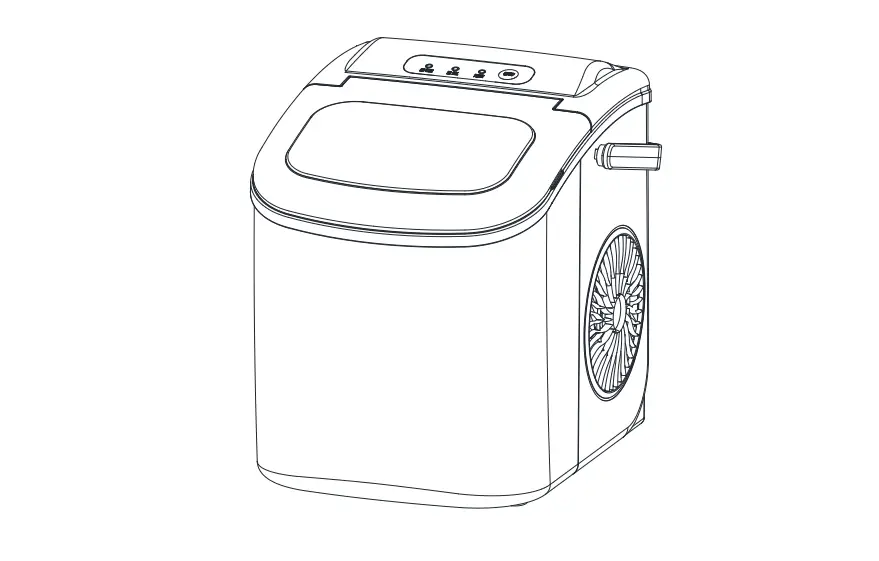
Control panel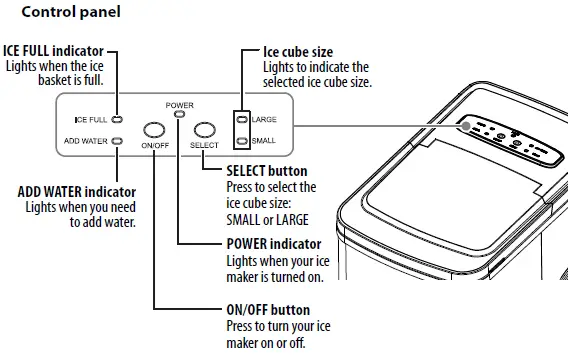
Ice maker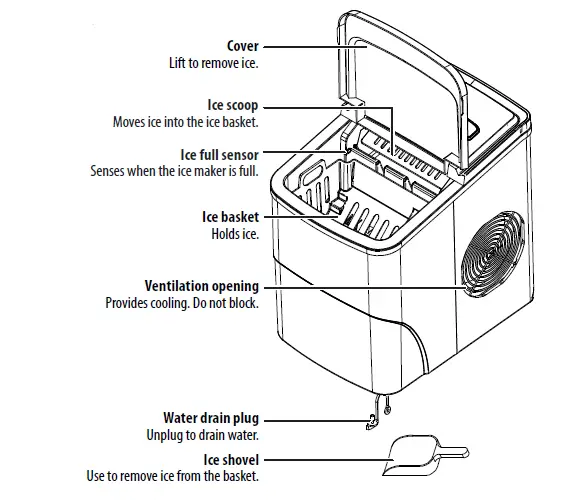
UNPACKING YOUR ICE MAKER
Remove the exterior and interior packaging. Make sure that you unpack the ice basket and ice shovel. If any parts are missing, contact Best Buy customer service.
Note: Make sure that your ice maker is positioned so that the plug is accessible.
SETTING UP YOUR ICE MAKER
- Place your ice maker on a level surface in a location where your ice maker is protected from direct sunlight and other sources of heat (such as a stove, furnace, or radiator).
- Make sure that there is at least 4 inches (10 cm) of space between the back and sides of your ice maker and the surrounding walls.
- Clean the interior with diluted detergent, warm water, and a soft cloth, then rinse with clear water.
- Take out the ice basket and clean it.
- Unplug the water drain cap to remove all water. Replace the water drain plug before filling it with water.
- Before using your ice maker for the first time, run two to three cycles of ice and dispose of them to help remove any plastic odor or residue from the manufacturing and shipping process.
USING YOUR ICE MAKER FOR THE FIRST TIME
WARNINGS:
- Your ice maker must be grounded. Do not defeat the safety purpose of the grounding-type plug. A grounding-type plug has two blades and a third grounding prong. The third prong is provided for your safety. If the provided plug does not fit into your outlet, consult an electrician for the replacement of the obsolete outlet.
- Before plugging in your ice maker, wait one hour for the refrigerant fluid to settle. 1 Make sure that the water drain plug is in place and secure.
- Open the cover, remove the ice basket, then pour drinking water into the reservoir. Make sure that the water
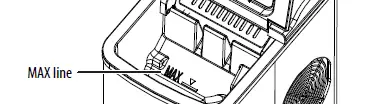
- Replace the ice basket, then close the cover.
- Plug the power cord into a power outlet.
- Press the ON/OFF button. The power indicator lights.
- Press the SELECT button to select the ice cube size. If the room temperature is lower than 60°F (16°C), we recommend that you select the small cube size to
keep ice from sticking together.
Notes: - When the ice basket is full, your ice maker automatically stops making ice, and the ICE FULL indicator lights.
- After ice is made and goes into the ice basket, the ice begins to melt. To save the ice, remove it from the basket and freeze it. Otherwise, the ice melts, the water goes back into the reservoir, and your ice maker recycles the water to make ice again.
- The ice-making cycle lasts 6 to 13 minutes, depending on the selected ice cube size and the ambient temperature. If the room is extremely hot, the cycle may take longer.
- While your ice maker is on, check the water level periodically. If the water level is too low, your ice maker stops automatically and the ADD WATER indicator light will illuminate. Turn off your ice maker, then fill the reservoir to the level mark. Wait at least three minutes for the refrigerant liquid inside the compressor to settle, then turn on your ice maker.
- Change the water in the water reservoir every 24 hours to ensure that the water is fresh and the ice tastes good.
- If your ice maker is not in use, drain all water left in the tank.
CLEANING AND MAINTENANCE
To clean your ice maker, follow the instructions in steps 3-5 in SETTING UP YOUR ICE MAKER.
- Clean the ice maker at least once a week or every three days if your water quality is poor.
CAUTION: Do not use bleach or vinegar to clean the internal components.
TIPS FOR SAVING ENERGY
- Locate your ice maker in the coolest area of the room, away from heat-producing appliances or heating ducts.
- Make sure that your ice maker is sufficiently ventilated, with adequate air circulation behind it.
TROUBLESHOOTING
SPECIFICATIONS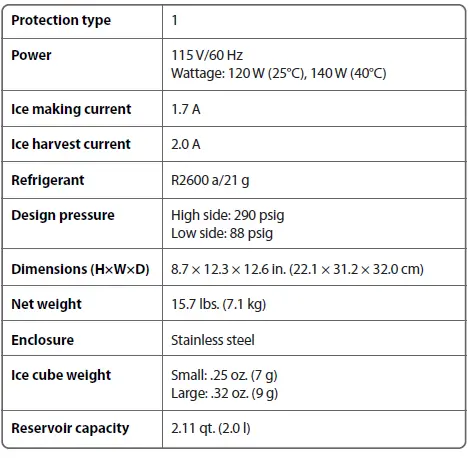
ONE-YEAR LIMITED WARRANTY
Visit www.insigniaproducts.com for details.
CONTACT INSIGNIA: For customer service, call 1-877-467-4289 (U.S. and Canada) or 01-800-926-3000 (Mexico) www.insigniaproducts.com
INSIGNIA is a trademark of Best Buy and its affiliated companies Distributed by Best Buy Purchasing, LLC 7601 Penn Ave South, Richfield, MN 55423 U.S.A.
2019 Best Buy. All rights reserved. Made in China