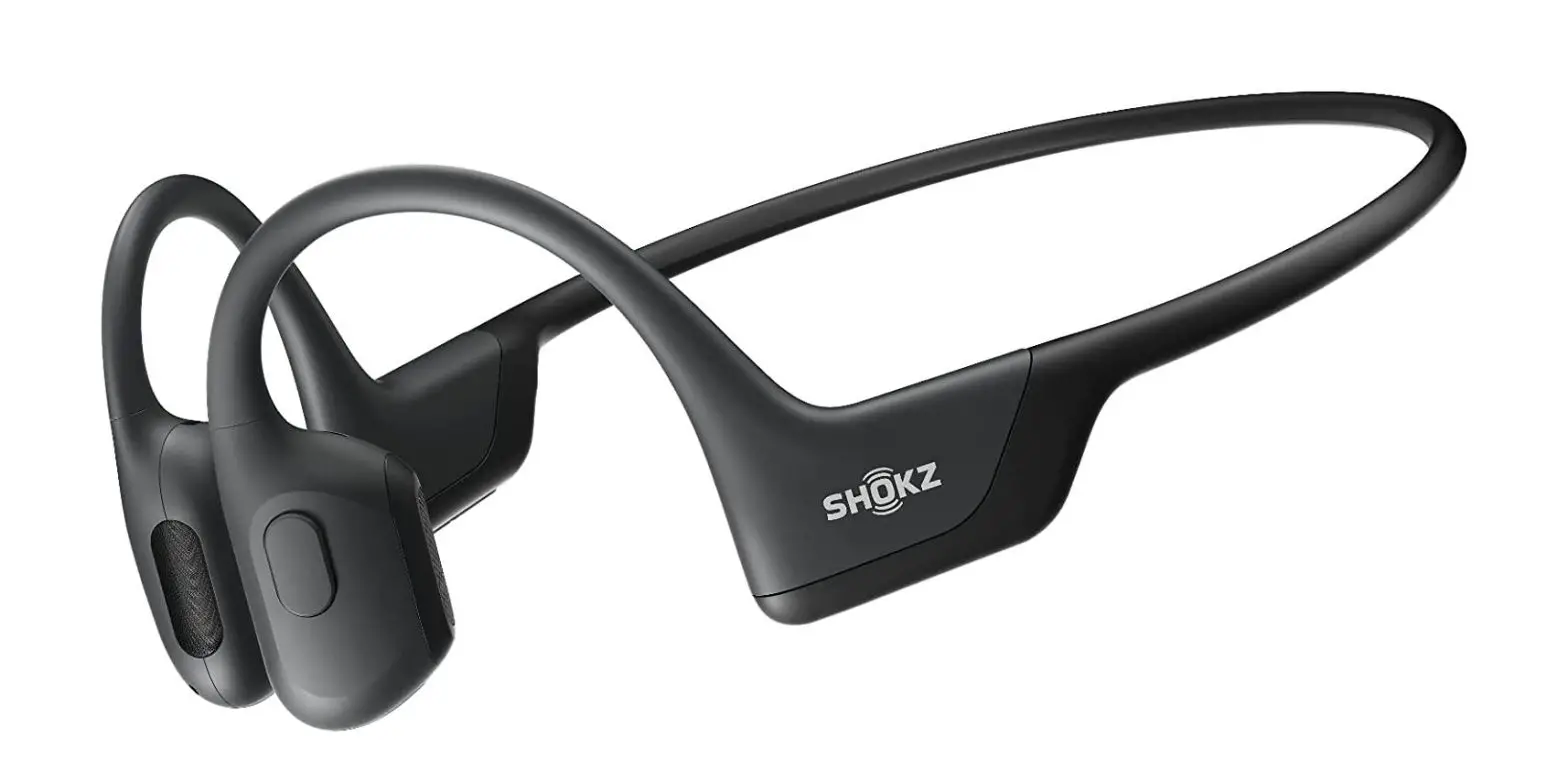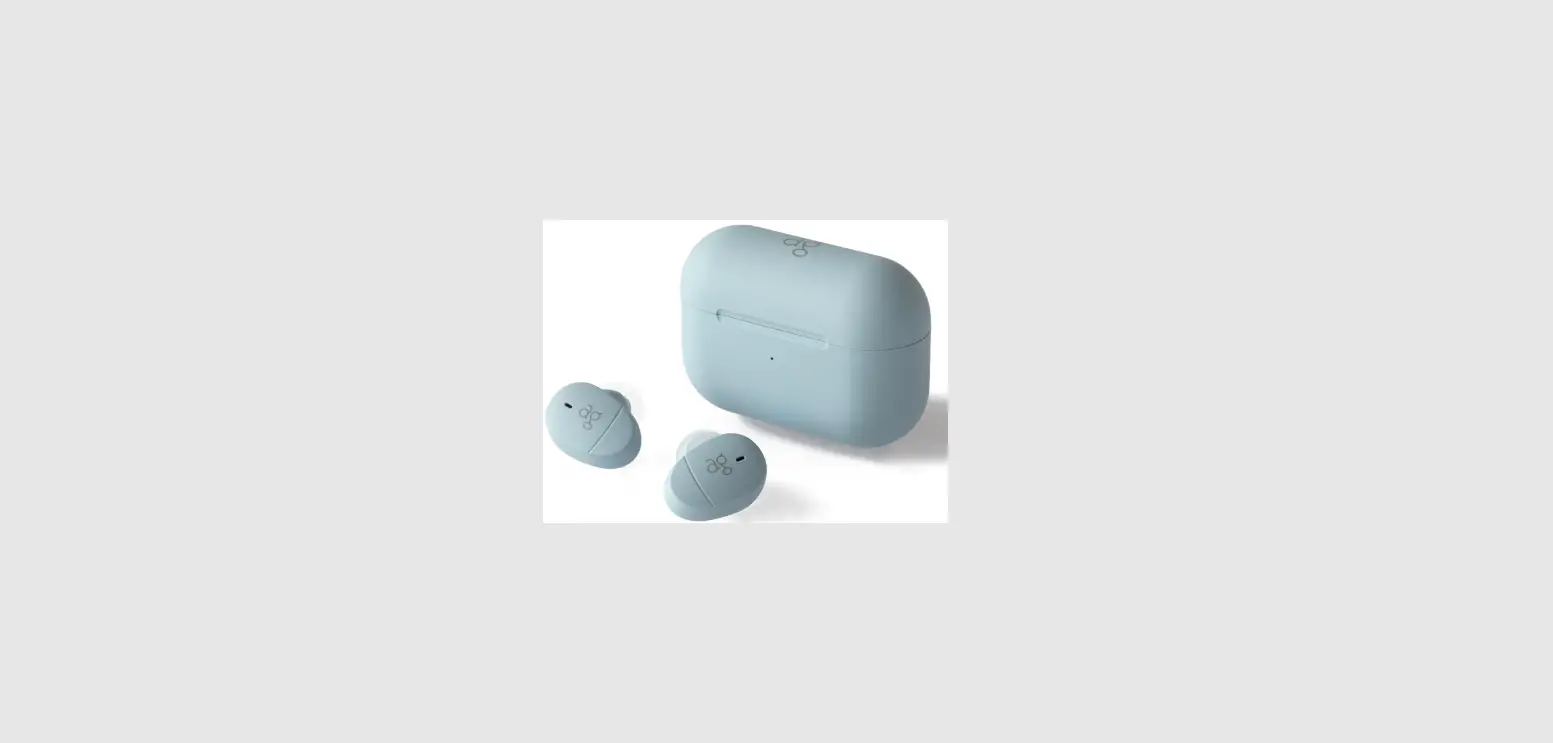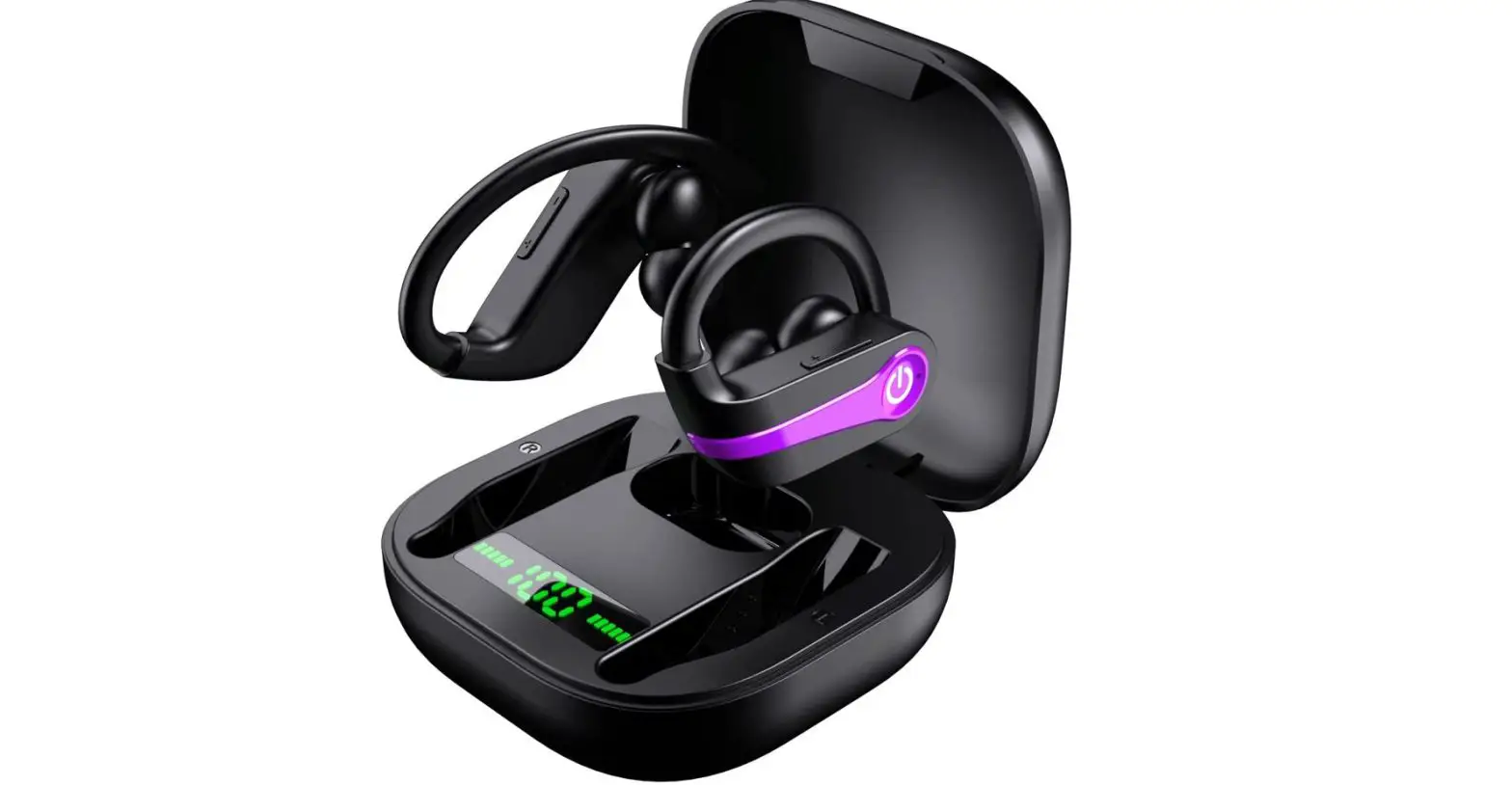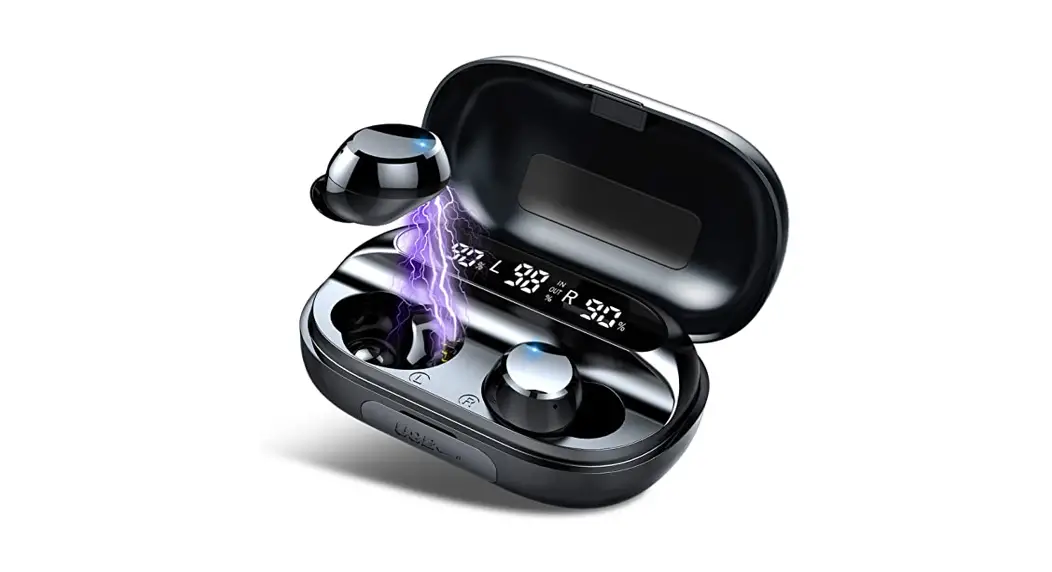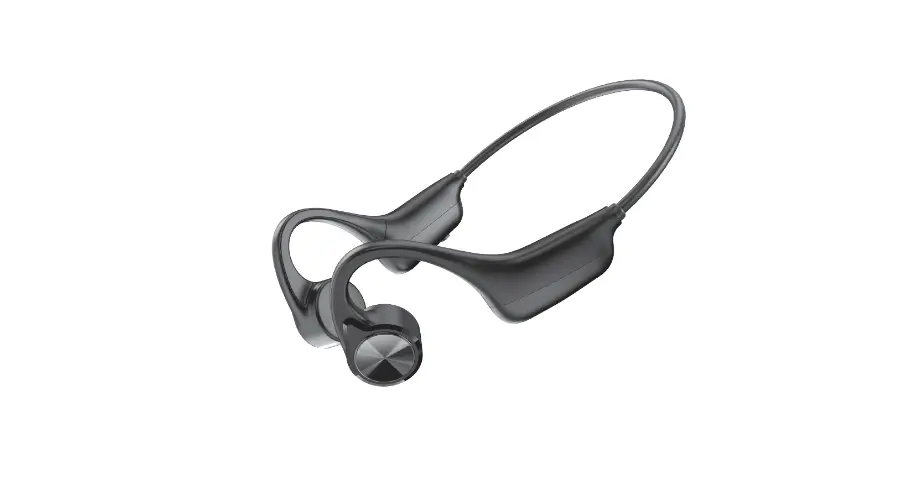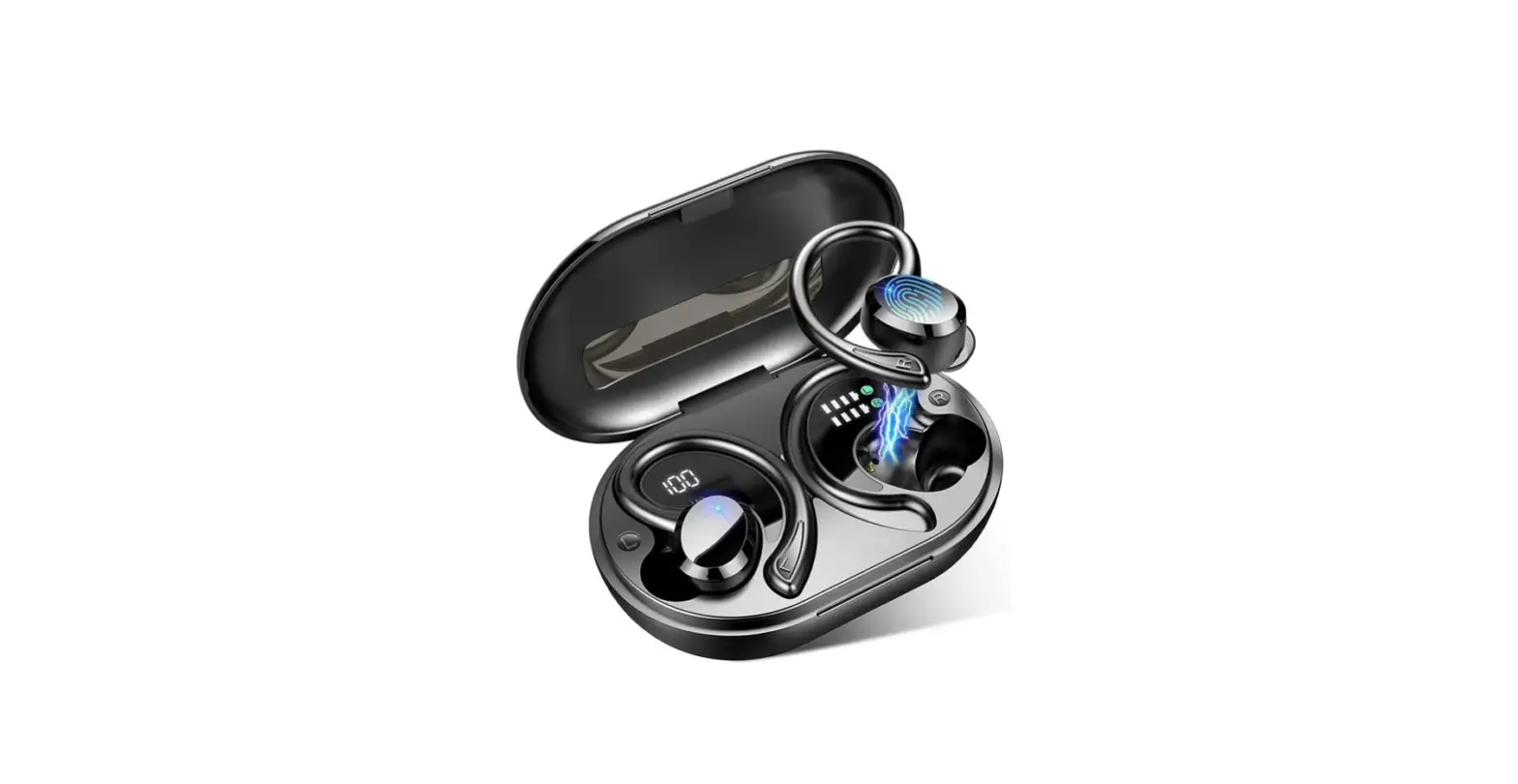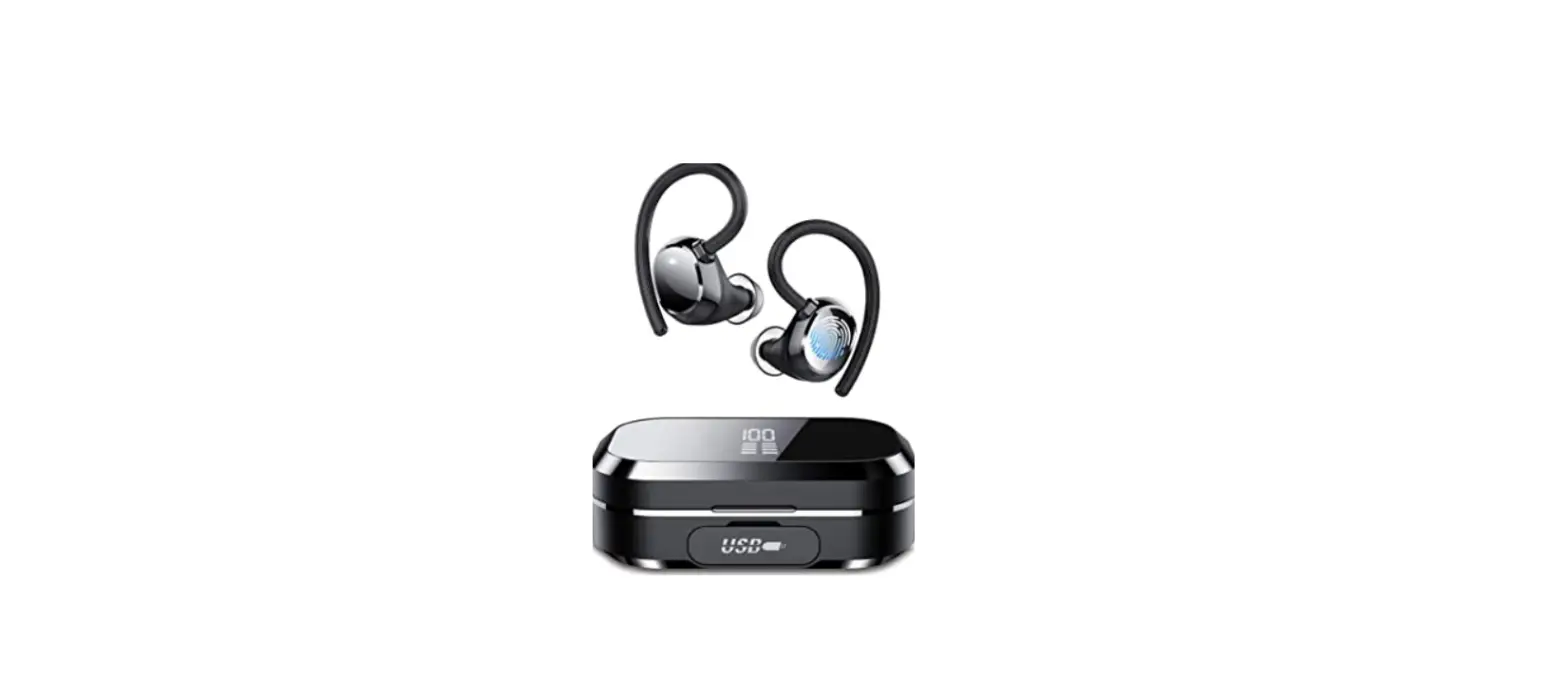

Tiksounds Bluetooth Headphones
Specifications
- CHARGE CASE BATTERY: 3500 mAh,
- EARBUDS BATTERY (SINGLE): 60 mAh,
- CHARGING TIME: About 1 hr,
- SINGLE CHARGE USE TIME: 5-6 hrs,
- TRANSMISSION DISTANCE: 10-20 m,
- PRODUCT DIMENSIONS: 3.23 x 2.05 x 1.34 inches,
- ITEM WEIGHT; 3.23 ounces,
- BATTERIES: 3 Lithium-ion batteries required.
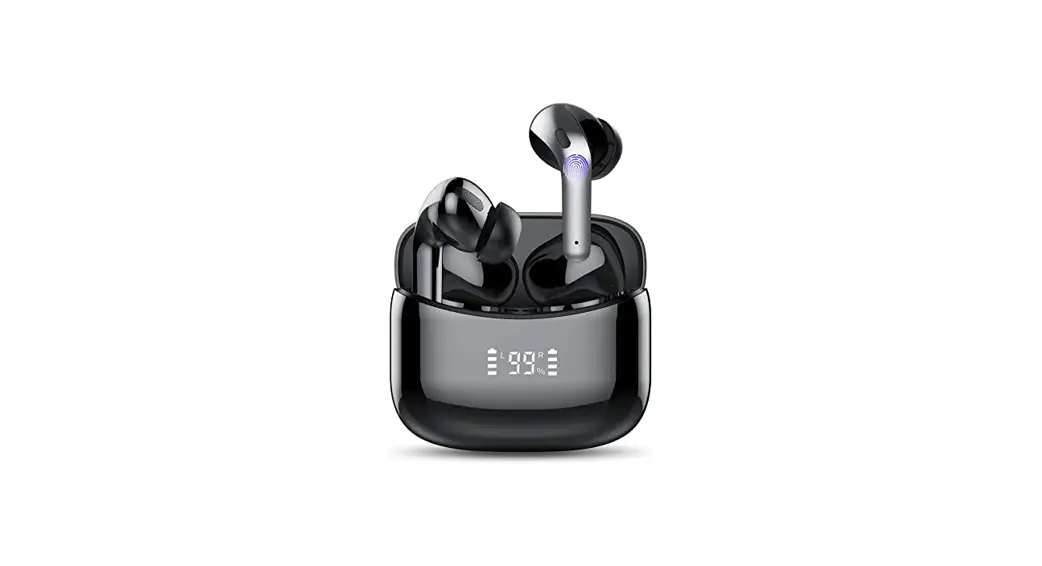
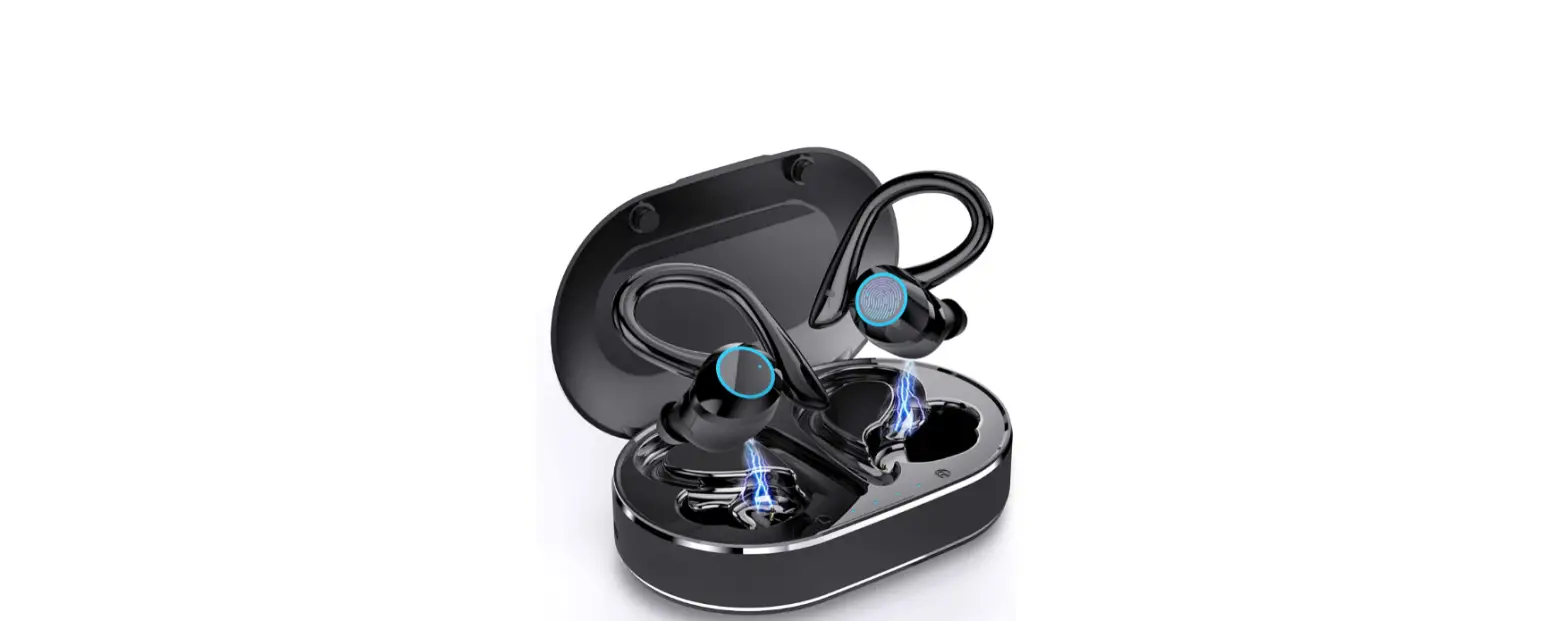
Tiksounds is a relatively new worldwide consumer electronics company that specializes in high-quality Bluetooth audio devices. They provide high-quality audio products with extra comfort and functionality to our consumers all over the world, in order to enrich their lives with beautiful sound. These are the advanced pair of EarPods with the charging case. You can keep the EarPods in the charging case and they will start charging on its own. You can easily connect and carry them.
Battery Life
The Q25 Bluetooth headphones deliver 6 hours of playing on a single charge, and the charging case adds an extra 150 hours of battery life, allowing you to listen to music anywhere and whenever you choose.
Display
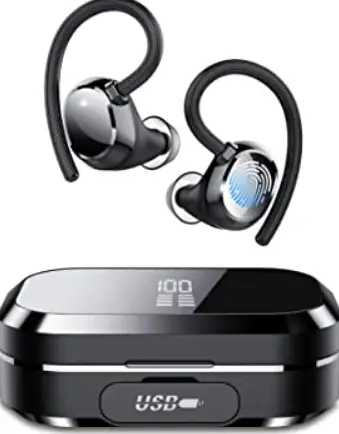
TIKSOUND Q25 are a comfortable pair of earphones. These are the in-ear earphones. These are wireless earphone with 10mm full-range dynamic driver. The sound quality is fine and the bass is also good. These earphones let you hear the surroundings as well. These earbuds are designed in very unique way. These are attached with the ear hooks which are made of very soft silicone. These ear hooks are easy to wear and you never get tired of wearing these.
Connectivity
Q25 use Bluetooth version 5.0. These earphones have latest Bluetooth 5.0 chips in it. These are installed for stable connection and Bluetooth range. These have a faster transmission speed and have a strong signal.
Waterproof
Sport headphones with IPX7 waterproof nano-coating are powerful enough to withstand every splash and water penetration.
How to switch ON/ Off
- Remove the earphones from the charging bin and peel off the protective film before using for the first time.
- The earphones will automatically switch off and begin recharging once placed in the charging bin. The earphones will automatically turn on when removed from the charging bin.
- Place the earphones in the charging bin after usage, and it will switch off automatically.
How to Pair
- When you remove the earphones from the charging bin, they will begin to operate automatically.
- Red and blue lights will alternately flash (entering pairing mode)
- Go to your phone _ settings — Bluetooth — Search —Q25– Pair/Connect — Play music.
Pair with computer/laptop
- Switch on the computer. Bluetooth and Other Devices-Settings-Devices-Bluetooth and Other Devices
- Turn on Bluetooth – Add Bluetooth or Other Devices – Search Bluetooth – Turn on Q25 Pro – Pair/Connect – Listen to music
- Notes: If your computer doesn’t have Bluetooth, you’ll need to plug in a Bluetooth adapter and download a Bluetooth driver to get it to work.
How to reset
When you place the earphones in the charging bin, they will automatically switch off and begin charging. When you remove the earphones from the charging bin, they will automatically turn on and reset.
How to charge
- When you place the earphones in the charging bin, they will automatically switch off and begin charging.
- The dynamic indication lights on the charging bin’s LED display will switch on during recharging.
- The blue indication lights on the earphones will turn off once they are completely charged.
How to charge the charging case
- To recharge the charging bin, please use a mobile phone adaptor.
- You can use a charging cable to connect to computer.
- The charging box’s indication light illuminates to show that it is charging.
PROS
- Easy to use
- Good battery time.
- Easy to carry
- Good sound quality.
CONS
- No good Bass.
- Not waterproof.
Verdict:
Q25 is a good product with all the premium features, you can take control in your hands. The battery life makes this product more reliable. The digital battery case feature shows a very classy and professional look. The connectivity range is also good. If you want good earphones in good price then Q25 is a good product.
Frequently Ask Question
- Is Tiksounds a good choice?
These are really well-fitting and comfy, with no protrusions out of the ear. They will never snag or catch on anything, have excellent sound quality, and are light and comfortable.
Why is it that just one of my earphones is functioning?
Examine the options. Depending on your audio settings, headphones may only play in one ear. Check your audio properties to make sure the mono option is off. Also, check sure the voice volumes on both earphones are the same.
Is it possible to fix Earpods?
If you accidentally damage your AirPods or Charging Case, you can replace the damaged item for an out-of-warranty cost. If you misplace your AirPods or Charging Case, we can replace them for a charge.
What is the battery life of AirPods?
Up to 5 hours of listening time is possible with AirPods.v On a single charge, you may get 15 or 3 hours of conversation time. You may obtain up to 3 hours of listening time if you charge your AirPods for 15 minutes in their case. 17 minutes of conversation time, or up to 2 hours - Why my Airpods work only 1 hour?
However, lithium-ion batteries, such as those used in the AirPods, degrade with time. Some users have noted that after a few years, worn AirPods only last an hour or so before needing to be recharged, a significant decrease from the four-to-five-hour battery life they had when they were first purchased.