 User Guide for
NANO TOUCH
GETTING STARTED
CHARGING
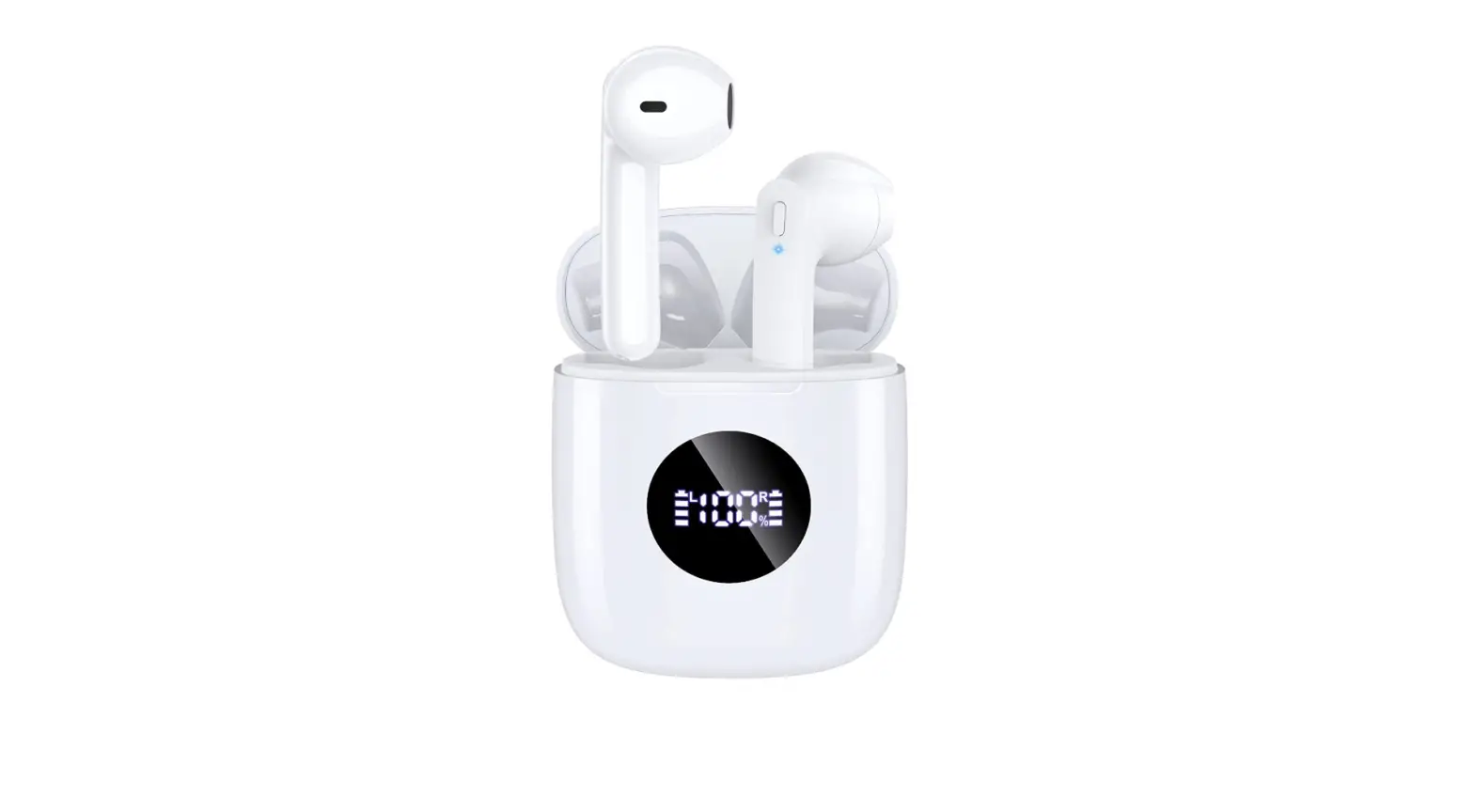
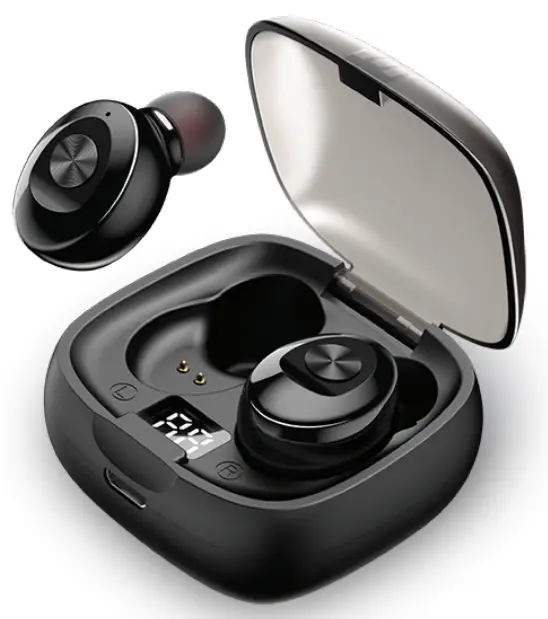
- Using the charging cable included, plug the micro USB connector into the case and the other end into a USB charger.
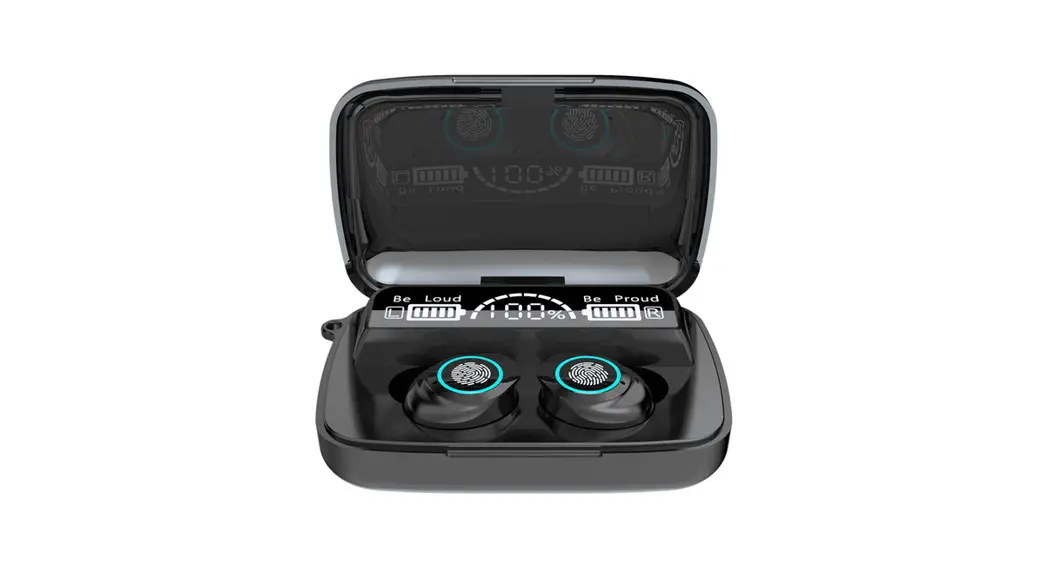
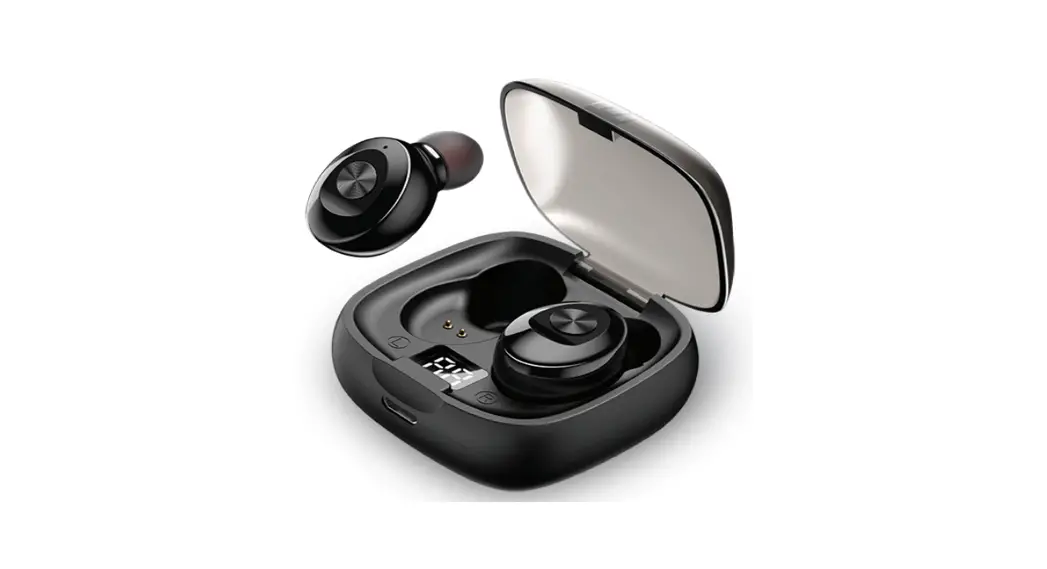
- When charging, the case will show the charging status of the case. The LCD indicator will light up when the case is being charged. At 100%, the case is fully charged.
- The earbuds will charge automatically when placed in the charging case. Their charge status will be indicated by the blue LED on each earbud. The LED’s will turn off once fully charged.
BLUETOOTH® PAIRING INSTRUCTIONS
- Place the earbuds in the case. They should start to charge.
- Take them back out of the case. They should start blinking red and blue indicating they are ready to pair. If they do not, you may need to press and hold the earbud to turn it on. If they do not turn on, the battery may be low. Charge the earbuds and try again.
- Now open your Bluetooth settings on your device and pair to”ETHTWN: Once connected, you can now start using your earbuds.
Product Repair or Replacement:
If you believe that your product meets the criteria for warranty replacement, please contact Emerge Technologies at:
877-499-6072 [email protected] 955 Freeport Pkwy, Suite 100 Coppell, Texas 75019 (Please be prepared to provide proof of purchase.)
FCC Warning
This device complies with Part 15 of the FCC Rules. Operation is subject to the following two conditions:
(1) this device may not cause harmful interference, and
(2) this device must accept any interference received, including interference that may cause undesired operation. Any changes or modifications to the device will void the user’s authority to operate the device.
FCC ID: 2AS50-094
| BLUETOOTH BUTTON FUNCTIONS | ||
| ACTION MAIN FUNCTION CALL FUNCTION | ||
| 1 – Click Right Earbud | Play/ Pause | Answer/ End Call |
| 1 – Click Left Earbud | Play/ Pause | Answer/ End Call |
| 1 – Click and hold Right Earbud | Next Track | N/A |
| 1- Click and hold Left Earbud | Previous Track | N/A |
| 3 – Click Right Earbud | SiriNoice Assistant | N/A |
| 3 – Click Left Earbud | SiriNoice Assistant | N/A |
| 1 – Click and HOLD Right Earbud | Power On/Power Off | Reject Call |
| 1 – Click and HOLD Left Earbud | Power On/Power Off | N/A |
Battery Warning
The battery should be disposed of according to local regulations. Do not dispose of the battery in fire, as it may cause an explosion.
Warning:
This device complies with part 15 of the FCC Rules. Operation is subject to the following two conditions: (1) this device may not cause harmful interference, and (2) this device must accept any interference received, including interference that may cause undesired operation. Any changes or modifications not expressly approved by the party responsible for compliance could void the user’s authority to operate the equipment.
NOTE: This equipment has been tested and found to comply with the limits for a Class B digital device, pursuant to Part 15 of the FCC Rules. These limits are designed to provide reasonable protection against harmful interference in a residential installation. This equipment generates, uses, and can radiate radio frequency energy and, if not installed and used in accordance with the instructions, may cause harmful interference to radio communications. However, there is no guarantee that interference will not occur in a particular installation. If this equipment does cause harmful interference to radio or television reception, which can be determined by turning the equipment off and on, the user is encouraged to try to correct the interference by one or more of the following measures:
- Reorient or relocate the receiving antenna.
- Increase the separation between the equipment and receiver.
- Connect the equipment into an outlet on a circuit different from that to which the receiver is connected.
- Consult the dealer or an experienced radio/TV technician for help. The device has been evaluated to meet the general RF exposure statement.
The device can be used in portable exposure conditions without restriction
Warning: Changes or modifications to this unit not expressly approved by the party responsible for compliance could void the user’s authority to operate the equipment
BKATWA 2010