Dartslive Dlhome2020 Home Dartboard User Manual

Dartslive Dlhome2020 Home Dartboard User Manual

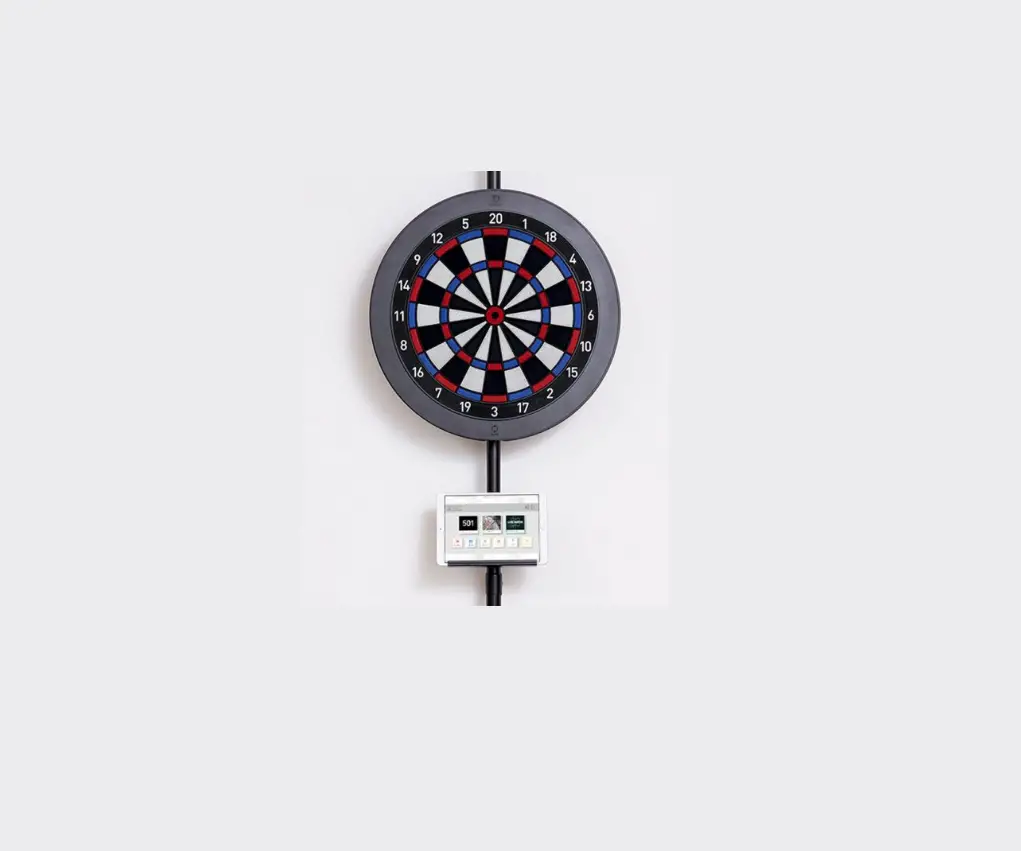
DARTSLIVE DLHOME2020 Home Dartboard
User Manual

DARTSLIVE DLHOME2020 Home Dartboard User Manual

To customers

Thank you for purchasing our product. This user manual includes important safety information and precautions safe use of this product Before use, please read this carefully and keep it nearby for easy reference. as this book et is about the DARTSLIVE Home dartboard, please refer to the help page of the app for the app use and the requirements.

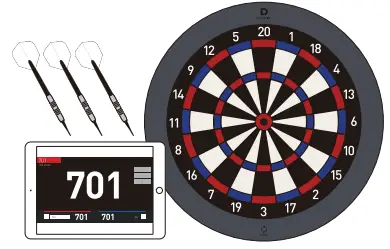
Content of DARTSLIVE Home
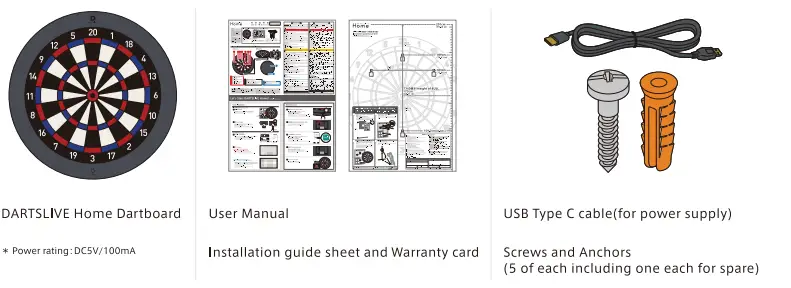
DARTSLIVE DLHOME2020 Home Dartboard User Manual - Content of DARTSLIVE Home

Part name of DARTSLIVE Home
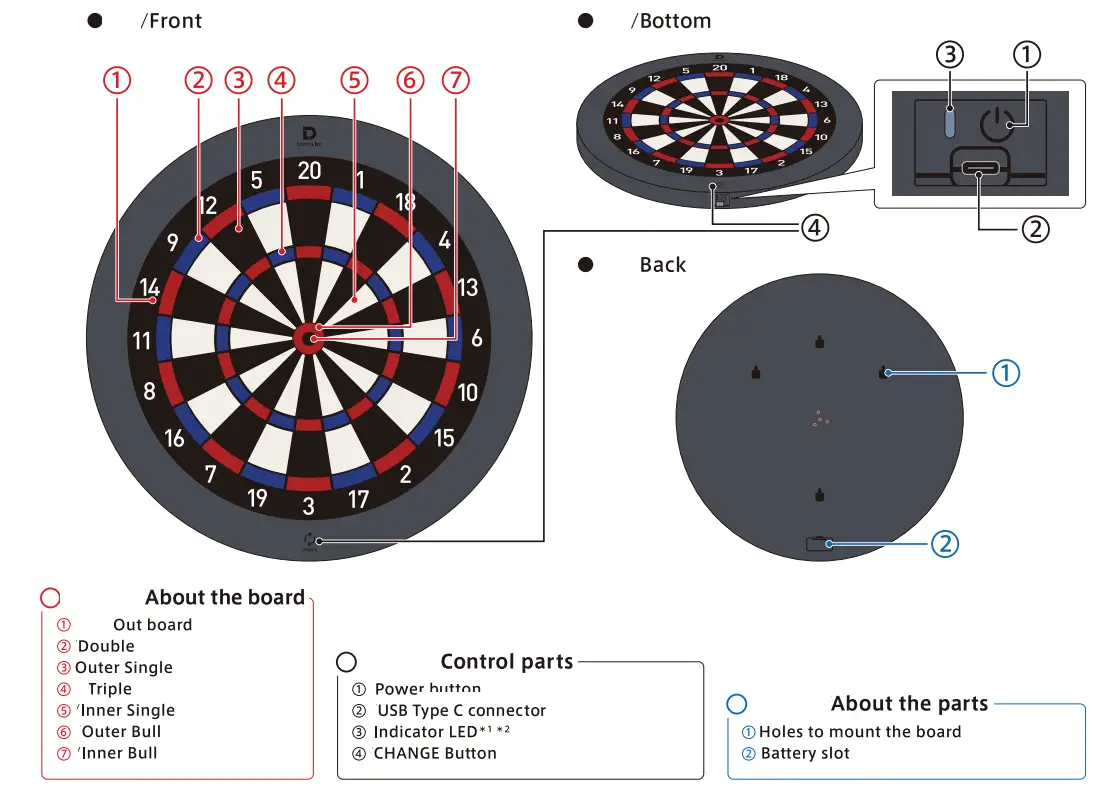
DARTSLIVE DLHOME2020 Home Dartboard User Manual - Part Name of DARTSLIVE Home

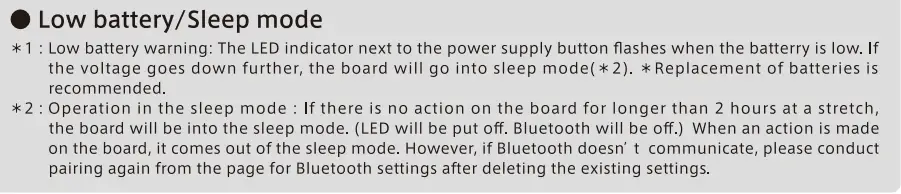
DARTSLIVE DLHOME2020 Home Dartboard User Manual - Low battery Sleep mode

DARTSLIVE DLHOME2020 Home Dartboard User Manual - Warning or Caution iconFor safe use of the product DARTSLIVE DLHOME2020 Home Dartboard User Manual - Warning or Caution icon

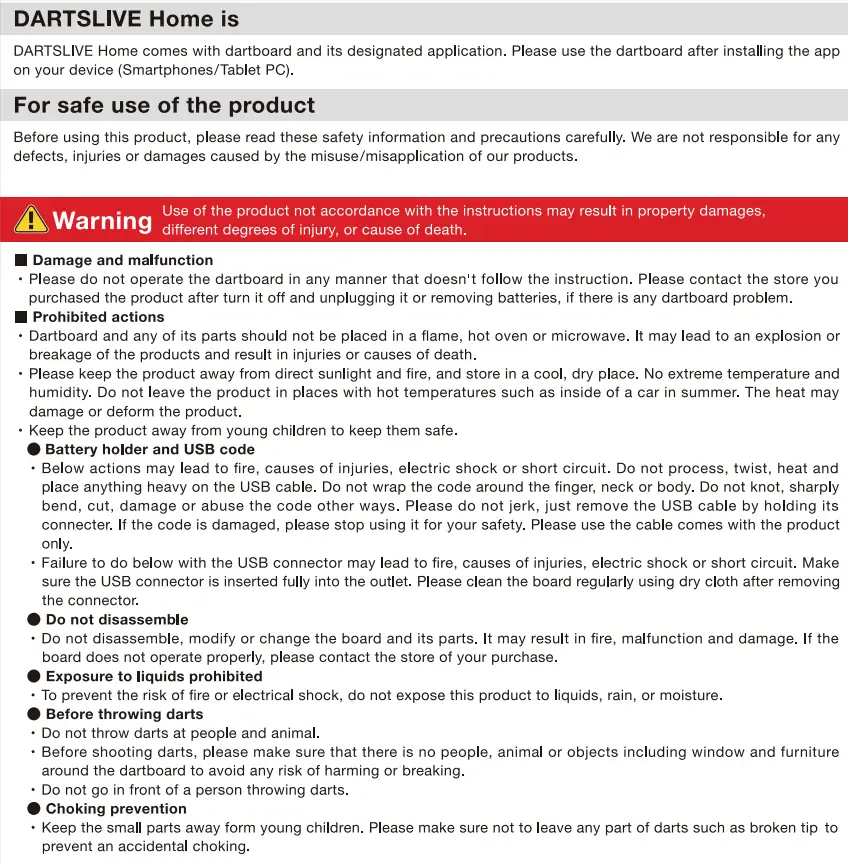
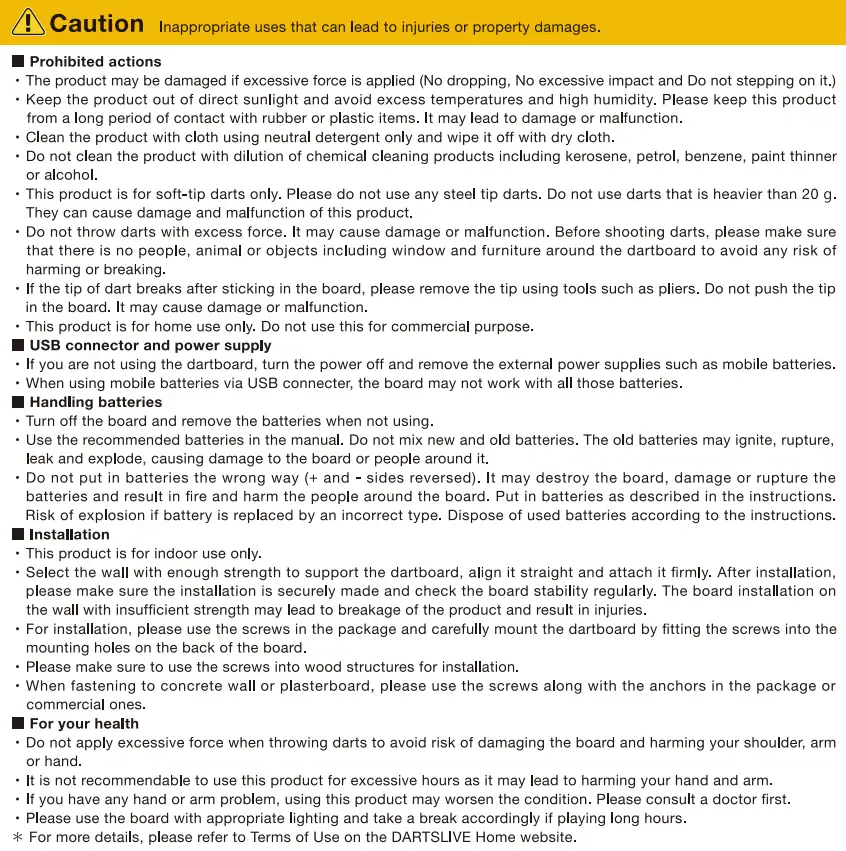
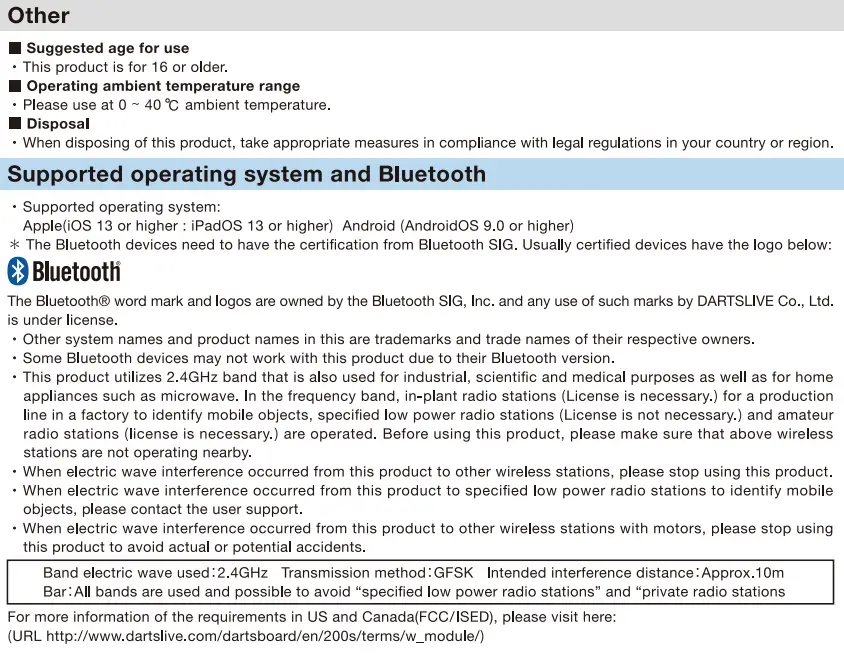
DARTSLIVE DLHOME2020 Home Dartboard User Manual - Dartslive home isDARTSLIVE DLHOME2020 Home Dartboard User Manual - CautionDARTSLIVE DLHOME2020 Home Dartboard User Manual - Other

http://www.dartslive.com/dartsboard/en/200s/terms/w_module/

Introduction

Make the board ready

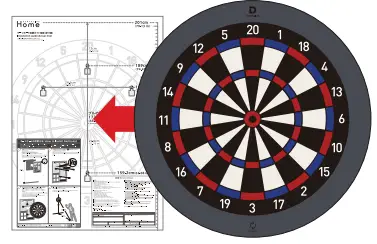
  1. Installation
    DARTSLIVE DLHOME2020 Home Dartboard User Manual - Installation
  2. Power supply
    Either Insert two 1.SV AAA batteries or connect the dartboard with USB cable, and then press button to turn the boar don.
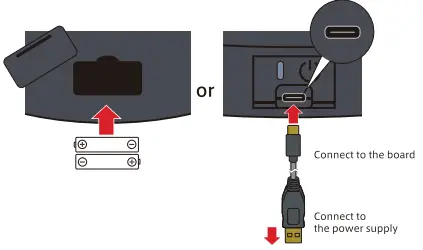
DARTSLIVE DLHOME2020 Home Dartboard User Manual - Power supply

Prepare app

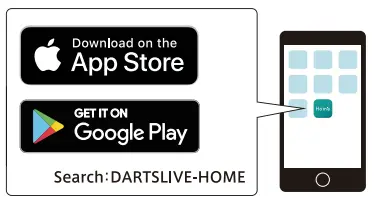
  1. Download
    Download the DARTSLIVE Home app on your mobile device.  Search “DARTSLIVE-HOME” on App Store or Google play.
    DARTSLIVE DLHOME2020 Home Dartboard User Manual - Download App
  2. Log in
    Enter your email address and password and log In to your account.
DARTSLIVE DLHOME2020 Home Dartboard User Manual - Log in

► If you don’t have a DARTSLIVE account

Tap “New Registration” and open your account by following the instructions on the screen.
Keep the registered email address and password in a safe location so as not to forget them.
DARTSLIVE DLHOME2020 Home Dartboard User Manual - If you don't have a DARTSLIVE account

How to play

  1. Turn on the power
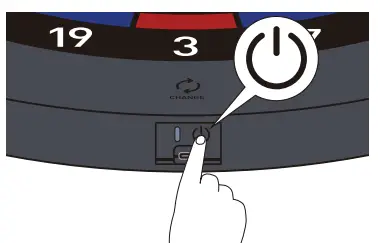
    Touch the power button at the bottom of the dartboard for 1 second
    * Touch the power button for 2 seconds to turn off the power.
    * Refer to “Board Preparation “prior to using the board for the first time.
    DARTSLIVE DLHOME2020 Home Dartboard User Manual - Turn on the power
  2. Check the connection status
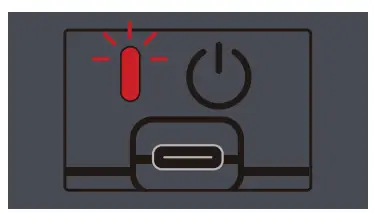
    Make sure the LED is a blinking red light
    DARTSLIVE DLHOME2020 Home Dartboard User Manual - Check the connection status
  3. Start the App
    Enable Bluetooth on your smart phone/tablet.
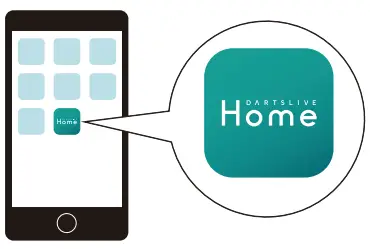
    Start the DARTS LIVE Home App.
    • Refer to “App Preparation” before starting the App for the first time.
    DARTSLIVE DLHOME2020 Home Dartboard User Manual - Start the app
  4. Pairing completion
    Your device will be paired to the board via Bluetooth connection.
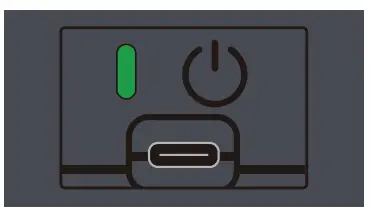
    Make sure the LED light is green
    DARTSLIVE DLHOME2020 Home Dartboard User Manual - Pairing completion
  5. Let’s play
    Select a game to play and enjoy darts.
DARTSLIVE DLHOME2020 Home Dartboard User Manual - Let's paly

Installation guide (Actual Size)

* Please use this as an aid In installing the dart board.
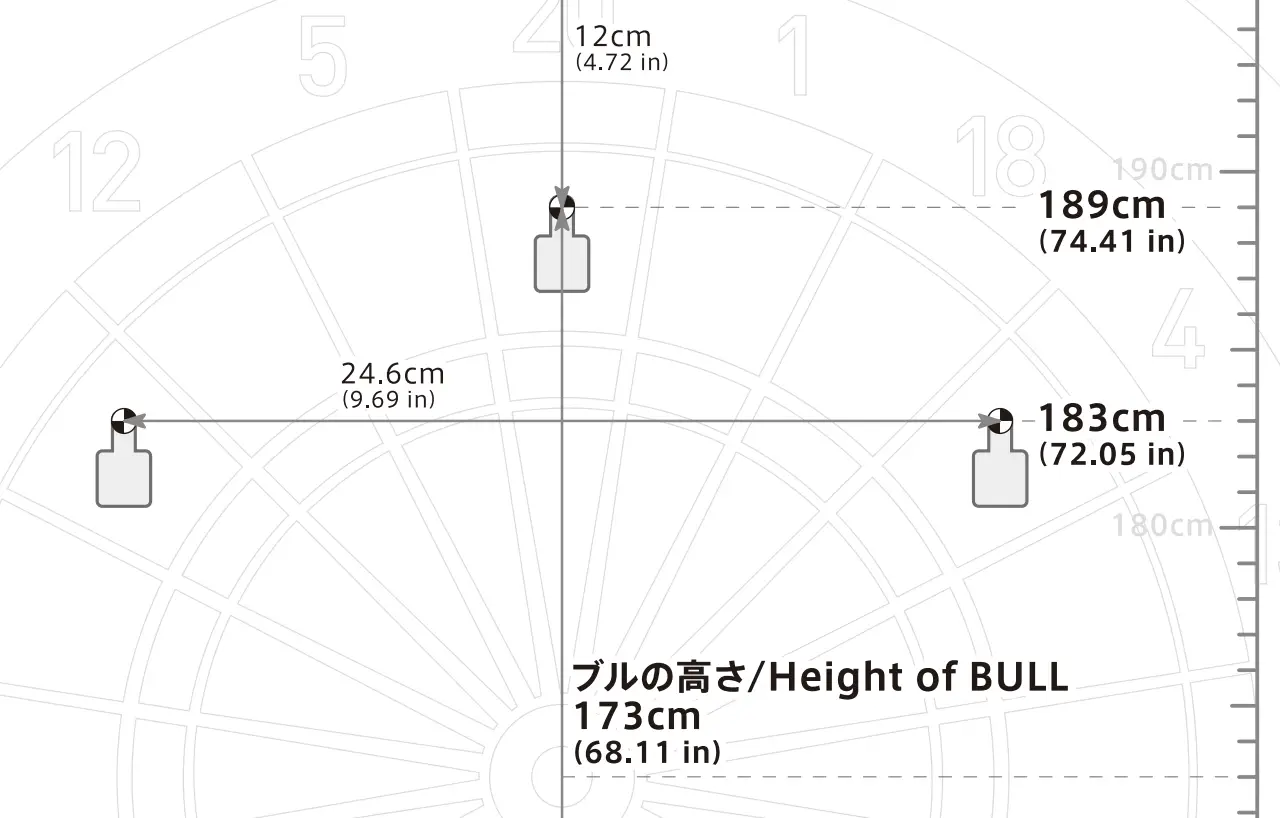
DARTSLIVE DLHOME2020 Home Dartboard User Manual - Installation guide

How to install Dartboard

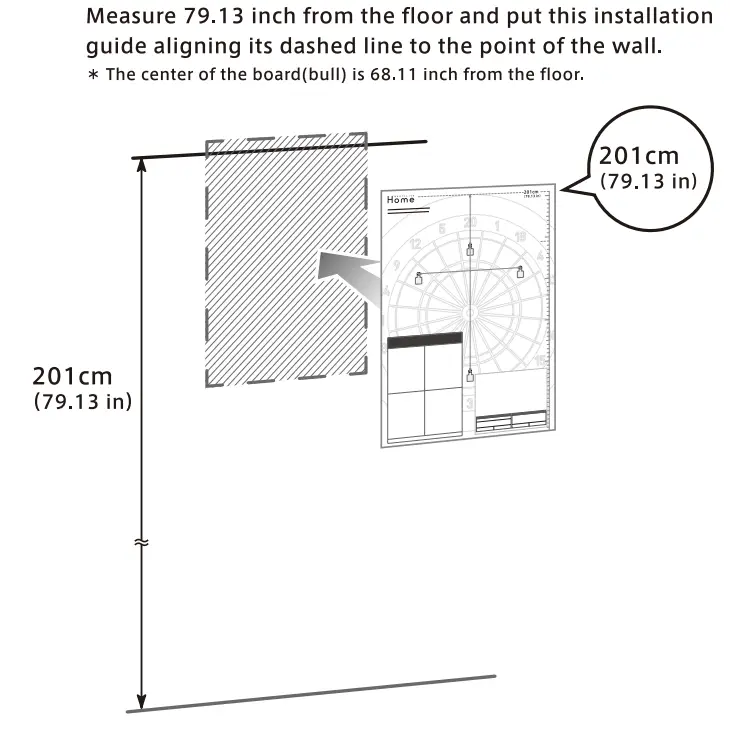
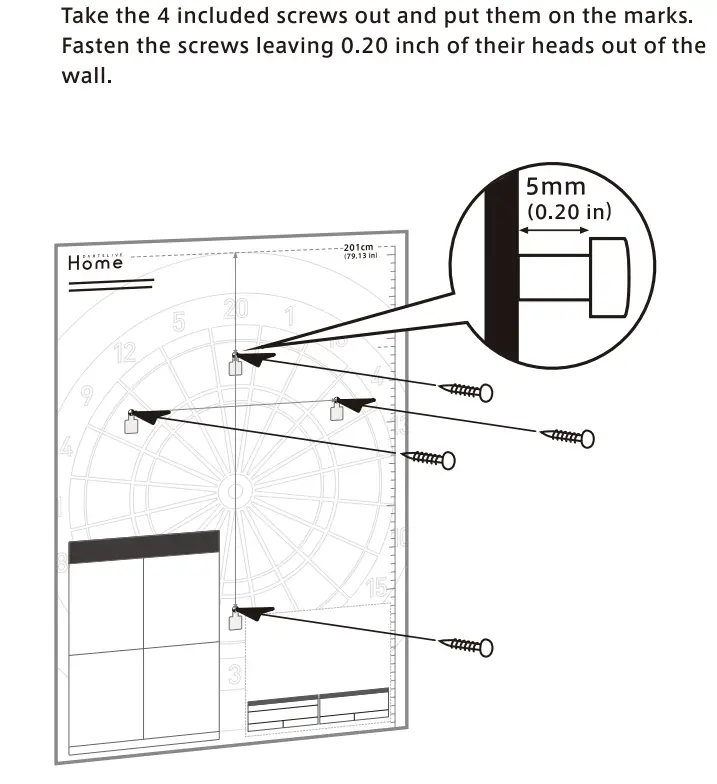
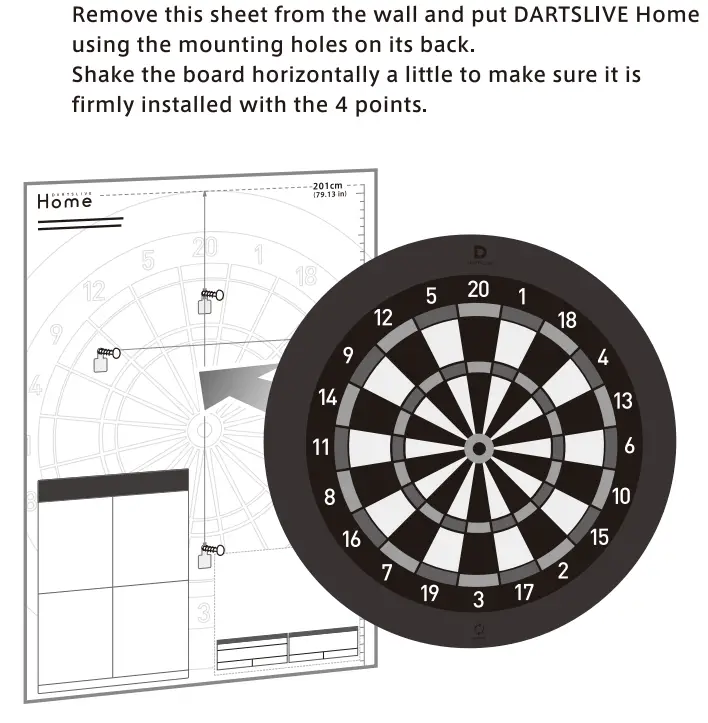
DARTSLIVE DLHOME2020 Home Dartboard User Manual - How to install DartboardDARTSLIVE DLHOME2020 Home Dartboard User Manual - How to install DartboardDARTSLIVE DLHOME2020 Home Dartboard User Manual - How to install DartboardDARTSLIVE DLHOME2020 Home Dartboard User Manual - How to install Dartboard

Warranty certificate
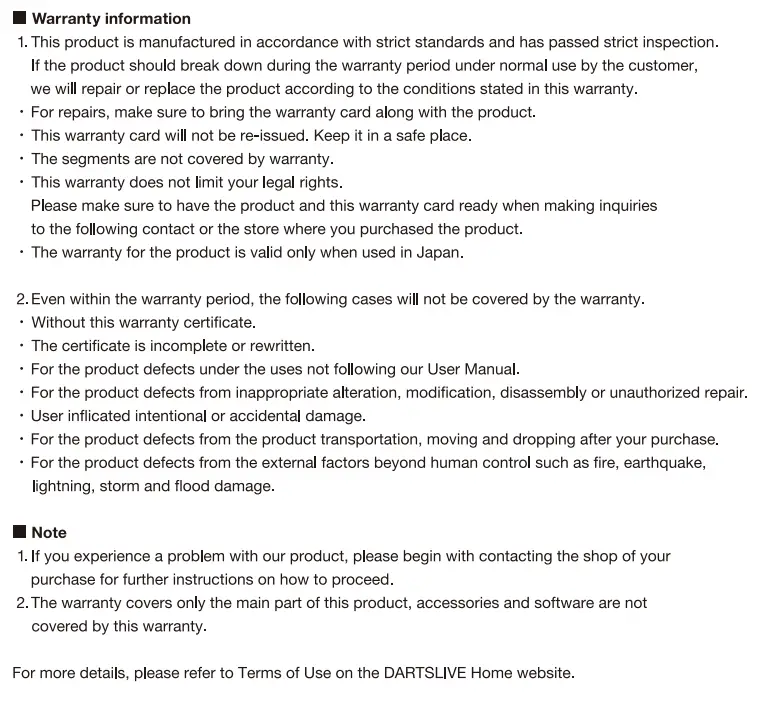
DARTSLIVE DLHOME2020 Home Dartboard User Manual - Warranty Certificate

Documents / Resouces

Download manual
Here you can download full pdf version of manual, it may contain additional safety instructions, warranty information, FCC rules, etc.


Related Manuals