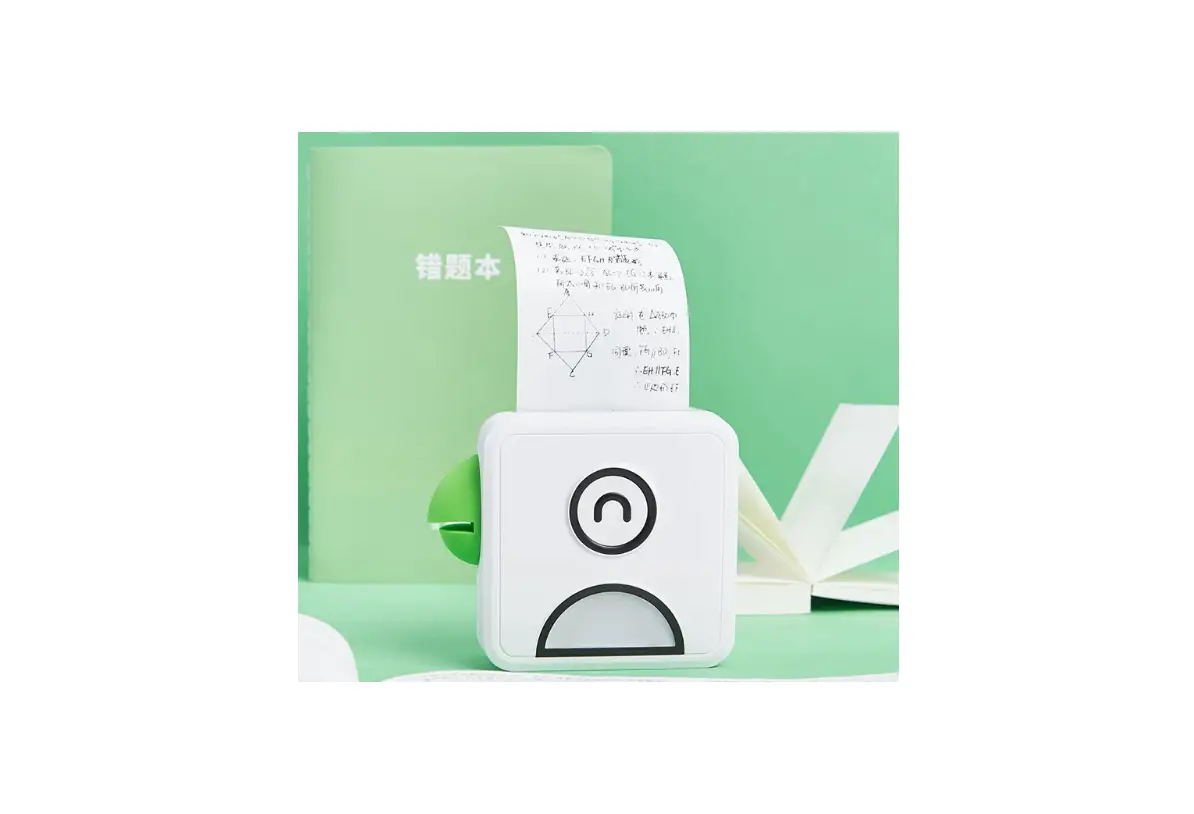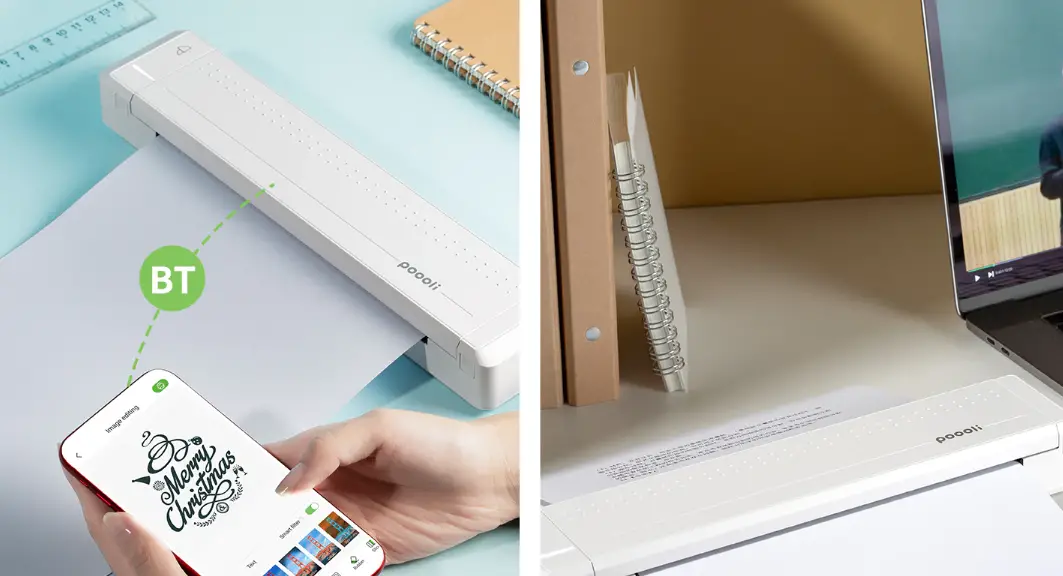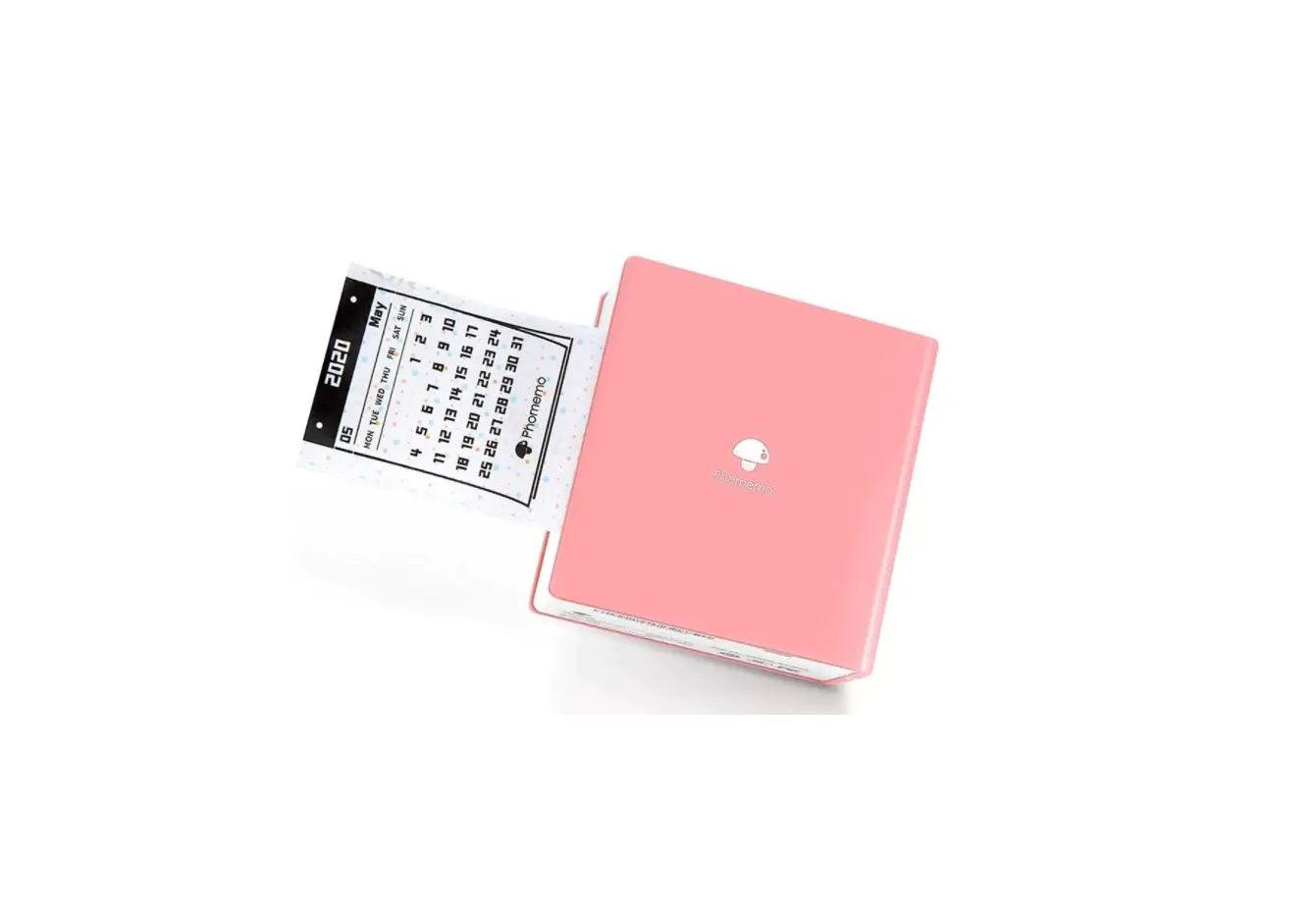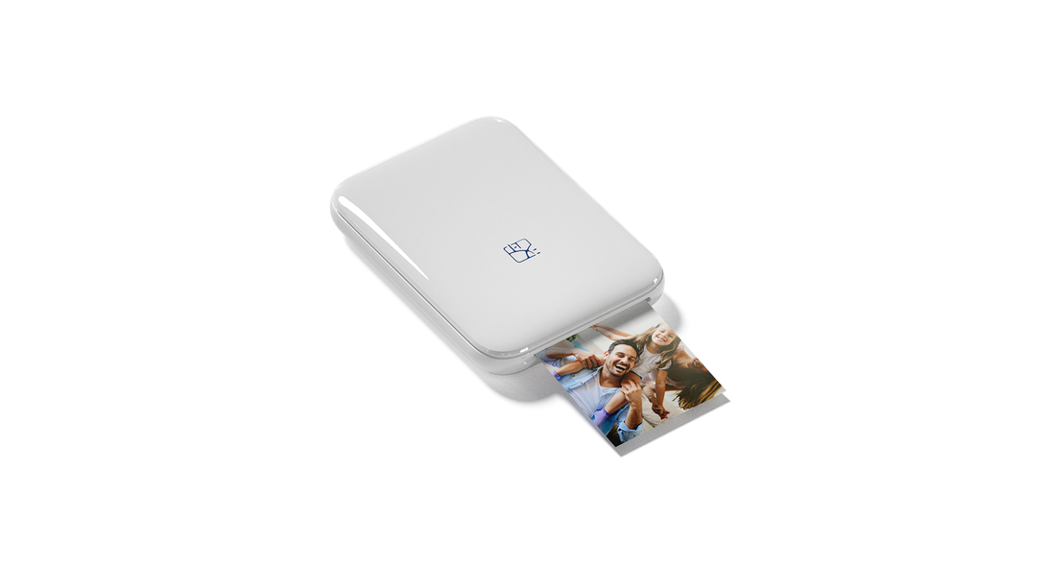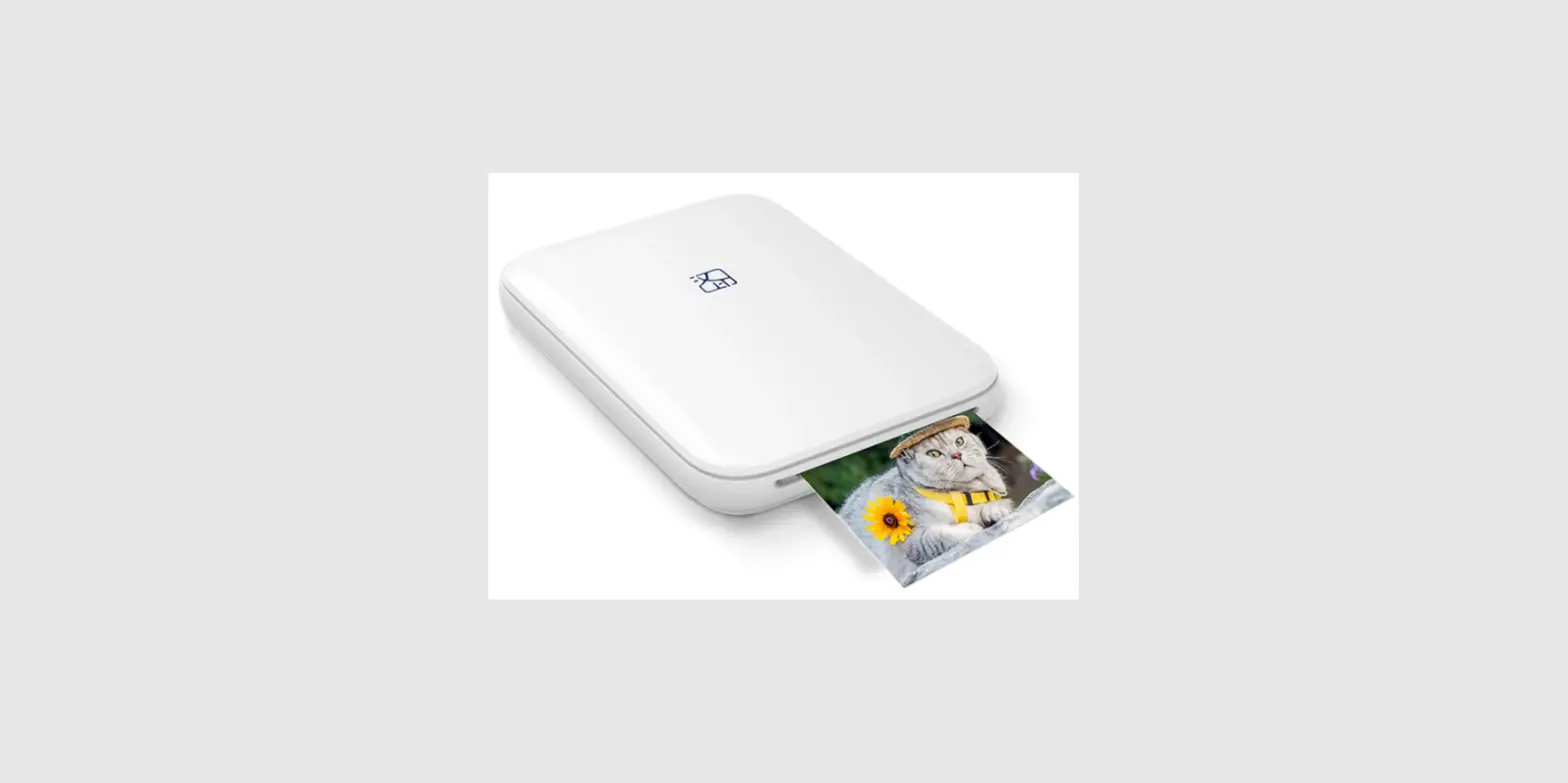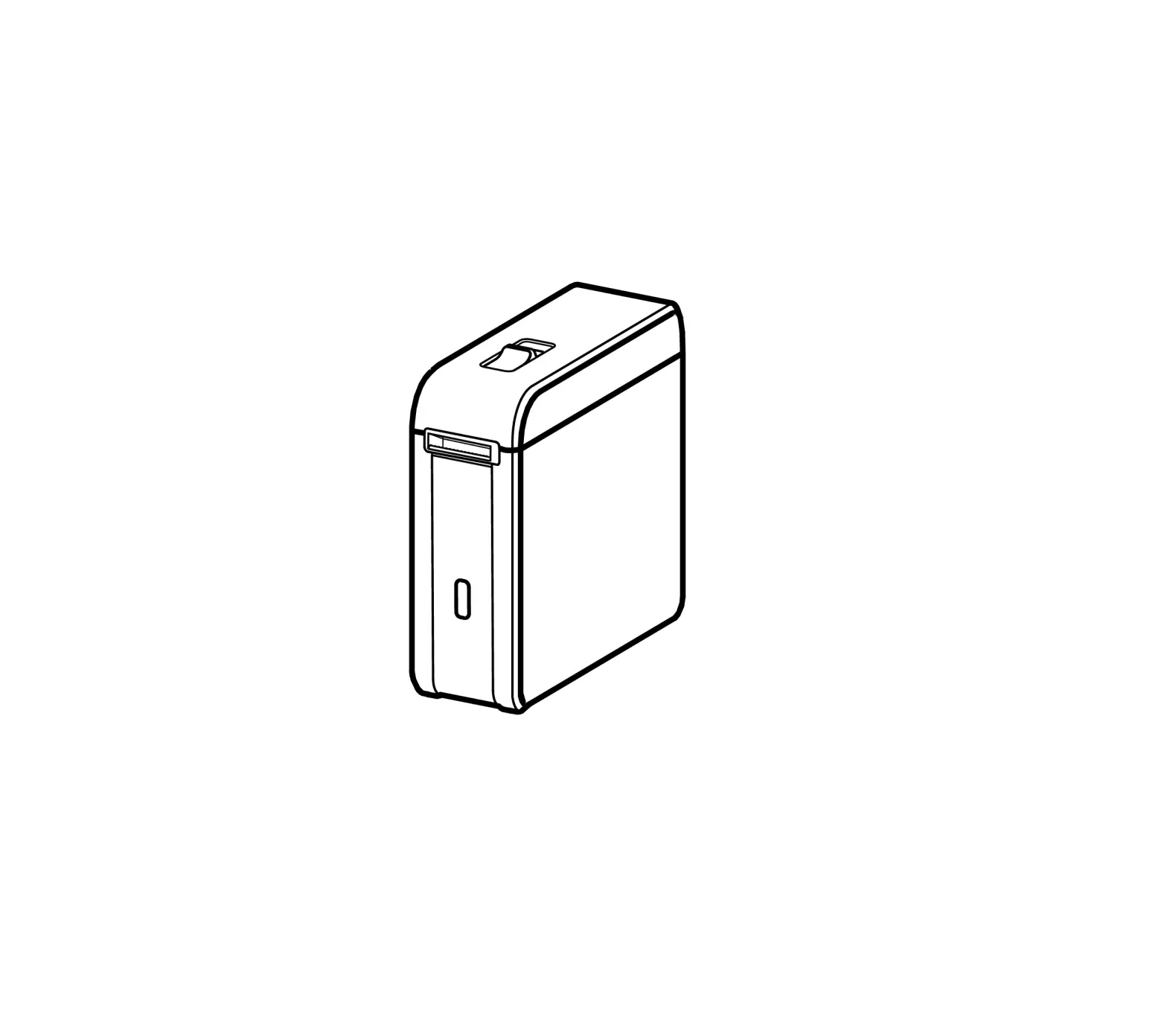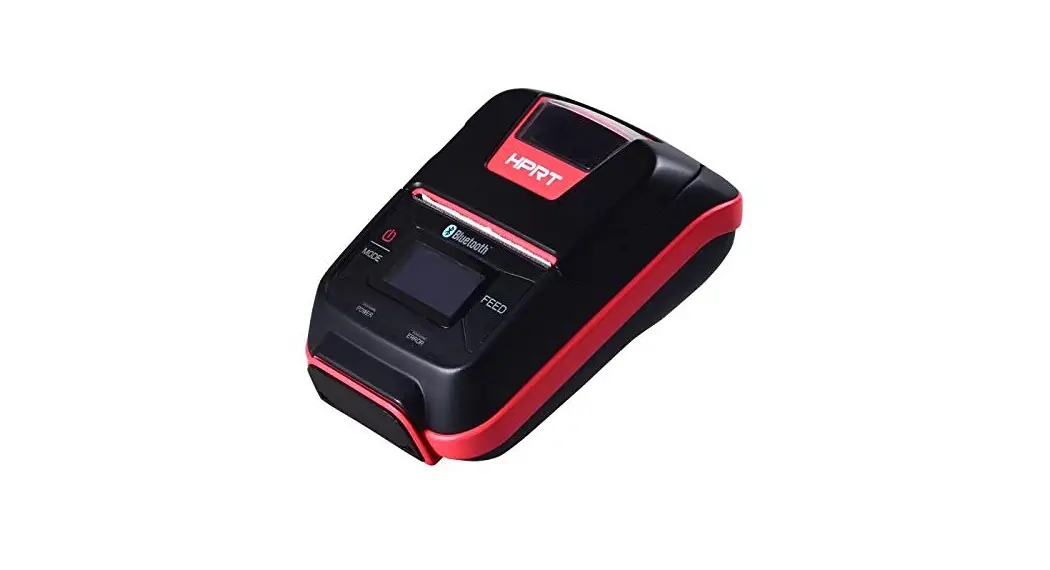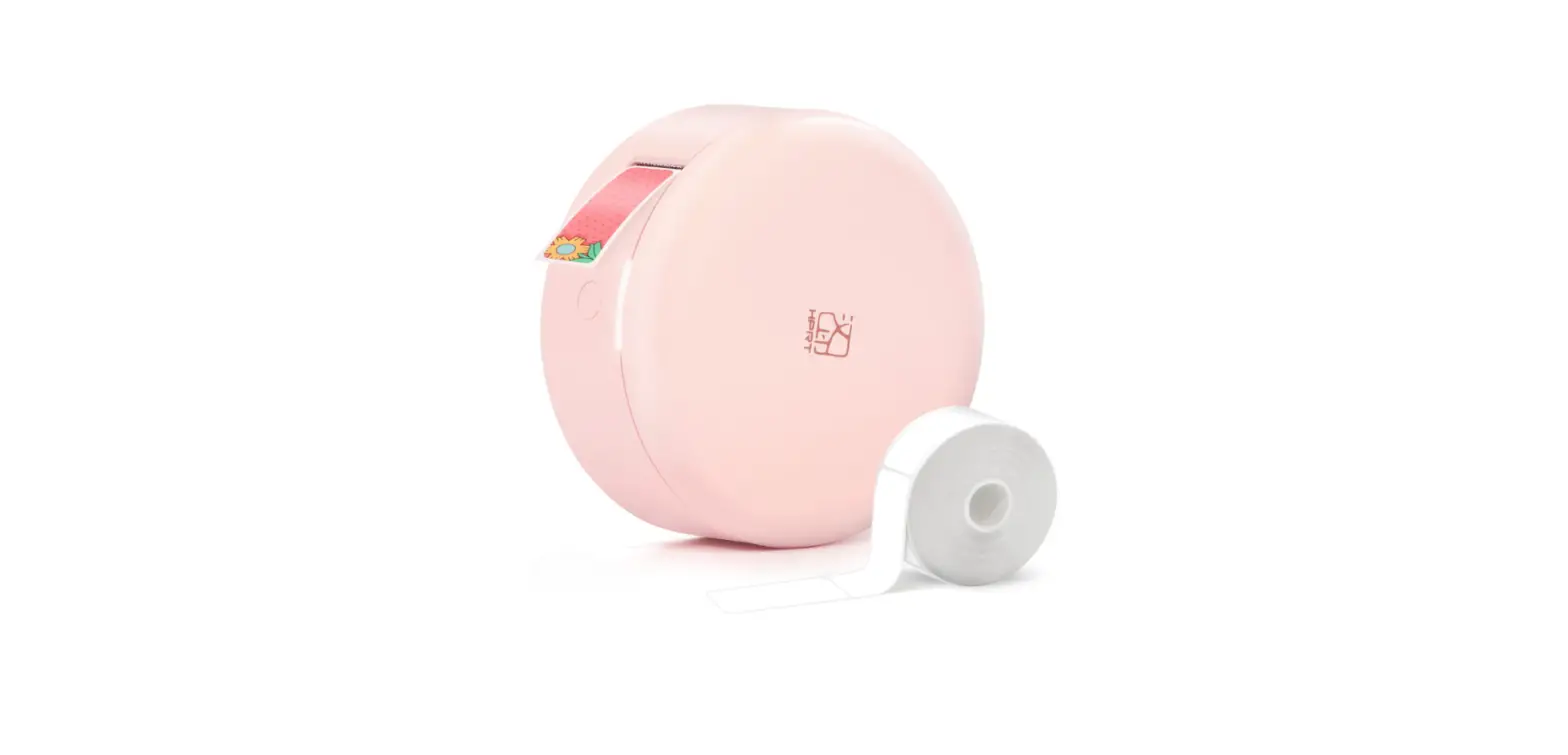

HPRT Poooli L1/L2 Mini Pocket Printer

Packing List
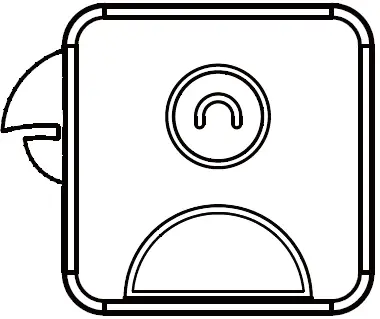
- HPRT Poooli L1/L2

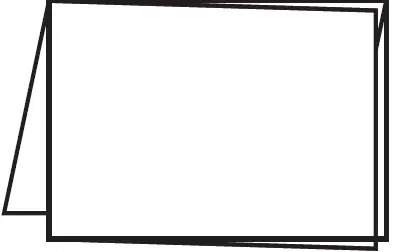
- Quick Start Guide

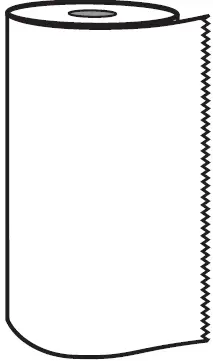
- Thermal Paper Roll

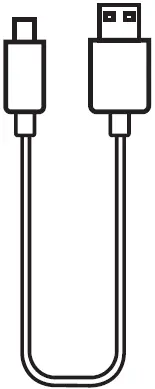
- USB Cable
Note:
The packing materials are actually based on the order.
Appearance
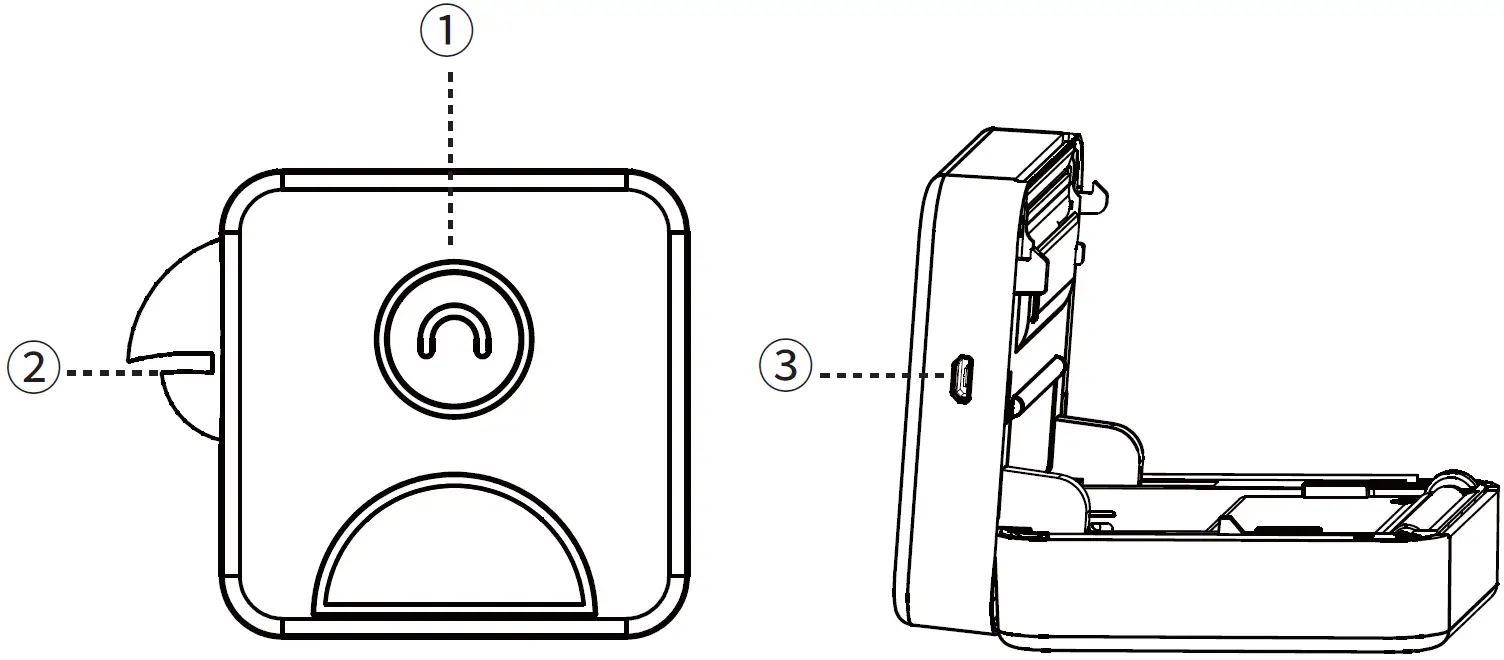
- Power button
- Parrot mouth accessory
- USB Port
Using Guide
Power button status
Long press 3 seconds to ON/OFF
- Light: Standby / charging completed
- Slow flash: Charging
- Fast flash: Supplies near end, cover open, low battery and the print head is overheated.
Charging
Use it for the first time after purchase
- Recommended to use after full charge.
- Can be charged using a phone adapter or connected to a computer.
USB Cable
In addition to the dedicated charger, you can also use the charging cable of mobile device.
- Recommended to use a dedicated charging cable to charge.
- It takes about 90 minutes to charge with 5V/1A.
Download APP Scan the QR code below and install the app:
Connection
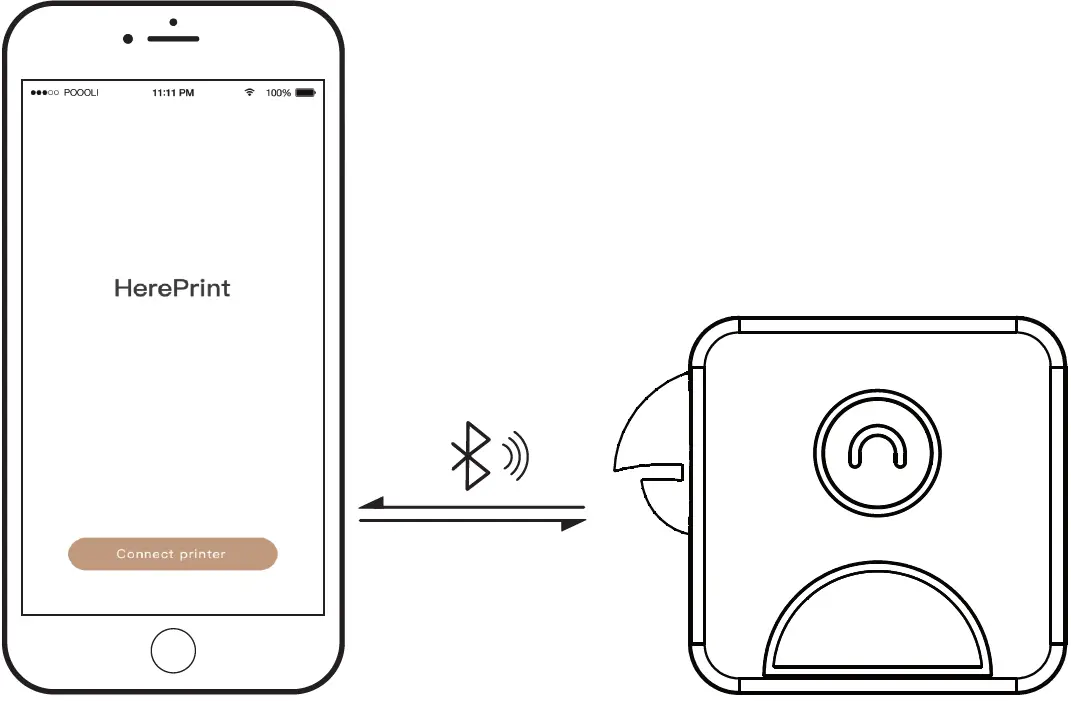 Click the “Connect Printer” button. Enter the printer search page to select the corresponding printer from the list of printers found via Bluetooth.
APP Setting
- When the first connection succeeds, the next time you start the application that will connect HPRT Poooli L1/L2 automatically.
- In the connection state, double click the power button to disconnect the connection.

- You can view information such as remaining power, firmware versions in device management.

Disassembly
Dismantle
If you want to remove the parrot mouth accessory , please according to the step take them down.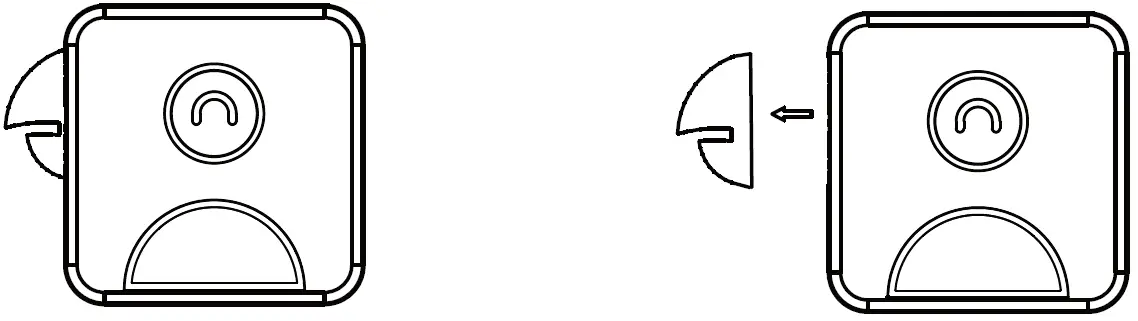 Install
If you want to attach the parrot mouth accessory, use the magnet to adsorb the parrot mouth.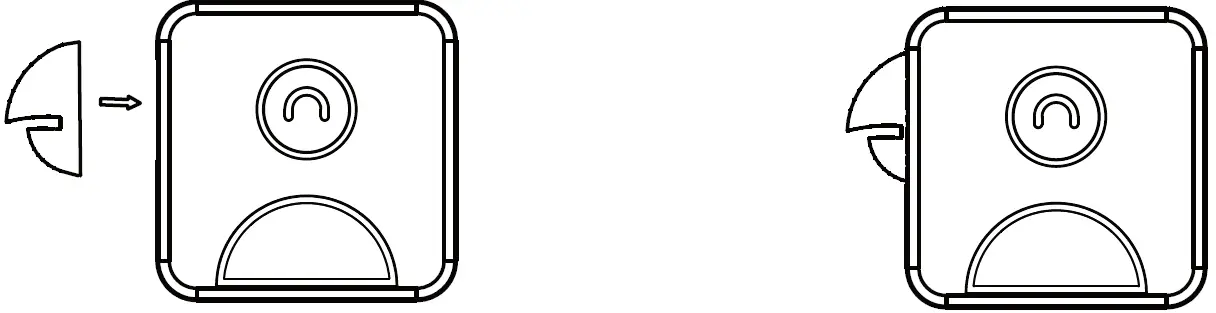 Replace Supplies
- Place Poooli as shown in,
 and look at the arrow.
 - With reference to
 push down the upper cover.
 - When replacing supplies, place the supplies in reference to the direction shown in .

- If the supplies are properly placed, close the upper cover to the lower cover and push the upper cover back to its original shape.
- When changing supplies , do not touch the print head in case of over heating.
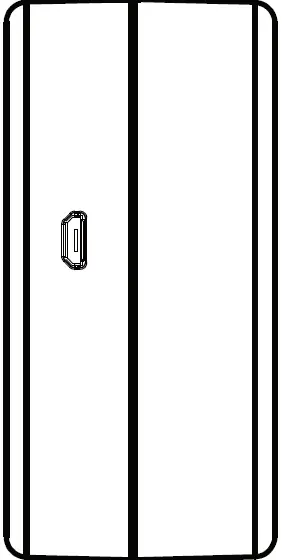 and look at the arrow.
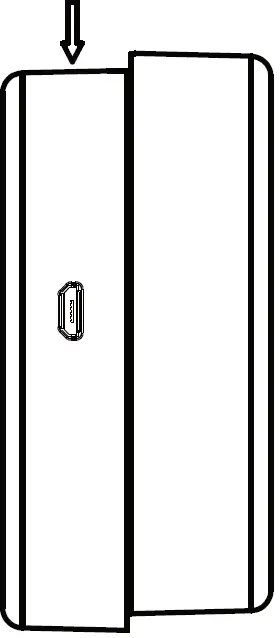 push down the upper cover.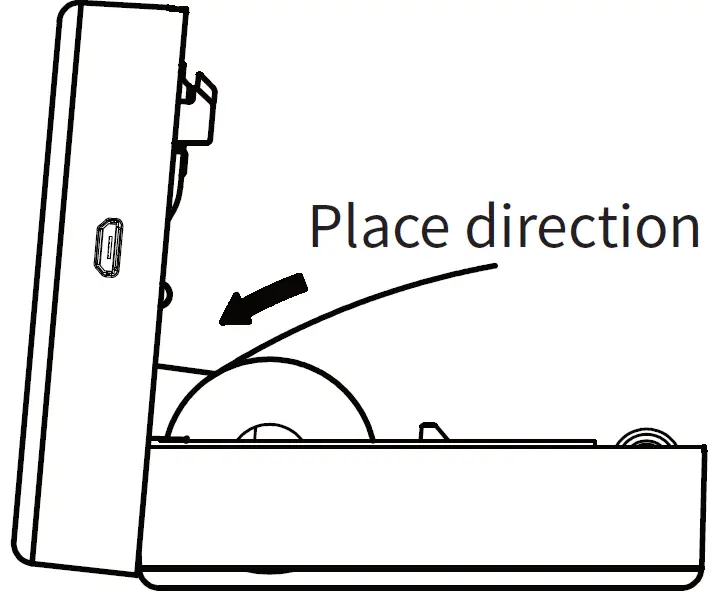
Offical Supplies Types
| Thermal paper | No bisphenol-A, saves photo for up to 22 years. |
| Three proofings | Waterproof, oil-proof, anti-PVC, no bisphenol -A, saves photo for up to 22 years. |
| Self-adhesive paper | No bisphenol-A, with a sticky glue, no fixed specifications, free to set the print length |
| Convenience sticker | No bisphenol-A, hasback glue, can be picked as soon as affixed. No bisphenol-A, has more sticky glue, does not |
| Continuous paper | have the fixed specification, can be used as a variety of tag identification
|
| |
Safety
Battery overheating
Battery management and cautions
- When the charge is completed, please unplug the charging line.
- To avoid fire, do not charge at high temperatures(e.g. sweating rooms, bonfire accessories, etc.).
Charger attention
Print head management and cautions
- There may be damage to the print head due to improper charging.
- We recommend not to use HPRT Poooli L1 in high humidity or dusty areas.
Combustion hazard
Print head overheating
- After printing, do not touch the print head directly to prevent burn.
Charging port damage phenomenon
Charging cautions
- Please gently insert or unplug the chargingline to prevent excessive damage to the charging port.
FCC COMPLIANCE STATEMENT:
This device complies with part 15 of the FCC Rules. Operation is subject to the following two conditions:
- This device may not cause harmful interference, and
- this device must accept any interference received, including interference that may cause undesired operation.
Note:
This equipment has been tested and found to comply with the limits for a Class B digital device, pursuant to Part 15 of the FCC Rules. These limits are designed to provide reasonable protection against harmful interference in a residential installation. This equipment generates, uses and can radiate radio frequency energy and, if not installed and used in accordance with the instructions, may cause harmful interference to radio communications. However, there is no guarantee that interference will not occur in a particular installation. If this equipment does cause harmful interference to radio or television reception, which can be determined by turning the equipment off and on, the user is encouraged to try to correct the interference by one or more of the following measures:
- Reorient or relocate the receiving antenna.
- Increase the separation between the equipment and receiver.
- Connect the equipment into an outlet on a circuit different from that to which the receiver is connected.
- Consult the dealer or an experienced radio/TV technician for help.
Warning:
Changes or modifications to this unit not expressly approved by the part responsible for compliance could void the user’s authority to operate the equipment.
FCC Radiation Exposure Statement
The device has been evaluated to meet general RF exposure requirement. The device can be used in portable exposure condition without restriction.
 汉印(HPRT)打印机_彩色照片打印机_条码标签打印机_二维码扫描器
 HPRT | Printer, Label Printer, QR Code Scanner Manufacturer