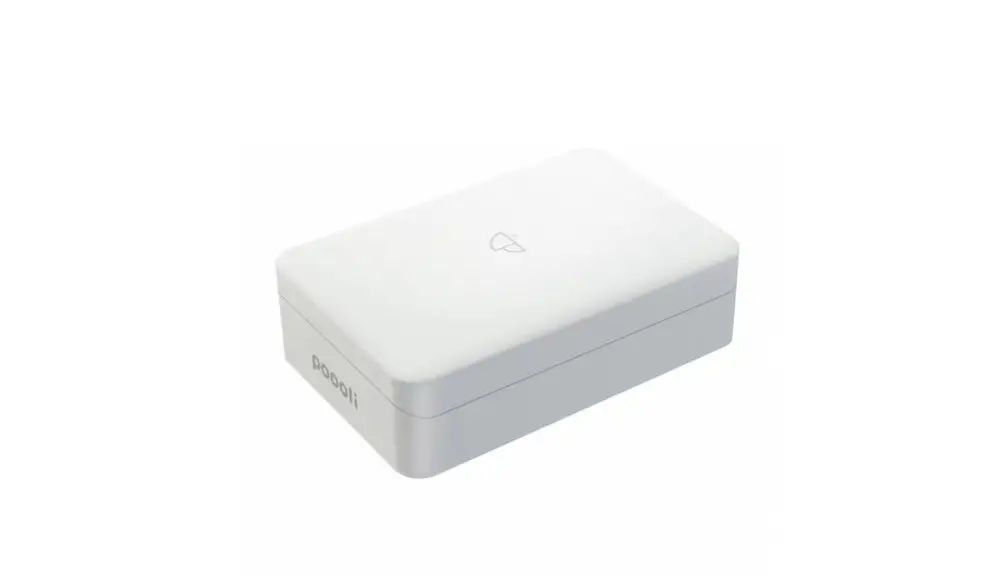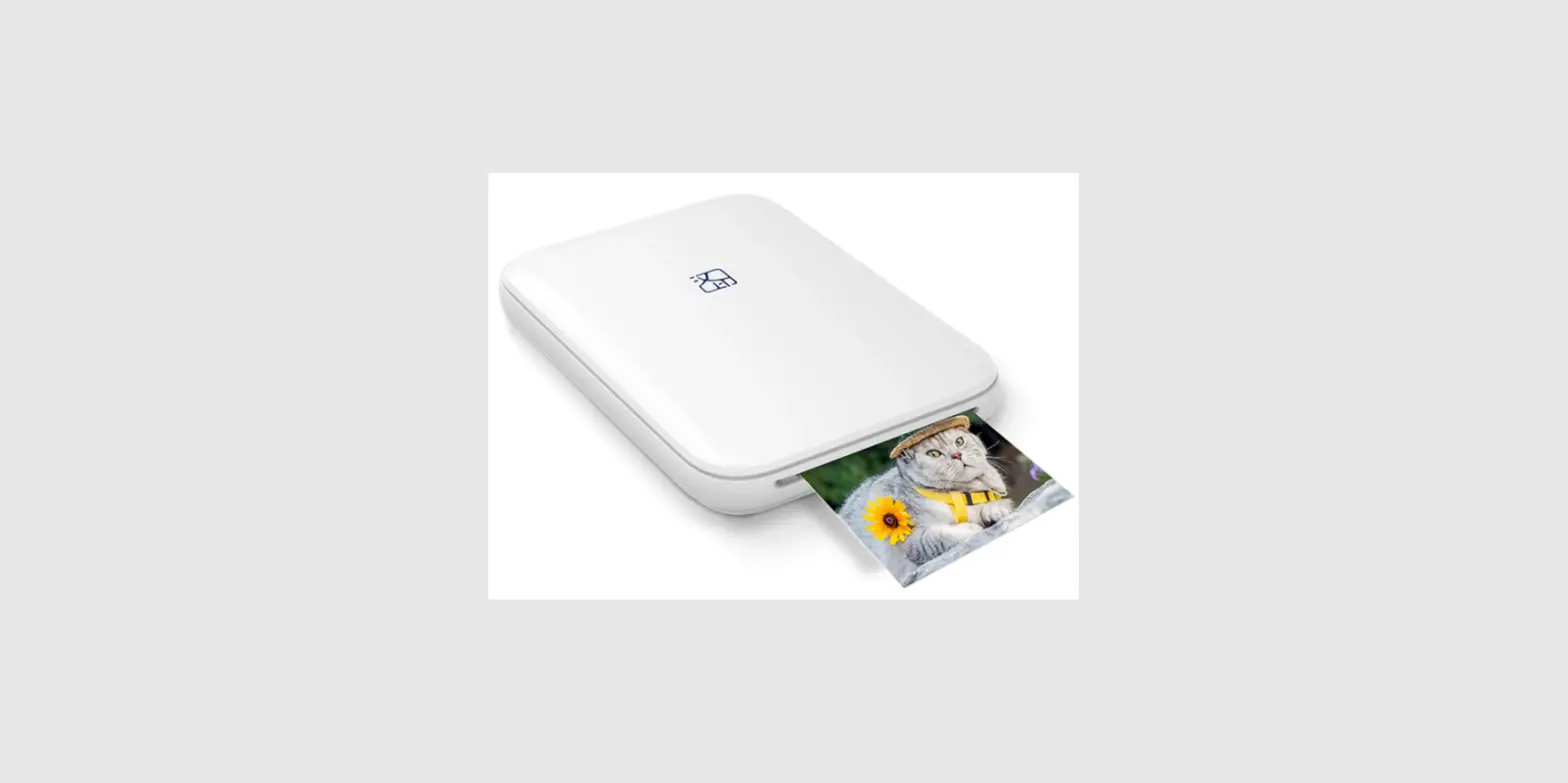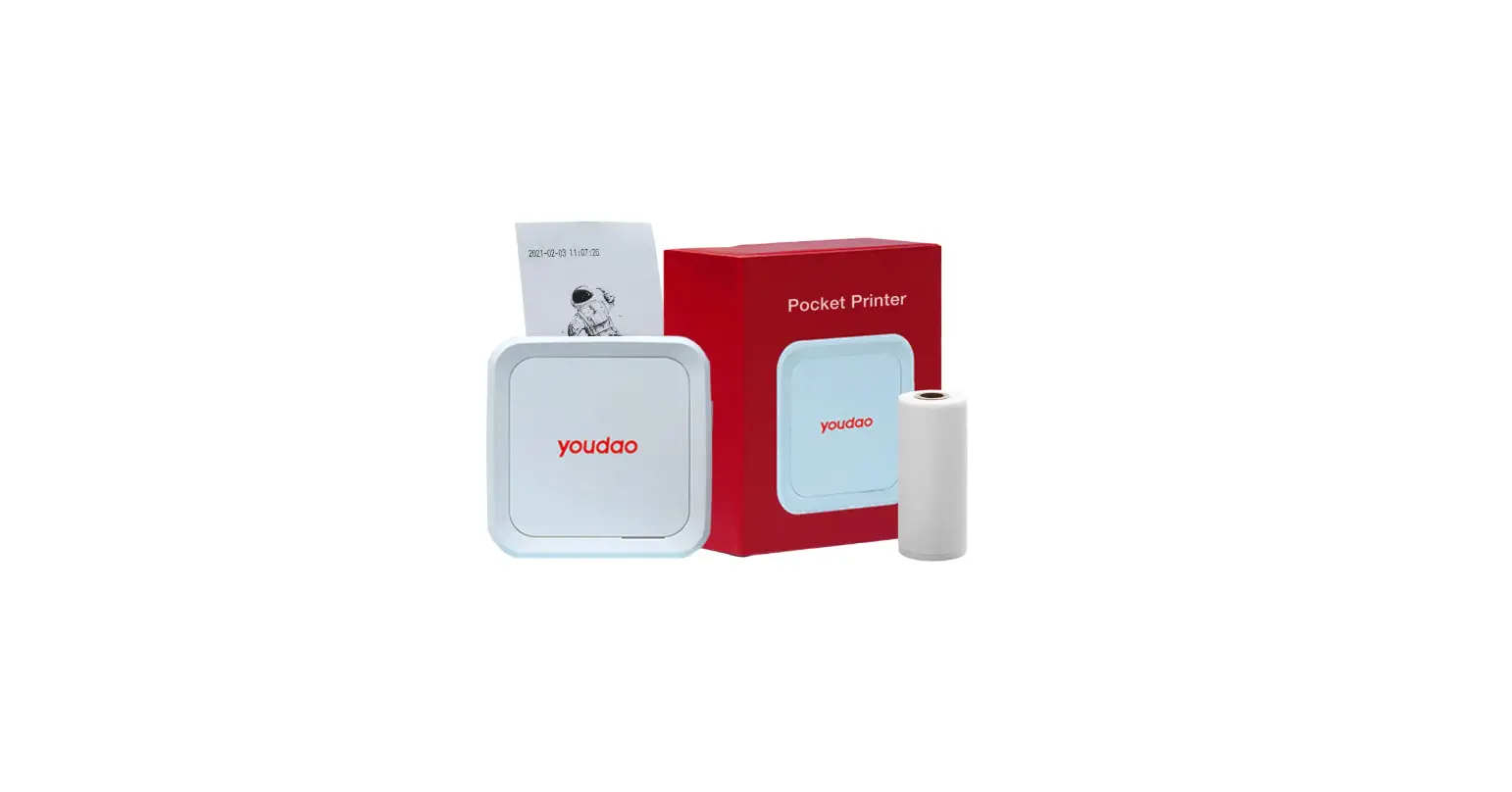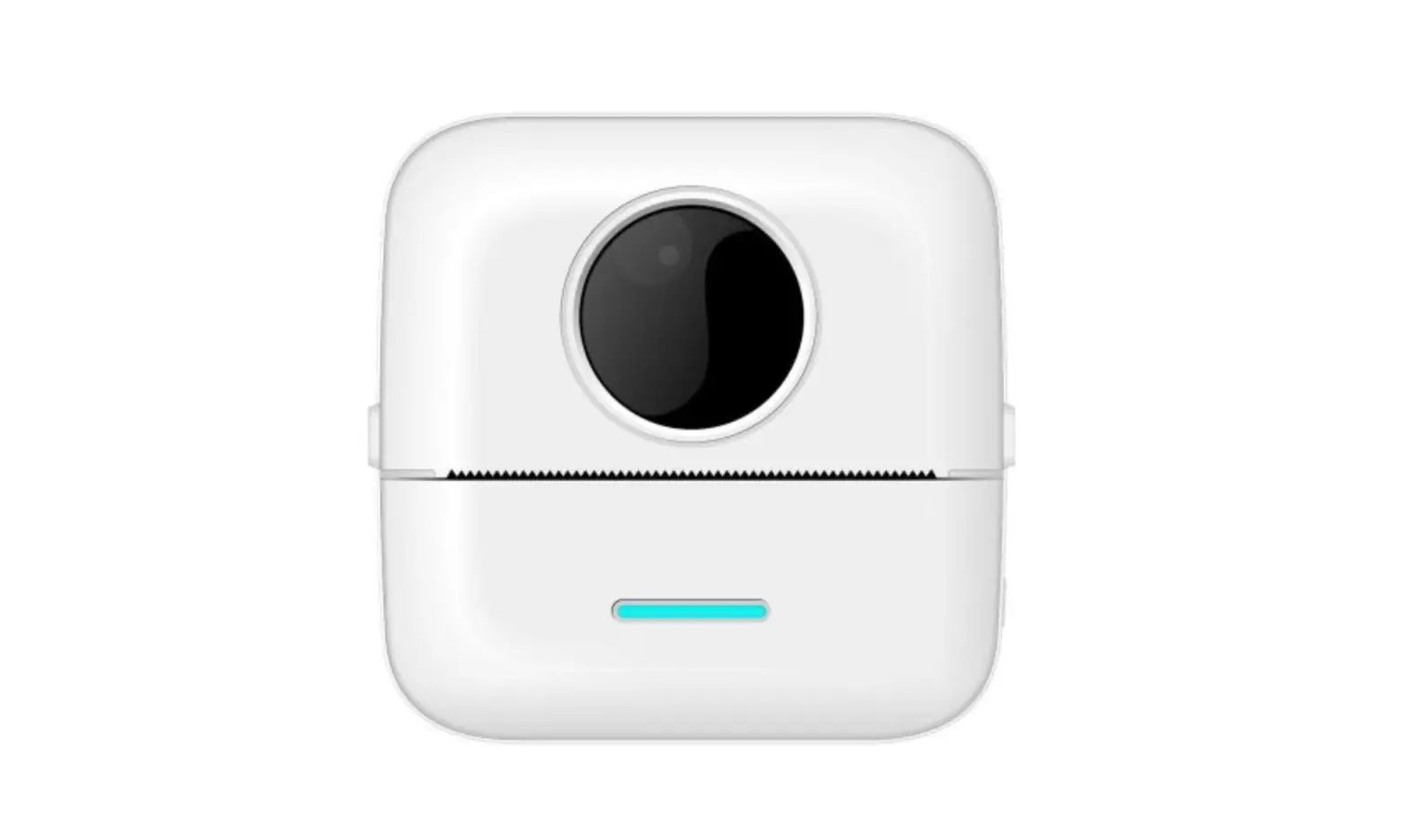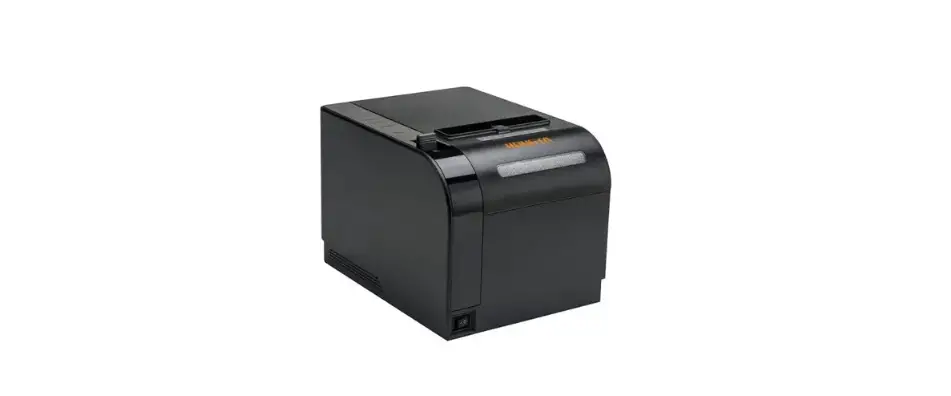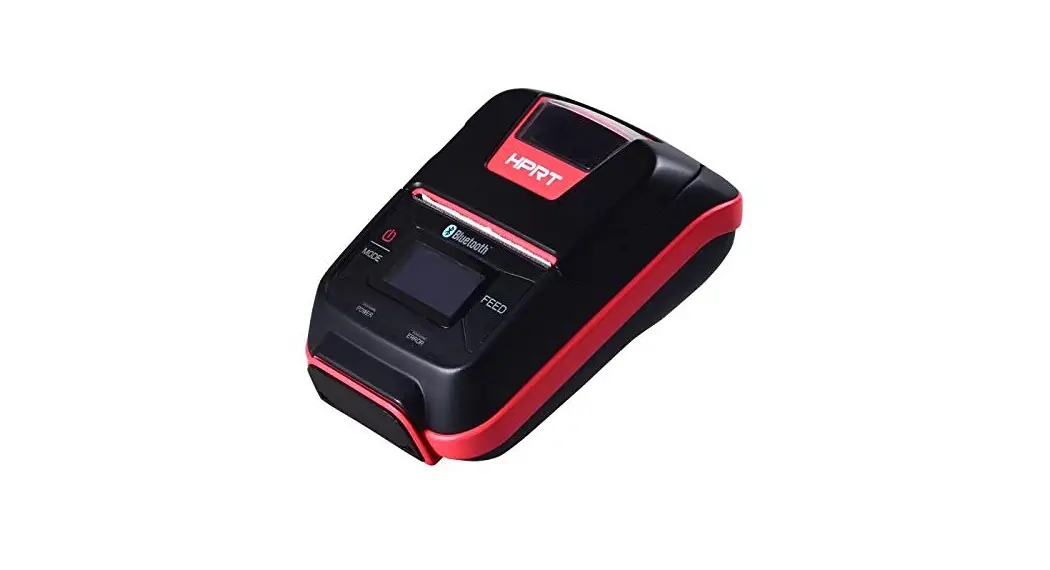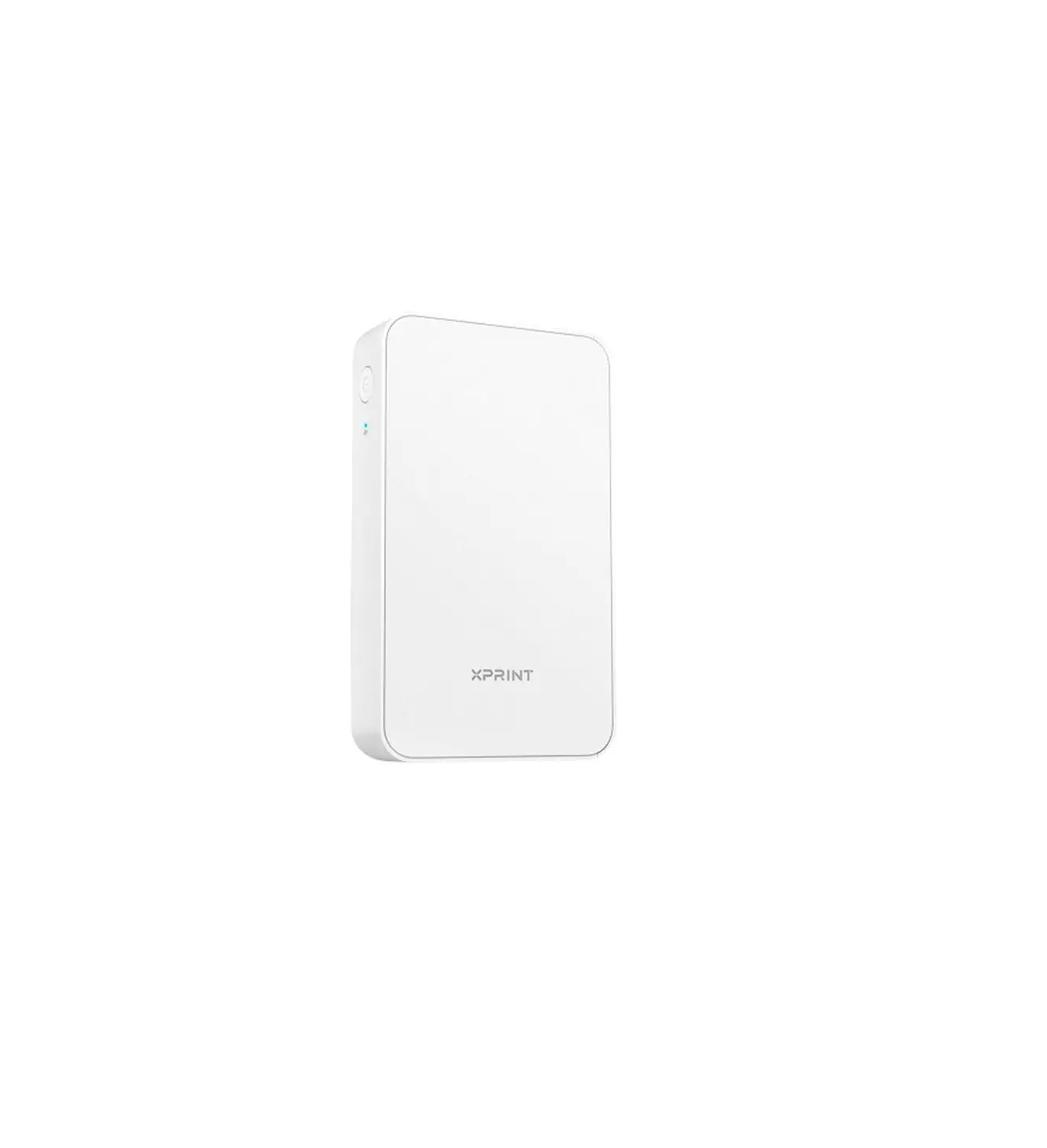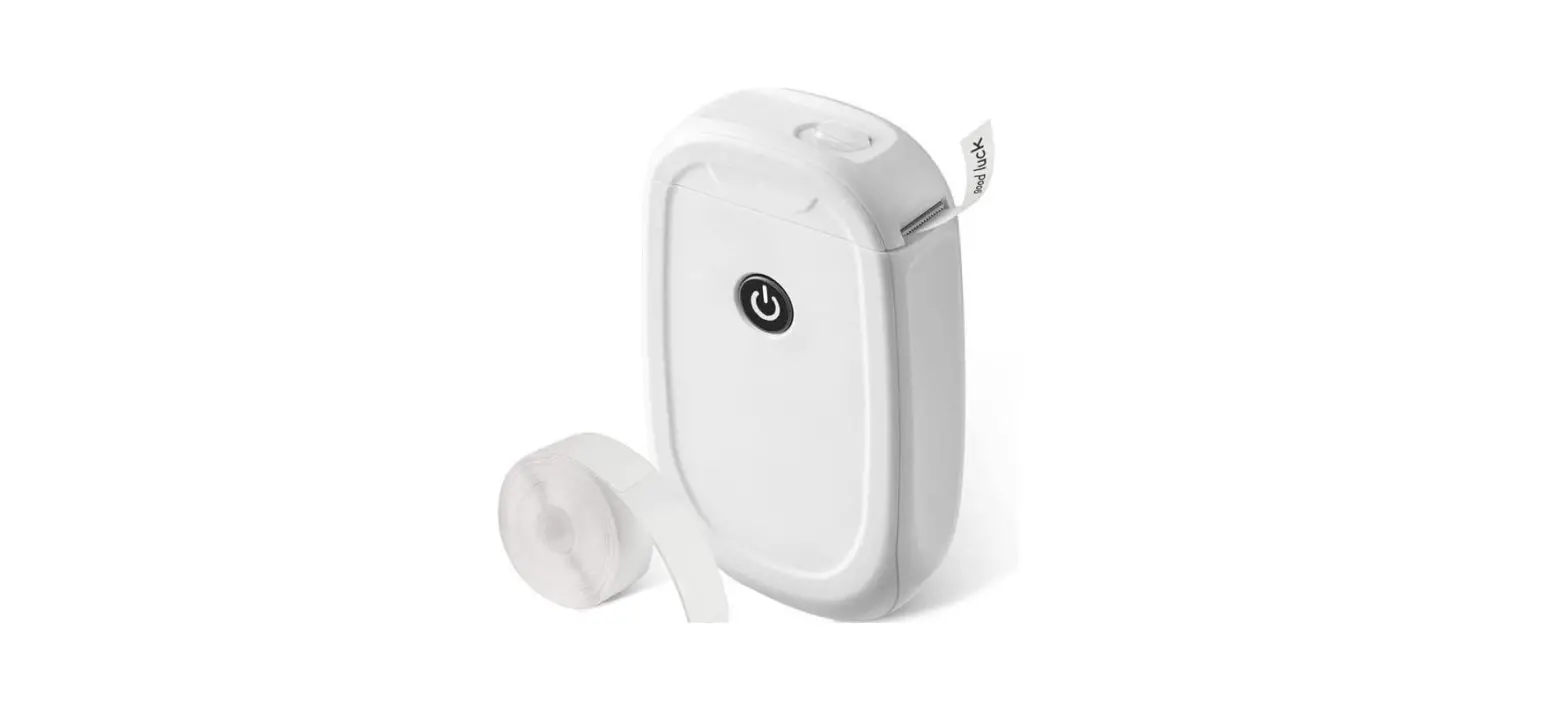
 HPRT L5/L5S Smart Pocket Printer
User Guide
Packing List
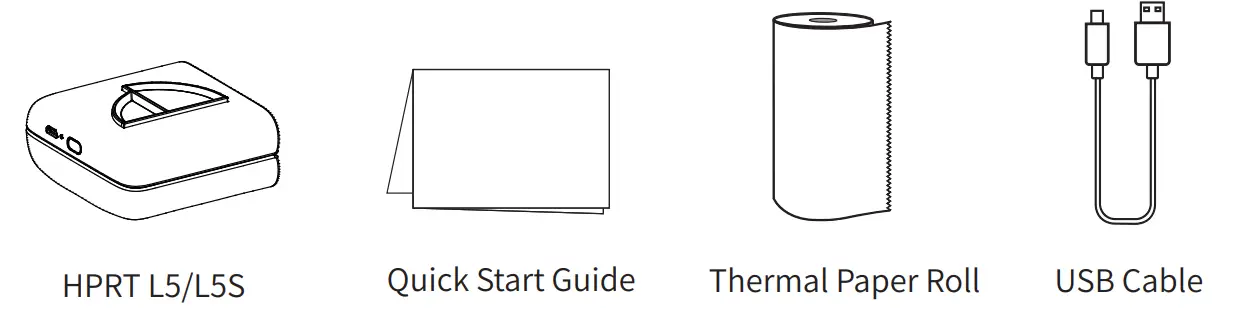
 Note: The packing items are actually based on the order.
Using Guide
 Power Button Status
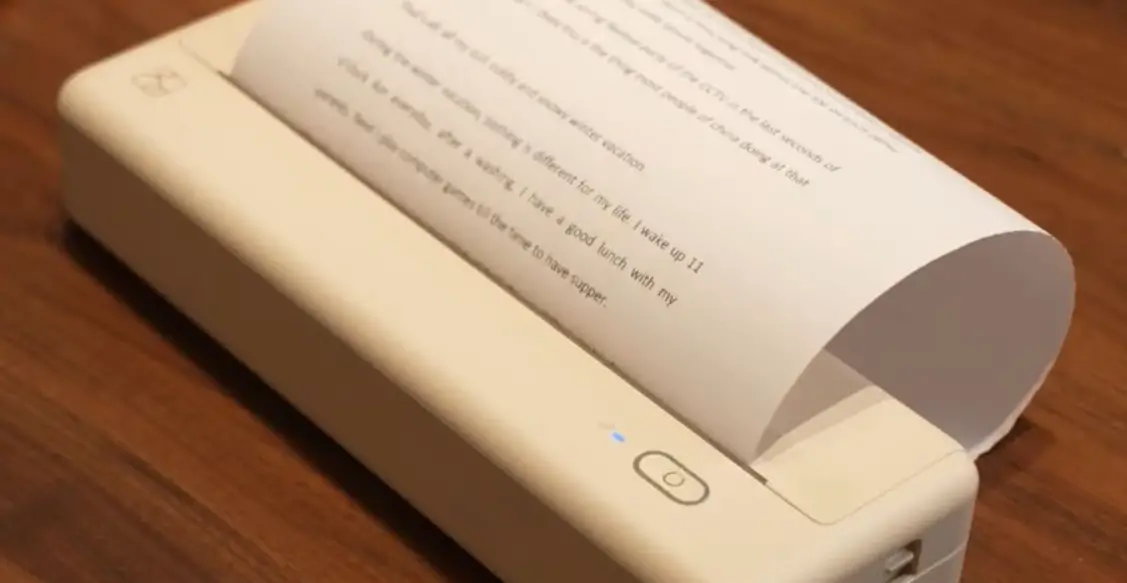
Hold down for 2 seconds to ON/OFF
- Lighting: Standby / Charging completed
- Slow flash: Charging / Firmware updating
- Fast flash: Supplies near end, cover open, low battery, the print head is overheated
 Charging
Use it for the first time after purchase
- Recommended to use after full charge
- Charge via AC adapter or computer USB port
 USB Cable
In addition to the supplied USB cable, you can also use the charging cable of mobile device
- Recommended to use the supplied USB charging cable to charge
- It takes about 90 minutes to charge with 5V/1A
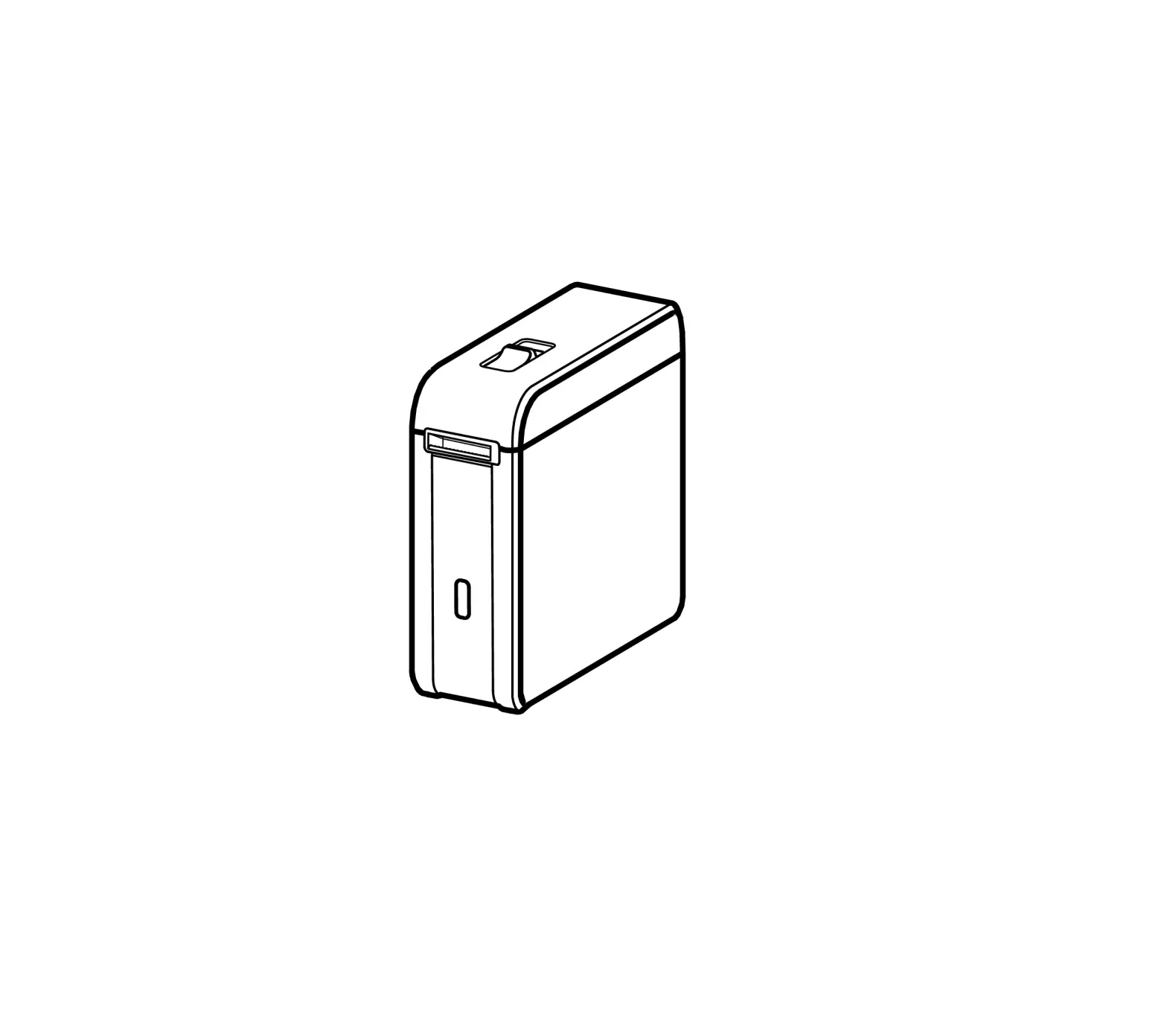
Appearance and Components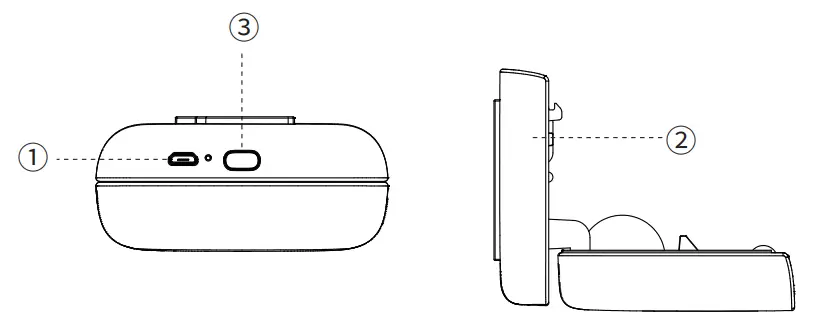
- USB Interface
- Upper Cover
- Power Button
Replace Supplies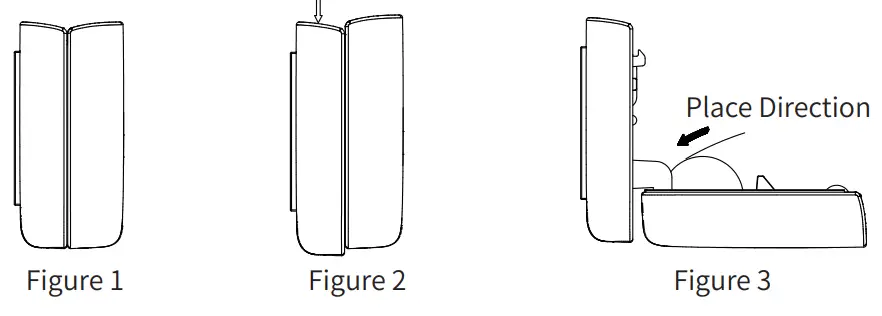
- Place printer as shown in figure 1, pay attention to the arrow marked on the printer.
- With reference to figure 2, push down the upper cover.
- When replacing supplies, place the supplies in reference to the direction shown in figure 3.
- If the supplies are properly placed, close the upper cover to the lower cover and push the upper cover back to its original shape.
 When changing supplies , do not touch the print head in case of injury caused by overheating.
APP Setting Simple Operation APP Setting
- You can view information such as remaining power, firmware version in device management.
Safety Precautions
 Battery Overheating
Battery Management and Precautions
- When charging is completed, please unplug the USB cable.
- To avoid fire, do not charge at high temperature (e.g. sweating rooms, bonfire nearby, etc.).
 Burn Hazard
Print Head Overheating
- After printing, do not touch the print head directly in case of injury caused by overheating.
Connection
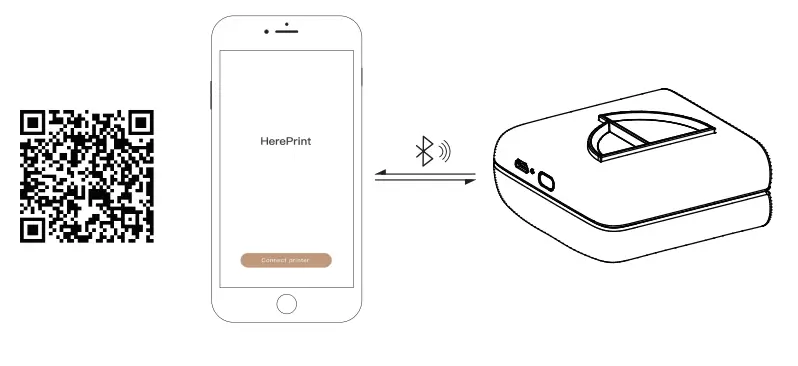
Scan the QR code below and install the App.
Open the App, click ” Connect Printer” and select the corresponding printer to connect from the list found via Bluetooth.
http://hereprint.hprt.com/app/hereprint
 Charger Attention
Print Head Management and Precautions
- There may be damage to the print head due to improper charging.
- We recommend not to use printer in high humidity or dusty areas.
 Charging Port Damage
Charging Precautions
- Please gently insert or unplug the USB cable to prevent excessive damage to the charging port.