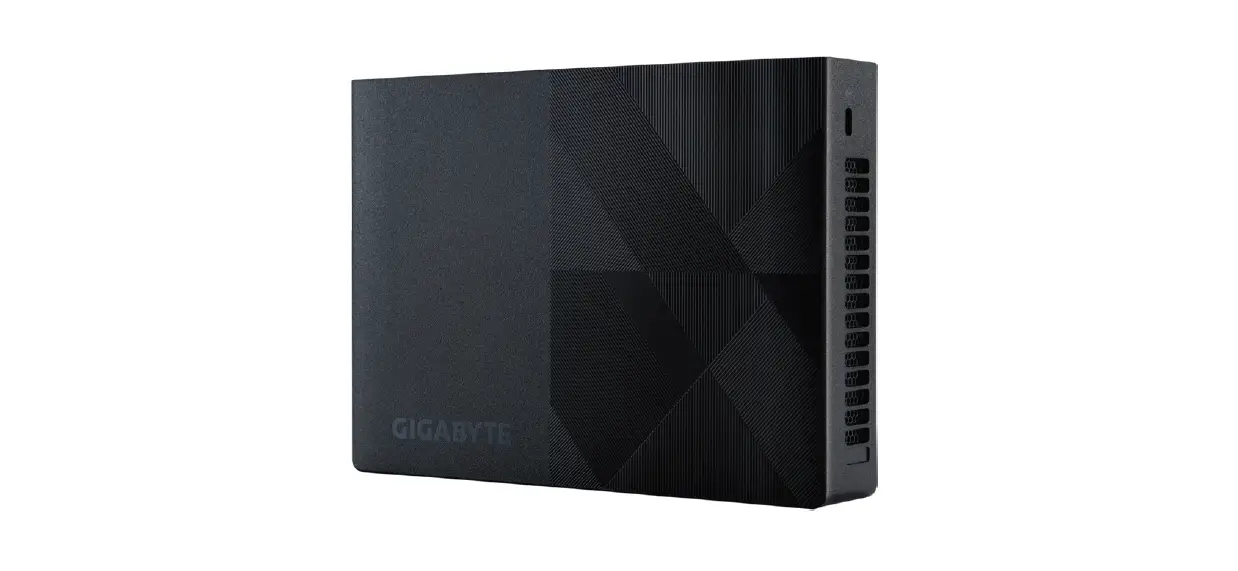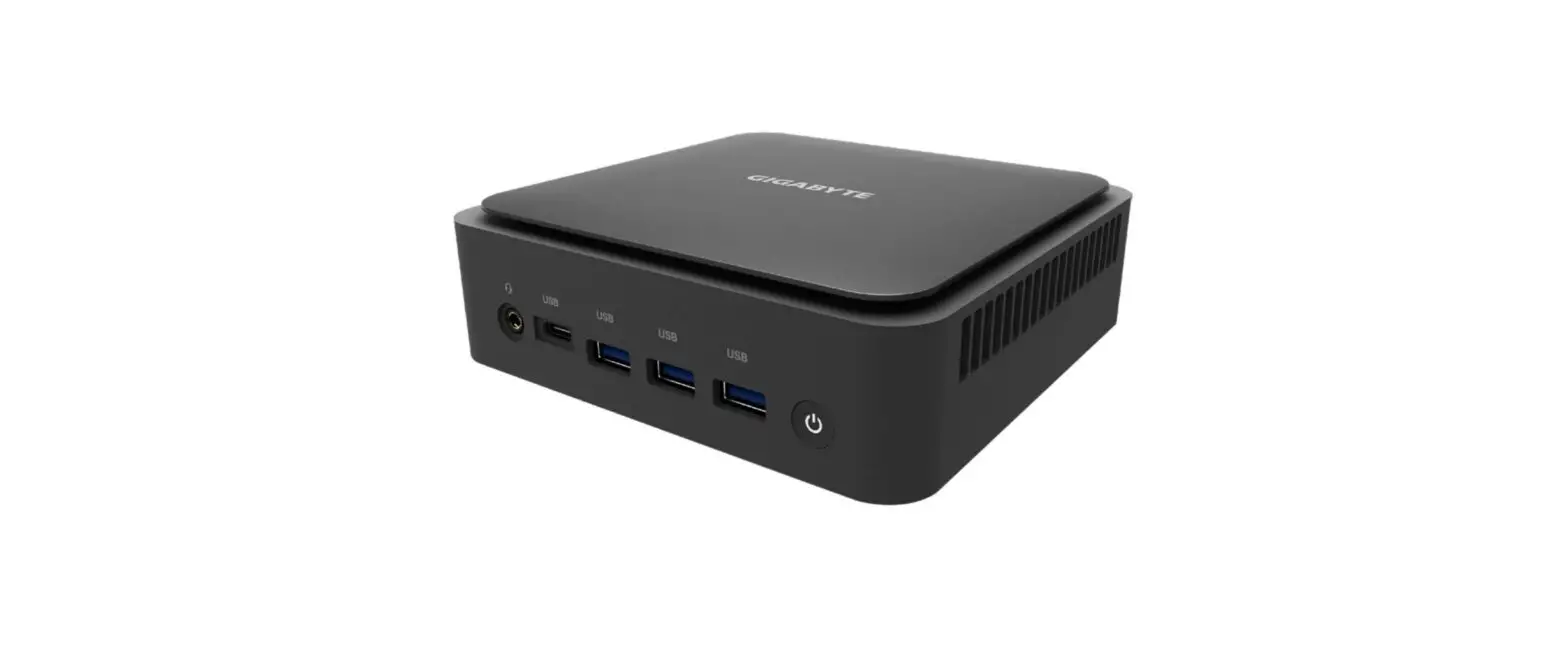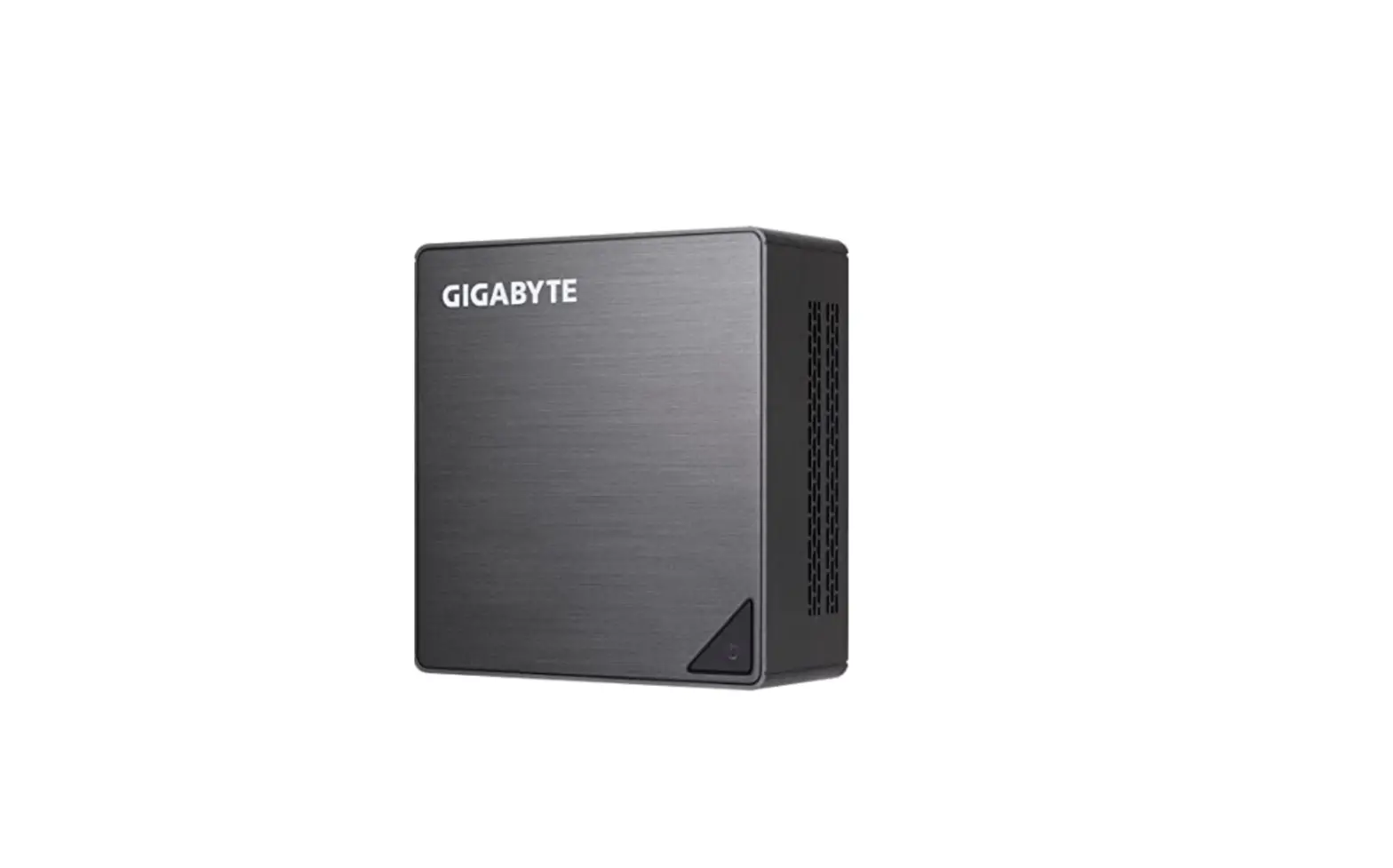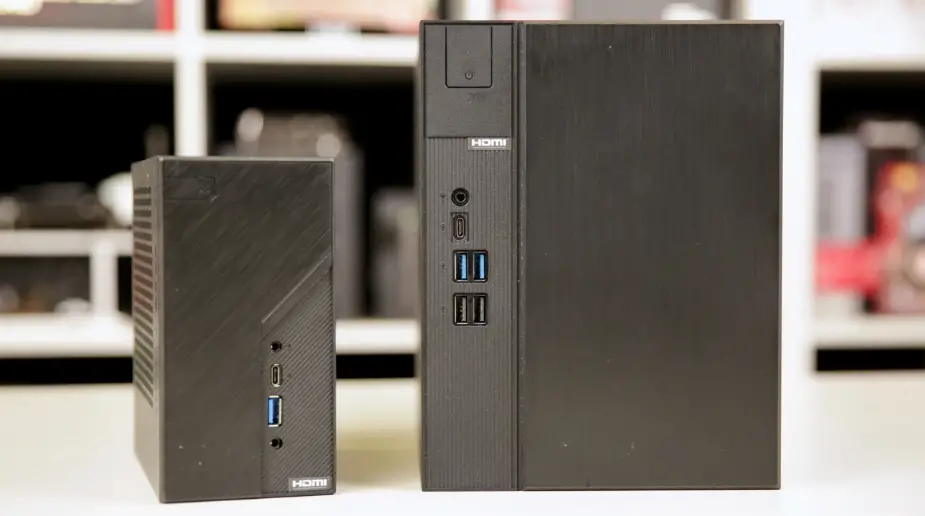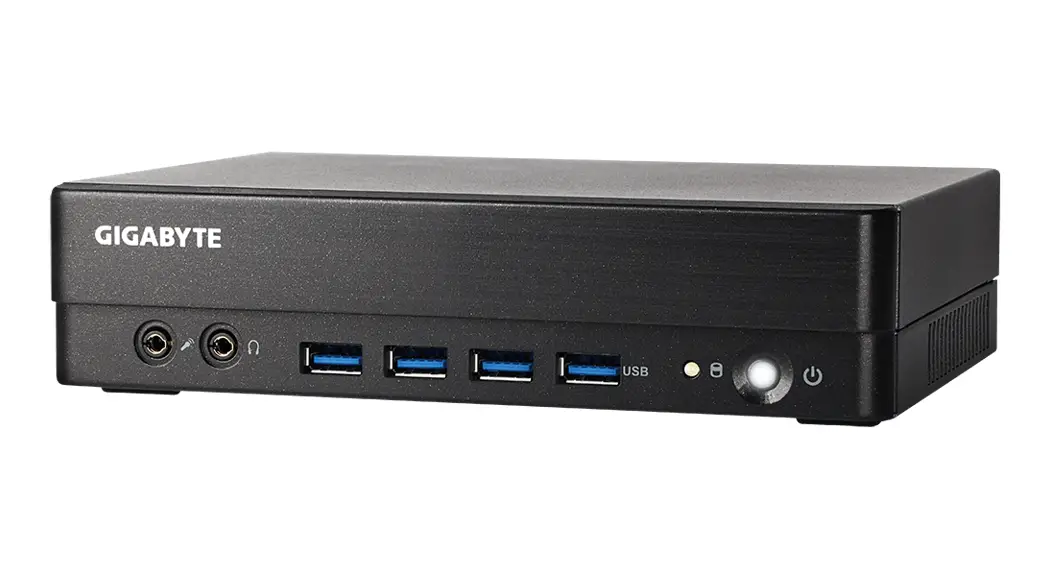

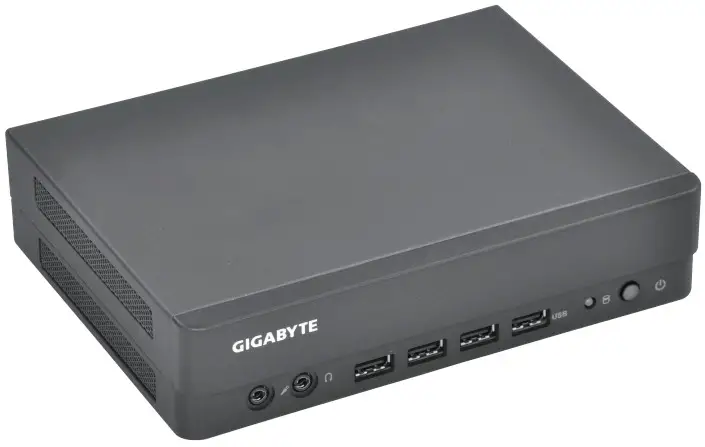
BRIX PRO Ultra-Compact PC Kit
Quick Start Guide
Package Contents
1 x GB-BS Bare-bone – NOT Include any of the following: M.2 (2280), SO-DIMM memory
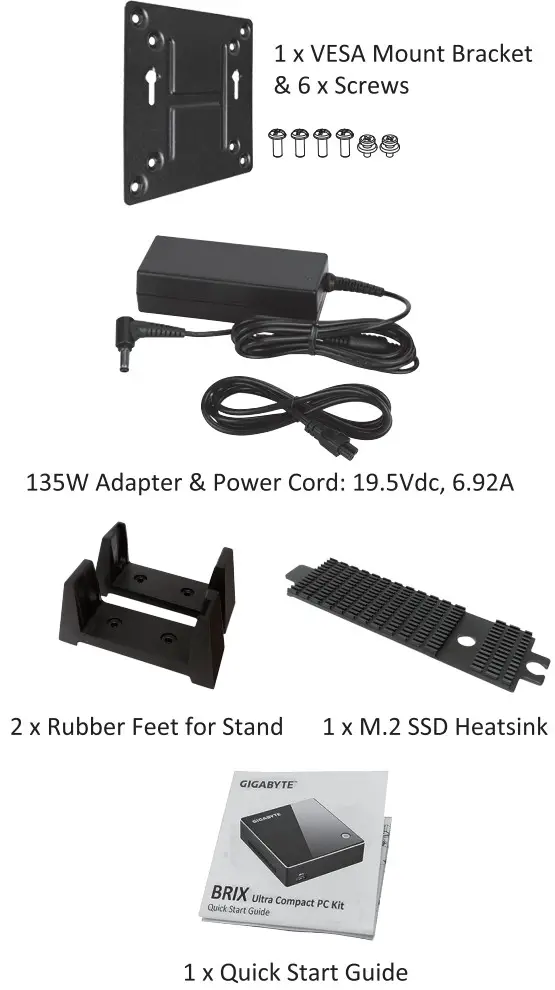
Getting Familiar with Your Unit
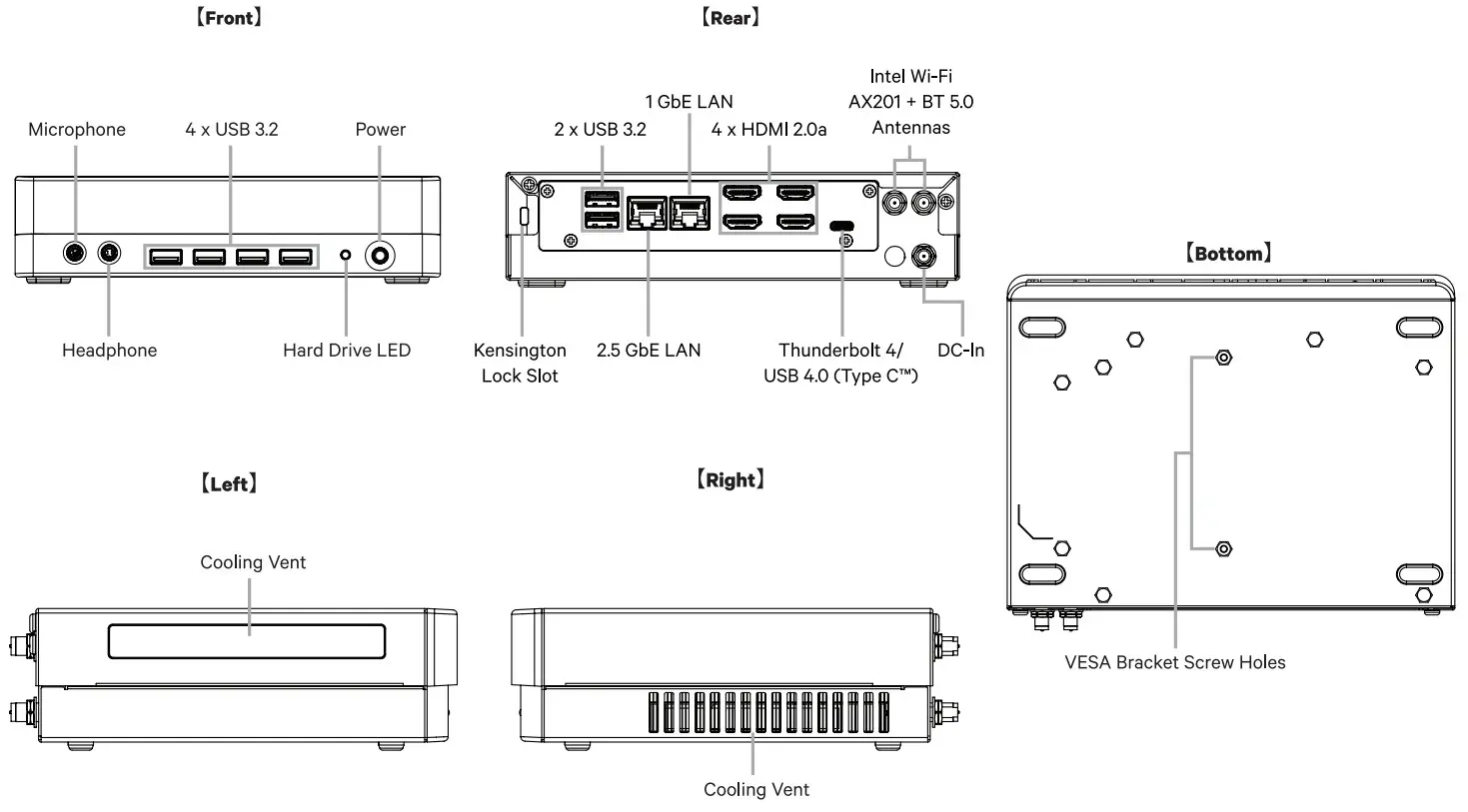
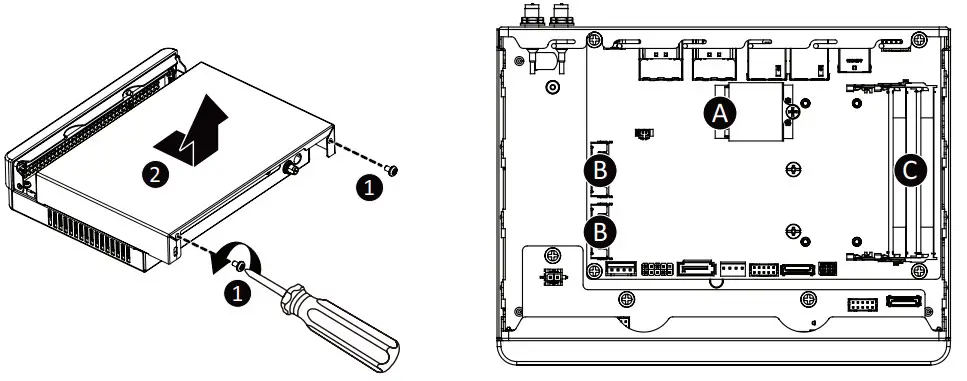
[PIN Definnition]
| A) Wi-Fi Connector |
| B) M.2 2280 SSD Connector |
| C) DDR SO-DIMM slot |
NOTE: Wireless module inclusion may vary based on local distribution.
A) Wireless Module: How to Safely Remove the Module
- Disconnect the two antennas by manually lifting off the clips that hold them in place.

- Remove the screw in the middle.

- Carefully pull the wireless module from the slot.
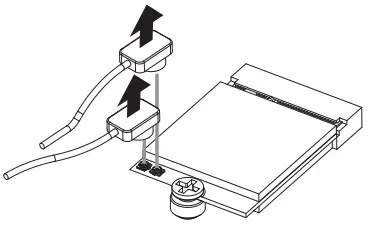
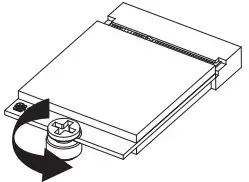
B) M.2 SSD: How to Install the M.2 2230 SSD
- Carefully insert the M.2 SSD into slot B.

- Insert the tab on the thermal plate into the slot near the connector, then secure the thermal plate and M.2 SSD in place with a small screw.
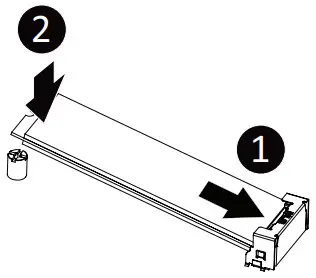
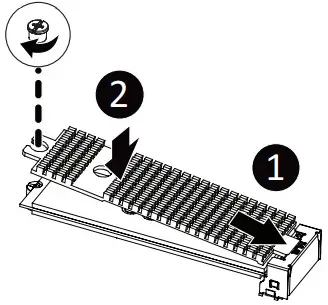
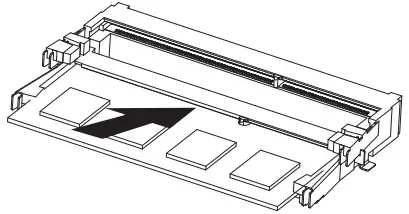
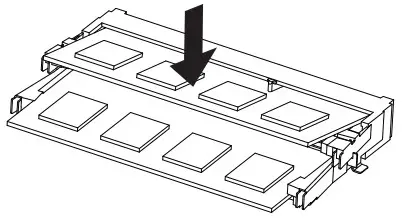
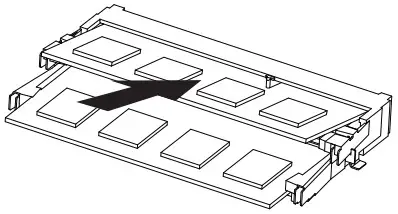
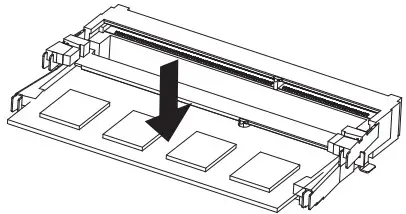
C) Memory Installation: SO-DIMM DDR4
- Carefully insert SO-DIMM memory modules.

- Push down until the modules click into place.

- Carefully insert SO-DIMM memory modules.

- Push down until the modules click into place.

Stand Installation
- Fit the two rubber feet onto the left side of the BRIX PRO so that the rubber pads on the bottom

- Ensure that the rubber feet are spaced so that the BRIX PRO is stable when upright. side of the device fits into the slot on the rubber feet.

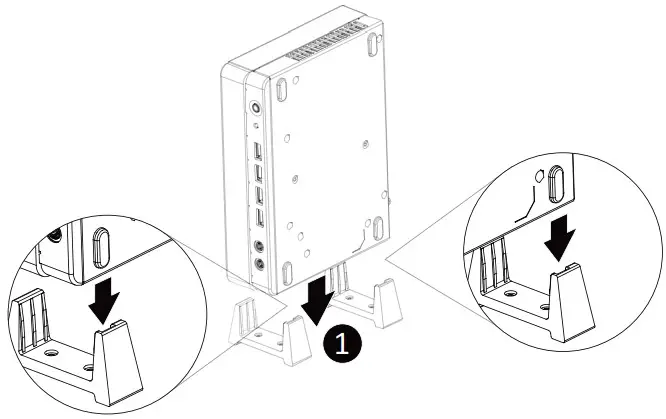
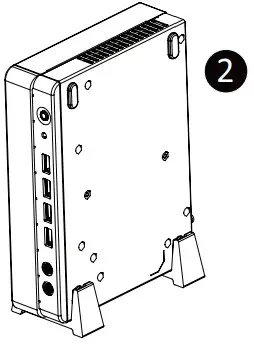
VESA Bracket
- Attach the screws provided on the underside of the BRIX PRO.
- Attach the VESA mounting plate to the rear of a compatible display using the screws provided.
- The BRIX PRO can now be mounted by sliding the device into place.
Unit | Restricted substances and their chemical symbols | |||||
| Lead (Pb) | Mercury (Hg) | Cadmium (Cd) | Hexavalent chromium (CO | Polybrominated biphenyls (PBB) | Polybrominated diphenyl ethers (PBDE) | |
– |  | | | | | |
 |
| | | | | | |
– | | | | | | |
– | | | | | | |
| Note 1: “Exceeding 0.1 wt %” and “exceeding 0.01 wt %” indicates that the percentage content of the restricted substance exceeds the reference percentage value of the present condition. Note 2: ” ” indicates that the percentage content of the restricted substance does not exceed the percentage of the reference value of presence.Note 3: The “—” indicates that the restricted substance corresponds to the exemption. | ||||||
Support
Please visit http://www.gigabyte.com/support-downloads/customer-service to find your BRIX warranty information from the drop-down list, or by clicking on the map. You will then be directed to the corresponding page for your region.
Safety and Regulatory Information
This product must be grounded with the plug on the adapter% power cord connected to a power socket with a grounding connection.
Risk of explosion if the battery is replaced with an incorrect type. Batteries should be recycled where possible. Disposal of used batteries must be in accordance with local environmental regulations.
 25MEO-XTFBOO-QOH
Made in Taiwan
 At the end of its serviceable life, this product should not be treated as household or general waste. It should be handed over to the applicable collection point for the recycling of electrical and electronic equipment or returned to the supplier for disposal.
 This device complies with Part 15 of the FCC Rules. Operations are subject to the following two conditions: (1) this device may not cause harmful interference, and (2) this device must accept any interference received, including interference that may cause undesired operation.
GIGA-BYTE TECHNOLOGY CO., LTD.
No.6, Bao Chiang Road, Hsin-Tien Dist., New Taipei City 231, Taiwan
http://www.gigabyte.com
©2015 GIGABYTE Technology Co., Ltd. All rights reserved. The marks mentioned herein are trademarks or registered trademarks of GIGABYTE Technology Co., Ltd. or its affiliates. All other product names mentioned herein are trademarks or registered trademarks of their respective owners.
The terms HDMI and HDMI High-Definition Multimedia Interface, and the HDMI Logo are trademarks or registered trademarks of HDMI Licensing LLC in the United States and other countries.