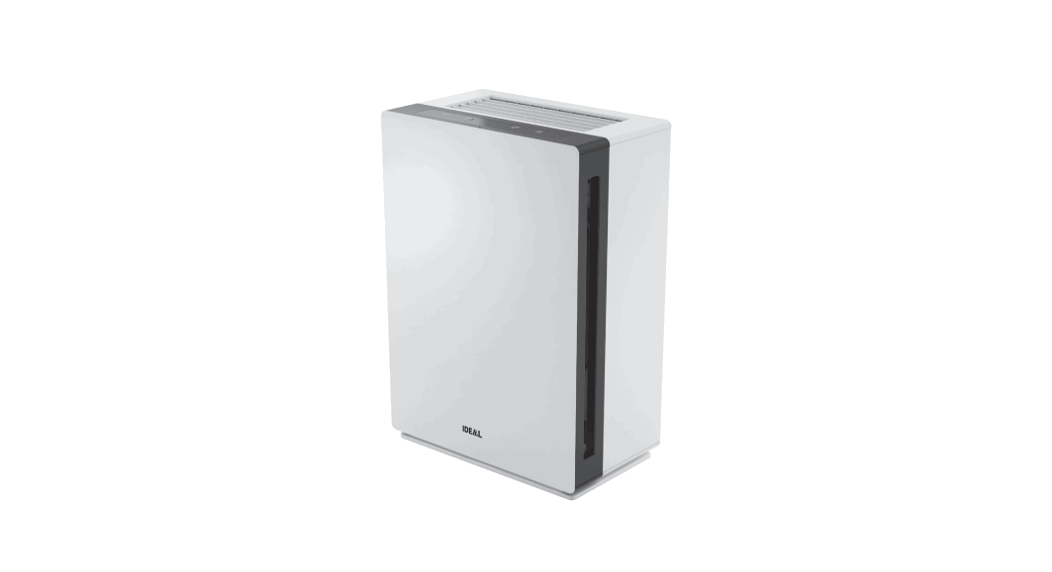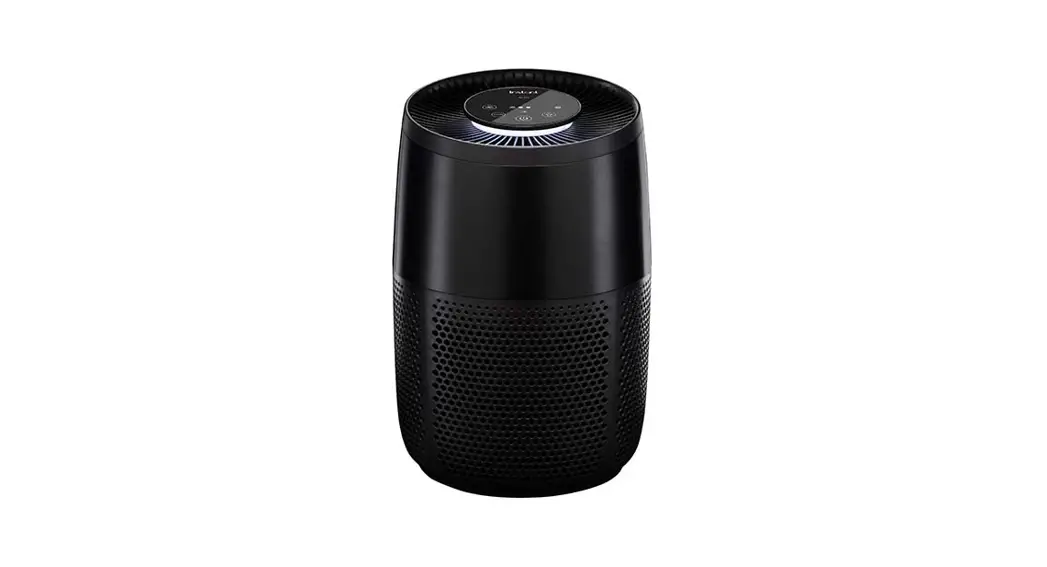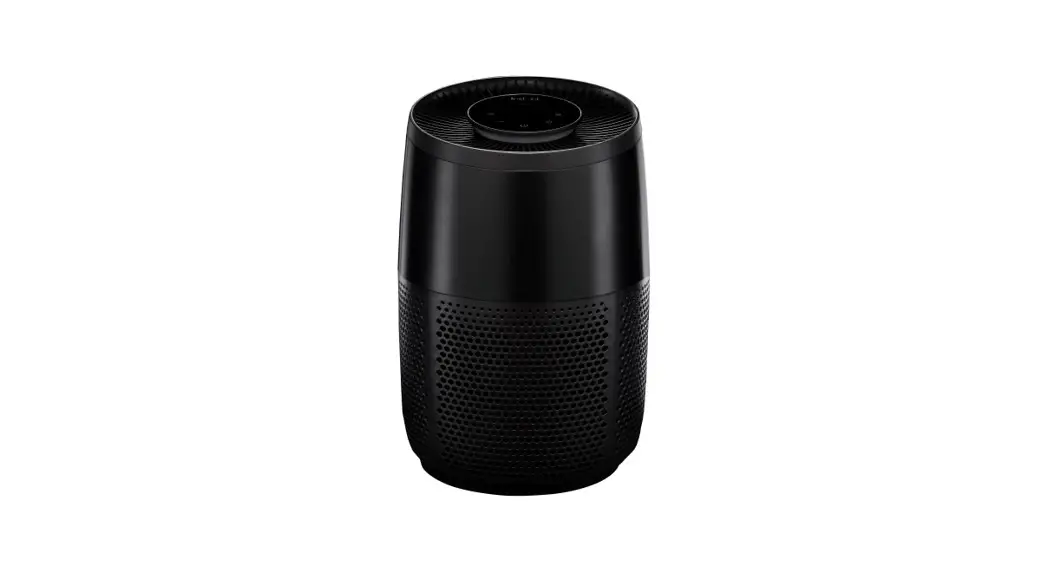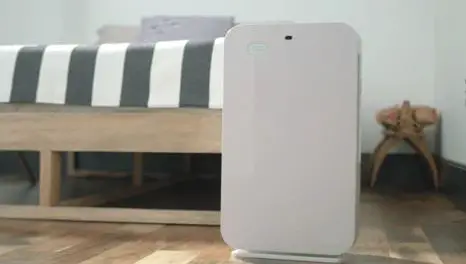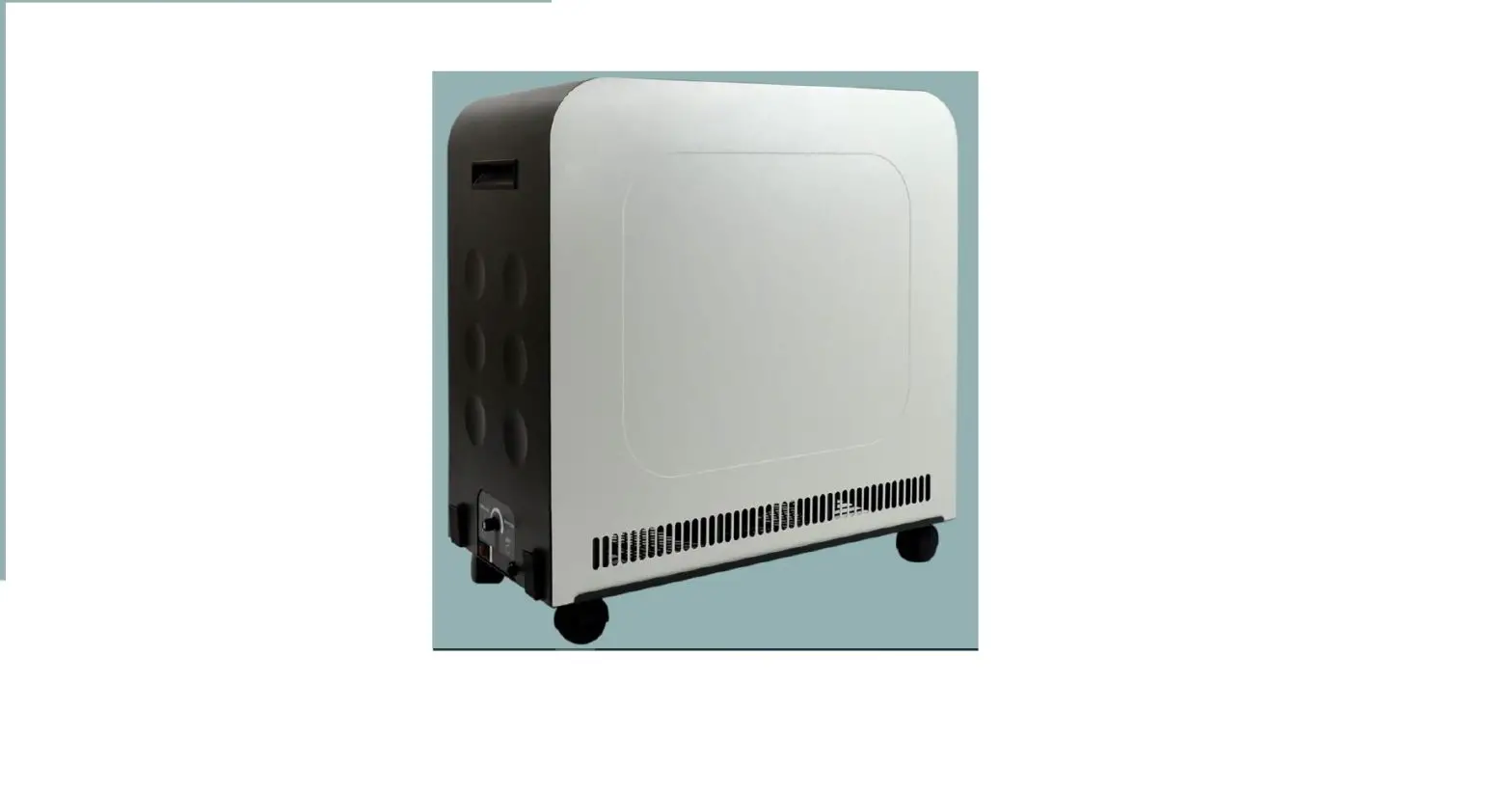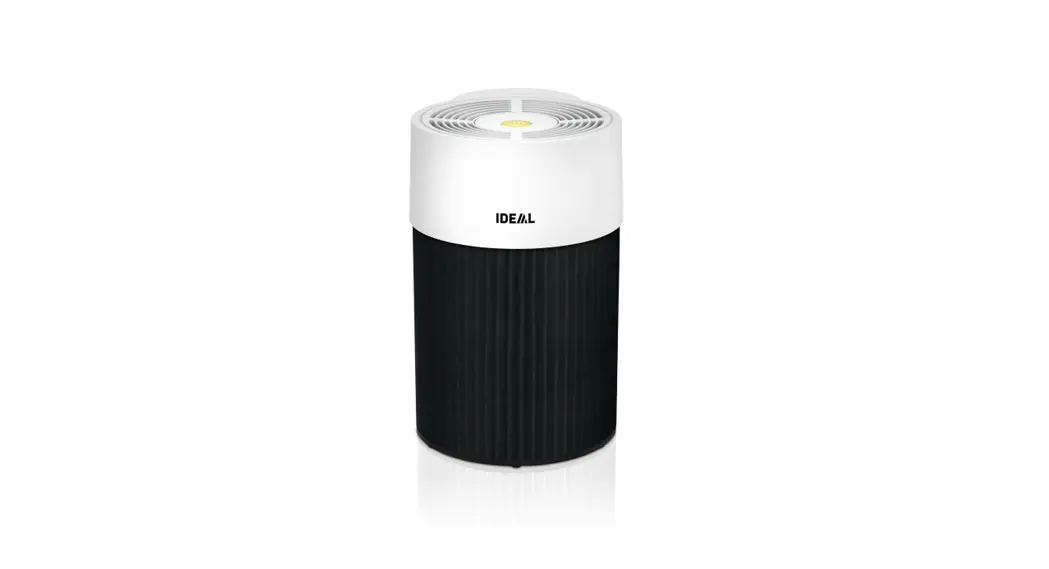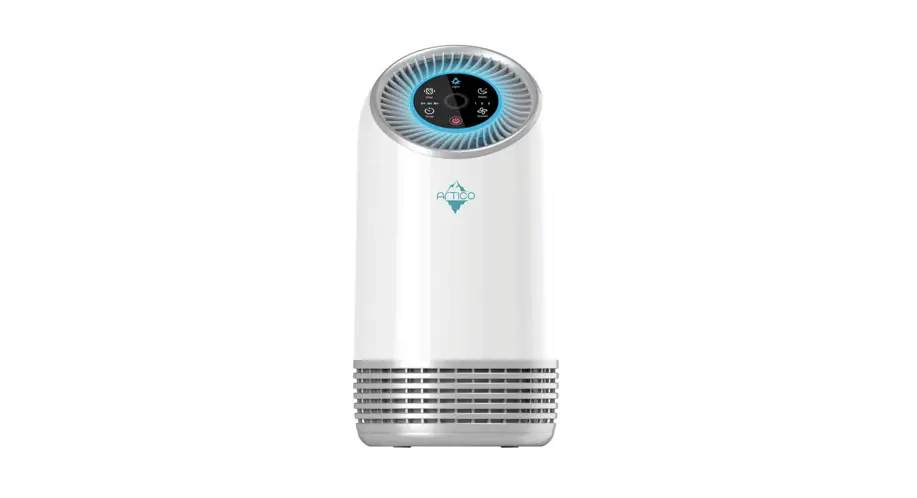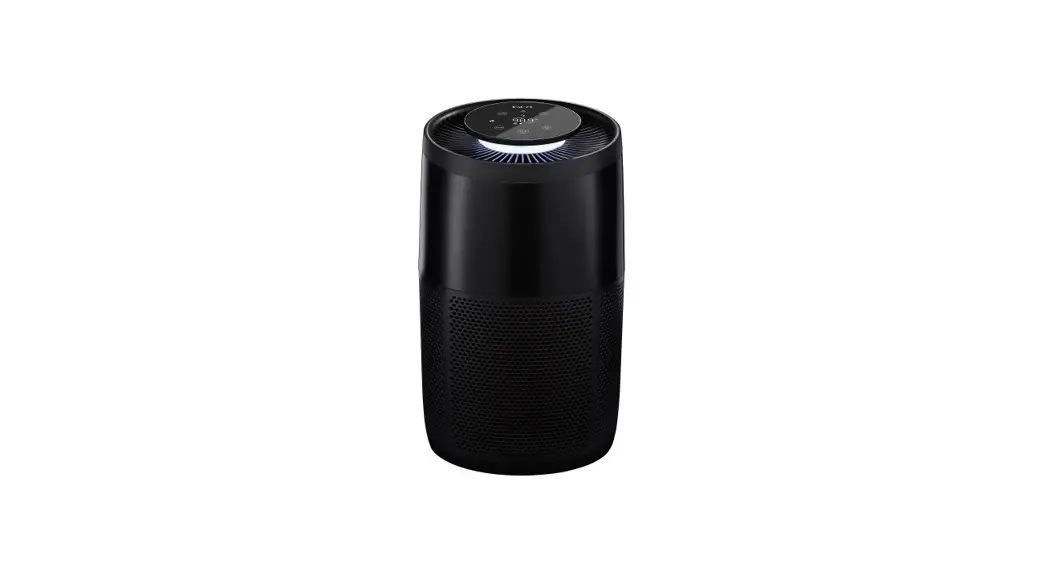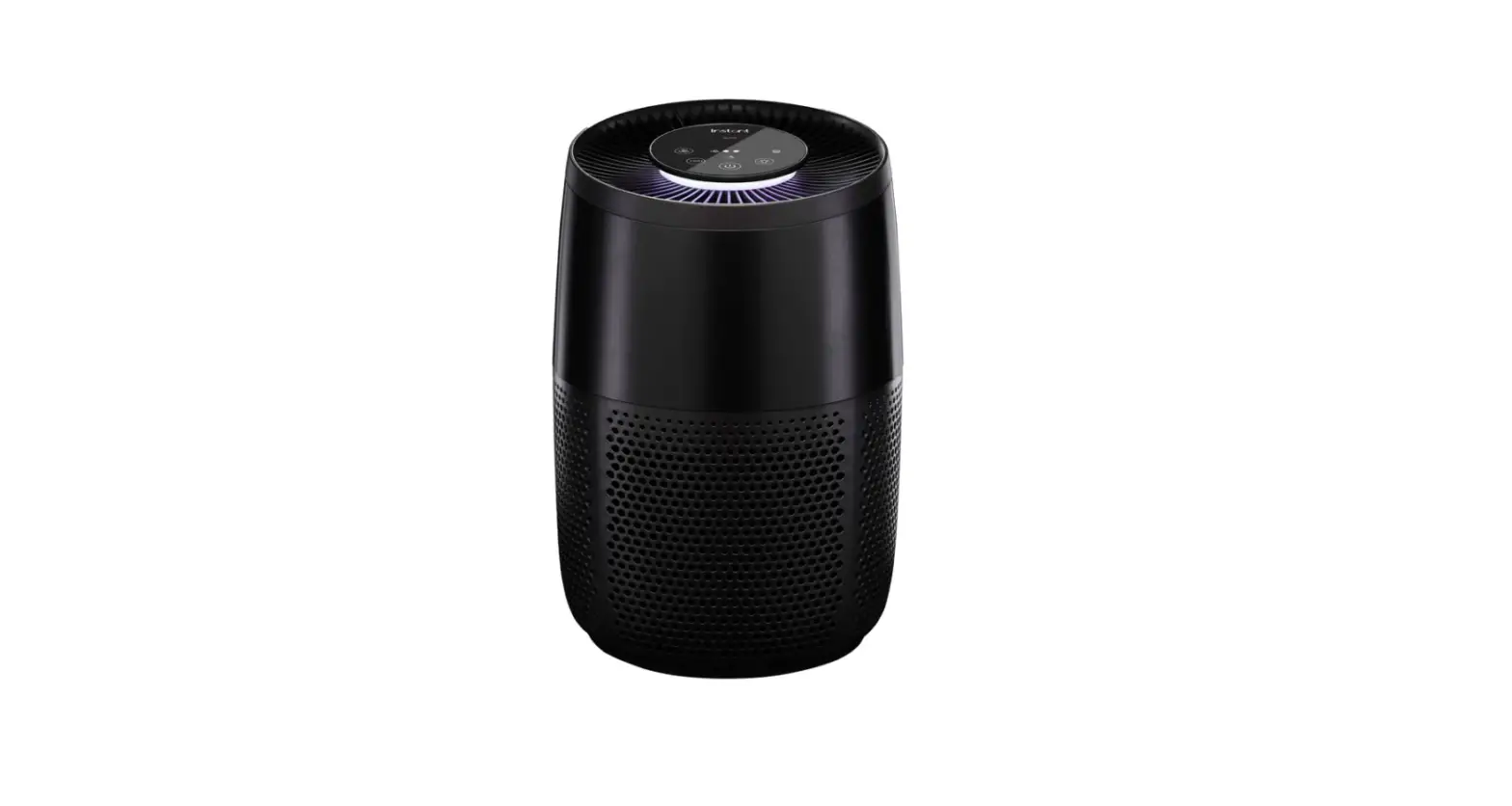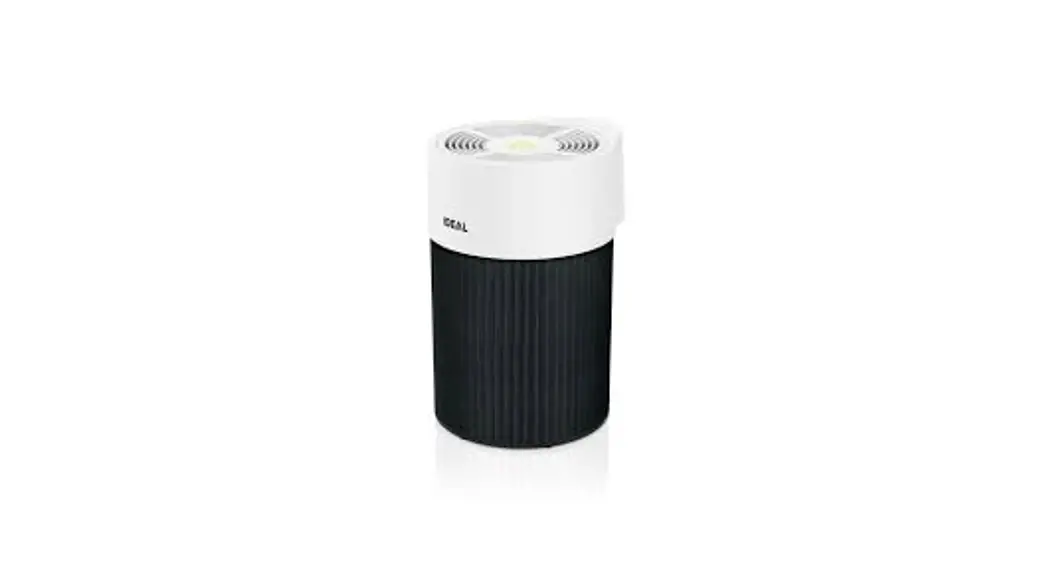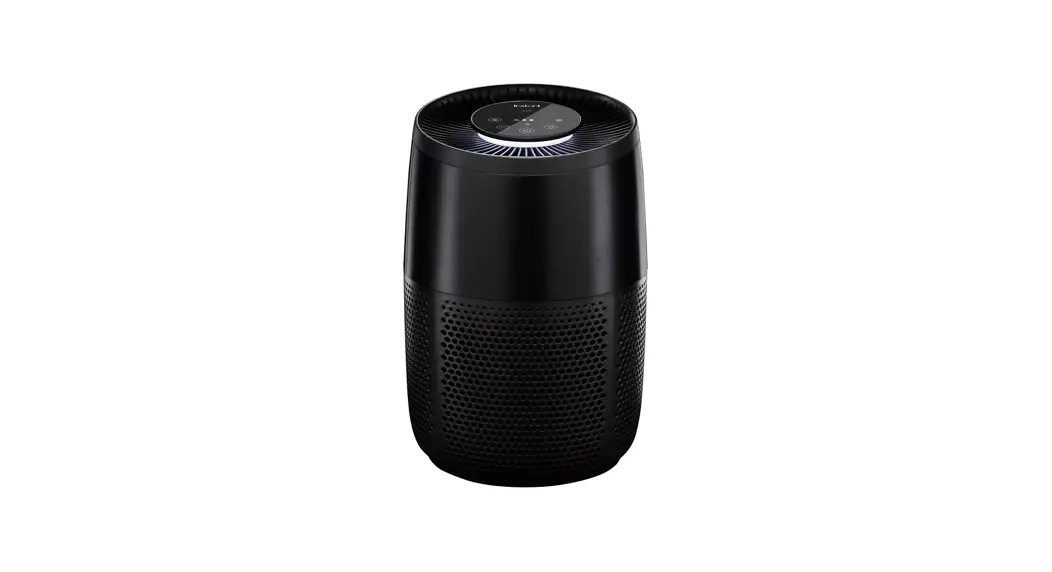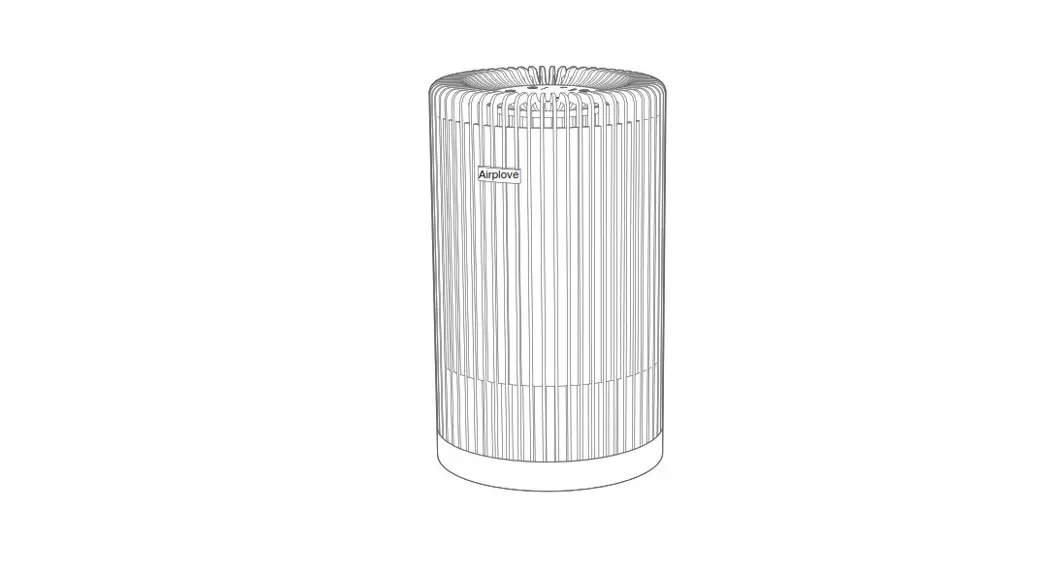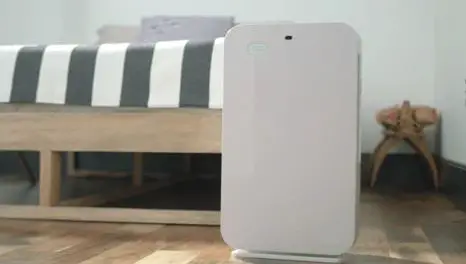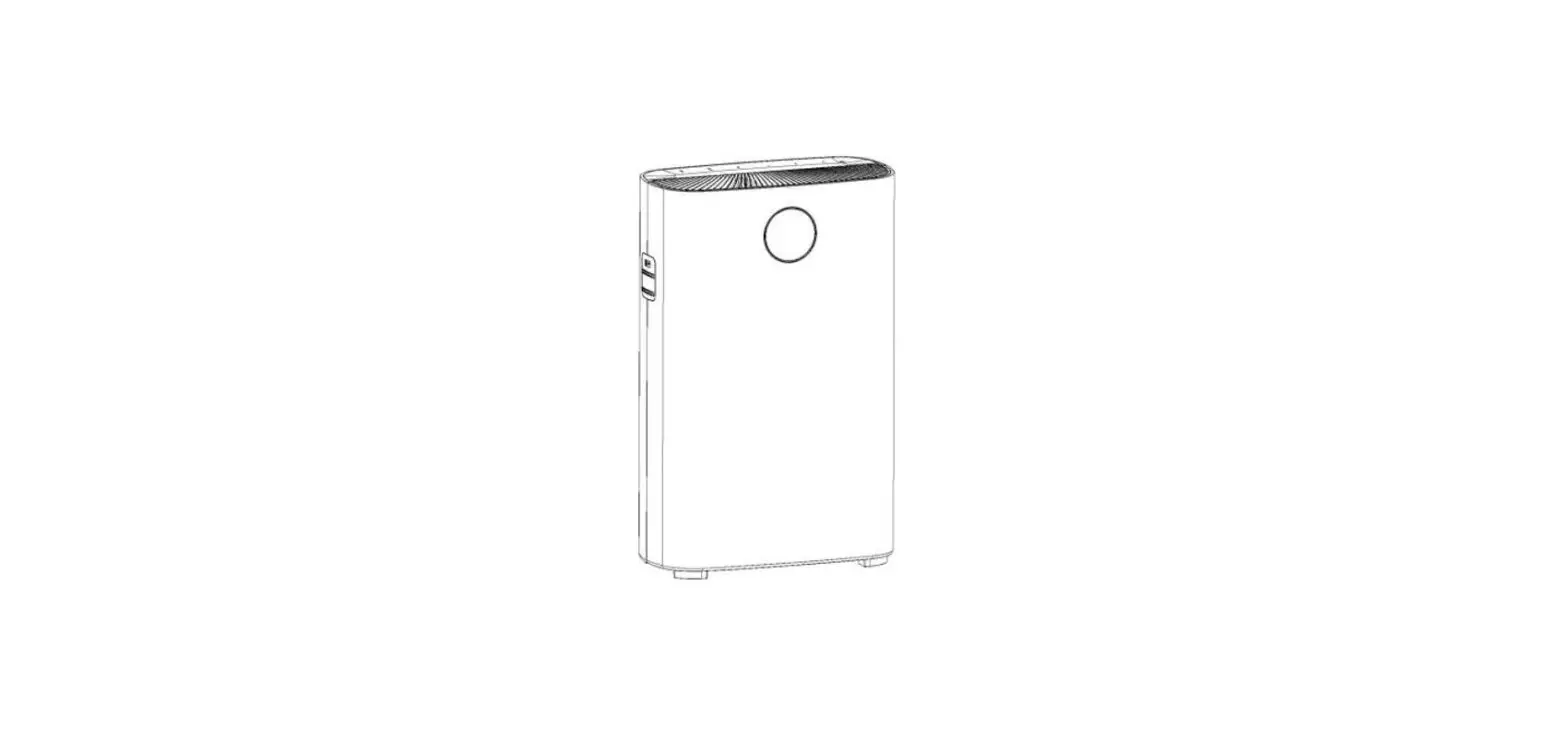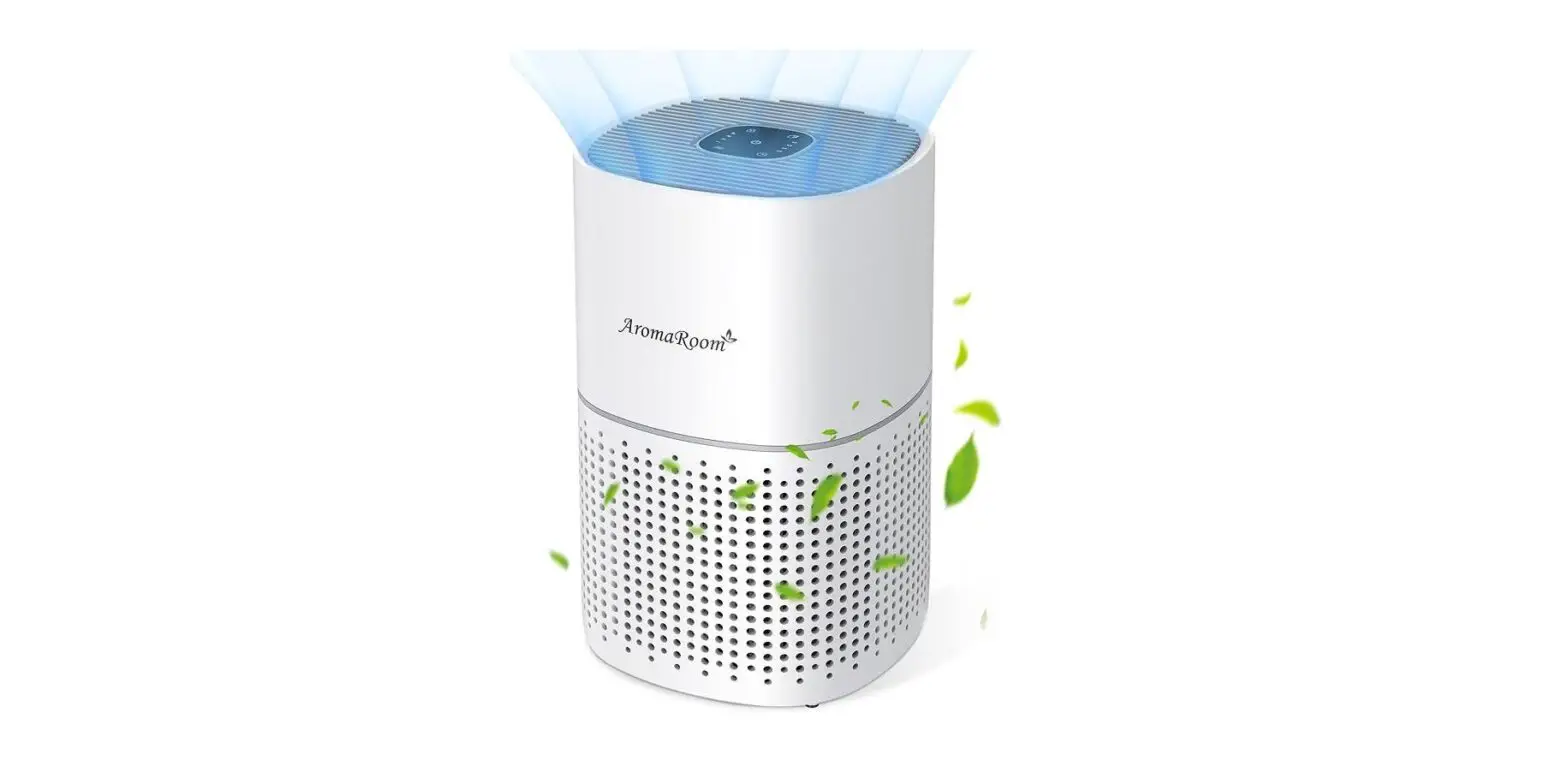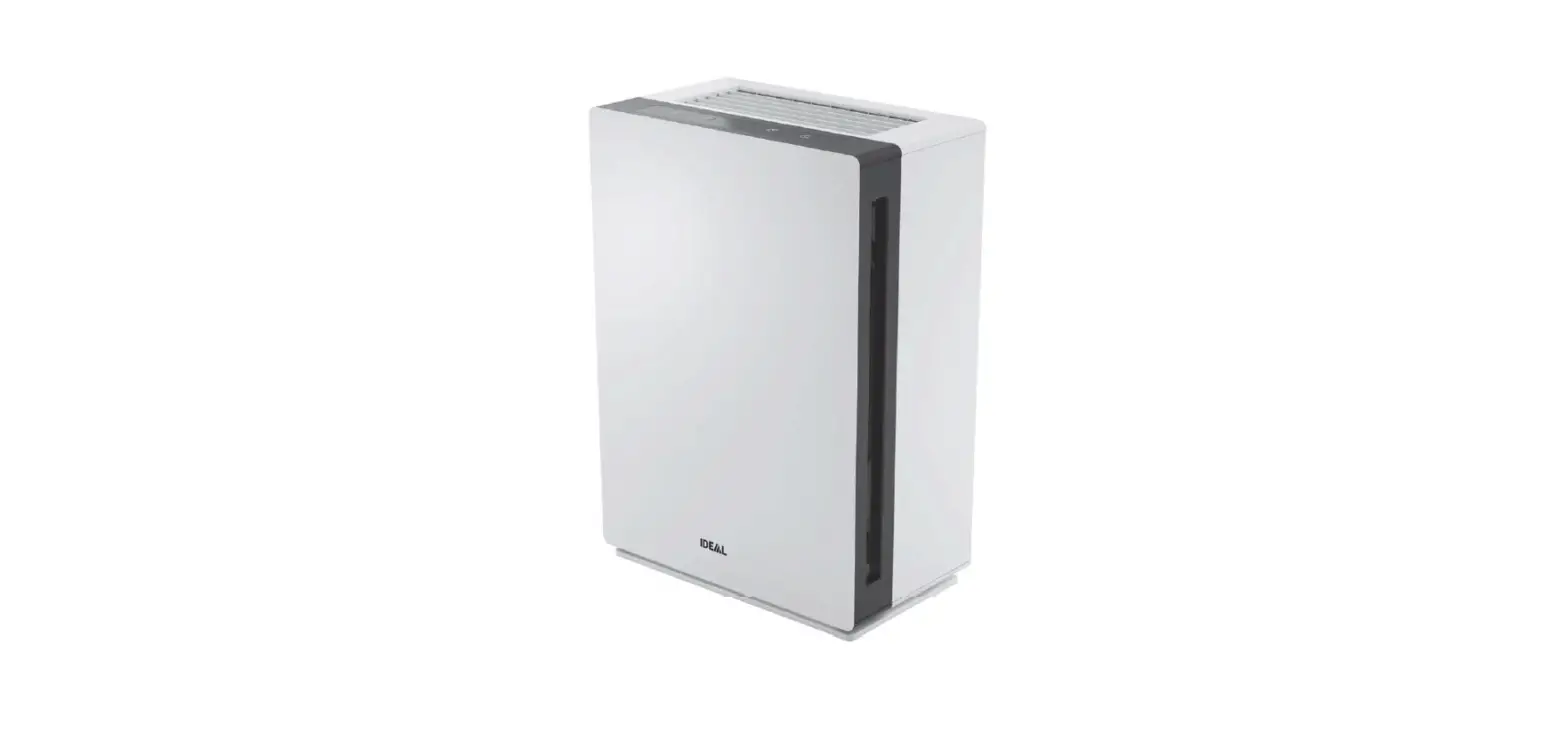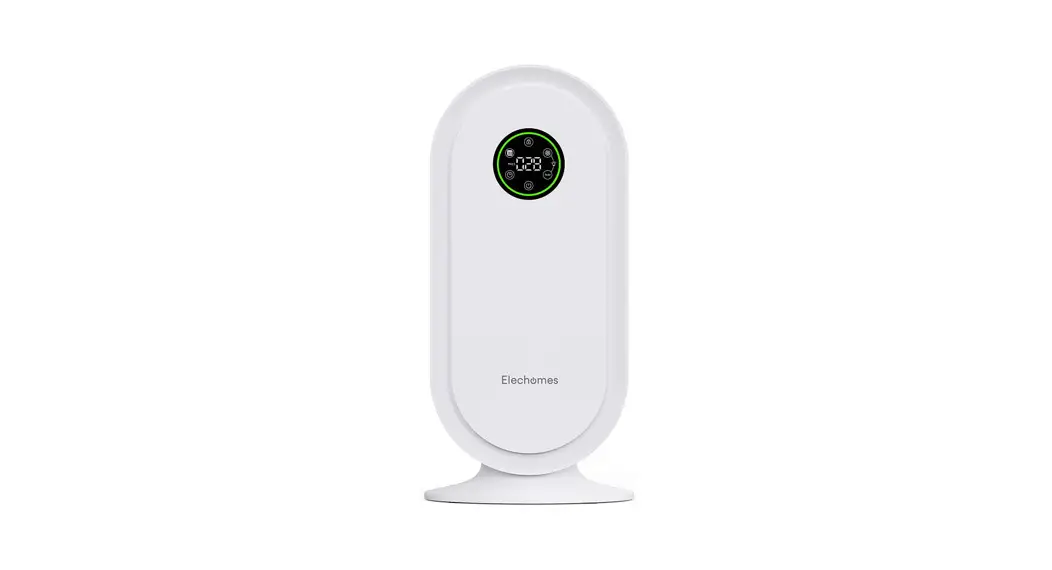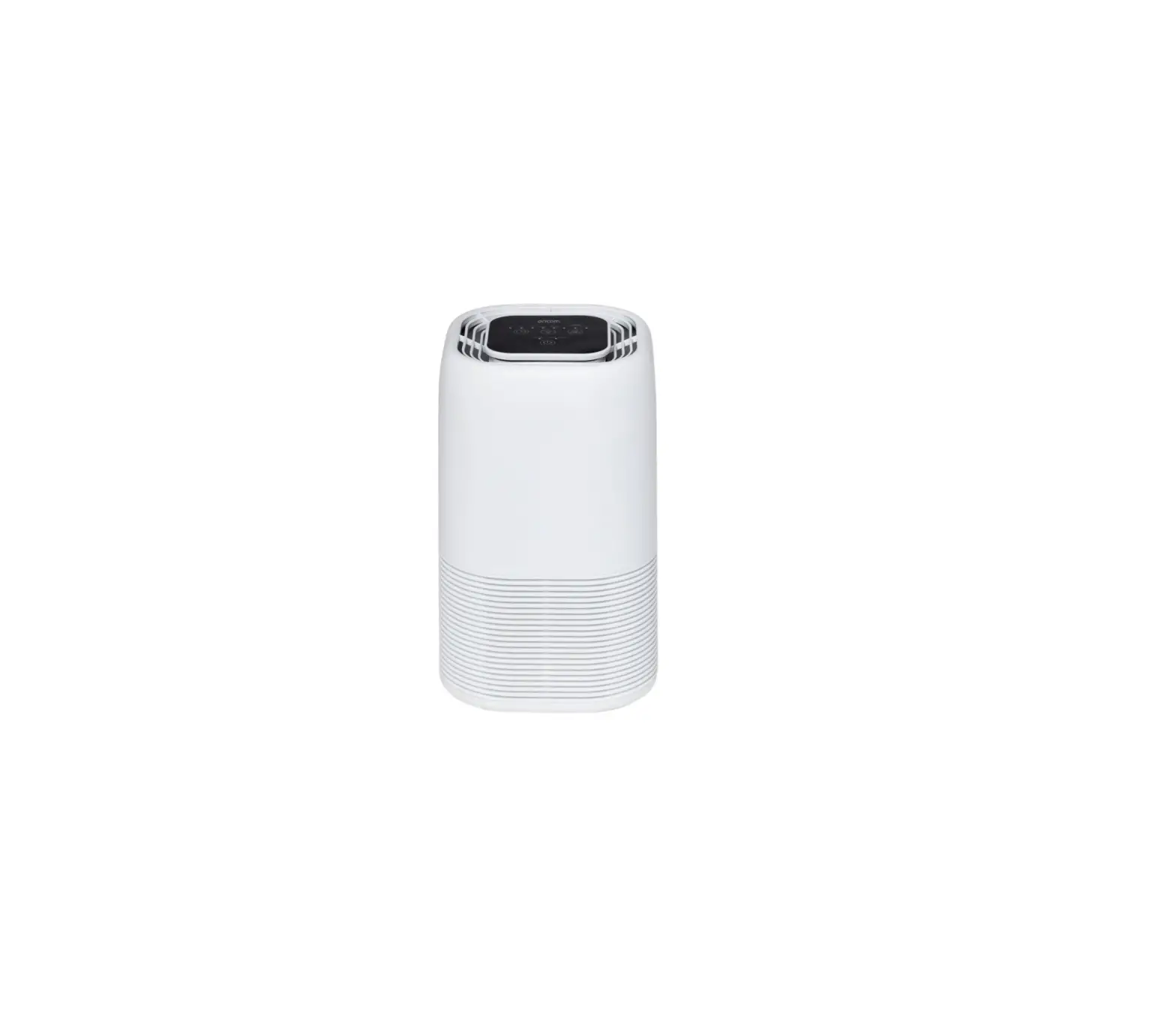
oricom AP8030 Air Purifier
KEEP THIS USER GUIDE FOR FUTURE REFERENCE
Always retain your proof of purchase in case of warranty service.
www.oricom.com.au
Need Help?
If you need assistance setting up or using your Oricom product now or in the future, call Oricom Support.
Australia
(02) 4574 8888
www.oricom.com.au
Mon-Fri 8am 6pm AEST
New Zealand
0800 674 266
Mon-Fri 10am 8pm NZST
Safety Information and Warnings
 This product should be used only in accordance with the specifications outlined in this user guide. Usage other than what has been specified here may result in serious injury.
When using electrical appliances, basic precautions should always be followed to reduce the risk of fire, electric shock and injury to persons, including the following;
- Prior to first use, remove and safely discard any packaging material and promotional labels before using the AP8030 air purifier.
- To eliminate a potential choking hazard for young children, discard the protective cover fitted to the power plug of this air purifier.
- Read all instructions before use.
- Keep the cord out of heavy traffic areas. To avoid a fire hazard, NEVER put the power cord under rugs, near heat registers, radiator, stoves or heaters.
- To protect against electrical hazards, DO NOT immerse in water or other liquids. DO NOT use near water.
- DO NOT use in high humidity areas such as bathrooms / showers / swimming pools or spas.
- This appliance is not intended for use by persons (including children) with reduced physical, sensory or mental capabilities, or lack of experience and knowledge, unless they have been given supervision or instruction concerning use of the appliance by a person responsible for their safety.
- Children should always be supervised, in ensuring that they do not play with the air purifier.
- NEVER drop or insert any object into any openings.
- DO NOT cover cord.
- Arrange cord away from high traffic areas and where it is not a trip hazard.
- DO NOT operate if cord or plug has any signs of damage, if motor fan fails to rotate, or if it has been dropped or damaged in any way.
- This device is intended for indoor use only. Use Air Purifier only for intended household use as described in this manual. Any other use not recommended by the manufacturer may cause fire, electric shock or injury to persons. DO NOT use for commercial or industrial use.
- When not in use, always turn off and unplug the air purifier before moving, opening the grill, changing filters, or cleaning the unit.
- Do not unplug the air purifier by pulling on the power cord. Always unplug using the power plug.
- DO NOT place anything on top of the Air Purifier.
- NEVER block the air openings, grills/outlets or place on a soft surface such as a bed or sofa.
- DO NOT attempt to repair or adjust any electrical or mechanical functions on this unit. Doing so will void your warranty. The inside of the unit contains no user serviceable parts. All servicing should be performed by qualified personnel only.
- The Air purifier should not be used with an external timer, or any other device that switches the air purifier on automatically.
- WARNING: To reduce the risk of fire or electric shock, do not use this air purifier with any solid-state speed control device.
Important warnings for all electrical products.
- The power cord should be fully unwound before use.
- A 230V AC power source should be used to power the Air purifier.
- Regular checking and inspection is recommended, please contact Oricom Support should you have any inquiries.
- Do not attempt any repairs on your Air Purifier. Contact Oricom Support.
- During the event of an electrical storm, the Air Purifier should be disconnected from the mains power source, to avoid damage to the components.
- When not in use, the Air Purifier should be turned off and unplugged.
- The Air Purifier should be placed at a minimum distance of 20cm from walls, curtains, fixtures, or any other steam sensitive material, as adequate circulation is required on all sides of the Air Purifier.
Product Structure
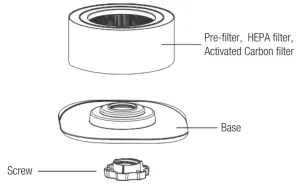
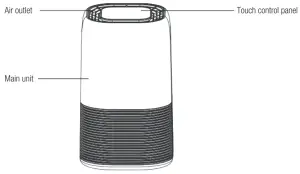
Air Purifying System
Improve your indoor air quality with multiple levels of air purification to ensure a fresh and odour free ambiance is maintained in the room. Easy-to-use controls are complimented by a stylish compact design, meaning you can easily move from room to room.
Pre-Filter: Captures initial dust and allergen particles.
HEPA-13 Filter: Captures dust, smoke, pollen and other allergens.
Activated Carbon Filter: Removes odours from the air.
Instructions for Before First Use:
- All packaging from the Air Purifier should be removed and discarded, before assembling and powering on.
- Ensure any packaging is removed from the filter before it is installed in the Air Purifier and powered on.
- Select a suitable flat location and environment for the unit to be setup.
- For proper air flow, locate the unit at least 20cm away from walls and fixtures, to ensure adequate air intake.
- Check and confirm there is no blockage to air intake.
- Once the above has been checked, the Air Purifier is OK to be plugged into mains power, and switched on. See below operating instructions.
Operating Instructions
Before Operating the Air Purifier:
- Carefully remove your air purifier from box and dispose of packaging.
- Take out the filter from the air purifier and dispose of the plastic packaging.
- Select a firm, level and flat location for the air purifier.
Note: For proper air flow, locate the unit at least 20cm from any wall or furniture. - Plug the power cord into a 230V AC outlet.
IMPORTANT: When moving the air purifier, take care to securely lift the unit with two hands, and carefully place in the desired location, as per the warnings listed in this user guide.
Operating the Air Purifier
 POWER button:
Press this button to switch the unit ON/OFF.
Note: Press and hold POWER Button for 5 seconds to reset the Filter Reset indicator.
IMPORTANT:
Always set the Air Purifier down gently on a flat and level surface. When moving the Air Purifier, always lift using two hands. TIMER button:
1) By pressing this button, the purifier can be timed to operate for intervals of 2 hours, 4 hours and 8 hours, stopping automatically when the selected operating time has elapsed.
2) Press the (TIMER) button to select the required operating time. A light automatically indicates the operating time duration selected.
3) To select the continuous operating mode, press the button repeatedly until there are no more indicator lights lit up.- LIGHT/SLEEP button:
1) Press this button one time to turn on the night light.
2) Press this button twice to turn on Sleep mode. The indicator flickers before all indicators dim and air purifier will turn to low speed automatically.
3) Press this button three times to turn off the night light.
4) Press this button four times to turn off the sleep model & night light. - SPEED button:
The fan speed can be adjusted when the Air Purifier is in operation (L/I M/II H/III Turbo/IV). Each time that you press the (SPEED) button, the speed is adjusted from L (Low) to M (Medium) to H (High) to TB (Turbo).
When in sleep mode, press any button to activate the machine, and sleep mode will turn off.
IMPORTANT: When the unit is not in use, switch it off and unplug it.
 POWER button:
 TIMER button:
 LIGHT/SLEEP button:
 SPEED button:
Installing & Removing Filters
Filters Filter replace indicator
When the FILTER RESET light switches on in red continuously, this indicates that it is time to replace the filter.
Replace the filter according to the directions below, then press the POWER button holding for 5 seconds to reset the filter indicator. The FILTER RESET light will then turn off.
*True HEPA Filter life is approximately 6 months.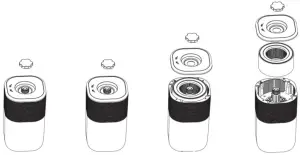
- Turn off and unplug the Air purifier, turn the air purifier upside down.
- Remove the screw from the base then twist the base to open.
- Remove the dirty filter and insert the new filter into the Air Purifier.
- Reattach the base to the unit and secure it with the screw. Note: If the filter is not in place or not fitted correctly the Air purifier will not operate.
Cleaning & maintaining
The Air Purifier should be cleaned at least monthly using a clean, dry and soft cloth. More frequent cleaning may be required depending on environmental conditions. Ensure the air purifier is switched off and disconnected from the power outlet and allow all parts to cool before cleaning or storing.
NOTE:
– Do NOT stick any foreign objects or your fingers inside of the unit.
– Do NOT use gasoline, benzine, thinner, harsh cleaners, etc. on and/or in the unit while cleaning as they will damage the Air Purifier. NEVER use alcohol or other solvents.
Filters
– The filter set is not washable.
– The filter should be cleaned once each month using a vacuum cleaner.
Note: The filter life is approximately 6 months if used 24 hours daily or 12 months if used 12 hours daily. Filter life will vary depending on environmental conditions.
Replacement Filters
Replacement filter part number: 2B0136
Replacement filters can be purchased from www.oricom.com.au.
Specifications & Troubleshooting
Specifications
Filter Life: Approx. 6 months depending on usage and environmental conditions.
Product Dimension: 200.5 x 200.5 x 327mm
For Room Size: 10-15 m2
Noise Level: 30dB-55dB
Power Consumption: 45W
Weight: 2.73kg (net weight)
Troubleshooting
Before reading through the troubleshooting below, ensure that the unit is unplugged from the mains.
| PROBLEM | SOLUTION |
| Unit will not turn on. |
|
| Inadequate air flow. |
|
| Unit is too loud. |
|
Express Warranty (Australia)
This Express Warranty is provided by Oricom International Pty Ltd ABN 46 086 116 369, Unit 1, 4 Sovereign Place, South Windsor NSW 2756, herein after referred to as “Oricom”.
Oricom warrants that the product is free from defects in materials or workmanship during the Express Warranty Period. This Express Warranty does not extend to any product from which the serial number has been removed or was purchased outside of Australia. The benefits of this Express Warranty are in addition to other rights and remedies you may have under the Australian Consumer Law. Our goods come with guarantees that cannot be excluded under the Australian Consumer Law. You are entitled to a replacement or refund for a major failure and compensation for any other reasonably foreseeable loss or damage. You are also entitled to have the goods repaired or replaced if the goods fail to be of acceptable quality and the failure does not amount to a major failure. In the event of a minor failure, Oricom reserves the right to choose to repair or replace the product. The Express Warranty Period will be a period of 12 months beginning on the date of purchase of the product evidenced by your dated sales receipt. You are required to provide proof of purchase as a condition of receiving Express Warranty services. You are entitled to a replacement product or repair of the product at our discretion according to the terms and conditions of this document if your product is found to be faulty within the Express Warranty Period. This Express Warranty extends to the original purchaser only and is not transferable. Products distributed by Oricom are manufactured using new materials or new and used materials equivalent to new in performance and reliability. Spare parts may be new or equivalent to new. Spare parts are warranted to be free from defects in material or workmanship for thirty (30) days or for the remainder of the Express Warranty Period of the Oricom branded product in which they are installed, whichever is longer. During the Express Warranty Period, Oricom will where possible repair and if not replace the faulty product or part thereof. All component parts removed under this Express Warranty become the property of Oricom. In the unlikely event that your Oricom product has a recurring failure, Oricom may always, subject to the Competition and Consumer Act 2010, at its discretion, elect to provide you with a replacement product of its choosing that is at least equivalent to your product in performance. No change to the conditions of this Express Warranty is valid unless it is made in writing and signed by an authorised representative of Oricom.
Oricom will not be liable under this Express Warranty, and to the extent permitted by law will not be liable for any defect, loss, damage or injury arising out of or in connection with a:
- Failure by you to adhere to the warnings and follow the instructions set out in this user guide for the proper installation and use of the product;
- Willful misconduct or deliberate misuse by you of the product;
- Any external cause beyond our control, including but not limited to power failure, lightning or over voltage; or
- Modification to the product or services carried out on the product by anyone other than Oricom or Oricom’s authorised service provider.
How to make a claim under your Express Warranty in Australia
Oricom has a simple warranty process for you to follow:
- Please call or email our Customer Support Team, 02 4574 8888 or [email protected].
- A Customer Support Team member will verify after troubleshooting with you if your product qualifies under warranty. If so, they will give you a Product Return Authorisation number.
- We will then email a Return Authorisation form and a Repair Notice (if necessary), together with instructions on how to return the product for warranty service.
Please note that if a Customer Support Team member advises that your product does not qualify for return, this warranty does not apply to your product. Products that are authorised to be returned to Oricom in Australia must include all of the following:
- A completed Return Authorisation form
- A copy of your Proof of Purchase (please keep your original copy)
- The faulty product, including all accessories.
Send the approved returns to:
Oricom International Pty Ltd
Locked Bag 658
South Windsor NSW 2756 Australia
Please note that this Express Warranty excludes expenses incurred by you in returning any faulty product to us. You must arrange and pay any expenses incurred (including postage, delivery, freight, transportation or insurance of the product) to return the faulty product to us, however, we will arrange delivery of the repaired or replaced faulty product to you.
Important Information
Repair Notice
Please be aware that the repair of your products may result in the loss of any user-generated data (such as stored telephone numbers, text messages and contact information). Please ensure that you have made a copy of any data saved on your product before sending for repair. Please also be aware that products presented for repair may be replaced by refurbished products or parts of the same type rather than being repaired.
Contact Details for Oricom support and Warranty claims in Australia
Oricom International Pty Ltd
Unit 1, 4 Sovereign Place South Windsor, NSW 2756 Australia
Email: [email protected]
Phone: (02) 4574 8888
(Monday to Friday 8am to 6pm AEST)
Web: www.oricom.com.au
Fax: (02) 4574 8898
ORICOM CUSTOMER SUPPORT
Oricom have a trained and dedicated team of Customer Support Representatives, each with the knowledge and resources to assist in answering your questions quickly and efficiently.
Oricom Support – Australia
For all product enquiries, troubleshooting or to discuss the range of Oricom products, feel free to contact Oricom or visit our website for answers to frequently asked questions.
(02) 4574 8888
Monday – Friday 8am 6pm AEST
Email: [email protected]
www.oricom.com.au
Oricom Support – New Zealand
0800 674 266
Monday – Friday 10am – 8pm NZST
Email: [email protected]