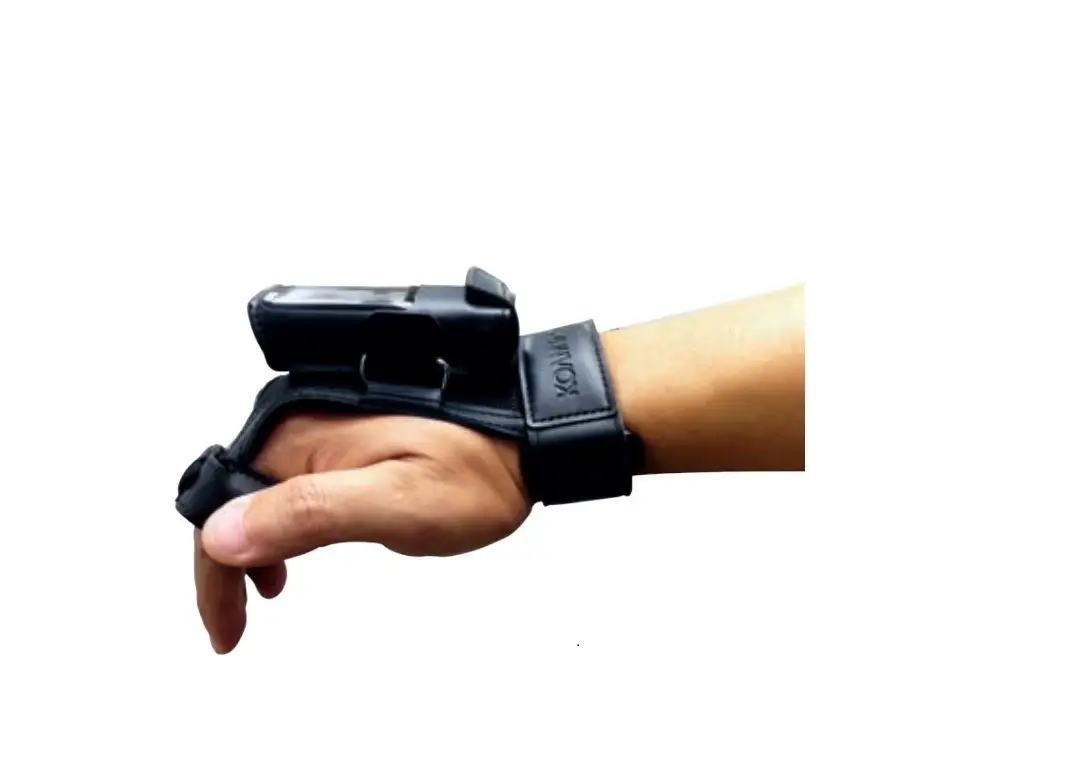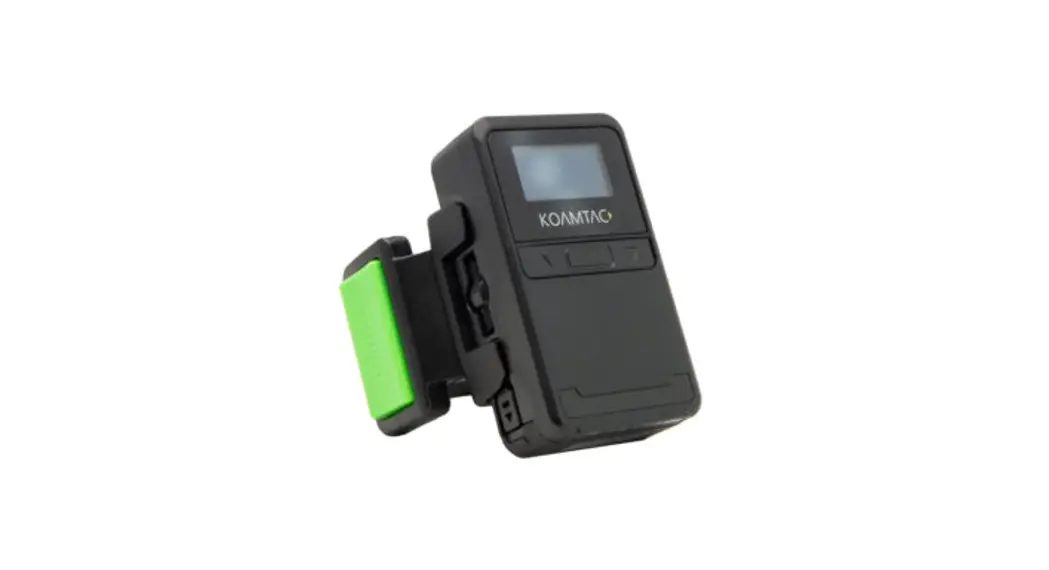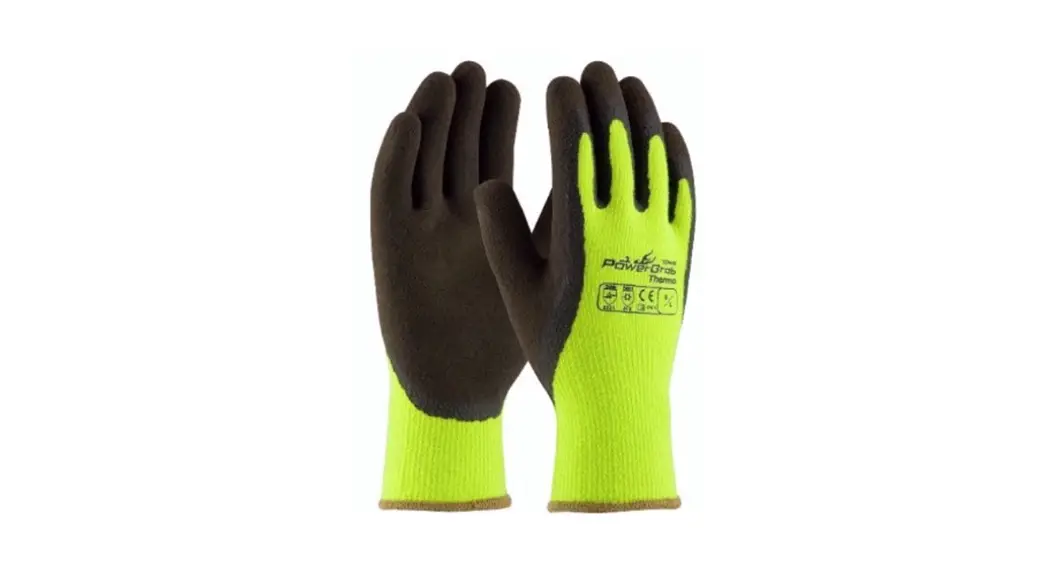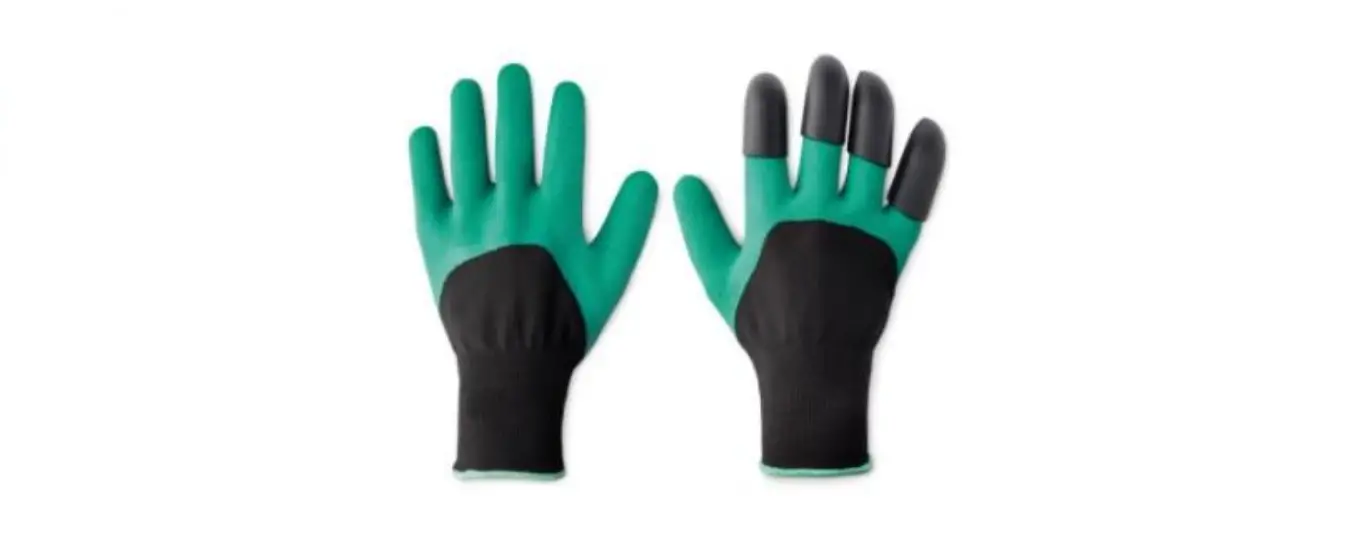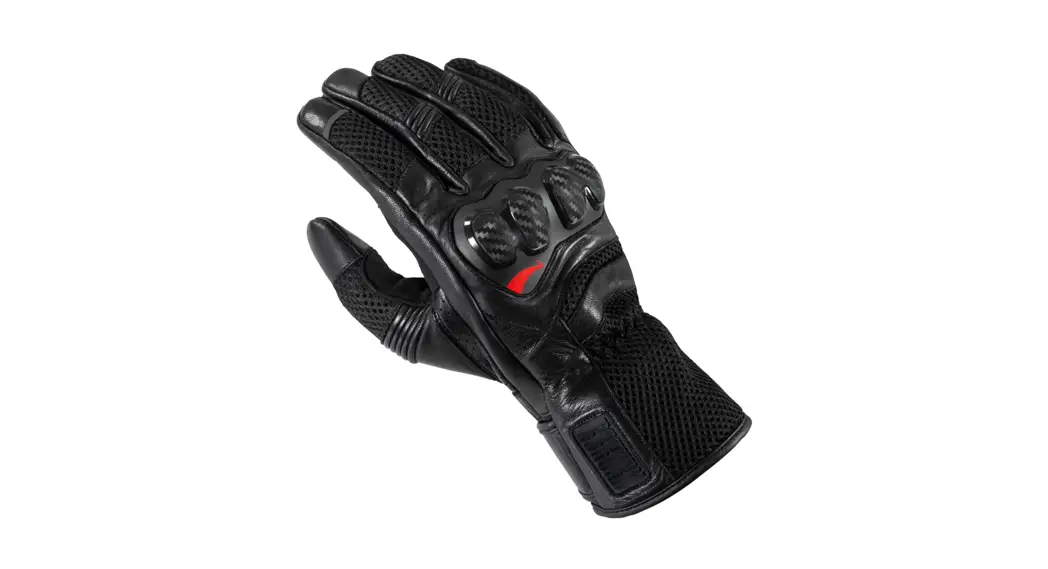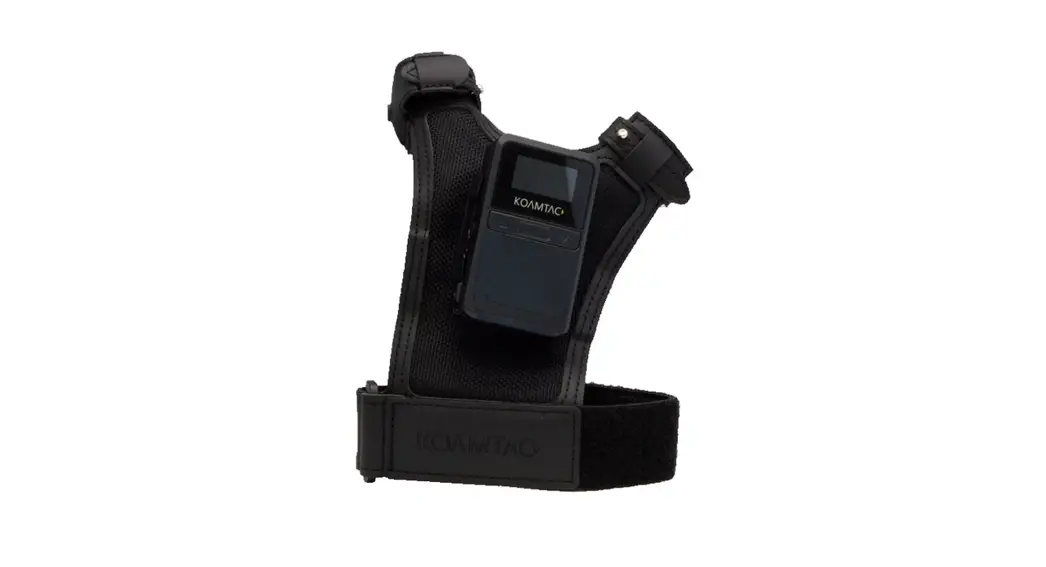
 KDC180 Finger Trigger Glove
(FTG) Manual
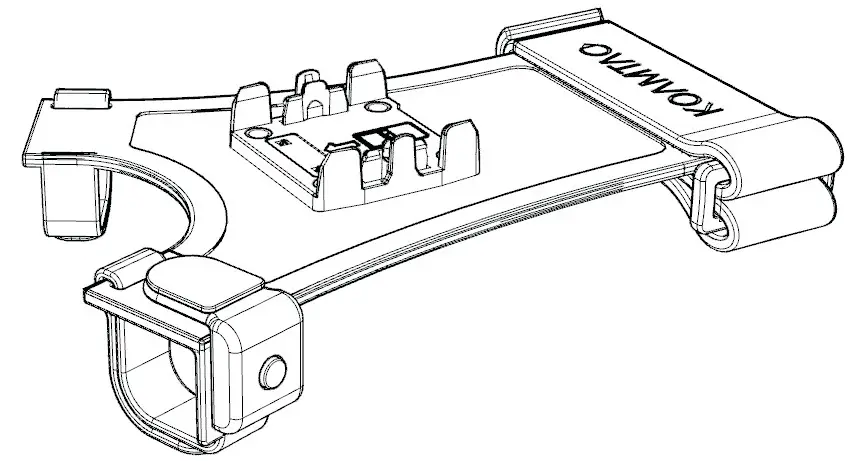
*KDC180 Inductive/ Keypad/ O.SW UHF Models are assembled the same way.
Assembly Instructions
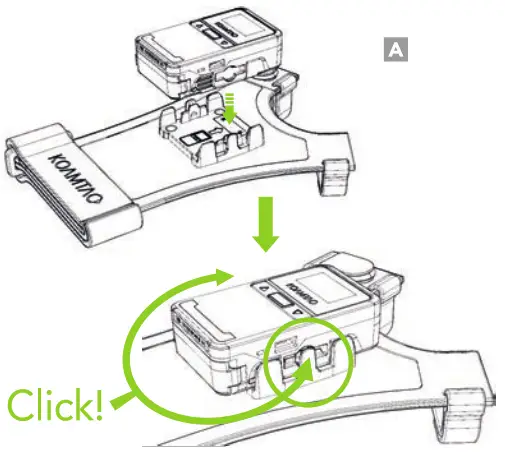
- Insert the KDC180 into the FTG cap until both sides click. (A)

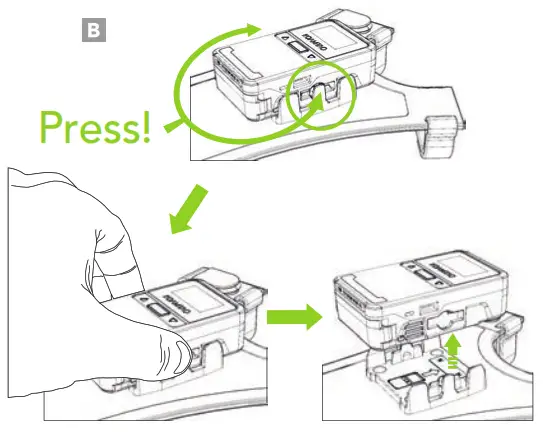
- To remove the KDC180 from the FTG, press and hold each tab on both sides of the FTG cap while pulling the KDC180 upward. (B)

Additional Accessories
- Ring Trigger (Left/Right/Double)
- 2-Slot and 10-Slot Charging Cradles
- Micro USB Cable
- KBLED41 BLE Dongle
- Protective Rubber Boot
KDC180 Models
- KDC180U Wearable O.SW UHF Reader
- KDC180H 2D imager
- KDC180H 2D imager with Keypad
- KDC180H 2D imager with Inductive Charging
- KDC180H 2D lmager with O.SW UHF Reader
116 Village Blvd, Ste 305, Princeton, NJ 08540
+1 609-256-4700 0] +1 609-228-4373 f
[email protected] ] www.koamtac.com