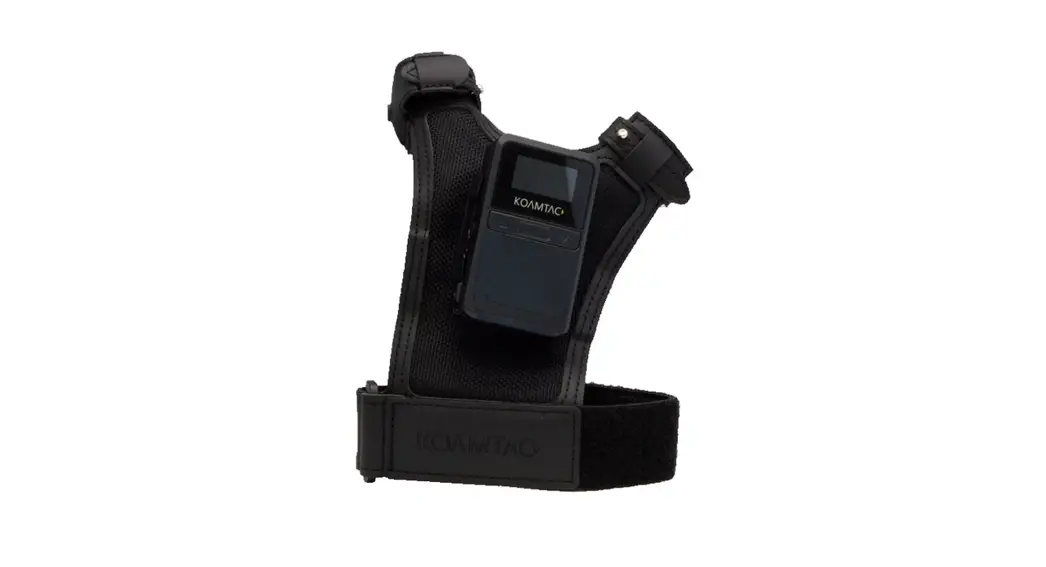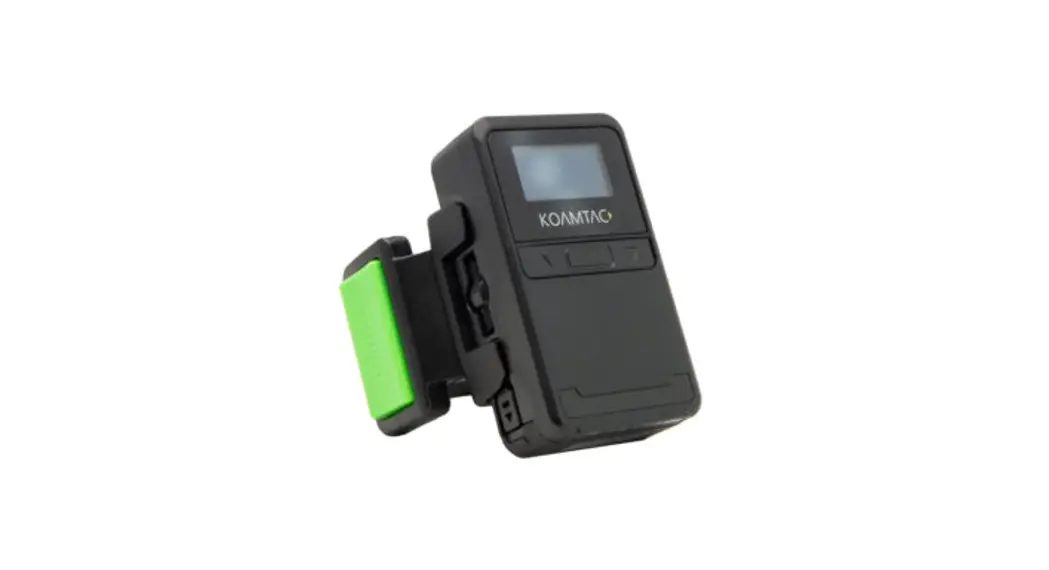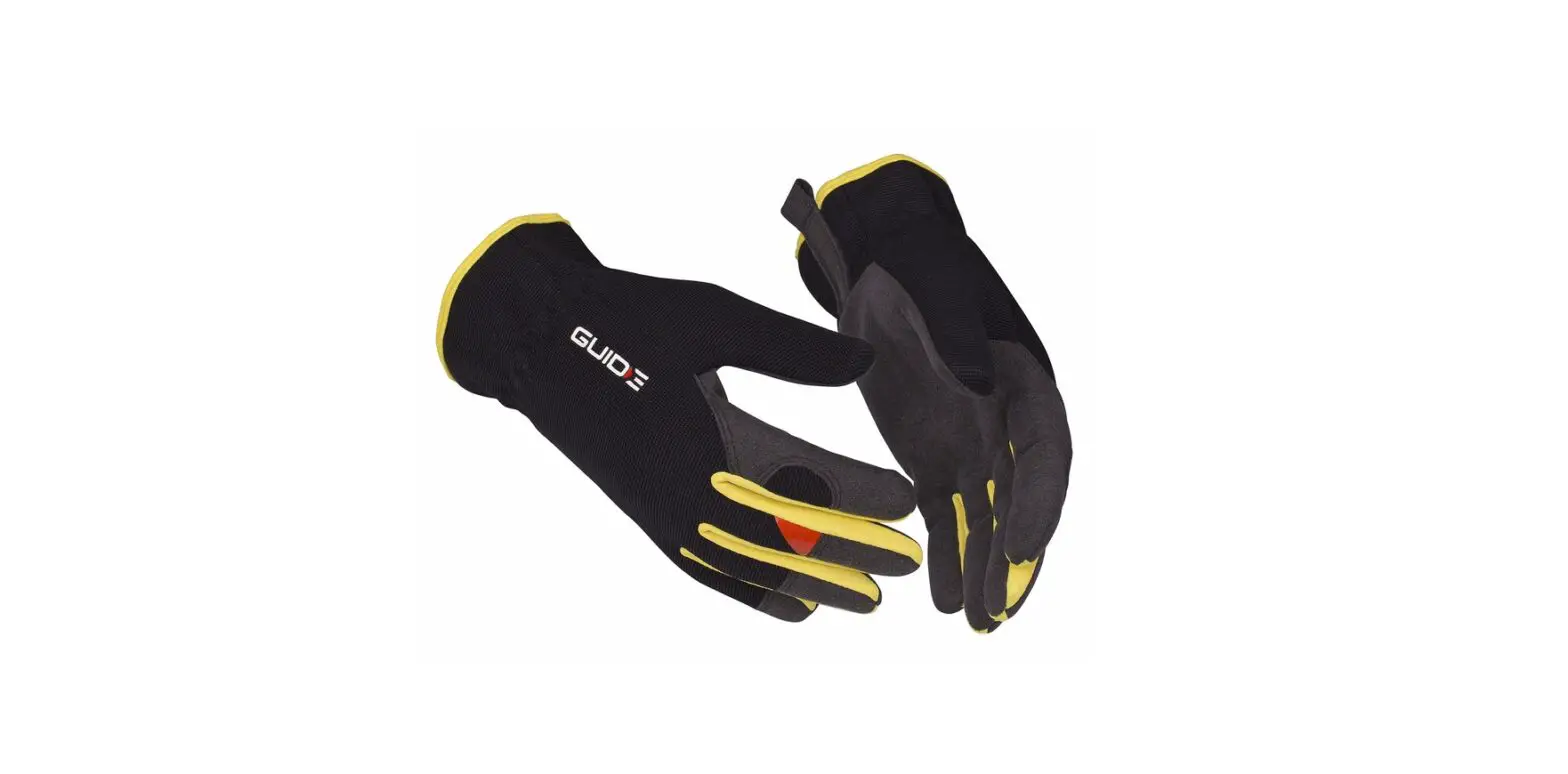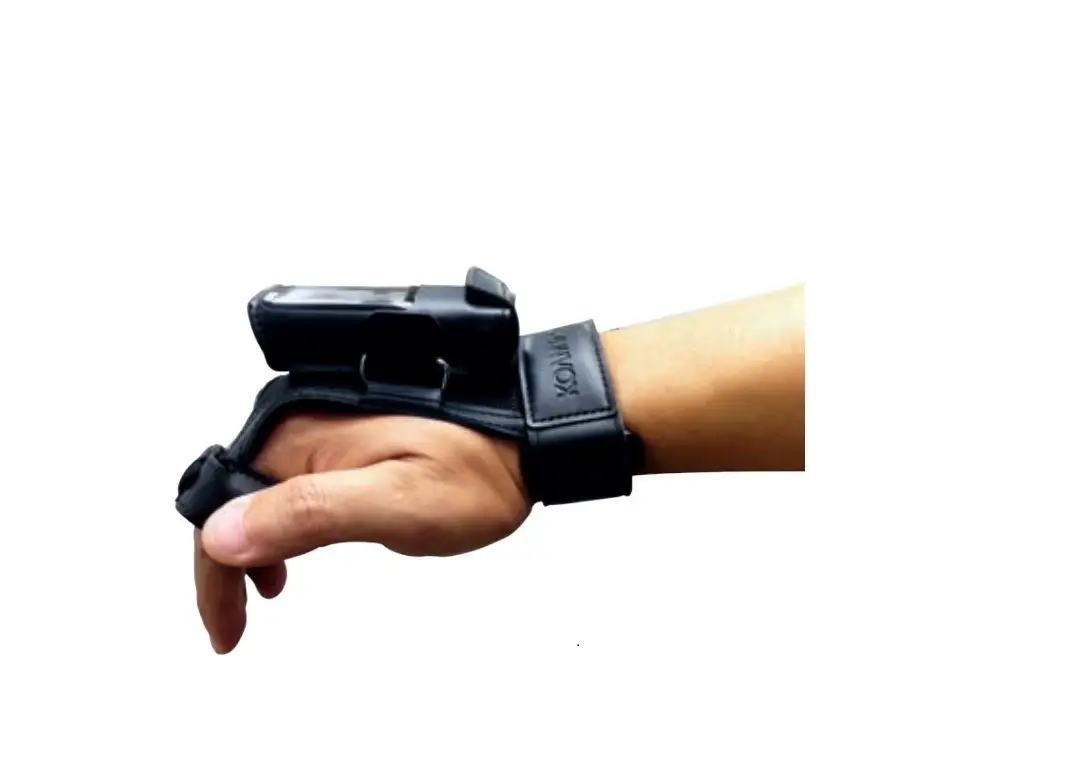
KOAMTAC 908590 KDC270 Finger Trigger Glove Instruction Manual
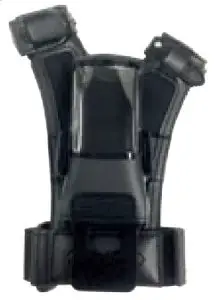
What’s in the box?
- 1 KDC Finger Trigger Glove

Additional KDC270 Accessories
- Charging Cradle
- Protective Boot
- Ring Scanner
Installation Instructions
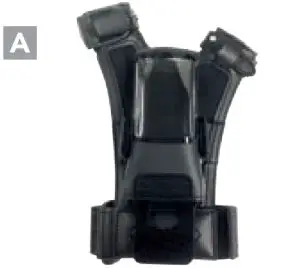
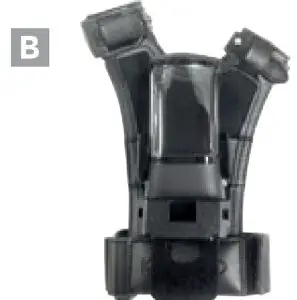
- Open bottom flap and pull adaptor out of pocket being careful not to strain attached cable. (A,B)


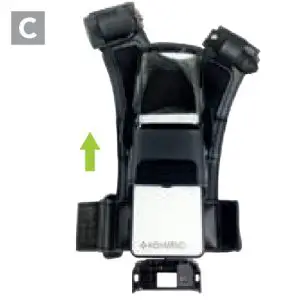
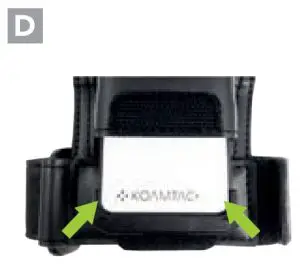
- Insert KDC270 into pocket and connect adaptor to bottom of scanner. (C,D)


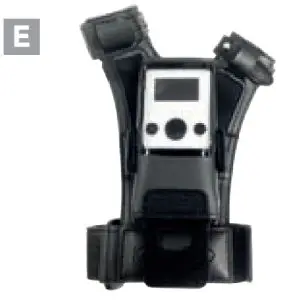
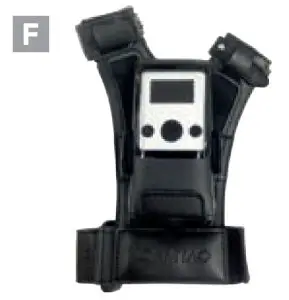
- Slide the KDC270, with adaptor attached, all the
way into the pocket and close flap. (E,F)

Removal Instructions
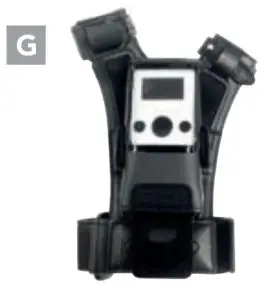
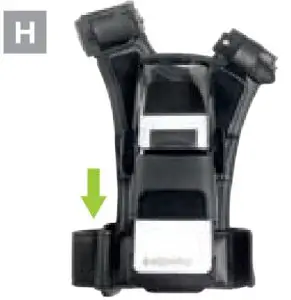
- Open flap and remove KDC270 half-way; any further may cause damage to the cable. (G,H)


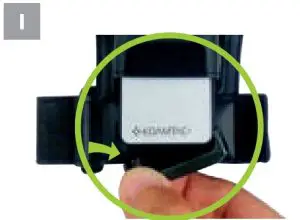
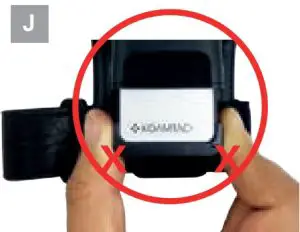
- Disconnect the adaptor from KDC270 one side at a time. Do not pull from both sides. (I,J)


Return adaptor to pocket and close flap for storage
Contact Us
116 Village Blvd, ste 305, Princeeton, NJ 02540
+1 609-256-4700
+1 609-228- 4373
[email protected]
www.koamtac.com