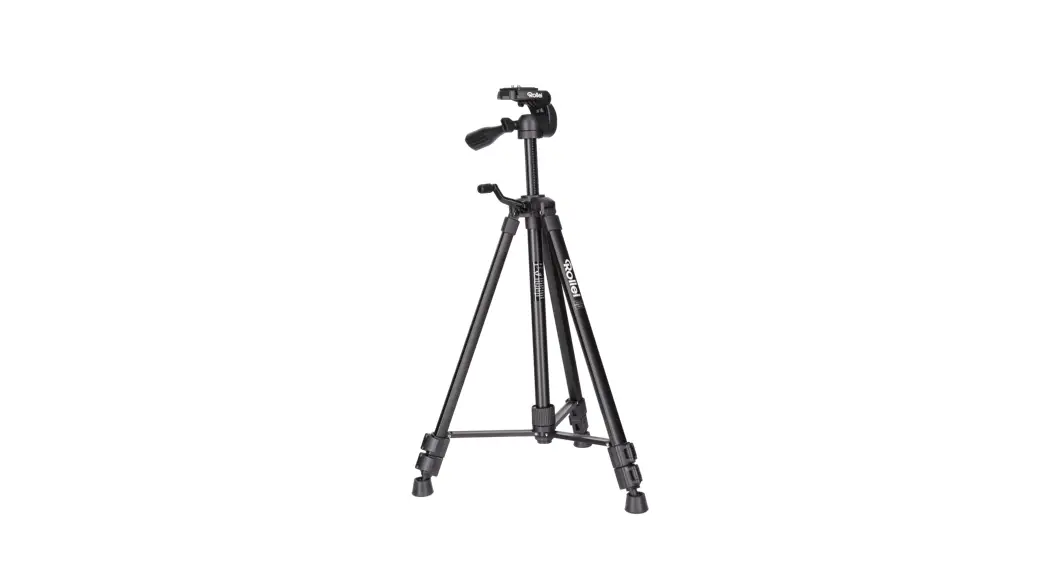
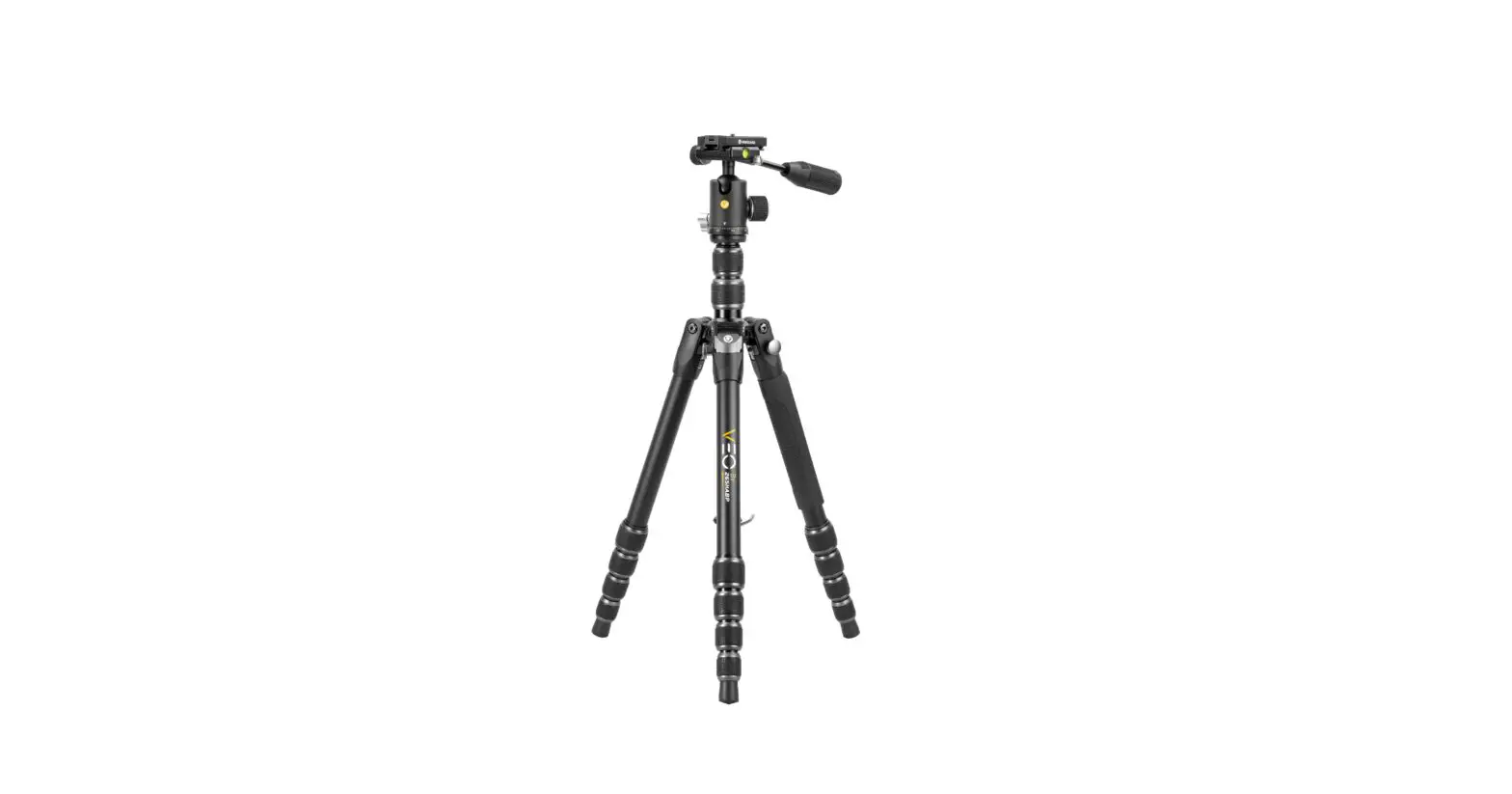
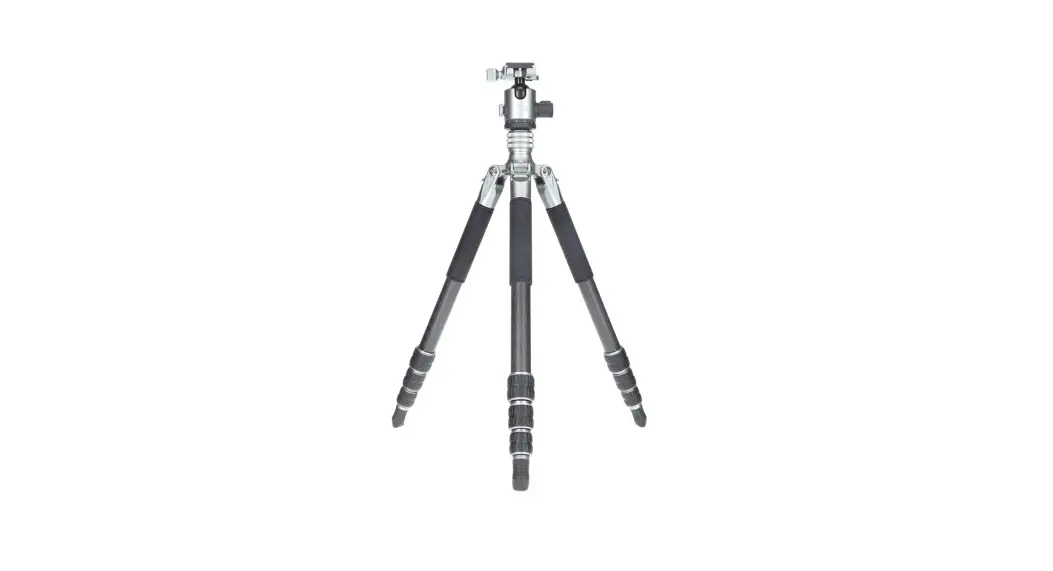
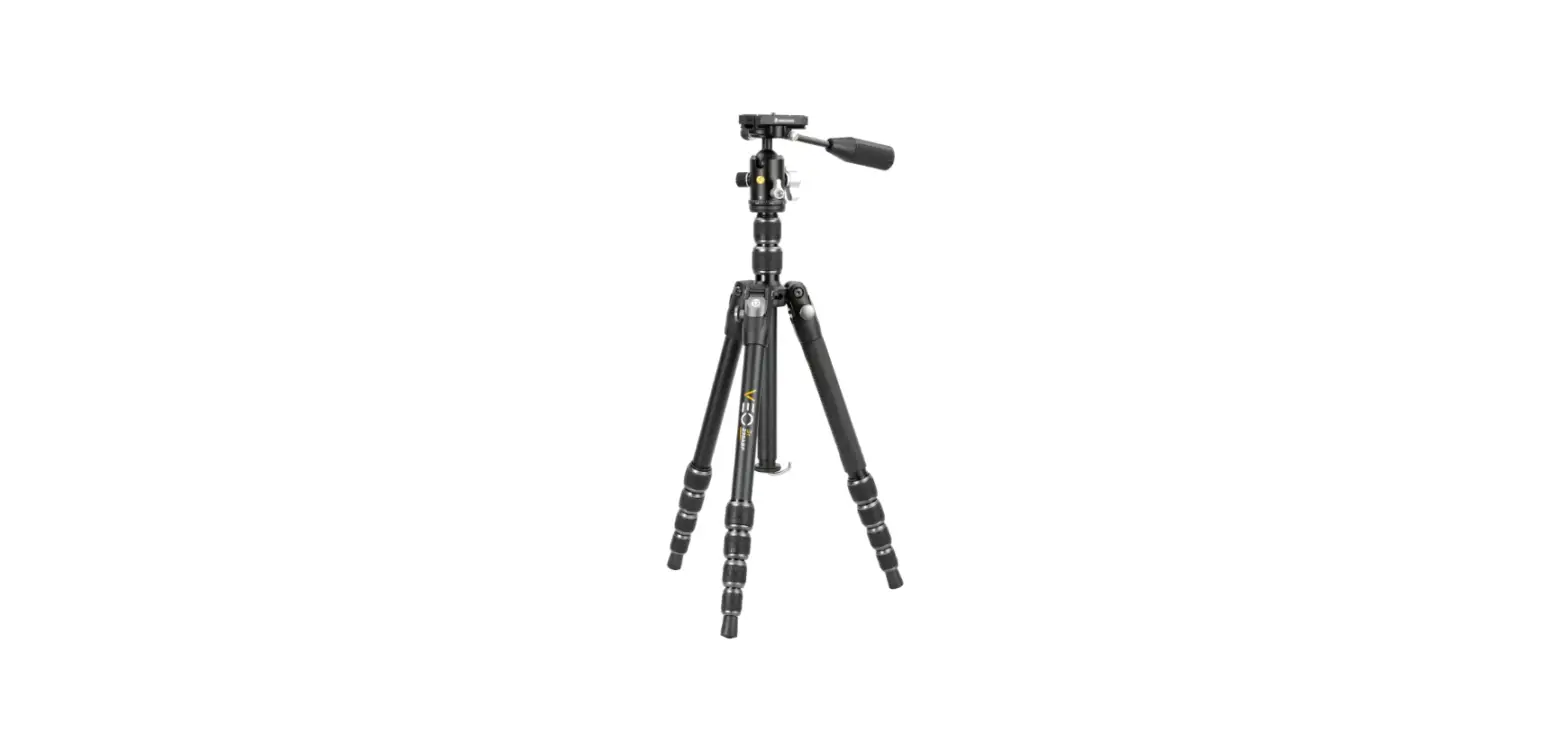
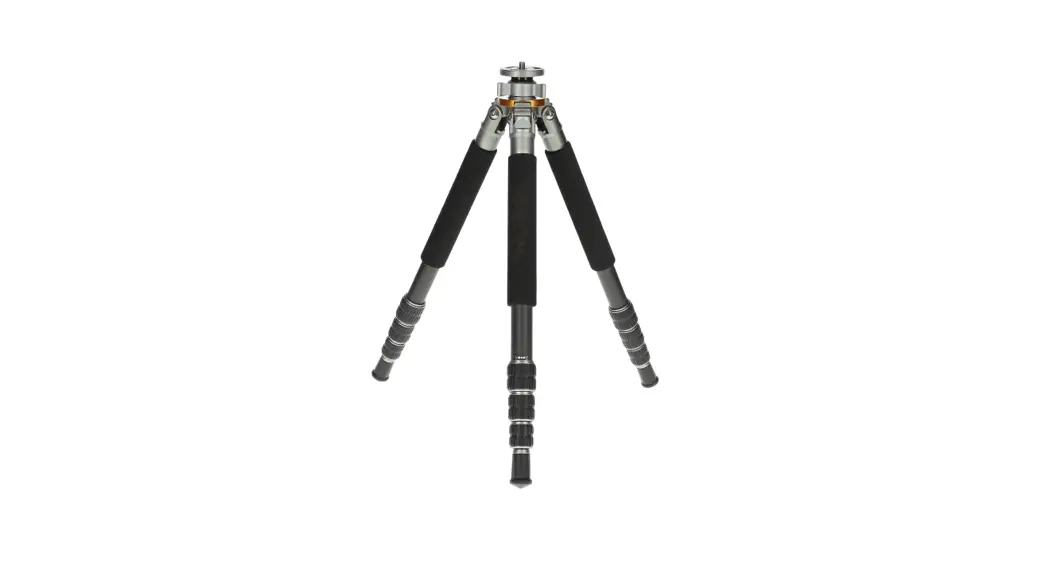
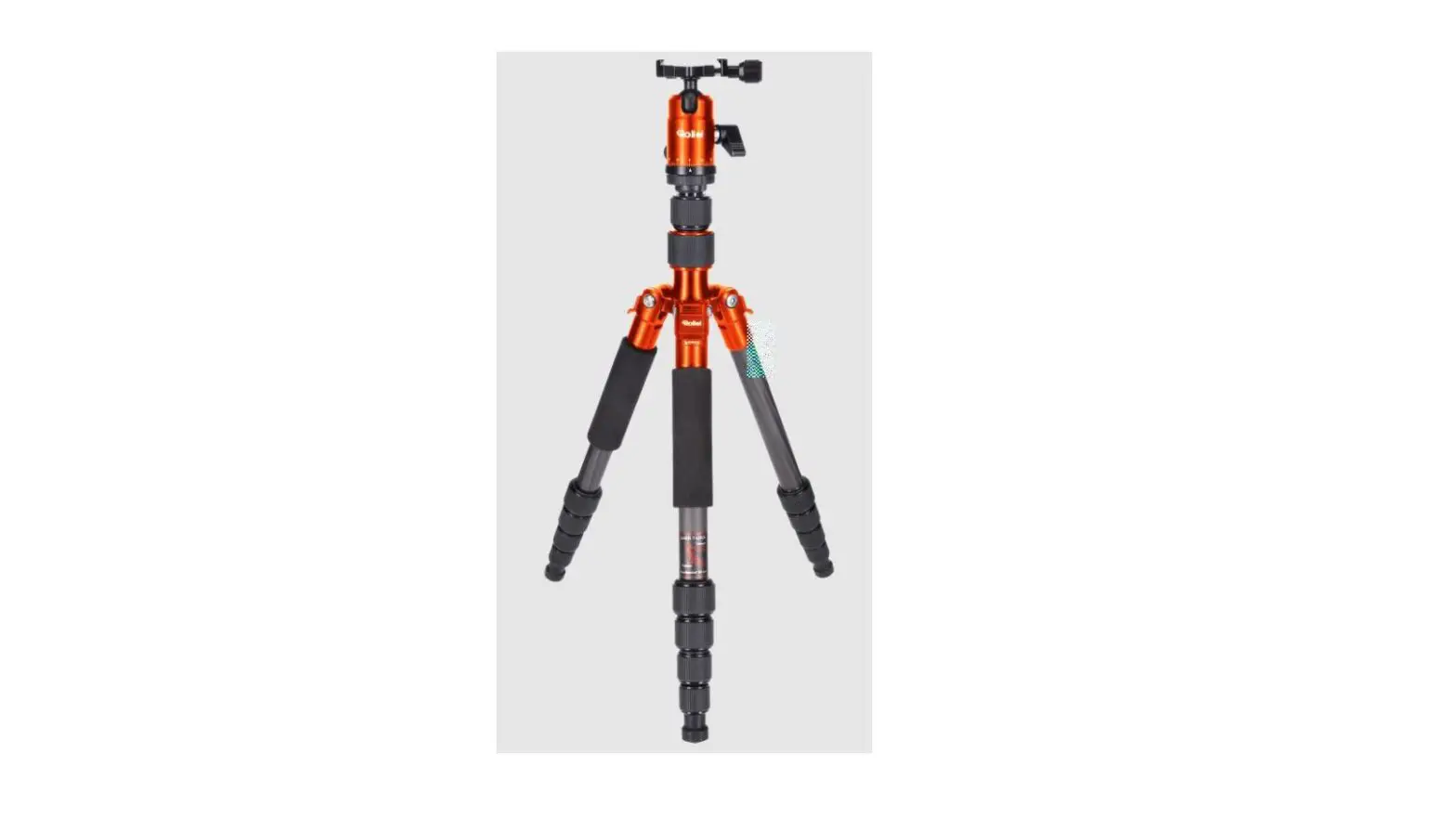
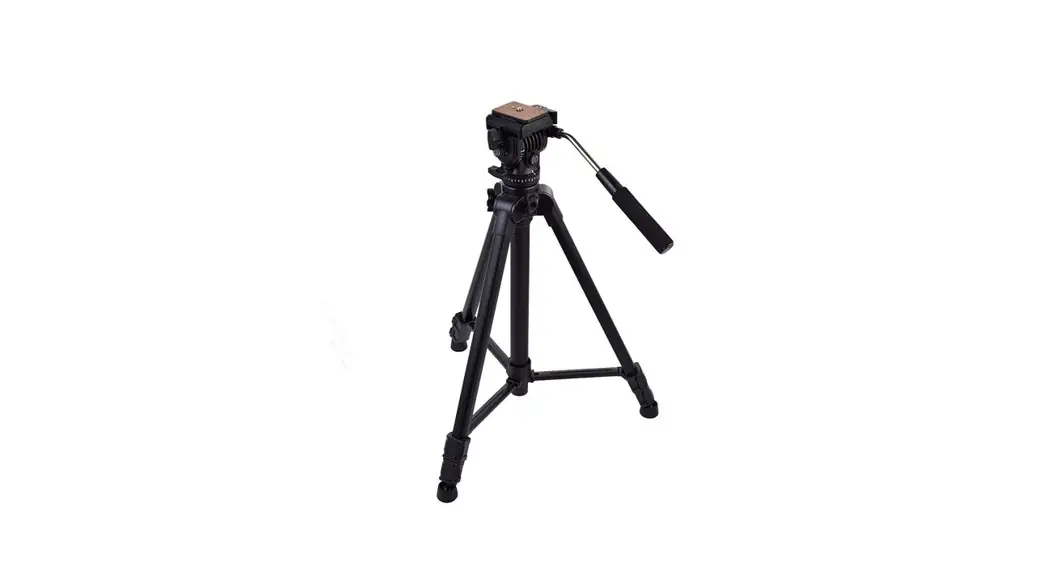
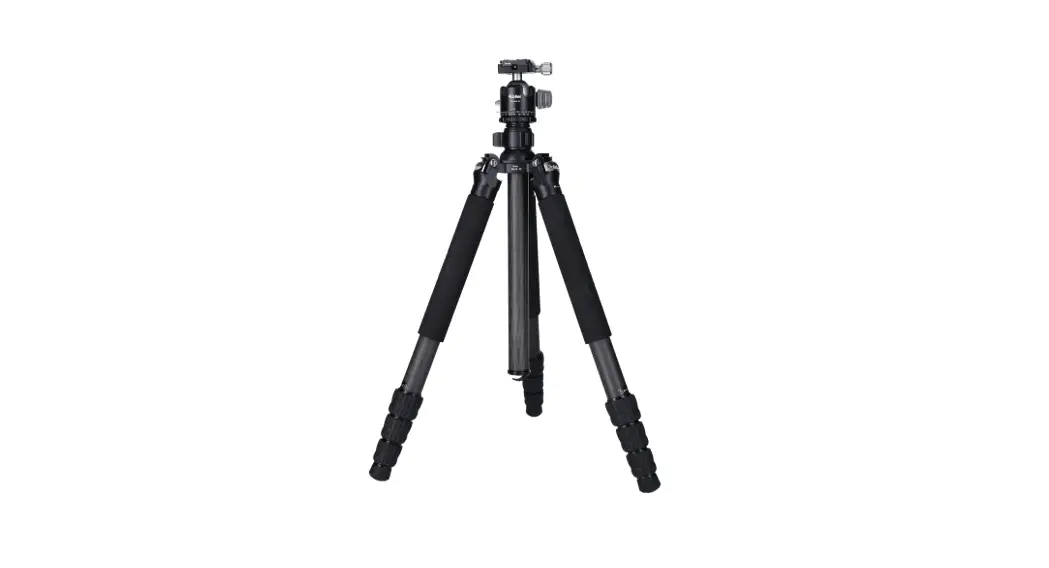
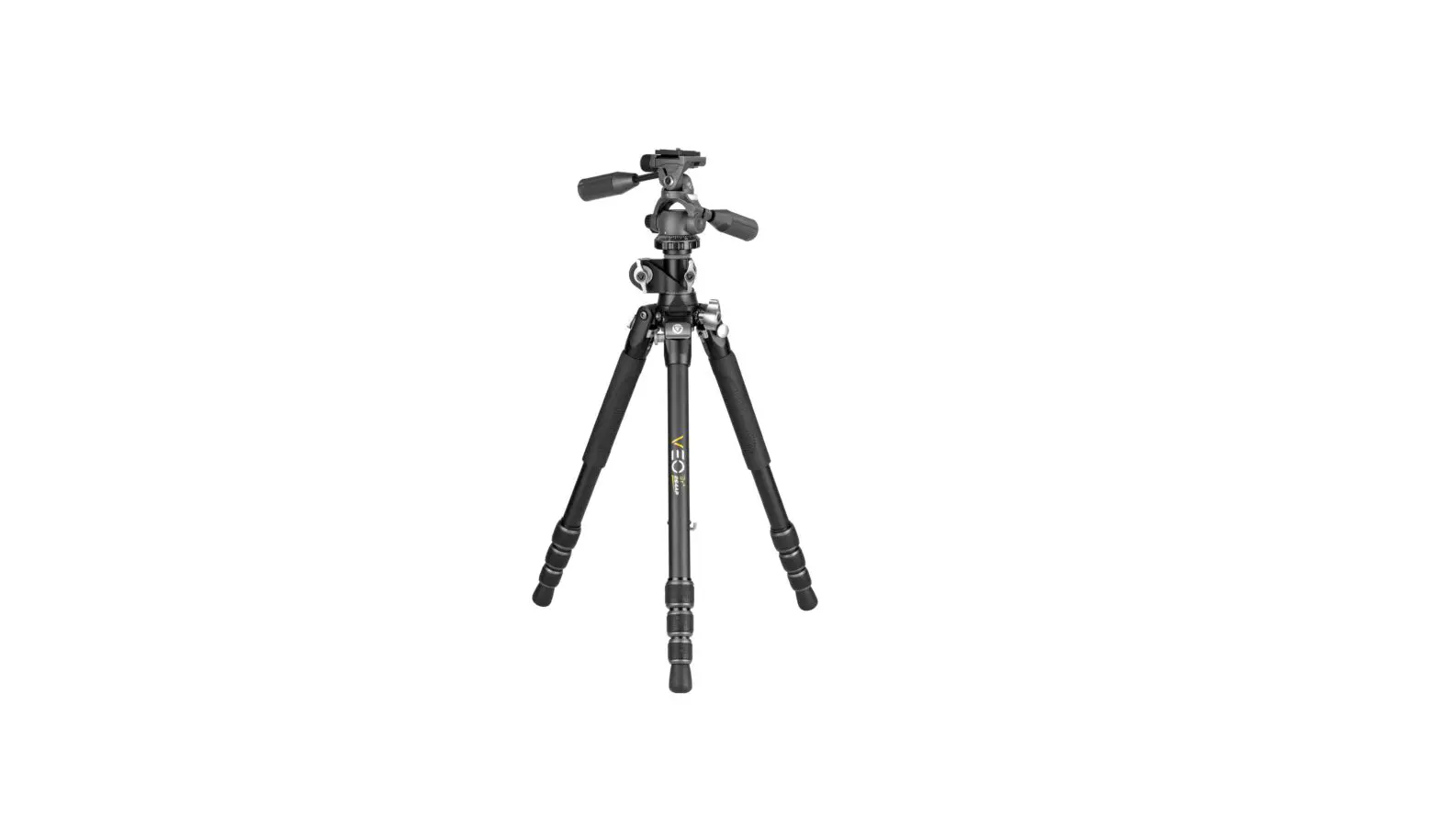
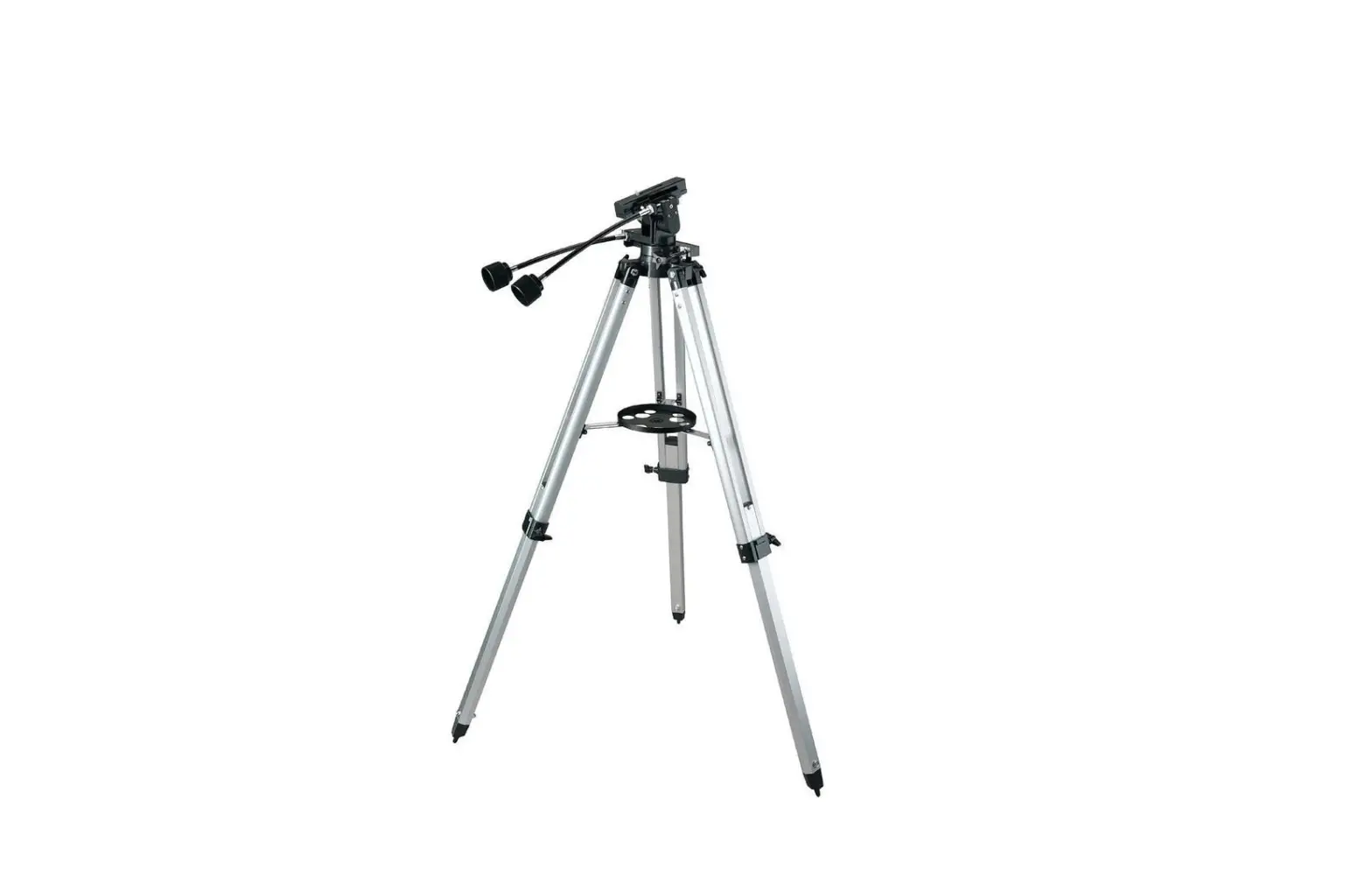
S3 Tripod Compact Traveler Star Macro
Product Information: Compact Traveler Star S3 Macro Tripod
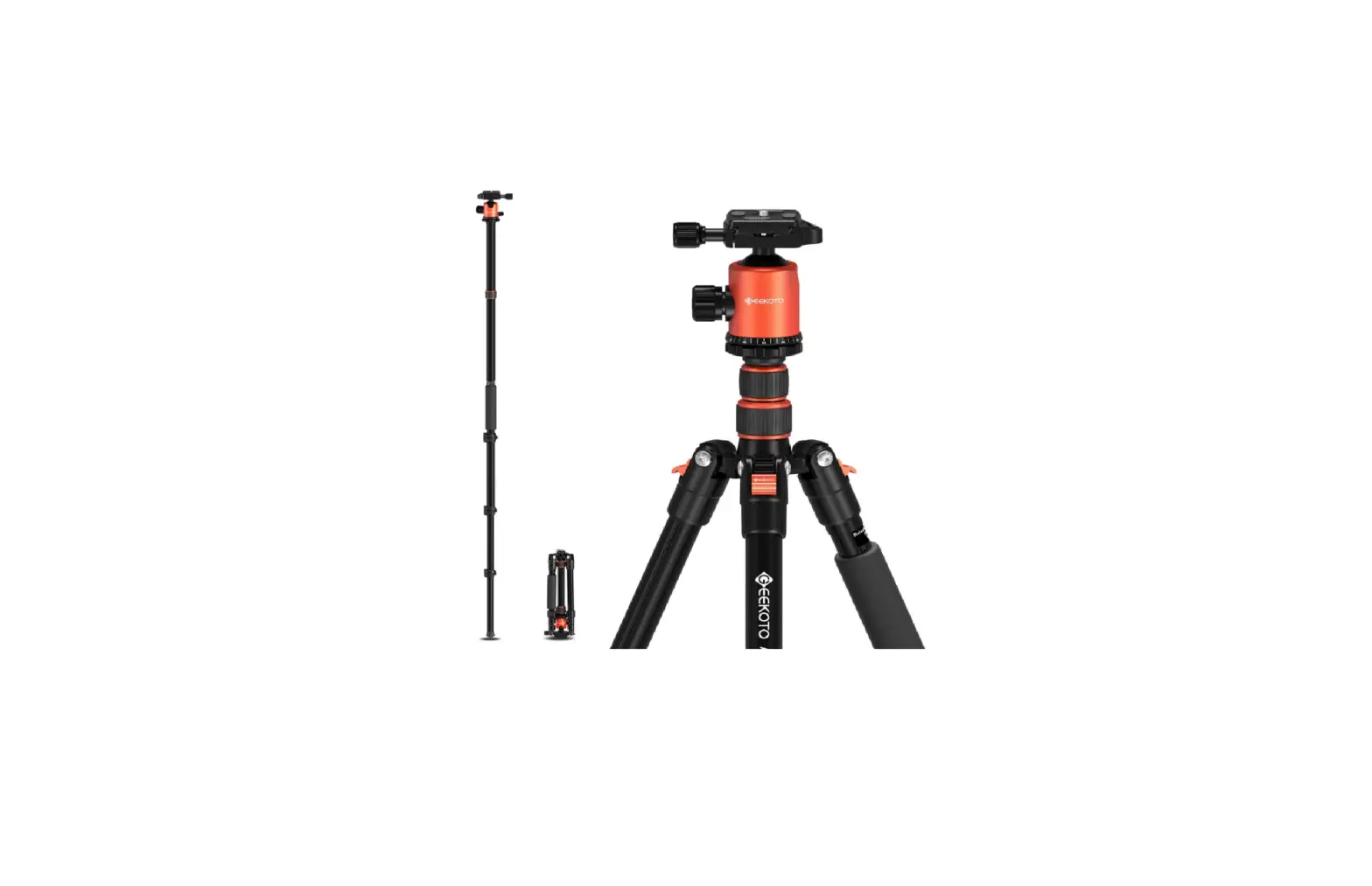
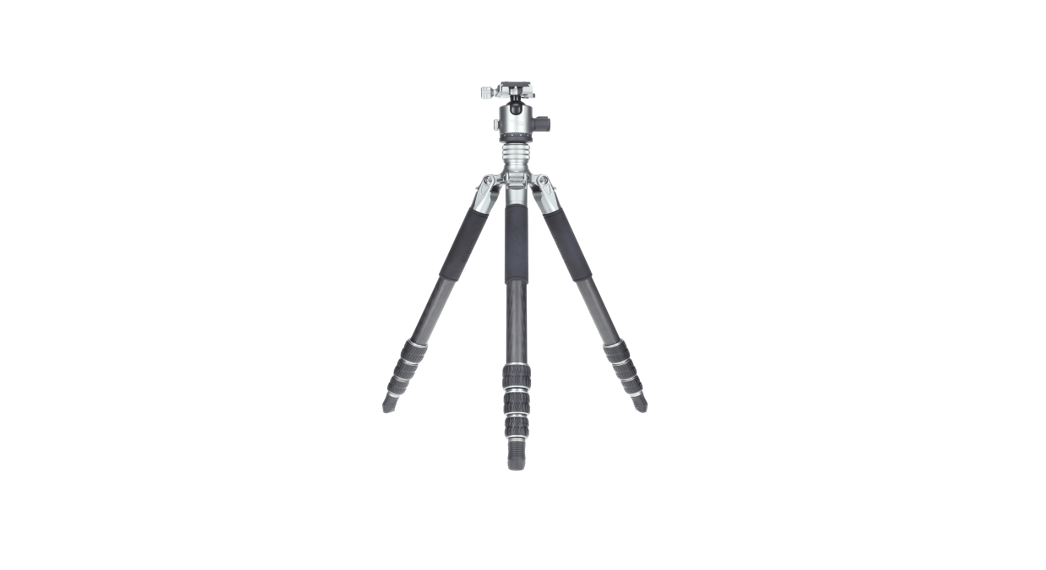
The Compact Traveler Star S3 Macro Tripod is a lightweight and
compact tripod designed for travel and outdoor photography. It is
made of durable aluminum material and has a maximum load capacity
of 5 kg.
The tripod features a central axis locking knob, tilt locking
knob, and angle locking knob for easy adjustments. It also has a
quick-release plate that allows for easy and fast attachment and
detachment of the camera.
The tripod has rubber feet for stability and a weight hook that
can be used to add extra weight for stability in windy
conditions.
Technical Data:
- Material: Aluminum
- Minimum height: 52 cm
- Maximum height: 178 cm
- Working height maximum: 150 cm
- Packing size: 58 cm
- Weight: 1.63 kg
- Maximum load: 5 kg
- Leg segments: 4
- Tripod leg diameter: 16.6 / 19.8 / 23 / 26.6 mm
- Monopod minimum height: 44 cm
- Monopod maximum height: 158 cm
- Monopod weight: 468 g
- Monopod maximum load: 5 kg
- Tripod head height: 7 cm (incl. quick-release plate)
- Tripod head base diameter: 4 cm
- Tripod head weight: 242 g
- Tripod head maximum load: 5 kg
- Quick-release plate size: 6.5 x 5 x 1.5 cm
- Quick-release plate weight: 21 g
Box Content:
- Compact Traveler Star S3 Macro Tripod
- Tripod bag
Product Usage Instructions:
1. Introduction of the Tripod
The tripod has safety pin, 1/4 screw, tilt locking knob, central
axis locking knob, centre column locking knob, tripod leg, leg
lock, and rubber feet (see fig. 1).
2. Using the Quick-Release Plate
To remove the quick-release plate, pull the locking lever of the
plate outwards, the quick-release plate will then release and can
be removed (see fig. 2).
3. Vertical Swivelling, Horizontal Turning and 90 Degree
Shooting
The tripod allows for vertical swivelling, horizontal turning,
and 90 degree shooting.
4. Raising and Lowering the Centre Column
The centre column can be raised and lowered by turning the
central axis locking knob.
5. Extend and Fold the Leg
Each leg section can be adjusted to the desired length by
opening the leg lock lever. Pull the leg to the desired length.
Once the desired length is reached, close the flip-lock lever so
that the leg section is securely locked. Repeat this step for each
leg and section until the tripod is set to the desired height (see
fig. 6 and 7).
6. Weight Hook
If additional weight needs to be added to the tripod to give it
more stability in windy conditions, a sandbag, camera bag or
similar item can be attached to the hook (see fig. 8). Be careful
not to overload the tripod with too much weight as this can have
the opposite effect.
7. Operating the Side Arm
The tripod has a side arm that can be operated for additional
camera positioning options.
Compact Traveler Star S3 Makro Compact Traveler Star S3 Macro
ANLEITUNG AUF DEUTSCH MANUAL IN ENGLISH www.rollei.de
1. Einführung des Stativs
1 Sicherheits-PIN 2 1/4″-Schraube 3 Neige-Verriegelungsknopf 4 Zentrale Achsen-Verriegelung 5 Mittelsäulen-Verriegelungsknopf 6 Stativbein 7 Beinverschluss 8 Gummifüße
Abb. 1 1
2 3 4 5
6
7
9
10
11 8
9 Mittelsäule 10 Winkel-Verriegelungsknopf 11 Haken 12 Vertikal- Verriegelungsknopf 13 Verriegelungshebel 14 Griff
Abb. 2 12
13 14
Abb. 2
Abb. 3
Abb. 4
Abb. 5
Abb. 6
Abb. 7
Abb. 8
DEUTSCH
2. Die Verwendung der Schnellwechselplatte
Um die Schnellwechselplatte zu entfernen, ziehen Sie Sie den Verriegelungshebel der Platte nach außen, die Schnellwechselplatte löst sich dann und kann abgenommen werden (siehe Abb. 2).
3. Vertikales Schwenken, horizontales Drehen und 90-Grad-Aufnahme
Drehen Sie den Schwenkeinstellknopf zum Lockern in Pfeilrichtung, um so ein gleichmäßiges Schwenken zu ermöglichen. Drehen Sie den Knopf in die entgegengesetzte Richtung zum Festziehen.
Drehen Sie den Tilt-Einstellknopf in Pfeilrichtung, um ihn für ein gleichmäßiges, konsistentes Schwenken zu lockern. Drehen Sie den Knopf in die entgegengesetze Richtung zum Festziehen.
Drehen Sie den Vertikalsperrknopf in Pfeilrichtung um den Winkel der Auflageplatte um 90° zu verstellen. Drehen Sie den Knopf in die entgegengesetzte Richtung drehen, um ihn festzuziehen (siehe Abb. 3).
4. Anheben und Absenken der mittleren Säule
Um die Mittelsäule anzuheben oder abzusenken, drehen Sie den mittleren Arretierknopf gegen den Uhrzeigersinn und stellen Sie die Säule in die die gewünschte Position. Halten Sie die Säule in ihrer Position fest und drehen Sie den Säulenverriegelungsknopf im Uhrzeigersinn, um die Säule in der richtigen Position zu fixieren. Ziehen Sie die Mittelsäulenverriegelung nicht zu fest an, da dies das Gewinde beschädigen könnte (siehe Abb. 4).
Die Mittelsäule kann herausgenommen und als Einbeinstativ verwendet werden. Drehen Sie die Mittelsäule gegen den Uhrzeigersinn und ziehen Sie sie auseinadner, um die Höhe einzustellen. Drehen Sie die Säule im Uhrzeigersinn, um sie in der gewünschten Position zu verriegeln (siehe Abb. 5).
5. Das Bein ausziehen und einklappen
Jedes Beinteil kann auf die gewünschte Länge eingestellt werden, indem der Beinverschluss-Hebel geöffnet wird. Ziehen Sie das Bein in die gewünschte Länge. Sobald die gewünschte Länge erreicht ist, schließen Sie den Flip-Lock-Hebel, so dass das Beinteil sicher verriegelt ist. Wiederholen Sie diesen Schritt für jedes Bein und jedes Teilstück, bis das Stativ auf die gewünschte Höhe eingestellt ist (siehe Abb. 6 und 7).
6. Gewichtshaken
Wenn ein zusätzliches Gewicht zum Stativ hinzugefügt werden muss um dem Stativ bei windigen Verhältnissen mehr Stabilität zu gewährleisten, kann ein Sandsack, eine Kameratasche oder ein ähnlicher Gegenstand am Haken angebracht werden (siehe Abb. 8). Achten Sie darauf, dass das Stativ nicht mit zuviel Gewicht überladen wird, da dies sonst einen Gegenteiligen Effekt haben kann.
7. Bedienung des seitlichen Arms
Drehen Sie den Feststellknopf der Mittelsäule los und nehmen Sie die Mittelsäule heraus. Stecken Sie diese nun waagerecht in das seitliche Loch der Drehachse und sperren Sie sie mit dem Feststellknopf (siehe Abb. 8).
Drehen Sie die Dreh-Verriegelungsknopf los, der Seitenarm ist nun um 360° schwenkbar.
Technische Daten
Stativ Material Höhe minimal Höhe maximal Arbeitshöhe maximal Packmaß Gewicht Traglast maximal Beinsegmente Stativbeindurchmesser
Einbeinstativ Höhe minimal Höhe maximal Gewicht Traglast maximal
Stativkopf Höhe Basis-Durchmesser Gewicht Traglast maximal
Schnellwechselplatte Maße Gewicht
Lieferumfang
Aluminium 52 cm 178 cm 150 cm 58 cm 1,63 kg 5 kg 4 16,6 / 19,8 / 23 / 26,6 mm
44 cm 158 cm 468 g 5 kg
7 cm (inkl. Schnellwechselplatte) 4 cm 242 g 5 kg
6,5 x 5 x 1,5 cm 21 g Compact Traveler Star S3 Makro, Tasche
Änderungen von Design und technischen Daten bleiben vorbehalten und bedürfen keiner Ankündigung.
DEUTSCH
1. Introduction of the Tripod
1 Safety PIN 2 1/4″ screw 3 Tilt locking knob 4 Central axis locking knob 5 Centre column locking knob 6 Tripod leg 7 Leg lock 8 Rubber feet
Fig. 1 1
2 3 4 5
6
7
9
10
11 8
9 Centre column 10 Angle locking knob 11 Hook 12 Vertical locking knob 13 Locking lever 14 Handle
Fig. 2 12
13 14
Fig. 2
Fig. 3
Fig. 4
Fig. 5
Fig. 6
Fig. 7
Fig. 8
ENGLISH
2. Using the Quick-Release Plate
To remove the quick-release plate, pull the locking lever of the plate outwards, the quick-release plate will then release and can be removed (see fig. 2).
3. Vertical Swivelling, Horizontal Turning and 90 Degree Shooting
Turn the pan adjustment knob in the direction of the arrow to loosen, allowing for smooth panning. Turn the knob in the opposite direction to tighten.
Turn the tilt adjustment knob in the direction of the arrow to loosen it for smooth, consistent panning. Turn the knob in the opposite direction to tighten.
Turn the vertical lock knob in the direction of the arrow to adjust the angle of the support plate by 90°. Turn the knob in the opposite direction to tighten (see fig. 3).
4. Raising and Lowering the Centre Column
To raise or lower the centre column, turn the centre locking knob anticlockwise and adjust the column to the desired position. Hold the column in position and turn the column locking knob clockwise to lock the column in place. Do not overtighten the centre column lock as this may damage the thread (see fig. 4).
The centre column can be removed and used as a monopod. Turn the centre column anticlockwise and pull it out to adjust the height. Turn the column clockwise to lock it in the desired position (see fig. 5).
5. Extend and Fold the Leg
Each leg section can be adjusted to the desired length by opening the leg lock lever. Pull the leg to the desired length. Once the desired length is reached, close the flip-lock lever so that the leg section is securely locked. Repeat this step for each leg and section until the tripod is set to the desired height (see fig. 6 and 7).
6. Weight Hook
If additional weight needs to be added to the tripod to give it more stability in windy conditions, a sandbag, camera bag or similar item can be attached to the hook (see fig. 8). Be careful not to overload the tripod with too much weight as this can have the opposite effect.
7. Operating the Side Arm
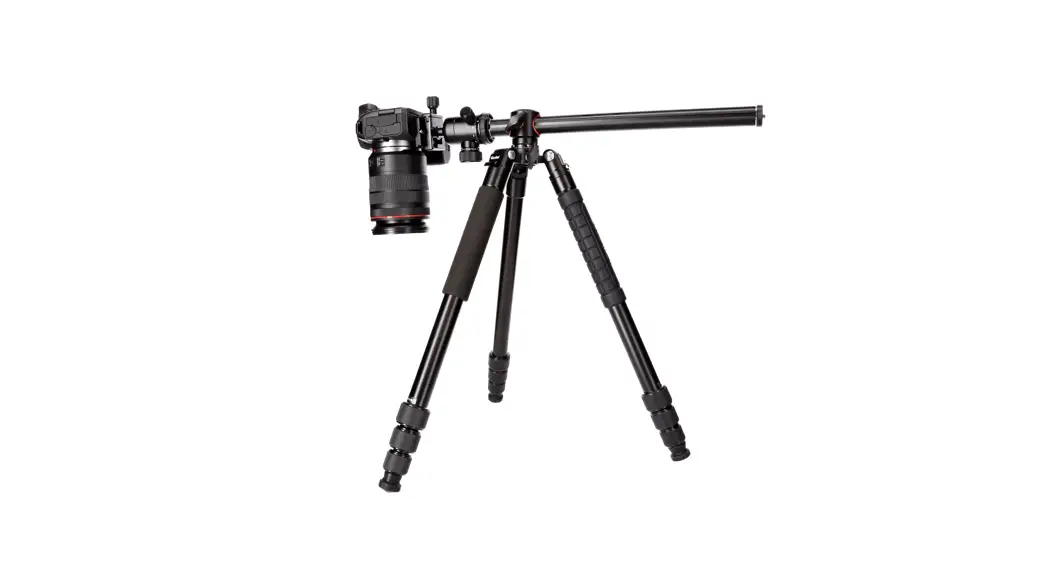
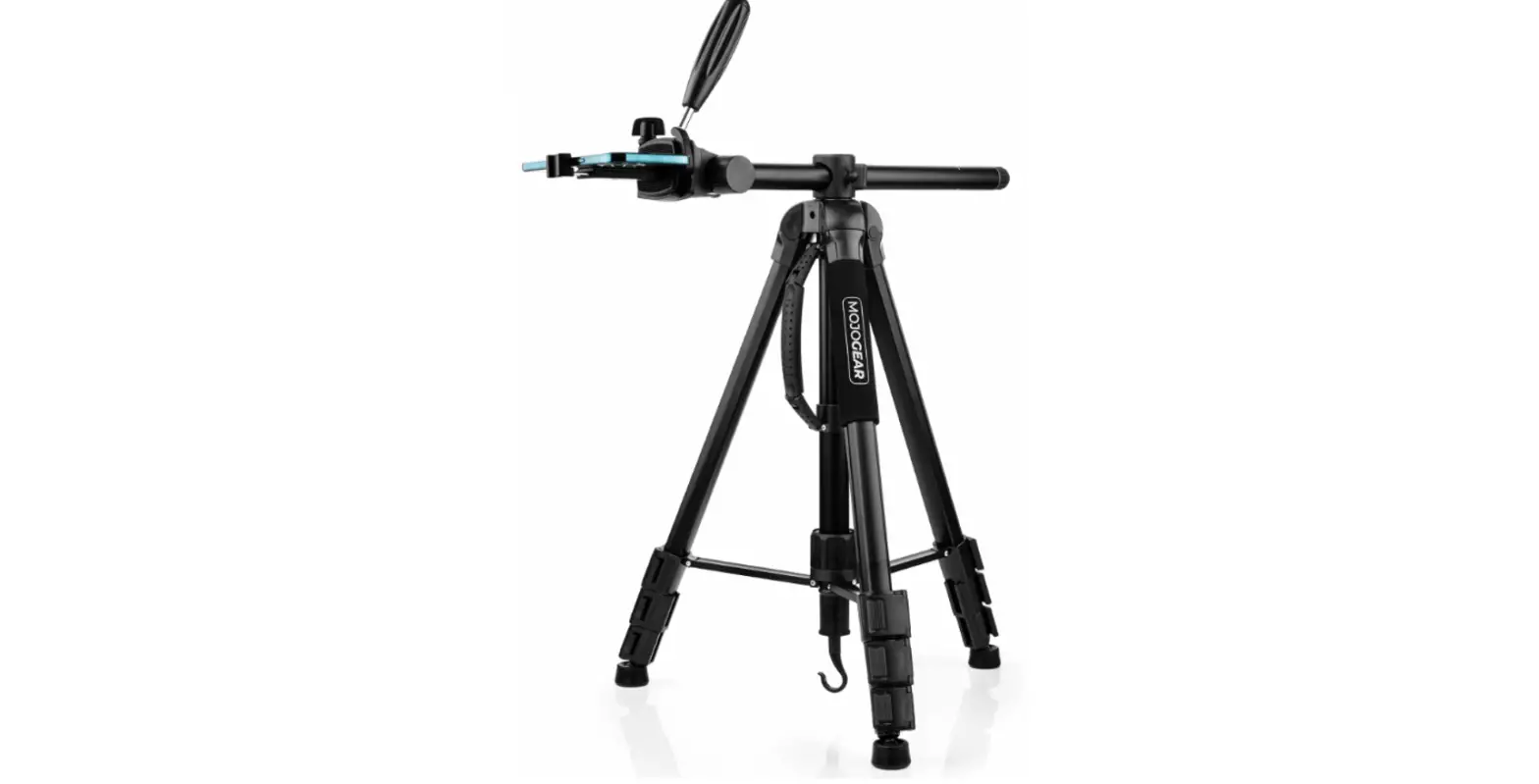
Loosen the locking knob on the centre column and remove the centre column. Now insert it horizontally into the hole on the side of the swivel arm and lock it with the locking knob (see fig. 8).
Turn the twist-lock knob loose, the side arm can now be swivelled through 360°.
ENGLISH
Technical Data
Tripod Material Minimum height Maximum height Working height maximum Packing size Weight Maximum load Leg segments Tripod leg diameter
Monopod Minimum height Maximum height Weight Maximum load
Tripod head Height Base diameter Weight Maximum load
Quick-release plate Size Weight
Box content
Design and technical data are subject to change without notice.
Aluminium 52 cm 178 cm 150 cm 58 cm 1,63 kg 5 kg 4 16.6 / 19.8 / 23 / 26.6 mm
44 cm 158 cm 468 g 5 kg
7 cm (incl. Schnellwechselplatte) 4 cm 242 g 5 kg
6.5 x 5 x 1.5 cm 21 g Compact Traveler Star S3 Macro, bag
Rollei GmbH & Co. KG In de Tarpen 42 22848 Norderstedt Service Hotline: +49 40 270750277
/rollei.foto.de @ rollei_de
Item No.: 28640 www.rollei.com
 cewe - best in print
 Rollei ? Online shop for camera, video and photo equipment
 Rollei: Der Online-Shop für Kamera- Video- und Foto-Equipment