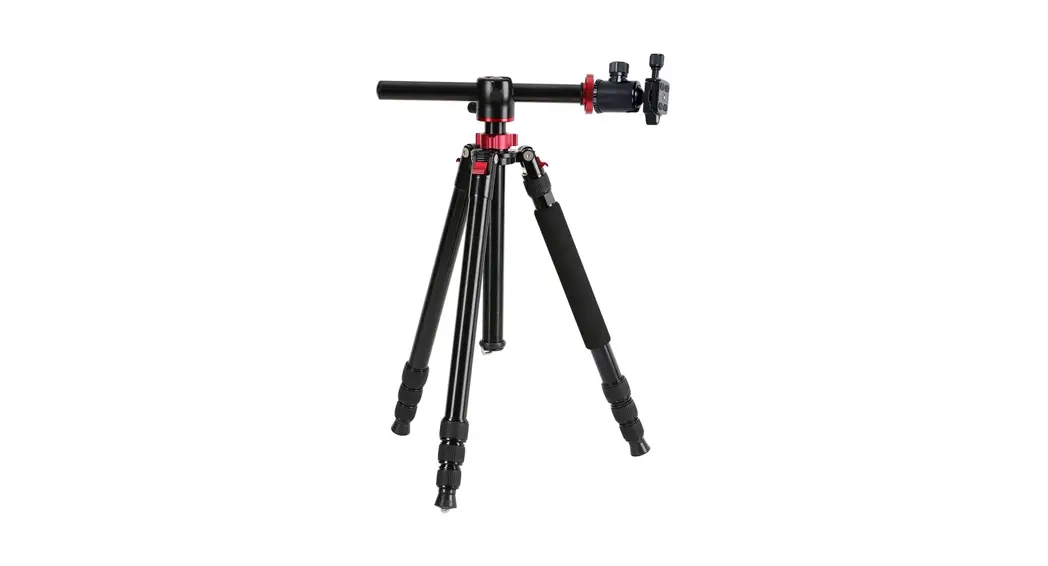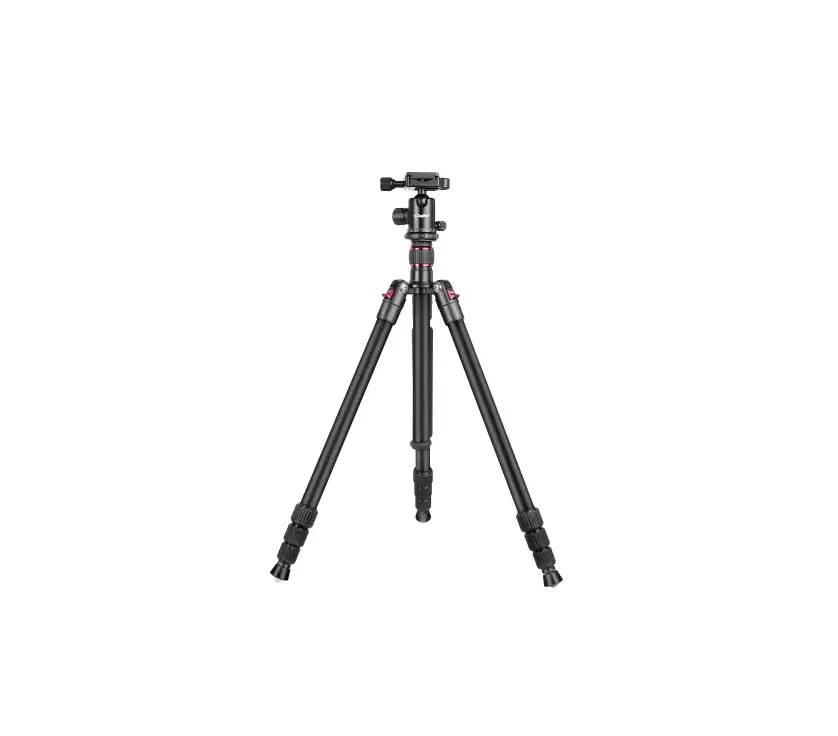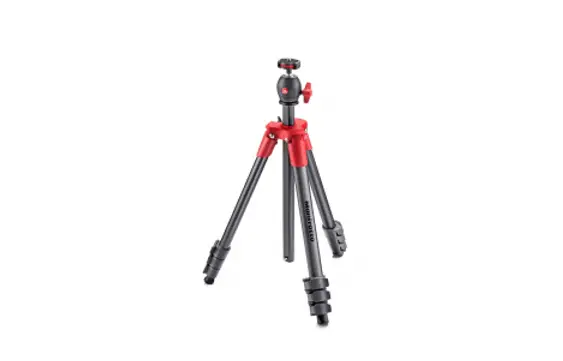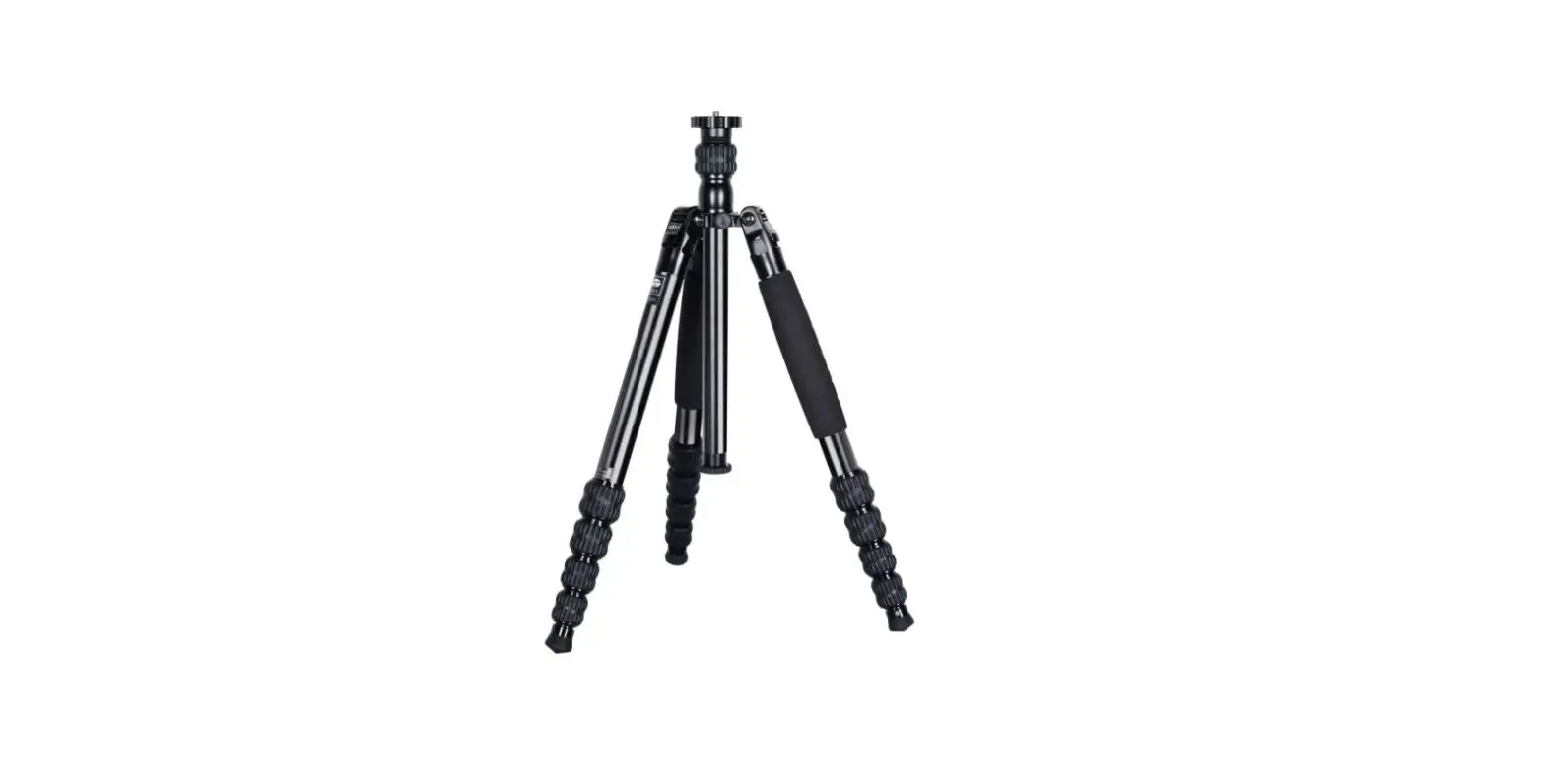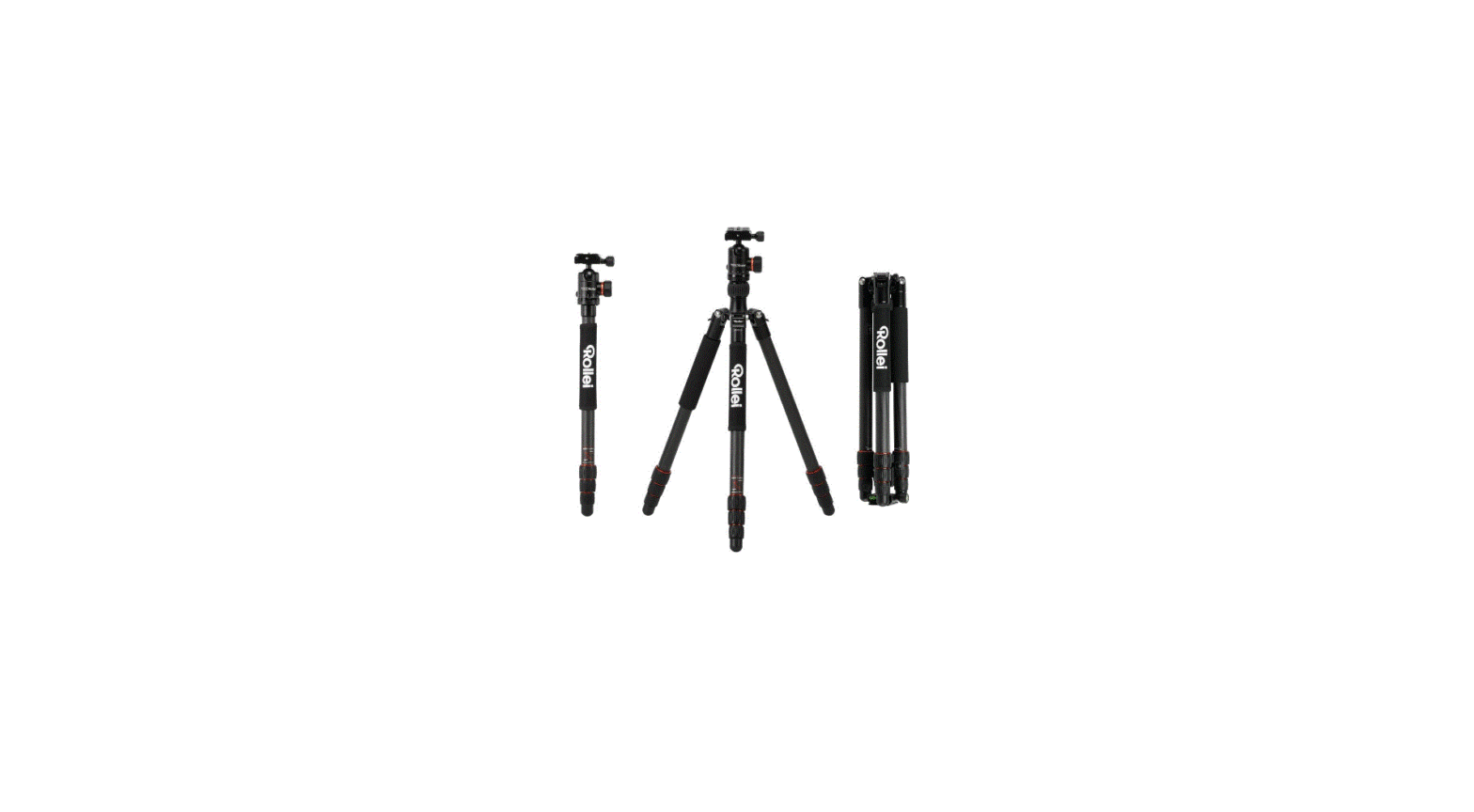

C5i Makro Aluminium
Stativ mit Kugelkopf | Tripod with Ball Head
C5i Makro Aluminium Tripod with Ball Head
Before the First Use
Thank you for purchasing this Rollei product. Please read the operating instructions carefully before using the tripod for the first time.
Keep the operating instructions together with the tripod for later use. If other people use this tripod, make these instructions available to them. If you sell the tripod, this annual is part of the product and must be supplied with it.
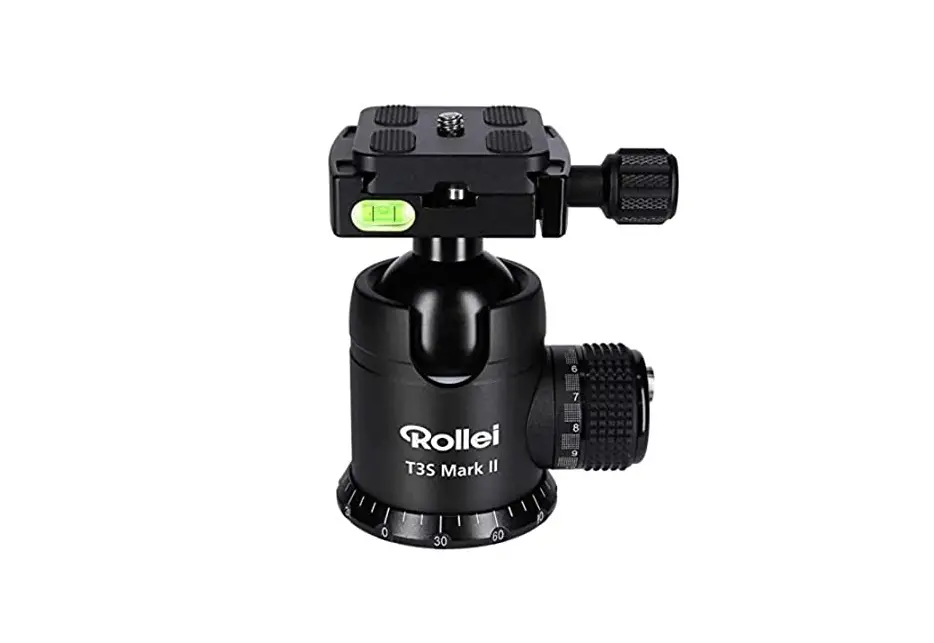
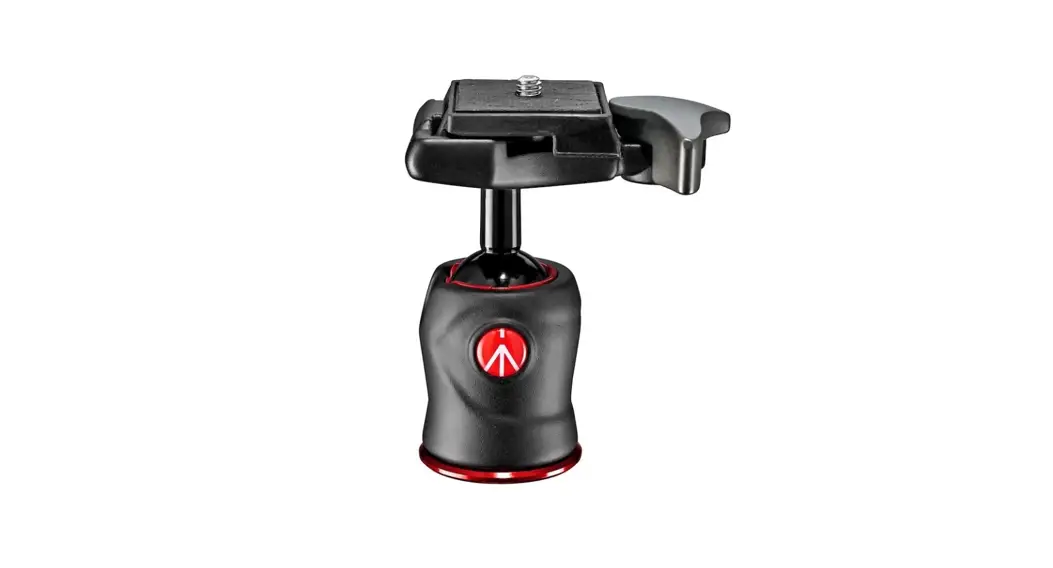
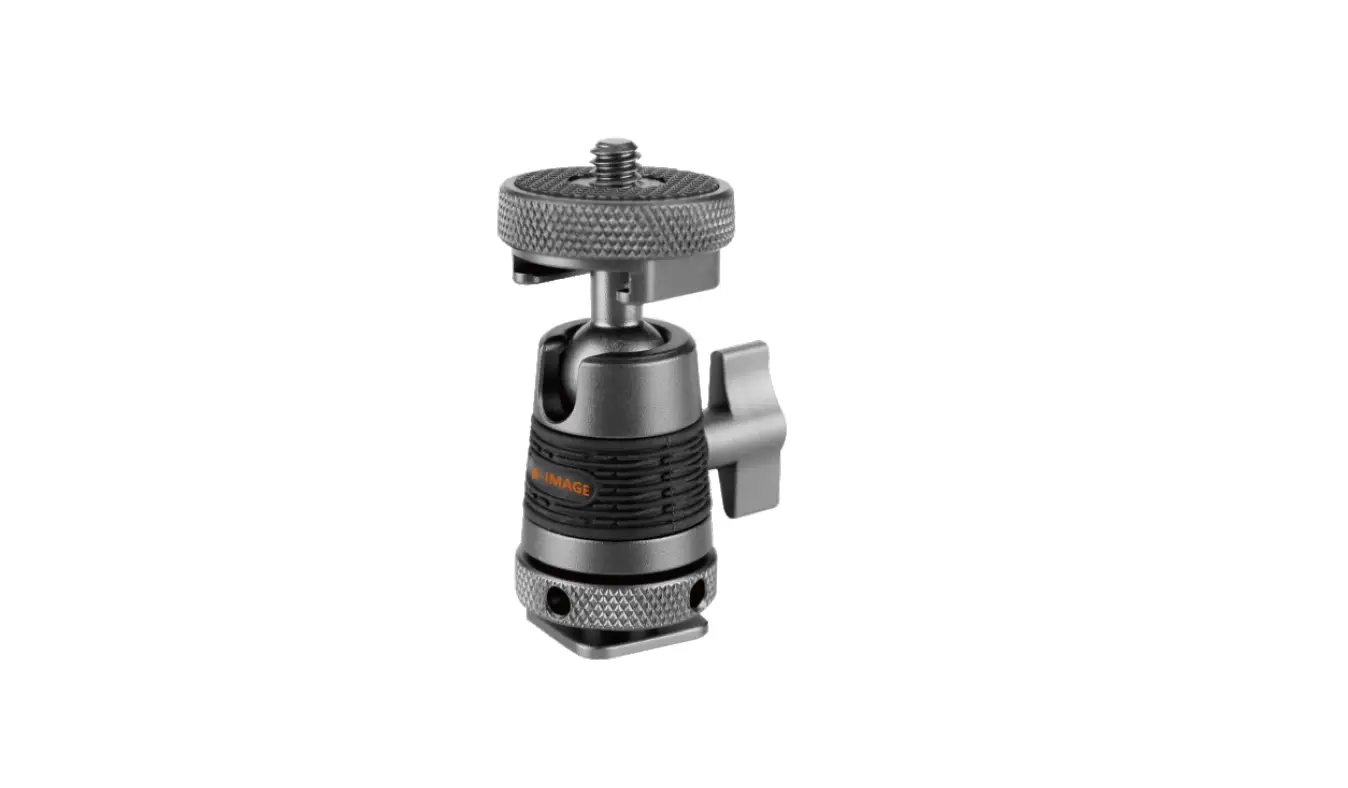
Overview Ball Head
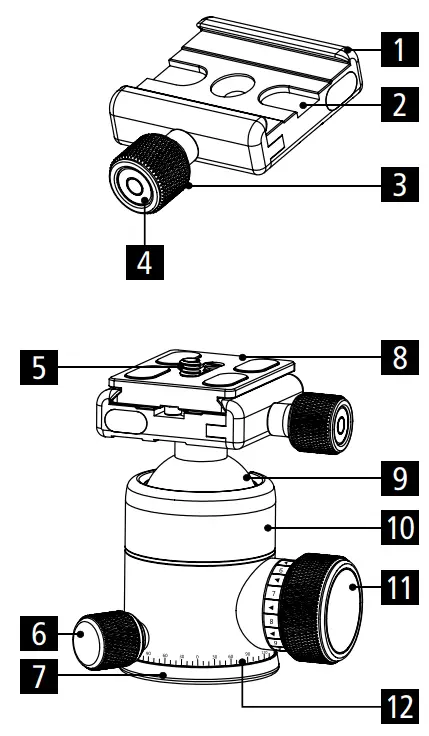
| 1 Base plate Arca-Swiss system 2 Anti-slip groove 3 Locking screw 4 Vertical spirit level indicator 5 1/4“ screw 6 Locking screw rotation mode 7 Base plate | 8 Quick-release plate 9 Ball head 10 Ball headcover 11 Ball head locking screw 12 Base angle indicator 15 Anti-slip screws 16 3/8“ screw connection |
Operation
Mounting the Plate
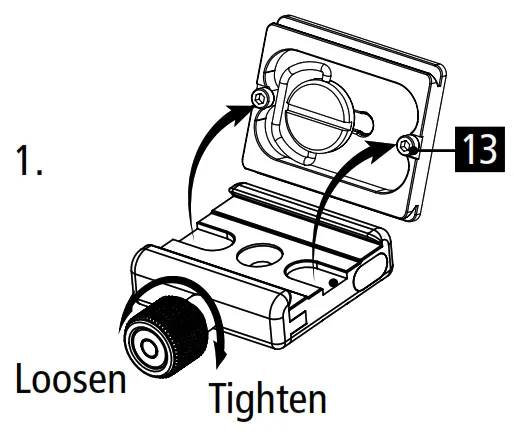
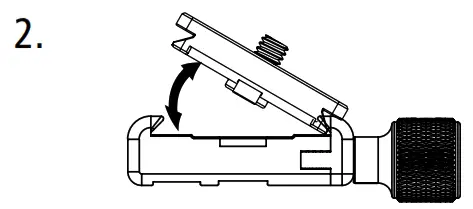
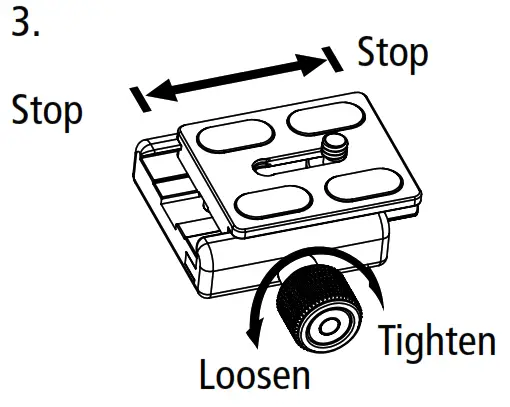
- Loosen the locking screw [3] . Position the quick-release plate [8] as described in the picture.

- Angle the plate [1] so that you can first insert one side and then the other.

- After you have inserted the plate [1], fix it with the locking screw.

Mounting the Ball Head
- Place the tripod head on the 3/8“ screw of the tripod and turn it to the right to fix it.

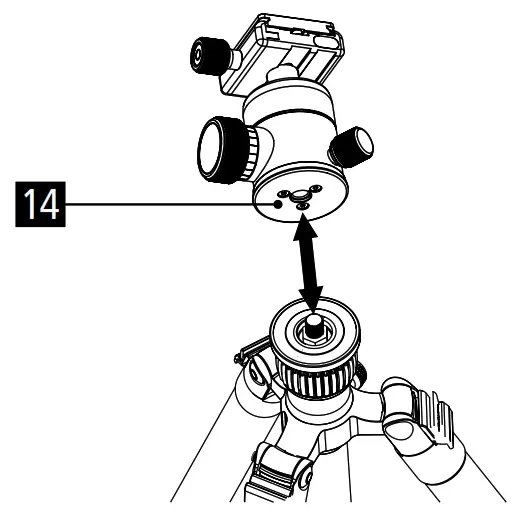
Technical Data Ball Head
| Head type | Ball head |
| Control | Pan, lock, and tilt |
| Ball head | Ø 3 cm |
| Height | 9 cm (without quick-release plate) |
| Base width | 7 .2 cm |
| Body diameter | 4 cm |
| Base plate diameter | 4 .3 cm |
| Weight | 0 .31 kg |
| Maximum load | 8 kg |
| Tripod connection | 3/8“ screw connection |
| Material | Aluminum |
*Design and technical specifications are subject to change without notice.
Notes
- Rough use is not recommended.
- Make sure that the ball head is firmly mounted before use.
- Use the product only in a temperature range between -40 °C and +70 °C.
- Use for extended periods in full sun is not recommended.
- Exercise caution when operating the product in difficult terrain.
- Lifting and moving the tripod with a ball head is not recommended.
- Do not pour liquids into the ball head.
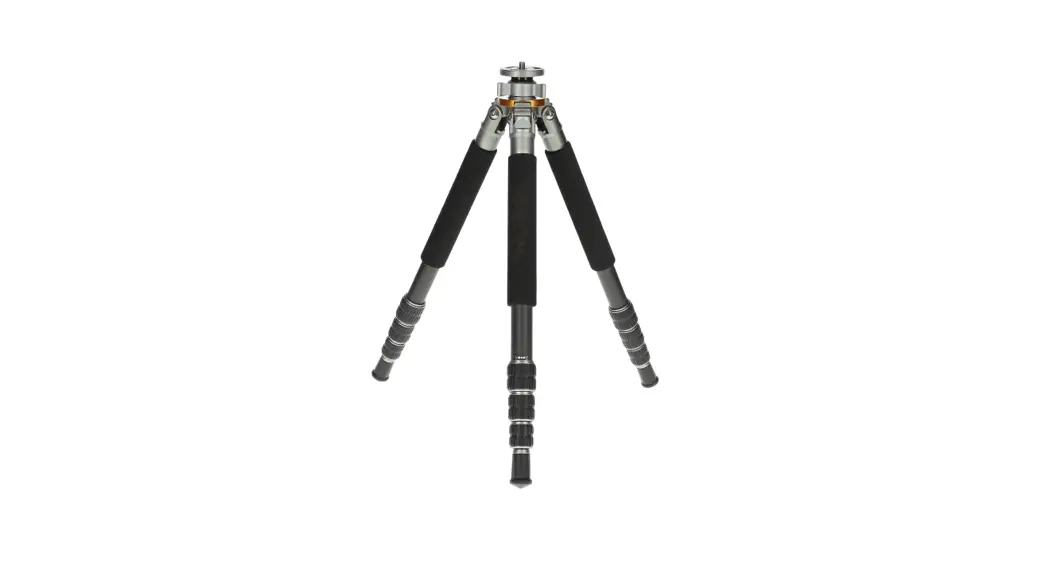
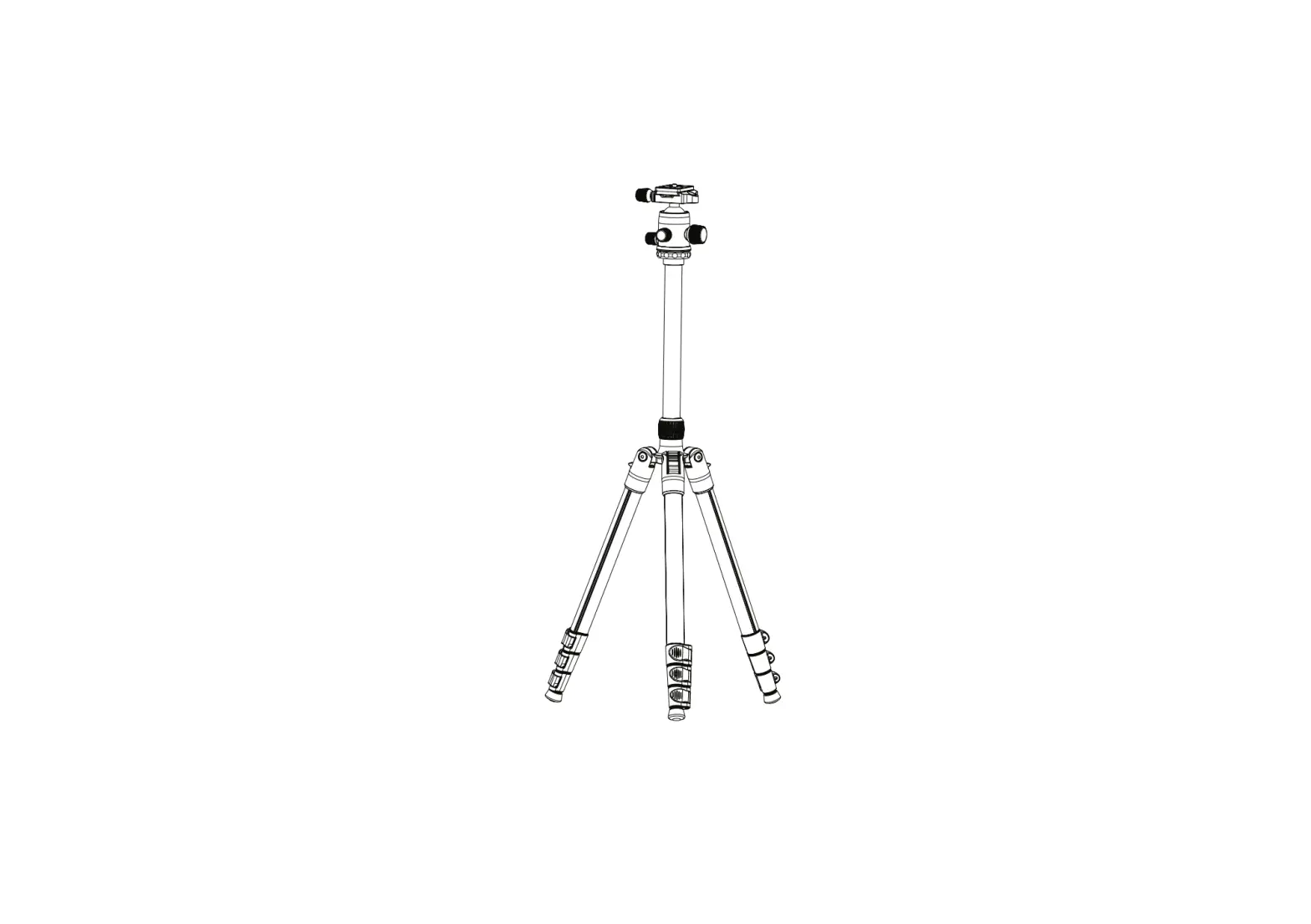
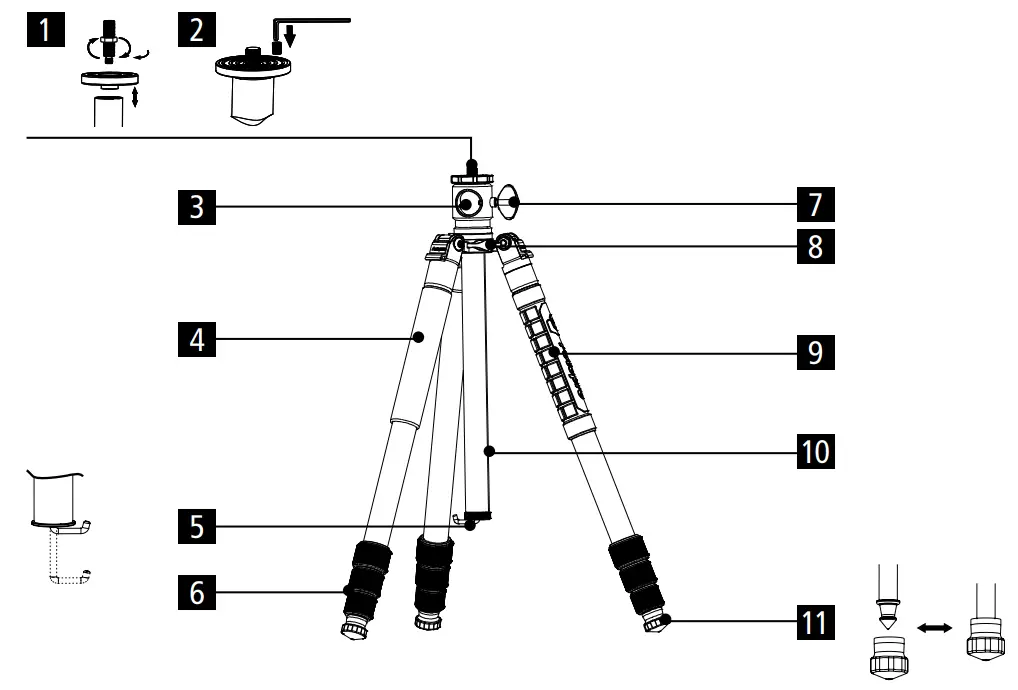
Tripod Overview
- Base plate
- Safety plate for centring with locking screw
- Horizontal centre column mount
- Foam rubber handle
- Hidden hook for weighting and increasing stability
- Plastic locking sleeve
- Centre column locking screw
- Centre column panorama locking screw
- Silicone handle
- Centre column
- Removable rubber feet/spikes
 Tripod Operation
 Tripod Operation
Changing the Leg Angle
- Push the angle adjustment button and keep it there.
- To adjust the angle, move the leg to the desired position.
- Tilt the legs completely upwards to fold the tripod for transport.
Conversion to a Monopod - Unscrew the leg with the silicone handle [9].
- Unscrew the base plate [1].
- Screw the base plate [1] onto the unscrewed leg to use it as a monopod .
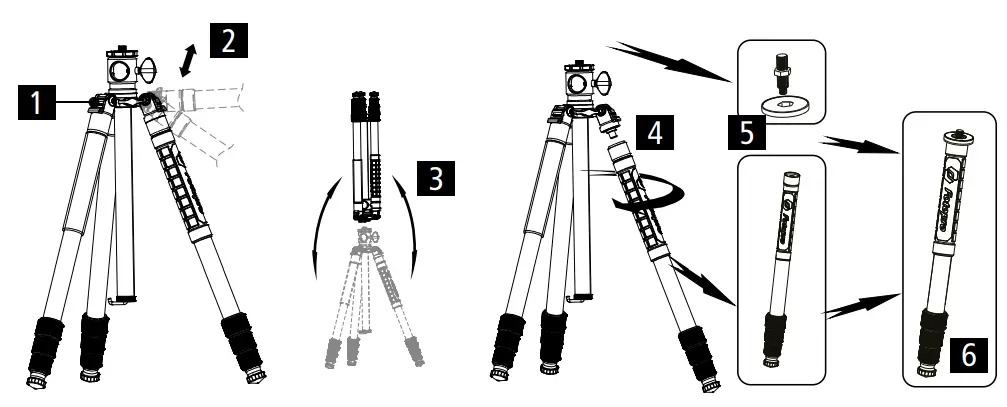
Angle Settings:

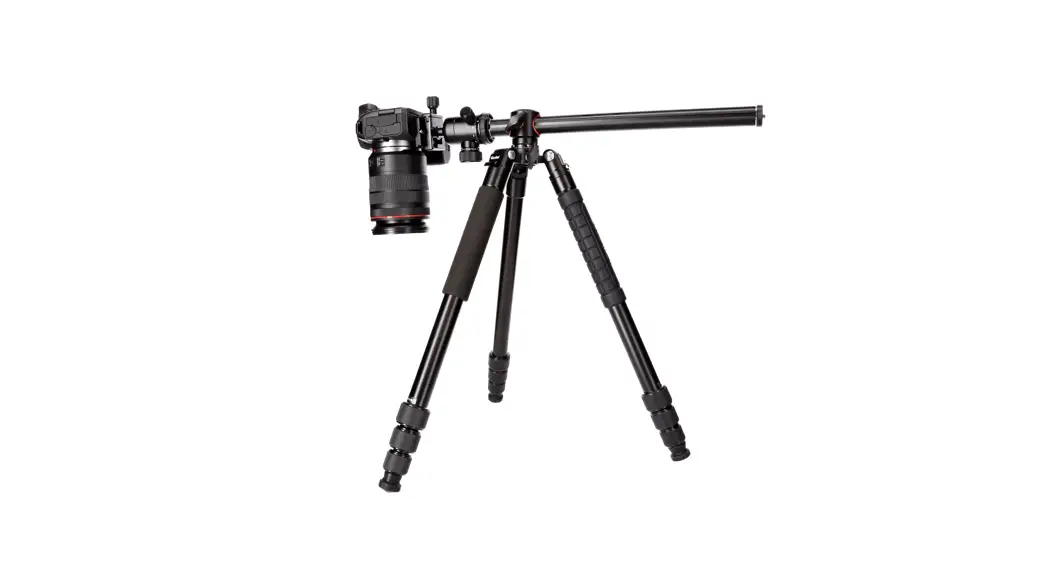
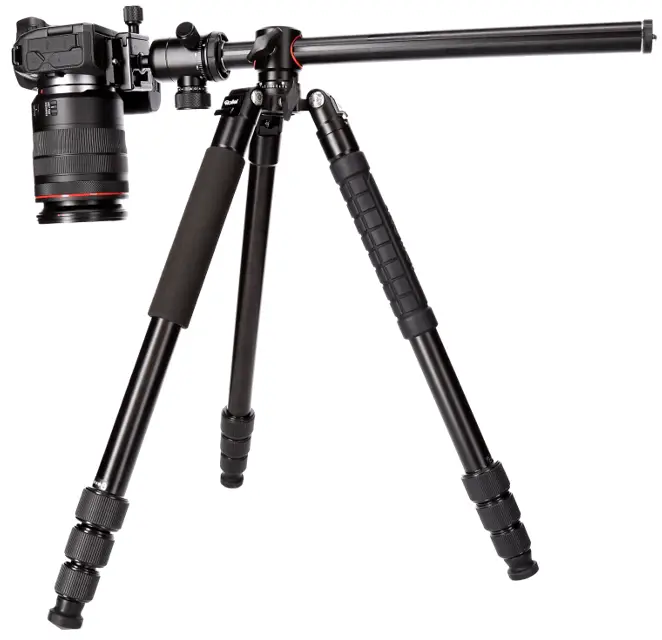
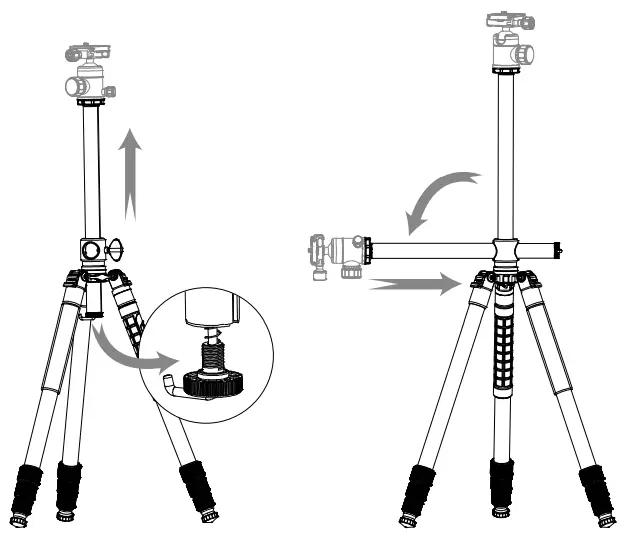
Quickly adjust the Central Axis to 90° Position
In the 90° position, it is easier to do the low-angle shooting, macro photography or other low-angle shooting.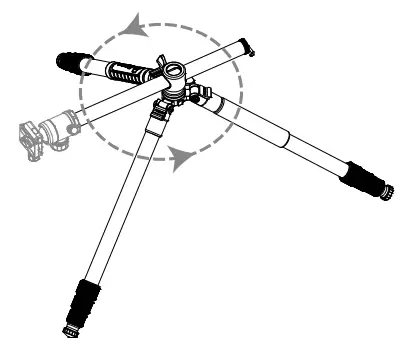
- Loosen the centre column panorama locking screw [8] for 360° movement.
- Loosen the centre column set screw [7], unscrew the hook [5] and pull out the column.
- Push the centre column [10] into the opening [3] provided for it at a 90° angl

- Screw the hook [5] back onto the centre column [10].
Technical Data Tripod
| Tripod | |
| Material | Aluminium |
| Minimum height | 9 .5 cm |
| Maximum height | 147 .6 cm |
| Maximum working height | 129 .7 cm |
| Folded | 44 cm |
| Weight | 1 .3 kg |
| Maximum load | 15 kg |
| Leg segments | 4 |
| Tripod leg diameter | Ø 2 .5 cm |
| Monopod | |
| Minimum height | 40 cm |
| Maximum height | 122 .8 cm |
| Weight | 0 .33 kg |
| Maximum load | 5 kg |
Notes
- Exceeding the maximum weight limit is not permitted.
- Use the product only in a temperature range between -40 °C and +70 °C.
- Use for extended periods in full sun is not recommended.
- Exercise caution when operating the product in difficult terrain.
- Lifting and moving the tripod with the ball head is not recommended.
- It is not necessary to lubricate the openings. If you do, please use conventional lubricants.
- For your own safety, please ensure that the tripod does not come into contact with any electrical, high voltage or material damaging objects.
Rollei GmbH & Co. KG
In de Tarpen 42
D-22848 Norderstedt
Service Hotline:
+49 40 270750277 /rollei.foto.de@rollei_de
www.rollei.com
 cewe - best in print
 Rollei ? Online shop for camera, video and photo equipment
 Rollei: Der Online-Shop für Kamera- Video- und Foto-Equipment