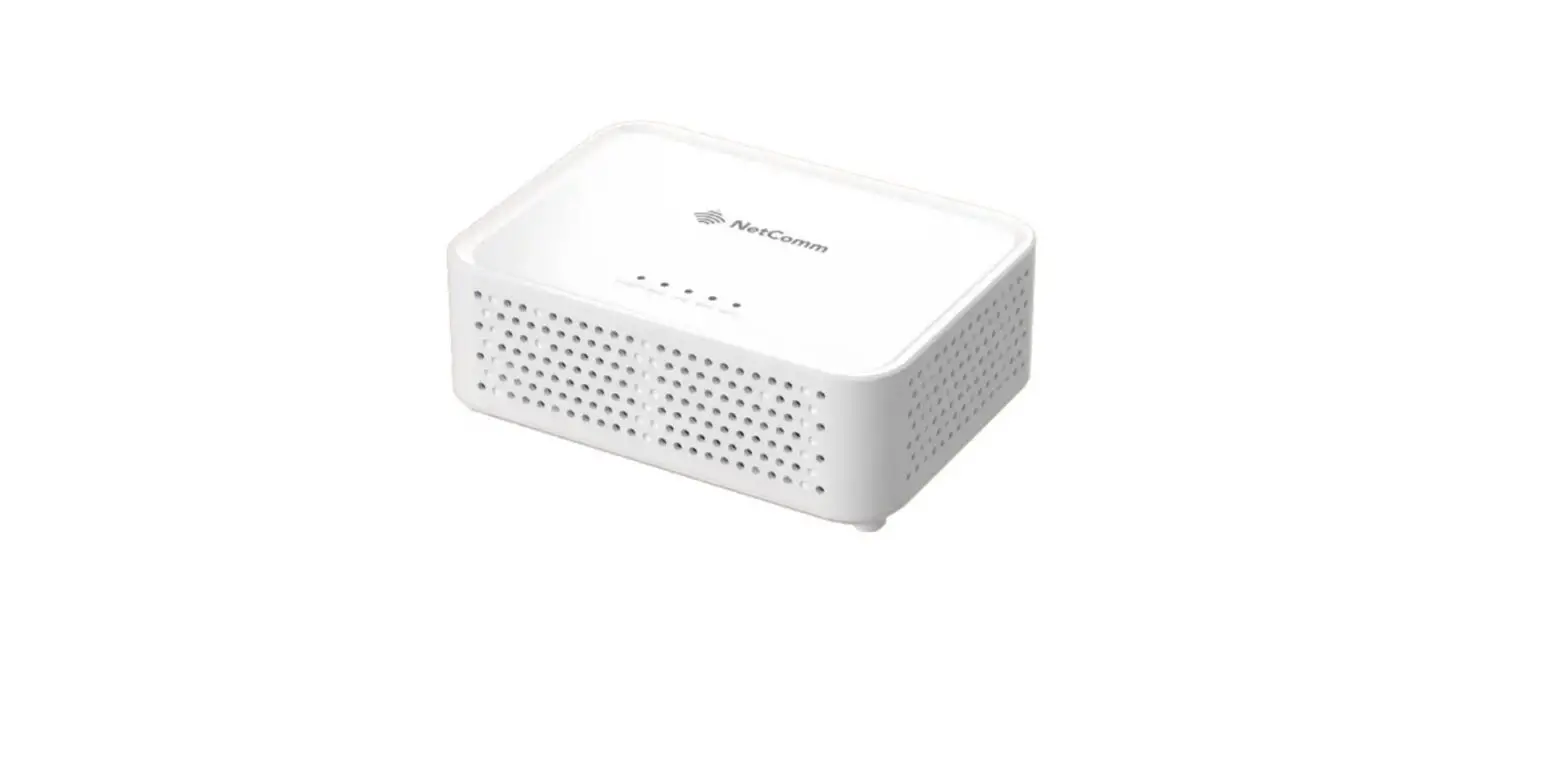
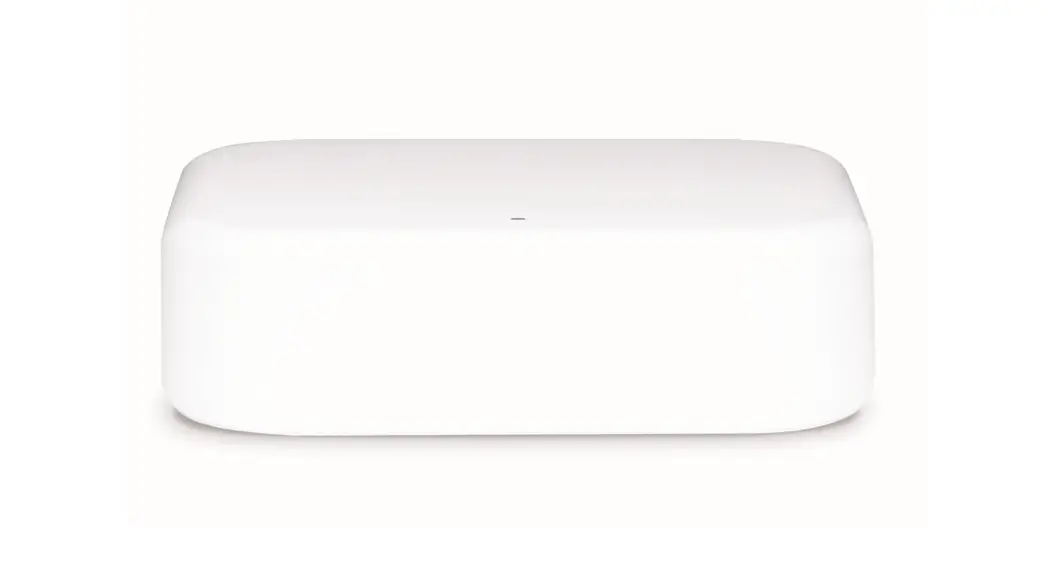
MBWF-P100 WiFi Router
Product Information: Metablox WiFi Router MBWF-P100
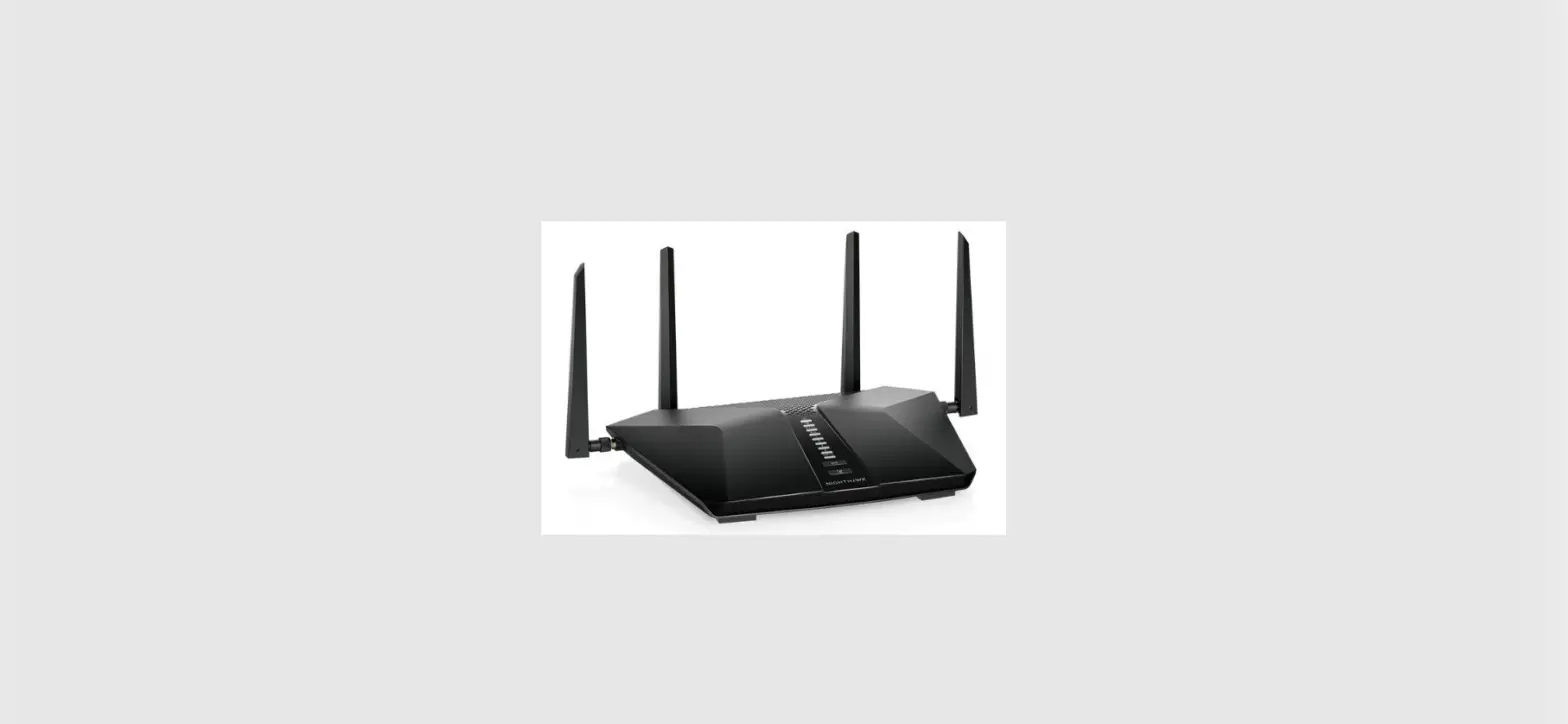
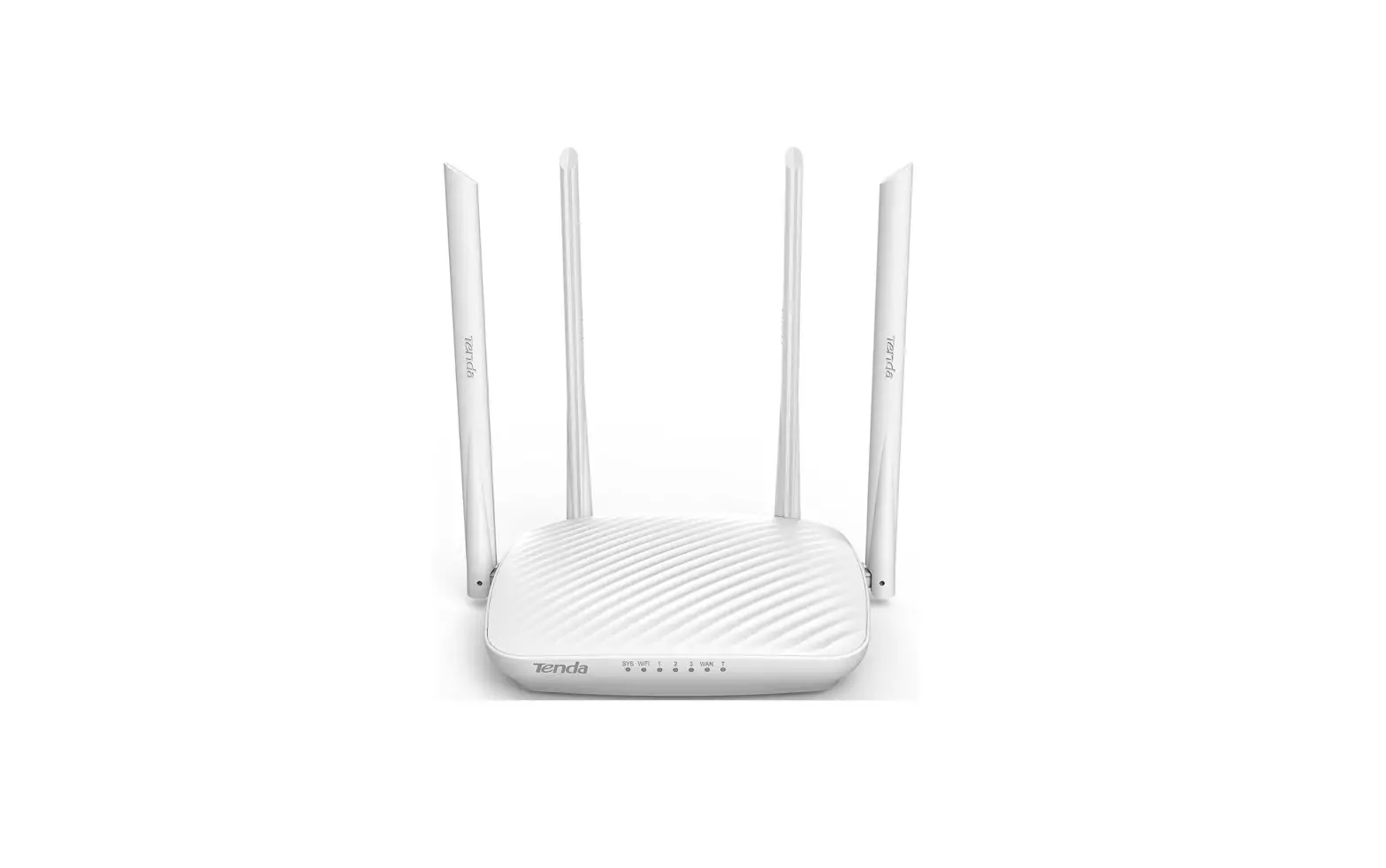
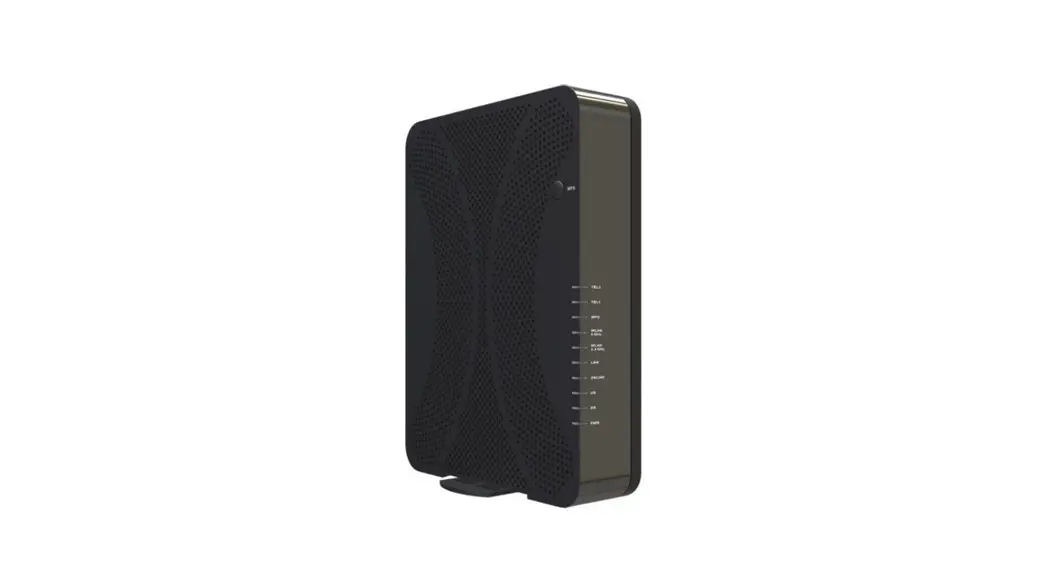
The Metablox WiFi Router MBWF-P100 is a wireless router that
provides high-speed internet connectivity for your home or office.
The router comes with four antennas, an Ethernet cable, and a power
adapter. The router is compliant with part 15 of the FCC Rules and
operates in the frequency band of 5150MHz–5250MHz. The device is
designed to provide a reliable and secure internet connection for
your devices.
Package Contents:
- Router x 1
- Antennas x 4
- Ethernet Cable x 1
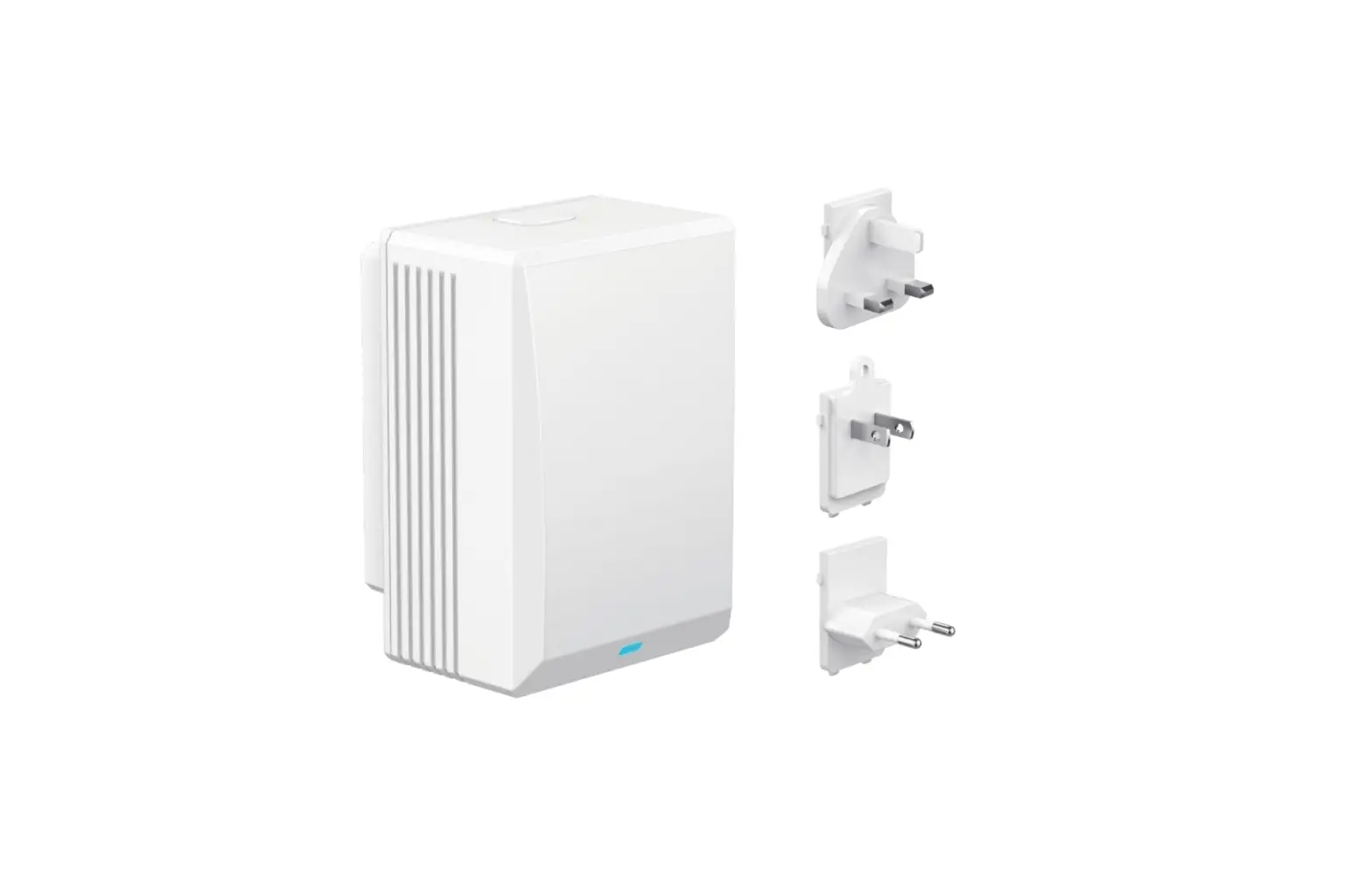
- Power Adapter x 1
Product Usage Instructions:
- Install the antennas by attaching them to the router and
positioning them upwards. - Connect your internet modem/router to the Internet port on your
Metablox WiFi Router using the Ethernet cable provided. - Connect the power adapter to turn on the router.
- Visit http://192.168.1.1 in your browser to set up your router.
You will be prompted to set up a password. - Follow the on-screen instructions to configure your router
settings and connect your devices to the internet.
Note: The frequency band of 5150MHz–5250MHz is
restricted for use indoors. To maintain compliance with FCC’s RF
Exposure guidelines, this equipment should be installed and
operated with a minimum distance of 20cm between the radiator and
your body. Use only the supplied antenna. If you experience any
issues with your router, reorient or relocate the receiving
antenna, increase the separation between the equipment and
receiver, connect the equipment into an outlet on a circuit
different from that to which the receiver is connected, or consult
the dealer or an experienced radio/TV technician for help.
Quick Start Guide
Metablox WiFi Router
MBWF-P100
Package Contents
a. Router x 1 b. Antennas x 4 c. Ethernet Cable x 1 d. Power Adapter x 1
Connect the Hardware
a.
Install the antennas and position them upwards.
b.
Connect the Internet modem/ router to the Internet port on your router with an Ethernet cable.
c.
Connect the power adapter to turn on the power.
Set up Router
Visit http://192.168.1.1 in your browser to set up your router; start by set up your password.
WARNING: The frequency band 5150MHz–5250MHz is restricted for use indoors.
FCC ID: 2A9B7-MBWFP100
This device complies with part 15 of the FCC Rules. Operation is subject to the condition that this device does not cause harmful interference
(1) this device may not cause harmful interference, and (2) this device must accept any interference received, including
interference that may cause undesired operation. Any changes or modifications not expressly approved by the party responsible for compliance could void the user’s authority to operate the equipment. NOTE: This equipment has been tested and found to comply with the limits for a Class B digital device, pursuant to Part 15 of the FCC Rules. These limits are designed to provide reasonable protection against harmful interference in a residential installation. This equipment generates, uses and can radiate radio frequency energy and, if not installed and used in accordance with the instructions, may cause harmful interference to radio communications. However, there is no guarantee that interference will not occur in a particular installation. If this equipment does cause harmful interference to radio or television reception, which can be determined by turning the equipment off and on, the user is encouraged to try to correct the interference by one or more of the following measures:
— Reorient or relocate the receiving antenna. — Increase the separation between the equipment and receiver. — Connect the equipment into an outlet on a circuit different from
that to which the receiver is connected. — Consult the dealer or an experienced radio/TV technician for help. To maintain compliance with FCC’s RF Exposure guidelines, This equipment should be installed and operated with minimum distance between 20cm the radiator your body: Use only the supplied antenna.