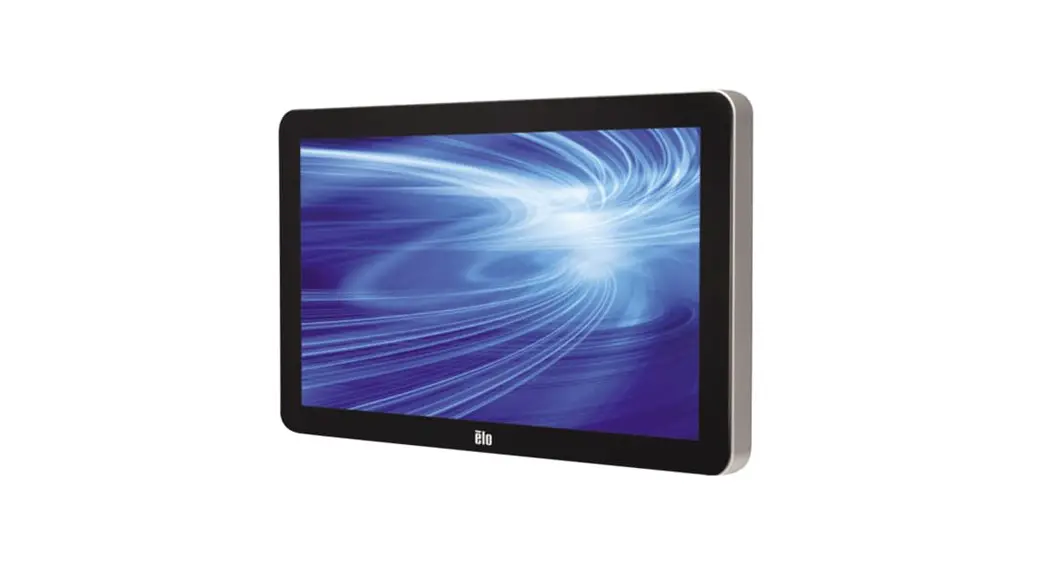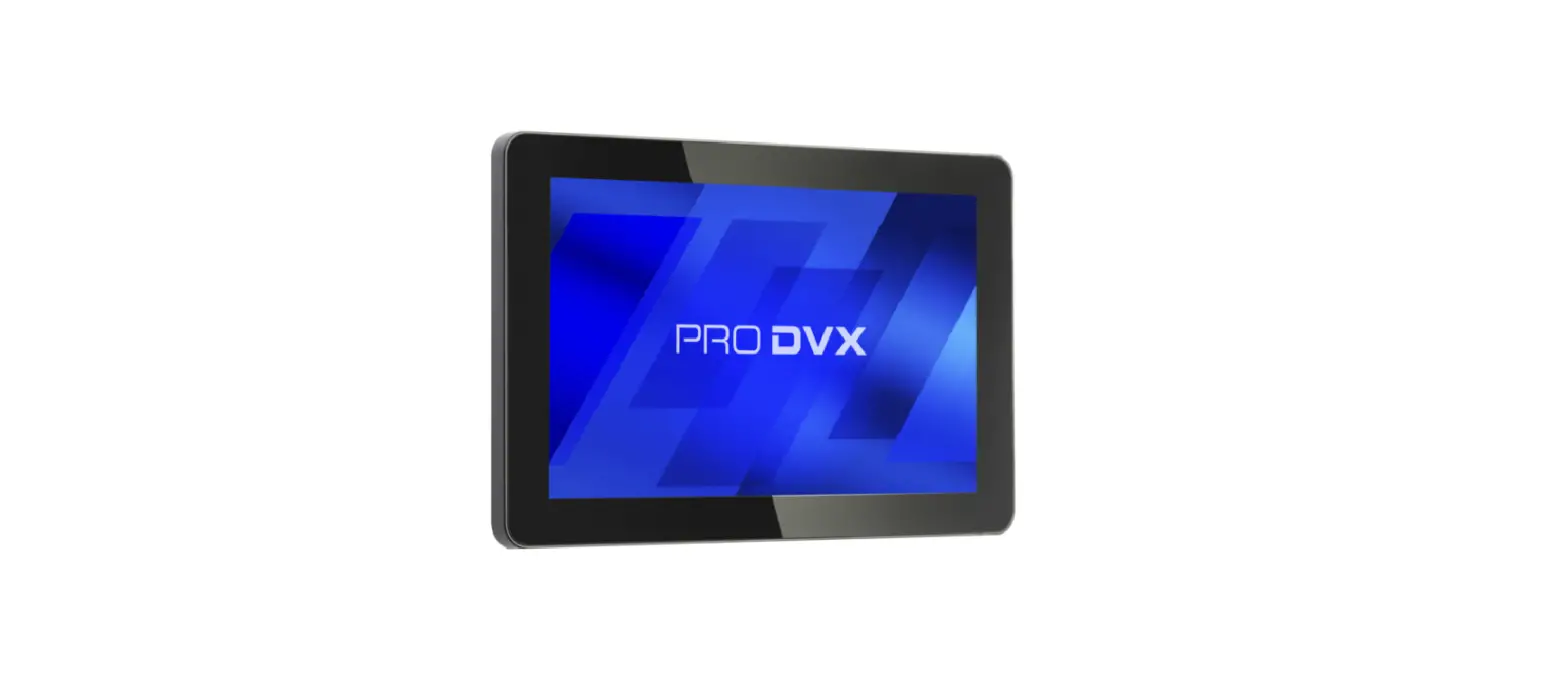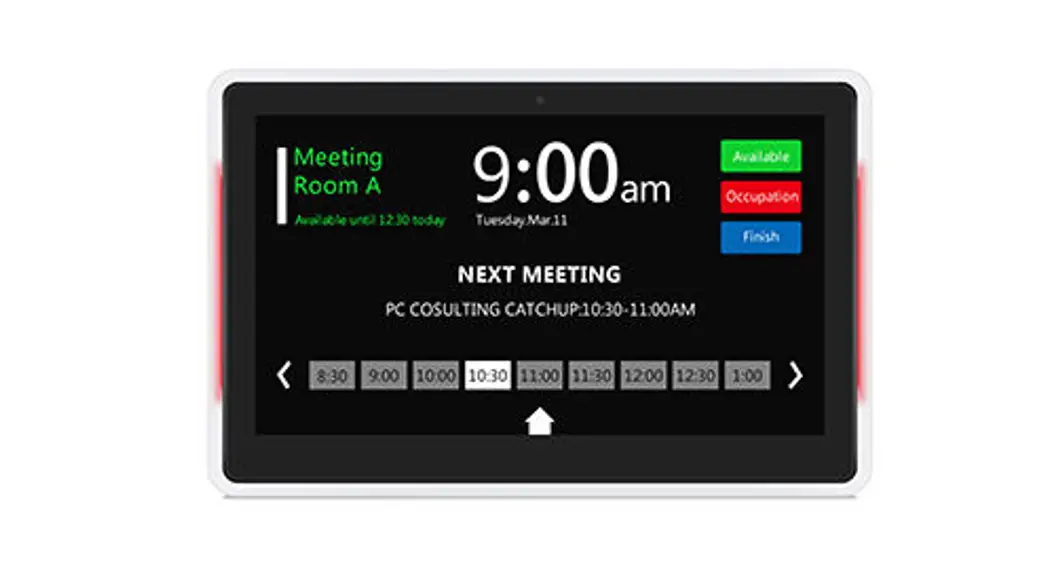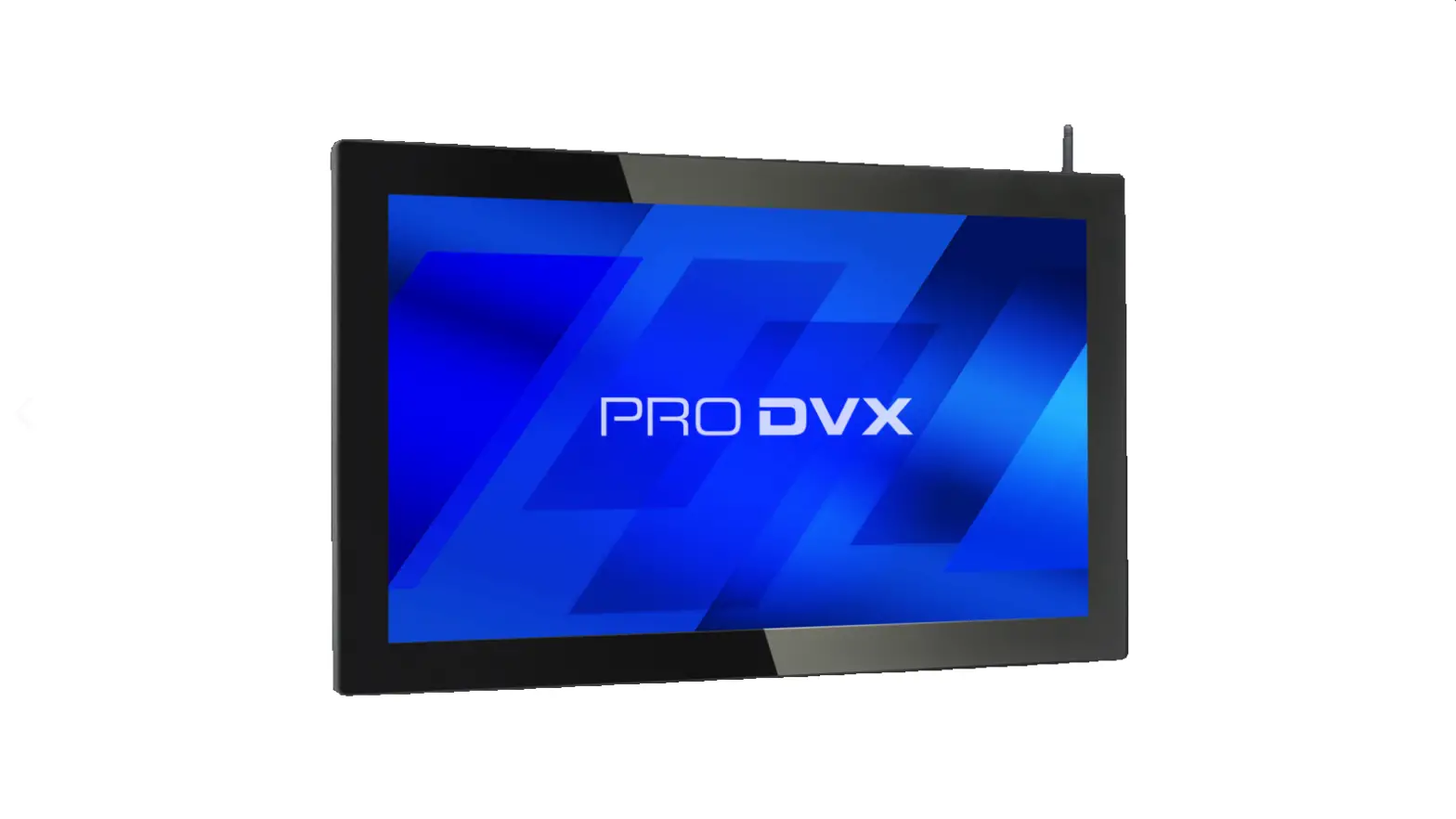
10.1″ 13.3″ 15.6″
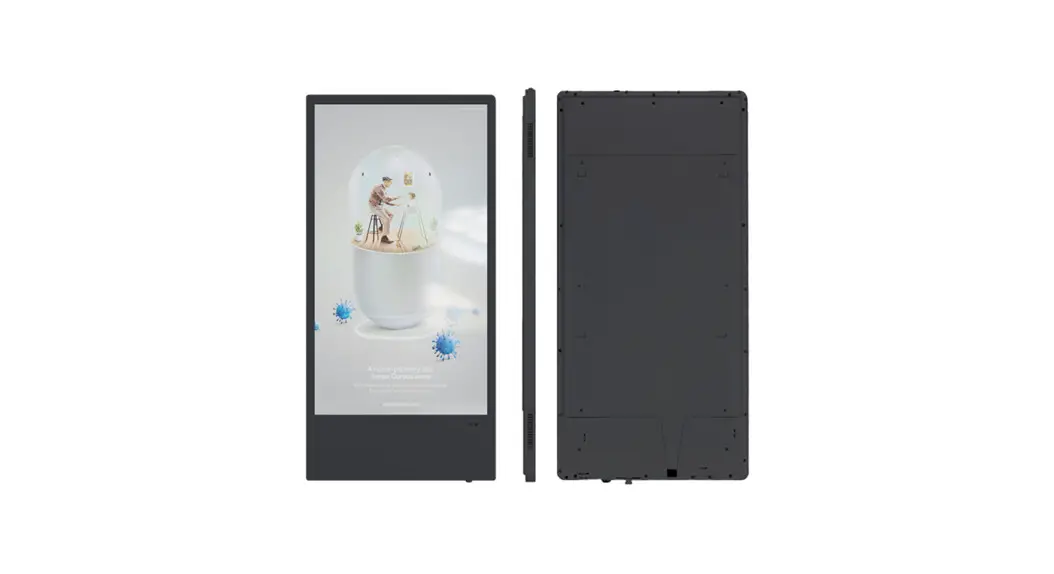
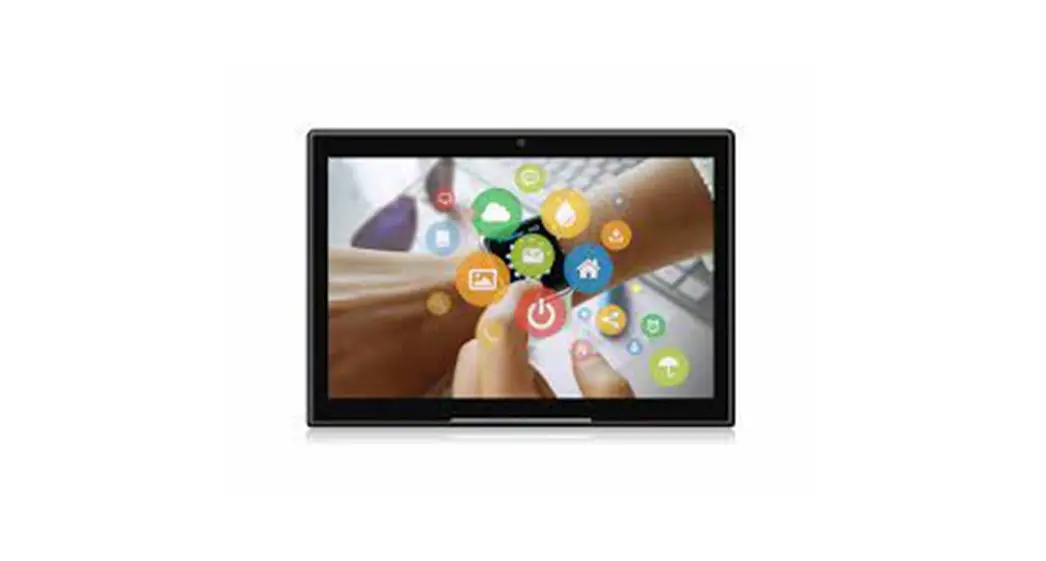
MEDICAL INDUSTRY DIGITAL SIGNAGE
User Manual
Important Notices
Copyright Information
All intellectual property rights in this publication are owned by and protected by applicable copyright laws and international treaty provisions. retains all rights not expressly granted. No part of this publication may be reproduced in any form whatsoever or used to make any derivative work without prior written approval by . Reserves the right to revise this publication, and/or make improvements or changes in the product(s) and/or the program(s) described in this documentation at any time without prior notice. The information in this document is provided in good faith, but without any representation or warranty whatsoever, whether it is accurate,or complete or otherwise, and on express understanding that shall have no liability whatsoever to other parties in any way arising from or relating to the information or its use.
All other trademarks are the property of their respective owners. Other company and brand products and service names are trademarks or registered trademarks of their respective holders.
1) Do not push objects into holes and ventilation slots.
Do not expose this product to moisture or place any objects filed with liquids on or near the product.
Do not place a naked flame sou ce, such as lighted candles, on or near this product.
Do not store or operate the device in environments where the temperature is above 50 degrees celsius or below -10 degrees celsius.
Do not intentionally hit the device or place heavy or sharp objects on the device.
Only use accessories specified by the manufacturer.
Keep the device away from benzene, diluents, and other chemicals.
Do not attempt to repair this product yourself. Always use a qualified service agent to perform adjustments or repairs.
Package Contents
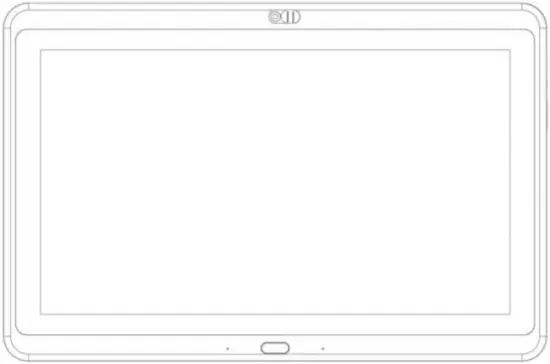
Please make sure all of the following are present when you unpack your
MEDICAL INDUSTRY DIGITAL SIGNAGE
MEDICAL INDUSTRY DIGITAL SIGNAGE
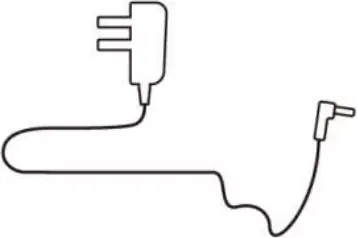
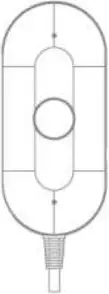
Power adapter User manual Portable Handset Phone
Features
- LCD panel
- 10.1″resolution 1280*800 / 13.3″ 15.6″resolution 1920*1080
- RK3288 Quad core cortex A17/RK3399 Dual-core A72+quad-core A53
- RAM 2GB
- Internal memory 16GB
- Android 8.1 (3288) /Android 7.1/9.0 (3399)
- 10-Point capacitive touch
- 5.0M/P,front camera
- WiFi 802.11b/g/n/ac,2.4G/5G
- Bluetooth 4.0
- Ethernet interface (POE function optional IEEE802.3at, POE+, class 4, 25.5W)
- 3.5mm earphone with microphone
- USB Host 2.0 (3288) / USB Host 3.0 (3399)
- Serial 8PIN, 2.0MM (RS232 fomat)
- Support Type-c
- Microphone
- NFC Optional, (NFC 13.56MHz , 1SO14443A/ISO14443B/1SO 15693/Mifare classic/Sony felica)
- 10.1″ 2*2W Speaker / 13.3″ 15.6″ 2*3W Speaker
- VESA: 100*100mm
- 10.1″Adapter: 12V/1.5A/13.3″ 15.6″Adapter: 12V/2A
10.1″ Exterior Components
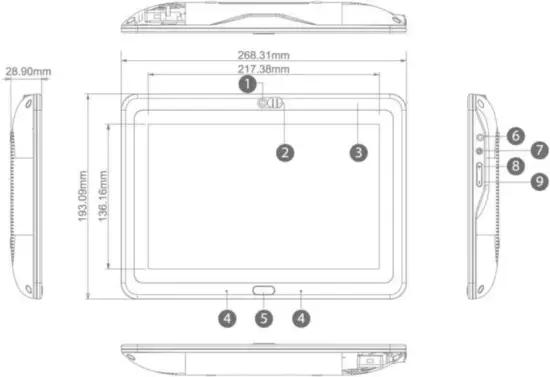
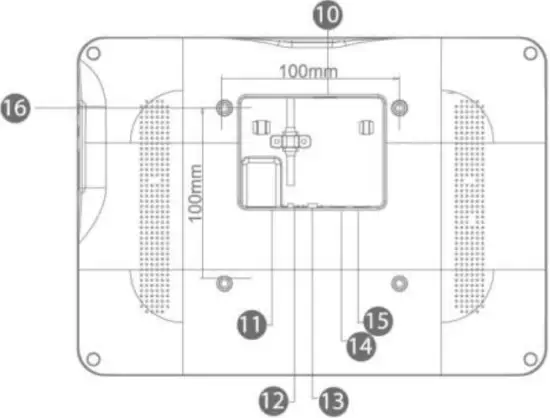
| No | Function | No | Function |
| 1 | Camera | 9 | Volume – |
| 2 | Shield for camera | 10 | USB 2.0 host(3288)/USB 3.0 host(3399) |
| 3 | NFC card reader(optional) | 11 | RJ45(optional POE) |
| 4 | Mic | 12 | External microphone Input with voice Control |
| 5 | Home | 13 | Serial Port (RS232) |
| 6 | 3.5mm earphone with Mic | 14 | Type-c |
| 7 | Power | 15 | DC in power supply port |
| 8 | Volume + | 16 | VESA:100*100mm |
13.3″ Exterior Components
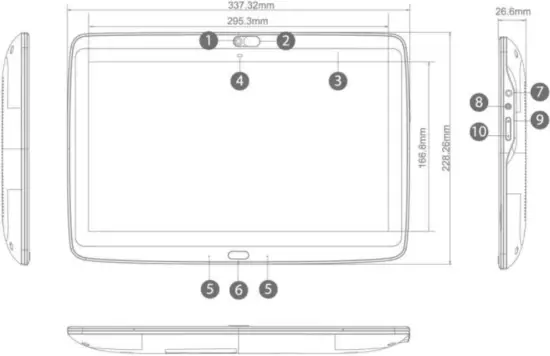
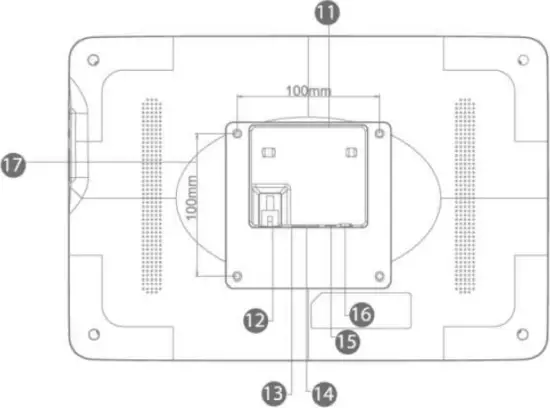
| No | Function | No | Function |
| 1 | Camera | 10 | Volume – |
| 2 | Shield for camera | 11 | USB 2.0 host(3288)/USB 3.0 host(3399) |
| 3 | NFC card reader(optional) | 12 | RJ45(optional POE) |
| 4 | Light sensor | 13 | External microphone Input with voice Control |
| 5 | Mic | 14 | Serial Port (RS232) |
| 6 | Home | 15 | Type-c |
| 7 | 3.5mm earphone with Mic | 16 | DC in power supply port |
| 8 | Power | 17 | VESA:100*100mm |
| 9 | Volume + |
15.6″ Exterior Components
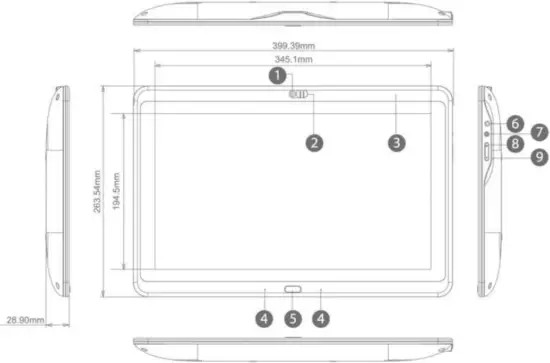
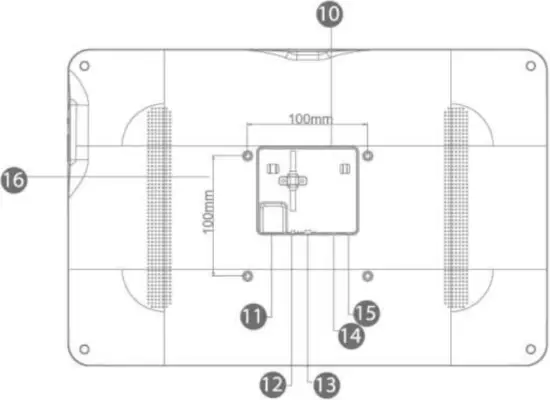
| No | Function | No | Function |
| 1 | Camera | 9 | Volume – |
| 2 | Shield for camera | 10 | USB 2.0 host(3288)/USB 3.0 host(3399) |
| 3 | NFC card reader(optional) | 11 | RJ45(optional POE) |
| 4 | Mic | 12 | External microphone Input with voice Control |
| 5 | Home | 13 | Serial Port (RS232) |
| 6 | 3.5mm earphone with Mic | 14 | Type-c |
| 7 | Power | 15 | DC in power supply port |
| 8 | Volume + | 16 | VESA:100*100mm |
FCC STATEMENT:
This device complies with Part 15 of the FCC Rules. Operation is subject to the following two conditions:
(1)This device may not cause harmful interference, and
(2)This device must accept any interference received, including interference that may cause undesired operation.
Warning: Changes or modifications not expressly approved by the party responsible for compliance could void the user’s authority to operate the equipment.
NOTE: This equipment has been tested and found to comply with the limits for a Class B digital device, pursuant to Part 15 of the FCC Rules. These limits are designed to provide reasonable protection against harmful interference in a residential installation. This equipment generates uses and can radiate radio frequency energy and, if not installed and used in accordance with the instructions, may cause harmful interference to radio communications. However, there is no guarantee that interference will not occur in a particular installation. If this equipment does cause harmful interference to radio or television reception, which can be determined by turning the equipment off and on, the user is encouraged to try to correct the interference by one or more of the following measures:
Reorient or relocate the receiving antenna.
Increase the separation between the equipment and receiver.
Connect the equipment into an outlet on a circuit different from that to which the receiver is connected.
Consult the dealer or an experienced radio/TV technician for help.

This symbol on the product or in the instructions means that your electrical and electronic equipment should be disposed of at the end of its life separately from your household waste. There are separate collection systems for recycling in your country. For more information, please contact the local authority or your retailer where you purchased the product.