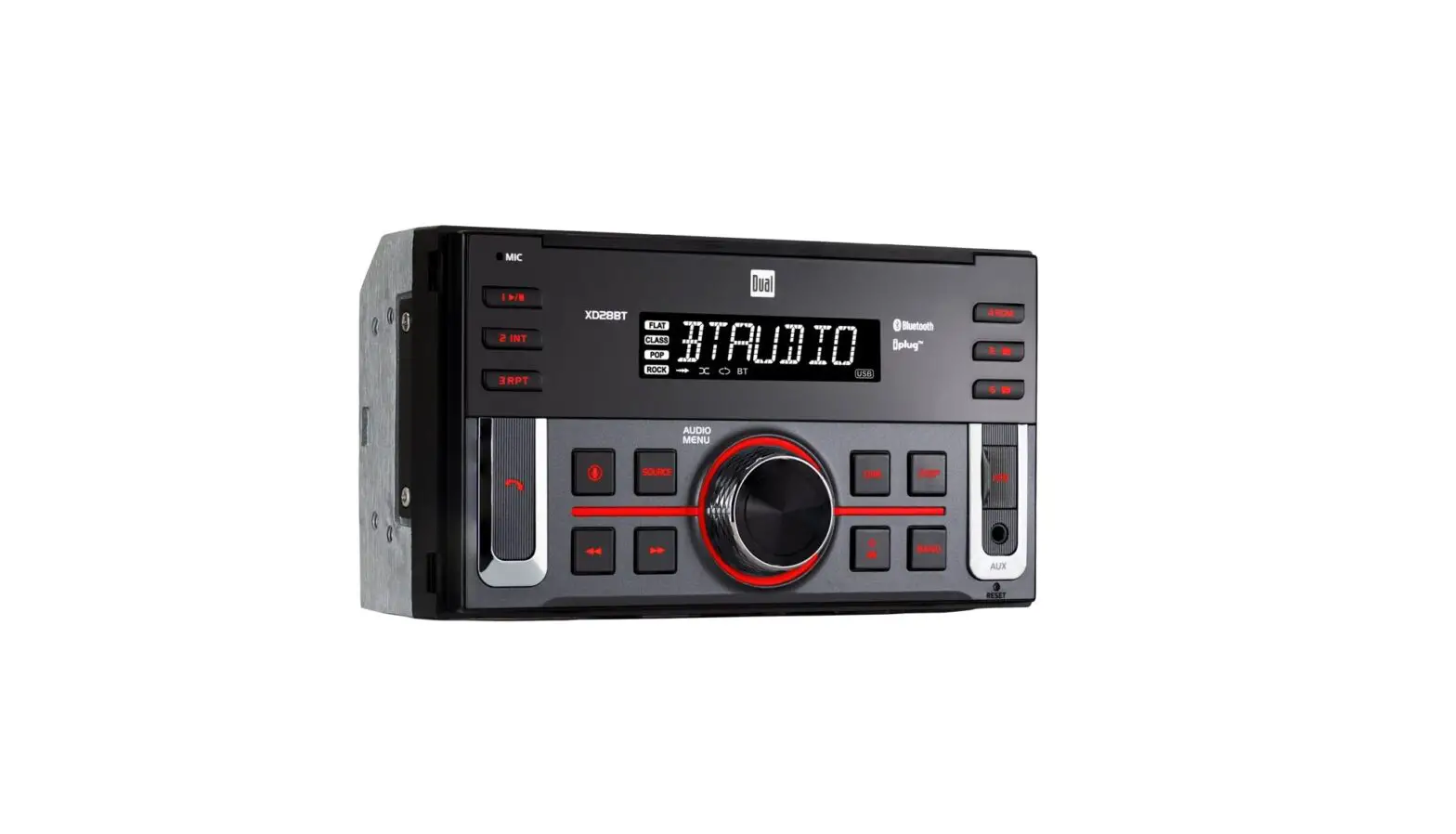
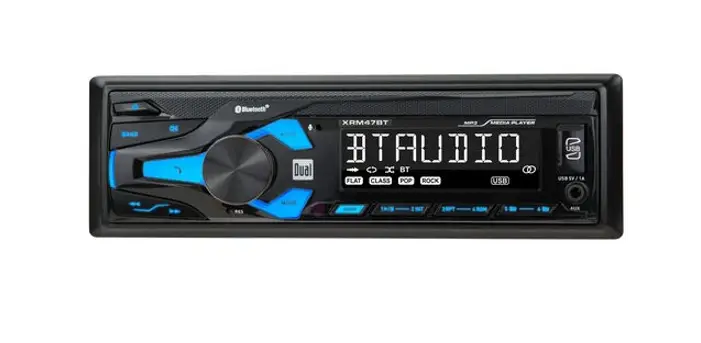
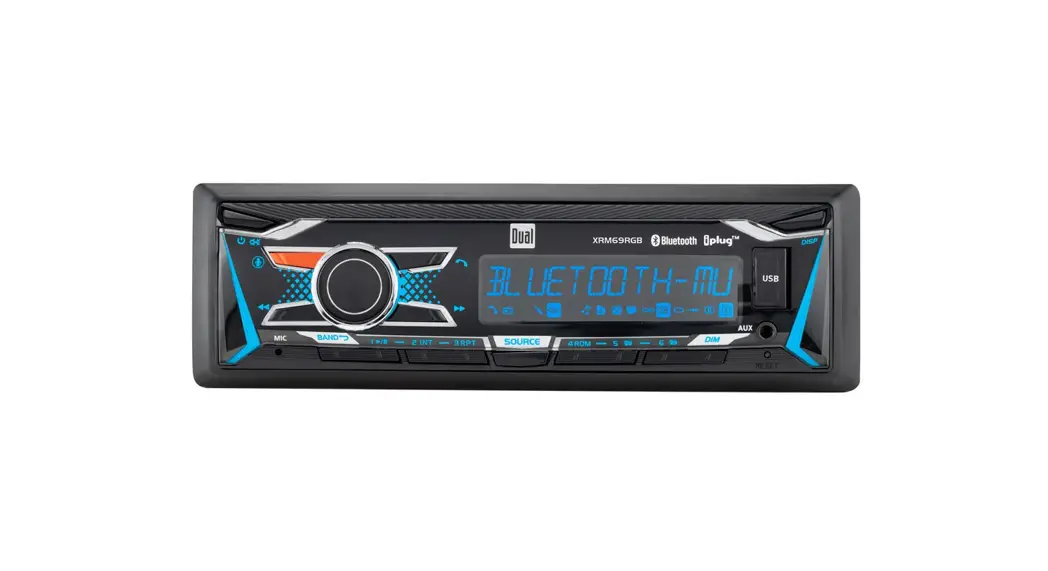
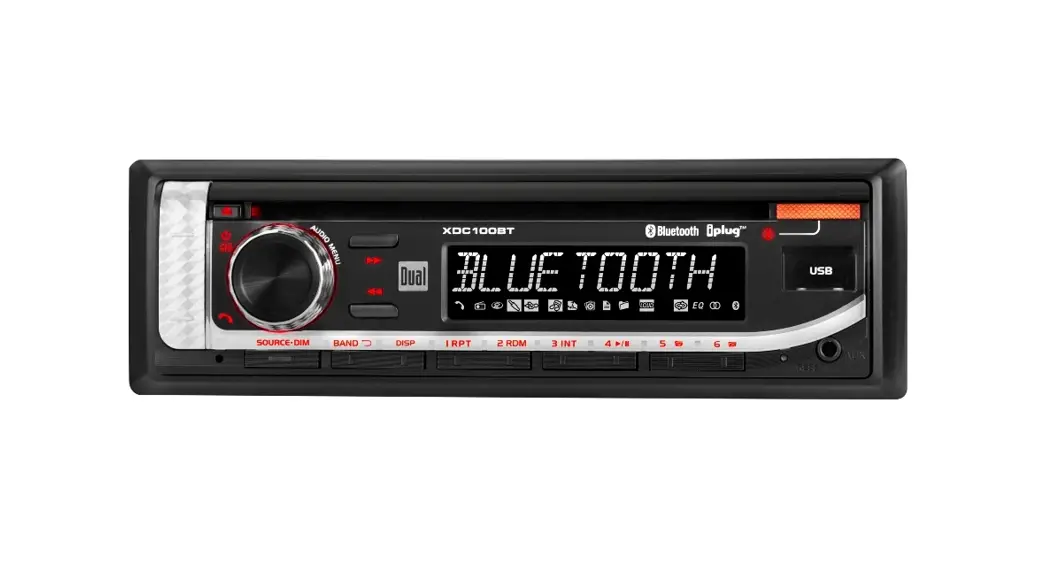
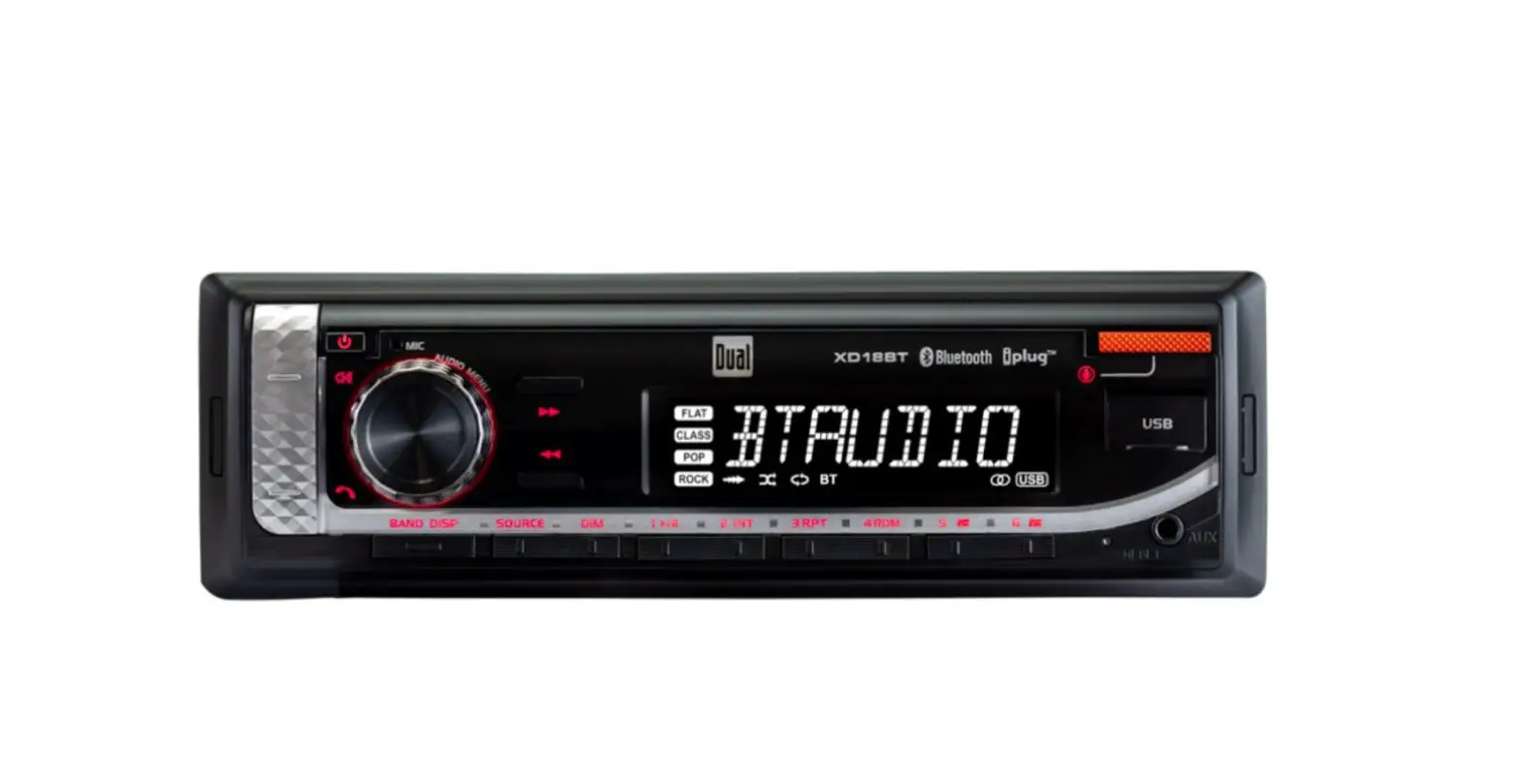
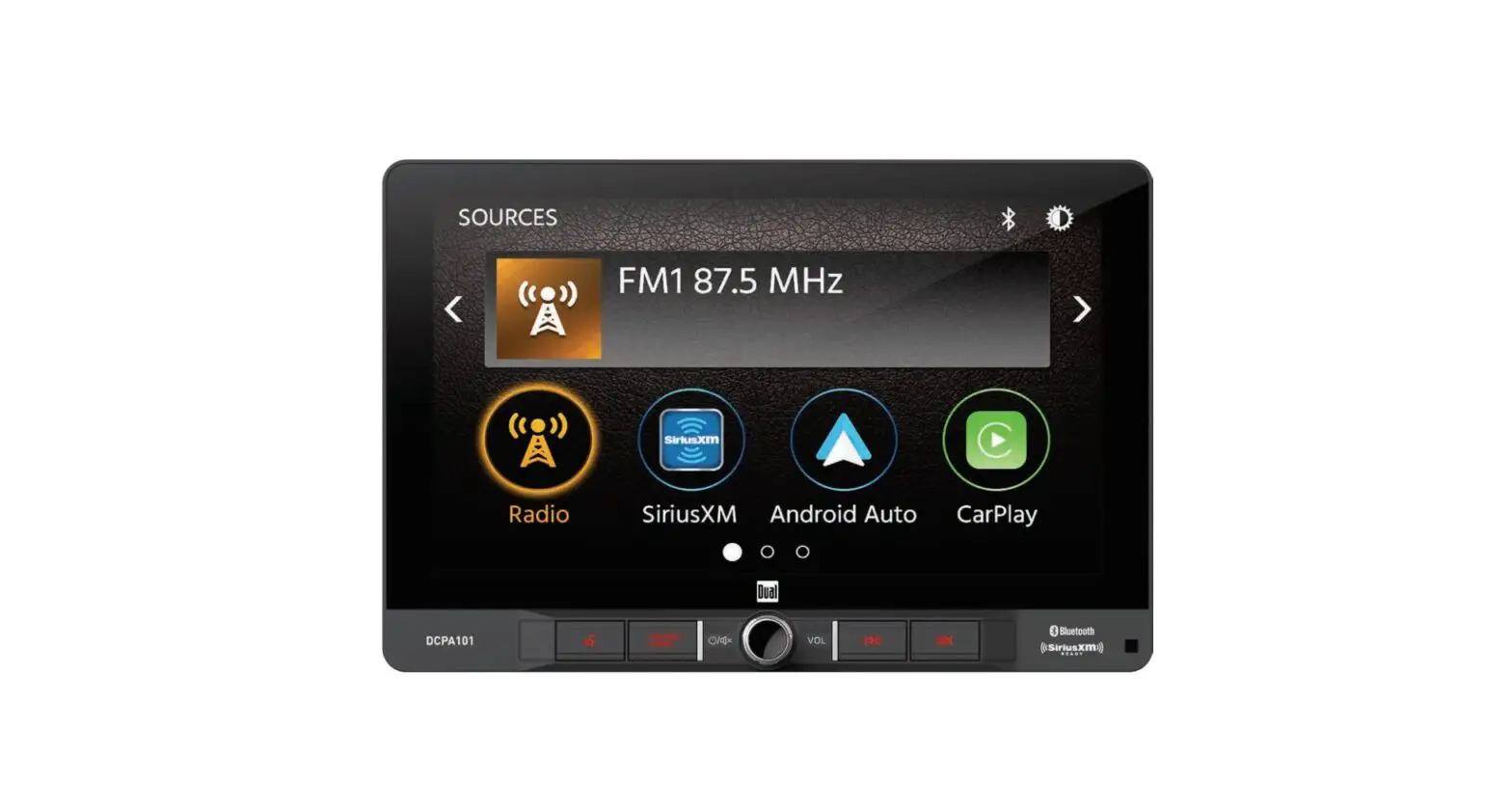
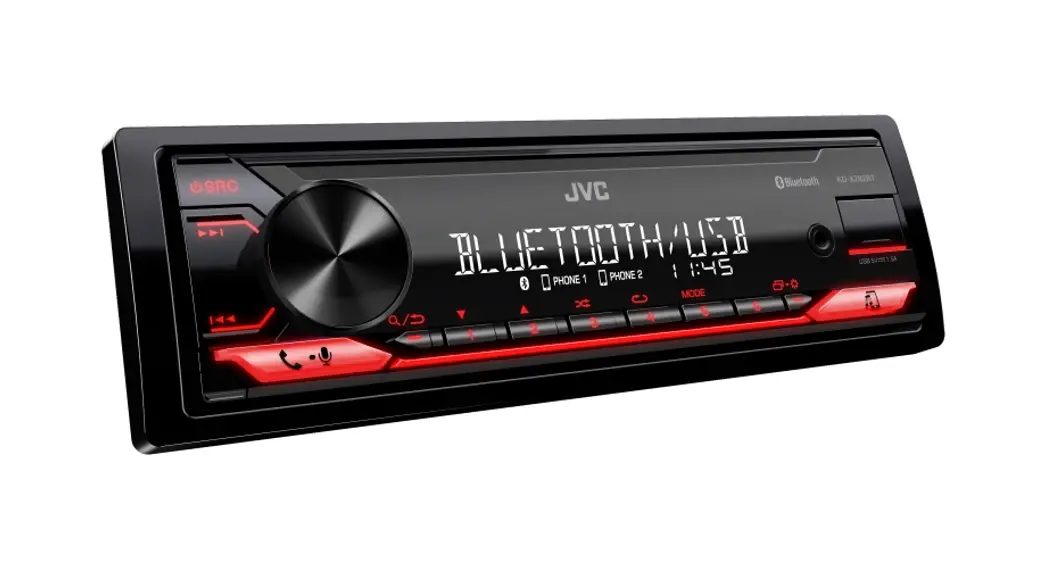
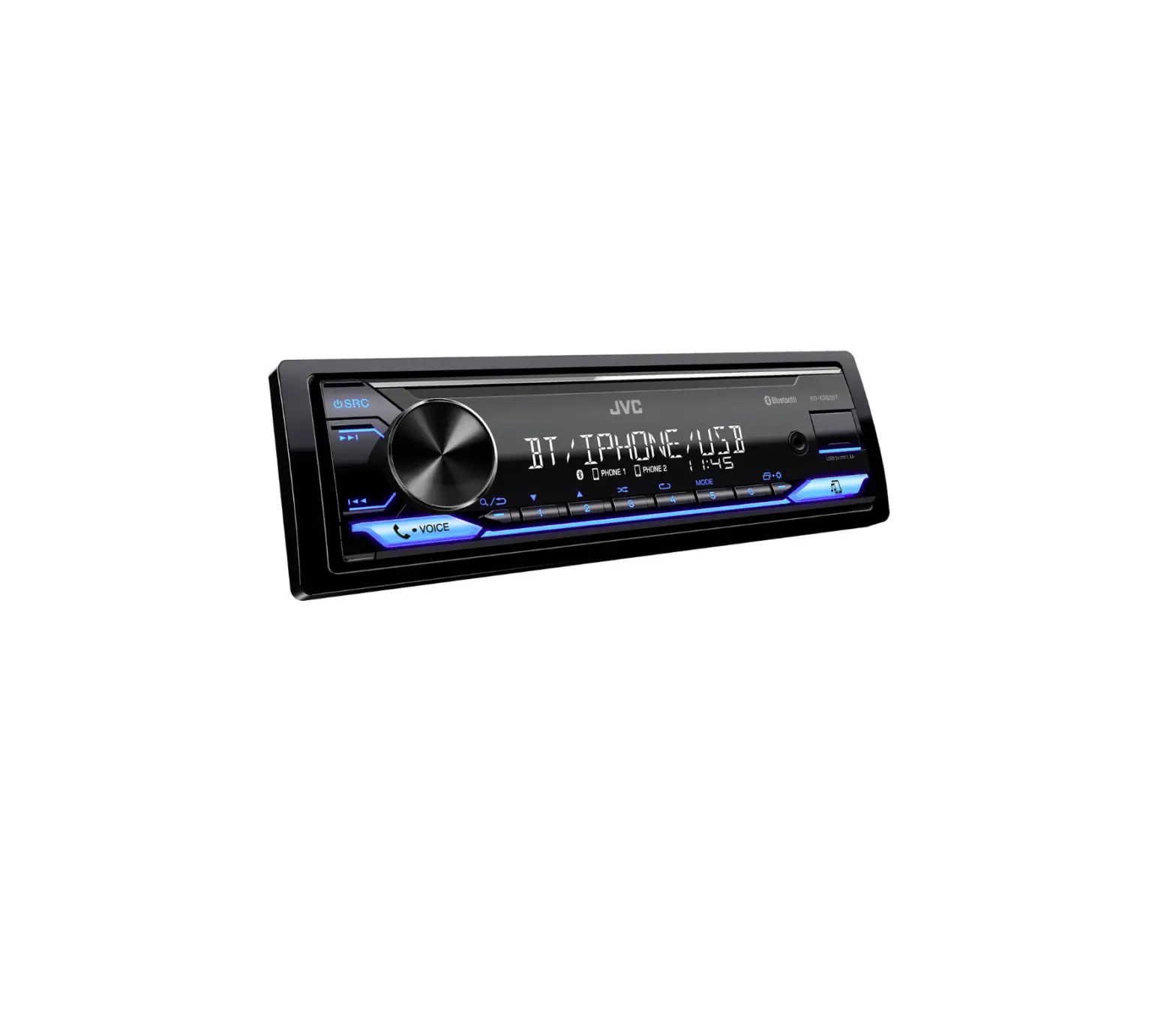
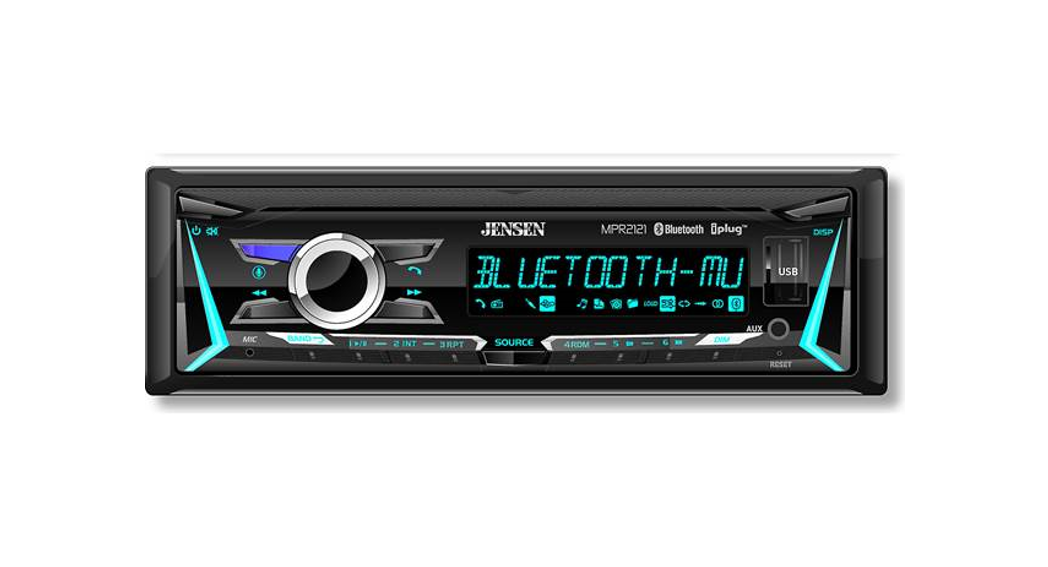
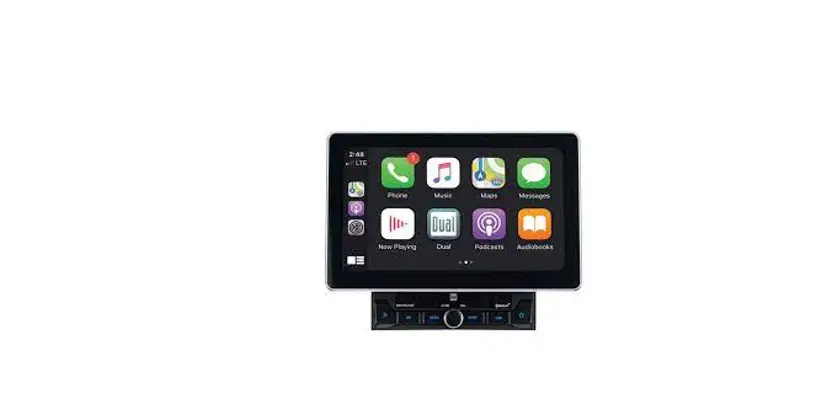
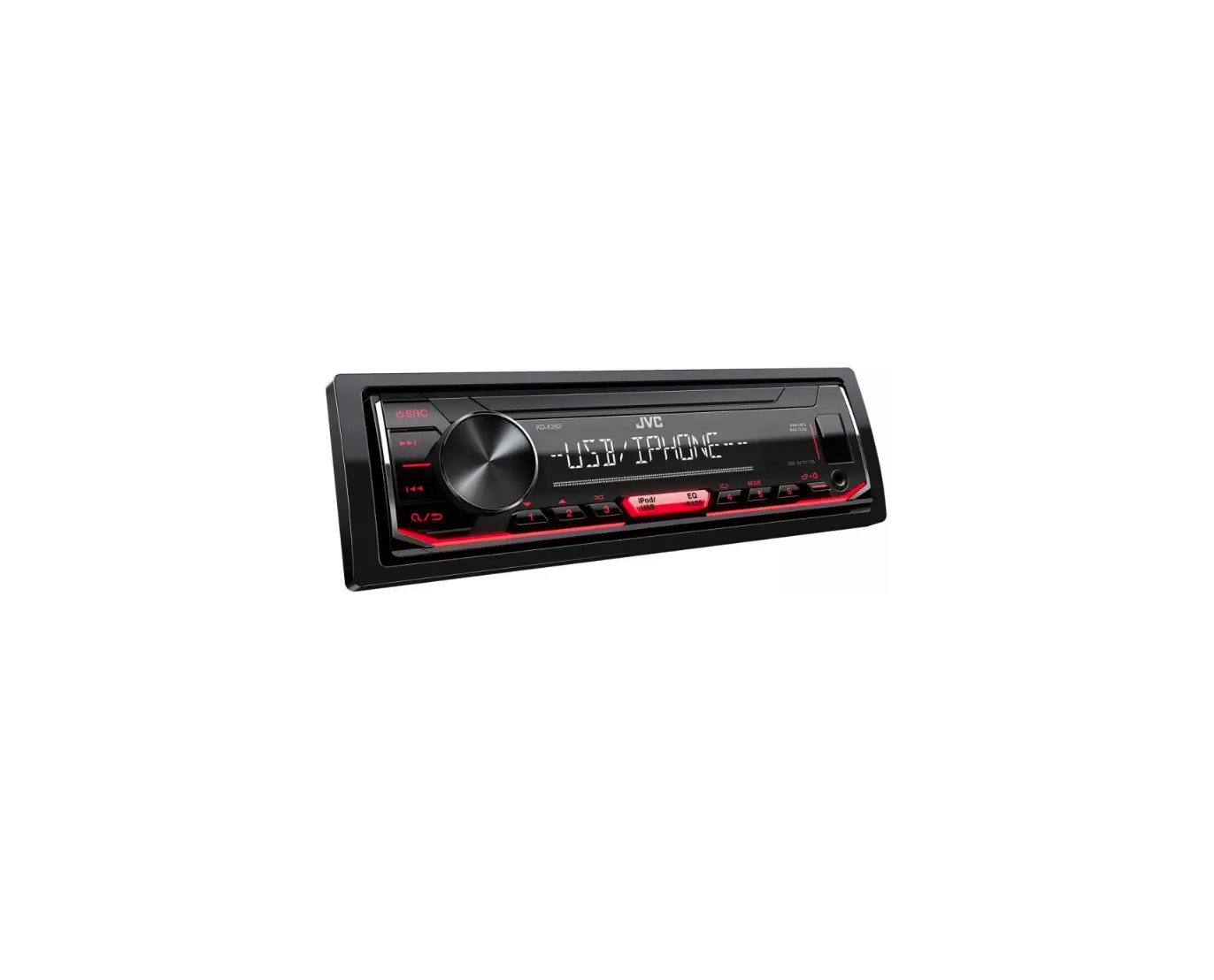
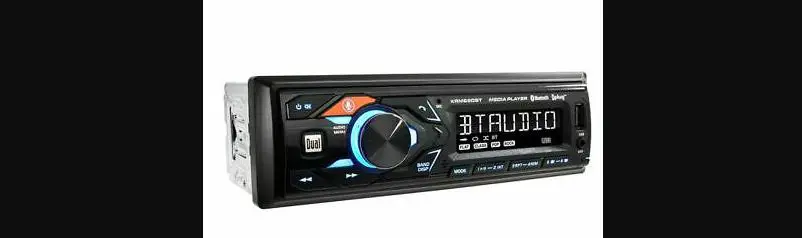
XD18BT Digital Media Receiver
Product Information:
Product Name: XD18BT
Brand: Think
Model: XD18BT
Color: Gray/Black
Features: Bluetooth, AUX, Dimmer, Clock Setting, Radio Frequency
Control, Volume Control, Preset Station Recall, Pairing with
Bluetooth Devices, Streaming Audio Control, Dual Smart App
Operation, Voice Activation Operation
Warranty: Limited One-Year Warranty
Product Usage Instructions:
Mounting the Radio:
- Slide the radio into the mounting sleeve to secure it.
- Snap silicon caps into place.
Removing the Unit:
- Remove the plastic caps.
- Use the removal keys to remove the unit.
Turning the Unit On and Off:
- To turn the unit on, press the power button.
- To turn the unit off, press and hold the power button.
Adjusting the Dimmer Level:
- Press the DIM button to select the dimmer level.
- Rotate the volume knob to adjust the selected dimmer
level.
Setting the Clock:
- With the unit on, press and hold the DISP button until the
hours or minutes start to flash. - Release the DISP button.
- Rotate the volume knob to adjust the time.
- Press the DISP button to finish the clock setting.
Radio Frequency Control:
- To change the radio frequency up or down one step at a time,
press the frequency change button momentarily. - To advance quickly to the next or previous strong station,
press and hold the frequency change button for 3 seconds and
release it.
Volume Control:
- Rotate the volume knob to adjust the volume level.
- To mute the audio, press the volume knob, then press the DISP
button.
Preset Station Recall:
- Touch the PS button to recall each preset station that has been
stored in memory for each band. (Available with the Dual Smart
Remote App only)
Pairing a Bluetooth Device:
- Activate Bluetooth on your device.
- Ensure that the head unit is broadcasting the pairing
signal. - Complete the pairing sequence from your Bluetooth device
following the instructions in your device’s owner’s manual. - If the passcode “1234” does not pair your device to the
receiver, use passcode “0000”.
Streaming Audio Control:
The head unit supports A2DP wireless streaming audio from a
Bluetooth mobile device directly to your head unit. The following
functions can be used to control the music:
- Next Track: Press the skip forward button to skip to the next
available audio track. - Previous Track: Press the skip backward button to skip to the
previous audio track. - Play/Pause: Press the playback button to play or pause the
audio.
Dual Smart App Operation:
The Dual Smart App is a wireless remote control for your
receiver. You can download the Dual Smart app from the Apple App
Store or Google Play Store and install it on your smartphone or
tablet. Use the app to control your receiver.
Voice Activation Operation:
The receiver supports voice activation operation. Refer to the
owner’s manual for detailed instructions on how to use this
feature.
Warranty:
This product is covered by a limited one-year warranty. Refer to
the warranty information provided in the owner’s manual for more
details on what is covered and what to do in case of any
issues.
For more detailed information, please refer to the complete
owner’s manual available for download at www.dualav.com.
think
XD18BT
Quick Start Guide
(if applicable)
Slide the radio into the mounting sleeve to secure the radio. Snap silicon caps into place.
before you
To download the complete, model-specific manual, please visit
www.dualav.com or call 1-866-382-5476, 9AM-5PM EST (Monday-Friday).
Gray Gray/Black
Step 4: Remove the plastic caps and use the removal keys
to remove the unit.
Removal Keys
Press the button to turn the unit on. Press and hold turn unit off.
SOURCE Bluetooth, and AUX.
again to
Dimmer Press DIM to select the dimmer level and adjust it.
button is located near AUX port on the front panel.
With the unit on, press and hold DISP until the hours or minutes begin to flash, then release. Rotate the volume knob to adjust the time. Press the DISP to finish the clock setting.
Press and hold
for 2 secs and
release it to auto seek to previous or next strong station.
Press
momentarily to change radio
frequency down or up one step at a time.Press and hold
for 3 secs to advance quickly and
release it to stop on the desired station.
Volume knob
,then press DISP
Touch PS to recall each preset station that has been stored in memory for each band. (Available with the Dual Smart Remote App only)
Bluetooth® Operation
Preparation Before using a Bluetooth device, it must be paired and connected. Ensure that Bluetooth is activated on your device before beginning the pairing process.
Pairing a New Device
The head unit broadcasts the pairing signal constantly when no devices are connected. Complete the pairing sequence from your Bluetooth device. Refer to the owner’s manual for your device for more details.
The device name is “Dual Media Player” The Bluetooth passcode is “1234”
Note: If passcode “1234” does not pair your device to the receiver, use passcode “0000”.
Note: The head unit can be in any mode of operation when pairing is performed.
Streaming Audio Troubleshooting
The head unit supports A2DP wireless streaming audio
from a Bluetooth mobile device directly to your head unit.
The following functions can be used to control the music:
· Press
to skip to the next available audio track.
ll · Press
to skip to the previous audio track.
nn · Press / II to toggle between play and pause during
l playback.
To download the complete Owner’s Manual for your radio, please visit www.dualav.com
APP Operation
The Dual Smart App is the ultimate wireless remote control for your receiver. You can download Dual Smart app from Apple App Store or Google Play Store and install it on your smartphone or tablet. Please scan the following QR code to download Dual iPlug P2 App to your smart phone.
Voice Activation Operation
Bluetooth should be paired between your smartphone and the receiver. Press the voice activation button , and the receiver will switch into Bluetooth mode, This will activate Siri® or Google AssistantTM on your smartphone. You will need to manually switch back to the previous or desired mode once this operation is terminated.
Limited One-Year Warranty
This warranty gives you specific legal rights. You may also have other rights which vary from state to state. Dual Electronics Corp. warrants this product to the original purchaser to be free from defects in material and workmanship for a period of one year from the date of the original purchase. (Note that select marine products carry a 1-year warranty. Please visit www.dualav.com for details.) Dual Electronics Corp. agrees, at our option, during the warranty period, to repair any defect in material or workmanship or to furnish an equal new, renewed or comparable product (whichever is deemed necessary) in exchange without charges, subject to verification of the defect or malfunction and proof of the date of purchase. Subsequent replacement products are warranted for the balance of the original warranty period.
Who is covered? This warranty is extended to the original retail purchaser for products purchased and used in the U.S.A.
What is covered? This warranty covers all defects in material and workmanship in this product. The following are not covered: installation/removal costs, damage resulting from accident, misuse, abuse, neglect, product modification, improper installation, incorrect line voltage, unauthorized repair or failure to follow instructions supplied with the product, or damage occurring during return shipment of the product.
What to do? 1. Before you call for service, check the troubleshooting guide in your owner’s
manual. A slight adjustment of any custom controls may save you a service call. 2. If you require service during the warranty period, you must carefully pack the
product (preferably in the original package) and ship it by prepaid transportation with a copy of the original receipt from the retailer to an authorized service center. 3. Please describe your problem in writing and include your name, a return UPS shipping address (P.O. Box not acceptable), and a daytime phone number with your shipment. 4. For more information and for the location of the nearest authorized service center please contact us toll-free at 1-866-382-5476 or by email at [email protected].
Exclusion of Certain Damages: This warranty is exclusive and in lieu of any and all other warranties, expressed or implied, including without limitation the implied warranties of merchantability and fitness for a particular purpose and any obligation, liability, right, claim or remedy in contract or tort, whether or not arising from the company’s negligence, actual or imputed. No person or representative is authorized to assume for the company any other liability in connection with the sale of this product. In no event shall the company be liable for indirect, incidental or consequential damages.
FCC Compliance
This device complies with Part 15 of the FCC Rules. Operation is subject to the following two conditions: (1) this device may not cause harmful interference, and (2) this device must accept any interference received, including interference that may cause undesired operation.
Warning: Changes or modifications to this unit not expressly approved by the party responsible for compliance could void the user’s authority to operate the equipment.
Note: This equipment has been tested and found to comply with the limits for a Class B digital device, pursuant to Part 15 of the FCC Rules. These limits are designed to provide reasonable protection against harmful interference in a residential installation. This equipment generates, uses and can radiate radio frequency energy and, if not installed and used in accordance with the instructions, may cause harmful interference to radio communications. However, there is no guarantee that interference will not occur in a particular installation. If this equipment does cause harmful interference to radio or television reception, which can be determined by turning the equipment off and on, the user is encouraged to try to correct the interference by one or more of the following measures:
· Reorient or relocate the receiving antenna. · Increase the separation between the equipment and receiver. · Connect the equipment into an outlet on a circuit different from that to which the
receiver is connected. · Consult the dealer or an experienced radio technician for help.
This equipment complies with FCC radiation exposure limits set forth for an uncontrolled environment. This equipment should be installed s and operated with minimum distance of 20 cm between the radiator and your body. This transmitter must not be co-located or operating in conjunction with any other antenna or transmitter.
Dual Electronics Corp. Toll Free: 1-866-382-5476 Monday-Friday, 9AM-5PM
www.dualav.com ©2023 Dual Electronics Corp. All rights reserved.
NSC1022-V01
 Dual Electronics - Home Page