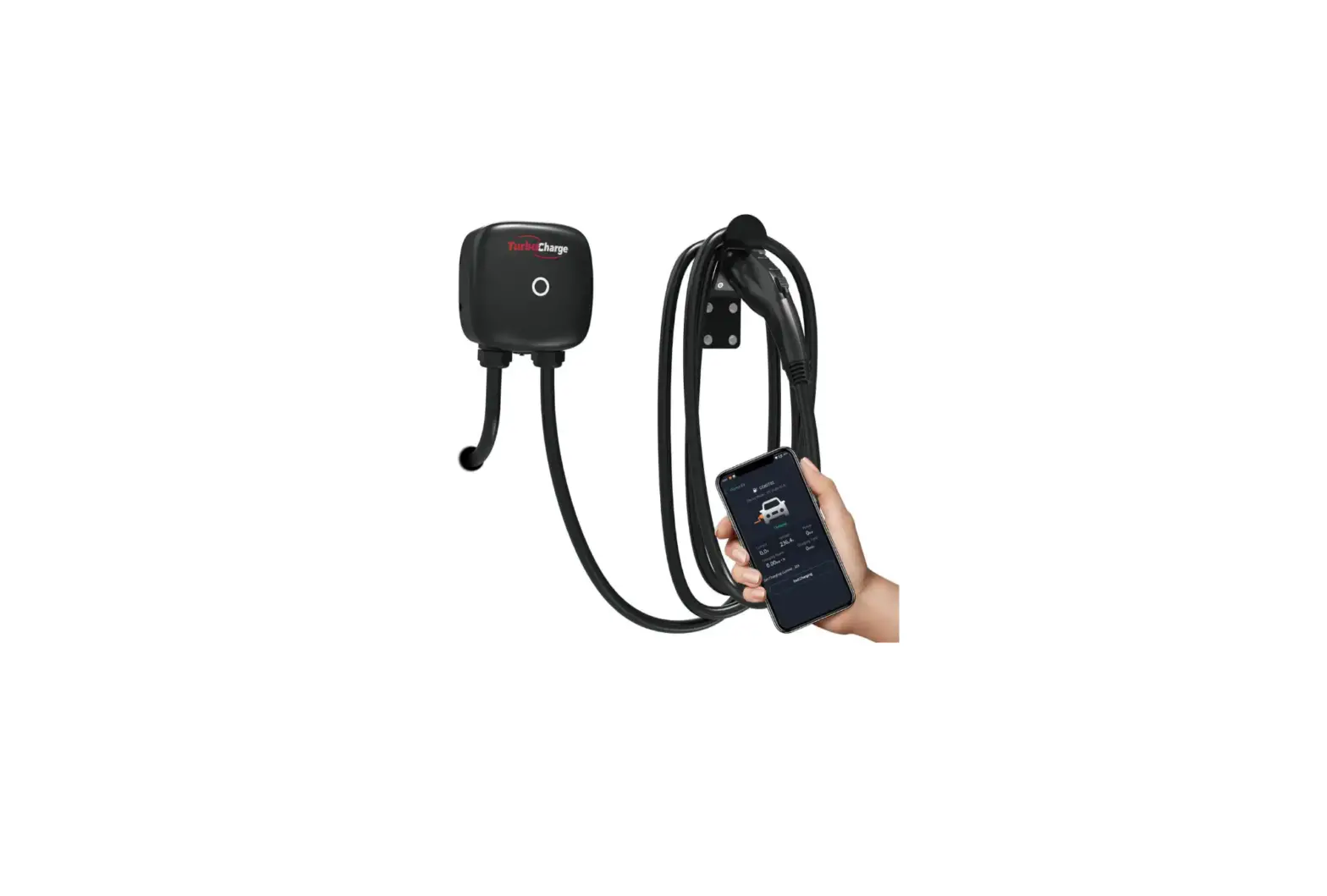
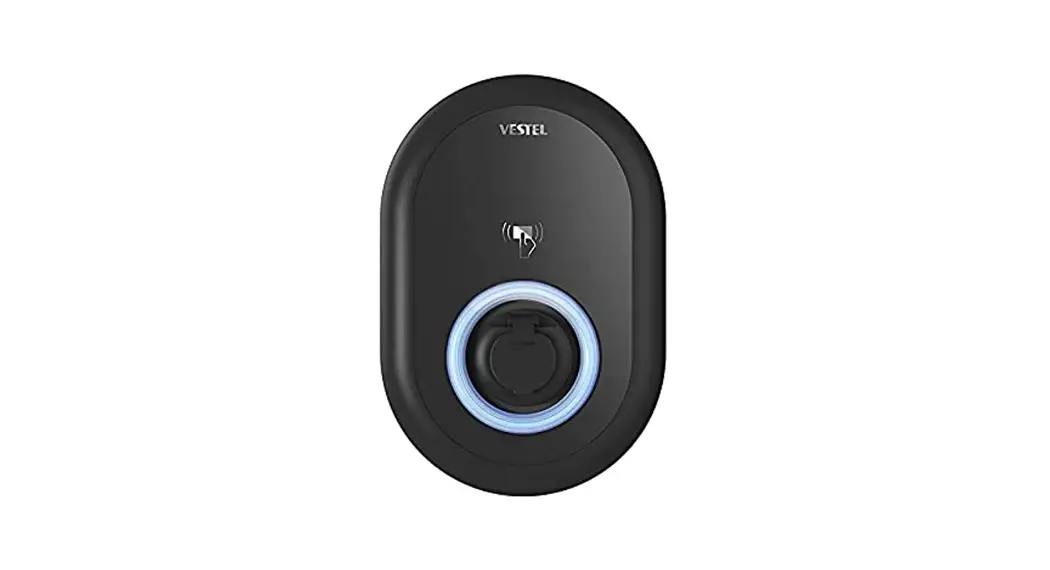
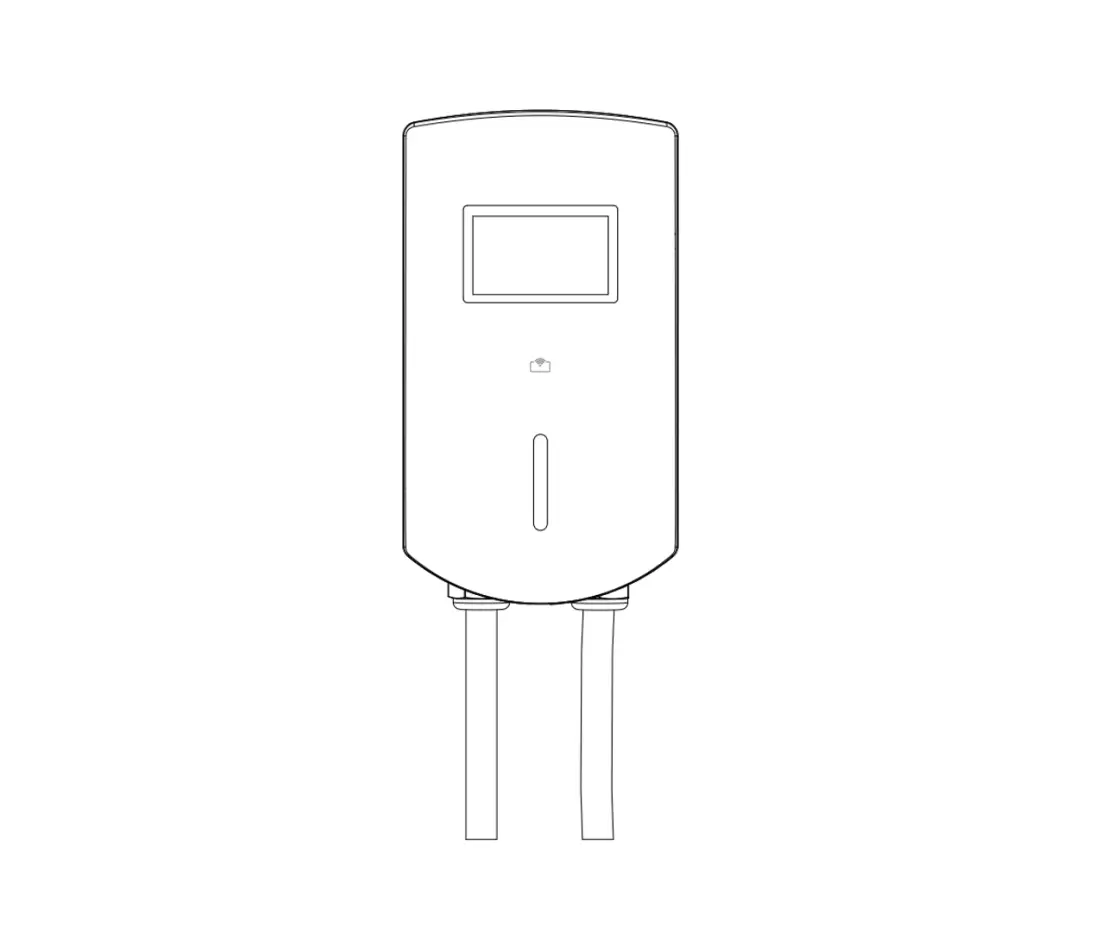
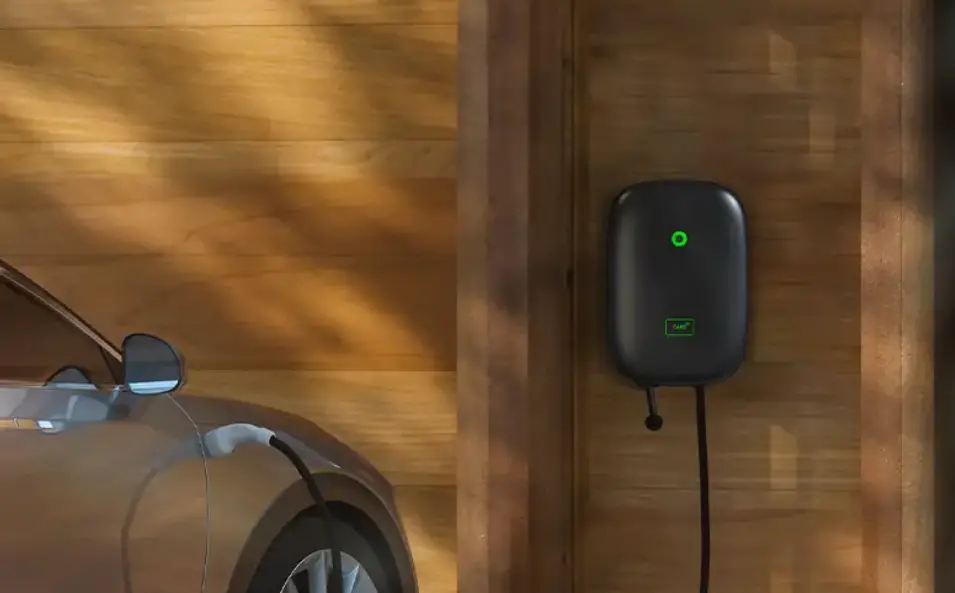
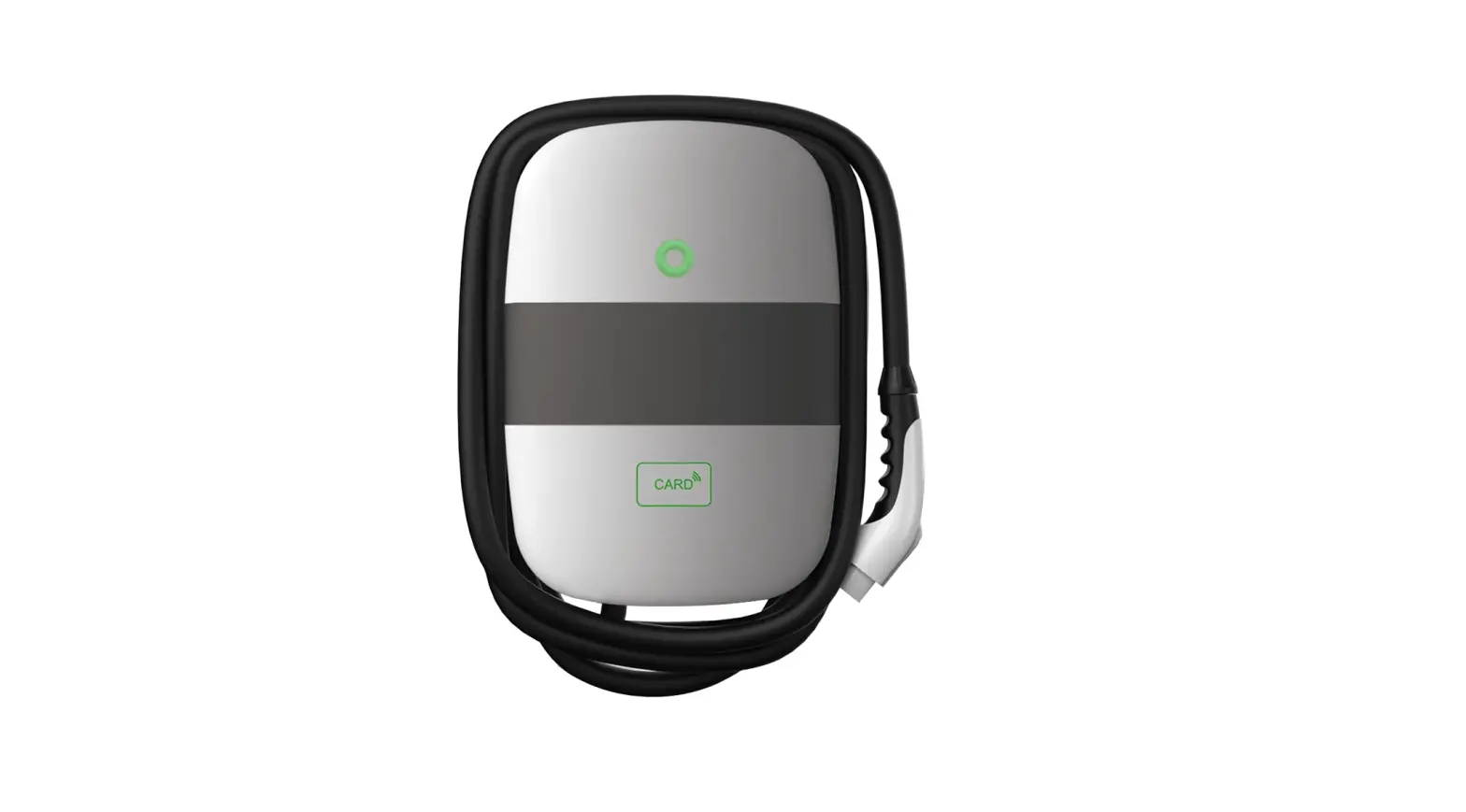
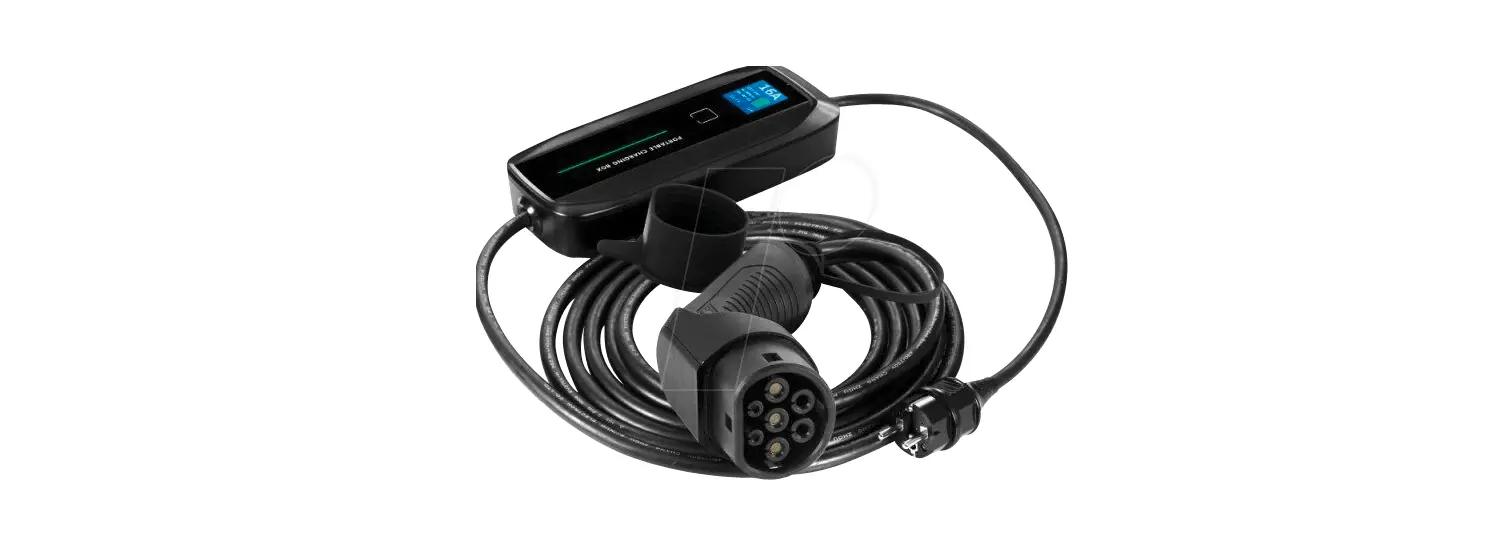
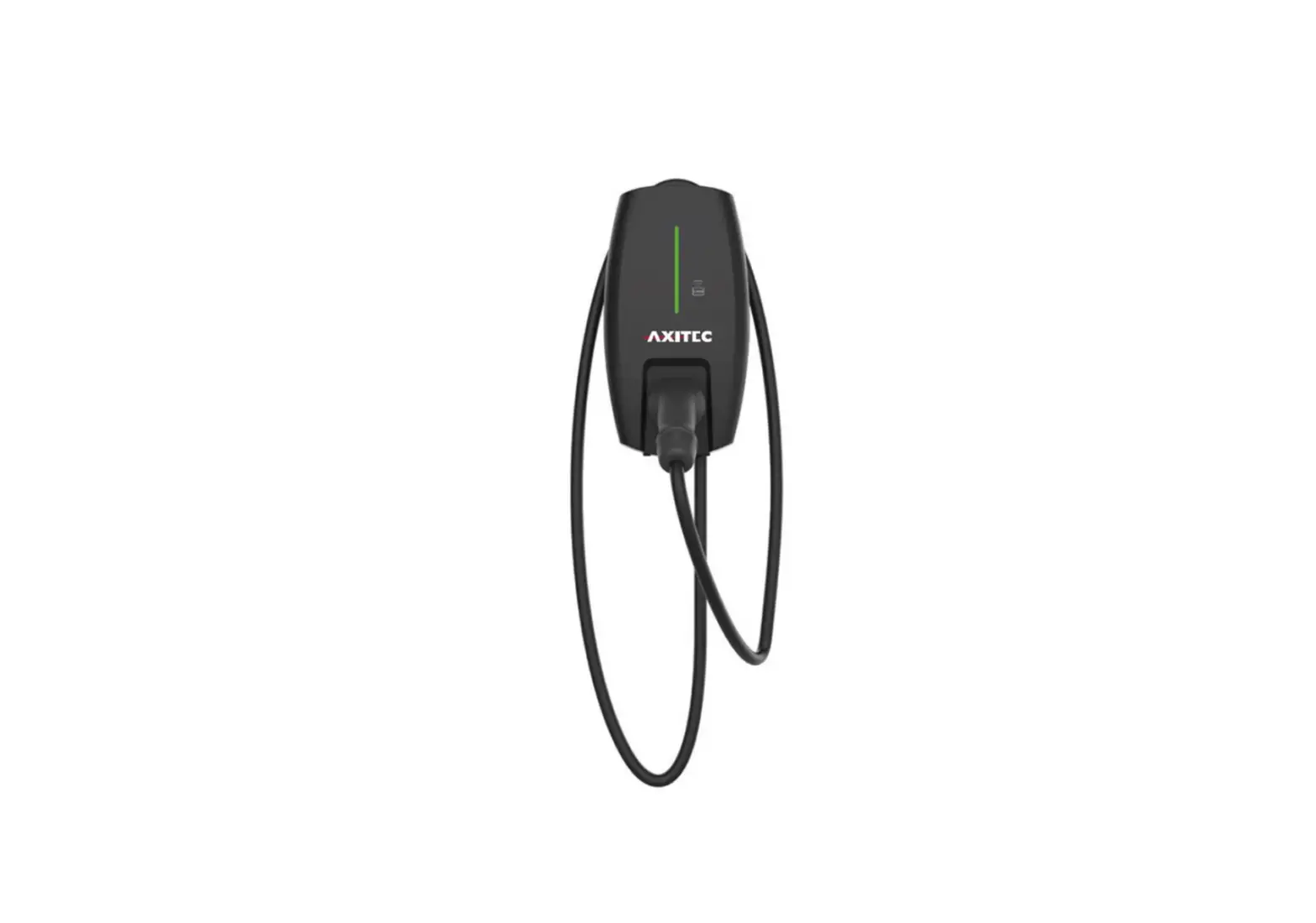
EVC12 Series Electric Vehicle AC Charger
Electric Vehicle AC Charger – Product Information
| Model Name | EVC12 Series (NA) |
|---|---|
| Rated Input Voltage | 200-240 VAC |
| Rated Output Current | 16/32/40/48A |
| AC Power Frequency | 60 Hz |
| Input Protection | UVP, OVP, RCD, SPD, Ground Fault Protection |
| Output Protection | – |
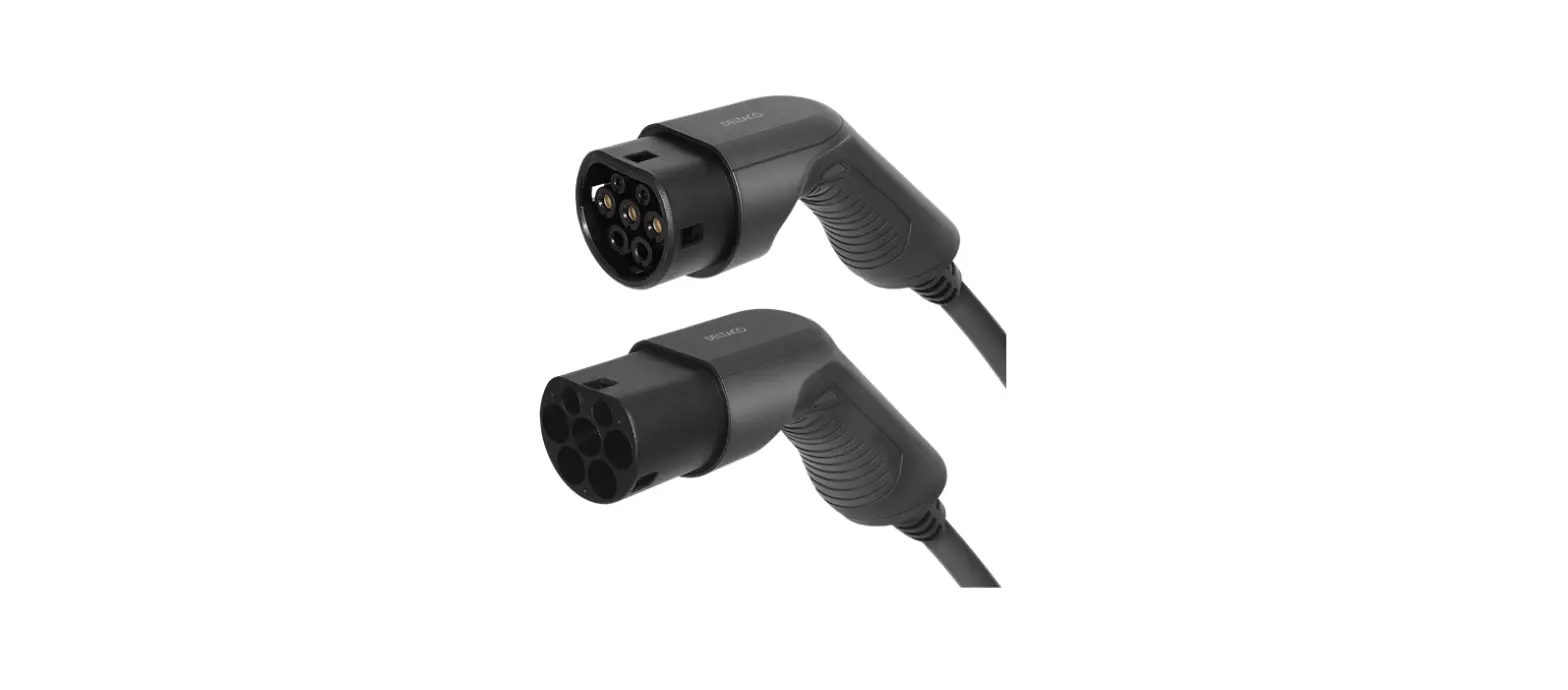
| Output Interface | SAE J1772 AC Charging Connector |
| Storage Temperature | – |
| Operation Temperature | – |
| Relative Operation Humidity | – |
| Relative Storage Humidity | – |
| Version | RJ45 Cable Inlet*1 Wi-Fi Function*2 |
| Cable Length | – |
| Protection Level | – |
| Installation Type | – |
| Altitude | – |
| Status Indication | LED Light Indication |
Electric Vehicle AC Charger – Usage Instructions
1. Important Safety Instructions:
- To avoid a risk of fire or electric shock, do not use this
device with an extension cord. - The suitability of the use of flexible cord in accordance with
CE code, Part I, Rule 4-012, is to be determined by the local
inspection authority having jurisdiction. - Risk of electric shock. Do not remove cover or attempt to open
the enclosure. No user serviceable parts inside. Refer servicing to
qualified service personnel.
2. Basic Interface:
- LED Light Indication
- Rear Notch
- SAE J1772 AC Charging Connector
- Charging Cable Inlet
- LAN Cable Inlet
- AC Power Inlet
3. Dimensions:
Width: 9.84 inches
Height: 14.23 inches
Depth: 4-0.35 inches
Weight: 4.40 pounds
4. Design Standard:
–
5. Specification:
| Parameter | Value |
|---|---|
| Model Name | EVC12 |
| Rated Input Voltage | 200-240 VAC |
| Rated Output Current | 16A, 32A, 40A, 48A |
| AC Power Frequency | 60 Hz |
| Input Protection | UVP, OVP, RCD, SPD, Ground Fault Protection |
| Output Protection | – |
| Output Interface | SAE J1772 AC Charging Connector |
| Storage Temperature | – |
| Operation Temperature | – |
| Relative Operation Humidity | – |
| Relative Storage Humidity | – |
| Version | RJ45 Cable Inlet*1 Wi-Fi Function*2 |
6. Status Description of the Charger Indication Light:
- Standby – Blue Light: The READY light stays steady in standby
mode. - Waiting for Charging – Green Light: After the vehicle connector
is connected to the vehicle inlet, the CHARGE light is constantly
lit. - Charging – Green Light Flashing: The CHARGE light flashes while
charging. - Fault – Red Light: The red light is lit while fault. Please
refer to the user manual for detailed information on error and
warning messages.
7. Packing List:
| No. | Product Name | Quantity | Note |
|---|---|---|---|
| 1 | AC Charger (With Charging Cable) | 1 | – |
| 2 | User Manual | 2 | – |
| 3 | Wall-Mounted Bracket | 1 | – |
| 4 | M5 teeth screws | 2 | – |
| 5 | M6 Hexagonal Expansion Screws | 4 | – |
8. Installation Instructions:
8.1 Safety Requirements:
–
8.2 Wiring:
GROUNDING INSTRUCTIONS: This product must be grounded. If it
should malfunction or break down, grounding provides a path of
least resistance for electric current to reduce the risk of
electric shock. This product is equipped with a cord having an
equipment grounding conductor and a grounding plug. The plug must
be plugged into an appropriate outlet that is properly installed
and grounded in accordance with all local codes and ordinances.
Electric Vehicle AC Charger
EVC12 Series (NA) – User Manual
USER MANUAL
WARNING 1. Important Safety Instructions
WARNING This manual contains important instructions for Models: EVC12 series that shall be followed during installation, operation and maintenance of the unit. 1) Read all the instructions before using this product. 2) This device should be supervised when used around children. 3) Do not put fingers into the electric vehicle connector. 4) Do not use this product if the flexible power cord or EV cable is frayed, has broken insulation, or any other signs of damage. 5) Do not use this product if the enclosure or the EV connector is broken, cracked, open, or shows any other indication of damage. 6) To reduce the risk of fire, connect only to a circuit provided branch circuit over-current protection in accordance with the CSA C22.115 Canadian Electrical Code, Part 1 (Canada) or NOM-001-SEDE Electrical installations (utility) (Mexico) or ANSI / NFPA 70 National Electrical Code (USA).
Circuit Breaker Options table
Output Amperage (A)
16A
32A
40A
48A
Circuit Breaker Options (A)
20A
40A
50A
60A
7) To avoid a risk of fire or electric shock, do not use this device with an extension cord. 8) THE SUITABILITY OF THE USE OF FLEXIBLE CORD IN ACCORDANCE WITH CE CODE, PART I, RULE 4-012, IS TO BE DETERMINED BY THE LOCAL INSPECTION AUTHORITY HAVING JURISDICTION. 9) Risk of electric shock. Do not remove cover or attempt to open the enclosure. No user serviceable parts inside. Refer servicing to qualified service personnel.
USER MANUAL
WARNING
AVERTISSEMENT Ce manuel contient des instructions importantes pour les modèles : série EVC12 qui doit être suivie pendant l’installation, le fonctionnement et la maintenance de l’unité. 1) Lisez toutes les instructions avant d’utiliser ce produit. 2) Cet appareil doit être surveillé lorsqu’il est utilisé à proximité d’enfants. 3) Ne pas mettre les doigts dans le connecteur du véhicule électrique. 4) N’utilisez pas ce produit si le cordon d’alimentation flexible ou le câble EV est effiloché, a une isolation cassée, ou tout autre signe de dommage. 5) N’utilisez pas ce produit si le boîtier ou le connecteur EV est cassé, fissuré, ouvert ou montre toute autre indication de dommage. 6) Pour réduire les risques d’incendie, ne connecter qu’à un circuit protection contre les surintensités des circuits de dérivation conformément à la norme canadienne CSA C22.1-15 Code électrique, partie 1 (Canada) ou NOM-001-SEDE Installations électriques (service public) (Mexique) ou ANSI / NFPA 70 National Electrical Code (États-Unis).
Circuit Breaker Options table
Output Amperage (A)
16A
32A
40A
48A
Circuit Breaker Options (A)
20A
40A
50A
60A
7) Pour éviter tout risque d’incendie ou de choc électrique, n’utilisez pas cet appareil avec une rallonge. 8) L’ADÉQUATION DE L’UTILISATION DU CORDON FLEXIBLE SELON LE CODE CE,LA PARTIE I, RÈGLE 4-012, DOIT ÊTRE DÉTERMINÉE PAR L’AUTORITÉ LOCALE D’INSPECTION AYANT JURIDICTION. 9) Risque de choc électrique. Ne retirez pas le couvercle et n’essayez pas d’ouvrir le boîtier. Aucun utilisateur pièces réparables à l’intérieur. Confiez l’entretien à un personnel d’entretien qualifié.
01
02
USER MANUAL
WARNING
This device complies with part 15 of the FCC Rules.
Operation is subject to the following two conditions: This device may not cause harmful interference, and this device must accept any interference received, including interference that may cause undesired operation.
Caution: Changes or modifications to this unit not expressly approved by the party responsible for compliance could void the user’s authority to operate the equipment.
Note: This equipment has been tested and found to comply with the limits for a Class A digital device, pursuant to part 15 of the FCC Rules. These limits are designed to provide reasonable protection against harmful interference when the equipment is operated in a commercial environment. This equipment generates, uses, and can radiate radio frequency energy and, if not installed and used in accordance with the instruction manual, may cause harmful interference to radio communications. Operation of this equipment in a residential area is likely to cause harmful interference in which case the user will be required to correct the interference at his own expense. WIFI moduleContians FCC ID:2AC7Z-ESPWROOM32D LTE moduleContians FCC ID:XMR201909EC25AFX
IC:10224A-2019EC25AFX To satisfy FCC RF exposure requirements, a separation distance of 20cm or more should be maintained between the antenna of this device and persons during device operation. To ensure compliance, operations at closer than this distance is not recommended.
2. Basic Interface
LED Light Indication
Rear Notch
USER MANUAL
SAE J1772 AC Charging Connector
Charging Cable Inlet LAN Cable Inlet
AC Power Inlet
03
04
USER MANUAL
3. Dimensions
9.84″ 14.23″
4-0.35 4.8 2.83
05
4.40″
USER MANUAL
4. Design Standard
UL 2594: Electric Vehicle Supply Equipment UL 2231-1: Personnel Protection Systems for Electric Vehicle (EV) Supply Circuits: General Requirements UL 2231-2: Personnel Protection Systems for Electric Vehicle (EV) Supply Circuits: Particular Requirements for Protection Devices for Use in Charging Systems UL 2251: Plugs, Receptacles and Couplers for Electric Vehicles UL 62: Flexible Cords and Cables UL 991: Tests for Safety-Related Controls Employing Solid-State Devices UL 1998: Software in Programmable Componets NFPA 70 Article 625: National Electrical Code, Electric Vehicle Charging System UL 840 (Clearance and Creepage)
06
USER MANUAL
5. Specification
Model Name Rated Input Voltage Rated Output Current AC Power Frequency Input Protection Output Protection Output Interface Storage Temperature Operation Temperature Relative Operation Humidity Relative Storage Humidity Version RJ45 Cable Inlet*1 Wi-Fi Function*2 Cable Length Protection Level Installation Type Altitude Status Indication
EVC12 Version 200-240 VAC 16/32/40/48A
60 Hz UVP, OVP, RCD, SPD, Ground Fault Protection
OCP, OTP, Control Pilot Fault Protection SAE J1772 AC Charging Connector -40°F to 158°F -22°F to 122°F 95% RH Maximum 95% RH Maximum LAN Version / Wi-Fi Bluetooth Version 10M / 100M Base-T 802.11 b/g/n 18ft Type 3 Wall-Mounted 6561ft Red, Green, Blue LED
*1 LAN Version and Wi-Fi & Bluetooth Version *2 Wi-Fi & Bluetooth Version
07
USER MANUAL
6. Status Description of the Charger Indication Light
Standby – Blue Light The READY light stays steady in standby mode.
Waiting for Charging – Green Light After the vehicle connector is connected to the vehicle inlet, the CHARGE light is constantly lit.
Charging – Green Light Flashing The CHARGE light flashes while charging.
08
USER MANUAL
7. Packing List
1
FAULT
Fault – Red Light The red light is lit while fault. Please refer to “9.3 Error and Warning Messages” for detailed information.
Electric Vehicle AC Charger EVC12 Series (NA) – User Manual
2
3
USER MANUAL
No.
Product Name
1 AC Charger (With Charging Cable)
Quantity Note
1
2 User Manual
1
3 Wall-Mounted Bracket
1
4 M5 teeth screws
2
5 M6 Hexagonal Expansion Screws
4
8 Installation Instructions
8.1 Safety Requirements
· Be sure to preview the user manual and ensure local building and electrical codes are reviewed before installing the AC charger. · The AC charger should be installed by a qualified technician according to the user manual and local safety regulations. · Use appropriate protection when connecting to the main power distribution cable. · Type B, C or D breaker with the rating current for table should be installed in the upstream AC distribution box. · Disconnect switch for each ungrounded conductor of AC input shall be provided by others in accordance with the National Electric Code, ANSI/NFPA 70.
4
5
09
10
USER MANUAL
8.2 Wiring
GROUNDING INSTRUCTIONS This product must be grounded. If it should malfunction or break down, grounding provides a path of least resistance for electric current to reduce the risk of electric shock. This product is equipped with a cord having an equipment grounding conductor and a grounding plug. The plug must be plugged into an appropriate outlet that is properly installed and grounded in accordance with all local codes and ordinances.
WARNING Improper connection of the equipment-grounding conductor is able to result in a risk of electric shock. Check with a qualified electrician or serviceman if you are in doubt as to whether the product is properly grounded. Do not modify the plug provided with the product if it will not fit the outlet, have a proper outlet installed by a qualified electrician.
IAVERTISSEMENT – Une mauvaise connexion du conducteur de mise à la terre de l’équipement peut entraîner un risque de choc électrique. Vérifiez auprès d’un électricien ou d’un technicien qualifié si vous n’êtes pas sûr que le produit soit correctement mis à la terre. Ne modifiez pas la fiche fournie avec le produit – si elle ne rentre pas dans la prise, faites installer une prise appropriée par un électricien qualifié.
USER MANUAL
For safe use of electricity, please add circuit breaker protection in the input part of charging pile. Connect the L1 lead to the grid L1, connect the L2 lead to the grid L2, connect the PE lead to the grid PE (for all Version).
– – 1&
Circuit Breaker Options table
Output Amperage (A)
16A
32A
40A
48A
Circuit Breaker Options (A) 20A
40A
50A
60A
11
12
USER MANUAL
8.3 Tools and Materials Required
Tools required before installing the Wall-Mounted charger, gather the following tools: · Wire stripper · Crimpers for European terminals · Phillips screwdriver for M5 · Slotted screwdriver for 4~5.5MM · Adjustable Wrench M6 · Head gasket screw 10-10.5mm · Voltmeter or digital multi-meter (for measuring AC voltage at the installation site) · The inserting cable should meet the best waterproof performance. It is recommended to use 3 core / 7AWG cable (XLPE or equivalent cable) to pull the cable from the distribution box. · Level ruler · Pencil or marker · Machine drill
Installation Instructions
“This device shall be mounted at a sufficient height from grade such that the height of the storage means for the coupling device is located between 600mm (24 inches) and 1.2m (4 feet) from grade.”
USER MANUAL 8.4 Wall-Mounted Bracket Installation
Step 1: · Set the positions of the 4 screw holes and drill them, with a diameter of 8mm and a depth of 52mm. · Use 4 sets expansion screw and M6 screw to fix the wall-mounted bracket on the wall.
Step 2: Align the rear notch of charger into the wall-mounted bracket and fit the screw holes of the right and left side.
13
14
USER MANUAL
Step 3: Fix two M5 screws to complete the installation.
Overall outlook picture after installation: Wall-mounted cable winding
USER MANUAL
9. Operation Instuctions
9.1 Operating Procedures
User authorization Connect to Vehicle Charging Inlet Charging Message Charging completed
9.2 Operating Steps
Step 1 / Standby Mode After power-on, blue light (READY), green light (CHARGE) and red light (FAULT) all lit. Enter standby mode and the blue light (READY) is steady on.
READY
15
16
USER MANUAL
Step 2 / Plug the Charging Connector Please plug the charging connector into the vehicle charging inlet.
Step 3 / Charging The green light (CHARGE) turns to flash automatically, charging is in process. · If the red light (FAULT) is lit, plug the vehicle connector again. · If red light is still lit, please refer to “Error and Warning Messages”.
CHARGE
USER MANUAL
9.3 Error and Warning Message
Status
Input OVP
Red
1 flashes followed by 3 sec pause
Remark
Auto Recover
Input UVP
2 flashes followed by 3 sec pause
Auto Recover
Output OCP
3 flashes followed by 3 sec pause
Auto Recover
OTP RCD Abnormal
Ground Fault
4 flashes followed by 3 sec pause 5 flashes followed by 3 sec pause 6 flashes followed by 3 sec pause
Auto Recover Auto Recover Auto Recover
Control Pilot Fault
Flicker
Auto Recover
MCU Self-Test Fail
Constantly Bright
Contact Customer Service
RCD Self-Test Fail
Constantly Bright
Contact Customer Service
Relay Self-Test Fail
Constantly Bright
Contact Customer Service
RCD Abnormal Stop Charging Output OCP Stop Charging
Constantly Bright Constantly Bright
Contact Customer Service Contact Customer Service
OTP Stop Charging
Constantly Bright
Contact Customer Service
Step 4 / Charging Finished When the charging is finished, the green light (CHARGE) is constantly lit, please press the button on connector.
17
18
USER MANUAL
10. Maintenance and Repair
10.1 Daily Maintenance
Please keep the charger clean and keep the charge in a clean area with low humidity. Do not install it in an environment near the sea, with high oil, high humidity or high dust. · Avoid moisture or water in the charger. If there is water or moisture ingress into the charger, it is necessary to immediately power off to avoid immediate danger, and notify the professional personnel to carry out maintenance before next use. · If there is any damage or dirt on the vehicle connector, charging cable, or vehicle connector holder, please contact the maintenance personnel immediately. · Please use the charger properly. Do not hit or press hard on the case. If the case is damaged, please contact a professional technician. · Avoid placing the charger near hot objects and at high temperature locations and away from dangerous substances such as flammable gases and corrosive materials. · Do not place external objects or heavy objects on the charger to avoid danger.
10.2 Maintenance Spares
· This charger is equipped with maintenance spares for maintenance use during and over the warranty period. All warranty services and repairs shall be and performed by certified service technicians authorized by Joint Technology. For details, please contact your local Joint Technology service partner or direct to our Customer Service.
10.3 Warranty and Maintenance
· The warranty period for this charger is two years. · After the event of any repair or maintenance under the warranty period, if there is no purchase to extend the warranty service, Joint Technology shall provide a three-month warranty period for any subsequent paid repair work.
USER MANUAL
· During the warranty period for any malfunction caused by normal use according to the User Manual and Service Instruction (to be determined by certified maintenance technicians of Joint Technology), the product shall be repaired free of charge. Except for the following situations, the charger shall be subject to the above warranty terms: 1. The warranty certificate cannot be provided or the contents of the warranty certificate are modified or inconsistent with the label indication of the repaired product. 2. Those who are unable to provide valid proof of purchase. 3. Those who exceed the manufacturer’s specified warranty period. 4. Those who damage the product due to not following the product service instruction for use, maintenance and storage. 5. Damage or malfunction caused by foreign object entering. 6. Unauthorized repair, disassembly or modification. 7. Damage caused by force majeure (such as lightning, excessive voltage, earthquake, fire, flood, etc.). 8. Malfunction and damage caused by other unavoidable external factors. Malfunction and damage caused by improper use of equipment, such as water or other solutions entering into the equipment. 9. Malfunction and damage caused by the grid power supply and voltage which is not specified for use with the charger equipment. · The above guarantees shall be made solely, and no other express or implied warranties shall be made (including the implied warranties of merchant ability, particular and applicable reasonableness and adaptability, etc.) whether in the contract, civil negligence, or other aspects, the Company shall not be responsible for any special, incidental or consequential damages.
19
20