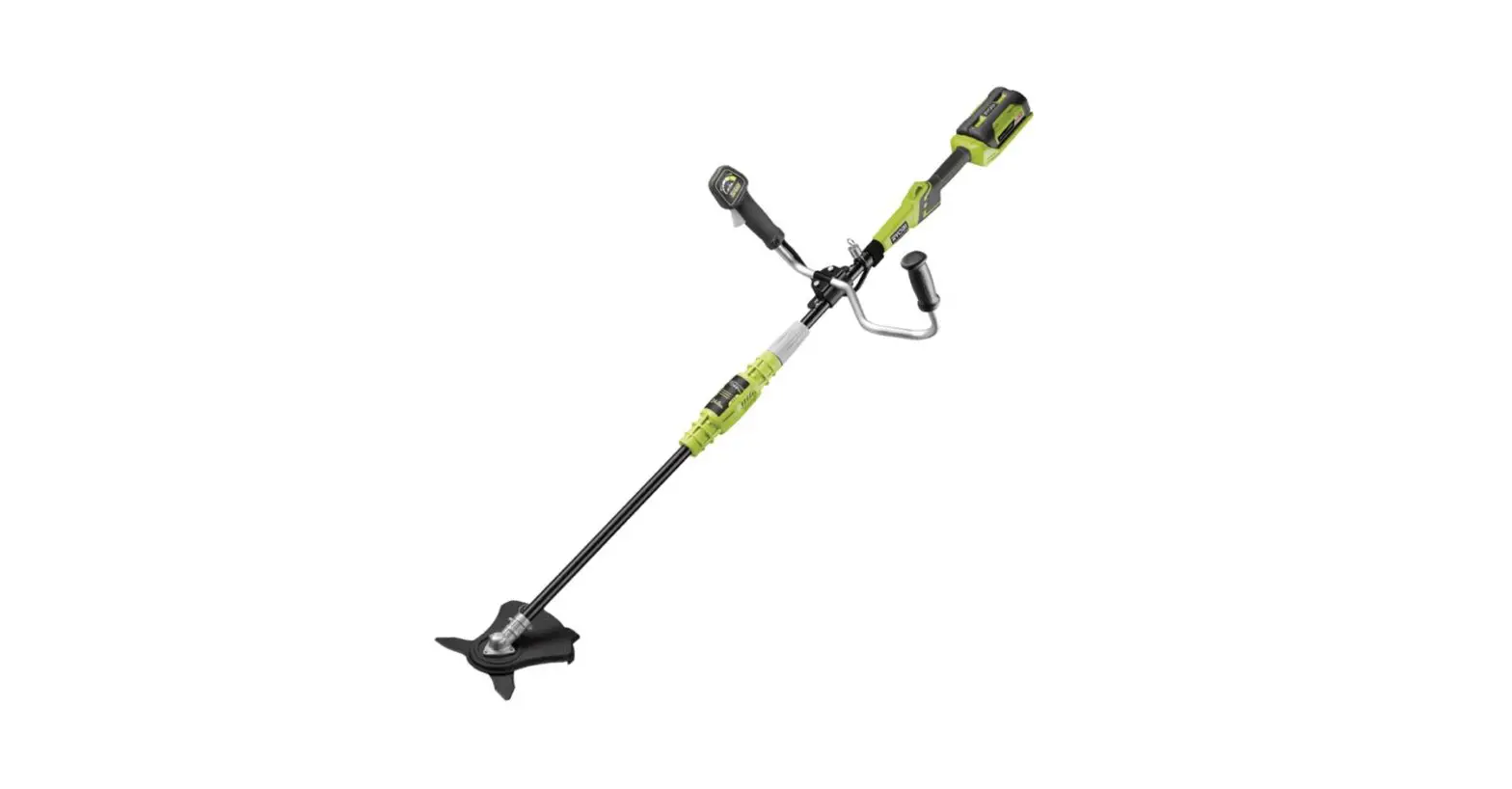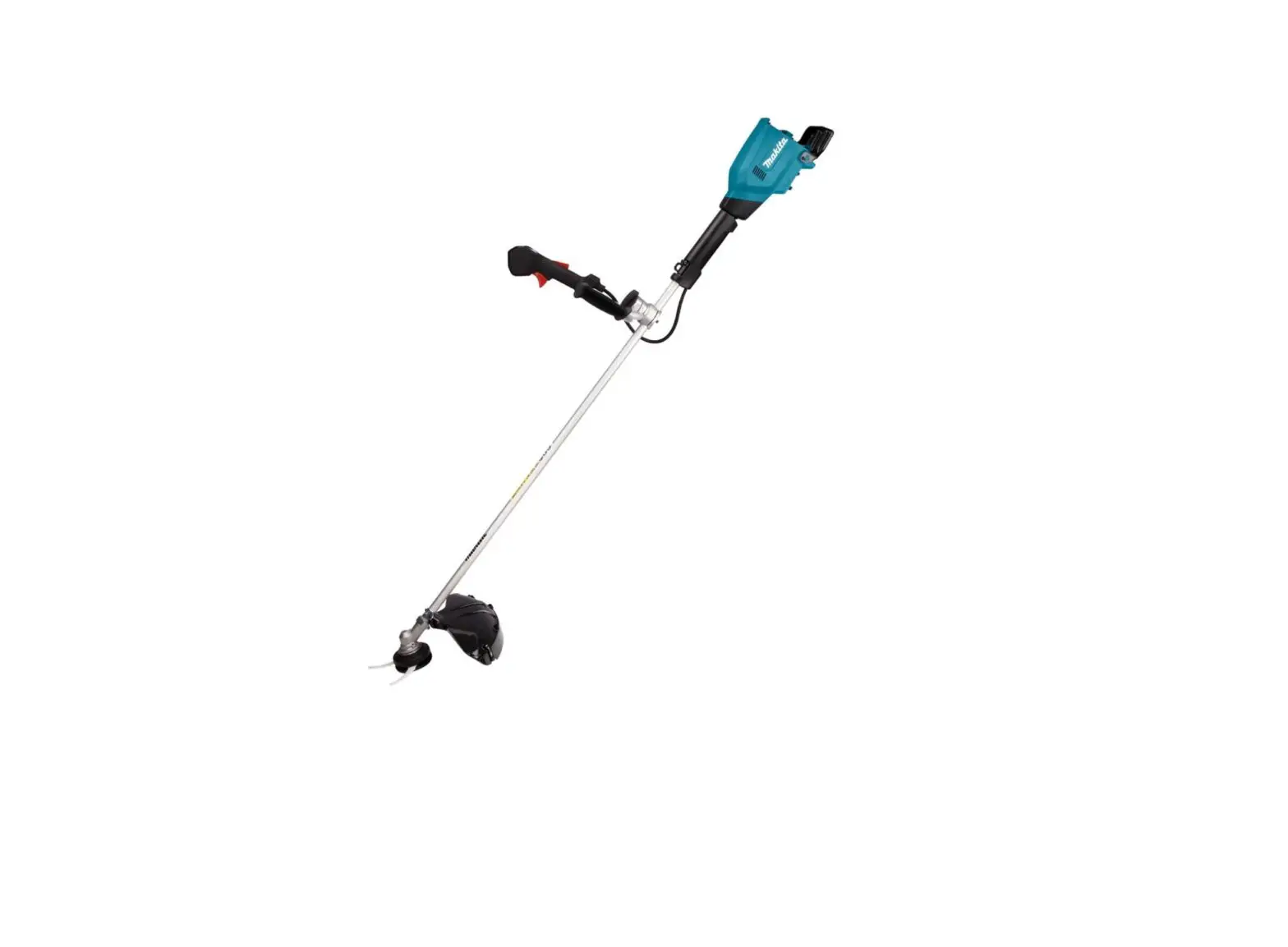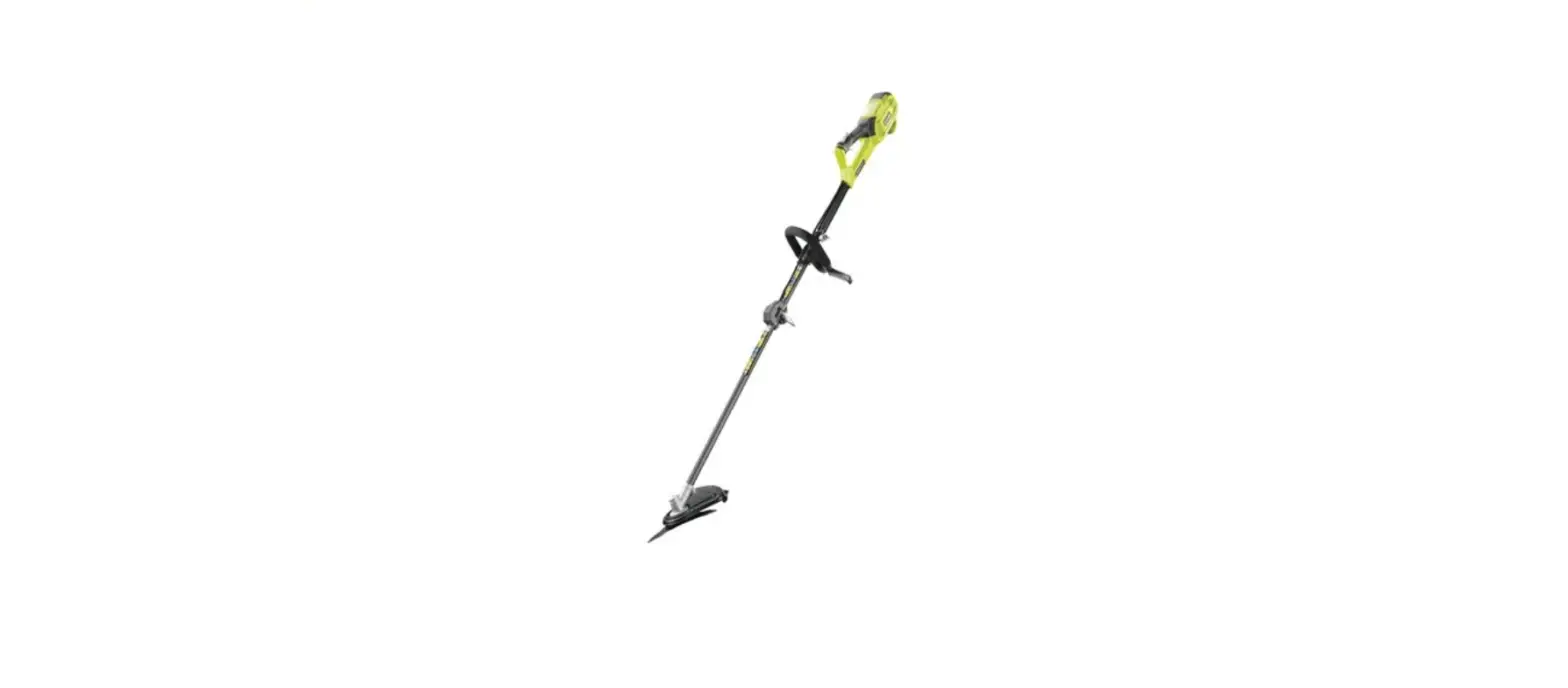

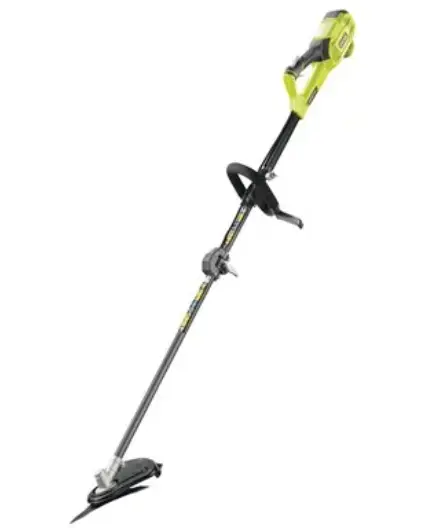
king fisherspares NMBC1000 ELECTRIC BRUSH CUTTER
Troubleshooting
Suspected malfunctions are often due to causes that the users can fix themselves. Therefore check the product using this section. In most cases the problem can be solved quickly.
WARNING! Only perform the steps described within these instructions! All further inspection, maintenance and repair work must be performed by an authorised service centre or a similarly qualified specialist if you cannot solve the problem yourself!
| Problem | Possible cause | Solution |
| 1. Product does not start | 1.1. Not connected to power supply 1.2. Power cord or plug is defective 1.3. Other electrical defect to the product | 1.1. Connect to power supply
1.2. Check by a specialist electrician 1.3. Check by a specialist electrician |
| 2. Product does not reach full power | 2.1. Extension cord not suitable for operation with this product 2.2. Power source (e.g. generator) has too low voltage 2.3. Air vents are blocked | 2.1. Use a proper extension cord
2.2. Connect to another power source
2.3. Clean the air vents |
| 3. Unsatisfactory result | 3.1. Trimming line is worn / damaged 3.2. Cutter blade is worn/ damaged | 3.1. Replace with a new one
3.2. Replace with a new one |
| 4. Excessive vibration or noise | 4.1. Trimmer head is damaged 4.2. Cutter blade is damaged 4.3.Bolts/nuts are loose 4.4.Trimming line is worn/ damaged | 4.1. Replace with a new one
4.2. Replace with a new one 4.3.Tighten bolts/nuts 4.4.Replace with a new one |