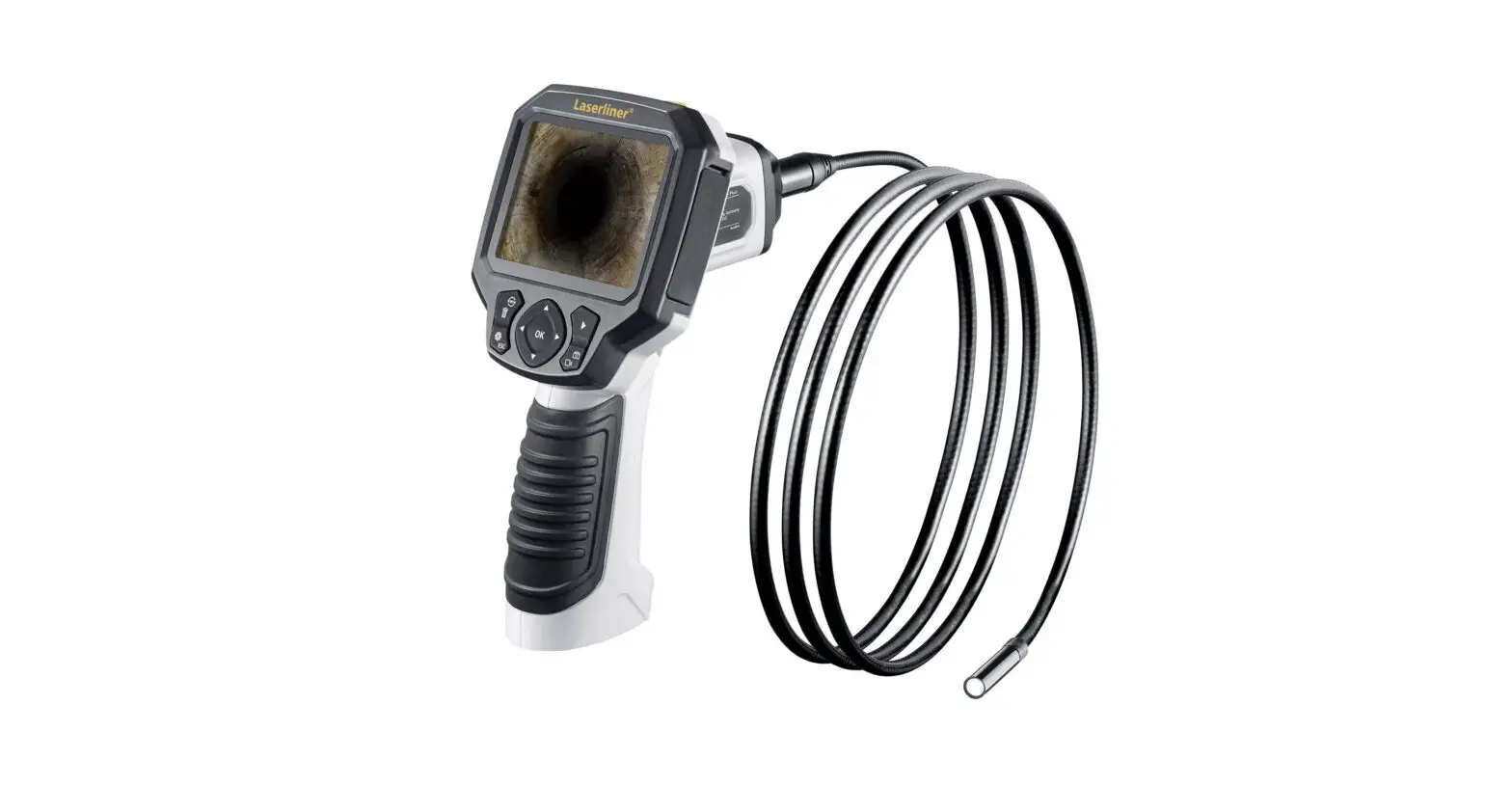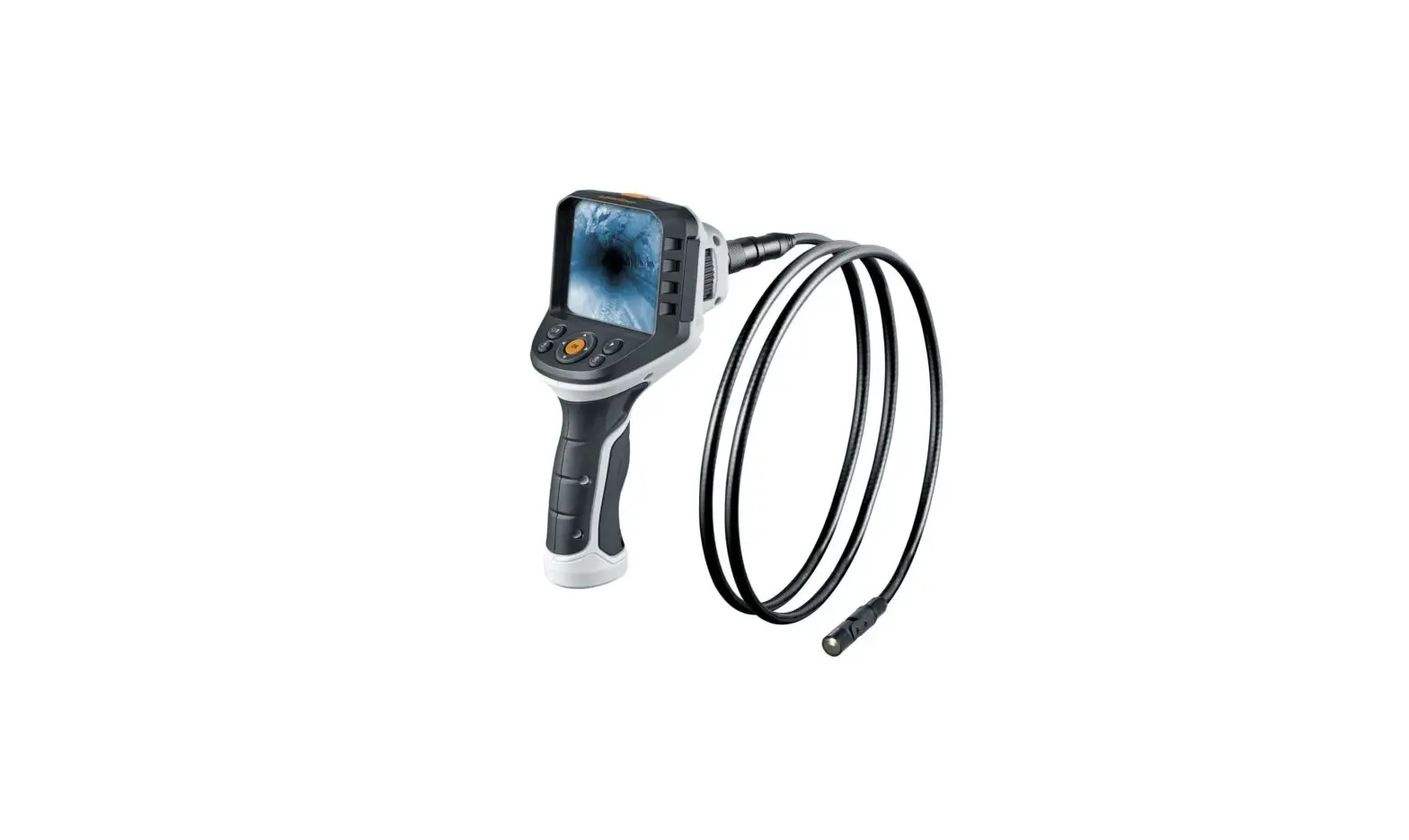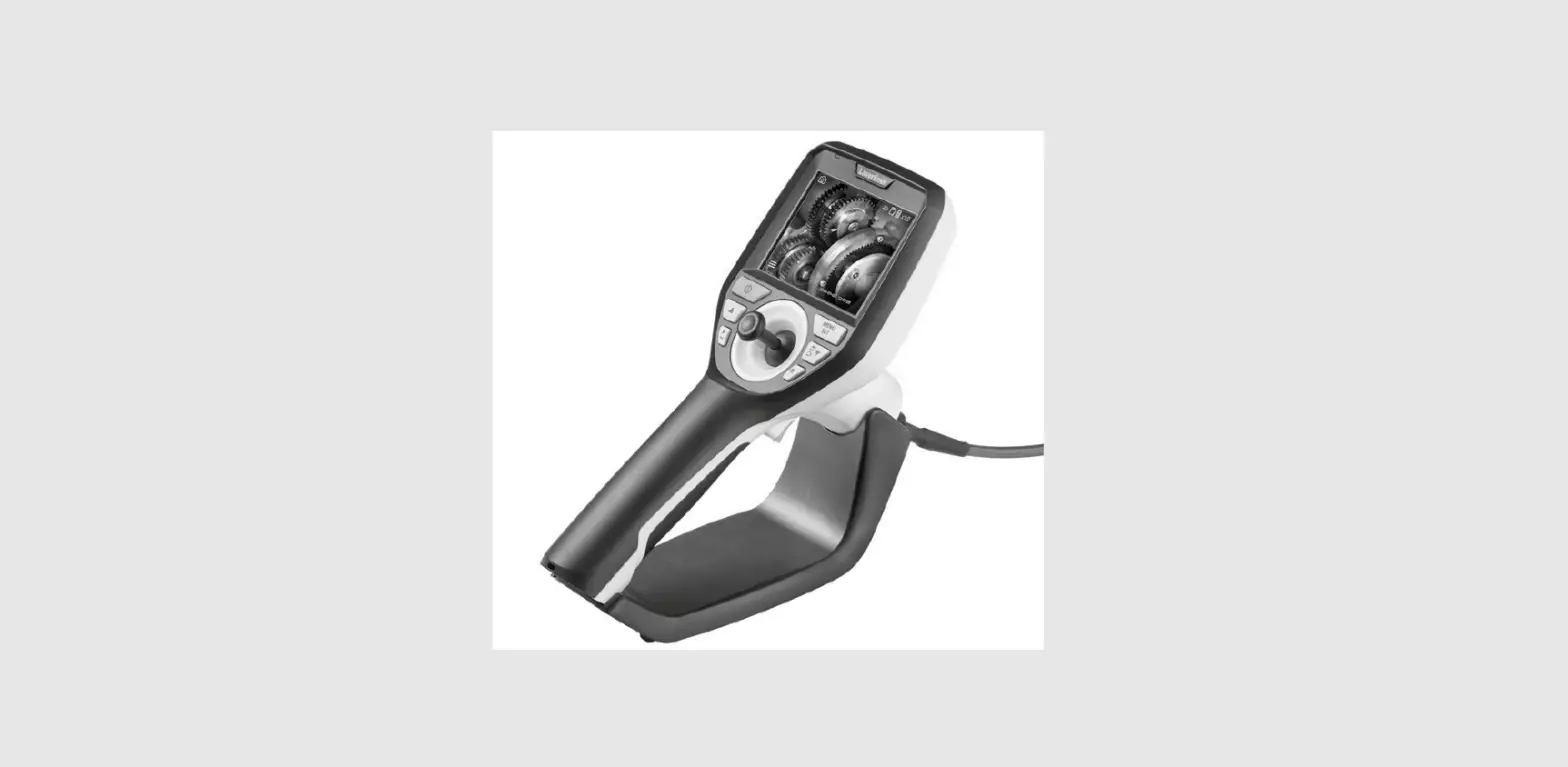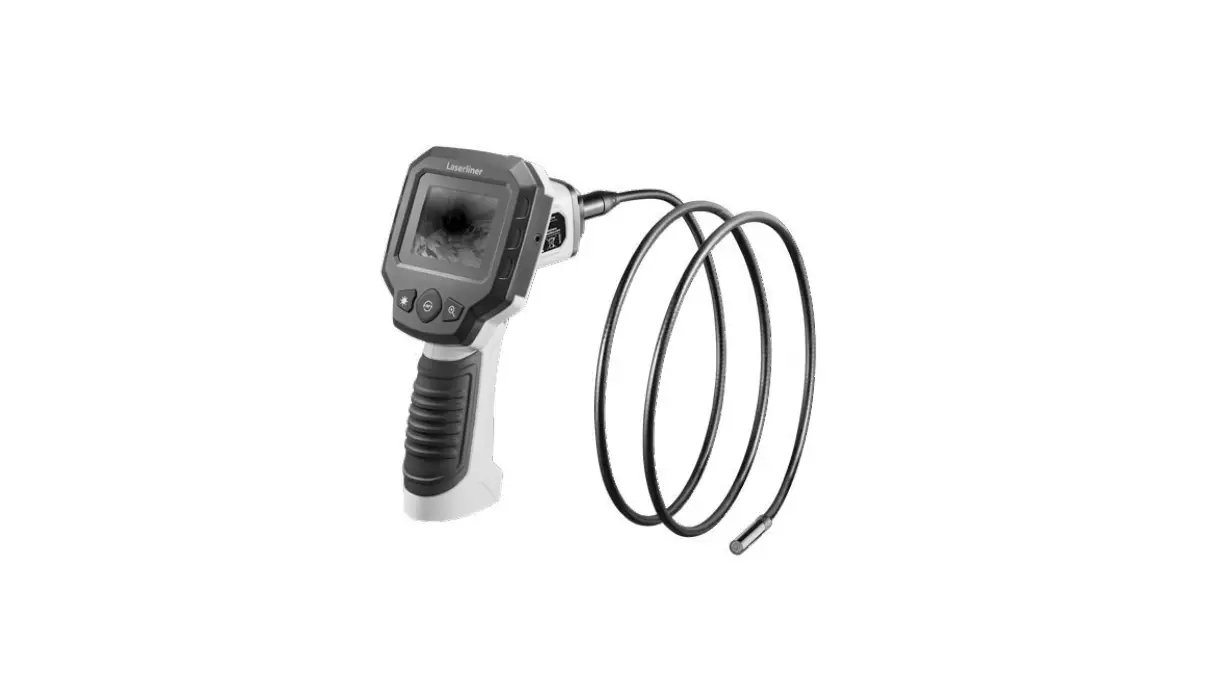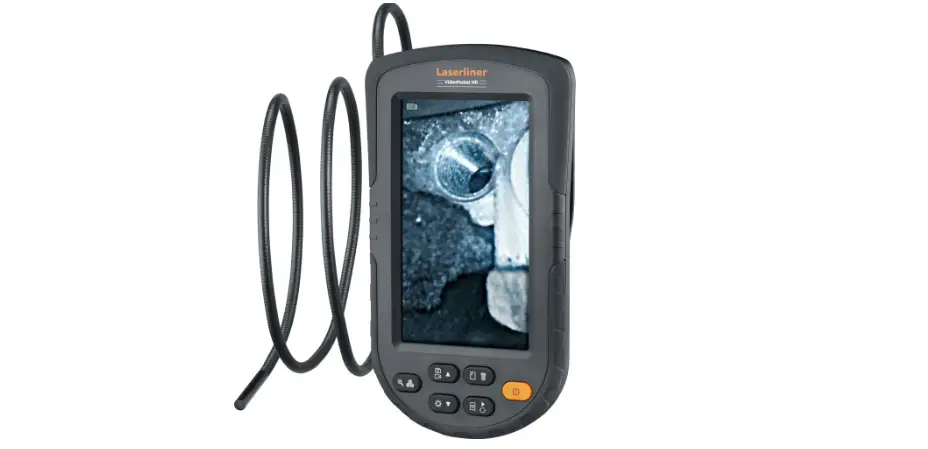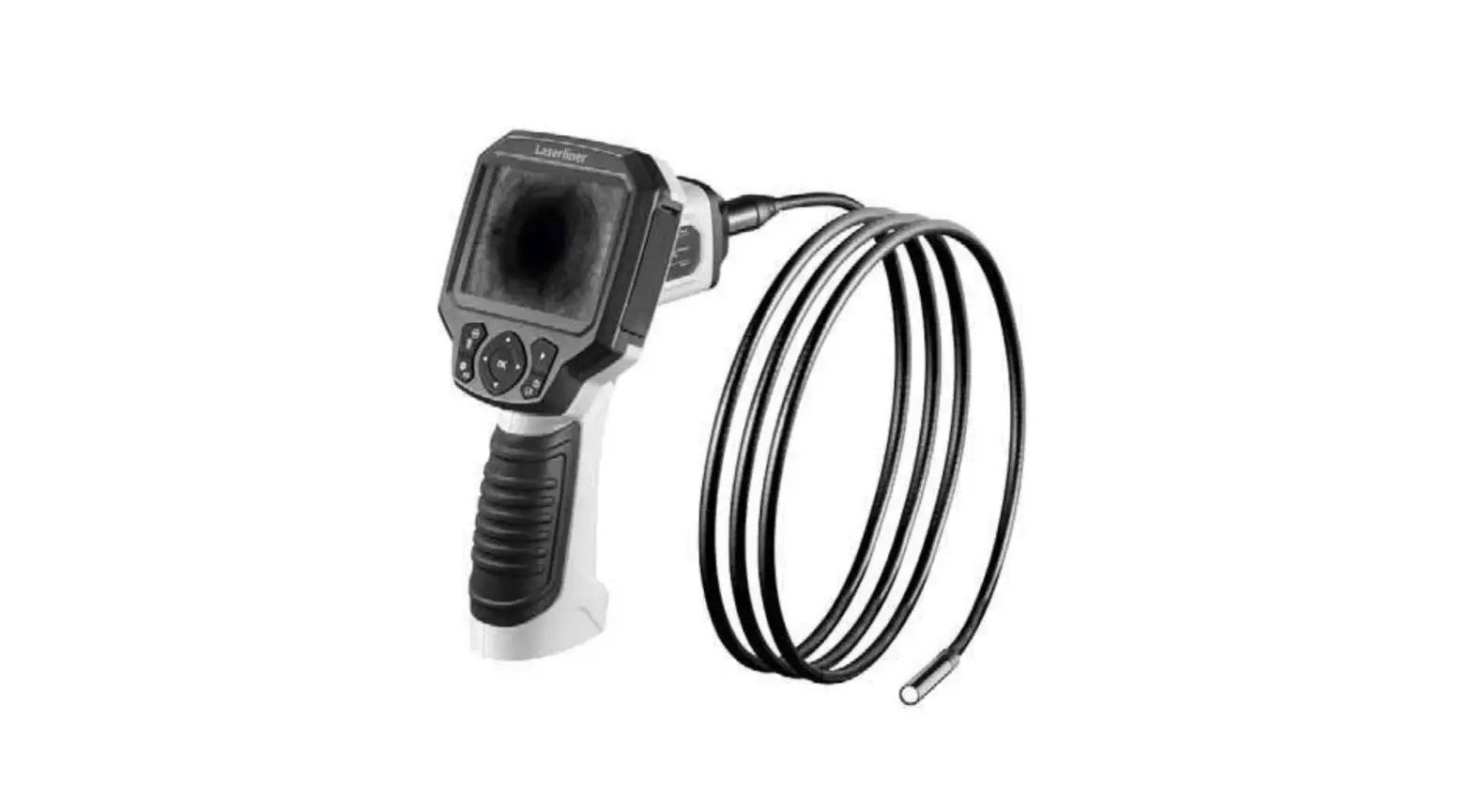
VideoScope Plus

 Completely read through the operating instructions, the „Warranty and Additional Information“ booklet as well as the latest information under the internet link at the end of these instructions. Follow the instructions they contain. This document must be kept in a safe place and passed on together with the device.
Function / Application
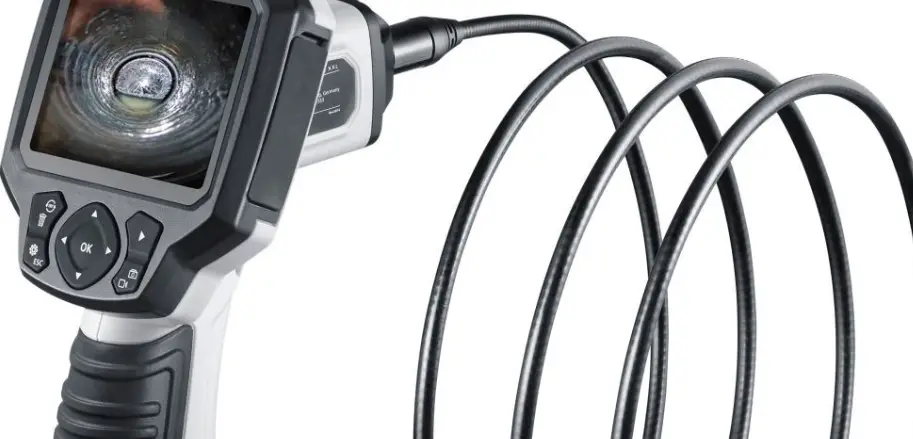
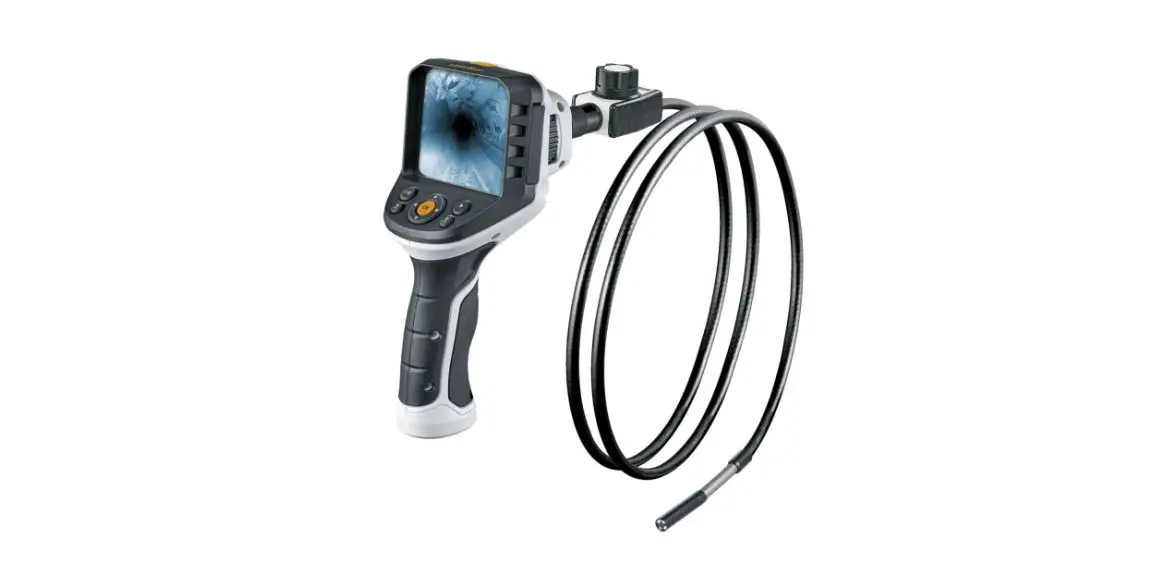
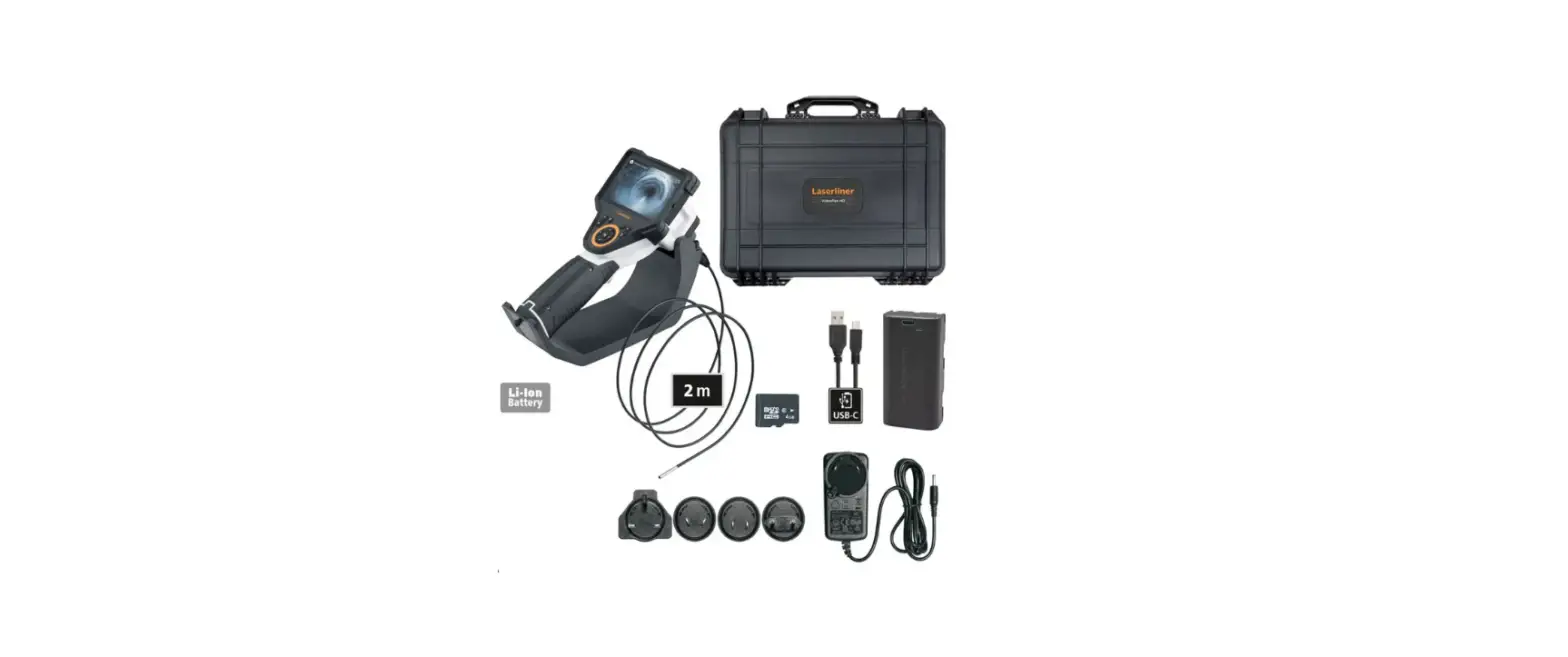
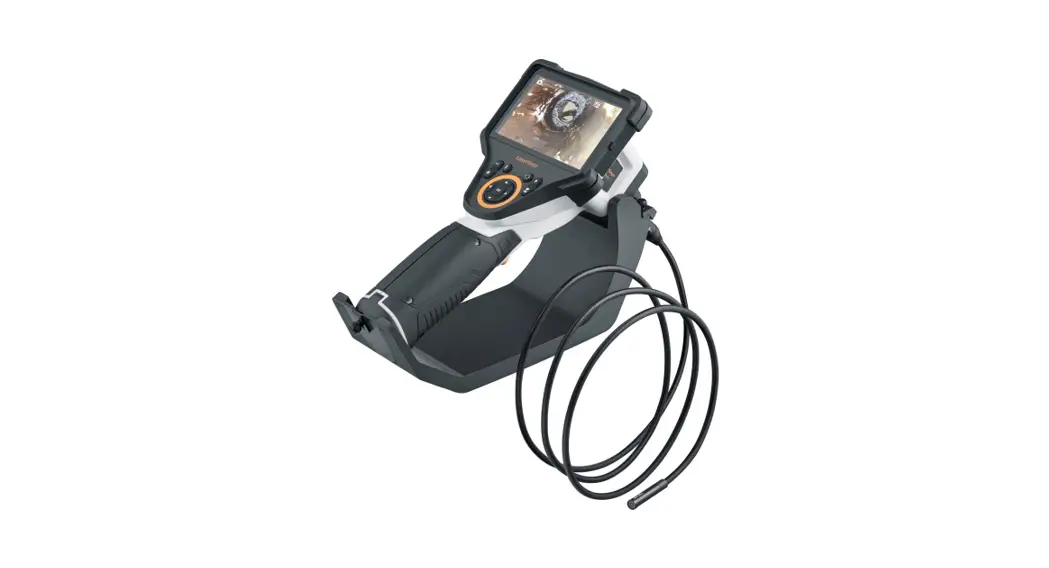
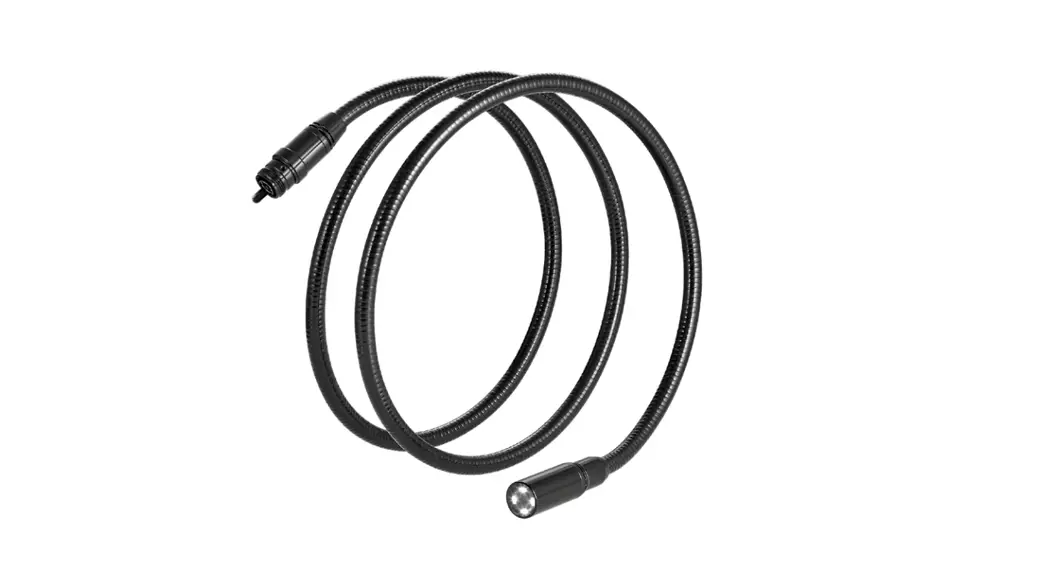
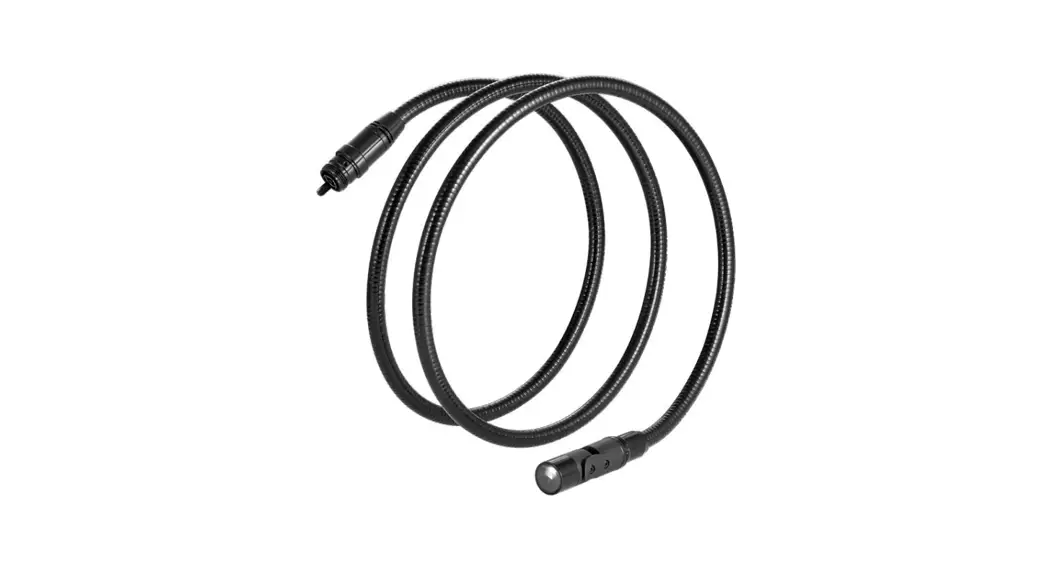
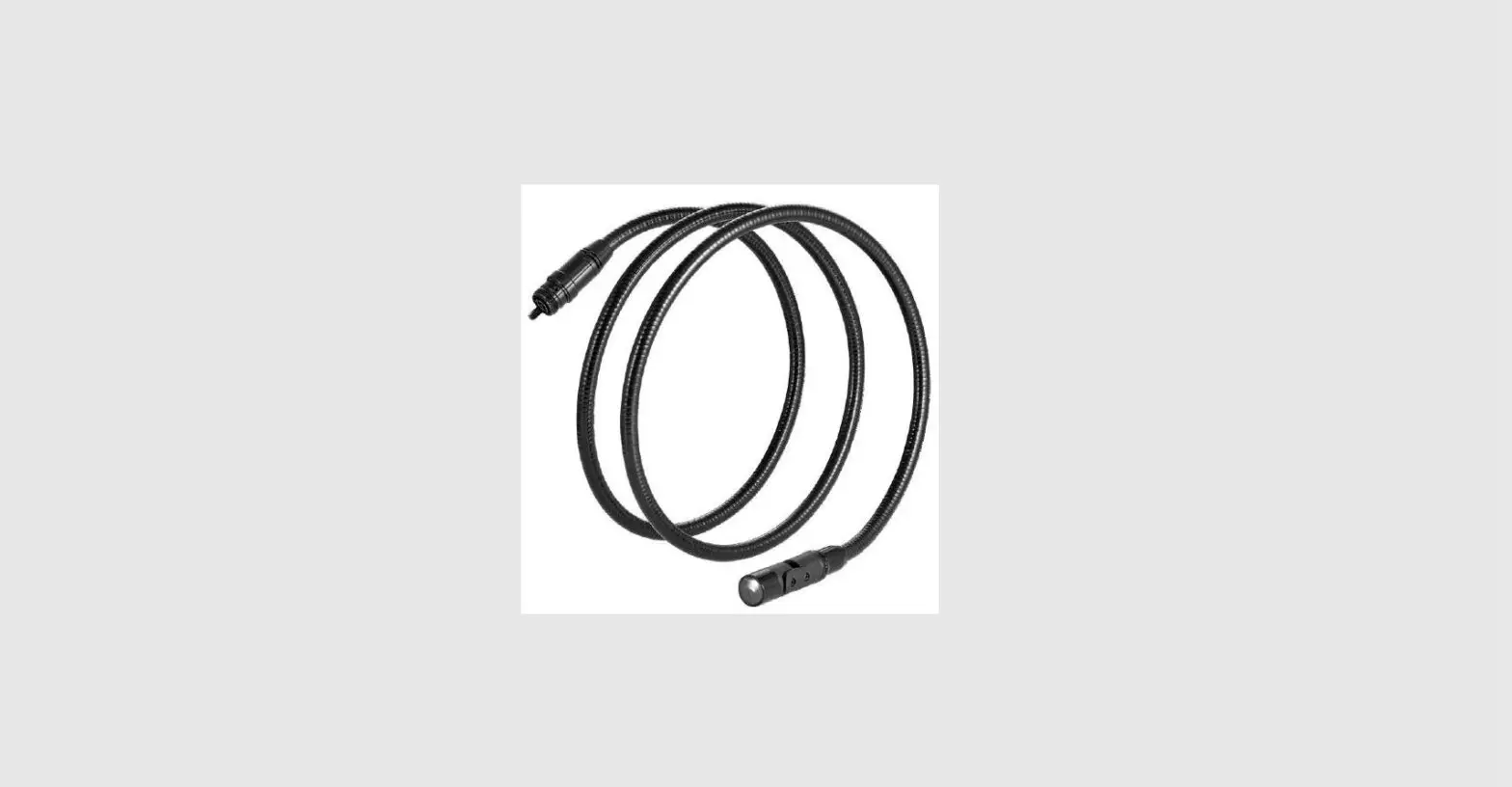
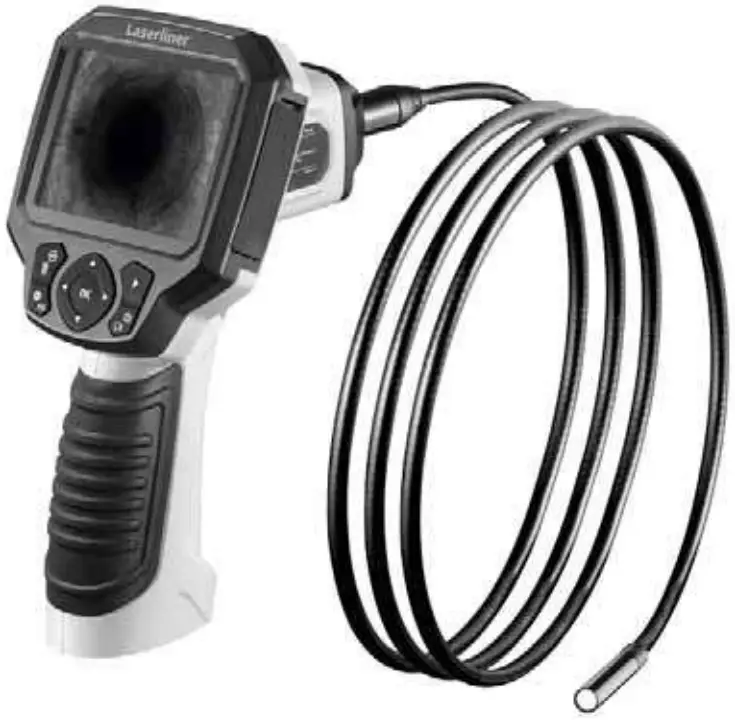
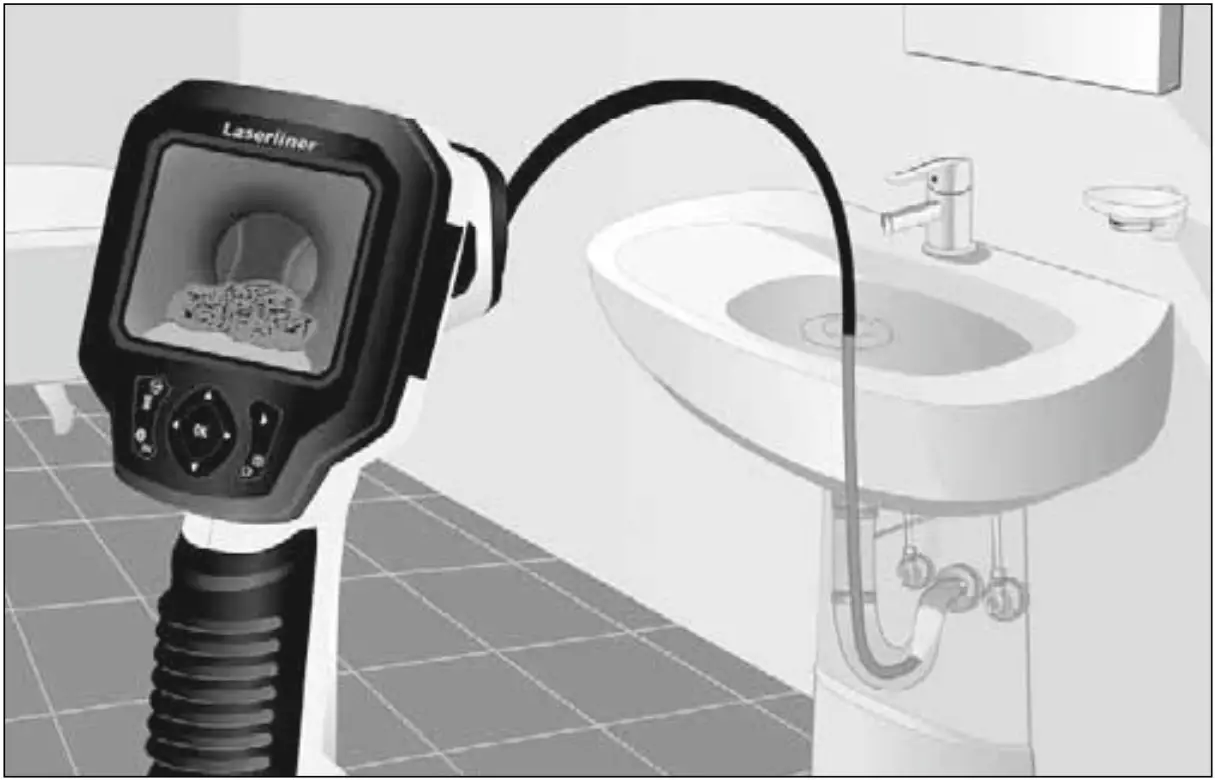
This inspection camera features a micro-camera which sends colour video images to the LCD so that areas which are difficult to access (cavities, shafts, masonry or inside cars, for example) can be checked.
General safety instructions
— The device must only be used in accordance with its intended purpose and within the scope of the specifications.
— The measuring tools and accessories are not toys. Keep out of reach of children.
— The structure of the device must not be modified in any way.
— Do not expose the device to mechanical stress, extreme temperatures, moisture or significant vibration.
— The device must no longer be used if one or more of its functions fail or the battery charge is weak.
— The LCD unit must not be immersed in water. The base unit must not come in contact with liquids.
— The camera head is not acid-resistant or fireproof.
— It is absolutely vital to ensure that the VideoScope Plus does not come into contact with chemicals, voltage, moving or hot objects. This can damage the device and put its user at risk of serious injury.
— The VideoScope Plus must not be used for medical examinations / examining people.
— Please ensure compliance with the safety regulations set out by local and national authorities with regard to the correct and proper use of the device.
— The unit is not suitable for taking measurements close to dangerous voltages. Therefore always make sure that conductive parts are at zero potential when carrying out measurements in the vicinity of electrical systems. Safe isolation from the power supply and precautions to prevent systems being switched on again must be ensured by implementing suitable measures.
Safety instructions
Using artificial, optical emission (OStrV)
LED outlet

— The device works with LEDs of risk group RG 0 (exempt, no risk) in accordance with the latest versions of applicable standards relating to photobiological safety (EN 62471:2008-09ff / IEC/TR 62471:2006-07ff).
— When used for the intended purpose and under reasonably foreseeable conditions, the accessible radiation of the LEDs is safe for the human eye and skin.
Safety instructions
Dealing with electromagnetic radiation
— The measuring device complies with electromagnetic compatibility regulations and limit values in accordance with EMC-Directive 2014/30/EU.
— Local operating restrictions — for example, in hospitals, aircraft, petrol stations or in the vicinity of people with pacemakers — may apply. Electronic devices can potentially cause hazards or interference or be subject to hazards or interference.
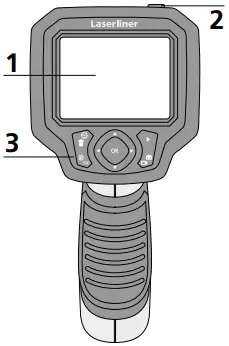
1 LCD
2 ON/OFF
3 Hot keys
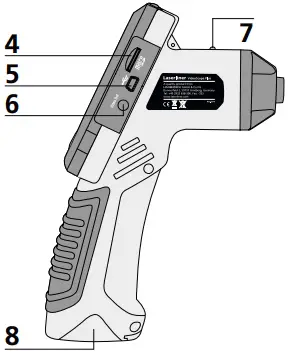
4 Micro SD card slot
5 Mini USB interface
6 Video output
7 Operation indicator
8 Battery compartment
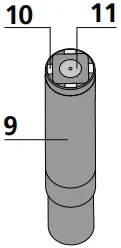
9 Camera head
10 LED
11 Lens
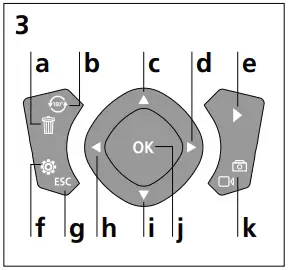
a Delete recording
b Rotation 180°
c Menu control / Zoom in
d Menu control / LED lighting +
e Media gallery
f Settings mode
g Cancel
h Menu control / LED lighting —
i Menu control / Zoom out
j Trigger / Record / Confirm
k Image / video selection
NOTE: The VideoScope Plus delivers sharp images in a range between 3 and 7 cm from the camera head. Objects outside this range may appear blurred.
Image record mode Video record mode
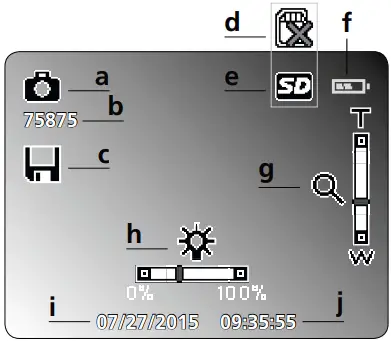
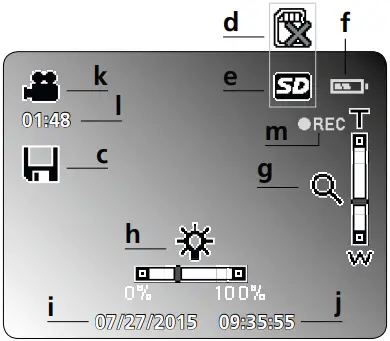
a Image recording
b Remaining number of images
c Save
d Insert SD card
e SD card active
f Battery status
g Zoom
h LED lighting
i Current date
j Current time
k Video recording
l Remaining video recording time
m REC: Recording
Image playback mode Image playback mode
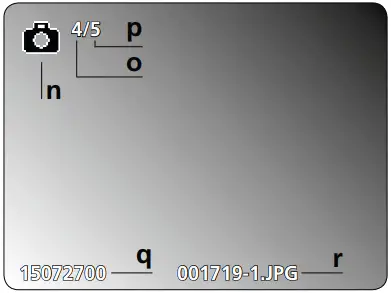
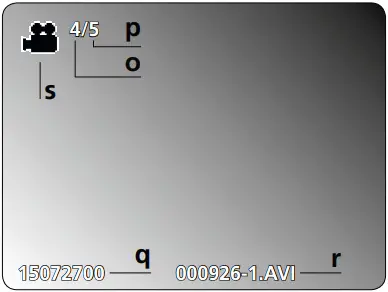
n Image recording
o Number of image
p Number of saved images
q Recording date
r File name
s Video recording
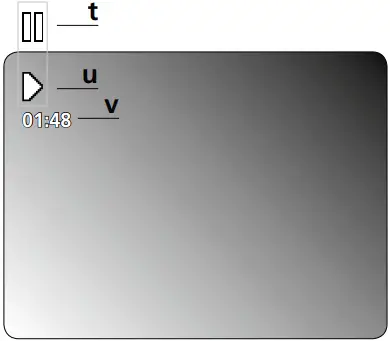
t Pause
u Play
v Recording time
Settings mode
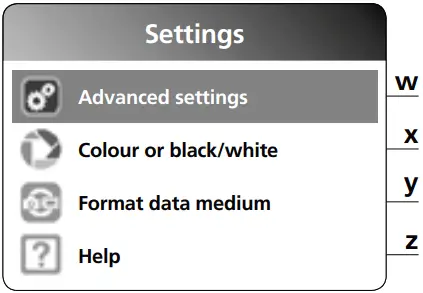
w Advanced settings:
Date and time
Language
TV output
x Select colour mode
y Format data medium
z Firmware version
First use
1 2
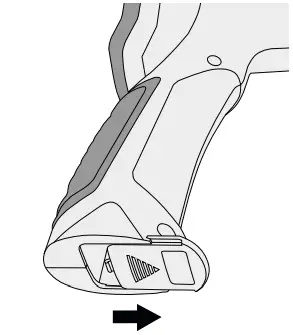
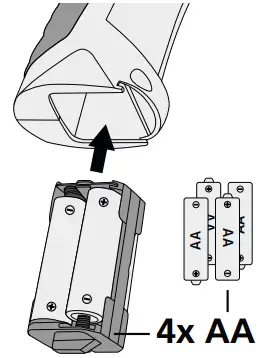
3 4
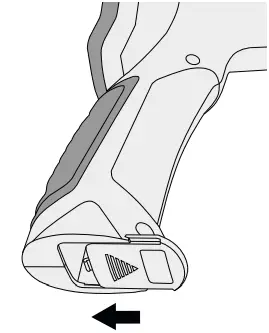
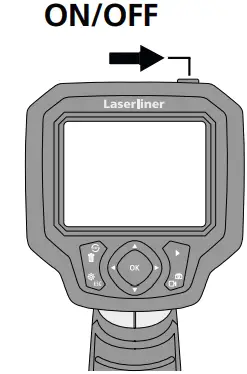
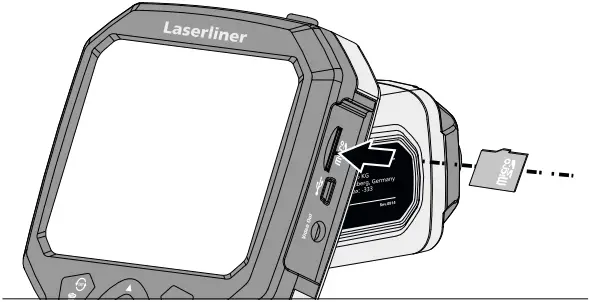
5 Inserting micro-SD card
To insert a micro-SD card, first open the rubber cover and then insert the memory card as illustrated. You cannot record anything without a storage medium.
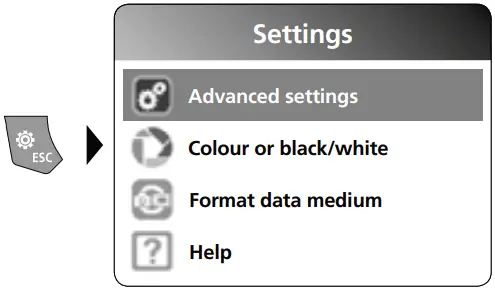
6 Settings mode
To return to recording mode, press the ESC button several times.
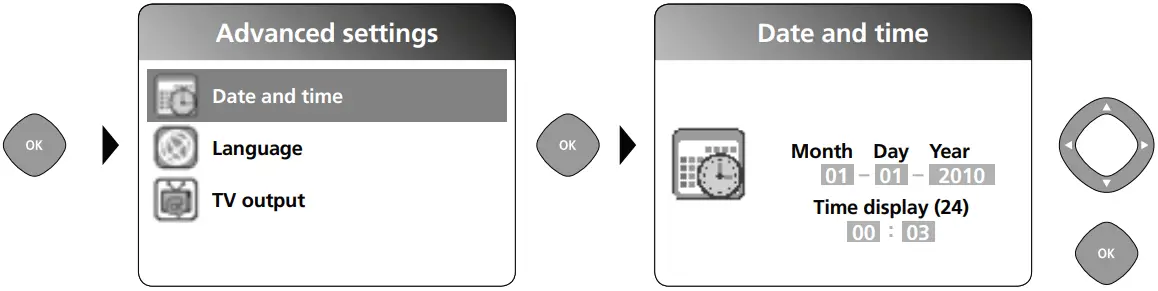
a. Set date/time
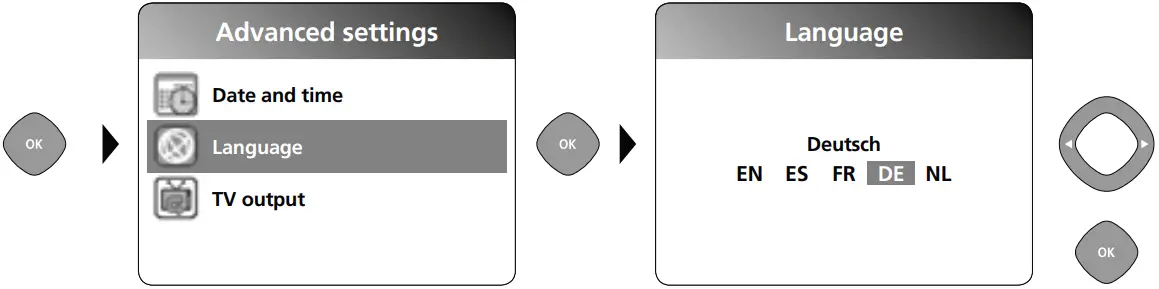
b. Select language (DE, GB, NL, FR, ES)
c. TV output
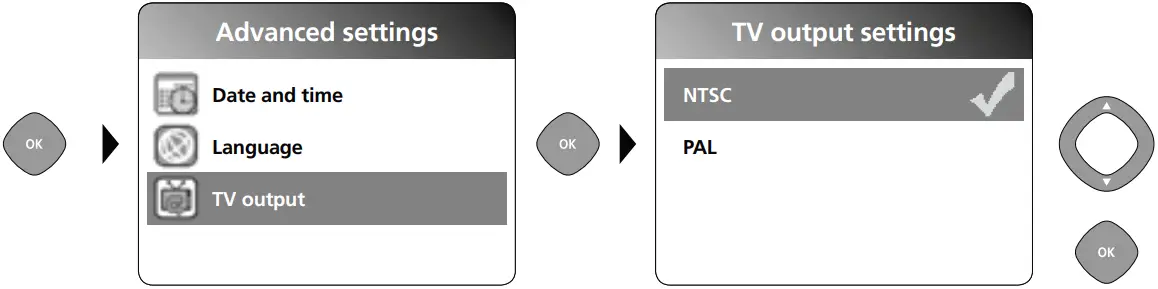
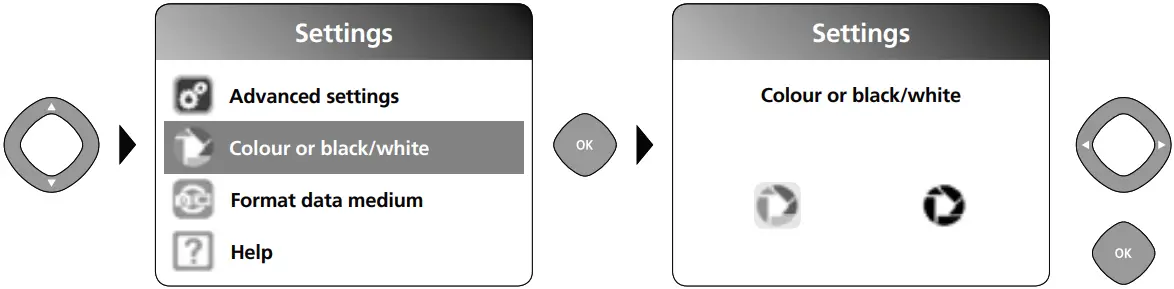
d. Select colour mode
e. Format data medium
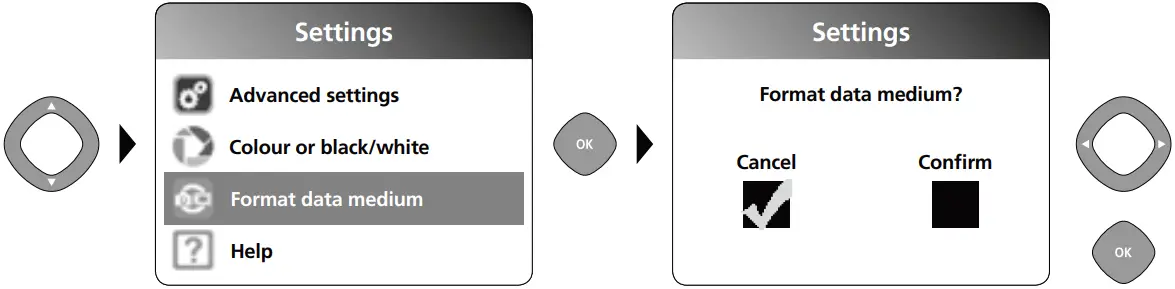 All data on the SD card will be deleted. This procedure cannot be undone. There is no further ! prompt to confirm deletion.
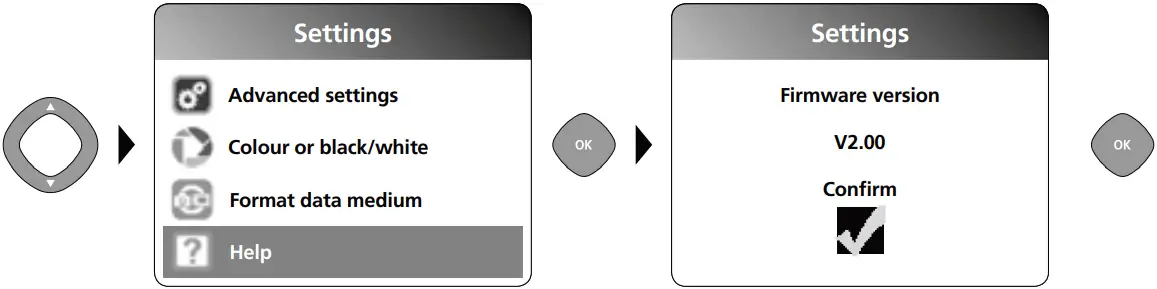
f. Firmware version
7 Record mode
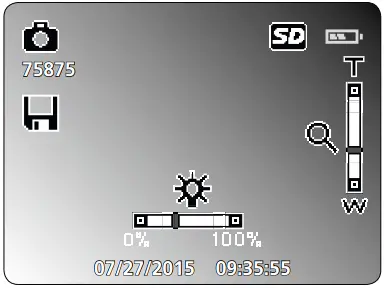 Still images/Video recordings
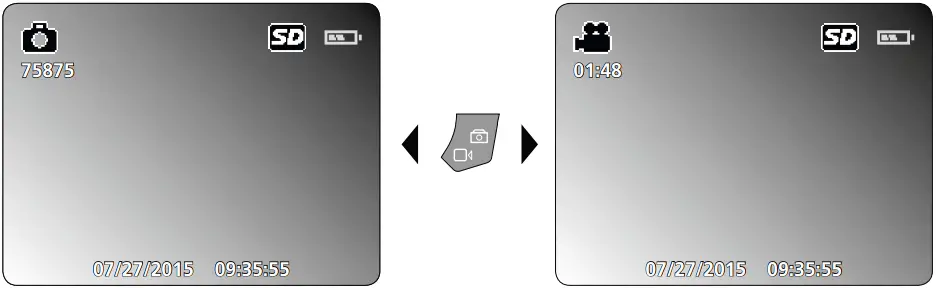
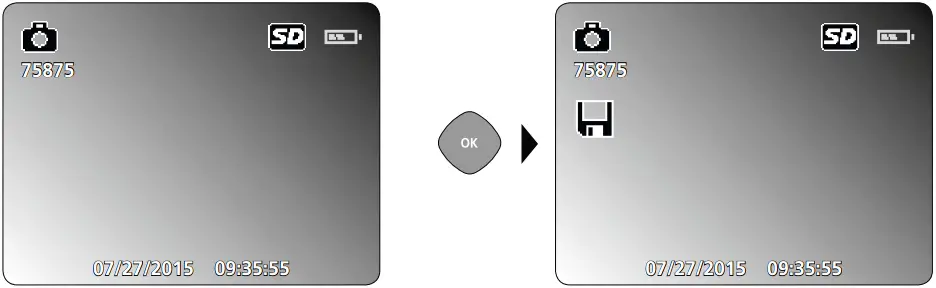
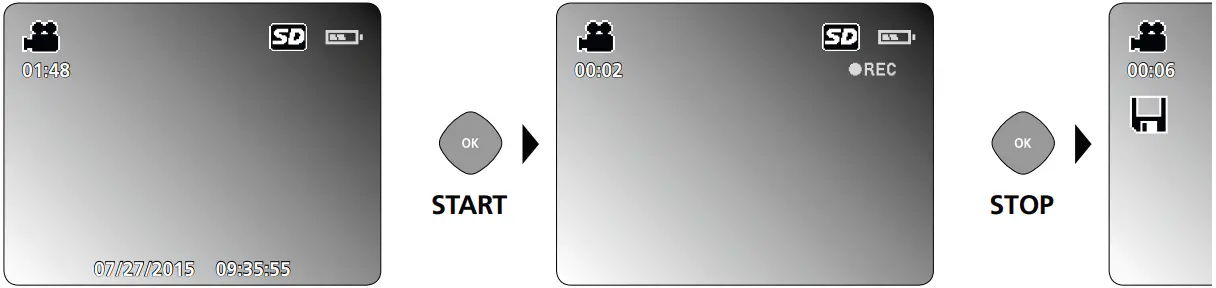
Line up the camera head on the flex cable and move it to the required position. If lighting conditions are poor, switch on the LED lighting. Zoom in on distant or small objects. The manual image rotation function enables the image to be rotated by 180° on the monitor. Briefly press the OK button to take a still image or make a video recording and save it to the SD card. Press the button again to stop recording.
a. Image/video recording selection
b. LED lighting
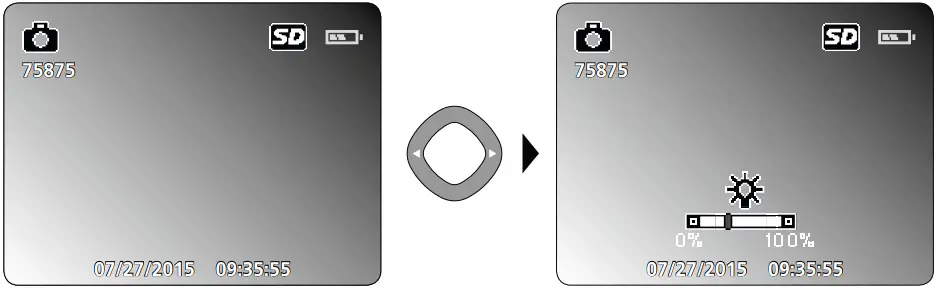
1x = 10%
2x = 20%
3x = 30%
…
10x = 100%
c. Zoom
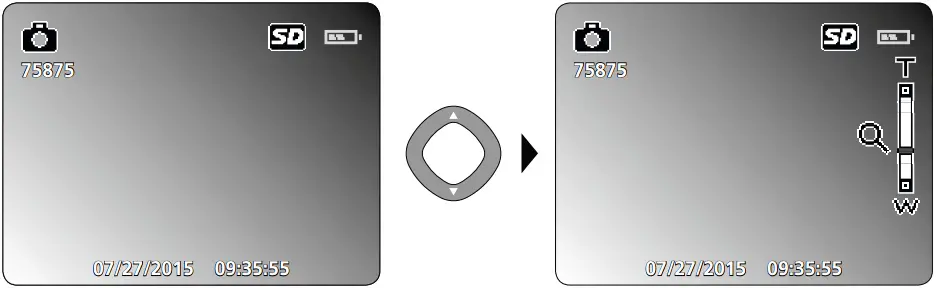
1x = 110%
2x = 120%
3x = 130%
4x = 140%
5x = 150%
d. Image rotation
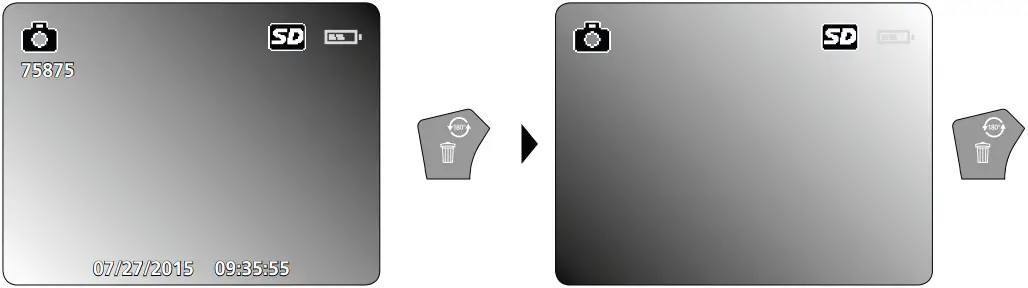
1x = 180%
2x = 180%
e. Record still image
f. Start/stop video recording
8 Playback mode
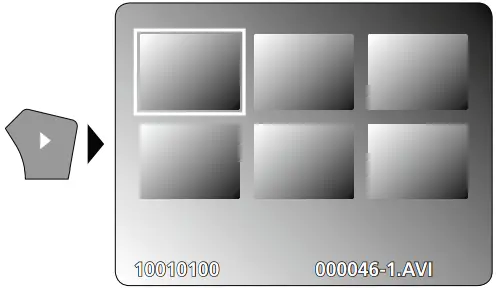 Playback of still images/video recordings
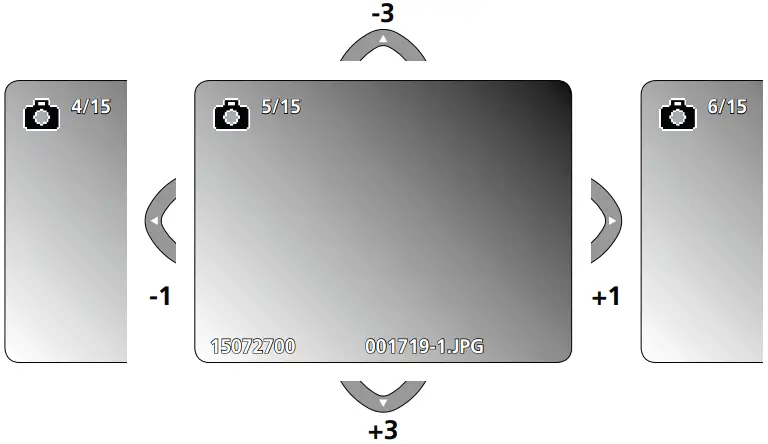
Press the „e“ button to call up the media gallery. Confirm with „OK“ to show the selected image or video in full screen mode. Use the arrow keys to navigate in the media gallery and full screen mode. Press the „e“ button again to exit playback mode.
Navigation
b. Delete recording
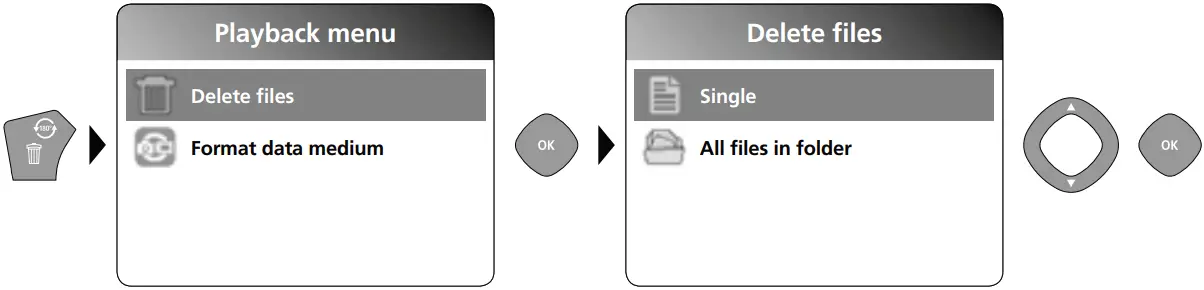
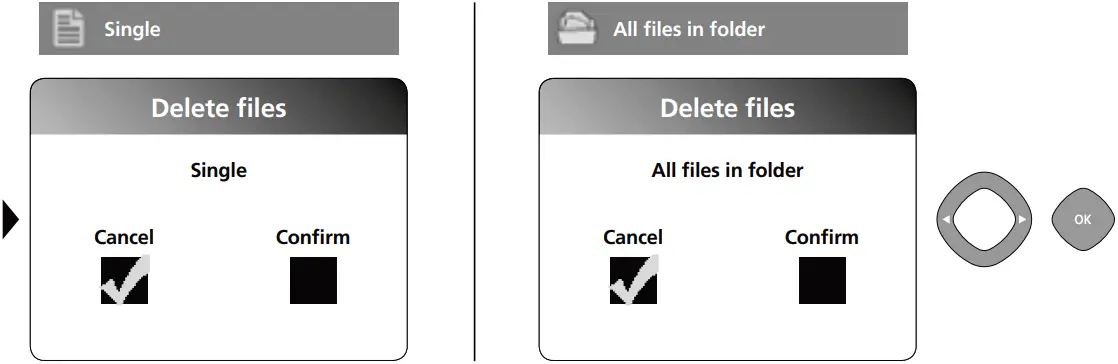
Recordings can only be deleted in full screen mode.
Deleting cannot be undone.
All files and folders can be deleted by reformatting the data medium.
Refer to „6 e. Format Data Medium“.
c. Playback
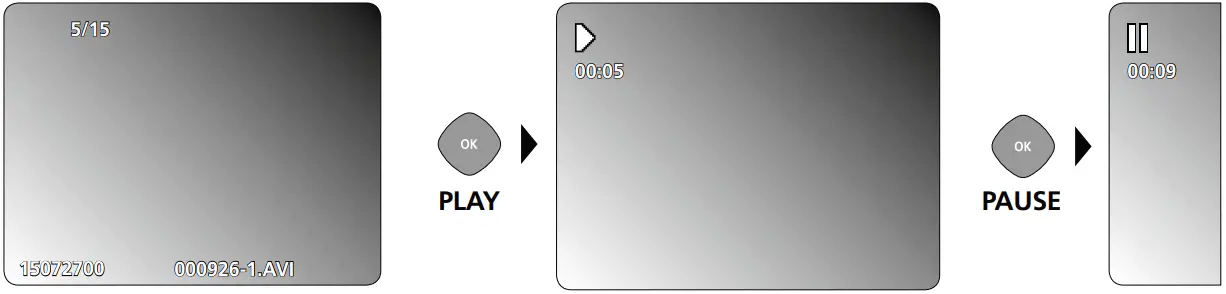
Press the „ESC“ button to stop playback.
d. Call up media folder
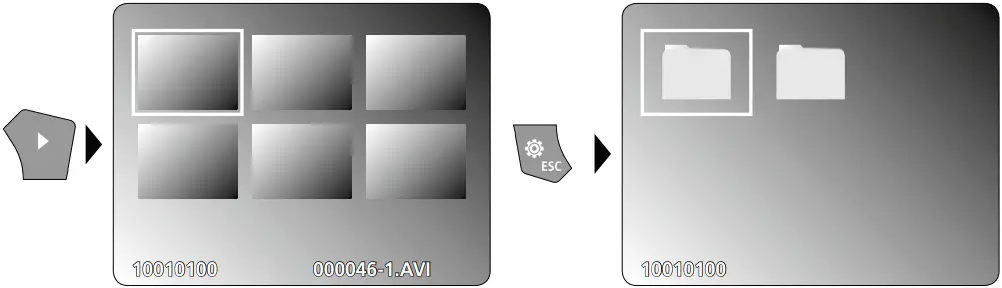
USB data transfer
Data saved on the SD card can be transferred to PC either with a suitable card reader or directly via the USB port. Please refer to the manual supplied with your card reader for information about connecting your card adapter or card reader to a PC.
Information on maintenance and care
Clean all components with a damp cloth and do not use cleaning agents, scouring agents and solvents. Remove the battery(ies) before storing for longer periods. Store the device in a clean and dry place.
Camera head / Focus
The VideoScope Plus delivers sharp images in a range between 3 and 7 cm from the camera head.

Objects far outside this range may appear blurred.

| Technical Data | Technical revisions reserved. 18W06 |
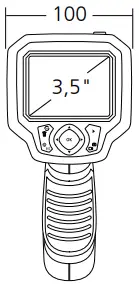
| Camera head | ø 9 mm, water-resistant, IP 68 |
| Camera focus | F3 cm – F7 cm |
| Screen type | 3.5” TFT colour display |
| Display resolution | 320 x 240 pixels |
| Camera resolution | 640 x 480 pixels |
| Image/Video resolution | 720 x 480 pixels |
| Image format/Video format | JPEG / AVI |
| LED | 10 brightness levels |
| Zoom | 1.5x digital zoom in 10% increments |
| Memory | Supports up to max. 8 GB SDHC card |
| Port | Mini USB |
| Connections | Micro-SD, Analog-video |
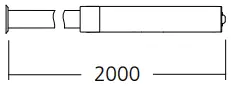
| Length of flex cable | 2 m |
| Power supply | 4 x AA 1.5 V batteries |
| Operating conditions | 0°C…45°C, Max. humidity 20…85% rH, no condensation, Max. working altitude 4000 m above sea level |
| Storage conditions | -10°C…60°C, Max. humidity 80% rH |
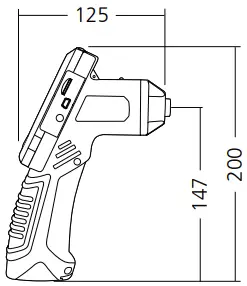
| Weight incl. batteries | 0.58 kg |
EU directives and disposal
 This device complies with all necessary standards for the free movement of goods within the EU.
This product is an electric device and must be collected separately for disposal according to the European Directive on waste electrical and electronic equipment.
Further safety and supplementary notices at: http://laserliner.com/info?an=vspl
SERVICE 



Umarex GmbH & Co. KG
– Laserliner –
Möhnestraße 149, 59755 Arnsberg, Germany
Tel.: +49 2932 638-300, Fax: +49 2932 638-333
[email protected]
Rev 18W06
Umarex GmbH & Co. KG
Donnerfeld 2
59757 Arnsberg, Germany
Tel.: +49 2932 638-300, Fax: -333
www.laserliner.com




 Info - Laserliner
 Home
Home