 INSTRUCTION MANUAL FOR REMOTE CONTROL
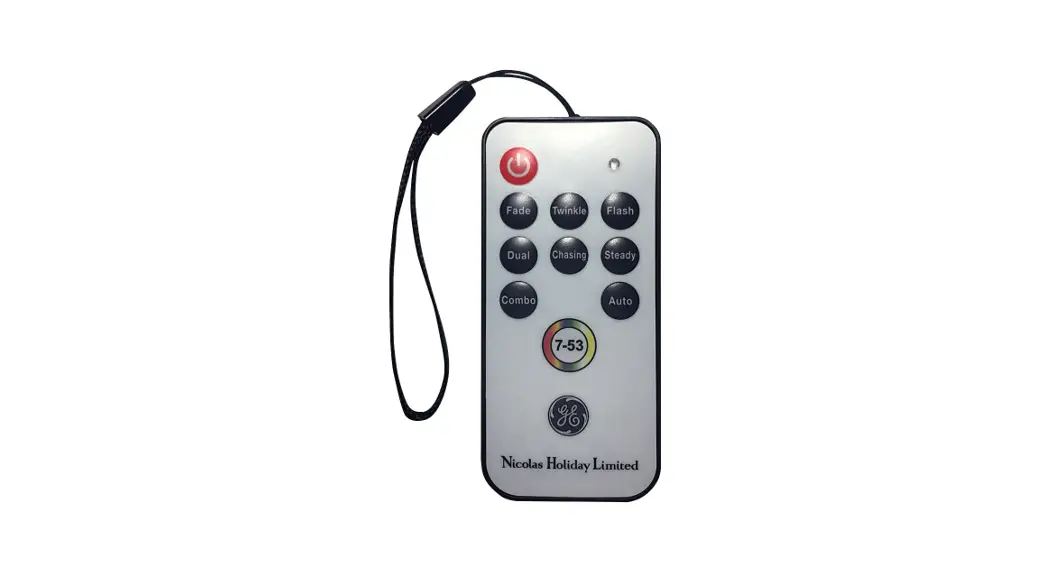
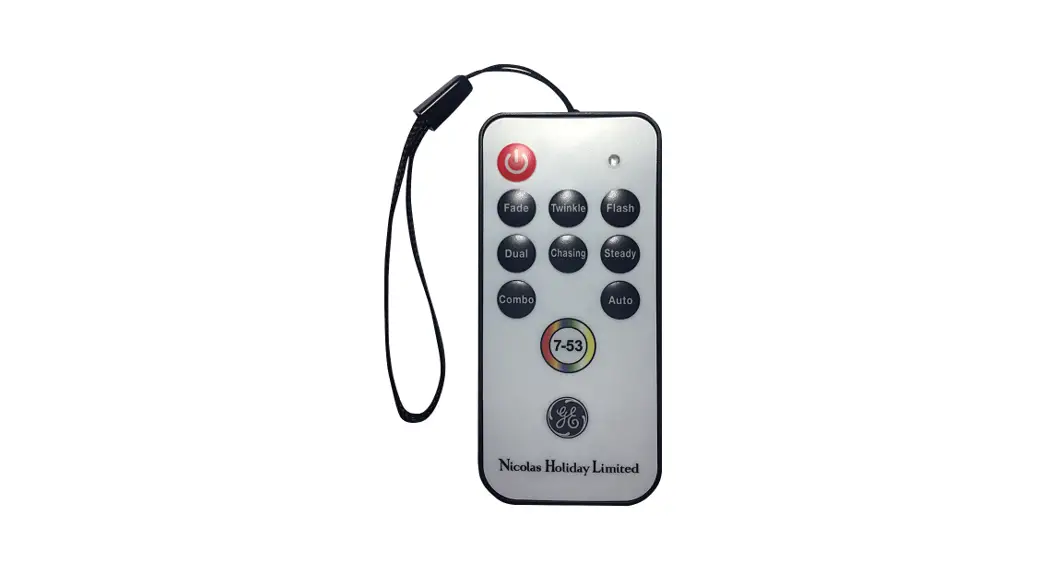
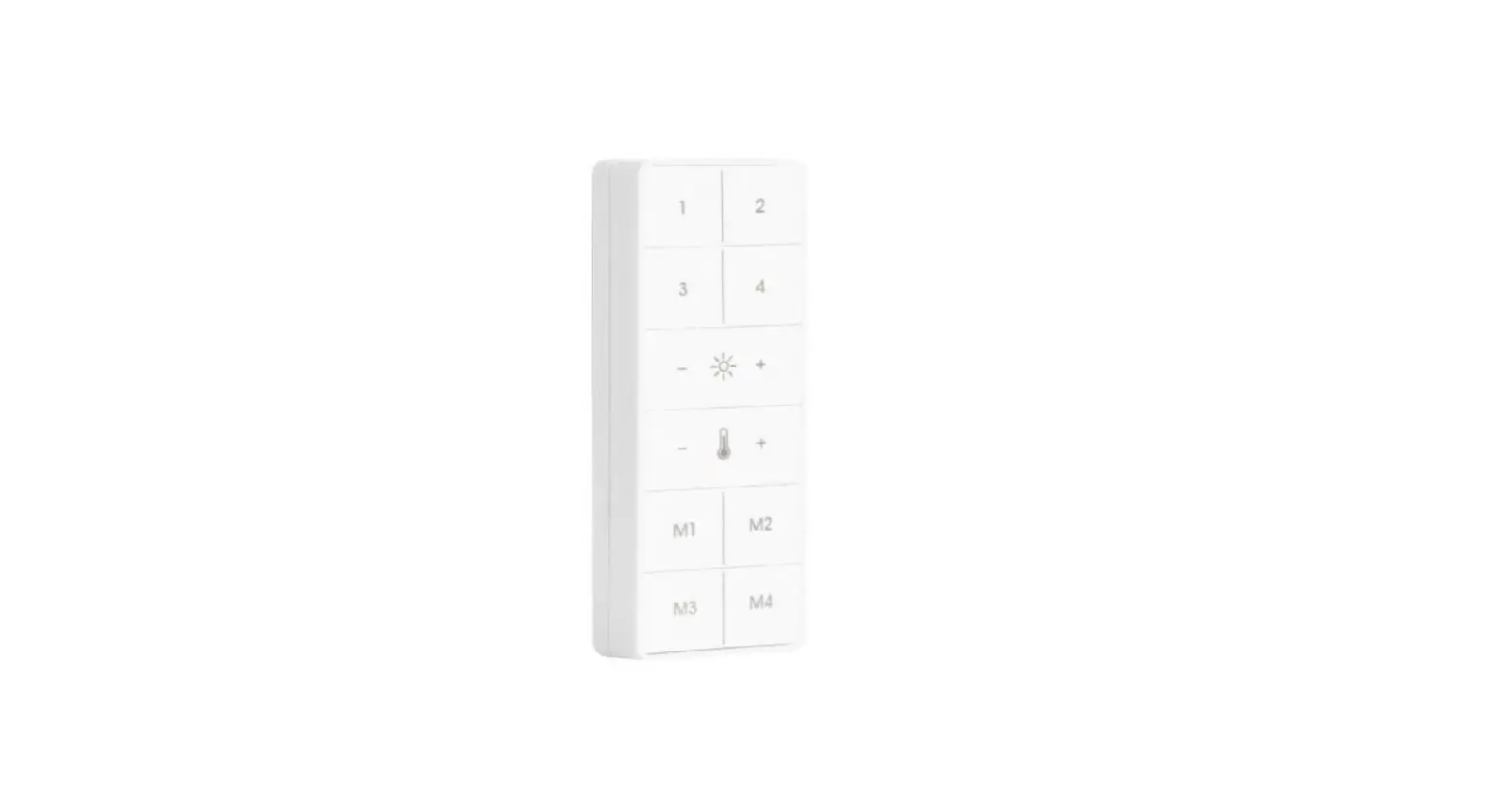
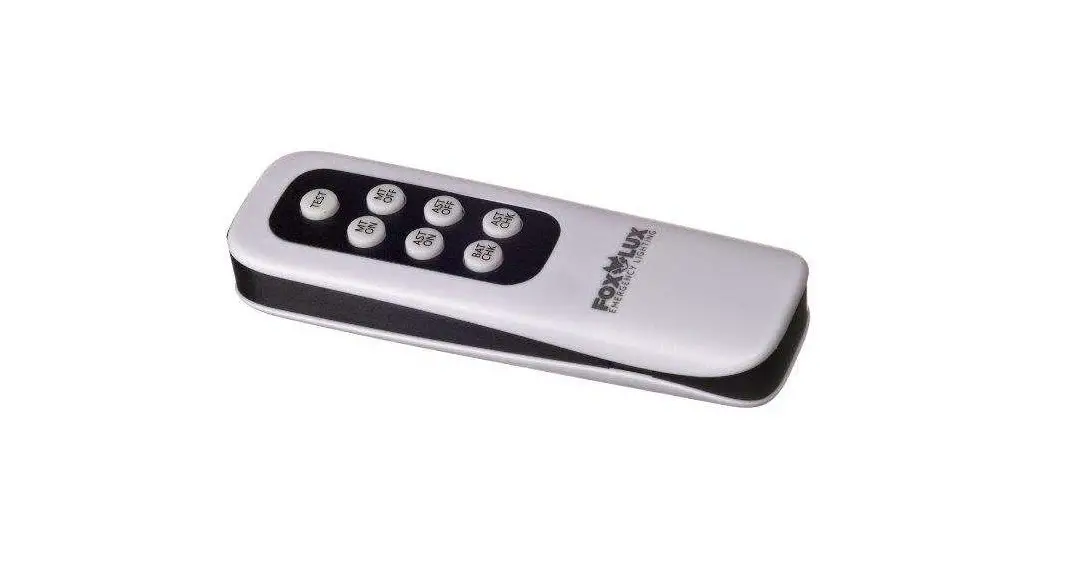
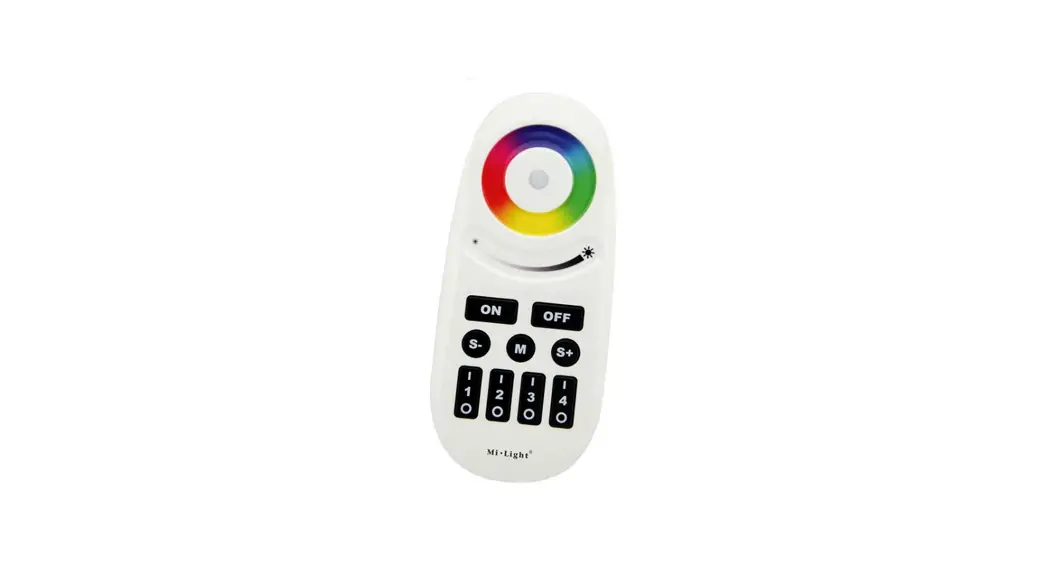
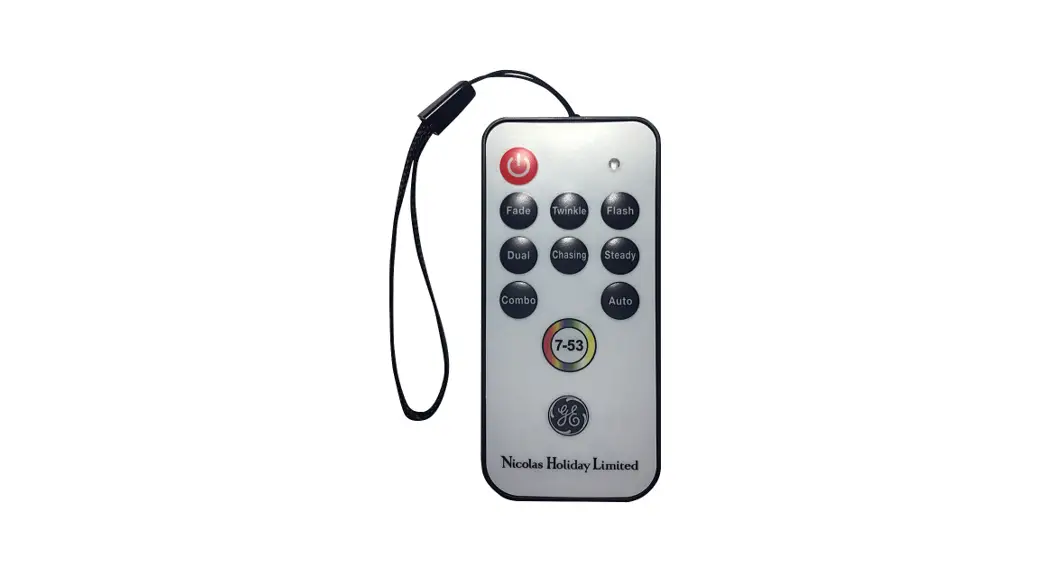
HC-TX20 Light Set Remote Control
Notes:
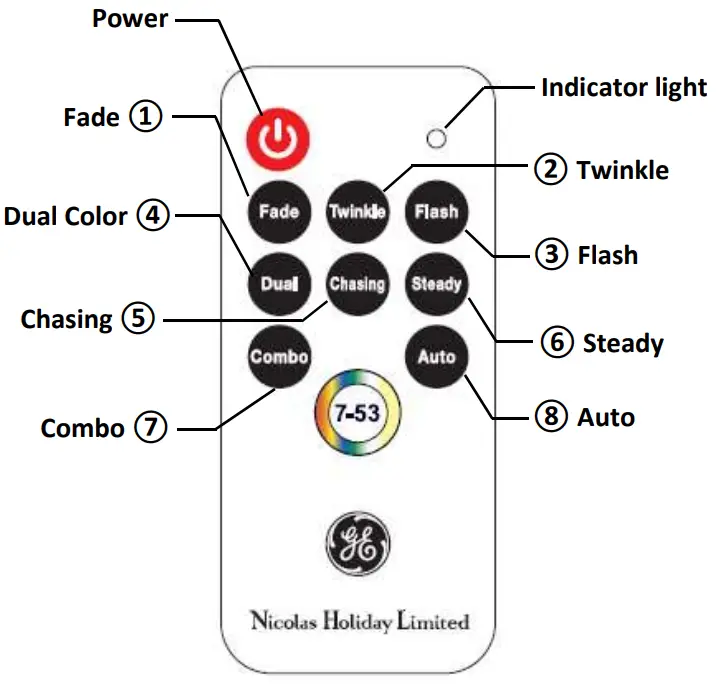
- Remote control includes 8 operating modes for color & function combinations.
- Each button corresponds to the chart.
- After turning light set on, press desired button for that function. Continue pressing the same button to cycle through all color selections.
| Function | ①Fade | ②Twinkle | ③Flash | ④Dual Color | ⑤Chasing | ⑥Steady | ⑦Combo | Auto⑧ |
| 1 | • Red | • Red | •Red | • Red/Green | • All Colors | • Red | • Fade | • All Function |
| 2 | • Green | • Green | • Green | • White/Blue | • Multi Chasing | • Green | • Twinkling | / |
| 3 | • Purple | • Purple | • Purple | • White/Red | • R/G/W Chasing | • Purple | • Flash White | / |
| 4 | • Blue | • Blue | • Blue | • Green/Blue | • R/B/W Chasing | • Blue | • Dual Color | / |
| 5 | • Yellow | • Yellow | • Yellow | • RedNellow | / | • Yellow | • Chasing | / |
| 6 | • White | • White | • White | • Purple/Blue | / | • White | / | / |
| 7 | • Warm | • Wart | • Warm | • White/Multi | / | • Warm | / | / |
| 8 | • Multi | • Multi | • Multi | / | / | • Multi | / | / |
| 9 | • R/B/W | • R/B/W | • R/B/W | / | / | • R/B/W | / | / |
GE is a trademark of General Electric Company and is under license by Nicolas Holiday Ltd.
Questions, call customer service toll free at 1-877-398-7337 or visit us on web at www.geholidaylighting.com.
Remote Control: HC-TX20
Printed in China
HC22