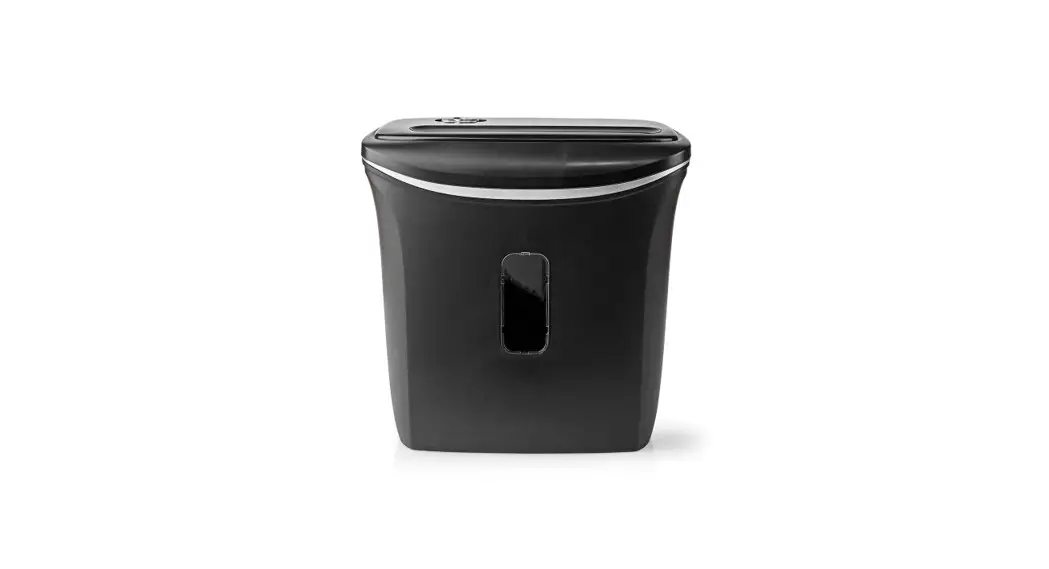
 Paper Shredder for A4 size papers and with DIN-P4
PASH120BKA4
User Guide
PASH120BKA4 Paper Shredder for A4 Size Papers and with DIN-P4
 http://ned.is/PASH120BKA4
 ned.is/pash120bka4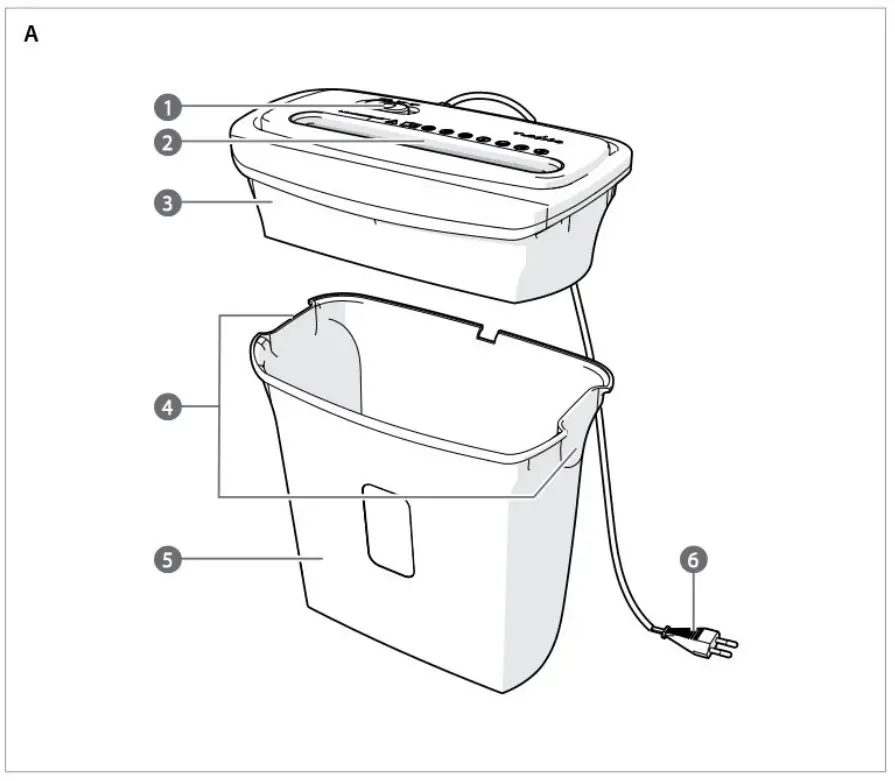
Paper Shredder
For more information see the extended manual online: ned.is/pash120bka4
Intended use
The Nedis PASH12OBKA4 is intended to cut up to 6 sheets of A4-size paper into strips or fine particles at once.
This product is not intended to shred cardboard or thick paper sheets
This product is intended for indoor use only.
This product is not intended for use by persons (induding children) with a reduced physical, sensory or mental capabilities or lack of experience and knowledge, unless they have been given supervision or instruction concerning the use of the product by a person responsible for their safety.
Any modification of the product may have consequences for safety, warranty and proper functioning.
Specifications
| Product | Paper Shredder |
| Artide number | PASH120BKA4 |
| Dimensions (Ix w x h) | 325 x 170x 322 mm |
| Weight | 3260g |
| Power supply | 220-240 VAC/ 50/60 Hz |
| Power input | 1.4A |
| Power consumption | 300W |
| Operating cycle | 2 minutes on/ 60 min off |
| Cutting style | Cross cut |
| Entry width | 220 mm |
| Shred capacity | 6 sheets of 80 g of paper size A4 |
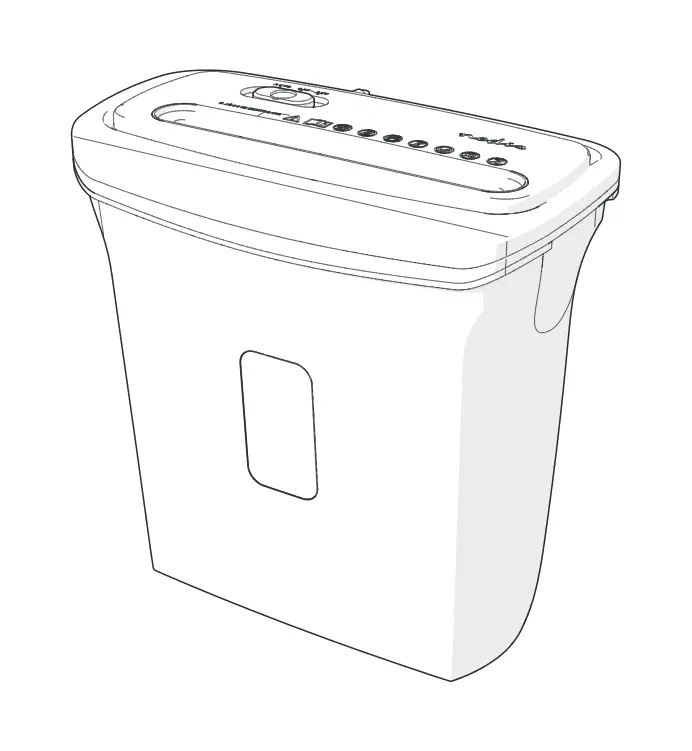
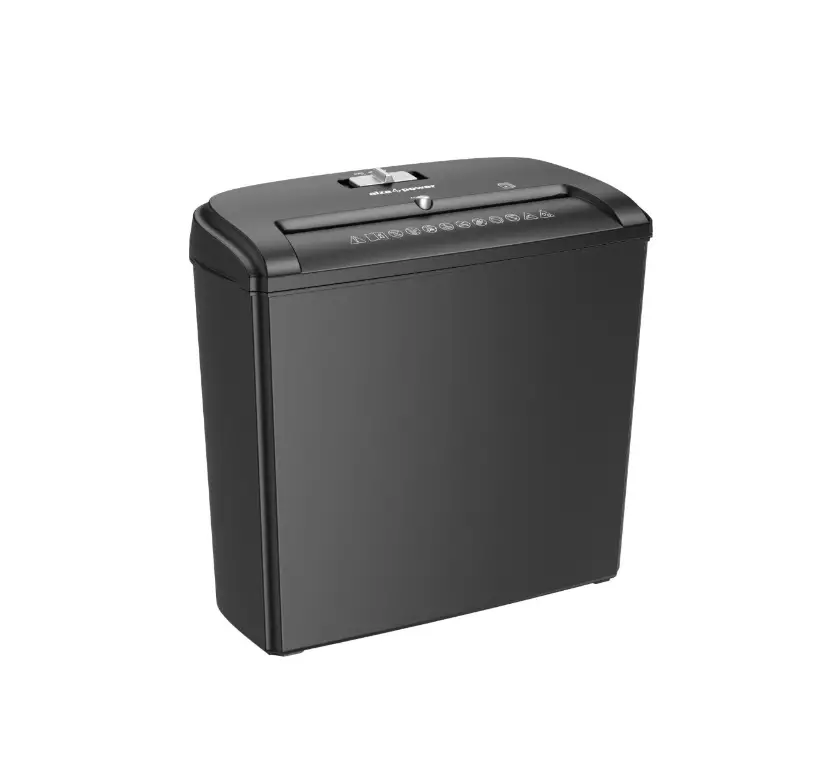
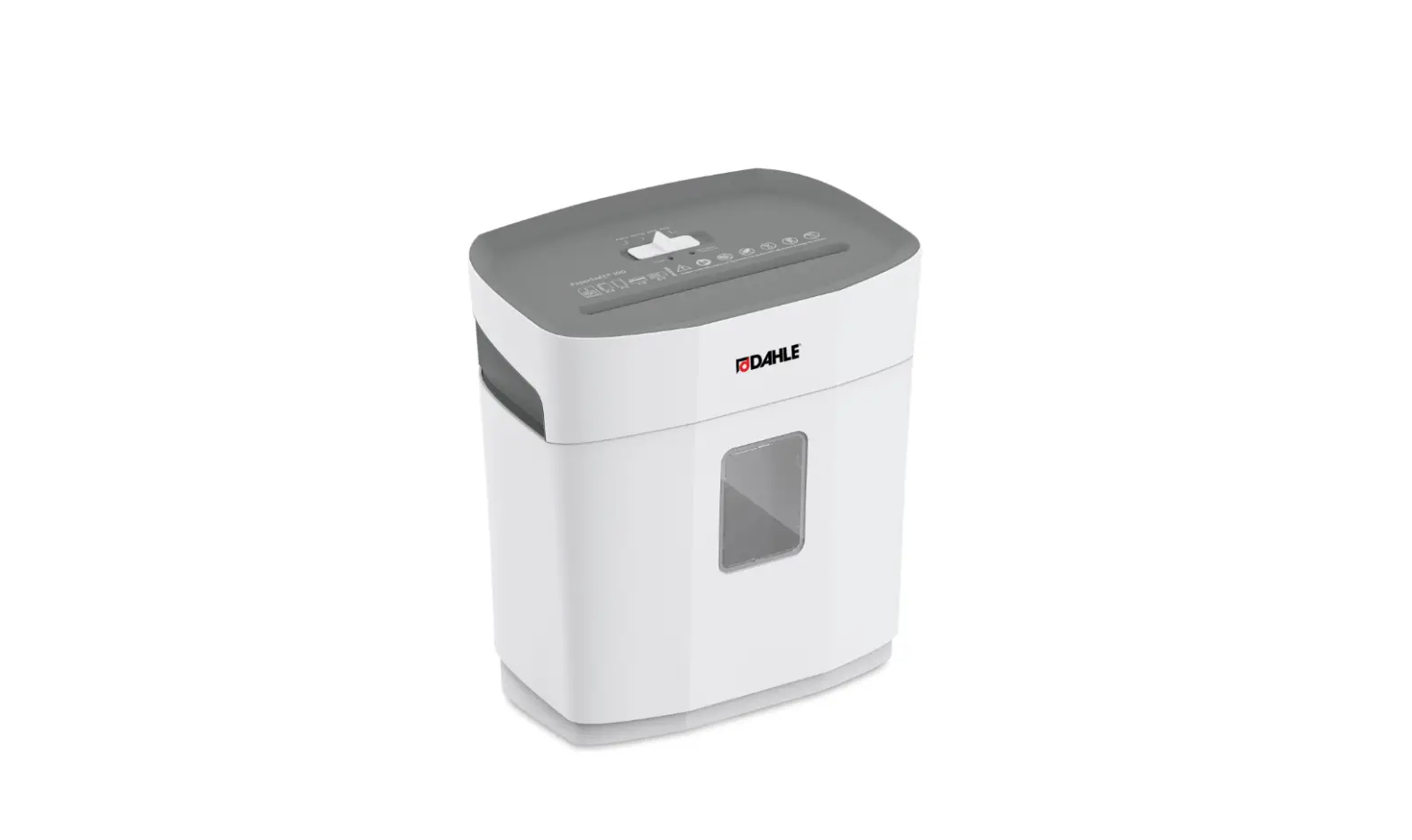
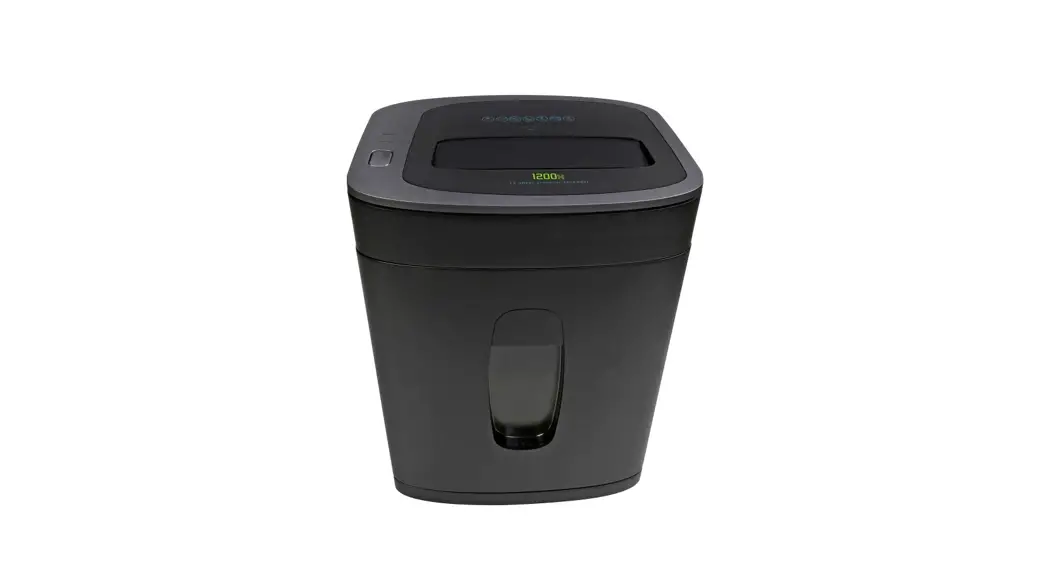
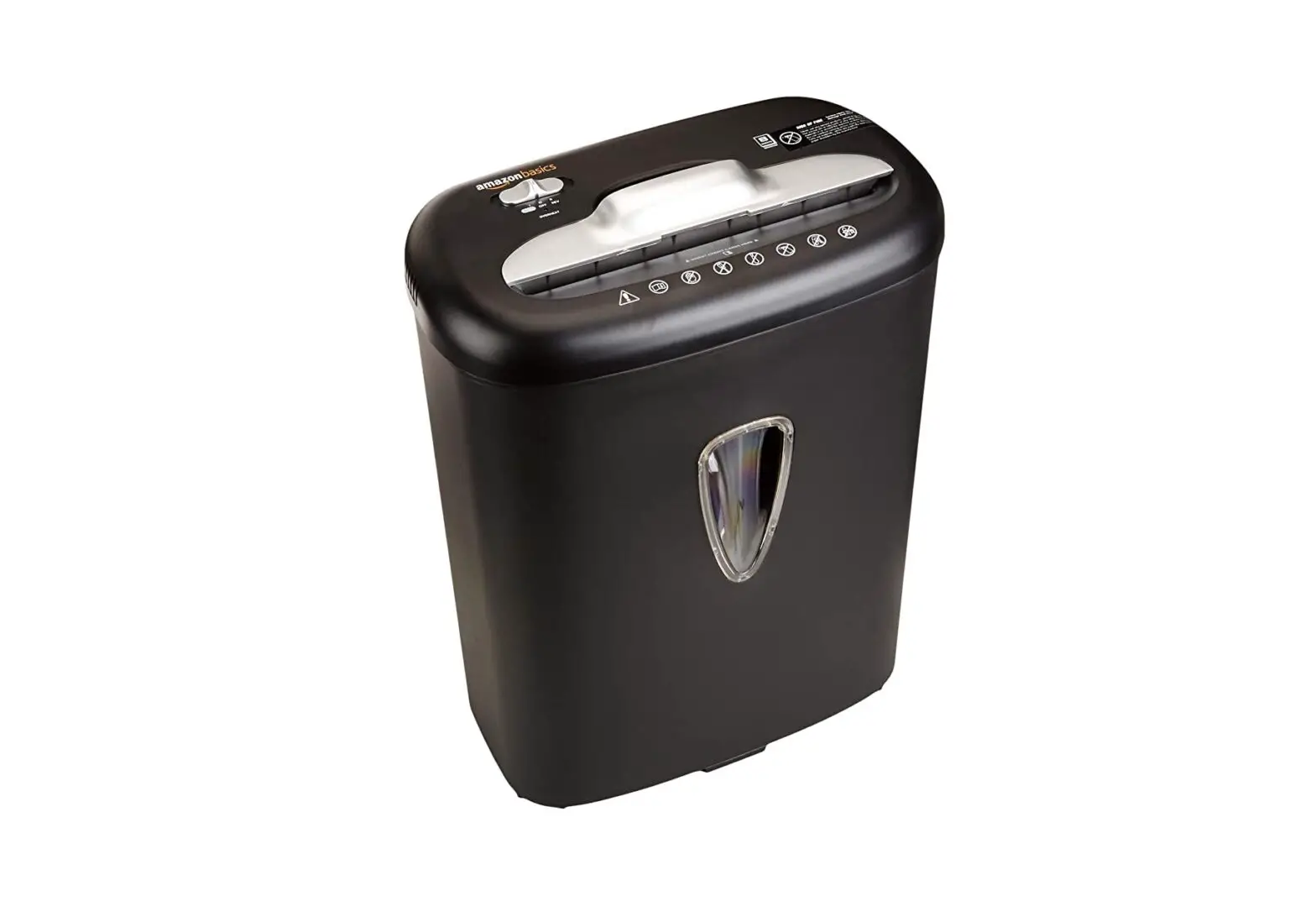
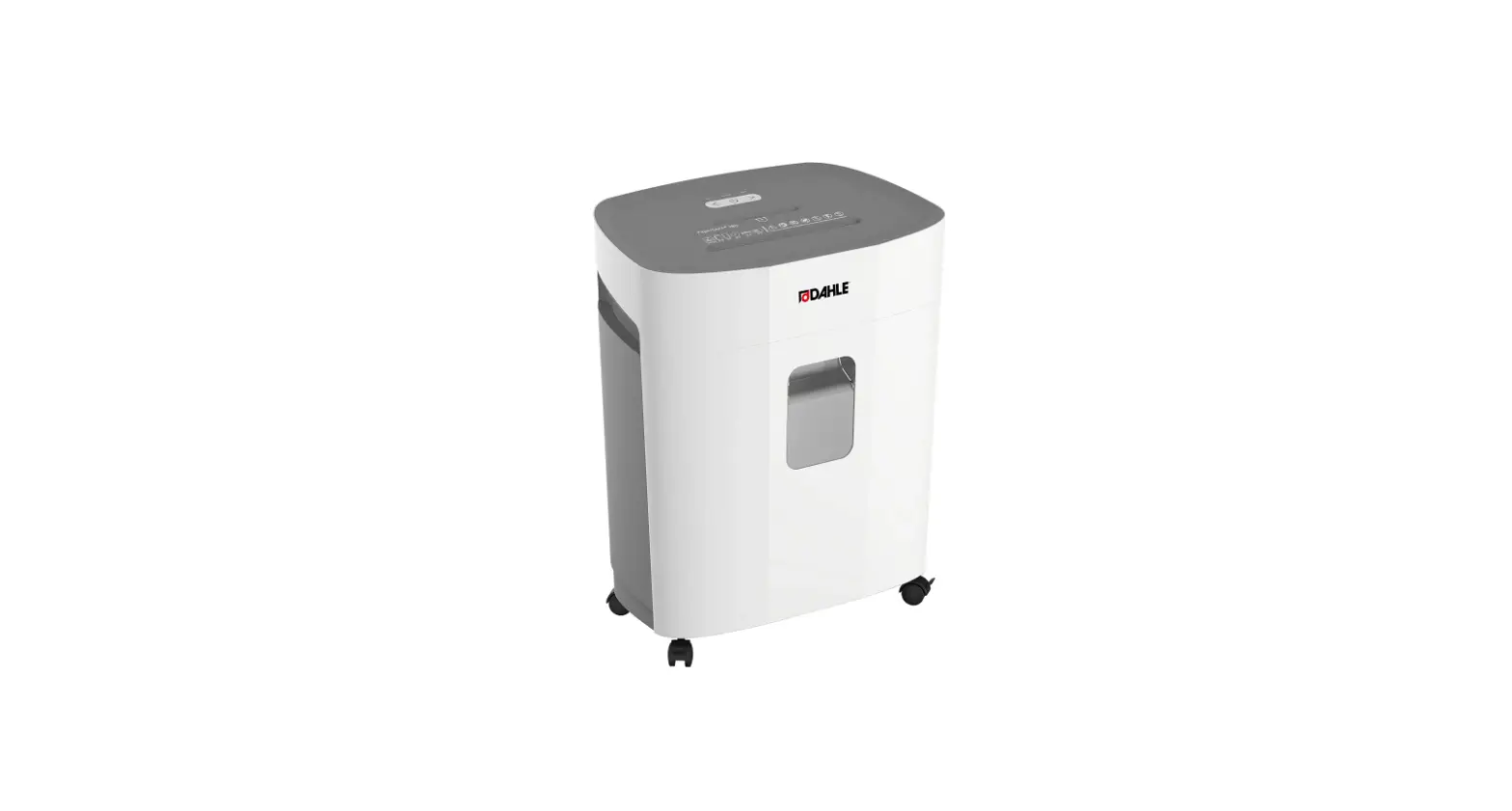
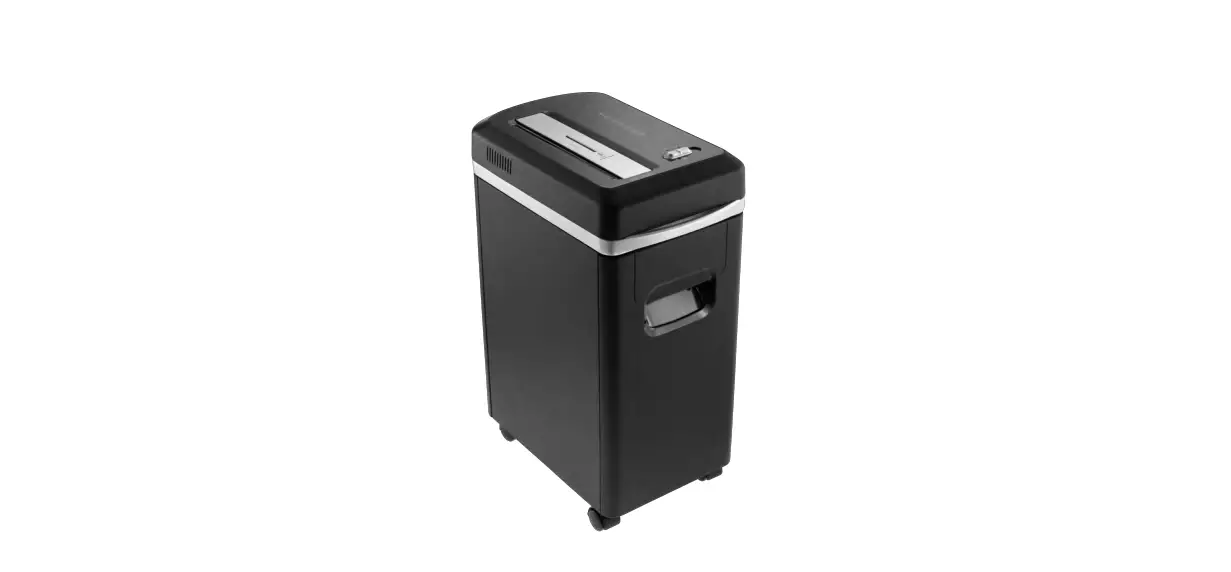
Main parts (image A)
| 1. control slider | 4. Carrying andle |
| 2. paper entry | 5. Container |
| 3. shredder | 6. Power cable |
Safety instructions
 WARNING
- Ensure you have fully read and understood the instructions in this document before you install or use the product. Keep this document for future reference.
- Only use the product as described in this document. Any other use may cause (serious) injuries
- Do not use the product if a part is damaged or defective. Replace a damaged or defective product immediately.
- Do not drop the product and avoid bumping.
- This product may only be serviced by a qualified technician for maintenance to reduce the risk of electric shock.
- Ensure that there is sufficient light when installing and using the product.
- Position the product dose to a power outlet, so the power cable can be unplugged easily.
- Make sure the power cable is positioned in a way that prevents tripping or falling.
- Unplug the product from the power source and other equipment if problems occur.
- Do not unplug the charger by pulling on the cable. Always grasp the plug and pull.
- Connect to agrounded outlet only.
- Donot let the power cable touch hot surfaces.
- Do not expose the product to direct sunlight, naked flames or heat.
- Do not expose the product to water or moisture.
- Do not immerse the product in water or other liquids.
- Do not use the product if the surface is cracked
- Place the product on a stable and flat surface.
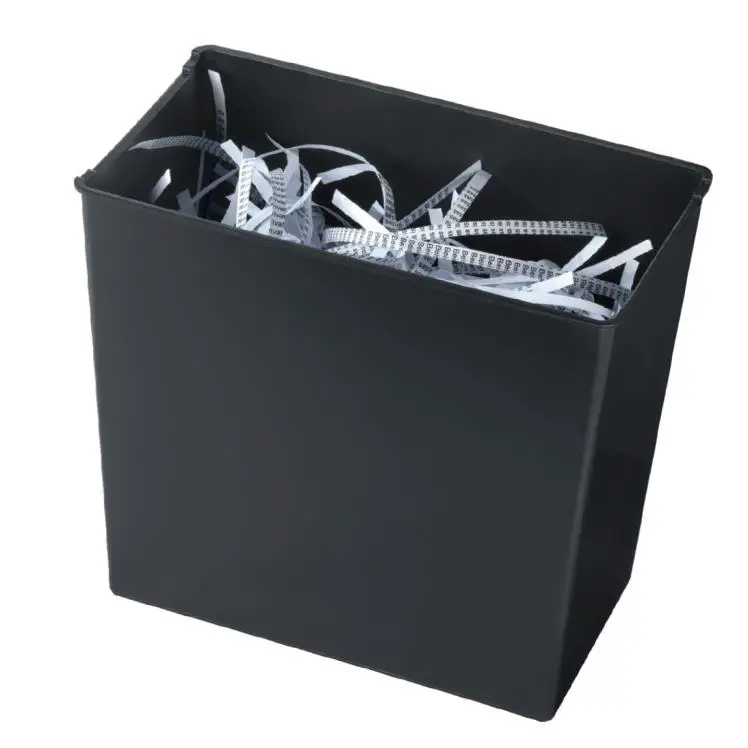
- Do not overfill the container. Empty the container before using the product again.
- Be careful when handling the blades.
- Keep away from the paper entry to avoid cutting injuries.
- Keep clothing, necklaces, bracelets, loose hair and any other object that can get stuck away from the paper entry.
- Do not insert explosive materials, metal objects, or any other foreign objects that can lead to hazardous situations.
- Before deaning and maintenance, switch off the product and disconnect the power.
- When the product is not in use, disconnect it and store in a safe, dry place, out of reach from children.
- Keeptheproduct out of reach from children, infirm persons or animals.
- Do not let pets or children play too dose to the product.
- This product is not a toy Never allow children or pets to play with this product.
- Children should be supervised to ensure that they do not play with the product.
- Do not move the product during operation.
- Donot use a damaged or defective product, but return it for repair or replacement.
Installing the product
- Place the product on a stable and flat surface.
- Connect the power cable A6 to a power outlet.
Using the product
- Slide the control slider A1 to AUTO.
Standby mode is activated. - Insert max. 6 A4-size sheets of paper vertically into the paper enty A2 at once.
The product detects the paper and starts shredding. Do not hold on to the paper when it is being shredded.
After shredding, the product returns to the standby mode automatically.
Reversing the product
When paper is jammed in the shredder A3, you can reverse the shredder blades to remove the paper.
- Se A1 to REV.
The product starts to reverse the running.
A1 3ides to OFF. - 5le A1 to AUTO.
- Insert max. 6 A4 size sheets of paper vertically into A2 at once.
Troubleshooting
| Problem | Possible cause | Solution |
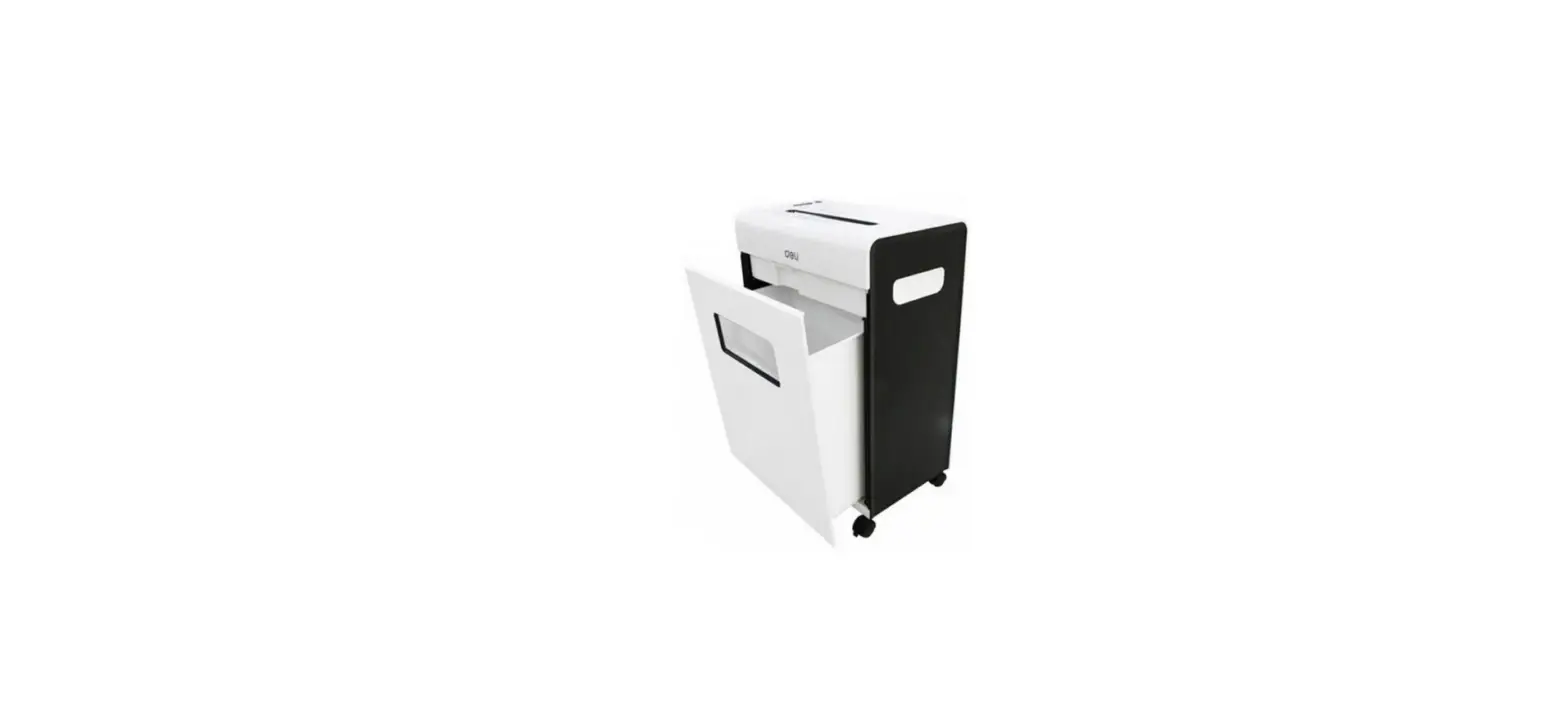
| The product is switched on, but the paper cannot be shredded. | There is too much cut paper into the container A5.The paper cannot fall down and stays at A2. | 1. Disconnect the product. 2. Remove A3 from A3. 3. EmptyA5 above a dust bin. |
| Paper is stuck in A2 and the product will not shred it further. | a. The slots of the blades tighten the cut paper. b The shred capacity is higher than the limitation of 6 sheets of A4 paper size. c The motor is overheated. | 1. siae A1 to REV. 2 Remove the leftover papers tom A2. If steps 1 and 2 did not give a result: 3. Disconnect the product. 4. Allow the product to cool down for at least 60 min. |
| The product does not work after placing scrapped paper. | The prod uct will automatically be locked after inserting scrapped paper. | – Se A1 to REV. |
| The product does not start after inserting a sheet of paper or stops running when paper is being inserted. | The paper is too thin, soft, damped, wrinkled, or curled. | 1. Fold the paper. 2 Insert the paper to A2. |
Prolonged use of the product causes the product to heat up internally. The built-in overheating protection switches off the product to prevent any damage.
After using the product for 2 minutes, allow the product to cool down for at least 60 minutes before using the product again.
Nedis BV De Tweeling 28,
5215 MC ‘s-Hertogenbosch
The Netherlands