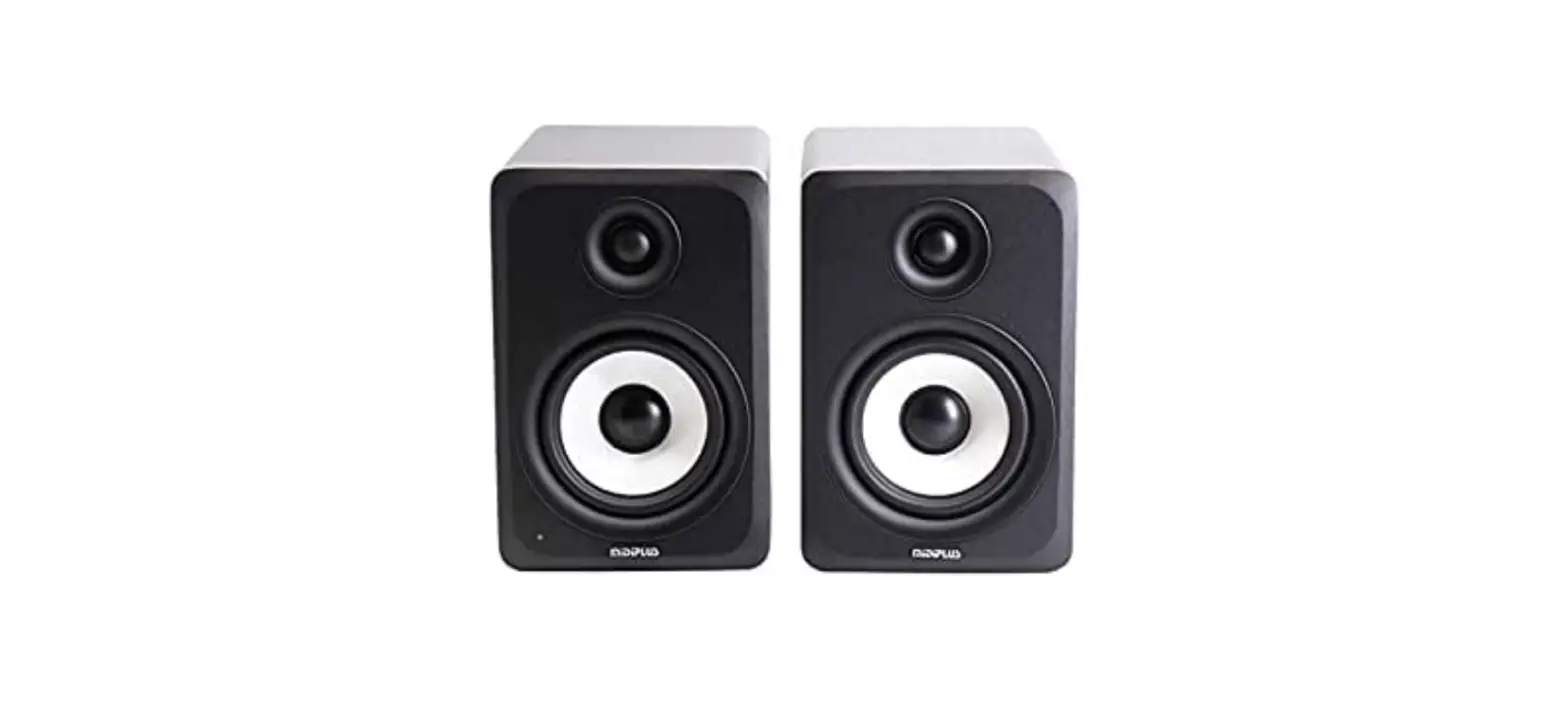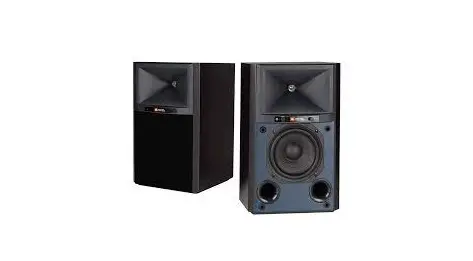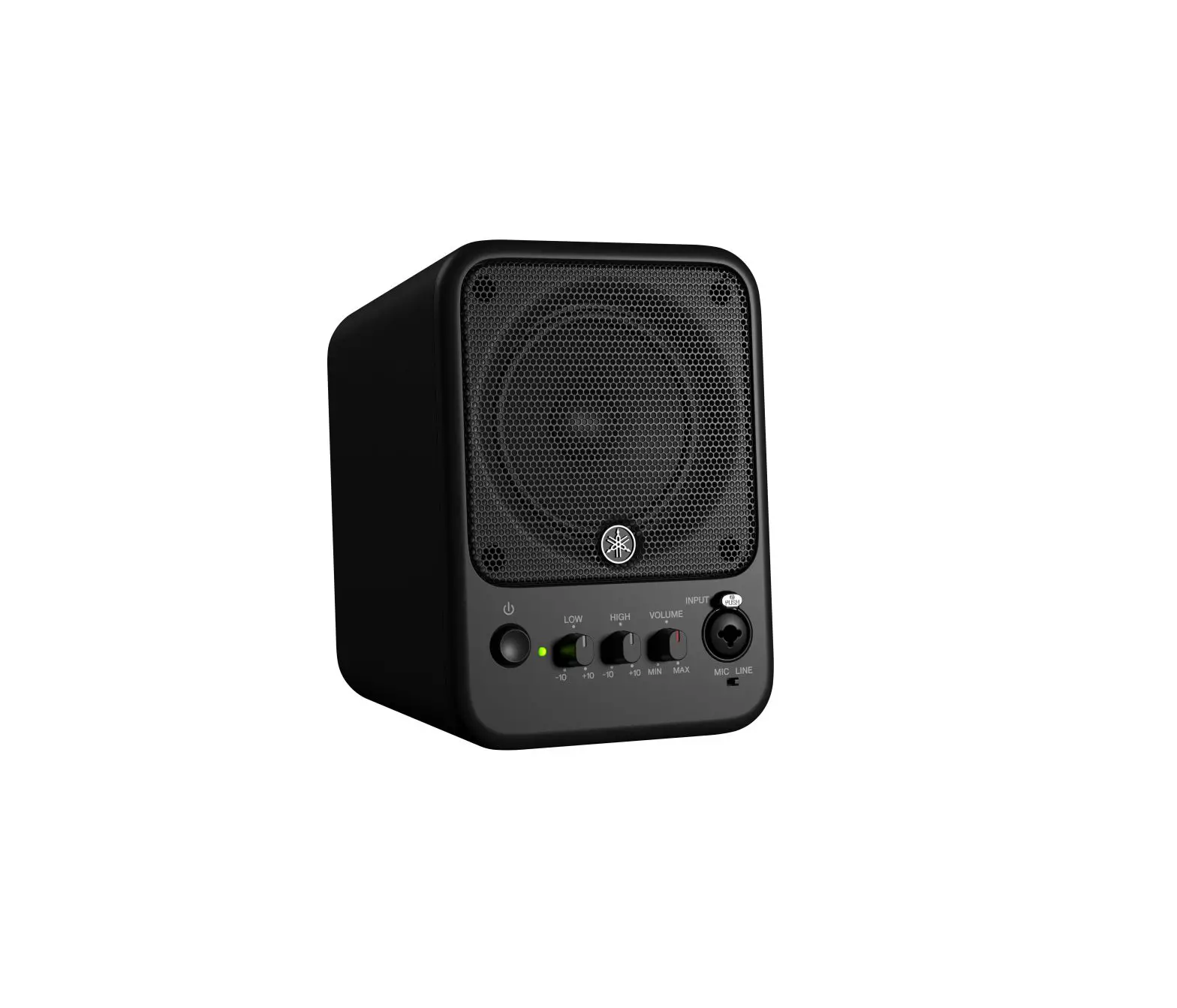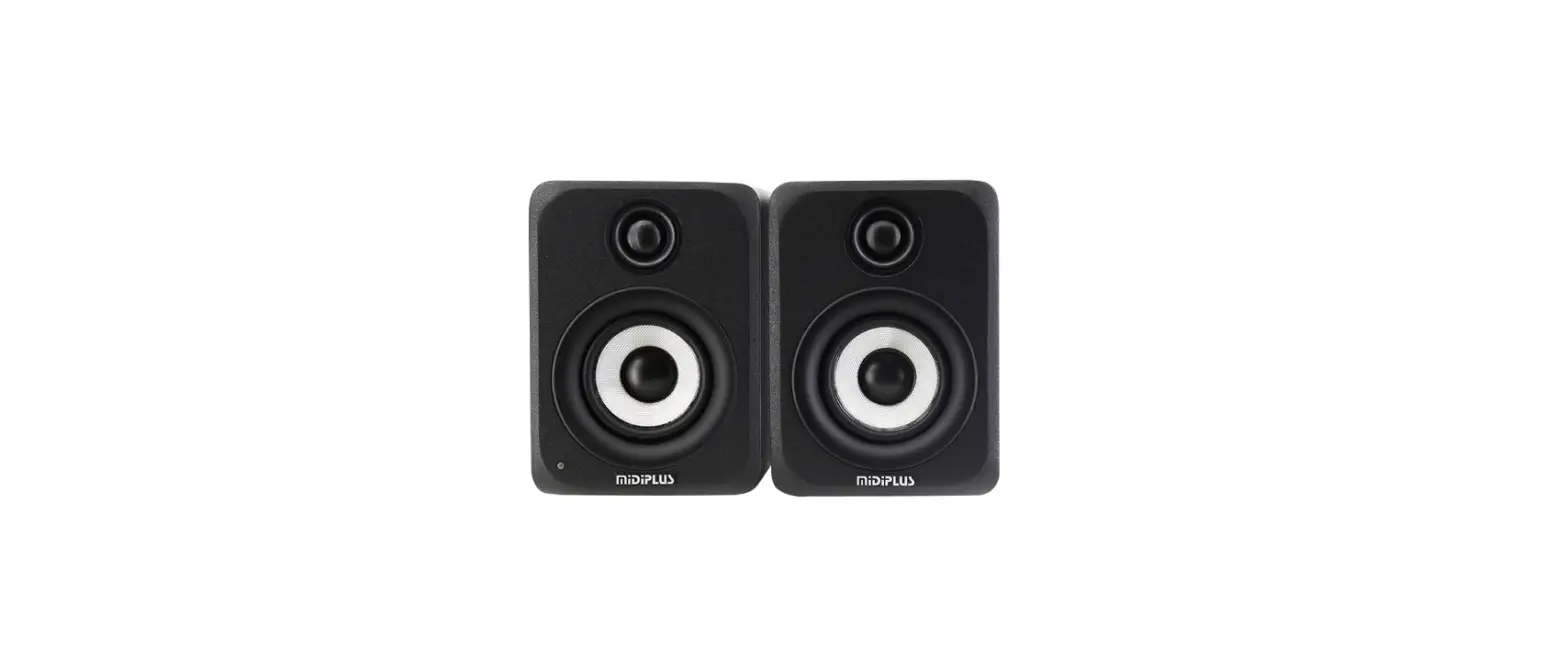

MiDiPLUS MI3S 3 Inch High Quality Near Field Monitor Speakers User
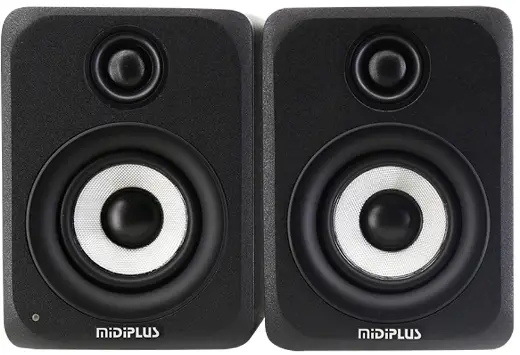
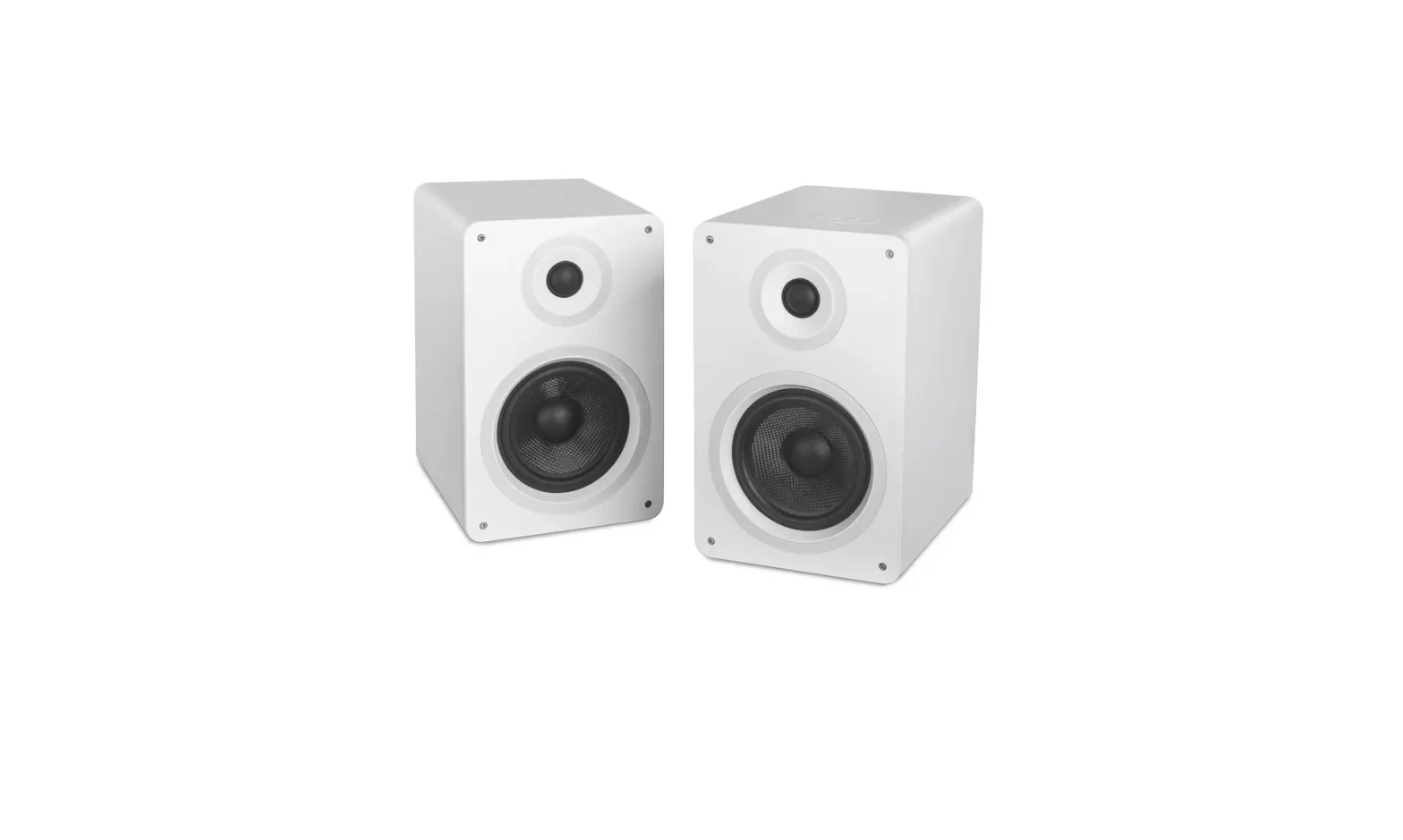
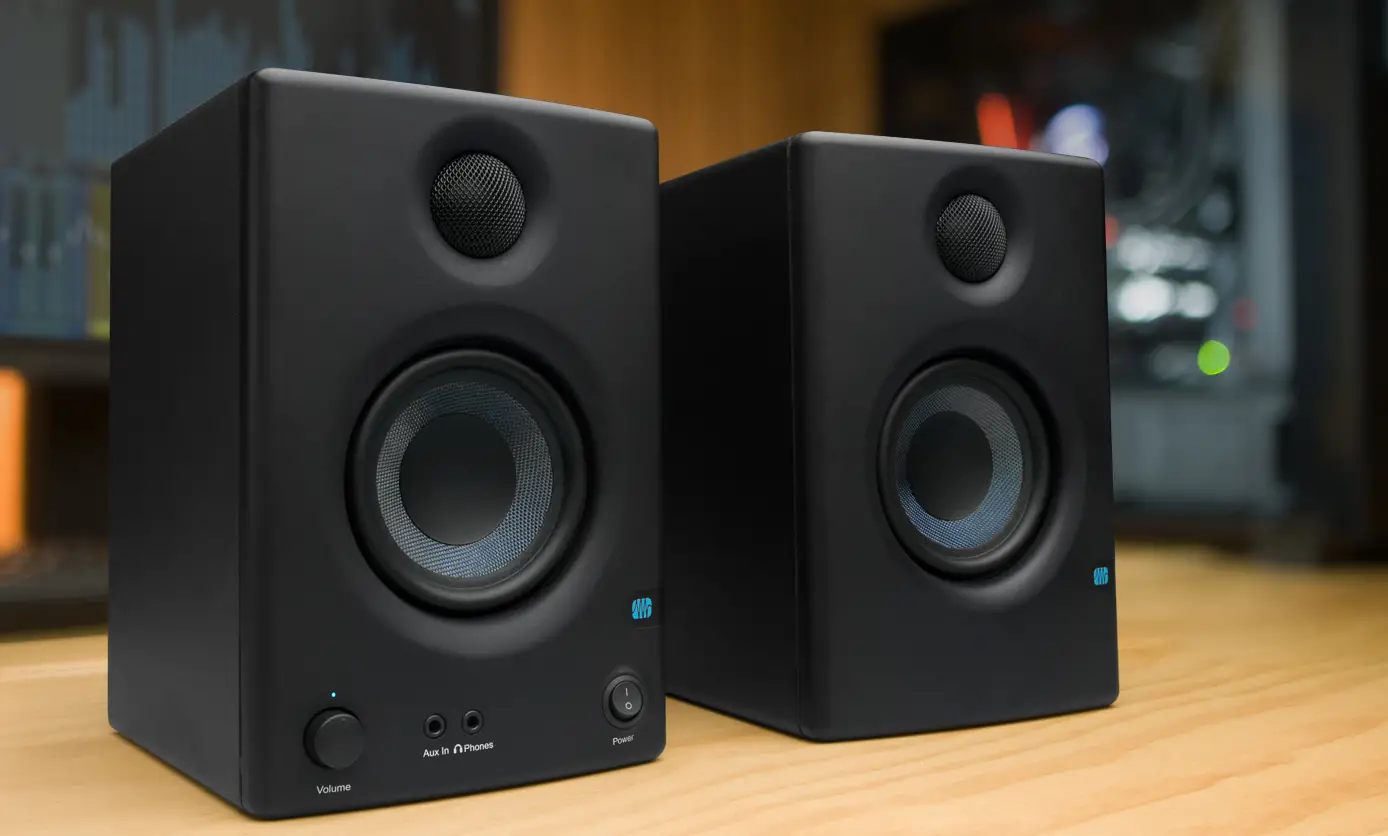
Thanks for purchasing MI3S. MI3S is a near field monitor with high performance, wide range of frequency response, high efficiency, low heat and small size. Use Class-D amplifier, built in Bluetooth 4.0 module, can transmit real 16-bit/44.1kHz CD level audio. This manual can help you to know functions and operation methods of MI3S quickly, Please keep it safe for your reference.
Product features
- Superior performance, high power output and exceptional accuracy are the outstanding features of the MI3S.
- 3 inch active monitors with rear inverted tube, bookshelf speaker designed and built-in Bluetooth.
- Volume control range from -30dB ~ 0dB
- -2dB ~ +1dB,4 Level High frequency adjustment
- RCA input, AUX input and Bluetooth audio
Volume Control
“VOLUME” knob in the rear panel control the volume from -30dB ~ 0dB, factory default is -30dB. Counter clockwise to turn down the volume, and clockwise to turn up the volume.
High Frequency adjustment
“HF LEVEL”in the rear panel, the toggle switch with 4 positions is for High frequency adjustment, turning range: -2dB, -1dB, 0dB, +1dB; Factory default is 0dB.
Audio Inputs
RCA (Unbalanced) input, Aux input, Bluetooth (The default PIN is 0000)
The Right Speaker connector
TO RIGHT SPEAKER: Connect to the Right speaker through the included speaker cable.
Power Supply
Power input: 100-220V~,50/60Hz, 60W. The power switch locates under the rear panel, please refer to the power mark in the rear panel.
Notes
- Do not open or remove the rear panel of the device to avoid electric shock.
- Do not trample, squeeze or break the power cord to ensure safety.
- Do not place any liquid filled utensils, such as vases, on the equipment.
- Do not place any open flame on the device, such as candles.
- Do not use the device in thunderstorm weather to avoid lightning damage.
- Do not contact the device with water or moisture. Do not be exposed to rain or water splashing, to prevent short circuit hazard caused by water inflow.
- Do not use the device near any heat source, such as electric heater, electric blanket or other equipment that generates heat.
- Please place the equipment in a well-ventilated and dry environment for use.
- When not in use for a long time, please unplug the power cord plug from the power socket.
- Long-term use of excessive volume may cause permanent hearing damage, please pay attention to protect your hearing.
- If the equipment needs to be transported, it is recommended to use the original packaging carton, in order to protect the box more effectively.
- The equipment uses a switching device as a disconnecting device and should be kept easy to operate.

- The equipment is only suitable for use in areas below 2000m above sea level. The equipment is only suitable for safe use in non-tropical climate conditions.


Product specifications
| Contents | MI3S |
| FType ency requ | 2-Way Active Monitor |
| response(-3dB) | 70Hz-25kHz |
| Max SPL@1m | 98dB |
| HF driver | 3/4”silk-dome |
| LF driver | 3”fiberglass woven cone |
| Frequency points | 2.0kHz |
| Amplifier type | Class-D |
| Amplifier qty | 4 |
| S(otannedpbayirp) ower | 4.8W |
| H(1Fpoc)utput power | 10W |
| L(1Fpocu) tput power | 20W |
| T(1otpaalior)utput power High frequency | 80W(Peak),60W(RMS) |
| adjustment | -2dB, -1dB, 0dB, [email protected] above |
| Jack | 12/x8”RsCteArUnbinaplauntced input 4-pin speaker output Bluetooth v4.0, |
| Bluetooth | Compatible with A2DP protocol |
| Dimensions(mm) | 152 x 119 x 165 |
| Net weights(kg) | 3.1kg (Main:1.77kg,Sub:1.33kg) |
 HOME丨MIDIPLUS