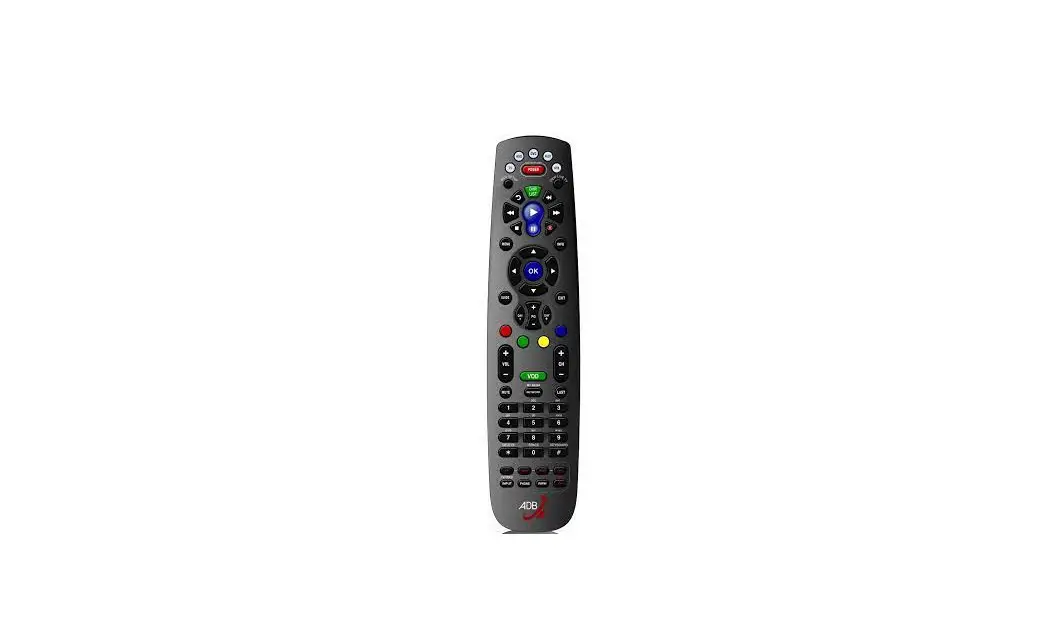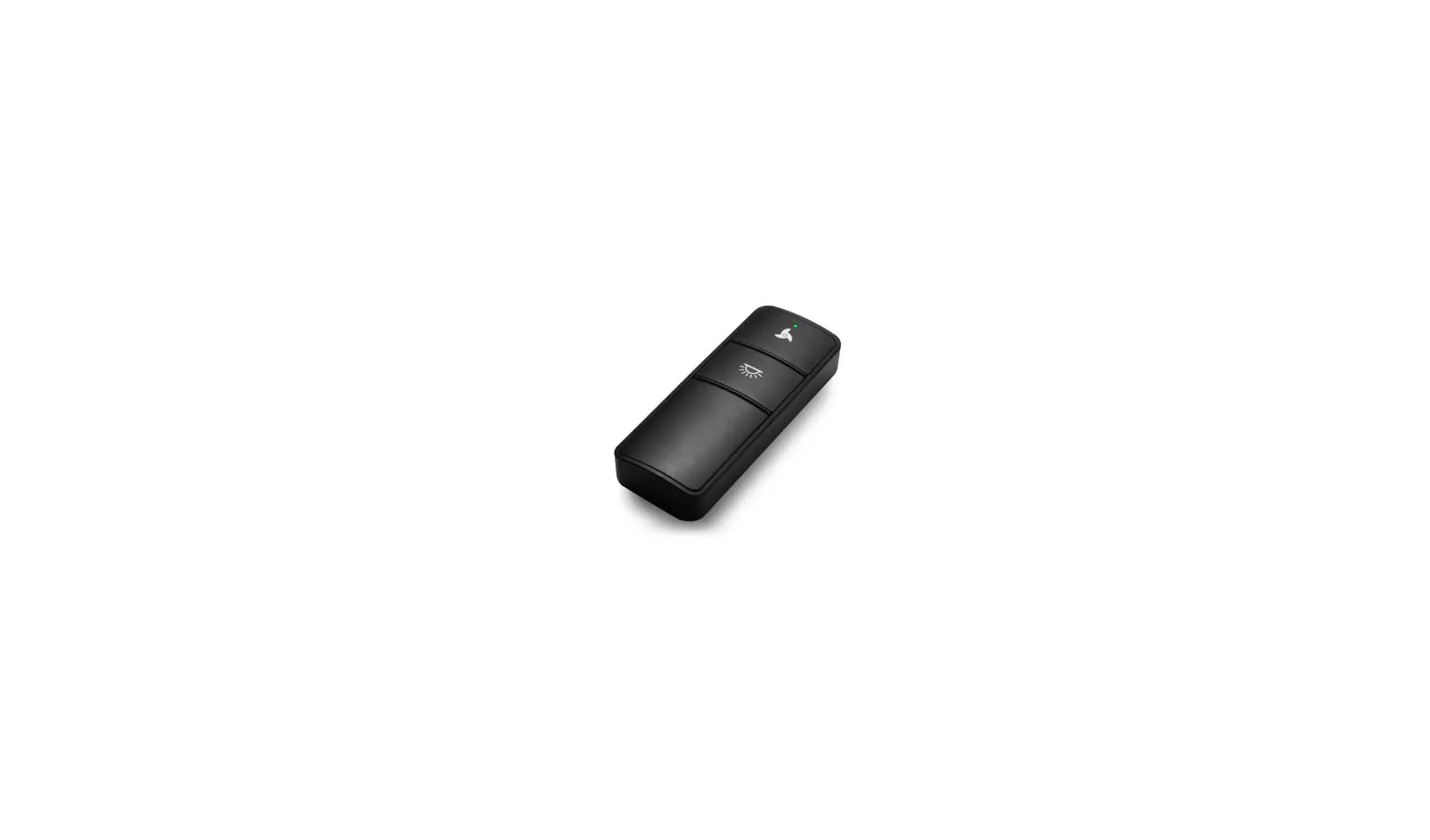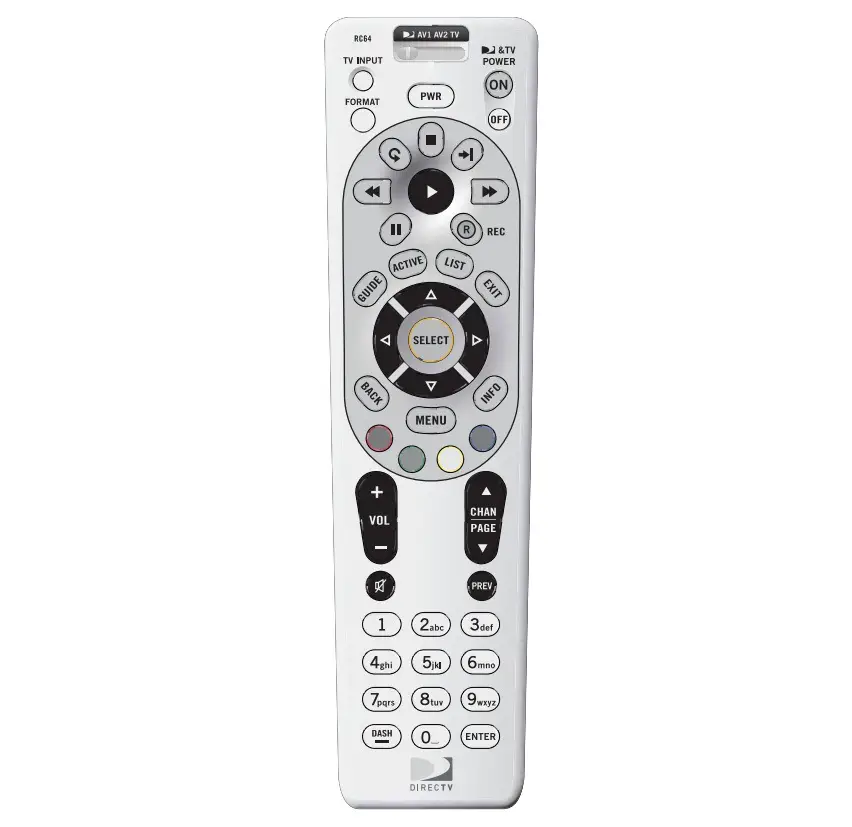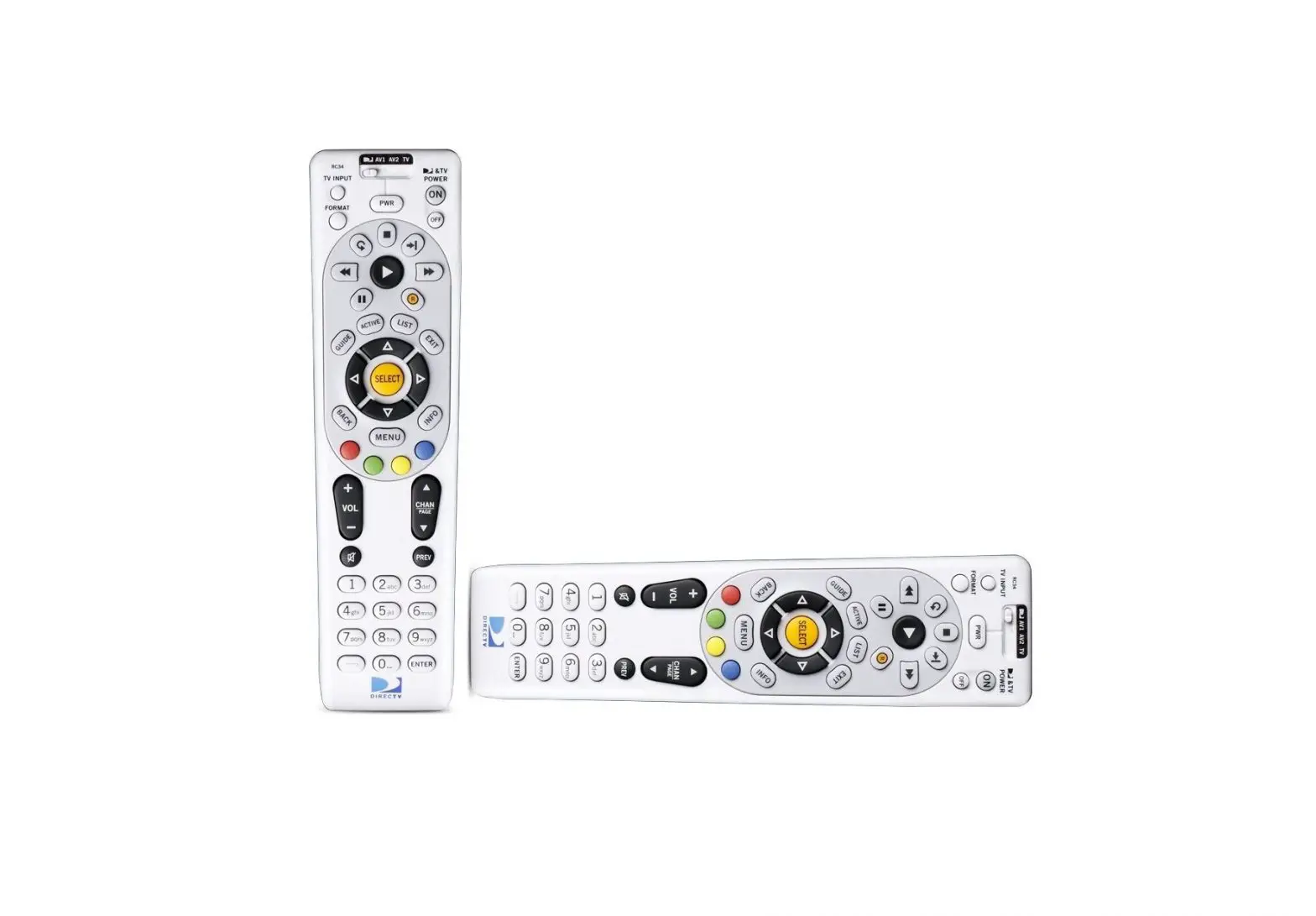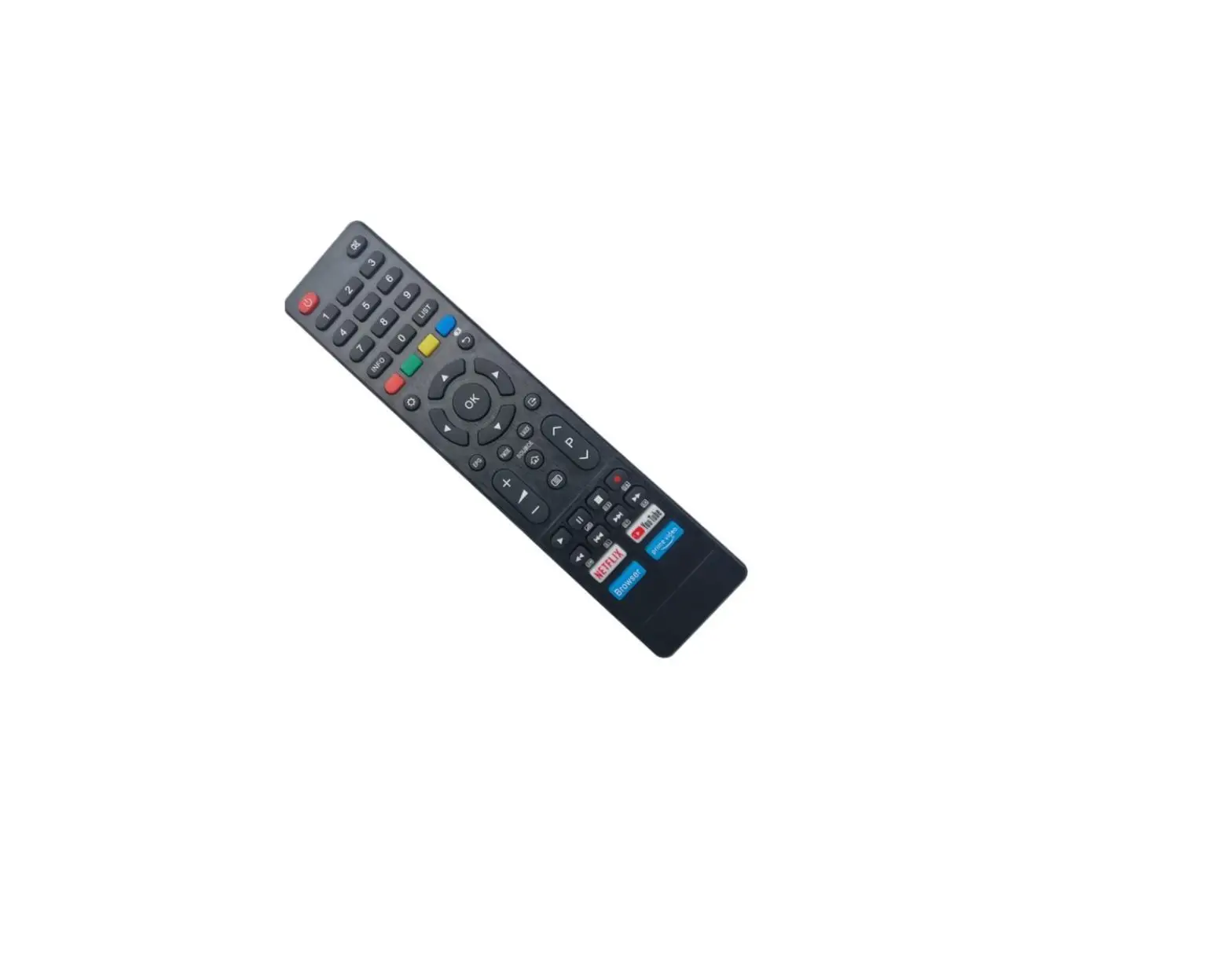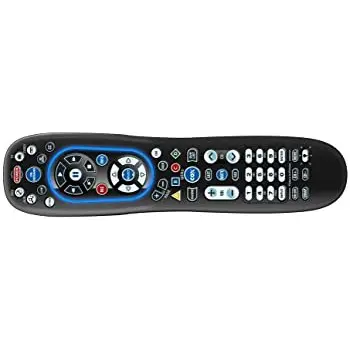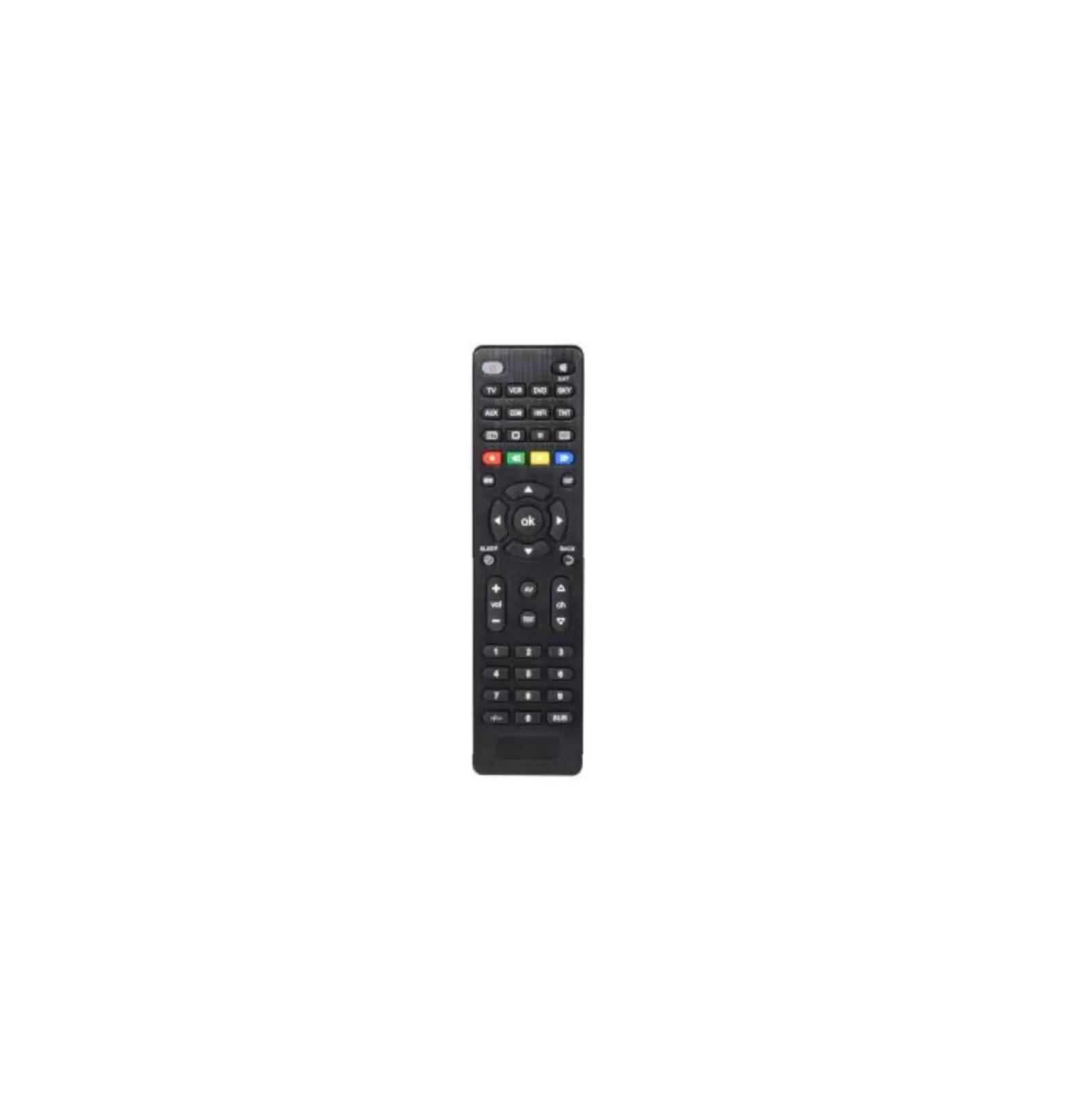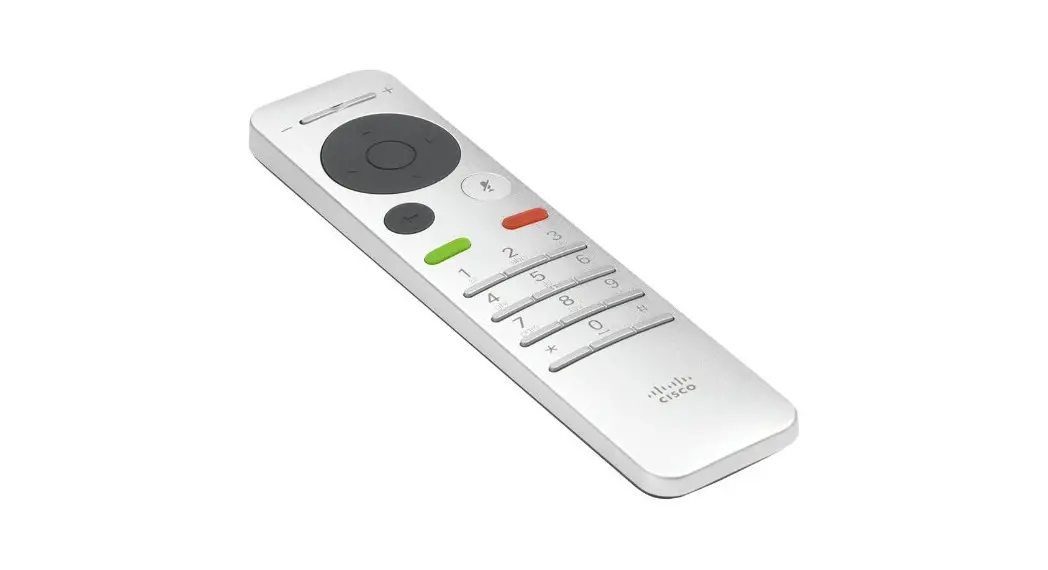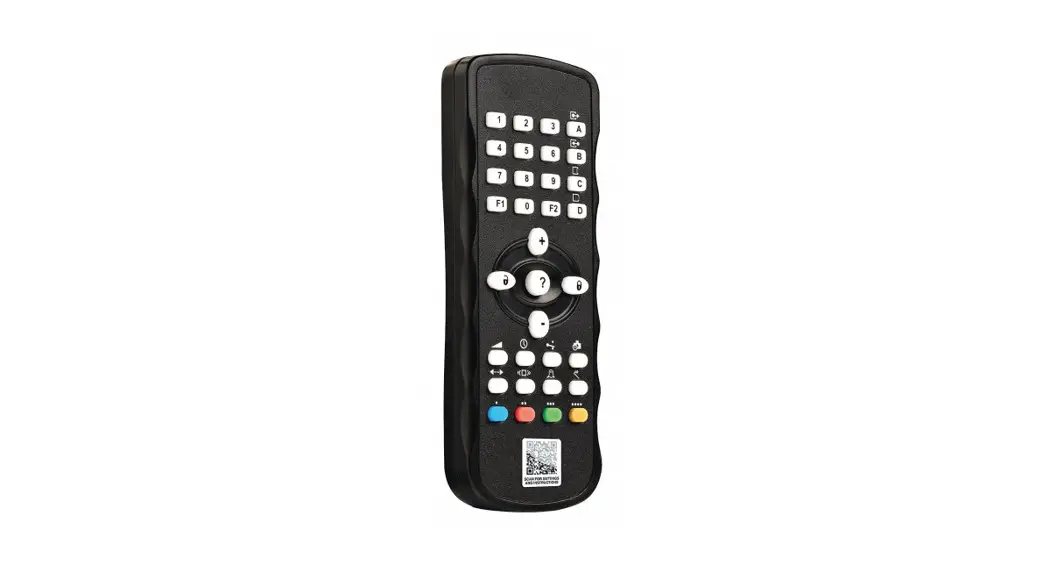
 Universal Remote Control
User Guide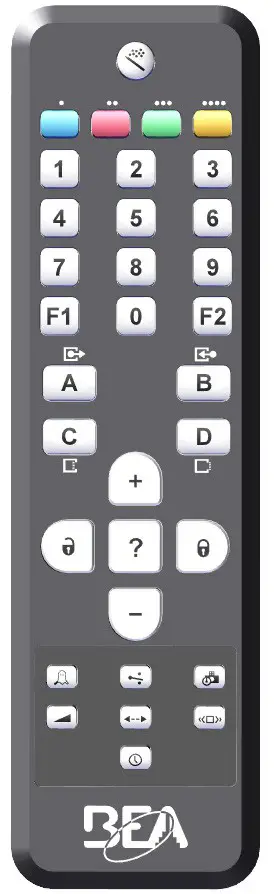
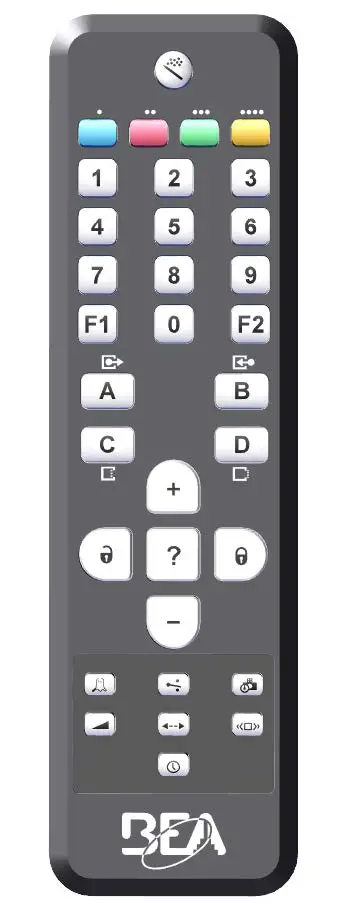
GENERAL KEYS
 | Unlock |
 | Lock |
 | Check value |
 | Incremental increase |
 | Incremental decrease |
 | Setup / Teach-in Factory values Pre settings |
FUNCTION KEYS
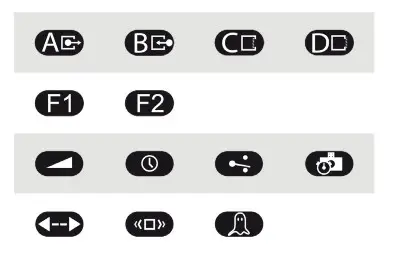
See pages 3 – 12 for button assignments per product.
COLOR KEYS
| LZR-FLATSCAN | LZR-WIDE SCAN | |
 | / | Virtual Pull Cord |
 | Safety | Safety |
 | Motion | Reopening |
 | / | Presence |
GENERAL REMOTE USE

ADJUSTING ONE OR MORE PARAMETERS

CHECKING A VALUE

RESTORING TO FACTORY VALUES

SAVING AN ACCESS CODE

The access code (1 – 4 digits) is recommended to set sensors that are installed close to each other.
CHANGING AN ACCESS CODE

DELETING AN ACCESS CODE

If you forget the access code, proceed as follows:

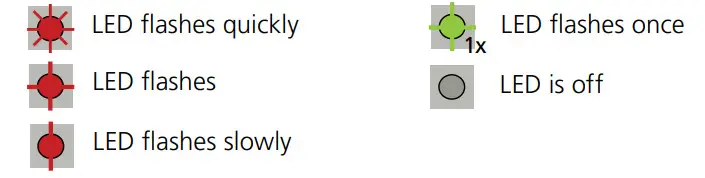
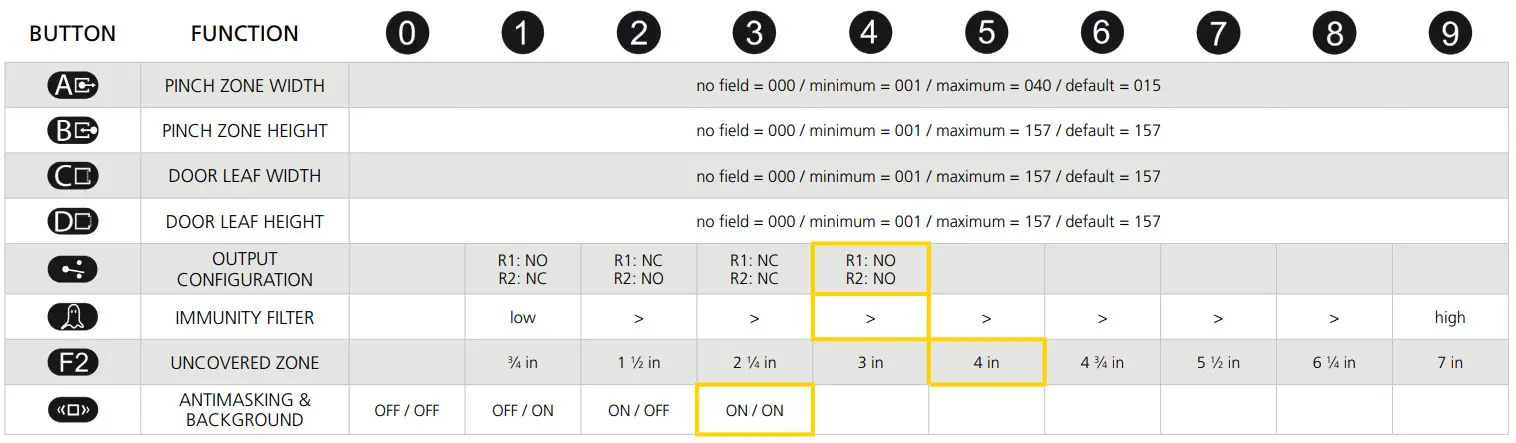
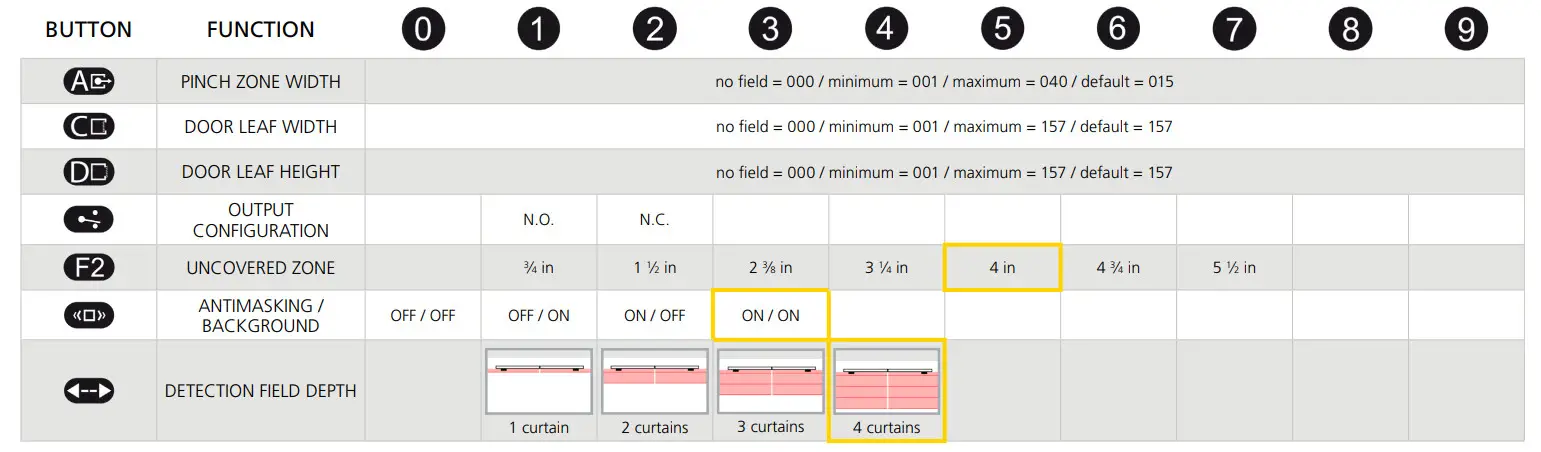
APPENDIX: LZR-I30 / LZR-S600 FUNCTIONS
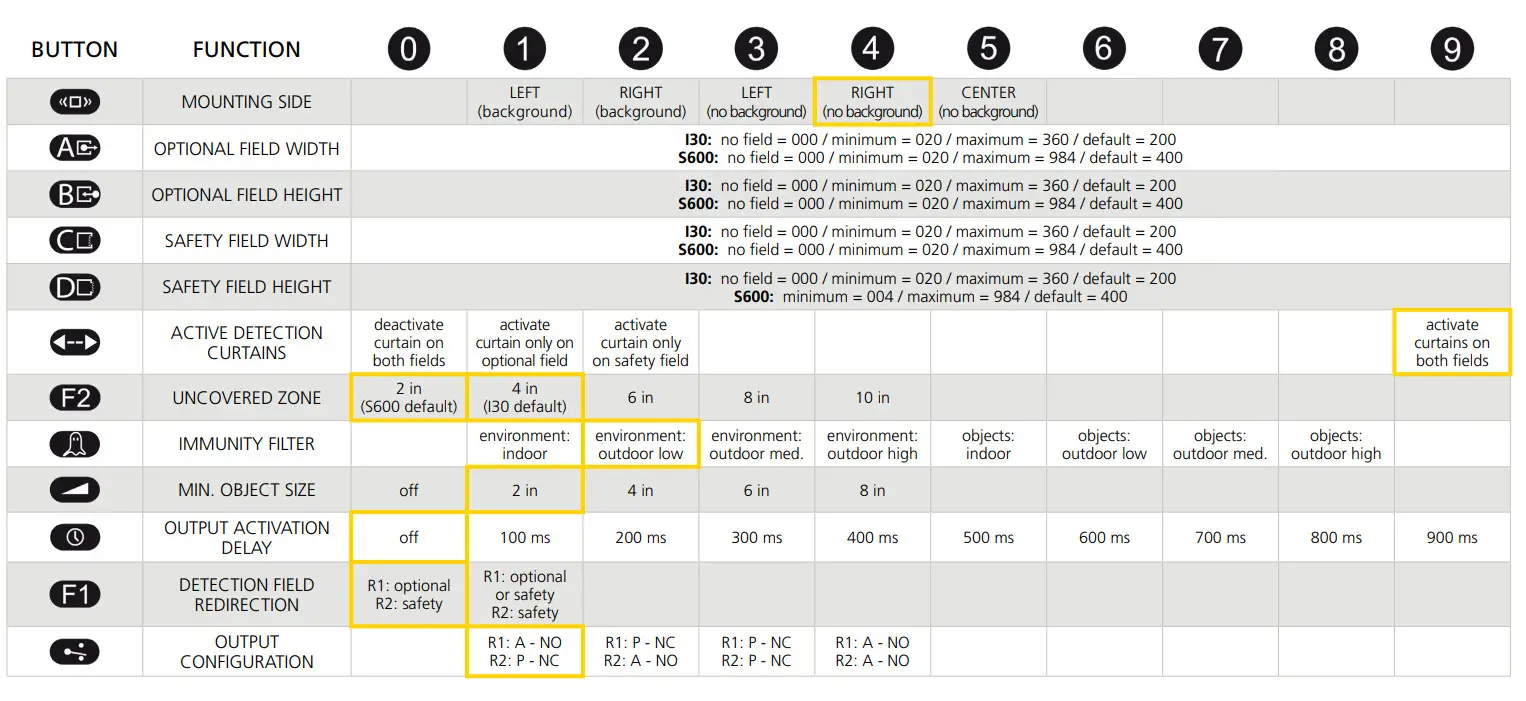

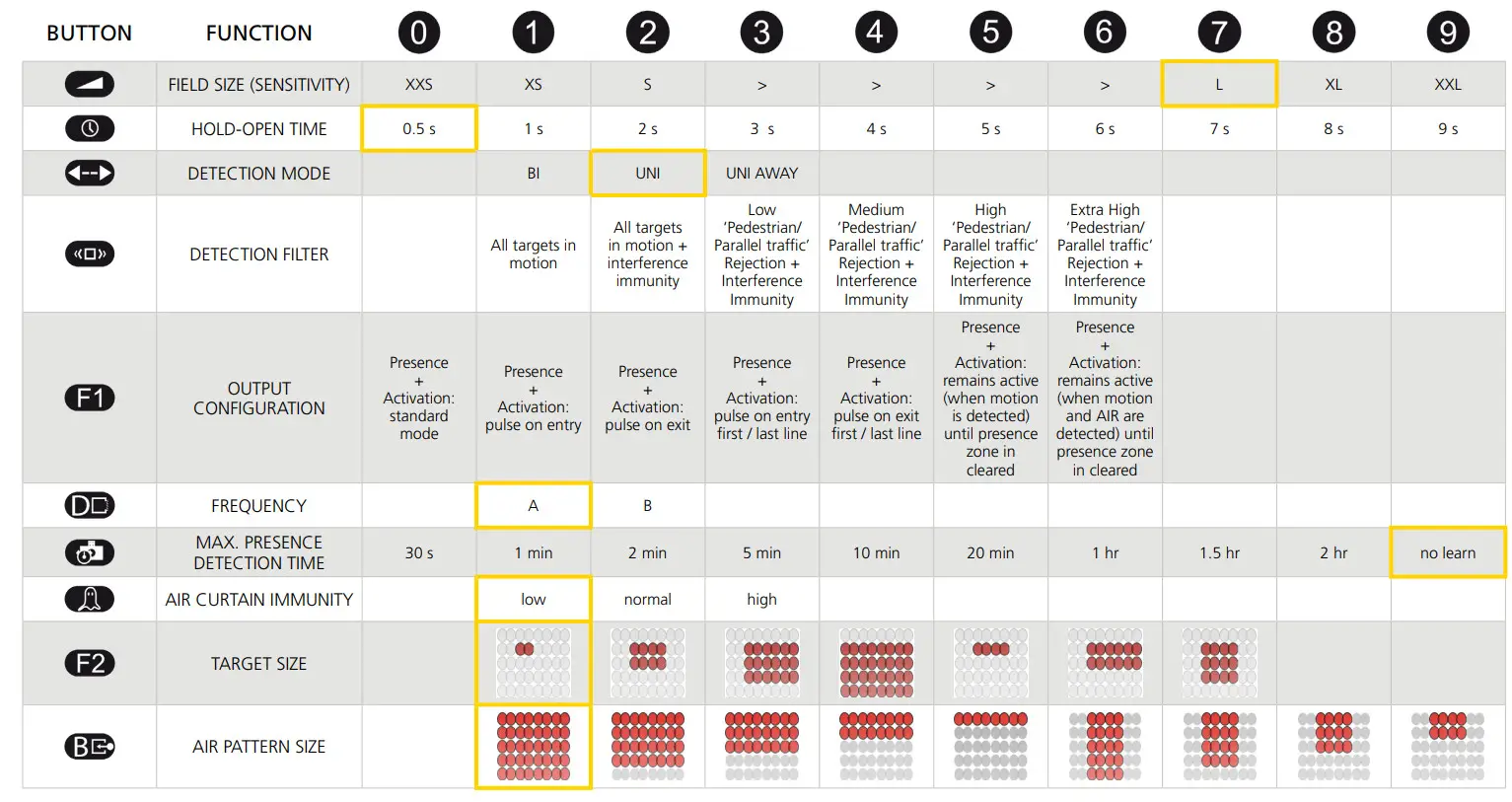
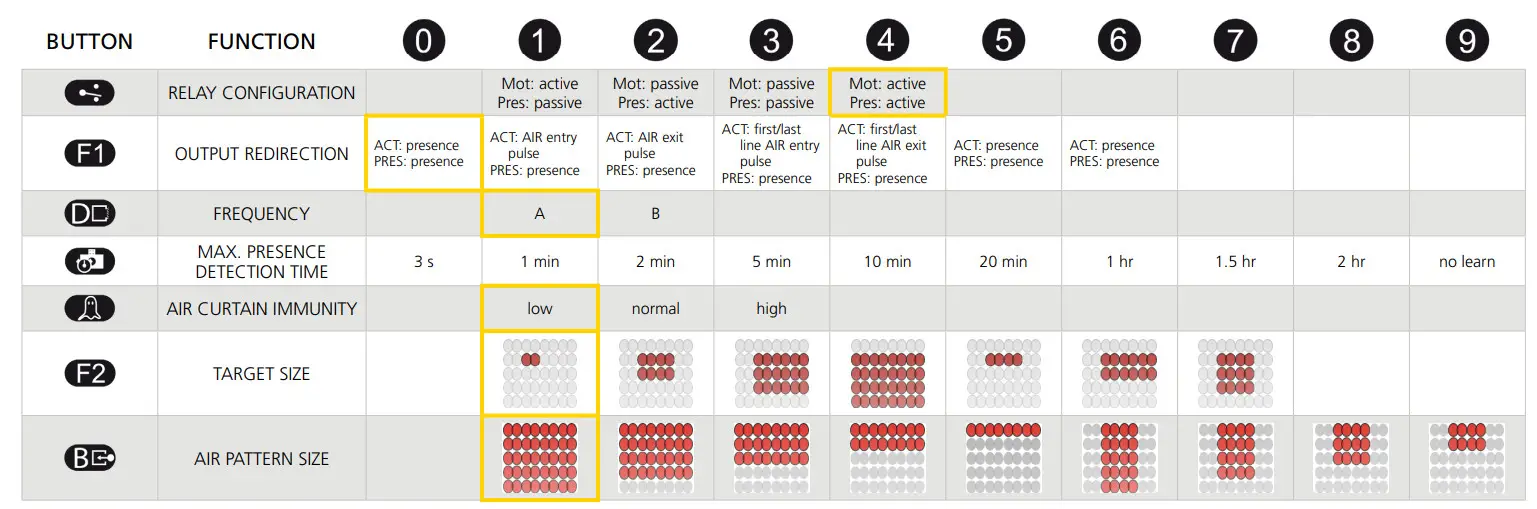
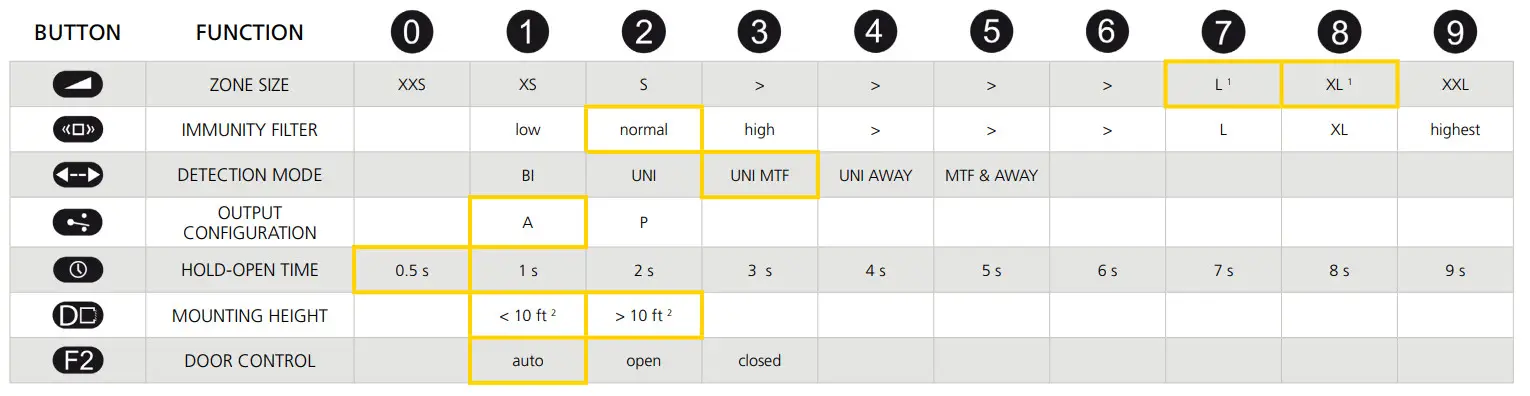
1 EAGLE default = 8, EAGLEHM default = 7
2 EAGLE default = 1, EAGLEHM default = 2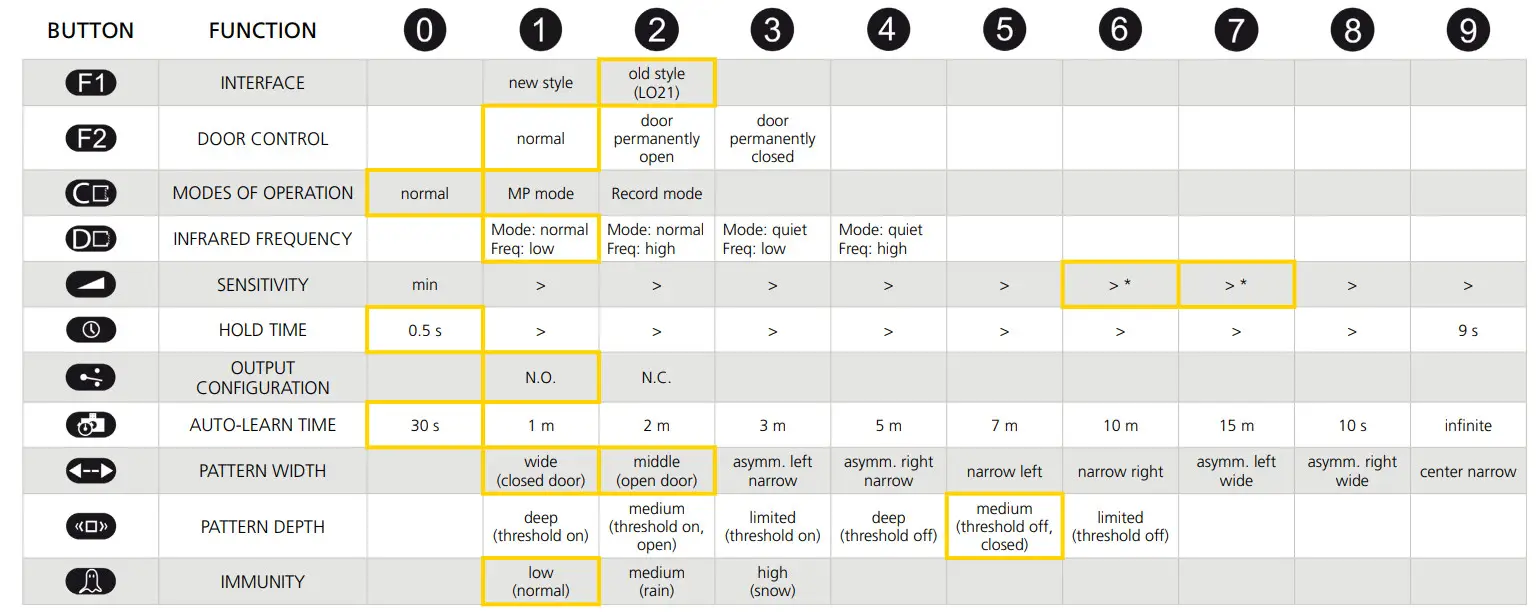
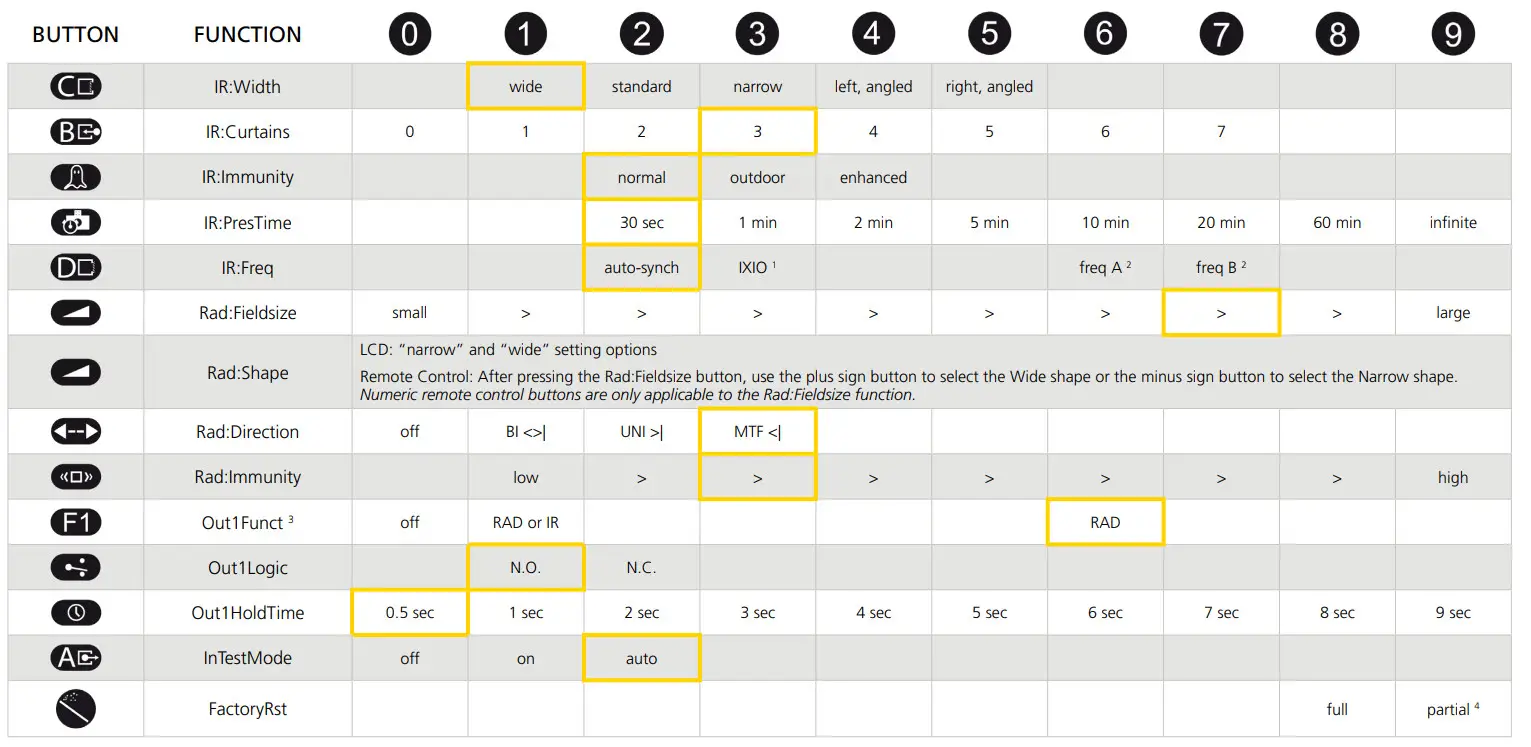
- V5.0 auto-synch
- for use with IXIO if synchronization issues occur
- The sensor LED will briefly flash RED during monitoring communication with the door control. This indicates that external monitoring is
functional. Monitoring functionality must be active on the sensor and door control, and monitoring wires must be properly connected to the door control. - Partial reset is only available via remote control. Partial restores all adjustable settings except Out1Logic and Out2Logic.
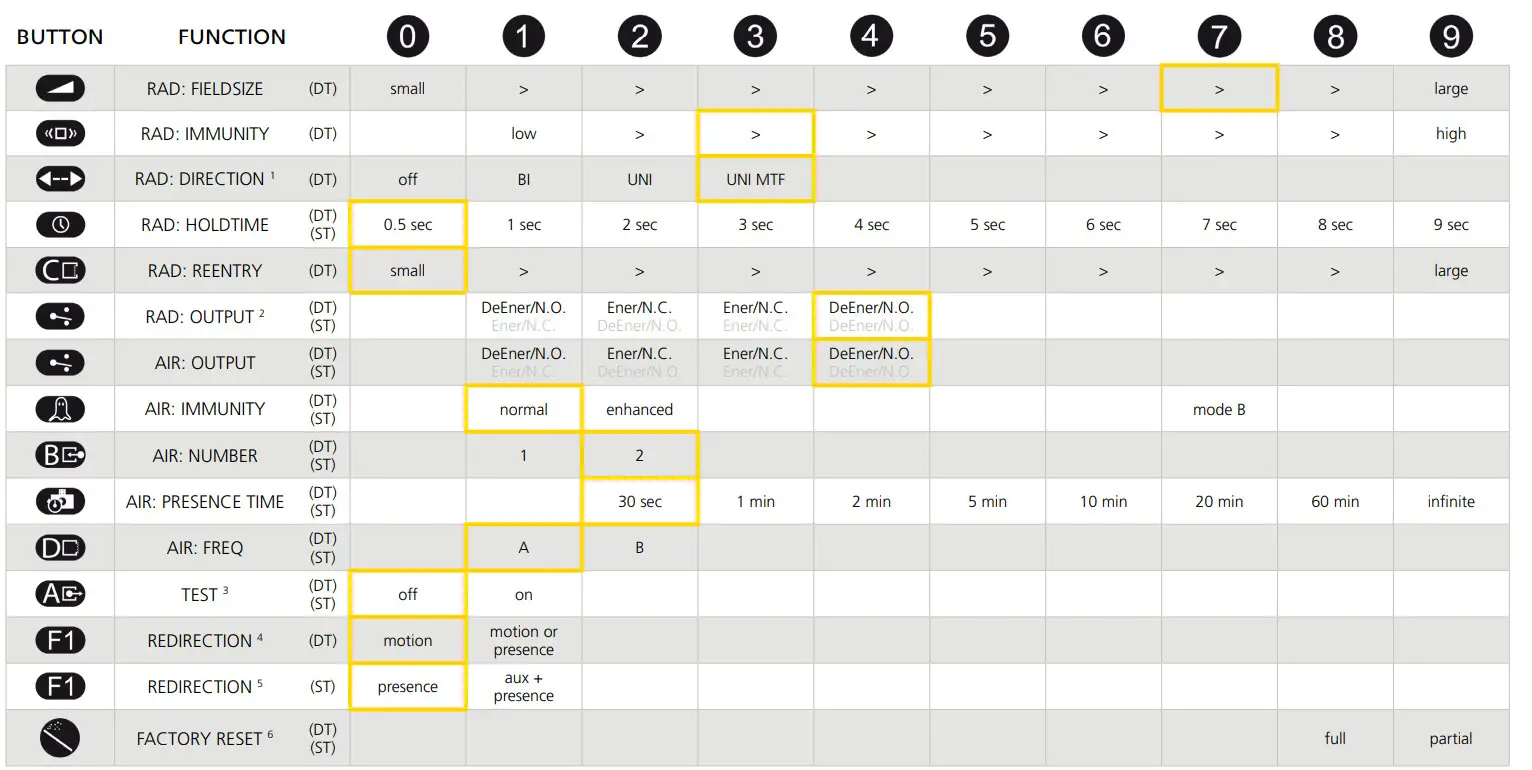
- MTF = motion tracking feature
- DeEner = de-energized relay, Energ = energized relay, N.O. = normally open, N.C. = normally closed
- The sensor LED will briefly flash RED during monitoring communication with door control. This indicates that external monitoring is functional. Monitoring functionality must be active on the sensor and door control, and monitoring wires must be properly connected to the door control.
- active opening output: 0 = motion detection, 1 = motion or presence detection
- 0 = presence detection on safety input, 1 = presence detection on safety + auxiliary inputs
- partial: outputs are not reset
©BEA | Original Instructions
75.0043.02 REMOTE CONTROL 20220322
 Homepage | BEA Americas