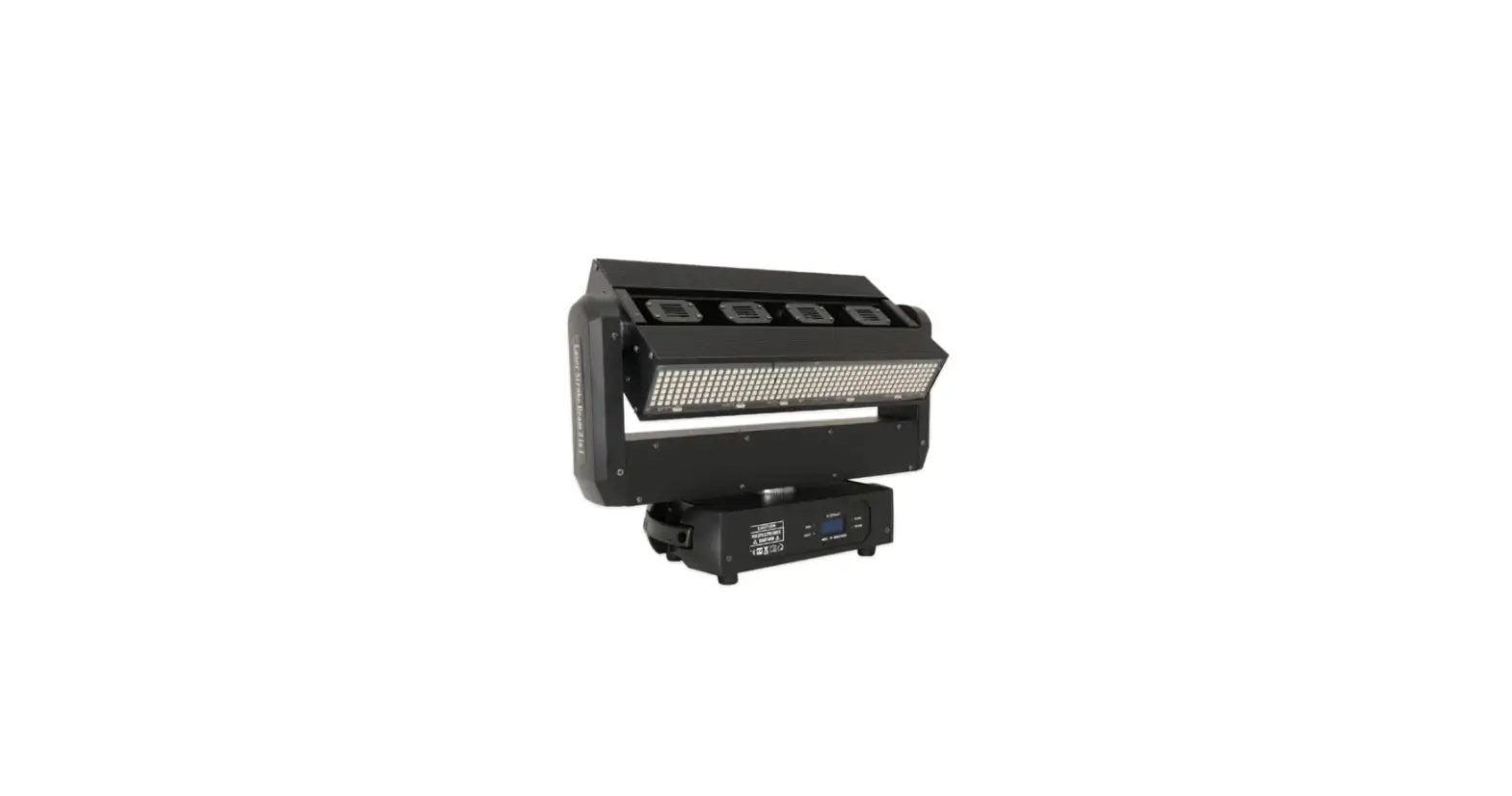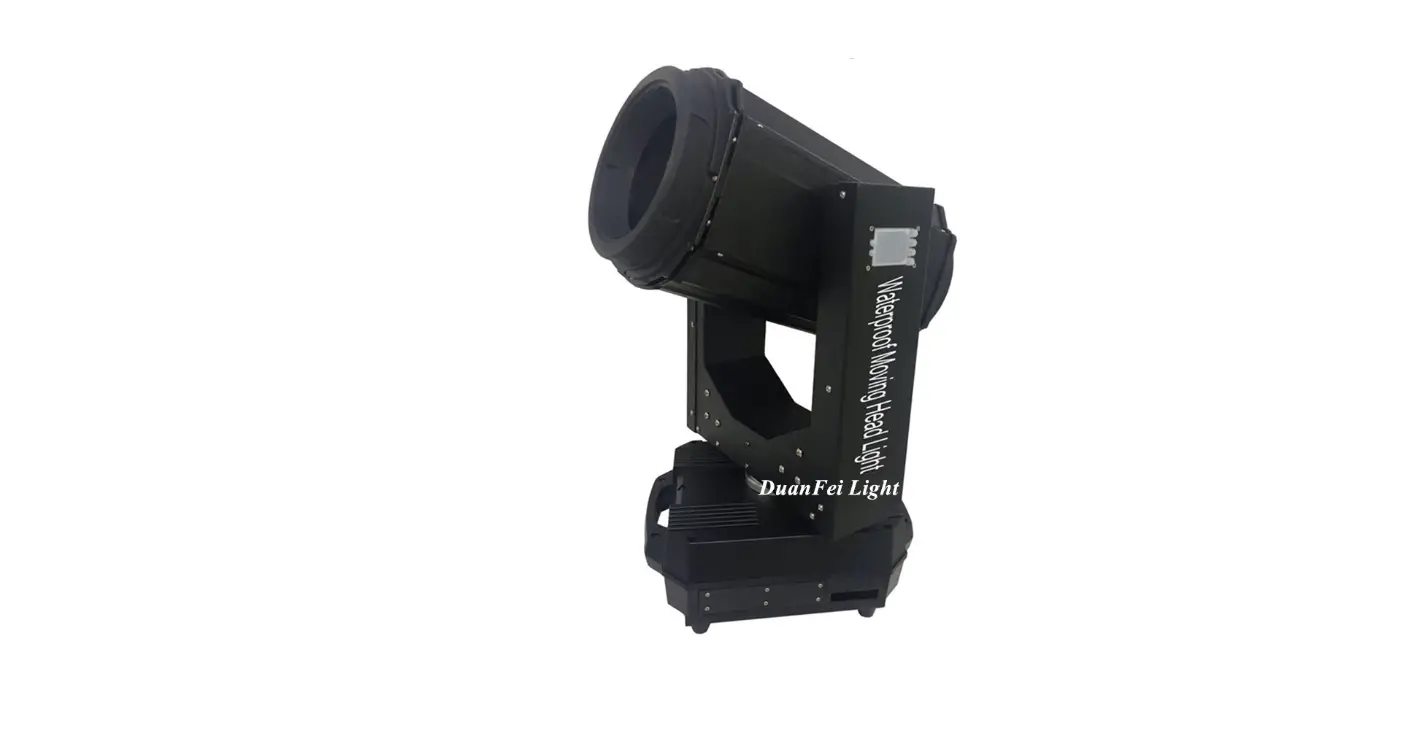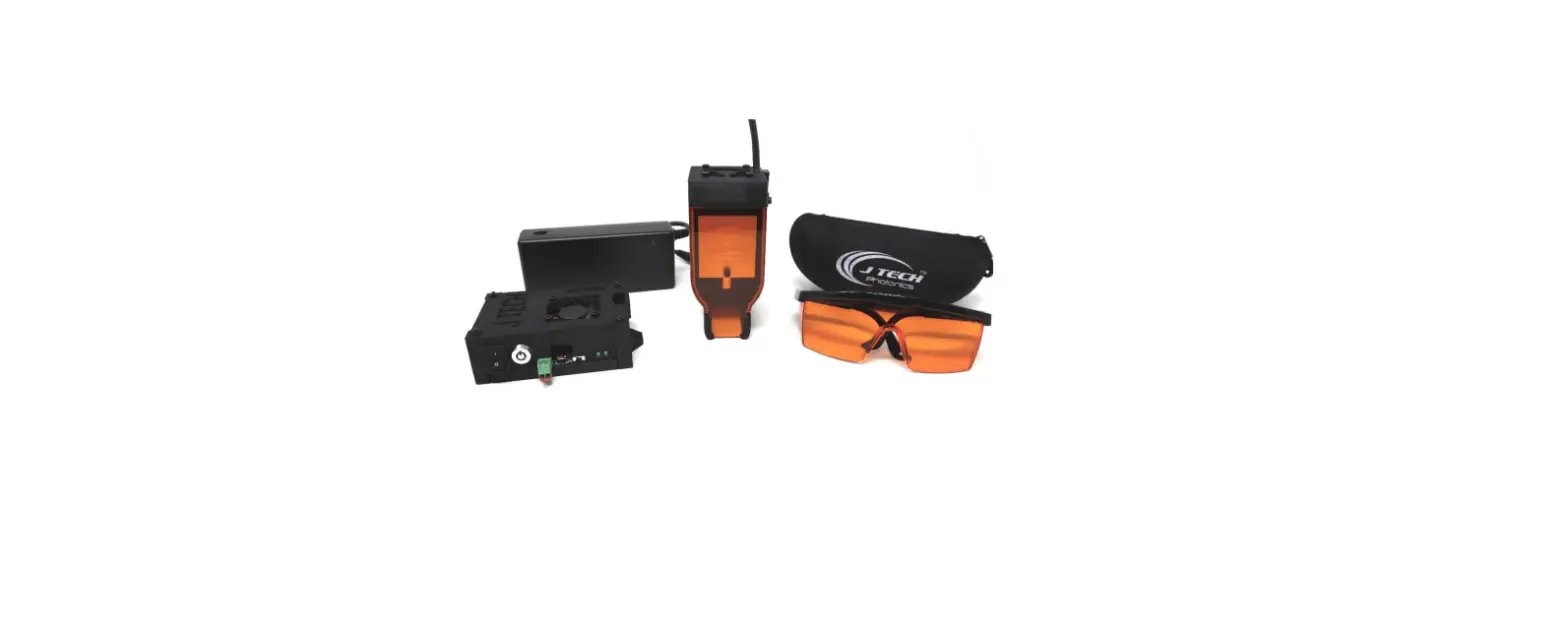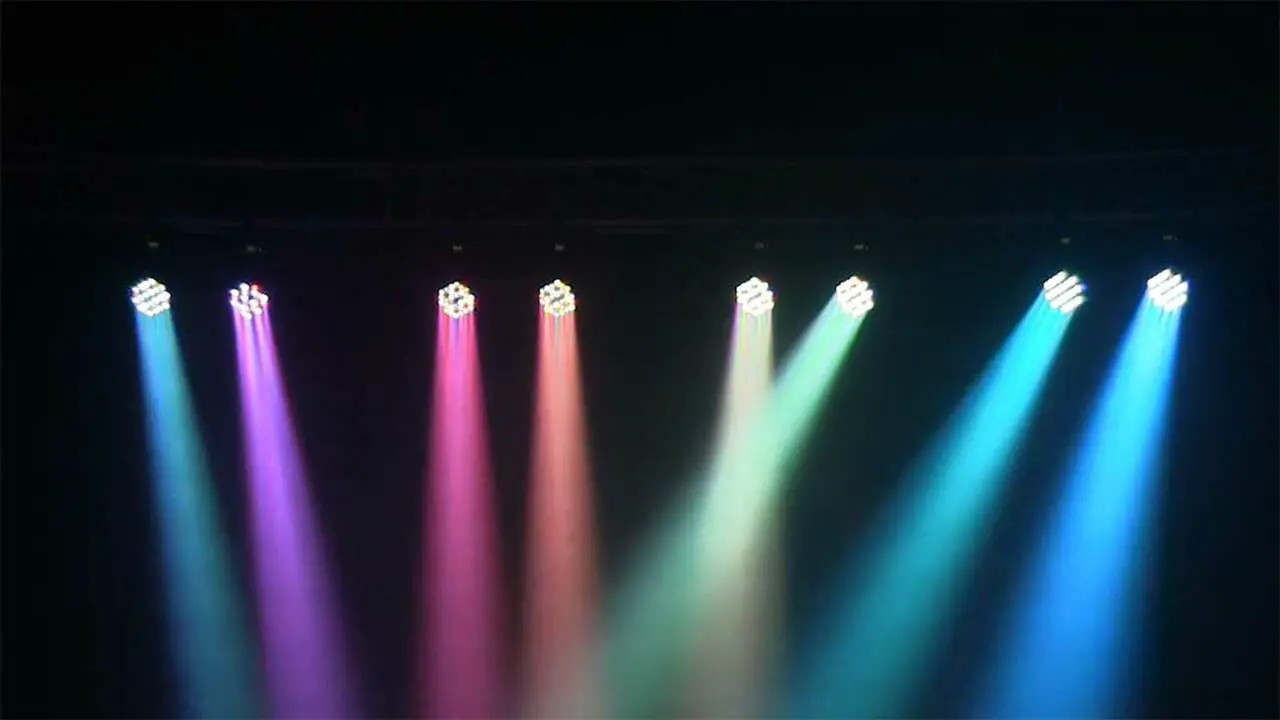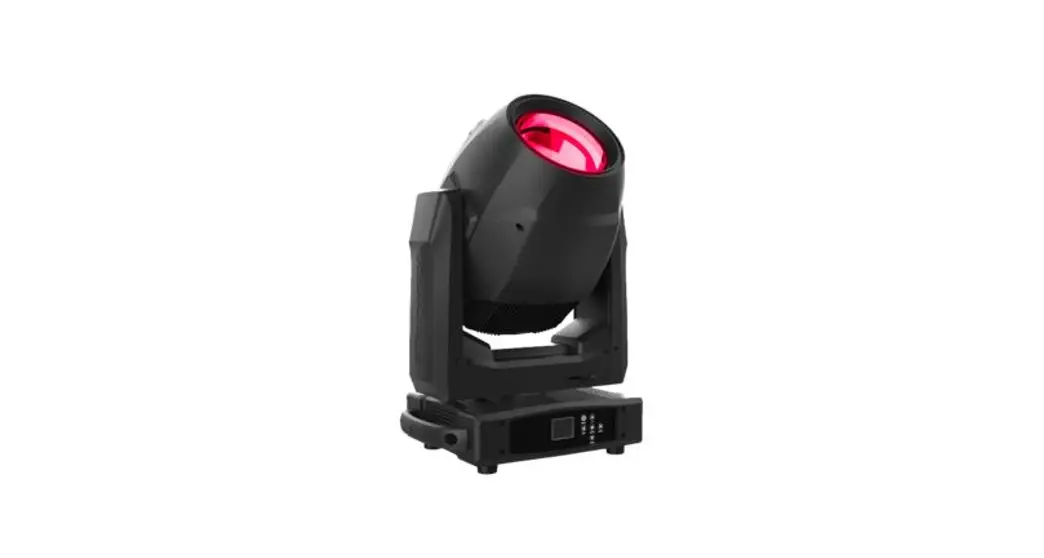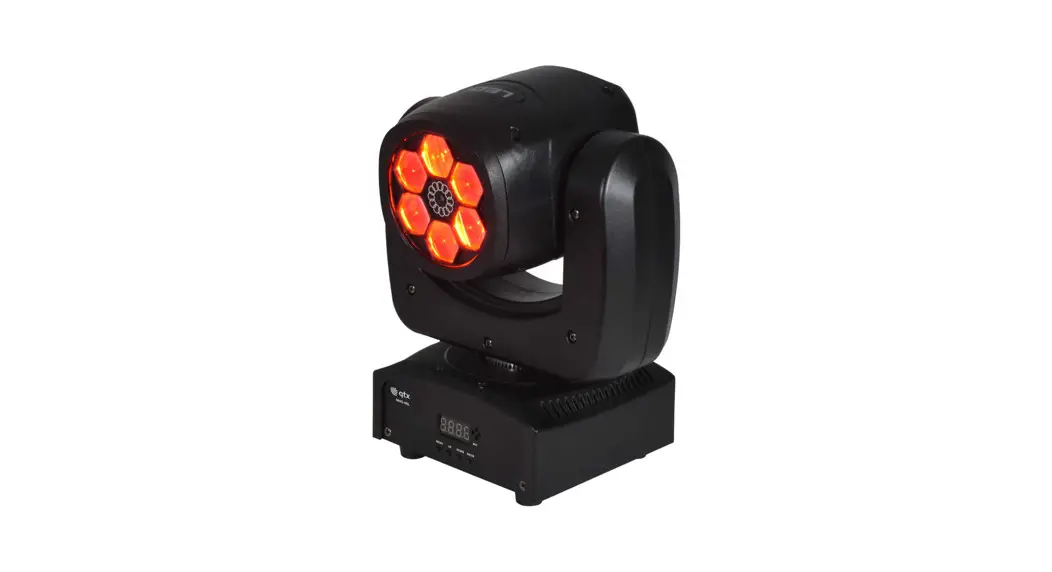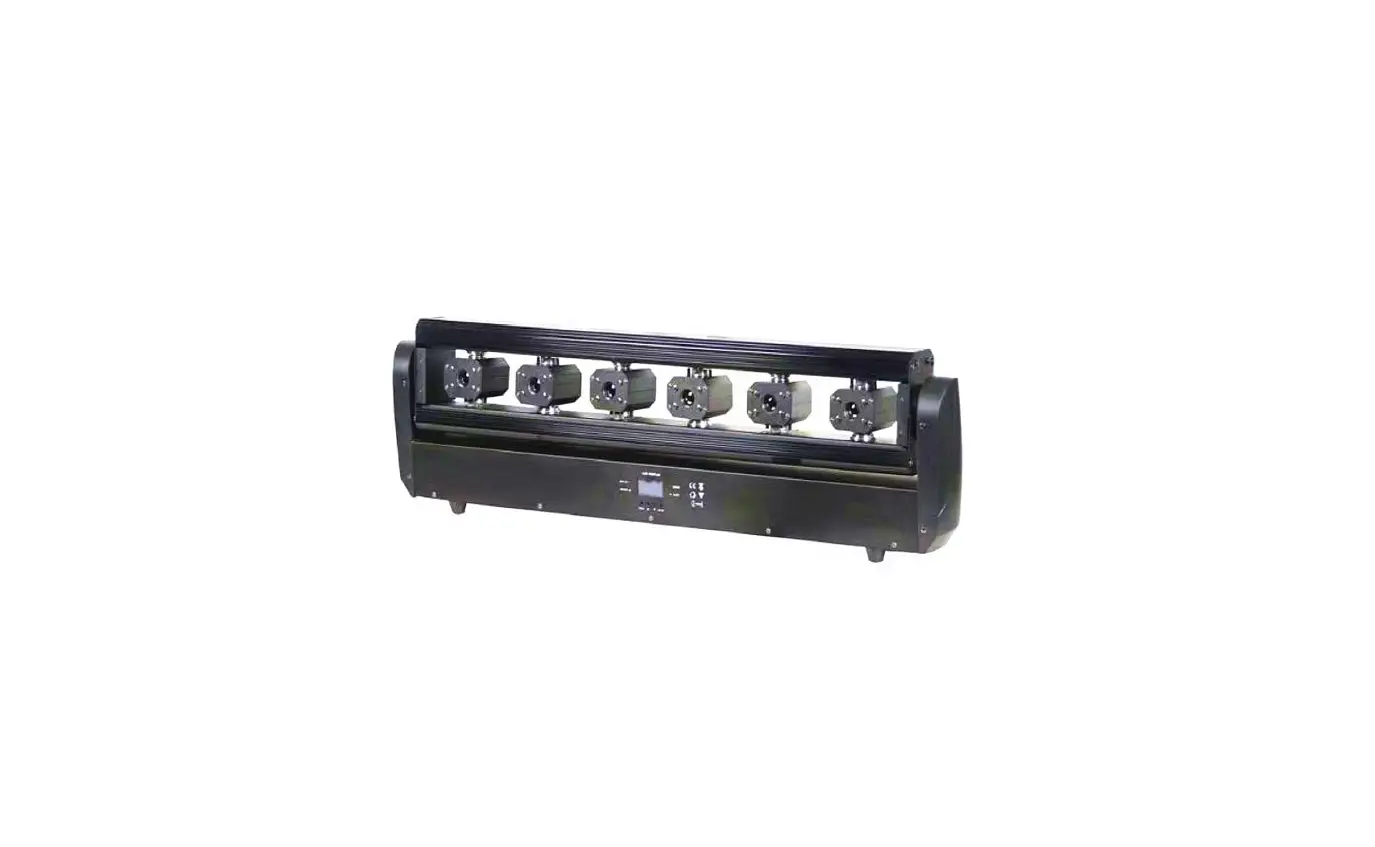

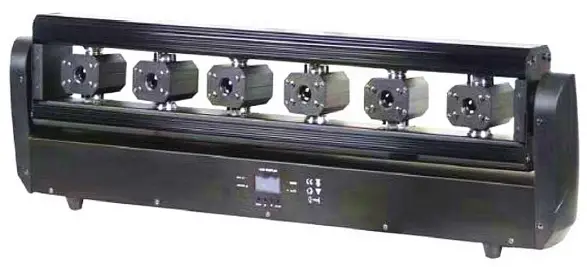
FOS technologies Razor Laser Multibeam RGB Laser Moving Head
Unpacking
Thank you for choosing our products. For your own safety, please read this manual before installing the device. This manual covers important information on installation and applications. Please install and operate the fixture with the following instructions, make sure the power is off before opening the light or repairing it. Meanwhile, please keep this manual well for future needs.
It is made of a new type of high-temperature strength of engineering plastics and cast aluminum casing with nice outlook. The fixture is designed and manufactured strictly following CE standards, complying with international standard DMX512 protocol. It’s available independently controlled and linkable with each other for operation. And it is applicable for large-scale live performances, theaters, studios, nightclubs and discos. 6 modules RGB laser light which features high brightness and stability. Please carefully unpack it when you receive the fixture and check whether it is damaged during the transportation.
Safety Instructions
CAUTION!
Be careful with your operations. With a dangerous voltage, you can suffer a dangerous electric shock when touching wires
This device has left the factory in perfect condition. In order to maintain this condition and to ensure a safe operation, it is necessary for the user to follow the safety instructions and warning notes written in this user manual.
Important:
Damages caused by the disregard of this user manual are not subject to a warranty. The dealer will not accept liability for any resulting defects or problems.
If the device has been exposed to temperature changes due to environmental changes, do not switch it on immediately. The arising condensation could damage the device. Leave the device switched off until it has reached room temperature. This device falls under protection-class I. Therefore, it is essential that the device be earthed. The electric connection must carry out by a qualified person. The device shall only be used with rate voltage and frequency. Make sure that the available voltage is not higher than stated at the end of this manual. Make sure the power cord is never crimped or damaged by sharp edges. If this would be the case, replacement of the cable must be done by an authorized dealer.
Always disconnect from the mains, when the device is not in use or before cleaning it. Only handle the power cord by the plug. Never pull out the plug by tugging the power cord.
During the initial start-up, some smoke or smell may arise. This is a normal process and does not necessarily mean that the device is defective, it should decrease gradually. Please don’t project the beam onto combustible substances. Fixtures cannot be installed on combustible substances, keep more than 50cm distance with wall for smooth air flow, so there should be no shelter for fans and ventilation for heat radiation. If the external flexible cable or cord of this luminaire is damaged, it shall be exclusively replaced by the manufacturer or his service agent or a similar qualified person in order to avoid a hazard.
Key Features
- Voltage: AC100-240V,50/60HZ
- Laser color: RGB full color
- Laser power: 3W
- RGB 500mw*6PCS (R:100mw G:200mw B:200mw) Laser pattern: a variety of rough beam effect patterns.
- Y-Axis rotating: 240°
- Rotation angle: 270°
- Control mode: Music / Automatic / DMX512 (11/26/38CH) Scanning system: stepping motor
- Scanning angle of motor: 25 degrees
- Rated power:<180W
- Working environment: indoor Lamp
- Product size: 85 x 16 x 45 cm
- Size of carton case (1in1): 92 x 16 x 32 cm
- N.W: 11kgs / G.W:12.6kgs
- Size of carton case (2in1): 94.5 x 34 x 33.5 cm
- N.W: 23kgs / G.W:26.5kgs
Operation Instructions
- The moving head is for laser purposes.
- Don’t turn on the fixture if it’s been through severe temperature difference like after transportation because it might damage the light due to the environmental changes. So, make sure to operate the fixture until it is in normal temperature.
- This light should be kept away from strong shaking during any transportation or movement.
- Don’t pull up the light by only the head, or it might cause damage to the mechanical parts.
- Don’t expose the fixture in overheat, moisture or environment with too much dust when installing it. And don’t lay any power cables on the floor. Or it might cause electronic shock to the people.
- Make sure the installation place is in good safety condition before installing the fixture.
- Make sure to put the safety chain and check whether the screws are screwed properly when installing the fixture.
- Make sure the lens is in good condition. It’s recommended to replace the units if there are any damages or severe scratches.
- Make sure the fixture is operated by qualified personnel who knows the fixture before using.
- Keep the original packages if any second shipment is needed.
- Don’t try to change the fixtures without any instruction by the manufacturer or the appointed repairing agencies.
- It is not in warranty range if there are any malfunctions from not following the user manual to operate or any illegal operation, like shock short circuit, electronic shock, lamp broke, etc.
Press MENU to choose Address / DMX/ Color/ Manual/ Demo /Auto/Sound/ Temp /Version /Hours, then press ENTER to confirm or to enter the next step.if there are more function for options, press UP/DOWN to choose, then press ENTER to confirm, then press MENU to exit, or wait for 10 and exit automatically.
Remarks:
If no operation on any button, the display will turn off automatically in 20 seconds; if no DMX signal, the first dot of the display will turn on statically, if with DMX signal, the dot will flash
- DMX Address A001
- A512 Address Code
- Channel Mode 11CH, 26CH, 38
- CH channel selection
- Show Mode SOUND AUTO, effect selection
- Slave Mode MASTER, SLAVE, main and auxiliary machine selection
- Black Out YES, NO Standby mode
- Sound State ON, OFF voice switch
- Sound Sense sound sensitivity (0 off, 100 most sensitive)
- Pan Inverse
- YES, NO level reverse
- Tilt1 Inverse YES, NO vertical reverse
- Tilt2 Inverse YES, NO vertical reverse
- Tilt3 Inverse YES, NO vertical reverse
- Tilt4 Inverse YES, NO vertical reverse
- Tilt5 Inverse YES, NO vertical reverse
- Tilt6 Inverse YES, NO vertical reverse
- Back Light ON, OFF backlight switch
- Auto Test Auto Test
- Firmware Version V104 software version number
- Defaults YES, NO Restore factory settings
- System Reset YES, NO Machine reset
DMX Channels 11Channel Mode
| CH | Function | DMX Value | Details |
| 1 | Pan Motor | 0-255 | 0-360°positioning |
| 2 | Pan Motor speed | 0-255 | From fast to slow |
| 3 | Tilt1—Tilt6 motor stroke | 0-255 | 0 no function 1-255 0°-360° positioning |
| 4 | Tilt motor speed | 0-255 | From fast to slow |
|
5 |
Self-propelled | 0-55 | No function |
| 56-80 | Self-propelled effect 1 (XY uncontrollable) | ||
| 81-105 106-130 131—155 156—180 | Self-propelled effect 2 (XY uncontrollable)…Self-propelled effect 5 (XY uncontrollable) | ||
| 181—205 | Sound control (XY uncontrollable) | ||
| 206—230 | Self-propelled effect 6 (XY uncontrollable) | ||
| 231—255 | Sound control (XY uncontrollable) | ||
| 6 | Self-propelled speed | 0-255 | self-propelled speed and Sound-activated sensitivity |
| 7 | Dimmer | 0-255 | 0-100% total dimming |
| 8 | Strobe | 0-9 | No strobe |
| 10-255 | Strobe speed from slow to fast | ||
|
9 |
Laser effect | 0-15 | No function |
| 16-27 | Effect 1 | ||
| …… | Every time the DMX value is increased by 12, there will be an effect | ||
| 232-243 | Effect 19 | ||
| 244-255 | Effect 20 | ||
| 10 | Laser effect | 0-255 | self-propelled speed from fast |
| speed | to slow | ||
| 11 | Reset | 0-249 | No function |
| 250-255 | machine reset (value stays for 5 seconds) |
26Channel Mode
| CH | Function | DMX Value | Details |
| 1 | Pan Motor | 0-255 | 0-360°positioning |
| 2 | Pan Motor speed | 0-255 | From fast to slow |
| 3 | Tilt1 motor | 0-255 | 0°-360° positioning |
| 4 | Tilt2 motor | 0-255 | 0°-360° positioning |
| 5 | Tilt3 motor | 0-255 | 0°-360° positioning |
| 6 | Tilt4 motor | 0-255 | 0°-360° positioning |
| 7 | Tilt5 motor | 0-255 | 0°-360° positioning |
| 8 | Tilt6 motor | 0-255 | 0°-360° positioning |
| 9 | Tilt1-Tilt6 motor | 0-255 | 0 no function 1-255 0°-360° positioning |
| 10 | Tilt motor speed | 0-255 | speed from fast to slow |
|
11 |
Self-propelled | 0-55 | No function |
| 56-80 | Self-propelled effect 1 (XY uncontrollable) | ||
| 81-105 106-130 131—155 156—180 | Self-propelled effect 2 (XY uncontrollable)…Self-propelled effect 5 (XY uncontrollable) | ||
| 181—205 | Sound control (XY uncontrollable) | ||
| 206—230 | Self-propelled effect 6 (XY uncontrollable) | ||
| 231—255 | Sound control (XY uncontrollable) | ||
| 12 | Self-propelled speed | 0-255 | self-propelled speed and Sound-activated sensitivity |
| 13 | Dimmer | 0-255 | 0-100% total dimming |
| 14 | Strobe | 0-9 | No strobe |
| 10-255 | Strobe speed from slow to fast | ||
| 15 | Red laser 1-6 dimming | 0-255 | 0 no function 1-255 1-100% dimming |
| 16 | Green laser 1-6 dimming | 0-255 | 0 no function 1-255 1-100% dimming |
| 17 | Blue laser 1-6 dimming | 0-255 | 0 no function 1-255 1-100% dimming |
|
18 |
The first group of RGB lasers | 0-31 | Off |
| 32-63 | Red | ||
| 64-95 | Green | ||
| 96-127 | Blue | ||
| 128-159 | Yellow | ||
| 160-191 | Purple | ||
| 192-223 | Cyan | ||
| 224-255 | Full bright | ||
|
19 |
The second group of RGB lasers | 0-31 | Off |
| 31-63 | Red | ||
| 64-95 | Green | ||
| 96-127 | Blue | ||
| 128-159 | Yellow | ||
| 160-191 | Purple | ||
| 192-223 | Cyan | ||
| 224-255 | Full bright | ||
|
20 |
The third group of RGB lasers | 0-31 | Off |
| 32-63 | Red | ||
| 64-95 | Green | ||
| 96-127 | Blue | ||
| 128-159 | Yellow | ||
| 160-191 | Purple | ||
| 192-223 | Cyan | ||
| 224-255 | Full bright | ||
|
21 |
The fourth group of RGB lasers | 0-31 | Off |
| 32-63 | Red | ||
| 64-95 | Green | ||
| 96-127 | Blue | ||
| 128-159 | Yellow | ||
| 160-191 | Purple | ||
| 192-223 | Cyan | ||
| 224-255 | Full bright | ||
|
22 |
The fifth group of RGB lasers | 0-31 | Off |
| 32-63 | Red | ||
| 64-95 | Green | ||
| 96-127 | Blue | ||
| 128-159 | Yellow | ||
| 160-191 | Purple | ||
| 192-223 | Cyan | ||
| 224-255 | Full bright | ||
| 23 | The sixth | 0-31 | Off |
| group of RGB lasers | 32-63 | Red | |
| 64-95 | Green | ||
| 96-127 | Blue | ||
| 128-159 | Yellow | ||
| 160-191 | Purple | ||
| 192-223 | Cyan | ||
| 224-255 | Full bright | ||
|
24 |
Laser effect | 0-15 | No function |
| 16-27 | Effect 1 | ||
| …… | Every time the DMX value is increased by 12, there will be an effect | ||
| 232-243 | Effect 19 | ||
| 244-255 | Effect 20 | ||
| 25 | Laser effect speed | 0-255 | self-propelled speed from fast to slow |
| 26 | Reset | 0-249 | No function |
| 250-255 | machine reset (value stays for 5 seconds) |
38Channel Mode
| CH | Function | DMX Value | Details |
| 1 | Pan Motor | 0-255 | 0-360°positioning |
| 2 | Pan Motor speed | 0-255 | From fast to slow |
| 3 | Tilt1 motor | 0-255 | 0-360°positioning |
| 4 | Tilt2 motor | 0-255 | 0-360°positioning |
| 5 | Tilt3 motor | 0-255 | 0-360°positioning |
| 6 | Tilt4 motor | 0-255 | 0-360°positioning |
| 7 | Tilt5 motor | 0-255 | 0-360°positioning |
| 8 | Tilt6 motor | 0-255 | 0-360°positioning |
| 9 | Tilt1—Tilt6 motor stroke | 0-255 | 0 no function 1-255 0°-360° positioning |
| 10 | Tilt motor speed | 0-255 | speed from fast to slow |
|
11 |
Self-propelled | 0-55 | No function |
| 56-80 | Self-propelled effect 1 (XY uncontrollable) | ||
| 81-105 106-130 131—155 156—180 | Self-propelled effect 2 (XY uncontrollable)…Self-propelled effect 5 (XY uncontrollable) | ||
| 181—205 | Sound control (XY uncontrollable) | ||
| 206—230 | Self-propelled effect 6 (XY |
| uncontrollable) | |||
| 231—255 | Sound control (XY uncontrollable) | ||
| 12 | Self-propelled speed | 0-255 | self-propelled speed and Sound-activated sensitivity |
| 13 | Dimmer | 0-255 | 0-100% total dimming |
| 14 | Strobe | 0-9 | No strobe |
| 10-255 | Strobe speed from slow to fast | ||
| 15 | Red laser 1-6 dimming | 0-255 | 0 no function 1-255 1-100% dimming |
| 16 | Green laser 1-6 dimming | 0-255 | 0 no function 1-255 1-100% dimming |
| 17 | Blue laser 1-6 dimming | 0-255 | 0 no function 1-255 1-100% dimming |
| 18 | The first group of red lasers | 0-255 | 0-100% dimming |
| 19 | The first group of green lasers | 0-255 | 0-100% dimming |
| 20 | The first group of blue lasers | 0-255 | 0-100% dimming |
| 21 | The second group of red lasers | 0-255 | 0-100% dimming |
| …… | …… | …… | …… |
| 33 | The sixth group of red lasers | 0-255 | 0-100% dimming |
| 34 | The sixth group of green lasers | 0-255 | 0-100% dimming |
| 35 | The sixth group of blue lasers | 0-255 | 0-100% dimming |
|
36 |
Laser effect | 0-15 | No function |
| 16-27 | Effect 1 | ||
| …… | Every time the DMX value is increased by 12, there will be an effect | ||
| 232-243 | Effect 19 | ||
| 244-255 | Effect 20 | ||
| 37 | Laser effect speed | 0-255 | self-propelled speed from fast to slow |
| 38 | Reset | 0-249 | No function |
| 250-255 | machine reset (value stays for 5 seconds) |
Maintenance and Cleaning
The following points must be considered during the inspection:
- All screws for installing the devices or parts of the device must be tightly connected and must not be corroded.
- There must not be any deformations on the housing, color lenses, fixations and installation spots (ceiling, suspension, trussing).
- Mechanically moved parts must not show any traces of wearing and must not rotate with unbalances.
- The electric power supply cables must not show any damage, material fatigue or sediments.
Further instructions depending on the installation spot and usage must be adhered by a skilled installer and any safety problems have to be removed.
CAUTION!
Disconnect from mains before starting maintenance operation.
In order to make the lights in good condition and extend the lifetime, we suggest a regular cleaning to the lights.
- Clean the inside and outside lens each week to avoid the weakness of the lights due to the accumulation of dust.
- Clean the fan each week.
- A detailed electric check by an approved electrical engineer every three months makes sure that the circuit contacts are in good condition, and prevents the poor contact of the circuit from overheating.
We recommend frequent cleaning of the device. Please use a moist, lint-free cloth. Never use alcohol or solvents. There are no serviceable parts inside the device. Please refer to the instructions under “Installation instructions”.